OrbitNote
Scan, View, Annotate Documents
iPhone, iPad, iPod touch için tasarlandı
Ücretsiz · Uygulama içi satın alma
- Yaş sınırı4+
- KategoriEğitim
- GeliştiriciEverway Opco Ltd.
- Dillerİngilizce+ 12 dil daha
- Boyut252,7 MB
Resmi App Store sayfasına bağlanır
Download.org, OrbitNote için hiçbir dosya barındırmaz. Düğme, uygulamanın App Store üzerindeki sayfasını açar; uygulamayı orada Everway Opco Ltd. yayınlar. Sayfanın son kontrolü: 18.11.2026.
Ekran görüntüleri


Hakkında
Geliştirici bu metni dilinizde sunmamış.
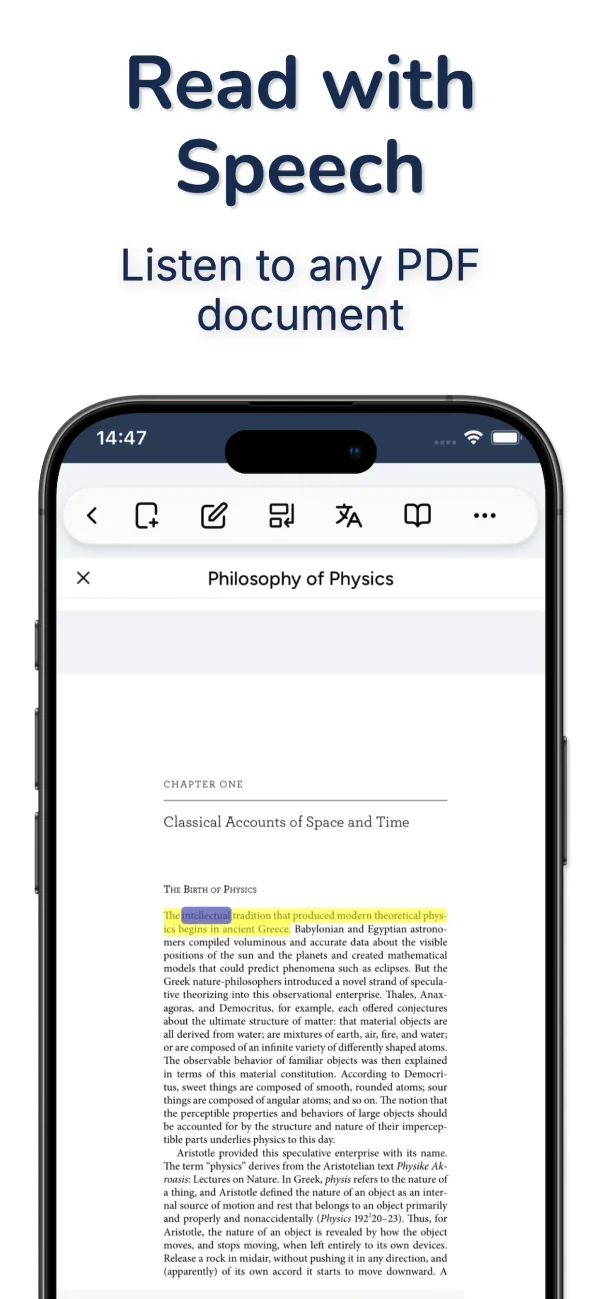
OrbitNote is an accessible, reading and study PDF tool for all. Annotate, mark up, listen to and save PDF files which are then still fully compatible with other popular PDF apps. Have accessible text PDF files spoken back to you with human quality voice & synchronised highlighting. PDF image files or photographs of text can be converted to accessible, searchable PDF files and read in the app.
+ Speech, Productivity and Accessibility
Alongside the full range of iOS system voices, OrbitNote comes with a range of high-quality voices in different languages. A ‘Speak in Background’ option lets you listen to a PDF while viewing another app - great for proofreading PDF files while you’re working in other apps. The ‘Speak on tap’ and ‘Stop on tap’ options make speech easy to control.
+ OrbitNote allows the background colour of the PDF to be changed, and text colour inverted, to enhance readability. OrbitNote fully supports VoiceOver.
+ Annotations, Notes and Comments
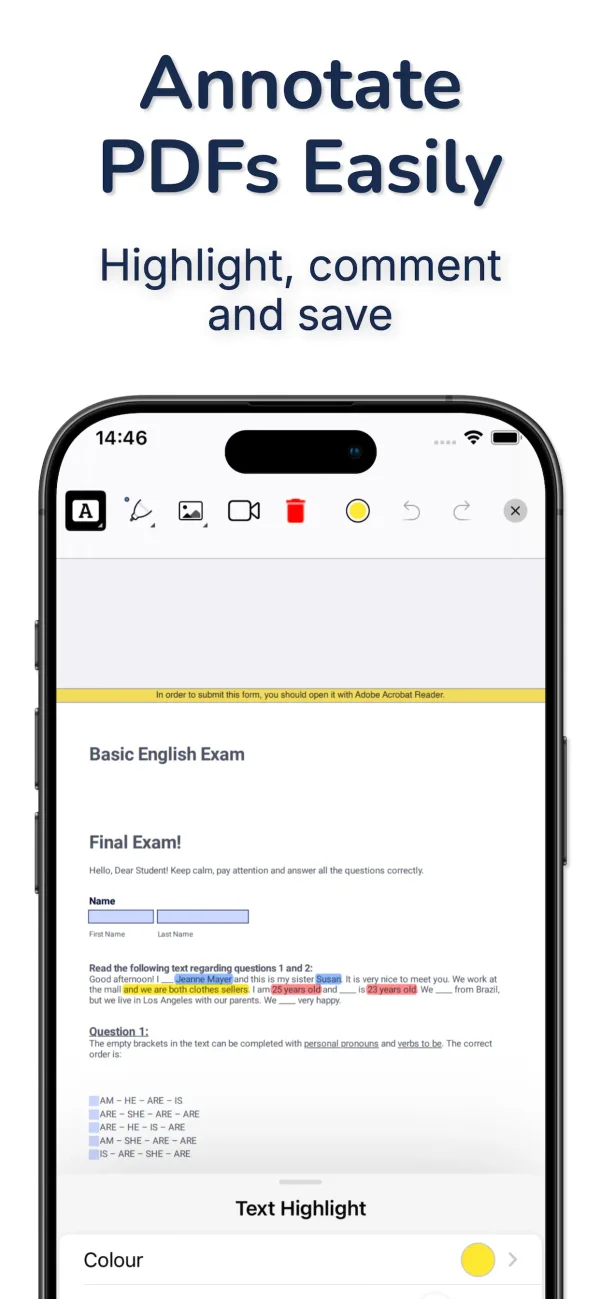
OrbitNote includes a powerful Annotation toolbar that lets you add notes and other comments. These are fully interchangeable with most other popular PDF apps, so your OrbitNote comments will still be there if you open the PDF on another device. Annotations created in another PDF app can also be viewed and edited.
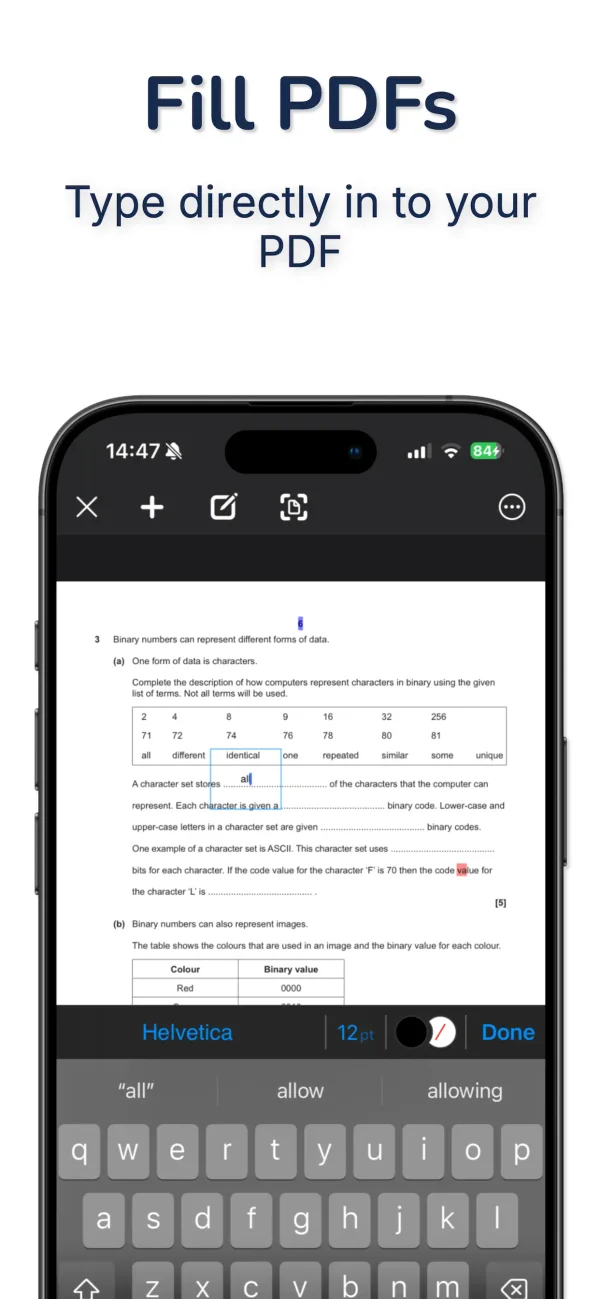
Annotation features include: highlight; underscore; strikeout; notes; free text (type straight into the PDF); free line draw; shapes (circle, square, line - with many options); images (you can even insert photos from your iPad camera or photo library into the PDF file); audio and video.
+ Photos and Image PDF to Text PDF Conversion
You can convert photos and other images to fully accessible text PDF files that can be spoken, searched, copied and highlighted. As well as converting photos, you can also convert any PDF Image file into a fully accessible Text PDF file. Along with making these PDF files accessible and searchable, it will also compress them, reducing file size. Further credit can be purchased in app. Photos and Image PDF to Text PDF Conversion in OrbitNote requires an internet connection.
+ Managing PDF Files
PDF files can be opened in OrbitNote from all other apps, including Mail and Safari. All opened PDF files will be placed in the OrbitNote Documents List for later viewing. You can also open files from Google Drive, OneDrive, or import directly from your device. PDF files can be saved into OrbitNote Documents, OneDrive or Google Drive, sent by email, or opened in other apps that support PDF files.
+ Sync with iCloud
You can sync ClaroPDF with your iCloud account. This lets you store and synchronise your PDF files and annotations across multiple devices. Sync with iCloud can also act as a document backup so you can keep your documents safe.
+ Switch Accessibility
OrbitNote responds to switch or Bluetooth keyboard commands:
1 (~1) Start speech
2 (~2) Stop speech
3 (~3) Turn to previous page
4 (~4) Turn to next page
+ Fullscreen mode
Allows the full document to be seen without toolbars in view. Ideal for smaller screens!
Yenilikler
Sürüm 5.1.5 · 16.11.2026
Adds a new option when saving to Google Drive to replace the existing file in Google Drive.
Fixed an issue where the loading spinner in Google Drive search behaved erratically
Fixed a Save to Google Drive bug where “Save as new” did not create a file with an incremented number
Fixed missing localisations
Uygulama gizliliği
Bu uygulamanın verileri nasıl işlediği hakkında Everway Opco Ltd. tarafından App Store üzerinde yapılan beyan.
-
Sizinle ilişkilendirilmeyen veriler
Toplanabilir ancak kimliğinizle ilişkilendirilmez.
- Kullanıcı içeriği
Gizlilik uygulamaları, örneğin kullandığınız özelliklere veya yaşınıza göre değişiklik gösterebilir.
Bilgiler
- Satıcı
- Everway Opco Ltd.
- Kategori
- Eğitim
- Sürüm
- 5.1.5
- Güncellendi
- 16.11.2026
- Yayın tarihi
- 19.07.2013
- Boyut
- 252,7 MB
- Gereksinim
- iOS 15.5 veya sonrası
- Yaş sınırı
- 4+
- Fiyat
- Ücretsiz
- Uygulama içi satın alma
- Evet
- Diller
- İngilizce, Arapça, Danca, Hollandaca, Fransızca, Almanca, İtalyanca, Norveççe Bokmål, Norveççe Nynorsk, Lehçe, Portekizce, İspanyolca + 1 dil daha
- Telif hakkı
- © 2021, Texthelp Ltd