- 対象年齢4+
- カテゴリ写真/ビデオ
- 開発元Limit Point Software
- 言語英語
- サイズ18.3 MB
App Storeの公式ページにリンクしています
Download.orgはPanorama.のファイルを一切ホストしていません。ボタンを押すと、Limit Point Softwareが公開しているApp Storeのアプリページが開きます。ページの最終確認:2026/11/17。
スクリーンショット



概要
開発元はこのテキストをお使いの言語で提供していません。
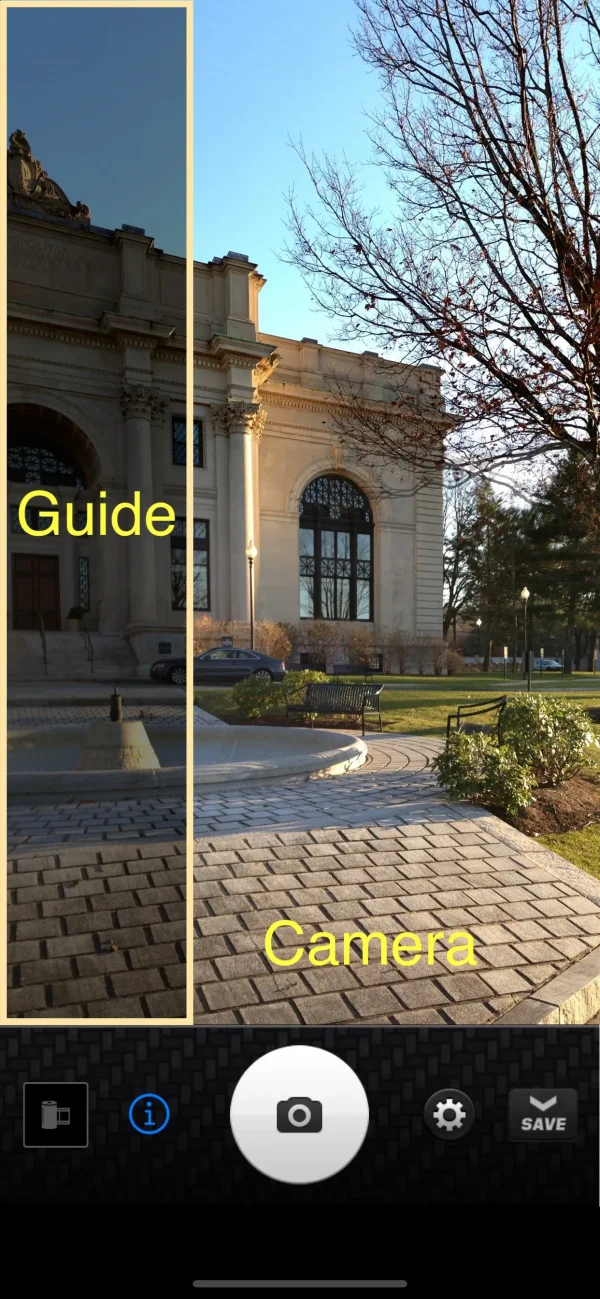
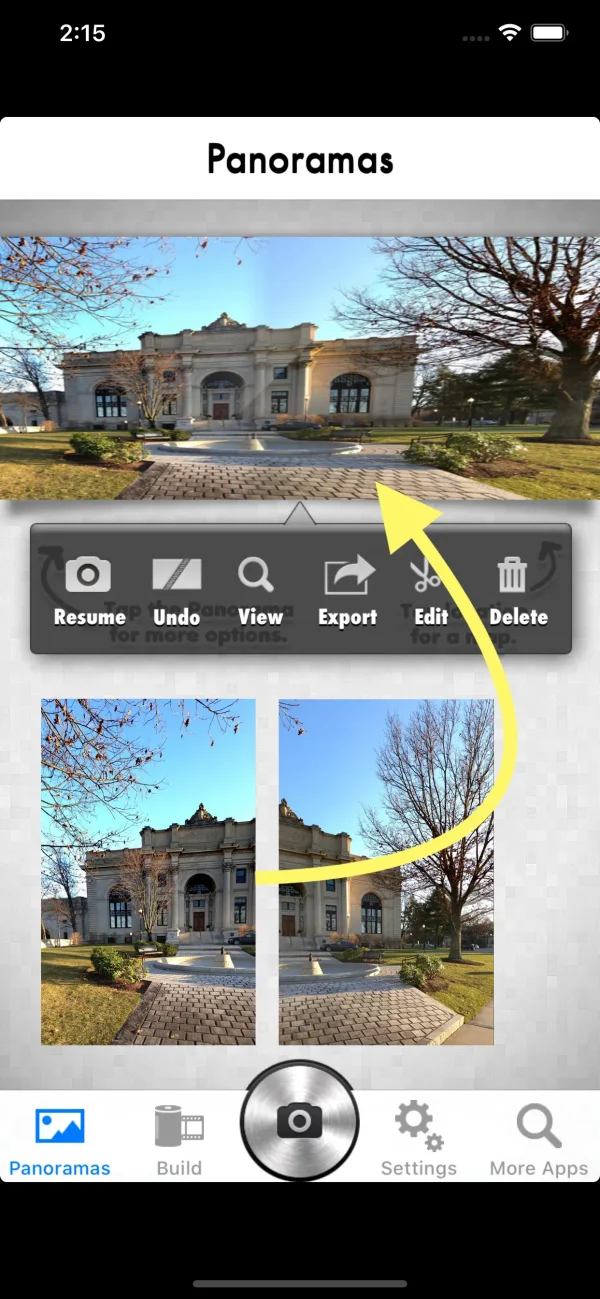
Panorama is a Camera app alternative for photo stitching that avoids curvature of horizontal edges in photos. (See first screenshot for an illustration.) An additional feature not available in the Camera app:
Panorama enables the creation of rectangular panoramas:
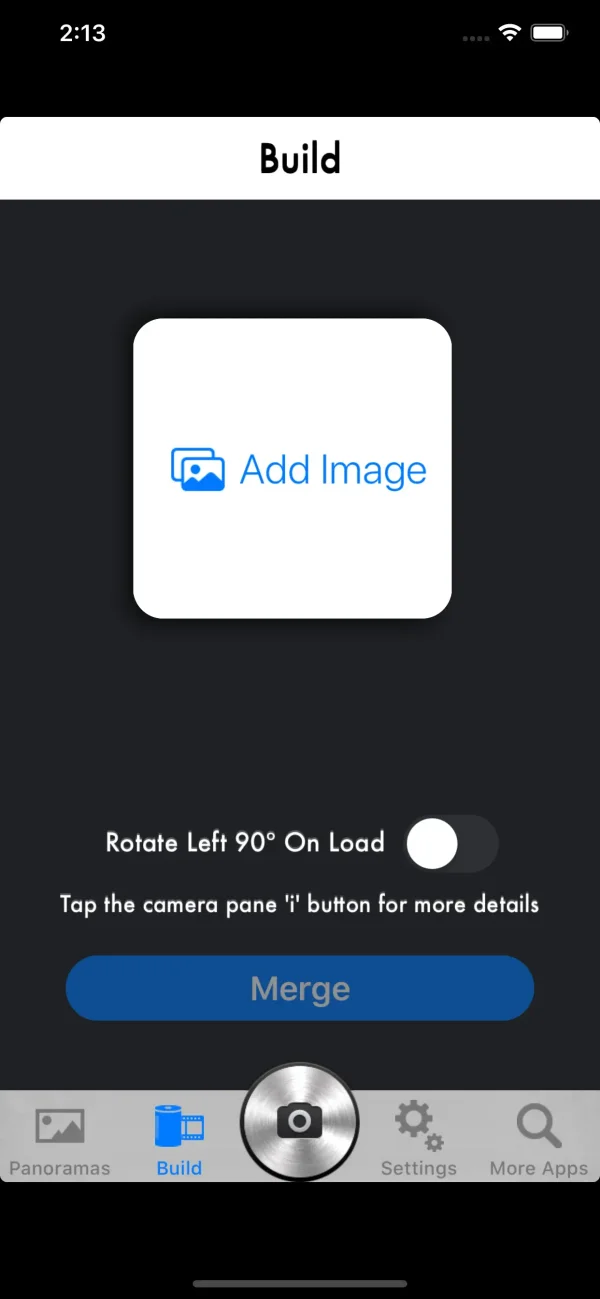
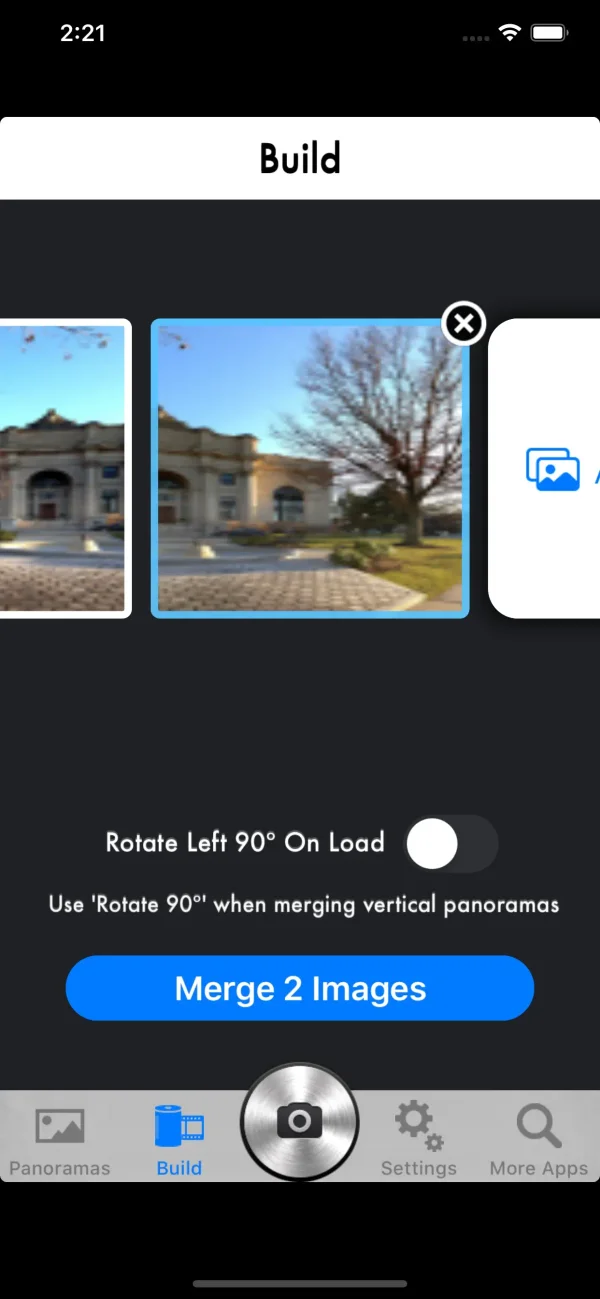
The 'Build View' provides a stitcher for an arbitrary set of photos that have overlapping regions for horizontal or vertical stitching (For vertical select 'Build Vertical' to rotate input by 90º left and then result by 90º right, since the stitcher only stitches left to right).
A rectangular panorama is vertical & horizontal stitching combined. (See the third video preview titled 'Rectangular Panorama' for an example.)
In this way you can build two vertically registered panoramas, and then use those to build a horizontally registered panorama (or vice verse): as long as you are careful the photos are aligned for registration.
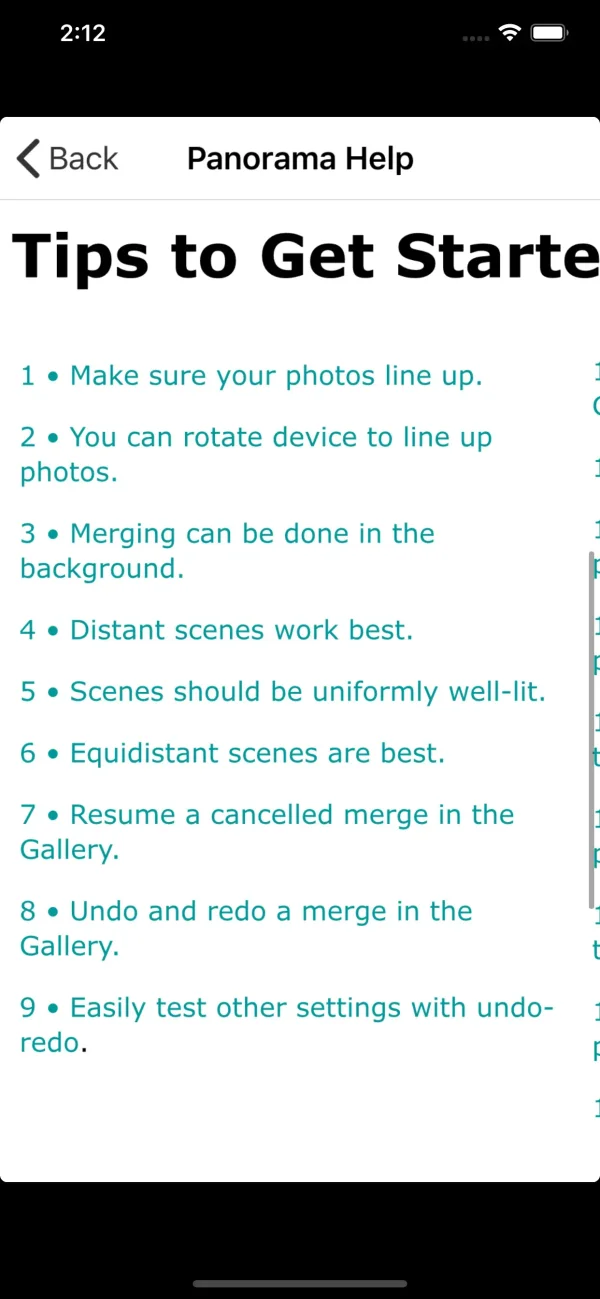
The camera view provides an overlay view of the previous photo taken so that the next photo can be properly aligned with the previous photo. This is important for proper registration when stitching the photos together.
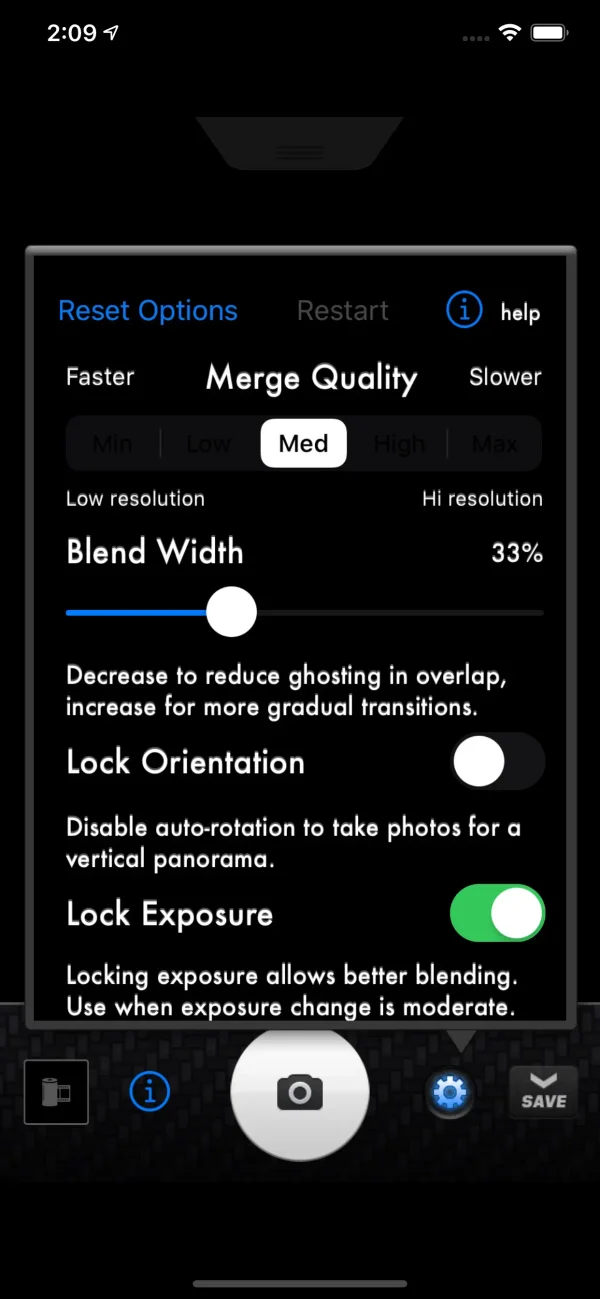
You can create vertical panoramas also: to do this you need first TURN ON the option to 'lock orientation' in the Settings view.
Then the camera guide works as expected for taking your photos for a vertical panorama: In other words you need to prevent the camera view from taking photos in landscape mode. Then the registration guide will appear at the BOTTOM of the view, as opposed to the left side.
• Use the integrated image editor, in the options menu for all panoramas in the gallery. Enhance, add text, crop and more.
Image editing options: Enhance (Hi-Def, Illuminate, Color Fix), crop, rotate, brightness, contrast, saturation, sharpness, draw, text, redeye, whiten, blemish and meme.
• Build custom panoramas or creatively blend images into photo montages from the camera roll of Photos using the Build pane.
• Use the Build pane to merge two or more vertical overlapping panoramas to easily create 2x2 or 3x3 rectangular panoramas.
• Shoot a scene and save the photos into the gallery for merging later if you prefer. This allows you to save time and battery during a shoot.
• Undo and redo a panorama in the gallery to try different settings or options, such as exposure matching or merge quality.
• High resolution of the 2 and 3 image stitchers essentially doubles and triples your camera's field of view.
• As you shoot pictures they are collected into a sliding pocket drawer, so you can review what you shot at any time, and delete to retake photos.
• Use the "film roll" button in the camera pane to save all the photos currently in the drawer to the gallery, without merging them.
• If you cancel the current merge, you can always resume it anytime from the gallery.
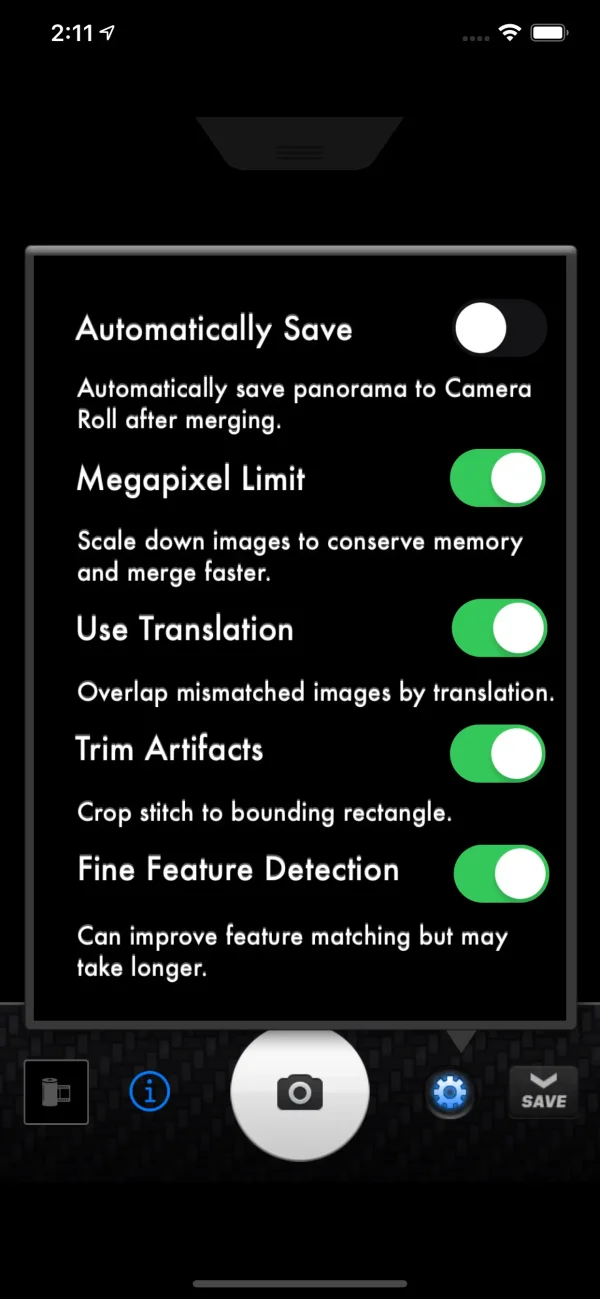
• Panoramas are saved to the gallery automatically when completed, and optionally also to the Photos library.
• In the gallery any saved panorama can be resumed.
• You can undo panoramas, separating them into a film roll of the original photos. Originals can always be saved to the Photos library.
• Export and manually preprocess the photos in your photo shoot in any other image editor, then reload from the Photos library and stitch them together in the Build pane.
• Adds location data to your panoramas so you remember exactly where you shot them. View the location where the panorama was made on a map in the gallery.
• In the gallery you can always undo and then redo a stitch, say for experimenting with different options or image editing.
• Time consuming stitching can be deferred by saving your photo shoots in the gallery.
• Run in the background as you use your device with other apps or put the screen to sleep with the hold button. You'll be notified when the stitch is done.
• The photo alignment guide ensures you properly align your photos for the best stitching results, and facilitates acquiring photos for the Mac version of Panorama.
新機能
バージョン 2.0.3 · 2024/1/22
Maintenance update.
アプリのプライバシー
このアプリのデータの取り扱いについて、Limit Point SoftwareがApp Storeで申告している内容です。
-
データの収集なし
開発元はこのアプリからデータを収集しません。
プライバシーの取り扱いは、ご利用の機能やお客様の年齢などに応じて異なる場合があります。
情報
- 販売元
- Limit Point Software
- カテゴリ
- 写真/ビデオ
- バージョン
- 2.0.3
- 更新日
- 2024/1/22
- リリース
- 2012/3/5
- サイズ
- 18.3 MB
- 必要条件
- iOS 12.0以降
- 対象年齢
- 4+
- 価格
- 無料
- 言語
- 英語
- 著作権
- © 2012-2024 Limit Point LLC
こちらもおすすめ
-
 Bimostitch Lite写真/ビデオ
-
 Pano Stitch & Crop写真/ビデオ
-
 Panorama - パノラマ写真の合成写真と画像を結合するステッチ
-
 パノラマ館(パノラマ写真ビューア)写真/ビデオ
-
 Bimostitch写真/ビデオ
-
 SwiPic - パノラマ インスタ 分割 写真 画像 -パノラマ 写真 画像 分割ツール
-
 AI Headshots Photo Studio写真/ビデオ
-
 LongStitch:スクショ連結・画像編集・写真の文字入れ縦横に画像を結合、文字や矢印を追加してモザイクで隠して保存。
-
 Photo Vault: lock Secret album写真/ビデオ
-
 Wide Camera - Panorama 360 HD写真/ビデオ