Panorama.
Perspective Photo Stitcher
Được thiết kế cho iPhone, iPod touch
Miễn phí
- Độ tuổi4+
- Danh mụcẢnh & Video
- Nhà phát triểnLimit Point Software
- Ngôn ngữTiếng Anh
- Kích thước18,3 MB
Liên kết đến trang App Store chính thức
Download.org không lưu trữ tệp nào của Panorama. Nút này mở trang ứng dụng trên App Store, nơi Limit Point Software phát hành ứng dụng. Trang được kiểm tra lần cuối: 17/11/2026.
Ảnh chụp màn hình



Giới thiệu
Nhà phát triển chưa cung cấp nội dung này bằng ngôn ngữ của bạn.
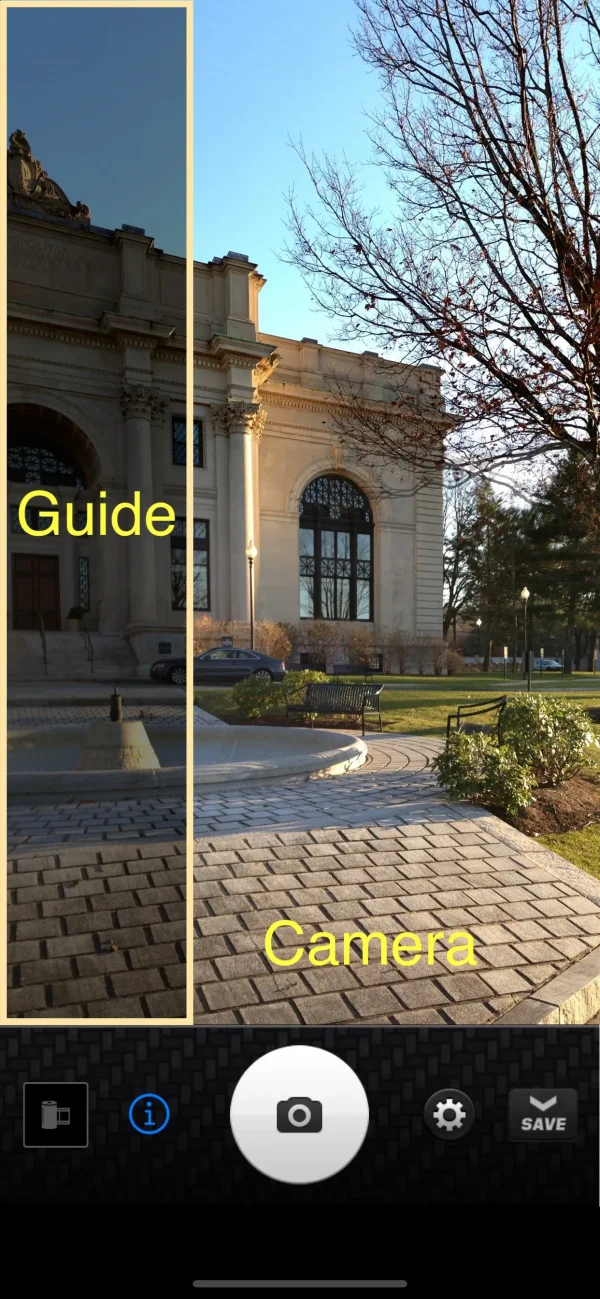
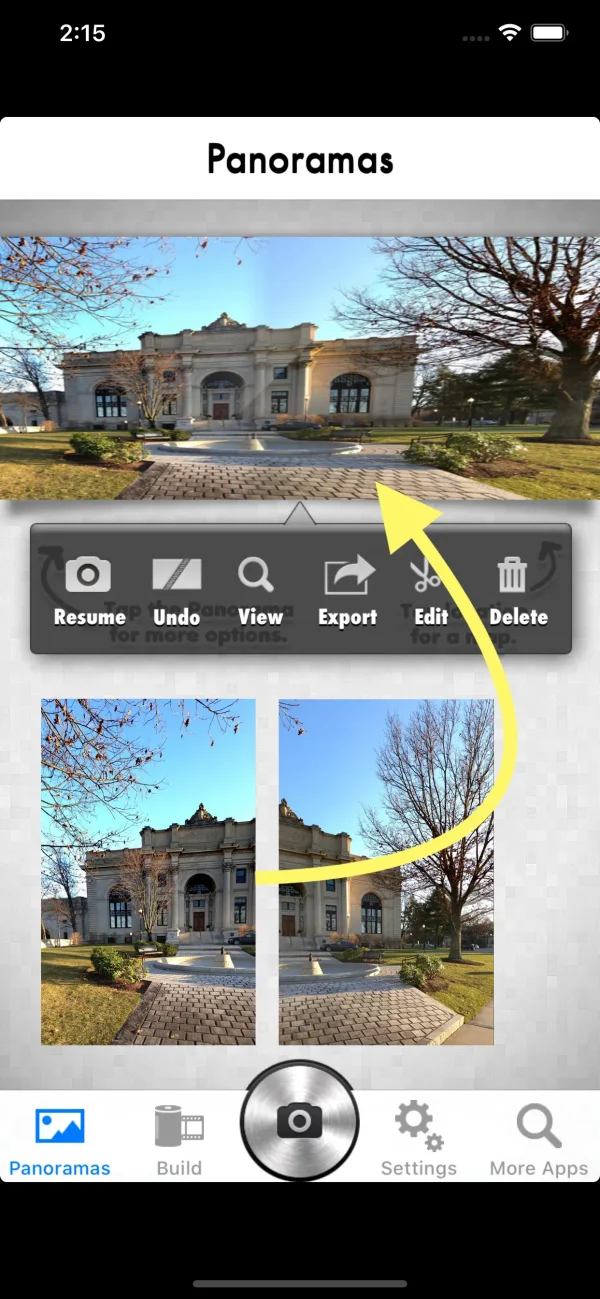
Panorama is a Camera app alternative for photo stitching that avoids curvature of horizontal edges in photos. (See first screenshot for an illustration.) An additional feature not available in the Camera app:
Panorama enables the creation of rectangular panoramas:
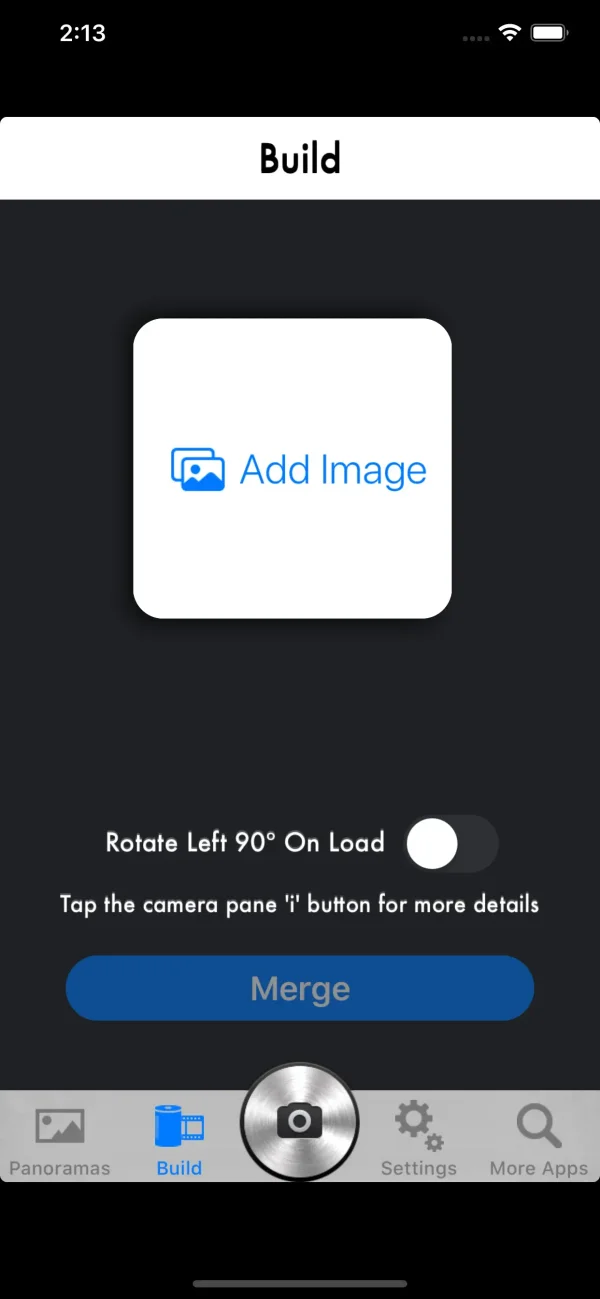
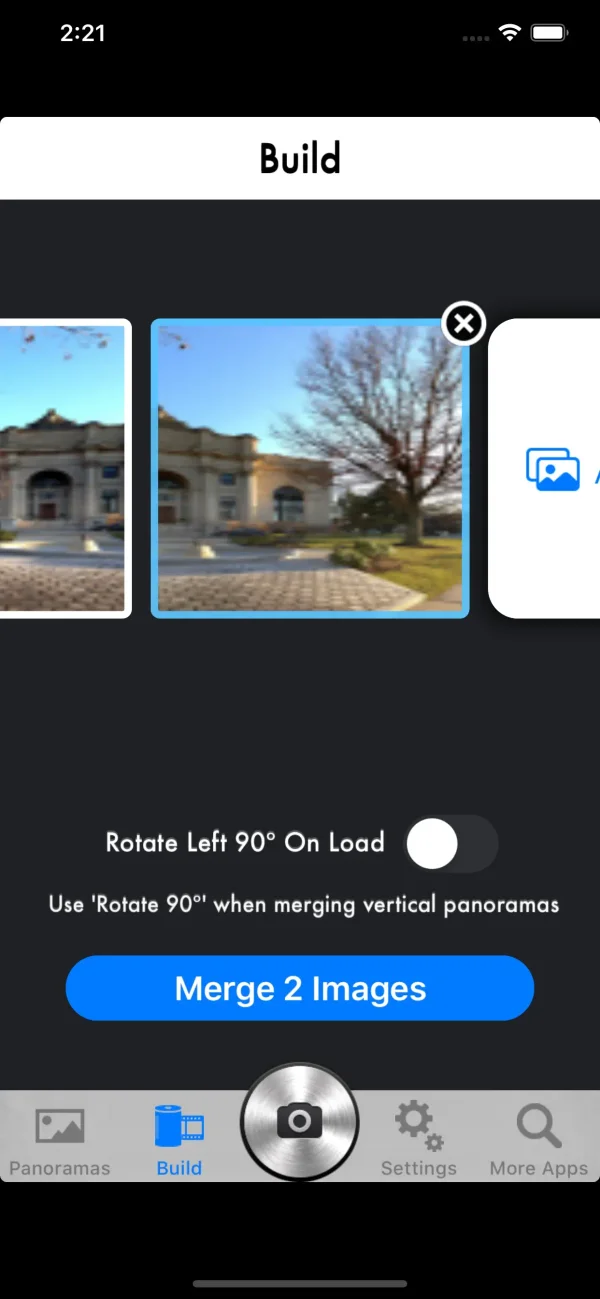
The 'Build View' provides a stitcher for an arbitrary set of photos that have overlapping regions for horizontal or vertical stitching (For vertical select 'Build Vertical' to rotate input by 90º left and then result by 90º right, since the stitcher only stitches left to right).
A rectangular panorama is vertical & horizontal stitching combined. (See the third video preview titled 'Rectangular Panorama' for an example.)
In this way you can build two vertically registered panoramas, and then use those to build a horizontally registered panorama (or vice verse): as long as you are careful the photos are aligned for registration.
The camera view provides an overlay view of the previous photo taken so that the next photo can be properly aligned with the previous photo. This is important for proper registration when stitching the photos together.
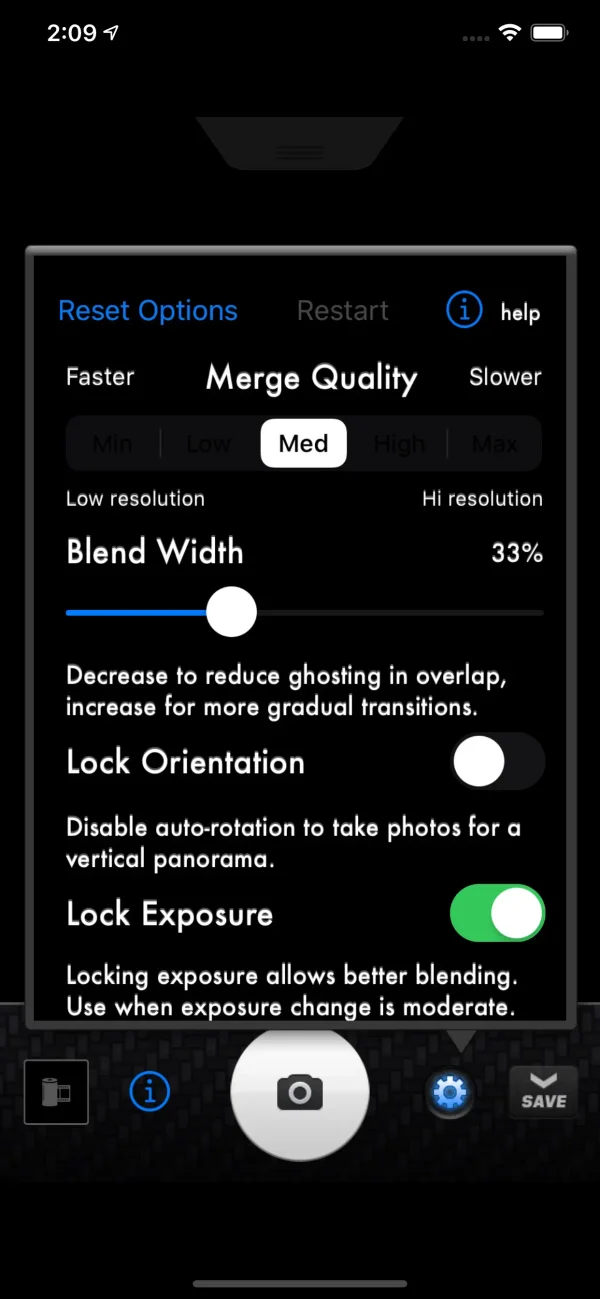
You can create vertical panoramas also: to do this you need first TURN ON the option to 'lock orientation' in the Settings view.
Then the camera guide works as expected for taking your photos for a vertical panorama: In other words you need to prevent the camera view from taking photos in landscape mode. Then the registration guide will appear at the BOTTOM of the view, as opposed to the left side.
• Use the integrated image editor, in the options menu for all panoramas in the gallery. Enhance, add text, crop and more.
Image editing options: Enhance (Hi-Def, Illuminate, Color Fix), crop, rotate, brightness, contrast, saturation, sharpness, draw, text, redeye, whiten, blemish and meme.
• Build custom panoramas or creatively blend images into photo montages from the camera roll of Photos using the Build pane.
• Use the Build pane to merge two or more vertical overlapping panoramas to easily create 2x2 or 3x3 rectangular panoramas.
• Shoot a scene and save the photos into the gallery for merging later if you prefer. This allows you to save time and battery during a shoot.
• Undo and redo a panorama in the gallery to try different settings or options, such as exposure matching or merge quality.
• High resolution of the 2 and 3 image stitchers essentially doubles and triples your camera's field of view.
• As you shoot pictures they are collected into a sliding pocket drawer, so you can review what you shot at any time, and delete to retake photos.
• Use the "film roll" button in the camera pane to save all the photos currently in the drawer to the gallery, without merging them.
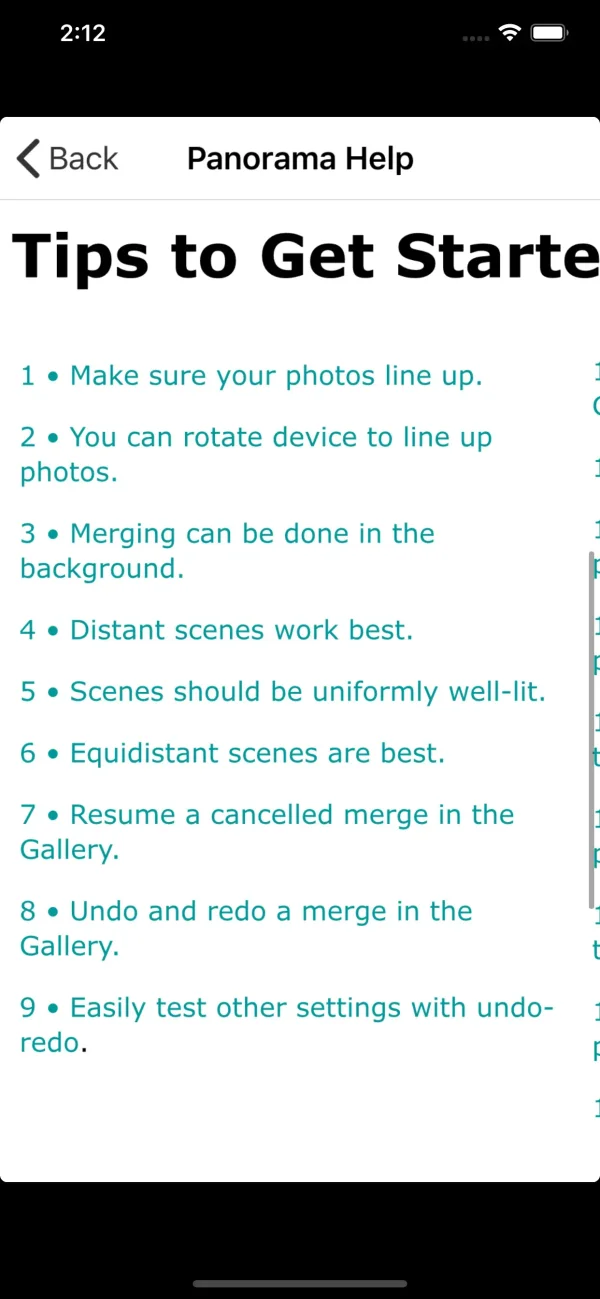
• If you cancel the current merge, you can always resume it anytime from the gallery.
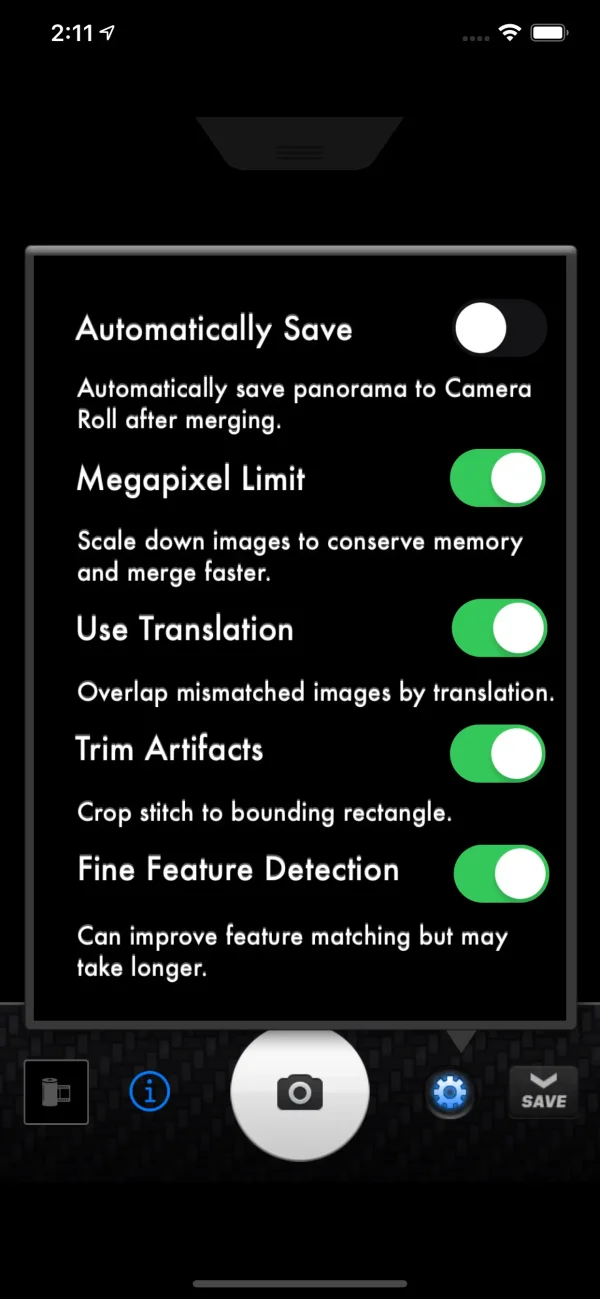
• Panoramas are saved to the gallery automatically when completed, and optionally also to the Photos library.
• In the gallery any saved panorama can be resumed.
• You can undo panoramas, separating them into a film roll of the original photos. Originals can always be saved to the Photos library.
• Export and manually preprocess the photos in your photo shoot in any other image editor, then reload from the Photos library and stitch them together in the Build pane.
• Adds location data to your panoramas so you remember exactly where you shot them. View the location where the panorama was made on a map in the gallery.
• In the gallery you can always undo and then redo a stitch, say for experimenting with different options or image editing.
• Time consuming stitching can be deferred by saving your photo shoots in the gallery.
• Run in the background as you use your device with other apps or put the screen to sleep with the hold button. You'll be notified when the stitch is done.
• The photo alignment guide ensures you properly align your photos for the best stitching results, and facilitates acquiring photos for the Mac version of Panorama.
Có gì mới
Phiên bản 2.0.3 · 22/01/2024
Maintenance update.
Quyền riêng tư của ứng dụng
Những gì Limit Point Software khai báo trên App Store về cách ứng dụng này xử lý dữ liệu.
-
Dữ liệu không được thu thập
Nhà phát triển không thu thập bất kỳ dữ liệu nào từ ứng dụng này.
Phương thức đảm bảo quyền riêng tư có thể khác nhau, chẳng hạn như tuỳ theo các tính năng bạn sử dụng hoặc độ tuổi của bạn.
Thông tin
- Người bán
- Limit Point Software
- Danh mục
- Ảnh & Video
- Phiên bản
- 2.0.3
- Cập nhật
- 22/01/2024
- Phát hành
- 05/03/2012
- Kích thước
- 18,3 MB
- Yêu cầu
- iOS 12.0 trở lên
- Độ tuổi
- 4+
- Giá
- Miễn phí
- Ngôn ngữ
- Tiếng Anh
- Bản quyền
- © 2012-2024 Limit Point LLC
Có thể bạn cũng thích
-
 Bimostitch LiteẢnh & Video
-
 Pano Stitch & CropẢnh & Video
-
 Panorama - Ghép ảnh toàn cảnhHợp nhất ảnh và khâu ảnh
-
 PanoraView (Panorama photo)Ảnh & Video
-
 BimostitchẢnh & Video
-
 SwiPic - Panoramic Photos -Ảnh & Video
-
 AI Headshots Photo StudioẢnh & Video
-
 LongStitch: Screenshot CollageẢnh & Video
-
 Photo Vault: lock Secret albumẢnh & Video
-
 Wide Camera - Panorama 360 HDẢnh & Video