
- 対象年齢4+
- カテゴリフード/ドリンク
- 開発元Philip Corlatan
- 言語ドイツ語ほか1言語
- サイズ35.0 MB
App Storeの公式ページにリンクしています
Download.orgはPantrのファイルを一切ホストしていません。ボタンを押すと、Philip Corlatanが公開しているApp Storeのアプリページが開きます。ページの最終確認:2026/11/12。
スクリーンショット
概要
開発元はこのテキストをお使いの言語で提供していません。
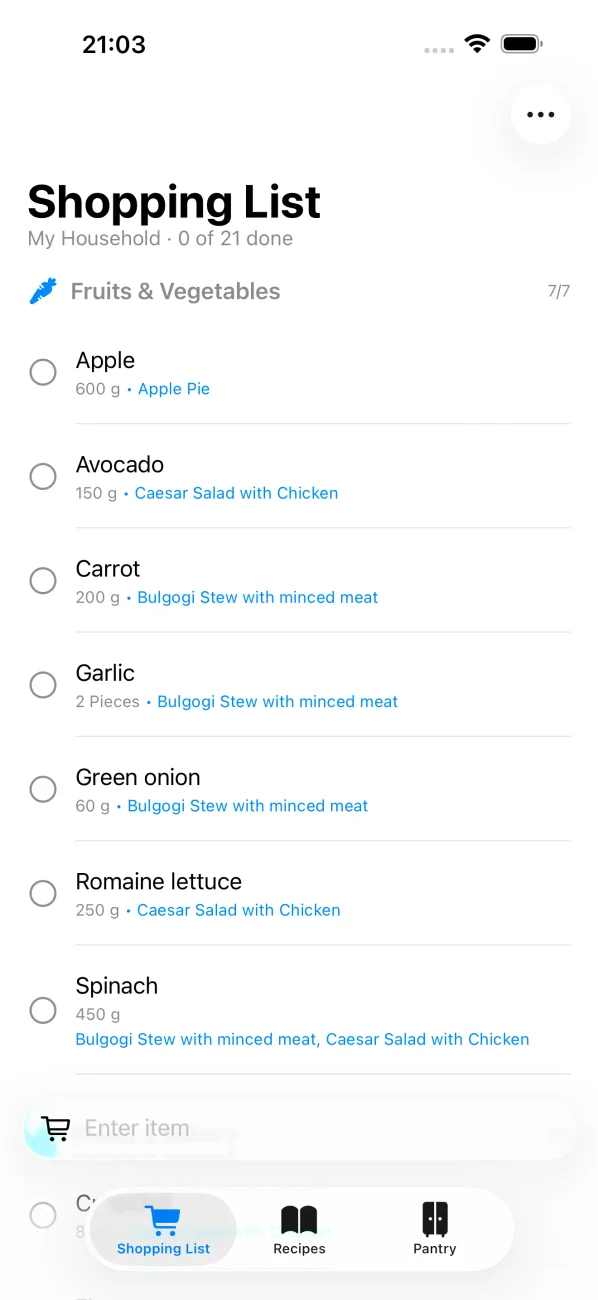
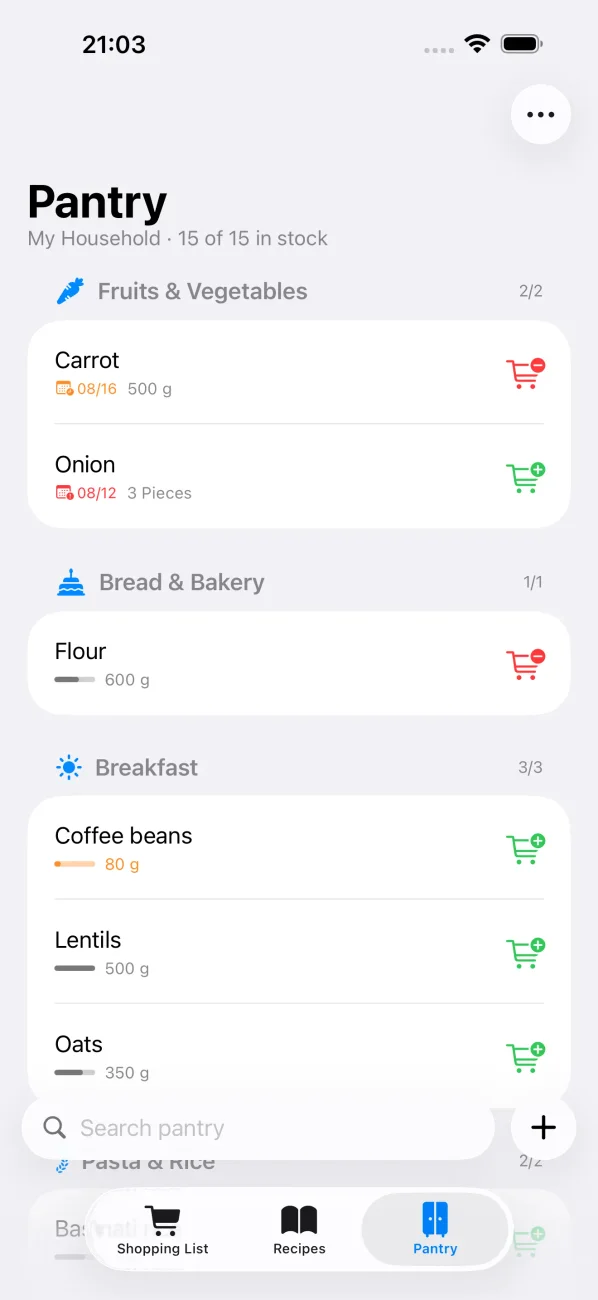
Pantr connects your recipes, your shopping list and your pantry into one loop: plan a recipe, its ingredients land on your shopping list, whatever you tick off moves into your pantry – and the next time you cook you can see at a glance what you already have. Everything syncs via iCloud, shared with your household, in a minimalist, native design.
Pantry
• Track what you have, with quantity, package size and fill level
• Items ticked off your shopping list move into the pantry automatically
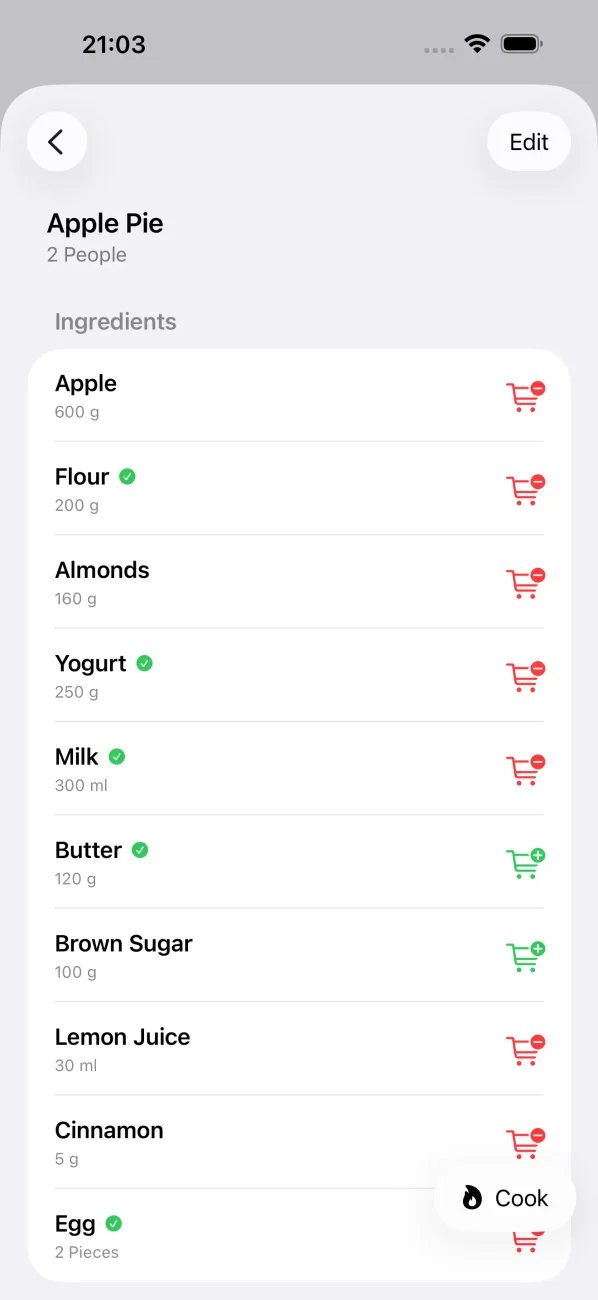
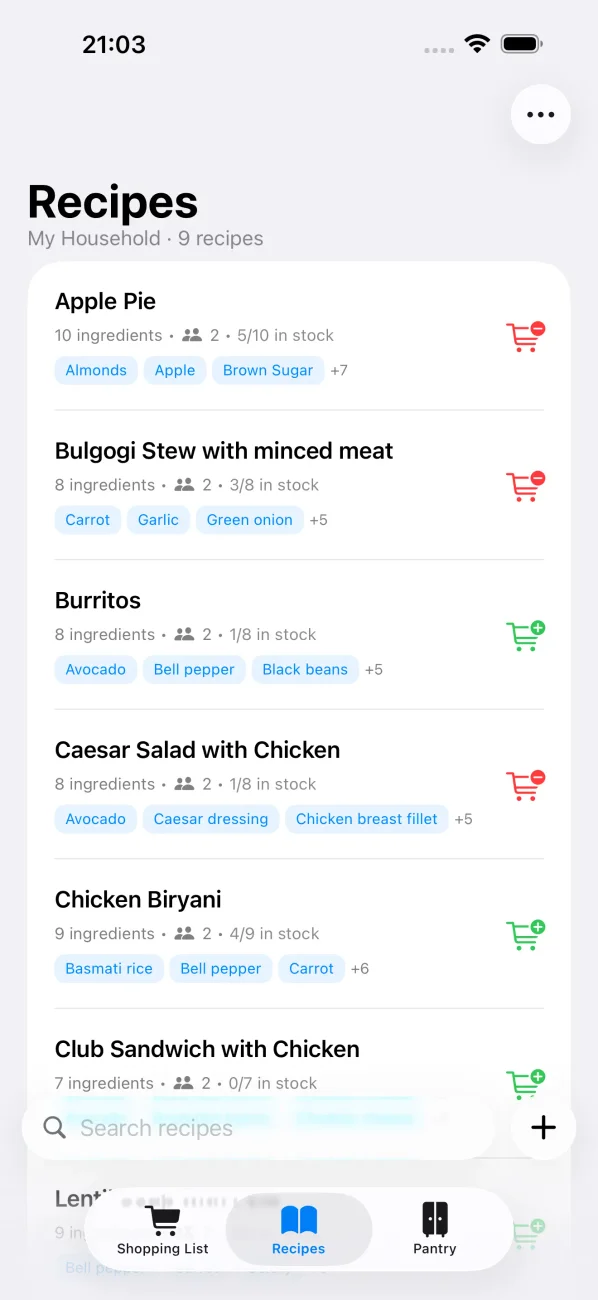
• Recipes show how many of their ingredients are already in stock
• Adding a recipe to your list skips what you already have
• Cooking updates your pantry automatically – across units, too (500 g from a 1 kg stock)
• Add an expiry date and get reminded in time
• Scan a barcode to fill in the product name
• Get a recipe suggestion based on what's in stock
• Entirely optional: pantry integration can be switched off per household
Manage recipes
• Create and edit recipes manually
• Adjust ingredients, quantities and preparation steps
• Detail view with all ingredients, steps and nutrition
• Import and export recipes as a file
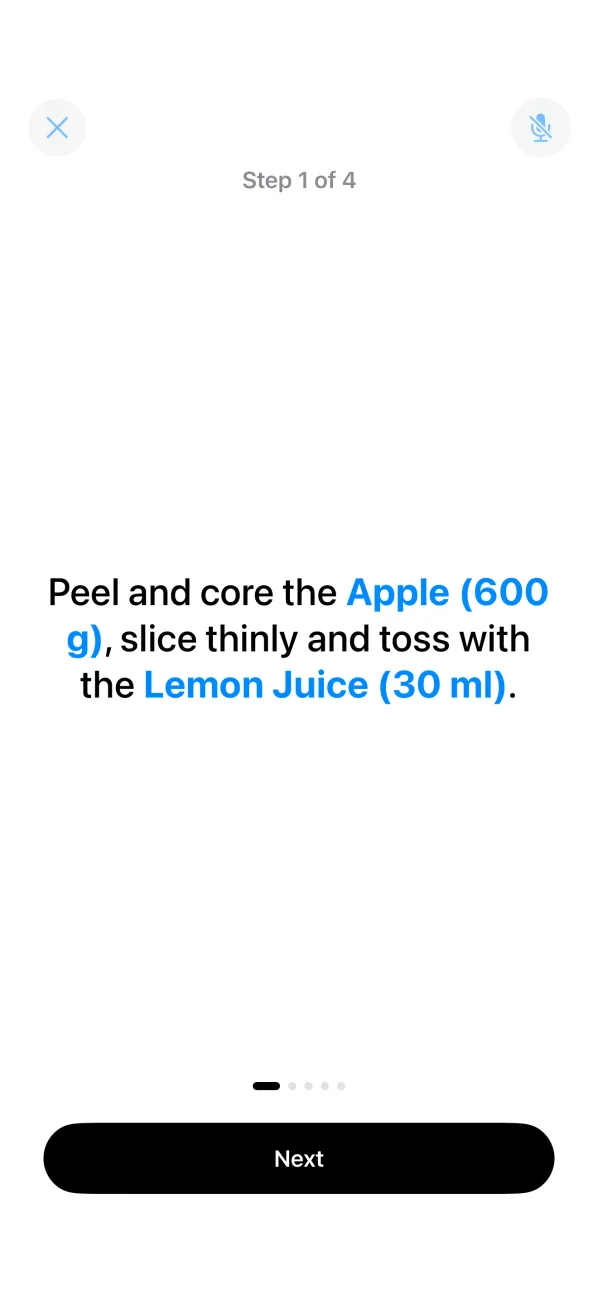
Cooking mode
• Step through the preparation in large, readable type
• The screen stays awake while you cook
• Hands-free voice control – in English and German
• Update your pantry with a single tap when you're done
Smart shopping list
• Add all ingredients of a recipe to your list with a single tap
• Ingredients are automatically sorted by category (vegetables, meat, dairy, bakery, and more)
• Customise the category order to match your supermarket layout
• Quickly add individual items manually
• Autocomplete suggests dishes you've already saved
Portions & scaling
• Adjust recipes for any number of people
• Quantities are recalculated automatically
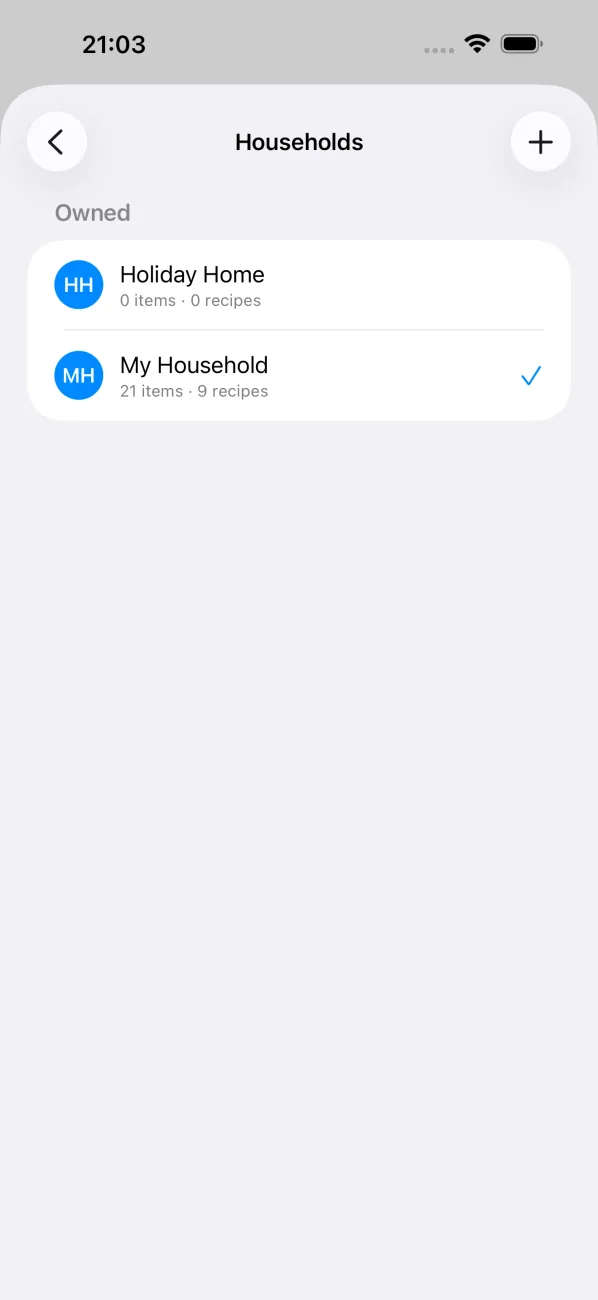
Households, sharing & sync
• Keep several households side by side and switch with a single tap
• Share your shopping list, recipes and pantry via iCloud with family or housemates
• Real-time sync across all your Apple devices
Apple Watch
• View and check off your shopping list directly from your wrist
• Progress bar always visible to track your shopping at a glance
• Defer items with a swipe to tackle them later
• Automatic sync with the iPhone app
AI features – you choose the provider
• Apple Intelligence on-device (experimental), your own OpenAI key, or no AI at all
• Import recipes directly from the web – just paste a URL
• Take a photo of a recipe from a cookbook or magazine
• Generate a recipe by name using AI
• Get a recipe suggestion from your pantry
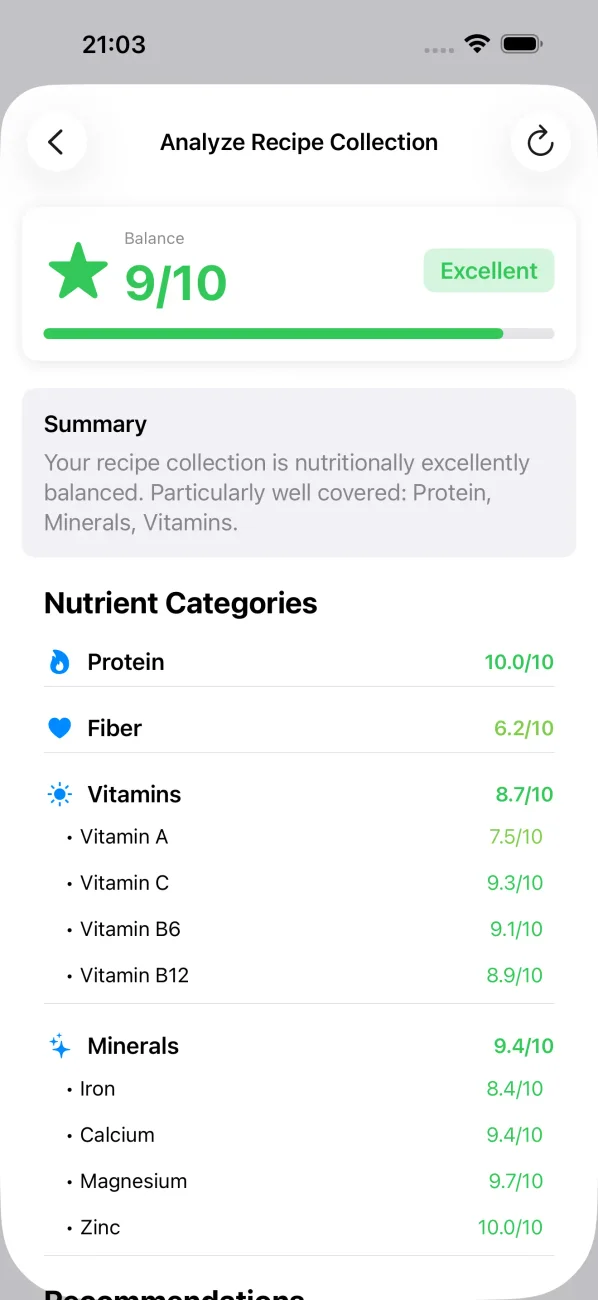
• Nutritional overview for recipes based on the USDA FoodData database
An OpenAI API key is stored securely on your device and never shared. Every other feature – shopping list, pantry, recipe management, cooking mode, sharing and sync – works fully without AI.
新機能
バージョン 1.19.0 · 2026/10/21
New
• Highlight in the step editor: select a word (or type it) and tap "Highlight" – it becomes an italic placeholder, e.g. for intermediate products like "Bulgogi-Hack" or things you always have at home. Pantr offers highlights already used in the recipe again
• The recipe AI now marks intermediate products in the steps as highlights itself – never with a quantity and never instead of an ingredient from the list
Improved
• If an ingredient already appears as a placeholder in the steps, its other mentions in the text (e.g. after a photo import) are now linked as well
• When you delete an ingredient, its placeholders in the steps turn back into plain text – no italic placeholder points at nothing any more
• Items Pantr puts on the shopping list by itself (items with regular consumption) now show “Pantr” instead of your name
• Apple Watch: checking off an item no longer covers the next entries with a notice
Fixed
• In the step editor, tapping a placeholder always put it at the end of the text instead of replacing your selection or sitting at the cursor
• If you delete an automatically restocked item from the shopping list, Pantr no longer puts it straight back – only after your next purchase, or after a week at the latest
アプリのプライバシー
このアプリのデータの取り扱いについて、Philip CorlatanがApp Storeで申告している内容です。
-
データの収集なし
開発元はこのアプリからデータを収集しません。
プライバシーの取り扱いは、ご利用の機能やお客様の年齢などに応じて異なる場合があります。
情報
- 販売元
- Philip Corlatan
- カテゴリ
- フード/ドリンク
- バージョン
- 1.19.0
- 更新日
- 2026/10/21
- リリース
- 2026/6/8
- サイズ
- 35.0 MB
- 必要条件
- iOS 26.0以降
- 対象年齢
- 4+
- 価格
- 無料
- 言語
- ドイツ語, 英語
- 著作権
- © 2026 Philip Corlatan
こちらもおすすめ
-
 PantryChef: Meal Plannerレシピ・食材・献立を管理
-
 Larderly: Grocery List Pantryフード/ドリンク
-
 Sous Chef: Pantry & Recipesフード/ドリンク
-
 Stokpot: Meal Plan & Pantryフード/ドリンク
-
 Mello Recipe & Meal Plannerフード/ドリンク
-
 Pantree: Recipe & Pantryフード/ドリンク
-
 Sourdough Bake Labフード/ドリンク
-
 What The Fridge: Zero Wasteフード/ドリンク
-
 HomeStock Inventoryフード/ドリンク
-
 Relish: Food Journalフード/ドリンク