Passwords Cloud
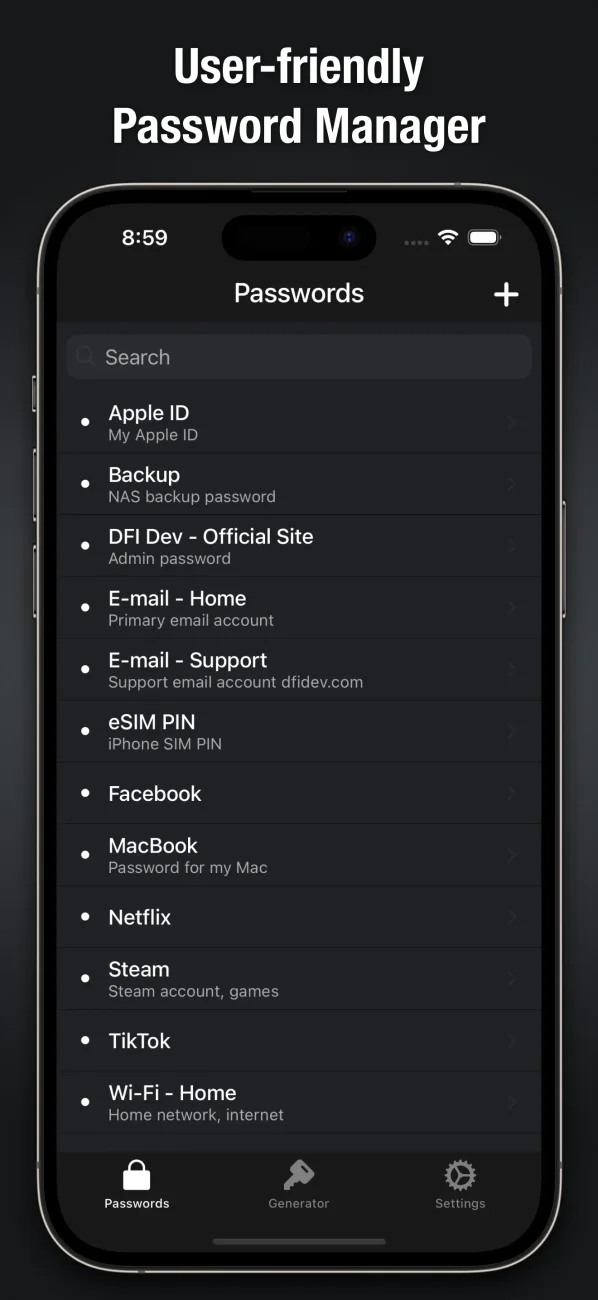
User-friendly Password Manager
iPhone, iPad, iPod touch向けに設計
無料 · アプリ内課金
- 対象年齢4+
- カテゴリ仕事効率化
- 開発元Dmytro Vynokurov
- 言語英語ほか1言語
- サイズ1.7 MB
App Storeの公式ページにリンクしています
Download.orgはPasswords Cloudのファイルを一切ホストしていません。ボタンを押すと、Dmytro Vynokurovが公開しているApp Storeのアプリページが開きます。ページの最終確認:2026/11/17。
スクリーンショット

概要
開発元はこのテキストをお使いの言語で提供していません。
Passwords Cloud is an essential password manager that combines simplicity, security, and speed in one app. With its intuitive design, unique features, and seamless performance, Passwords Cloud stands out as the perfect choice for anyone who values a dependable and user-friendly password management experience.
Key Features:
• Ad-Free Experience: Enjoy a completely ad-free app designed for focus and efficiency.
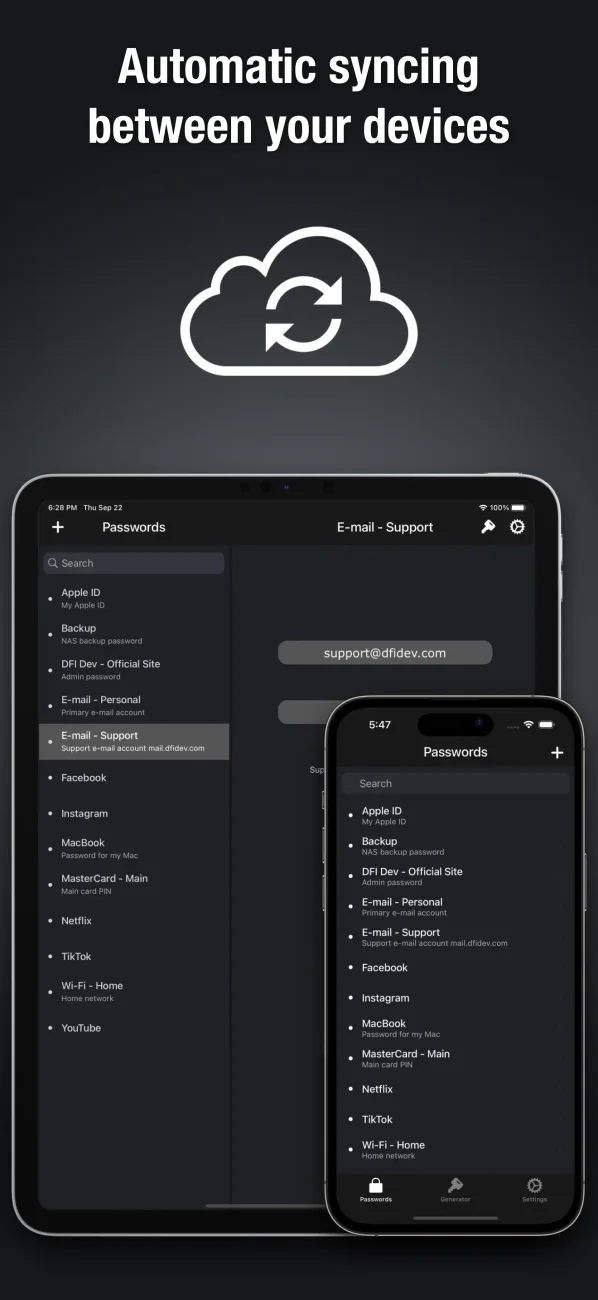
• iCloud Sync: Automatically synchronize all your data across devices with iCloud.
• Offline Access: Your passwords are available offline, ensuring you always have access to them.
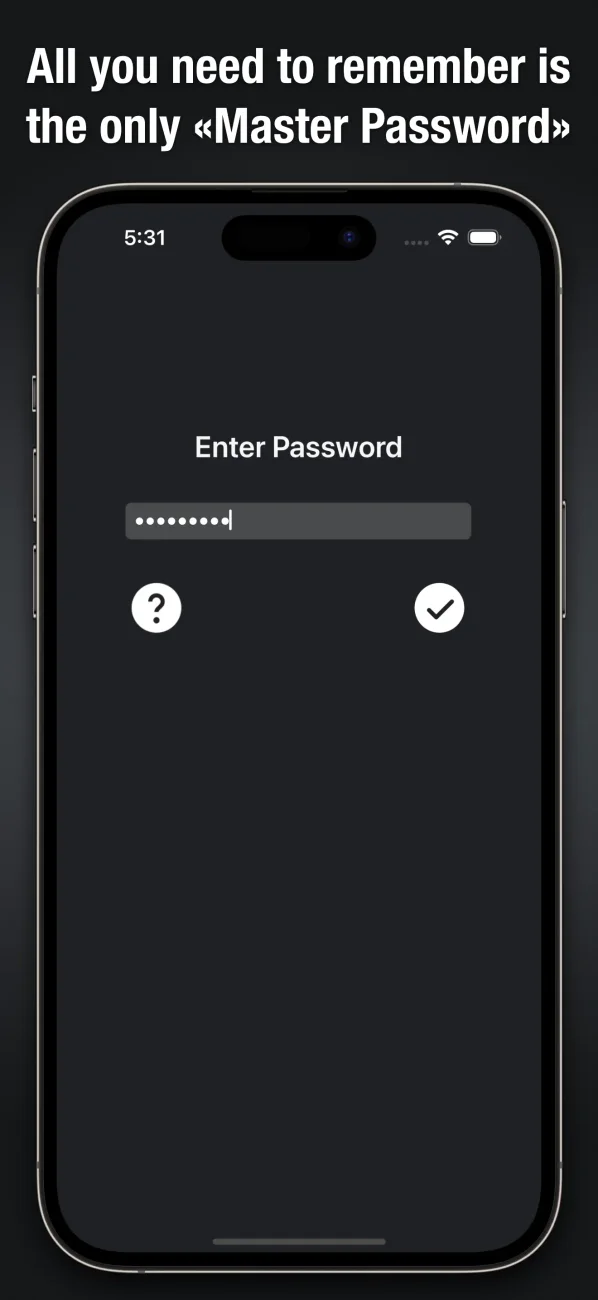
• Secure Master Password: Access the app with a single Master Password or use biometric login with Face ID or Touch ID for added convenience.
• Effortless Navigation: Forget complicated catalogs — Passwords Cloud makes it faster and easier to find the information you need with just a few taps.
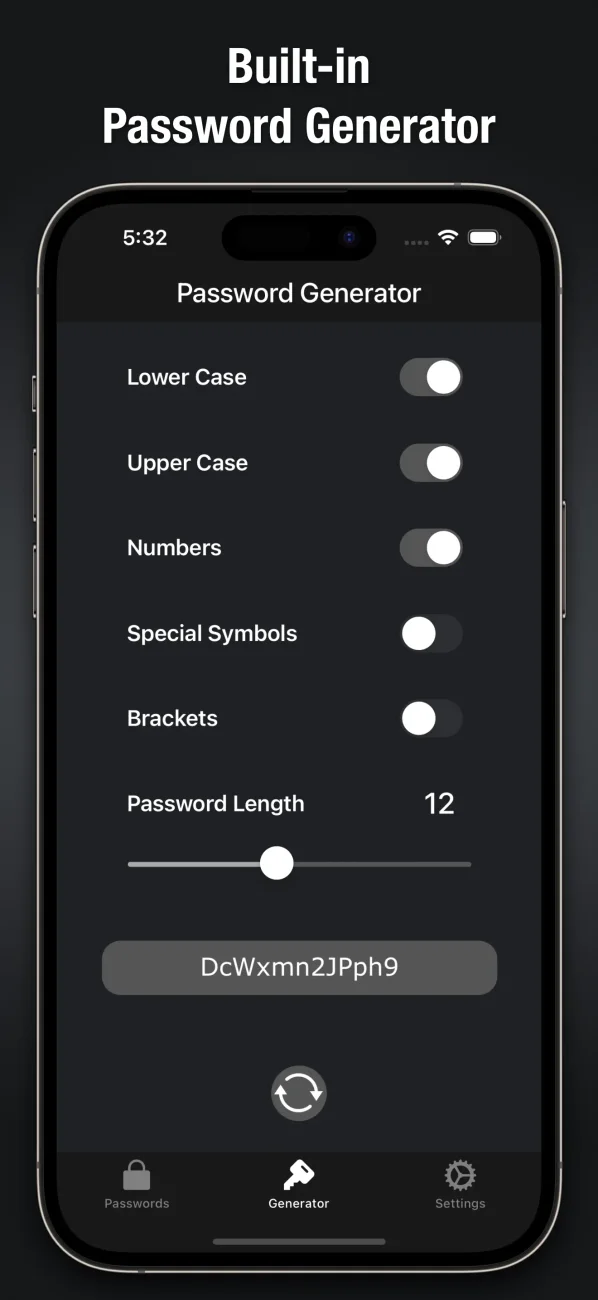
• Built-In Password Generator: Create strong, unique passwords instantly and enhance your security.
• Quick Password Create: Generate and fill in secure passwords on the spot while creating a new entry
• Export and Print: Export your password database and print it or store it in a secure location for safekeeping.
• Smart Auto-Lock: Enjoy seamless access to the app without repeated authentication if you return within 30 seconds. For your security, the app automatically locks and requires reauthentication after 30 seconds of inactivity.
Tips for Getting the Most Out of Passwords Cloud:
- Swipe left on an entry to delete it quickly.
- Simply tap on the password to copy it.
- Forgot Your Master Password? Restore it by answering your security question.
- Change your security question periodically for an extra layer of protection, but make sure to choose an answer you won’t forget.
- Use the Quick Password Create button to instantly generate a password and fill it in when creating a new entry. This feature uses your custom settings from the built-in Password Generator.
- Avoid using the same password for multiple services to strengthen your overall security.
- Use the search bar to quickly locate specific entries by title or keywords.
- Add a link in the description field to quickly access websites with a single tap.
- Turn on biometric authentication for faster access to the app.
新機能
バージョン 5.5.1 · 2025/6/27
Bug fixes and performance improvements.
アプリのプライバシー
このアプリのデータの取り扱いについて、Dmytro VynokurovがApp Storeで申告している内容です。
-
データの収集なし
開発元はこのアプリからデータを収集しません。
プライバシーの取り扱いは、ご利用の機能やお客様の年齢などに応じて異なる場合があります。
情報
- 販売元
- Dmytro Vynokurov
- カテゴリ
- 仕事効率化
- バージョン
- 5.5.1
- 更新日
- 2025/6/27
- リリース
- 2010/2/10
- サイズ
- 1.7 MB
- 必要条件
- iOS 15.0以降
- 対象年齢
- 4+
- 価格
- 無料
- アプリ内課金
- あり
- 言語
- 英語, ロシア語
- 著作権
- © Dmytro Vynokurov