PDF Document Scanner App °
The PDF Converter Photo to PDF
iPhone, iPod touch向けに設計
無料 · アプリ内課金
- 対象年齢4+
- カテゴリビジネス
- 開発元Relentless Consulting, Inc
- 言語英語ほか6言語
- サイズ48.7 MB
App Storeの公式ページにリンクしています
Download.orgはPDF Document Scanner App °のファイルを一切ホストしていません。ボタンを押すと、Relentless Consulting, Incが公開しているApp Storeのアプリページが開きます。ページの最終確認:2026/11/27。
スクリーンショット
概要
開発元はこのテキストをお使いの言語で提供していません。
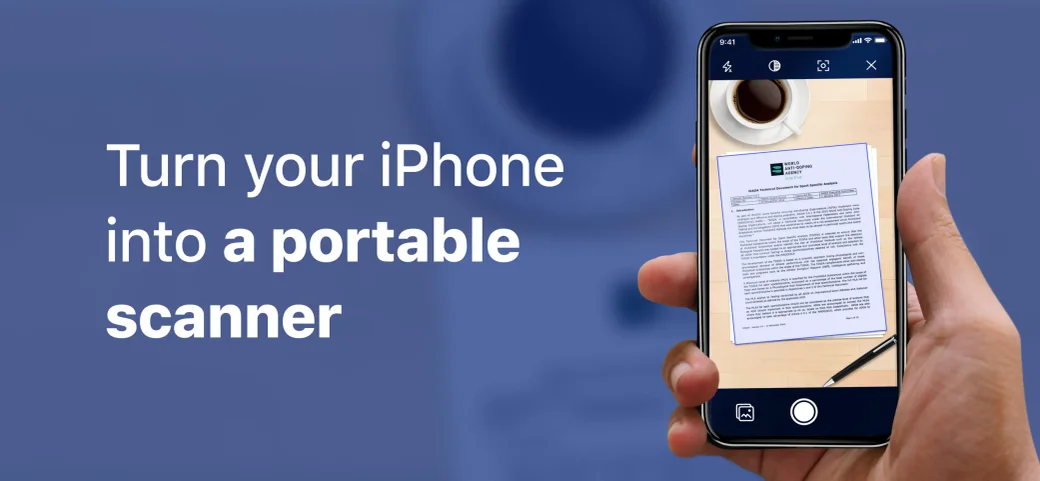
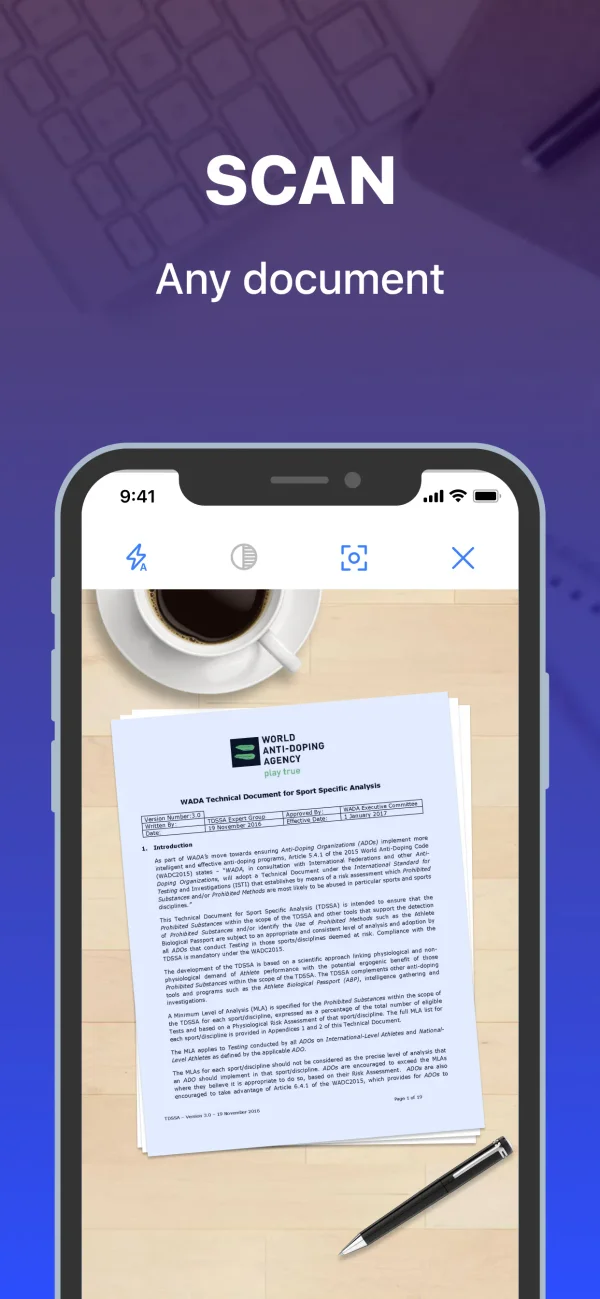
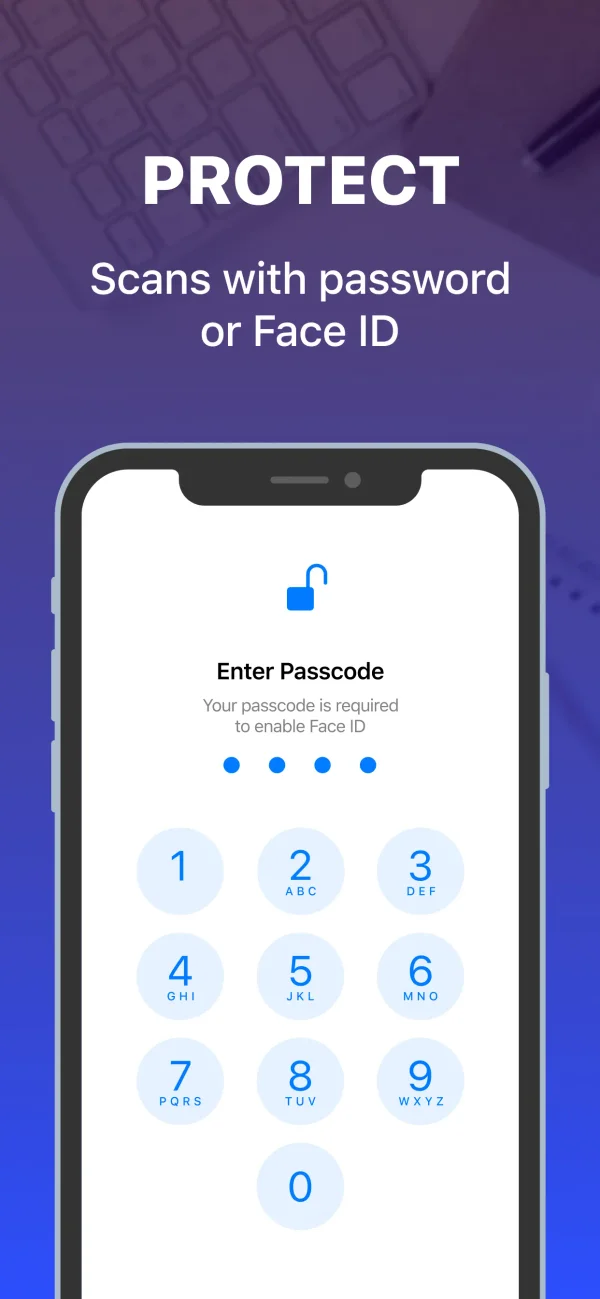
Scanner is a convenient and easy-to-use application for scanning text documents.
With this app you can easily scan, save and share docs.
You can scan any text information.
Contracts, business cards, receipts, paper notes, articles, book pages - all this will be saved on your phone in PG format, and you can combine these images into PDF files.
Scanner Features:
- fast scanning of documents;
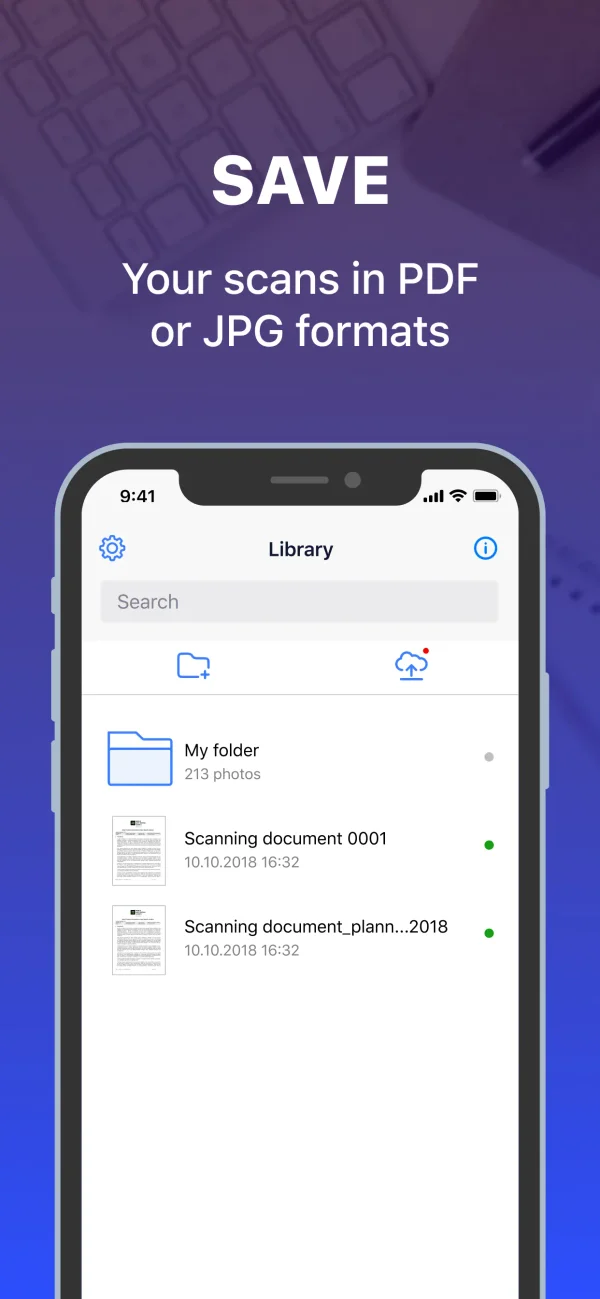
- storage of documents;
- the ability to group documents;
- editing documents;
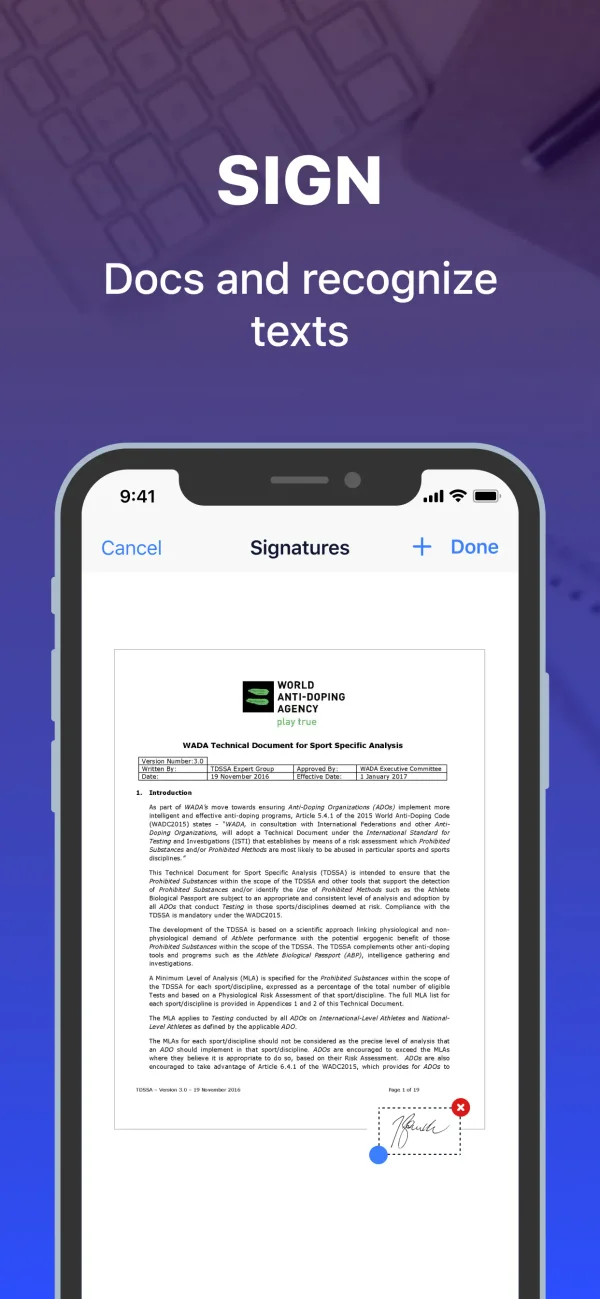
- the ability to sign documents;
- creation of multipage pdf files;
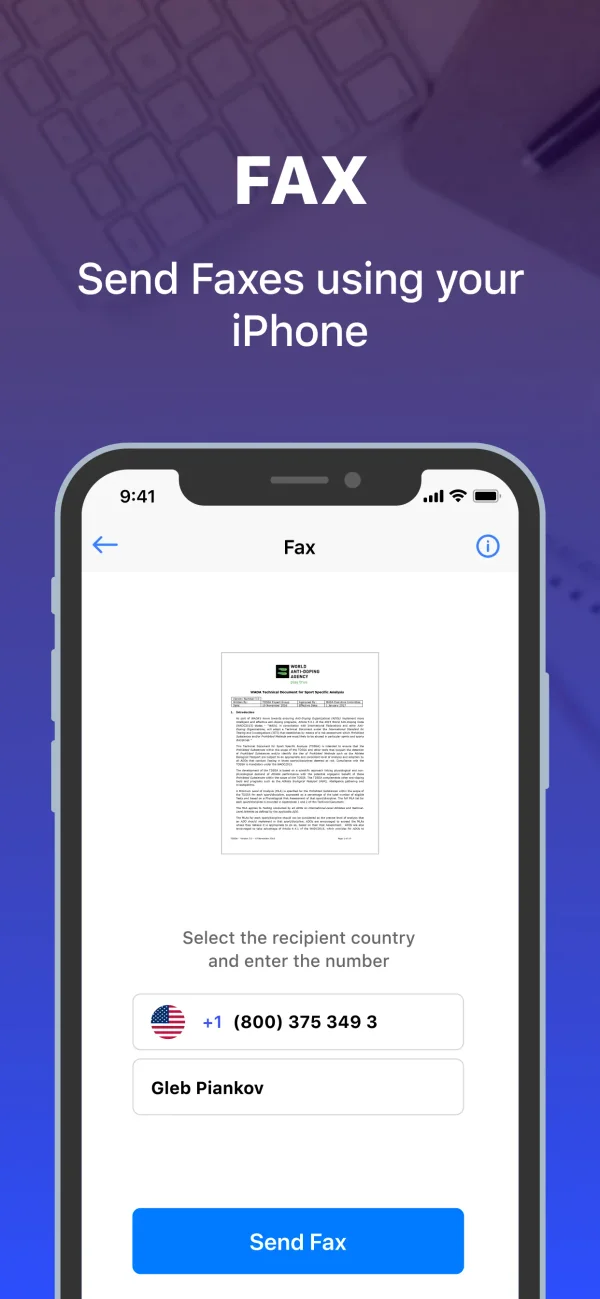
- sending fax from your iPhone;
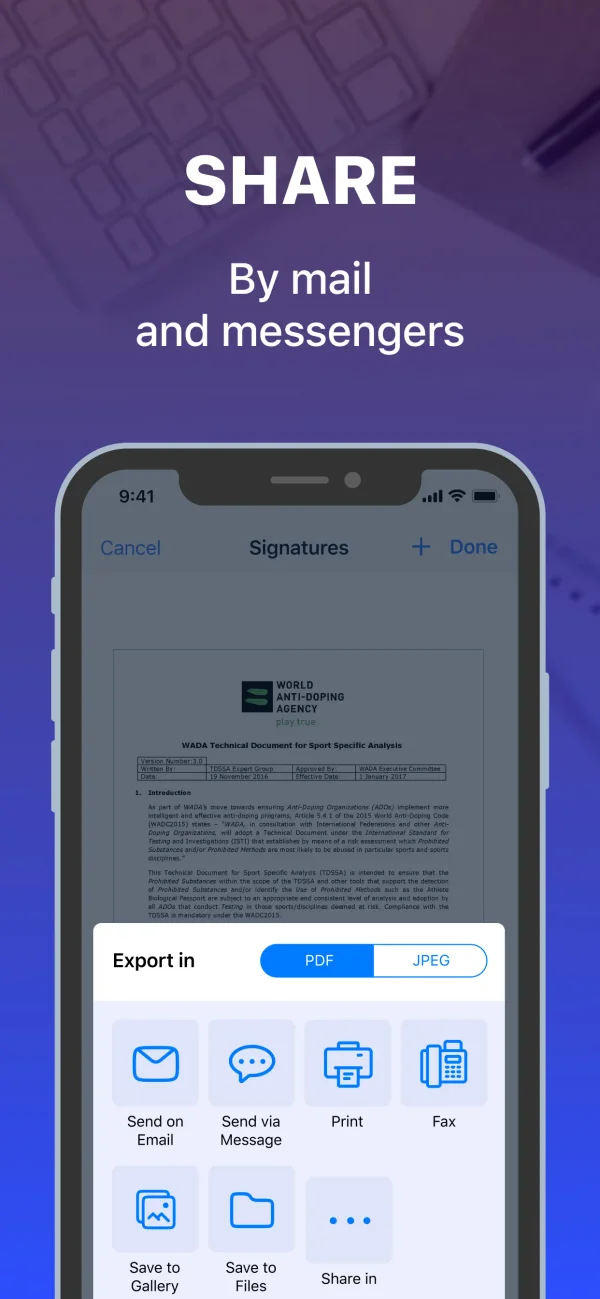
- the ability to share documents;
- printing of documents.
Information about subscription:
- Price is based on the U.S. Dollar and price may vary in countries other than the U.S. and are subject to change without notice.
- If the package has a trial period, then subscription starts after 3(three) days of a free trial and will automatically renew each month, if not, the payment will be paid immediately.
- Any unused portion of a free trial period, if offered, will be forfeited when the user purchases a subscription to that publication, where applicable.
- Prices for subscriptions depends on which package you choose and will be seen in payment screen.
- Payment will be charged to iTunes Account at confirmation of purchase.
- Subscription automatically renews unless auto-renew is turned off at least 24-hours before the end of the current period.
- Account will be charged for renewal within 24-hours prior to the end of the current period.
- You can cancel your subscription via this url: https://support.apple.com/en-us/HT202039
- Subscription may be managed by the user and auto-renewal may be turned off by going to the user's Account Settings after purchase.
Pages:
- Privacy policy: https://amazing-truck-21b.notion.site/PDF-Scanner-Privacy-Policy-1f27cd28ef40809db1f2e3842fbde2f2?pvs=4
- Term of use: https://amazing-truck-21b.notion.site/PDF-Scanner-Terms-of-Use-1f27cd28ef40805e98c9fcb91d5b8c2a?pvs=4
- About: https://amazing-truck-21b.notion.site/PDF-Scanner-About-Us-1f27cd28ef408057a60dd04b68017ade?pvs=4
Support:
You can write about anything to support@pdfscannerpro.com
新機能
バージョン 2.41 · 2026/11/26
- Minor Bug Fixes and Enhancements
アプリのプライバシー
このアプリのデータの取り扱いについて、Relentless Consulting, IncがApp Storeで申告している内容です。
-
ユーザーのトラッキングに使用されるデータ
他社のアプリやウェブサイトを横断してユーザーをトラッキングする目的で使用される場合があります。
- 購入
- ID
-
ユーザーに関連付けられないデータ
収集される場合がありますが、ユーザーの識別情報には関連付けられません。
- 購入
- ユーザーコンテンツ
- ID
- 使用状況データ
- 診断
プライバシーの取り扱いは、ご利用の機能やお客様の年齢などに応じて異なる場合があります。
情報
- 販売元
- Relentless Consulting, Inc
- カテゴリ
- ビジネス
- バージョン
- 2.41
- 更新日
- 2026/11/26
- リリース
- 2019/2/21
- サイズ
- 48.7 MB
- 必要条件
- iOS 13.0以降
- 対象年齢
- 4+
- 価格
- 無料
- アプリ内課金
- あり
- 言語
- 英語, フランス語, ドイツ語, イタリア語, ポルトガル語, ロシア語, スペイン語
- 著作権
- © Relentless Consulting Inc.
こちらもおすすめ
-
 スキャナーアプ PDFドキュメントスキャン,スキャンアプリ画像をスキャンして PDF に変換する+ OCR
-
 One Scan: PDFスキャナー・書類スキャン・OCRAI文字認識・署名・名刺・領収書・写真・レシート・編集・変換
-
 Scanner App: Fast PDF Doc ScanEdit, Convert, & Sign Scans
-
 PDF Scanner to scan Documentsビジネス
-
 Scanner Vault: PDF & OCR Scanビジネス
-
 スキャナー:レシート/フォトスキャン 管理, OCR 日本語PDF Scanner, PDF JPG Converter
-
 スキャナー PDF – スキャン & スタンプ スキャナPDF 文書スキャン
-
 PDF Scanner. Scan Document.ビジネス
-
 Scanner App: Docs Scan & Signビジネス
-
 PDF Scanner: Scanning Document仕事効率化