
PDF Document Scanner App °
The PDF Converter Photo to PDF
Designed for iPhone, iPod touch
Free · In-app purchases
- Age rating4+
- CategoryBusiness
- DeveloperRelentless Consulting, Inc
- LanguagesEnglish+ 6 more
- Size48.3 MB
Links to the official App Store page
Download.org hosts no file of PDF Document Scanner App °. The button opens its official App Store page, published by Relentless Consulting, Inc. Listing last checked on Nov 22, 2026.
Screenshots


About
Scanner is a convenient and easy-to-use application for scanning text documents.
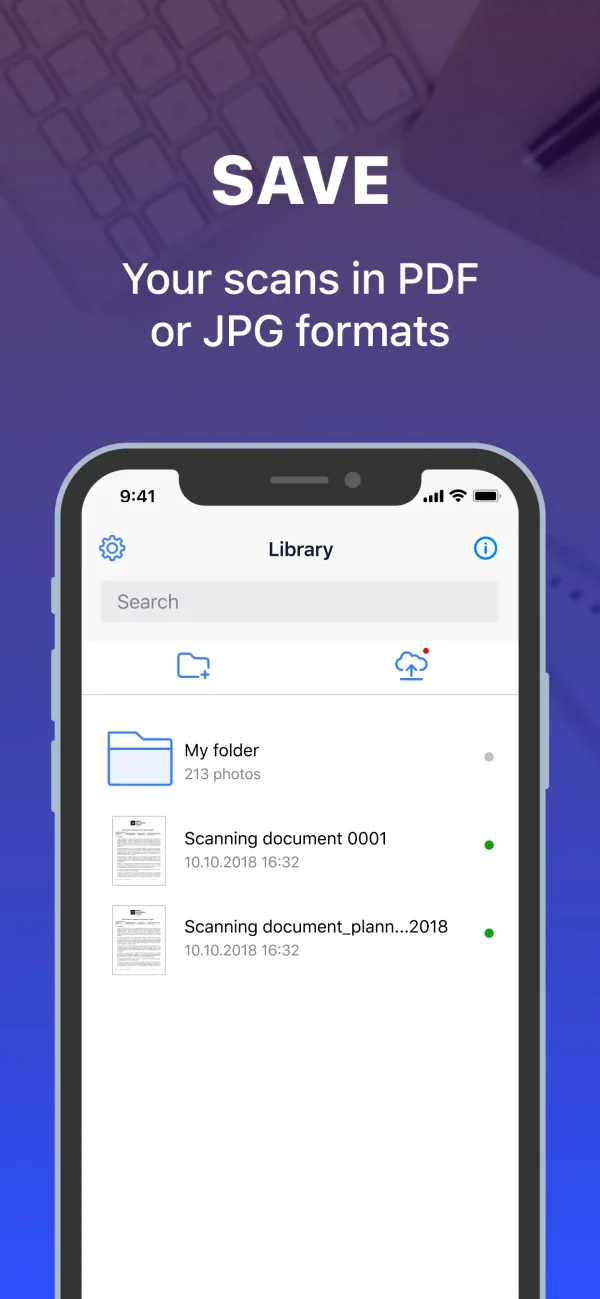
With this app you can easily scan, save and share docs.
You can scan any text information.
Contracts, business cards, receipts, paper notes, articles, book pages - all this will be saved on your phone in PG format, and you can combine these images into PDF files.
Scanner Features:
- fast scanning of documents;
- storage of documents;
- the ability to group documents;
- editing documents;
- the ability to sign documents;
- creation of multipage pdf files;
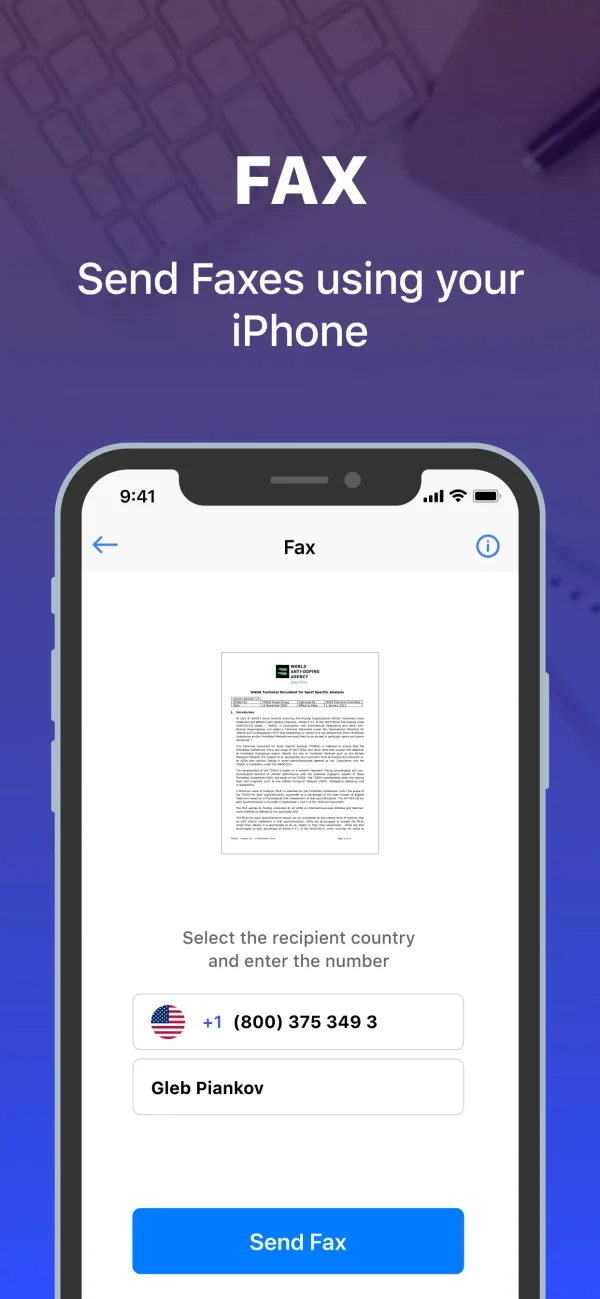
- sending fax from your iPhone;
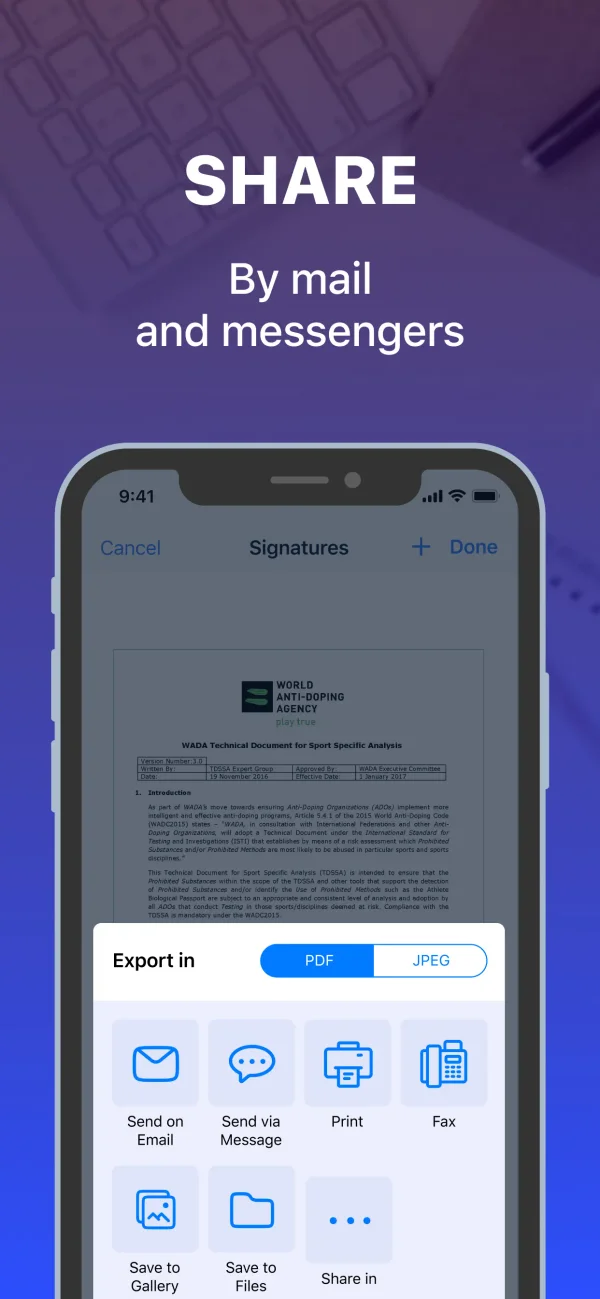
- the ability to share documents;
- printing of documents.
Information about subscription:
- Price is based on the U.S. Dollar and price may vary in countries other than the U.S. and are subject to change without notice.
- If the package has a trial period, then subscription starts after 3(three) days of a free trial and will automatically renew each month, if not, the payment will be paid immediately.
- Any unused portion of a free trial period, if offered, will be forfeited when the user purchases a subscription to that publication, where applicable.
- Prices for subscriptions depends on which package you choose and will be seen in payment screen.
- Payment will be charged to iTunes Account at confirmation of purchase.
- Subscription automatically renews unless auto-renew is turned off at least 24-hours before the end of the current period.
- Account will be charged for renewal within 24-hours prior to the end of the current period.
- You can cancel your subscription via this url: https://support.apple.com/en-us/HT202039
- Subscription may be managed by the user and auto-renewal may be turned off by going to the user's Account Settings after purchase.
Pages:
- Privacy policy: https://amazing-truck-21b.notion.site/PDF-Scanner-Privacy-Policy-1f27cd28ef40809db1f2e3842fbde2f2?pvs=4
- Term of use: https://amazing-truck-21b.notion.site/PDF-Scanner-Terms-of-Use-1f27cd28ef40805e98c9fcb91d5b8c2a?pvs=4
- About: https://amazing-truck-21b.notion.site/PDF-Scanner-About-Us-1f27cd28ef408057a60dd04b68017ade?pvs=4
Support:
You can write about anything to support@pdfscannerpro.com
What’s new
Version 2.40 · Oct 5, 2026
- Minor Bug Fixes and Enhancements
App privacy
What Relentless Consulting, Inc declares on the App Store about how this app handles data.
-
Data used to track you
May be used to track you across apps and websites owned by other companies.
- Purchases
- Identifiers
-
Data not linked to you
May be collected but is not linked to your identity.
- Purchases
- User content
- Identifiers
- Usage data
- Diagnostics
Privacy practices may vary, for example with the features you use or your age.
Information
- Seller
- Relentless Consulting, Inc
- Category
- Business
- Version
- 2.40
- Updated
- Oct 5, 2026
- Released
- Feb 21, 2019
- Size
- 48.3 MB
- Requires
- iOS 13.0 or later
- Age rating
- 4+
- Price
- Free
- In-app purchases
- Yes
- Languages
- English, French, German, Italian, Portuguese, Russian, Spanish
- Copyright
- © Relentless Consulting Inc.
You might also like
-
 PDF Scanner・Document Scanner・Scan Docs to PDF, CS Scanner
-
 One Scan: PDF Doc ScannerAI OCR, Sign, Photos, Receipts
-
 Scanner App: Fast PDF Doc ScanEdit, Convert, & Sign Scans
-
 PDF Scanner to scan DocumentsScanning picture in file app
-
 Scanner Vault: PDF & OCR ScanDocument Image Text Converter
-
 PDF Scanner - Document Scan ·Convert to PDF, Image to Text
-
 Scanner PDF – scan documentStamp, docscan & convert pdf
-
 PDF Scanner. Scan Document.Mobile Documents Scanning
-
 Scanner App: Docs Scan & SignDocuments and photos into PDF
-
 PDF Scanner: Scanning DocumentScan Documents, PDF to Voice