PDF Editor, Scanner & Convert
All in one PDF Editor, Scanner
iPhone, iPad, iPod touch向けに設計
無料 · アプリ内課金
- 対象年齢4+
- カテゴリビジネス
- 開発元Ngoc Nguyen
- 言語英語
- サイズ43.2 MB
App Storeの公式ページにリンクしています
Download.orgはPDF Editor, Scanner & Convertのファイルを一切ホストしていません。ボタンを押すと、Ngoc Nguyenが公開しているApp Storeのアプリページが開きます。ページの最終確認:2026/11/20。
スクリーンショット

概要
開発元はこのテキストをお使いの言語で提供していません。
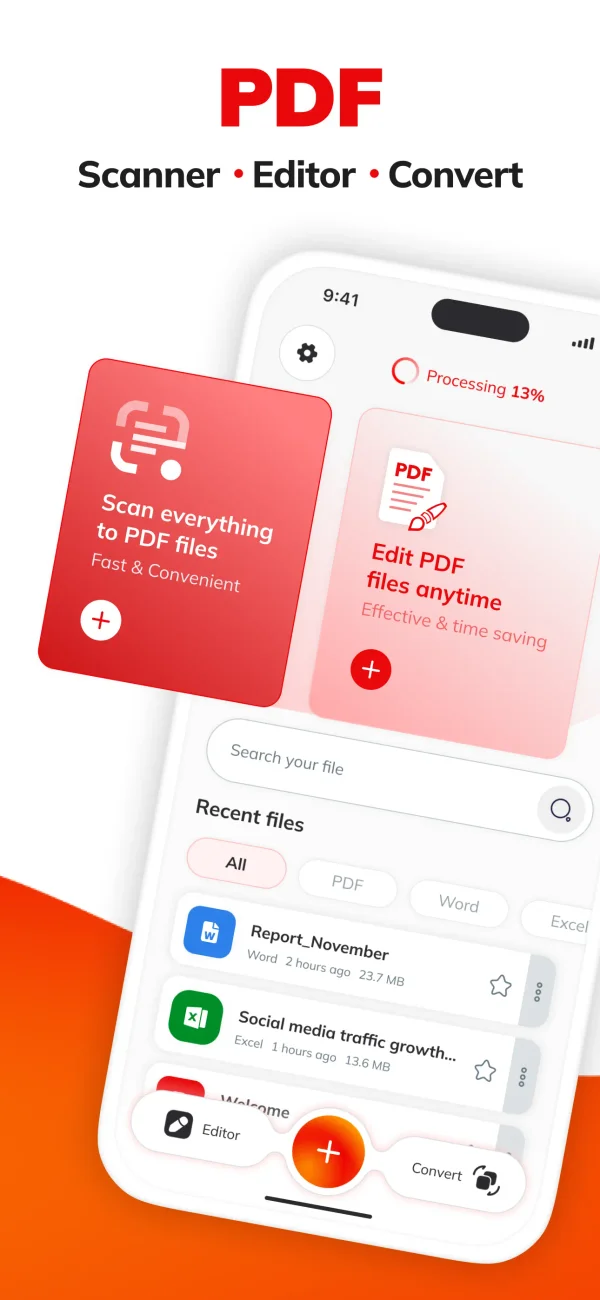
Get more done in less time with our pocket-sized office: “PDF Editor, Scanner & Convert” anytime, anywhere.
Whether you are a student, professional or simply a general user struggling with file management across multiple devices, this app is highly regarded to help you optimize productivity more efficiently!
You can read, sign, scan, convert and merge Office files right on your phone. Our app offers a seamless, intuitive experience that puts you in complete control of your digital documents without opening your laptop.
Discover our app features:
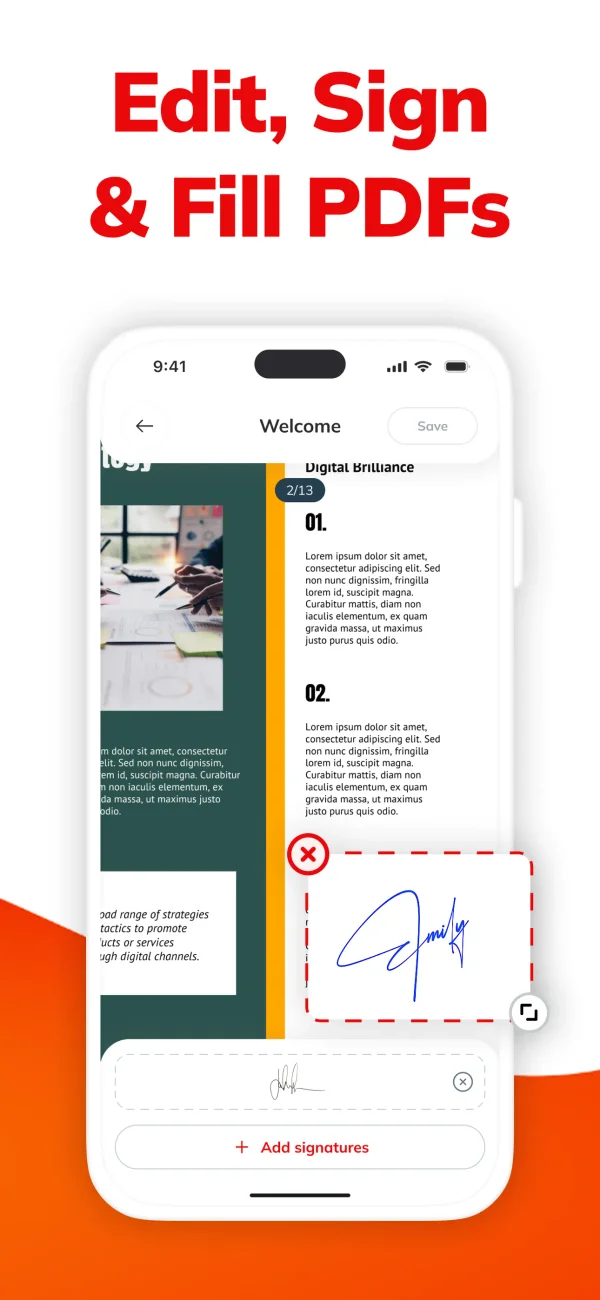
PDF Edit - Document Editor
- Effortlessly add and fill e-signatures
- Directly write, draw and annotate on PDFs
- Add professional watermarks to protect your content
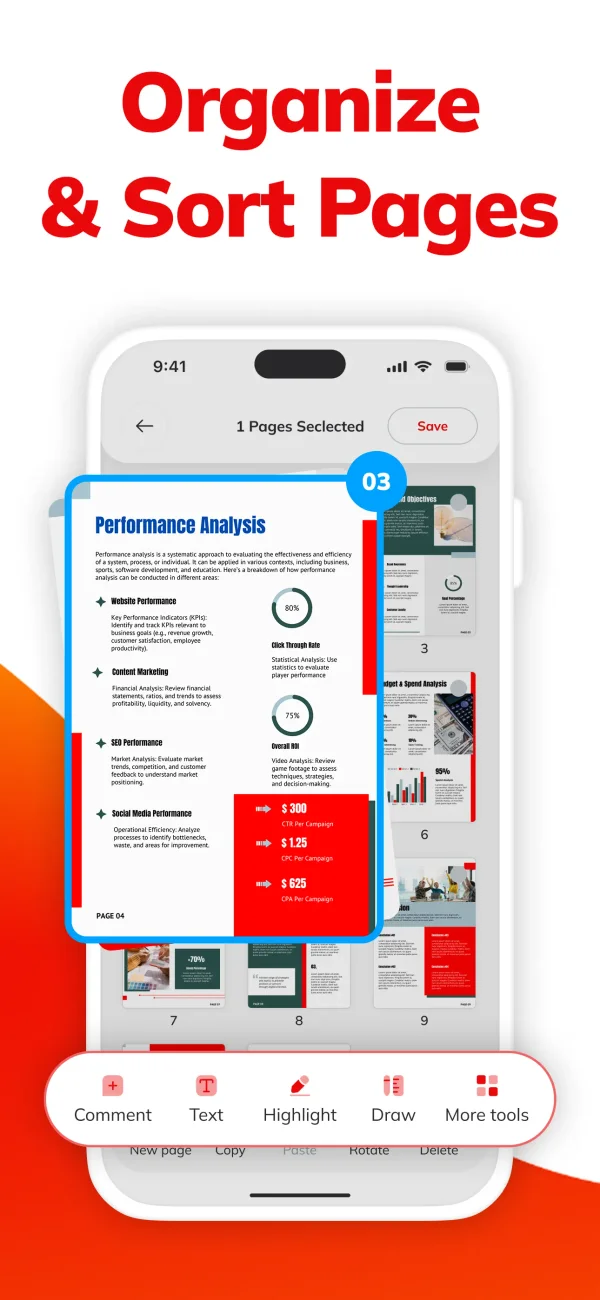
- Add text, notes, comments, and highlights
- Jump directly to any specific page
- Zoom in/zoom out pages while reading
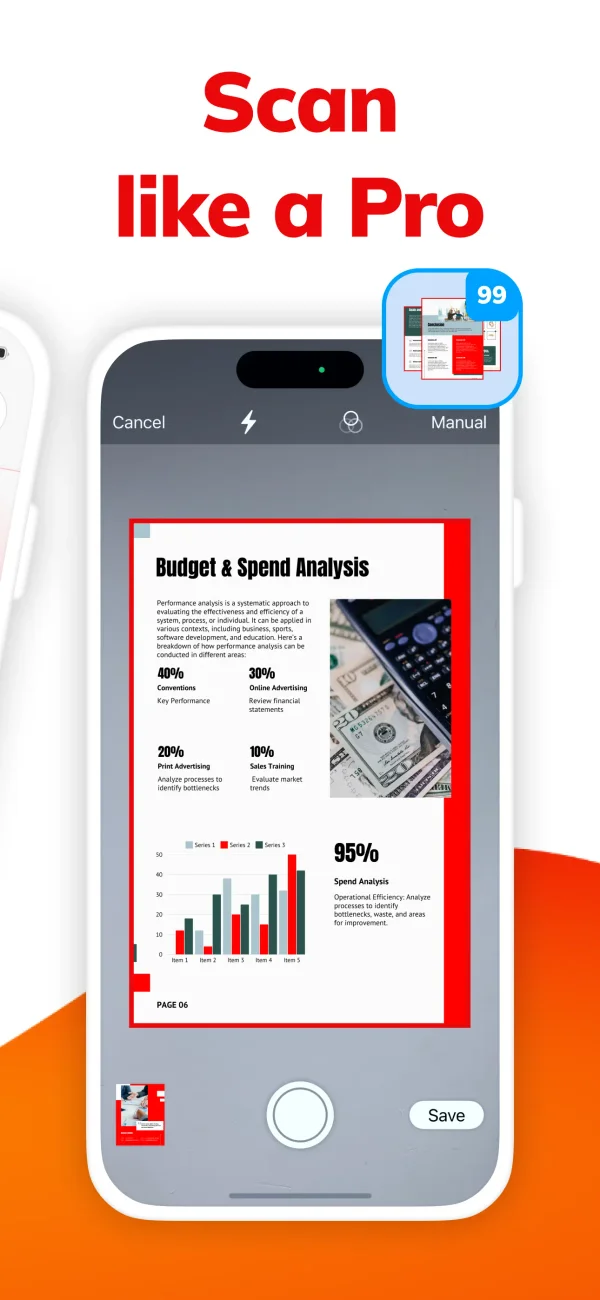
PDF Scanner
- Auto document scanning with high-resolution capture
- Scan images, receipts, business cards, reports, ID to PDFs
- Scan to PDF multiple pages quickly and efficiently
- Automatic edge detection
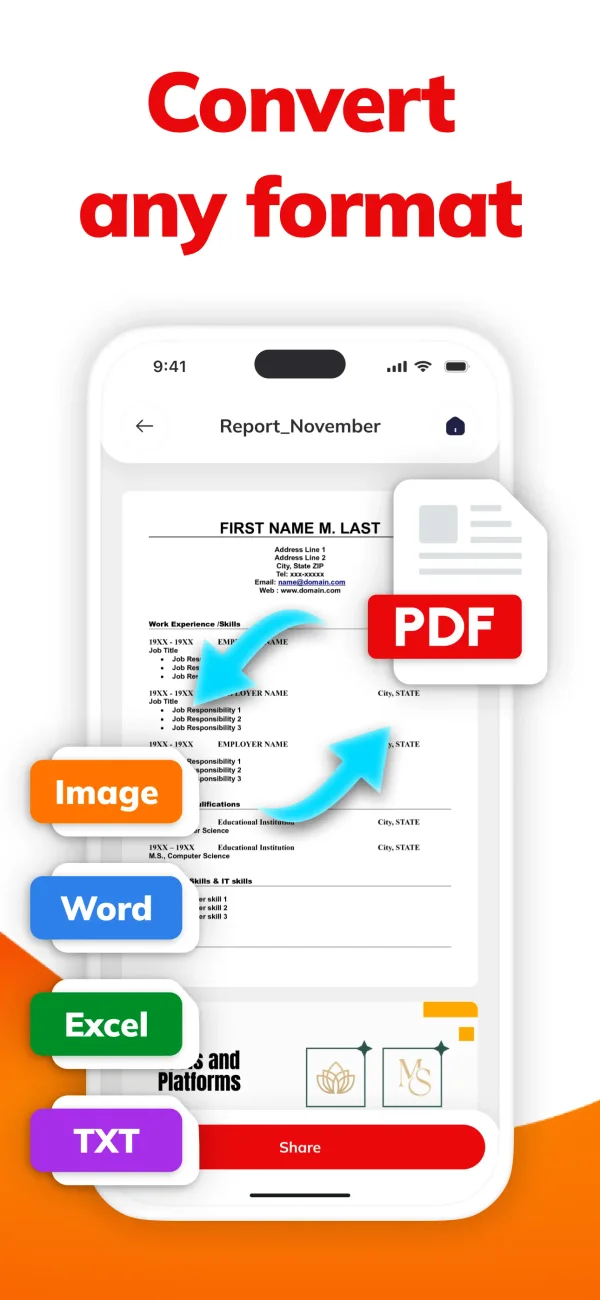
Converter to and from PDFs
- Applicable to multiple formats:
* Images to PDF
* Word to PDF converter
* Excel to PDF
* Text to PDF
- Preserve original formatting
- Quickly optimize Office features conversions
- Maintain document layout and design
PDF Reader - PDF Viewer
- Seamless reading across multiple document formats
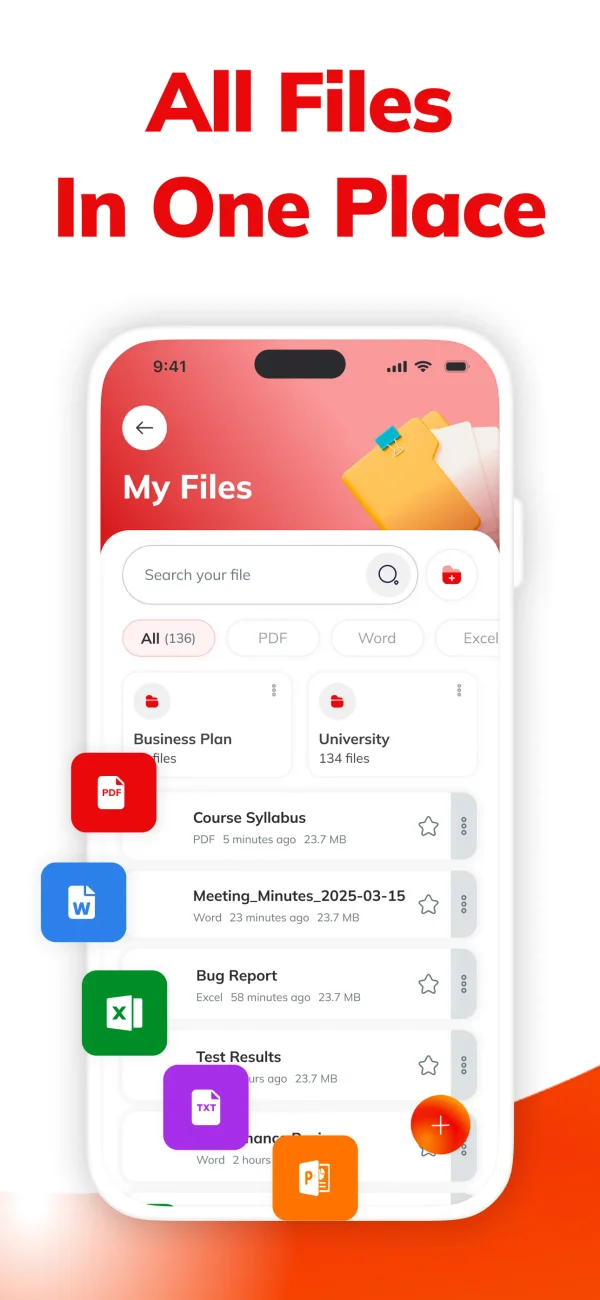
- Quickly search, sort, view, and download files
- Create bookmarks and star files for future use
- File sharing within one tap
- Open and read PDF files like an e-book reader
Word
- Quickly read and convert DOCX, DOC, and other Word files
- Easy text editing tools: add, modify, align, & delete content
Excel
- Open high-quality XLS, XLSX, and CSV files
- Suitable for charts, task lists & financial reports
PowerPoint
- Full support reader for PPT, PPTX, PPS, and PPSX formats
- High-resolution college lectures, study notes & slide show
Other features
- Easily sign PDFs for working use
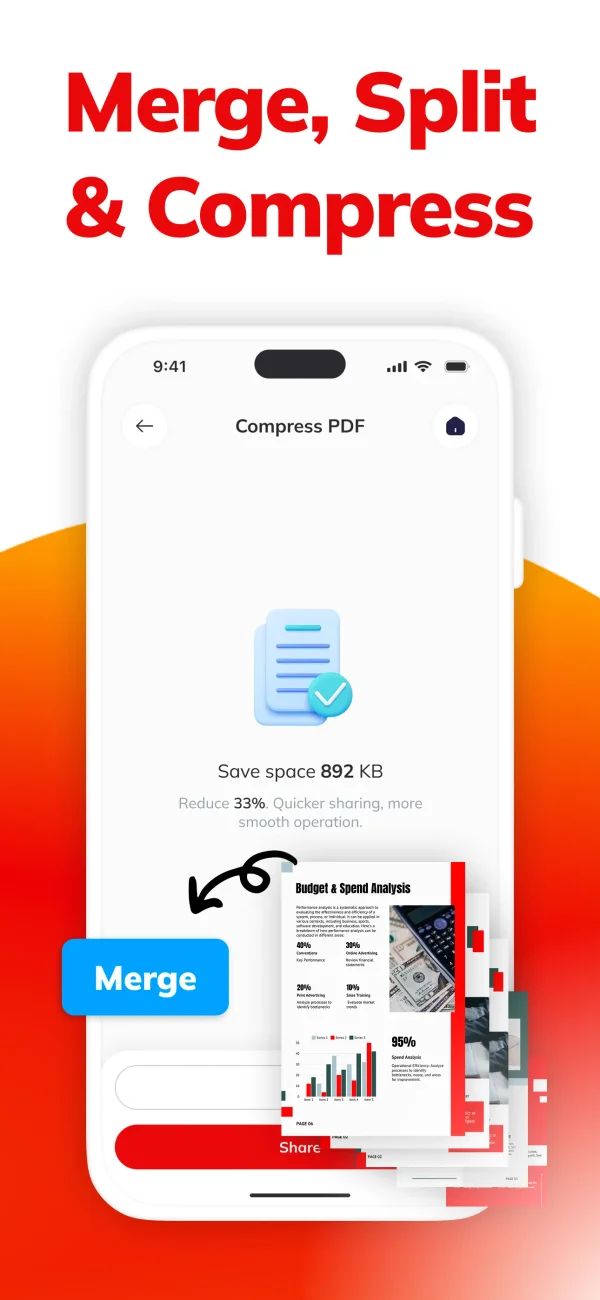
- Merge & Split multiple PDF files
- Merge PDF to long image
- Reduce PDF size without losing quality
- Lock & Unlock password-protected PDFs
- Personalize with custom watermarks
Permissions
+ App Tracking Transparency (ATT) permission (Optional)
Users have the option to enable or disable app activity tracking at their discretion. This permission enables the app to track your activity for advertising purposes on iOS devices running version 14 or later. It is used to collect data that helps deliver personalized advertisements and improve the relevance of ads you see. Tracking allows the app to understand user preferences and behavior, which supports optimizing advertising efforts and ensuring that the content is more aligned with user interests.
+ Camera Permission:
This permission allows the app to access your device's camera. It is used for functionalities such as scanning documents, taking photos within the app or any feature that requires capturing images or video directly through the app. This access is essential for features that involve visual media and enhances user interaction by allowing you to share captured moments or verify identities through visual means.
Download “PDF Editor, Scanner & Convert” today and Unlock the power of Office document management!
Feedback & Questions:
- We always welcome user questions to answer questions and improve product quality. If you have any doubts about contacting the developer, please contact us via Email: ngocnguyen.nv90@gmail.com.
Rate 5 stars if you feel satisfied with the application
Privacy policy: https://sites.google.com/view/policypdfeditorpdfscanner
Terms of use: https://sites.google.com/view/termofusepdfeditorscanner
新機能
バージョン 1.0.7 · 2025/5/22
Dear Customers,
Thank you for choosing PDF Editor, Scanner & Convert
In this version, we fixed some bugs and improved our app. We are sure you will like it!
Thank you for staying with us!
アプリのプライバシー
このアプリのデータの取り扱いについて、Ngoc NguyenがApp Storeで申告している内容です。
-
ユーザーのトラッキングに使用されるデータ
他社のアプリやウェブサイトを横断してユーザーをトラッキングする目的で使用される場合があります。
- 位置情報
- ユーザーコンテンツ
- ID
-
ユーザーに関連付けられたデータ
収集され、ユーザーの識別情報に関連付けられる場合があります。
- 位置情報
- ユーザーコンテンツ
- ID
- 使用状況データ
- 診断
プライバシーの取り扱いは、ご利用の機能やお客様の年齢などに応じて異なる場合があります。
情報
- 販売元
- Ngoc Nguyen
- カテゴリ
- ビジネス
- バージョン
- 1.0.7
- 更新日
- 2025/5/22
- リリース
- 2025/3/18
- サイズ
- 43.2 MB
- 必要条件
- iOS 15.6以降
- 対象年齢
- 4+
- 価格
- 無料
- アプリ内課金
- あり
- 言語
- 英語
- 著作権
- © 2025 NgocNguyen Team