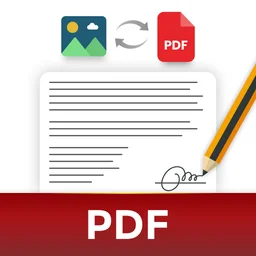
PDF Editor, Scanner & Convert
All in one PDF Editor, Scanner
Dirancang untuk iPhone, iPad, iPod touch
Gratis · Pembelian dalam aplikasi
- Batasan usia4+
- KategoriBisnis
- PengembangNgoc Nguyen
- BahasaInggris
- Ukuran43,2 MB
Tertaut ke halaman resmi App Store
Download.org tidak menyimpan file PDF Editor, Scanner & Convert apa pun. Tombol ini membuka halaman aplikasi di App Store, tempat Ngoc Nguyen menerbitkannya. Halaman terakhir diperiksa pada 20/11/2026.
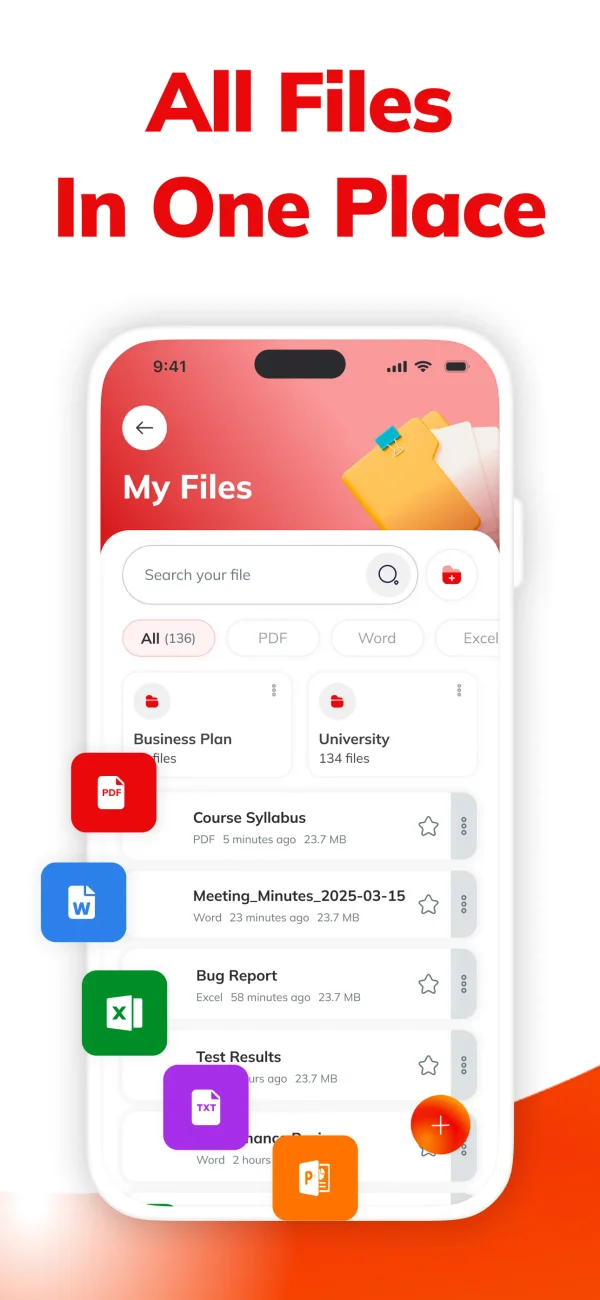
Tangkapan layar

Tentang
Pengembang belum menyediakan teks ini dalam bahasa Anda.
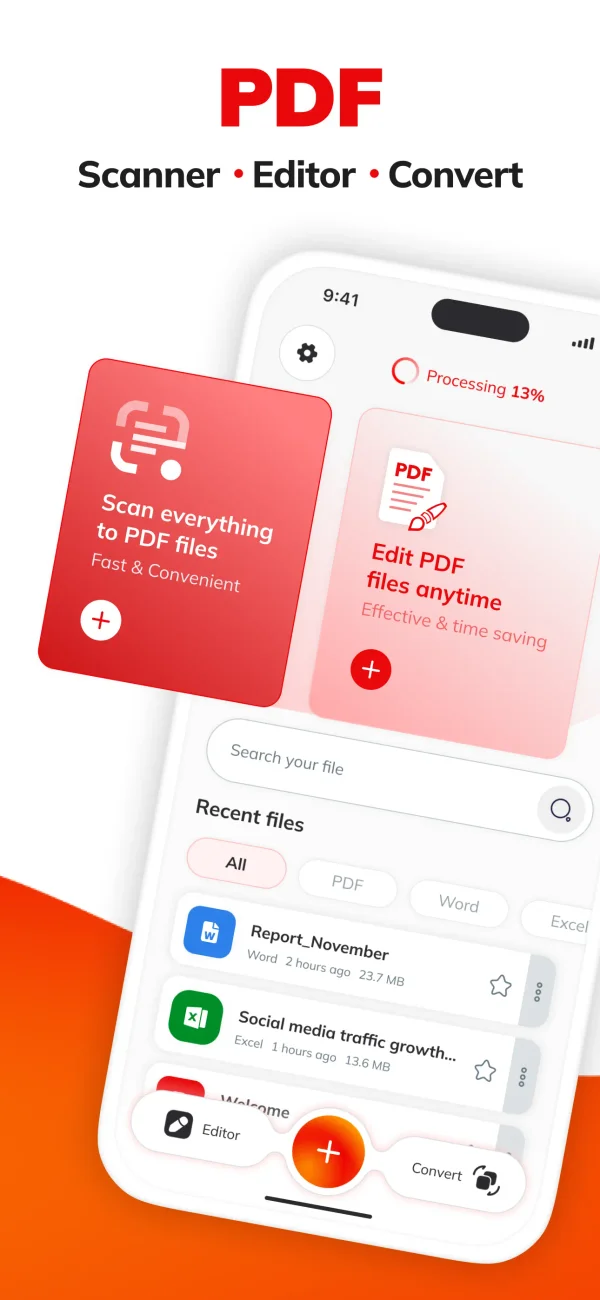
Get more done in less time with our pocket-sized office: “PDF Editor, Scanner & Convert” anytime, anywhere.
Whether you are a student, professional or simply a general user struggling with file management across multiple devices, this app is highly regarded to help you optimize productivity more efficiently!
You can read, sign, scan, convert and merge Office files right on your phone. Our app offers a seamless, intuitive experience that puts you in complete control of your digital documents without opening your laptop.
Discover our app features:
PDF Edit - Document Editor
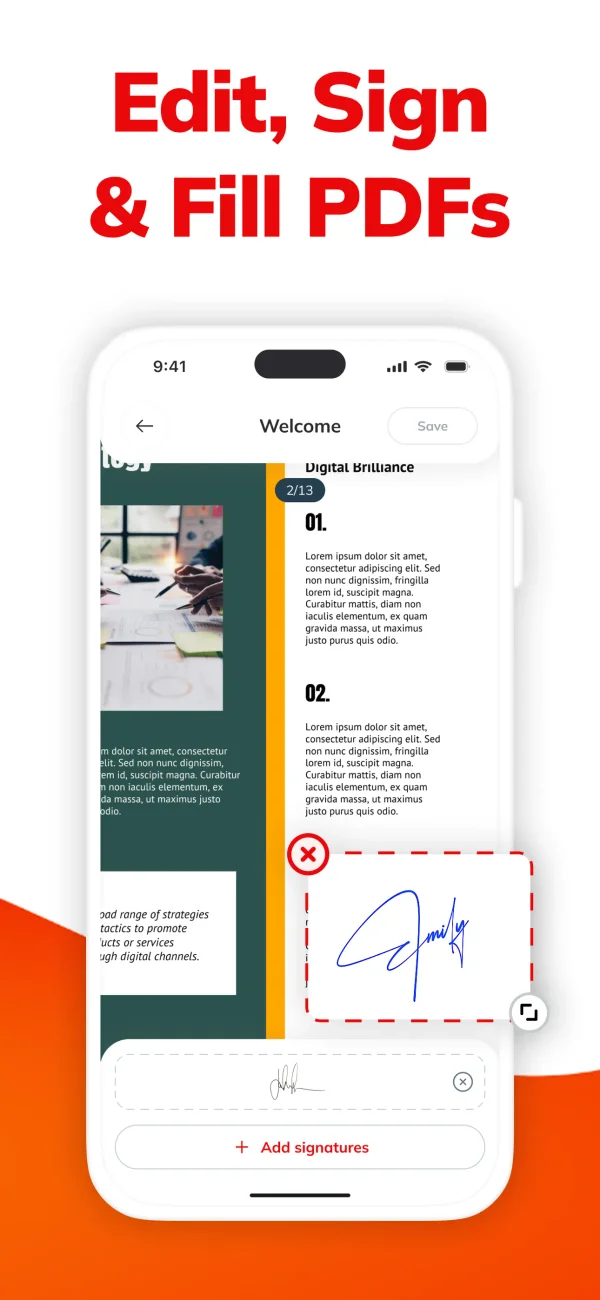
- Effortlessly add and fill e-signatures
- Directly write, draw and annotate on PDFs
- Add professional watermarks to protect your content
- Add text, notes, comments, and highlights
- Jump directly to any specific page
- Zoom in/zoom out pages while reading
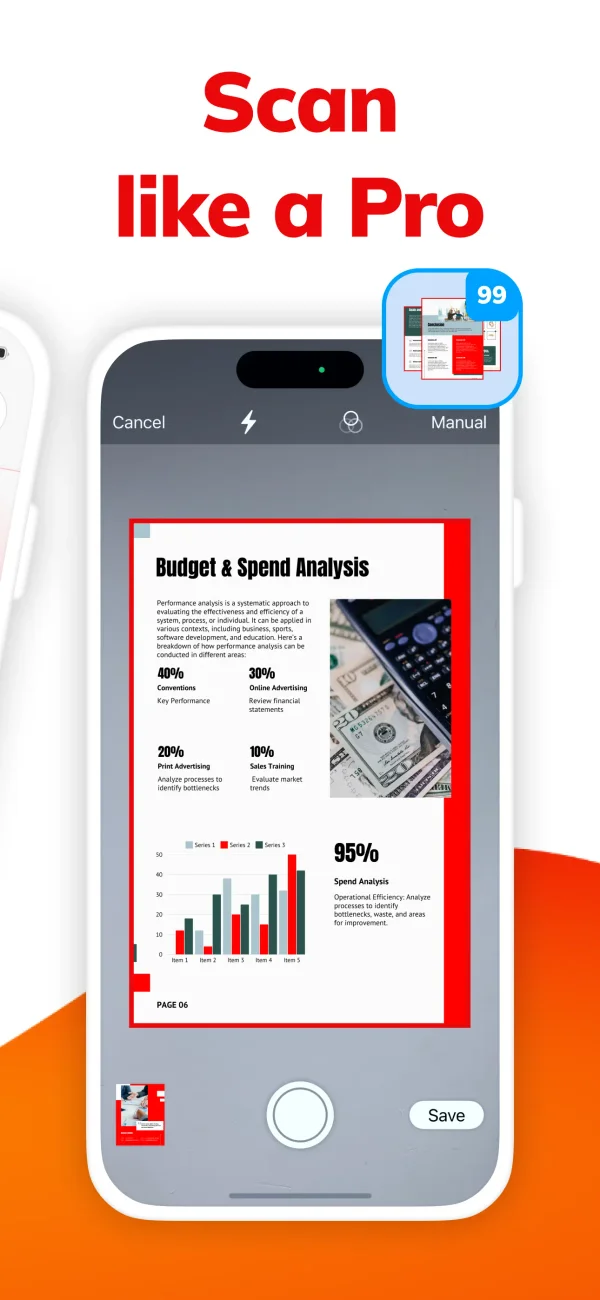
PDF Scanner
- Auto document scanning with high-resolution capture
- Scan images, receipts, business cards, reports, ID to PDFs
- Scan to PDF multiple pages quickly and efficiently
- Automatic edge detection
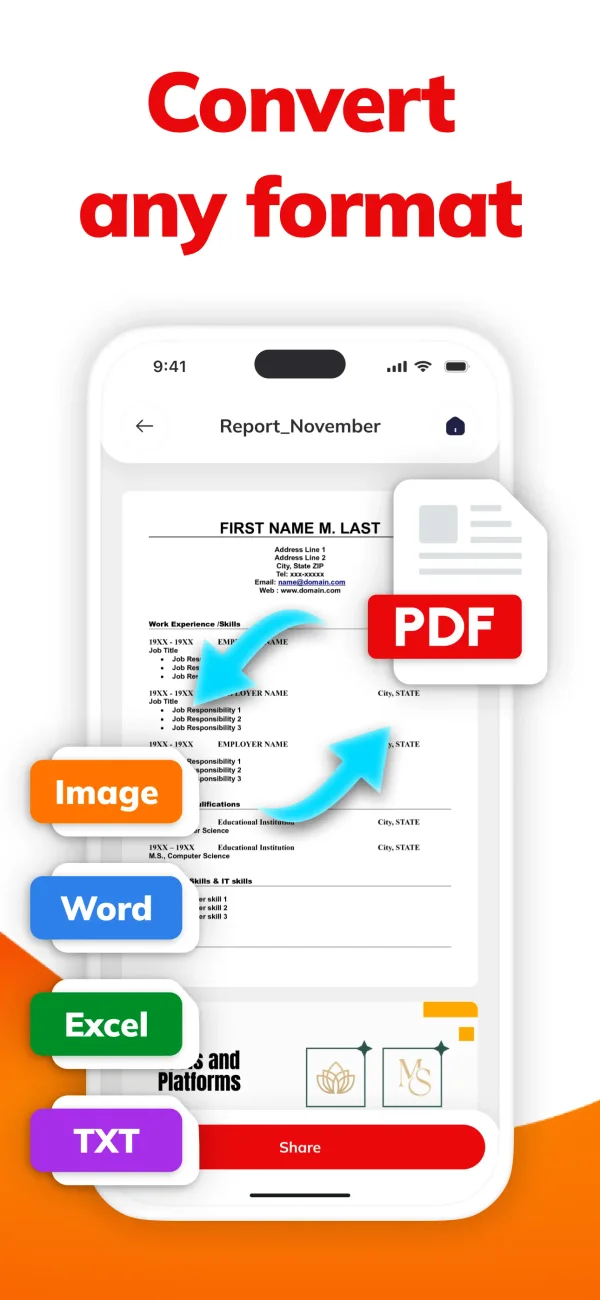
Converter to and from PDFs
- Applicable to multiple formats:
* Images to PDF
* Word to PDF converter
* Excel to PDF
* Text to PDF
- Preserve original formatting
- Quickly optimize Office features conversions
- Maintain document layout and design
PDF Reader - PDF Viewer
- Seamless reading across multiple document formats
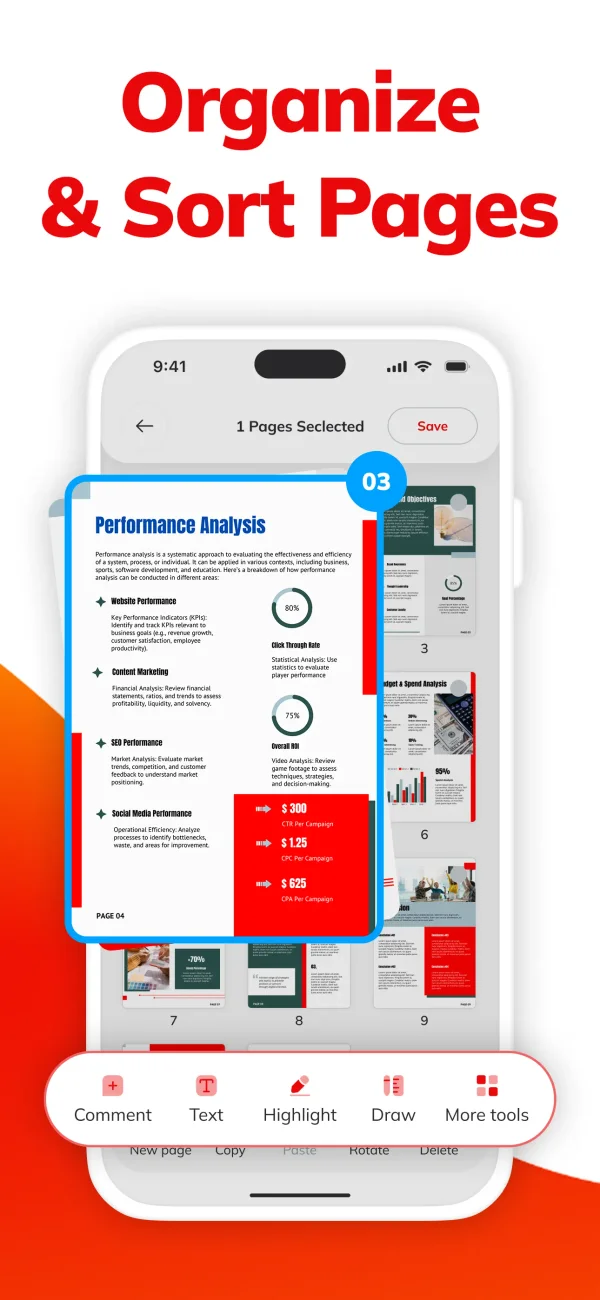
- Quickly search, sort, view, and download files
- Create bookmarks and star files for future use
- File sharing within one tap
- Open and read PDF files like an e-book reader
Word
- Quickly read and convert DOCX, DOC, and other Word files
- Easy text editing tools: add, modify, align, & delete content
Excel
- Open high-quality XLS, XLSX, and CSV files
- Suitable for charts, task lists & financial reports
PowerPoint
- Full support reader for PPT, PPTX, PPS, and PPSX formats
- High-resolution college lectures, study notes & slide show
Other features
- Easily sign PDFs for working use
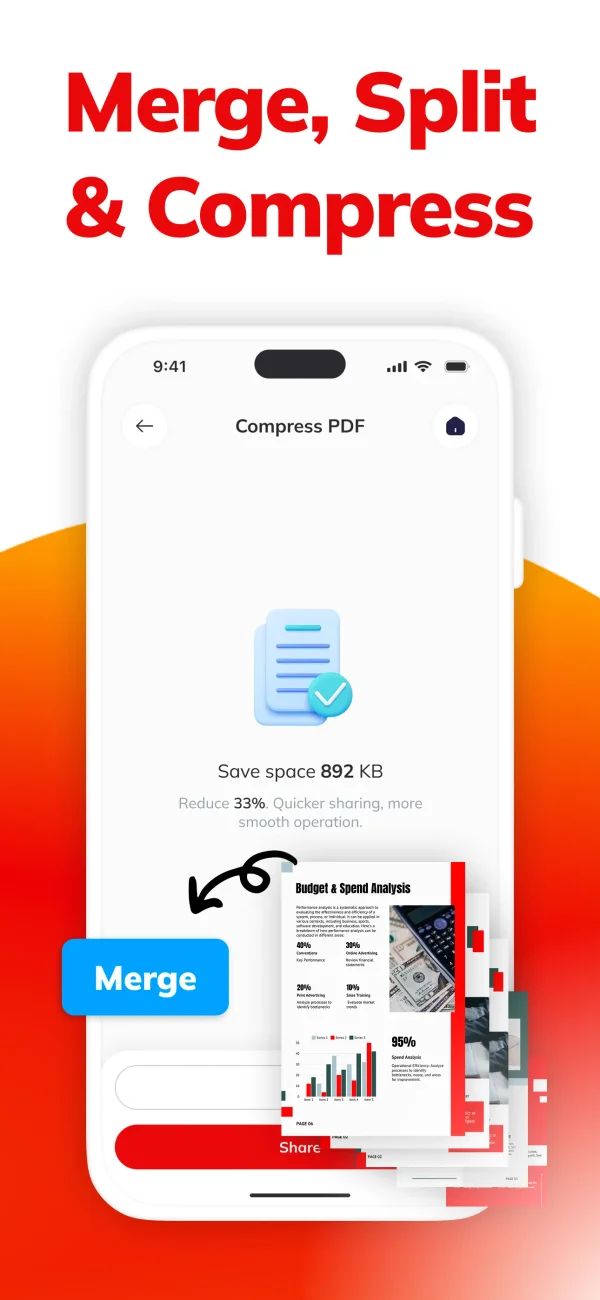
- Merge & Split multiple PDF files
- Merge PDF to long image
- Reduce PDF size without losing quality
- Lock & Unlock password-protected PDFs
- Personalize with custom watermarks
Permissions
+ App Tracking Transparency (ATT) permission (Optional)
Users have the option to enable or disable app activity tracking at their discretion. This permission enables the app to track your activity for advertising purposes on iOS devices running version 14 or later. It is used to collect data that helps deliver personalized advertisements and improve the relevance of ads you see. Tracking allows the app to understand user preferences and behavior, which supports optimizing advertising efforts and ensuring that the content is more aligned with user interests.
+ Camera Permission:
This permission allows the app to access your device's camera. It is used for functionalities such as scanning documents, taking photos within the app or any feature that requires capturing images or video directly through the app. This access is essential for features that involve visual media and enhances user interaction by allowing you to share captured moments or verify identities through visual means.
Download “PDF Editor, Scanner & Convert” today and Unlock the power of Office document management!
Feedback & Questions:
- We always welcome user questions to answer questions and improve product quality. If you have any doubts about contacting the developer, please contact us via Email: ngocnguyen.nv90@gmail.com.
Rate 5 stars if you feel satisfied with the application
Privacy policy: https://sites.google.com/view/policypdfeditorpdfscanner
Terms of use: https://sites.google.com/view/termofusepdfeditorscanner
Yang baru
Versi 1.0.7 · 22/5/2025
Dear Customers,
Thank you for choosing PDF Editor, Scanner & Convert
In this version, we fixed some bugs and improved our app. We are sure you will like it!
Thank you for staying with us!
Privasi aplikasi
Yang dinyatakan Ngoc Nguyen di App Store tentang cara aplikasi ini menangani data.
-
Data yang digunakan untuk melacak Anda
Dapat digunakan untuk melacak Anda di aplikasi dan situs web milik perusahaan lain.
- Lokasi
- Konten pengguna
- Pengenal
-
Data yang ditautkan dengan Anda
Dapat dikumpulkan dan ditautkan dengan identitas Anda.
- Lokasi
- Konten pengguna
- Pengenal
- Data penggunaan
- Diagnostik
Praktik privasi dapat bervariasi, misalnya berdasarkan fitur yang Anda gunakan atau usia Anda.
Informasi
- Penjual
- Ngoc Nguyen
- Kategori
- Bisnis
- Versi
- 1.0.7
- Diperbarui
- 22/5/2025
- Dirilis
- 18/3/2025
- Ukuran
- 43,2 MB
- Memerlukan
- iOS 15.6 atau yang lebih baru
- Batasan usia
- 4+
- Harga
- Gratis
- Pembelian dalam aplikasi
- Ya
- Bahasa
- Inggris
- Hak cipta
- © 2025 NgocNguyen Team