PDF Maker & Enhancer
Scan, Sign & Compress PDFs
iPhone, iPad, iPod touch向けに設計
無料 · アプリ内課金
- 対象年齢+4
- カテゴリユーティリティ
- 開発元Urvik Moradiya
- 言語英語
- サイズ7.6 MB
App Storeの公式ページにリンクしています
Download.orgはPDF Maker & Enhancerのファイルを一切ホストしていません。ボタンを押すと、Urvik Moradiyaが公開しているApp Storeのアプリページが開きます。ページの最終確認:2026/11/12。
スクリーンショット
概要
開発元はこのテキストをお使いの言語で提供していません。
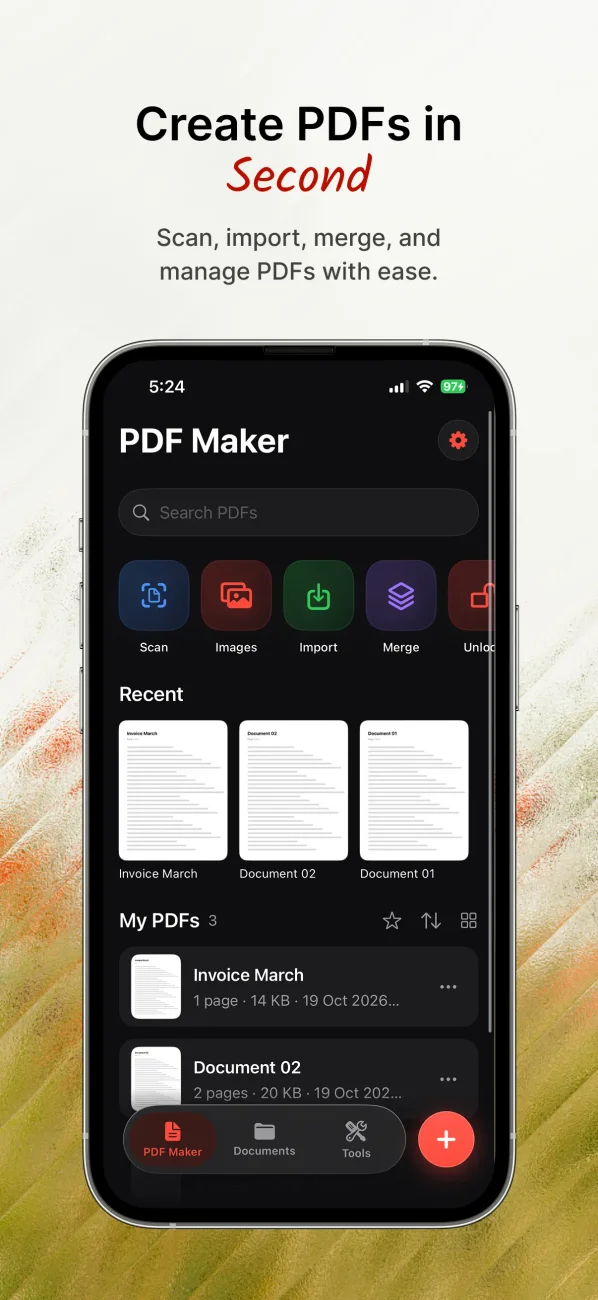
PDF Maker & Enhancer turns your iPhone and iPad into a powerful document scanner, editor, and organizer. Scan, sign, compress, and manage PDFs anytime, anywhere — all in one clean, fast app that works completely offline.
SCAN ANYTHING
• Smart auto edge-detection captures documents in seconds
• Shot at an angle? Your page is automatically cropped and flattened into a straight, front-on scan
• Review every page, then Crop, Rotate, Filter (Auto, B&W, Grayscale), and adjust Contrast before saving
• Turn existing photos into clean scans with New from Images
SIGN & FILL
• Sign with your finger in black, red, or blue — save your signature and reuse it
• Add and reposition text anywhere; your text stays editable, never baked in
SEARCHABLE SCANS (OCR)
• Recognize text in your scans so PDFs become selectable, copyable, and searchable
POWERFUL PDF TOOLS
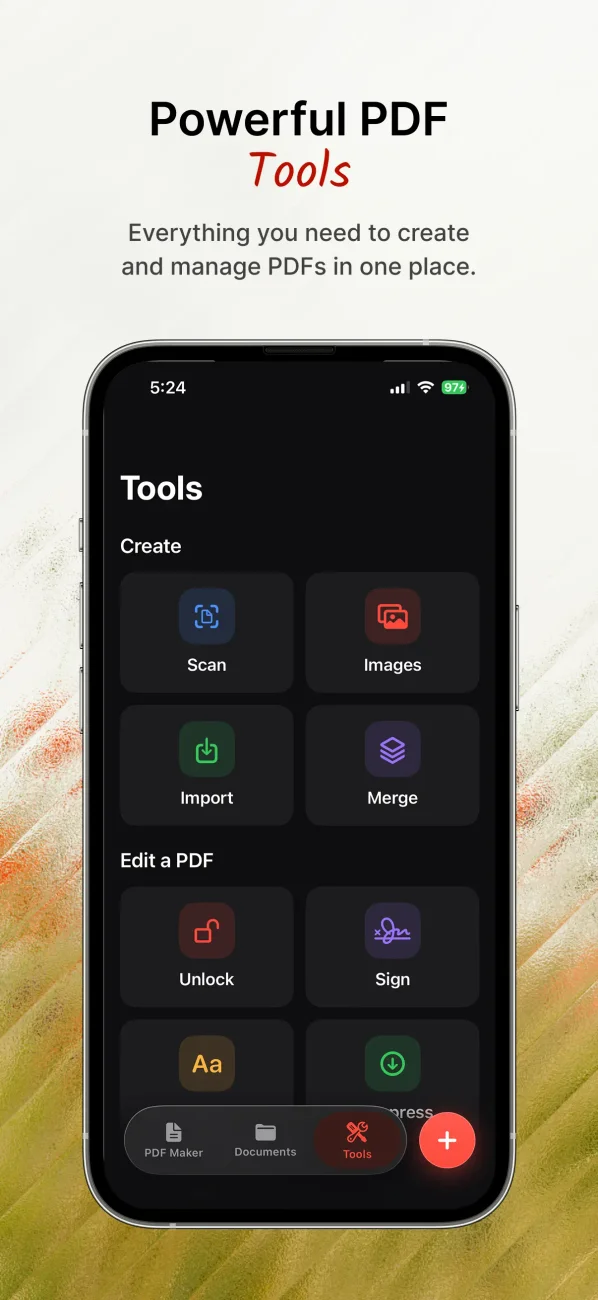
• Compress large PDFs without wrecking quality — and never end up with a bigger file
• Merge multiple PDFs into one · Reorder, rotate, add, and delete pages
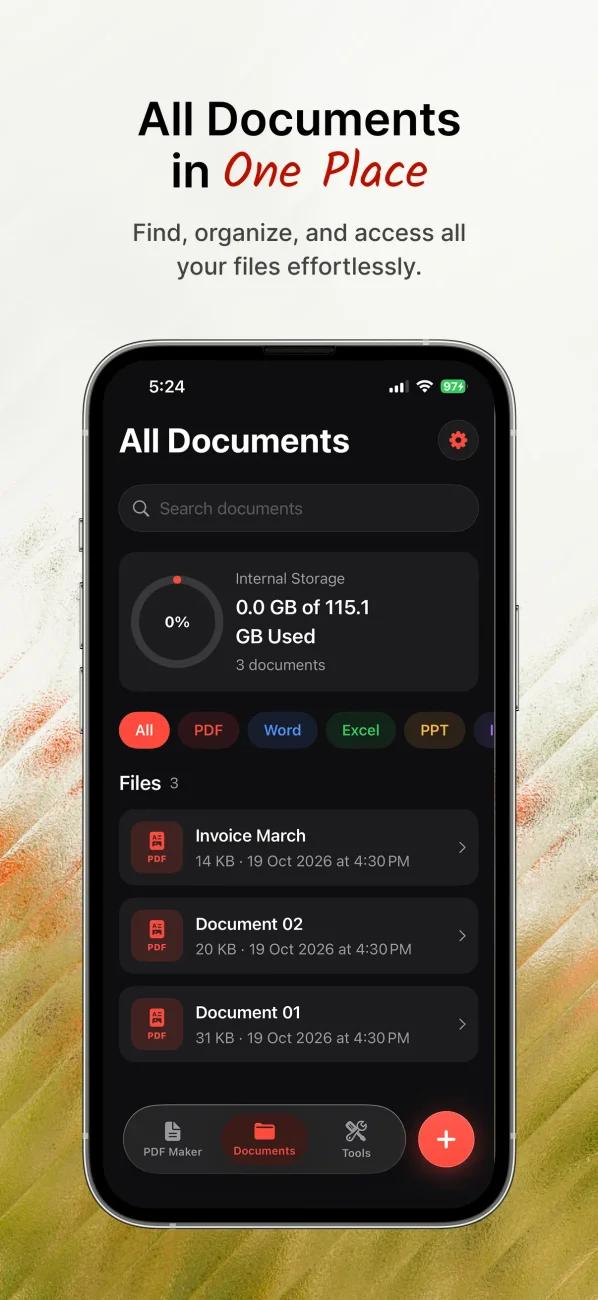
• Import PDF, Word, Excel, PowerPoint, and images — and preview them right in the app
STAY ORGANIZED
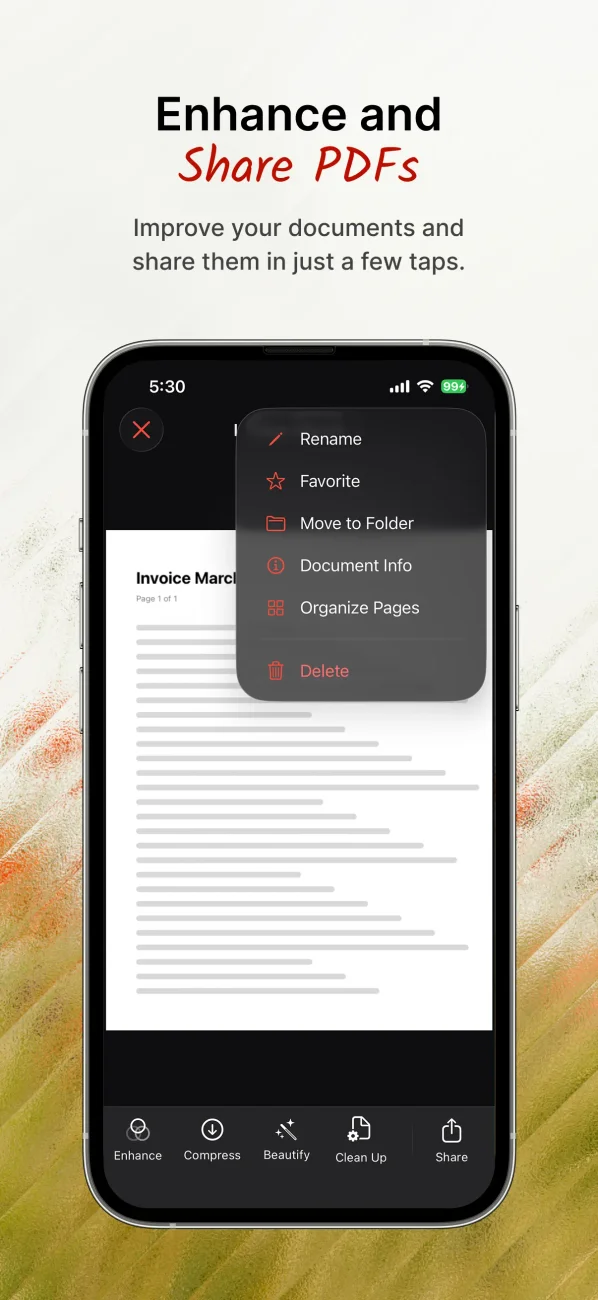
• Folders, favorites, search, and sort · Rename in a tap; shared files keep their new name
BUILT FOR iPHONE & iPAD
• Beautiful light and dark modes · First-class iPad support · 100% offline
PDF MAKER PRO
Upgrade to Pro to remove all ads and unlock unlimited high-level compression, batch OCR, and priority export. Available as a monthly or yearly subscription.
Terms of Use (EULA): https://www.apple.com/legal/internet-services/itunes/dev/stdeula
Privacy Policy: https://creation.morhover.com/privacy-policy.html
(followed by the auto-renew disclosure + Privacy Policy & EULA links — required by Apple for subscription apps; full text is in the file)
新機能
バージョン 1.3 · 2026/10/22
Version 1.3 brings a full set of page-editing tools.
NEW
• Crop to print-ready sizes: A4, US Letter, Legal, A3, A5 or Square. Drag to move, pinch to zoom, and rotate to fit.
• Annotate with a pen, highlighter and eraser.
• Redact sensitive details so they're permanently removed.
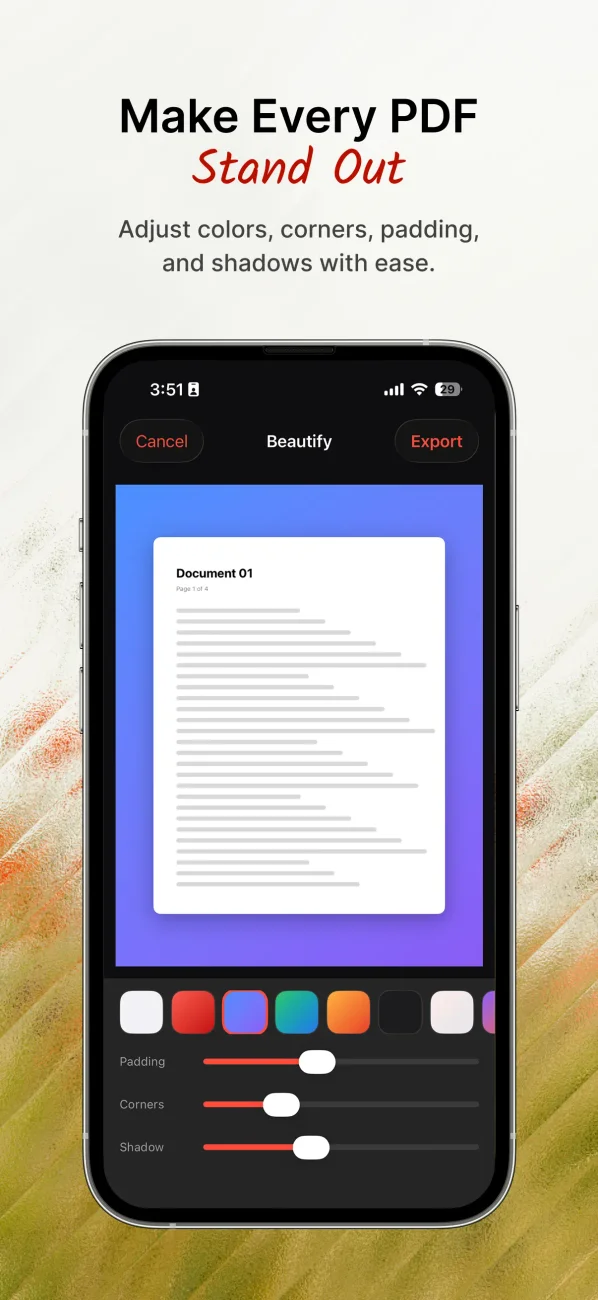
• Beautify: put a page on a styled background and share it as an image.
• Page sidebar: see every page, tap to jump to it, and edit the one you picked.
• Edit document info: title, author, subject and keywords.
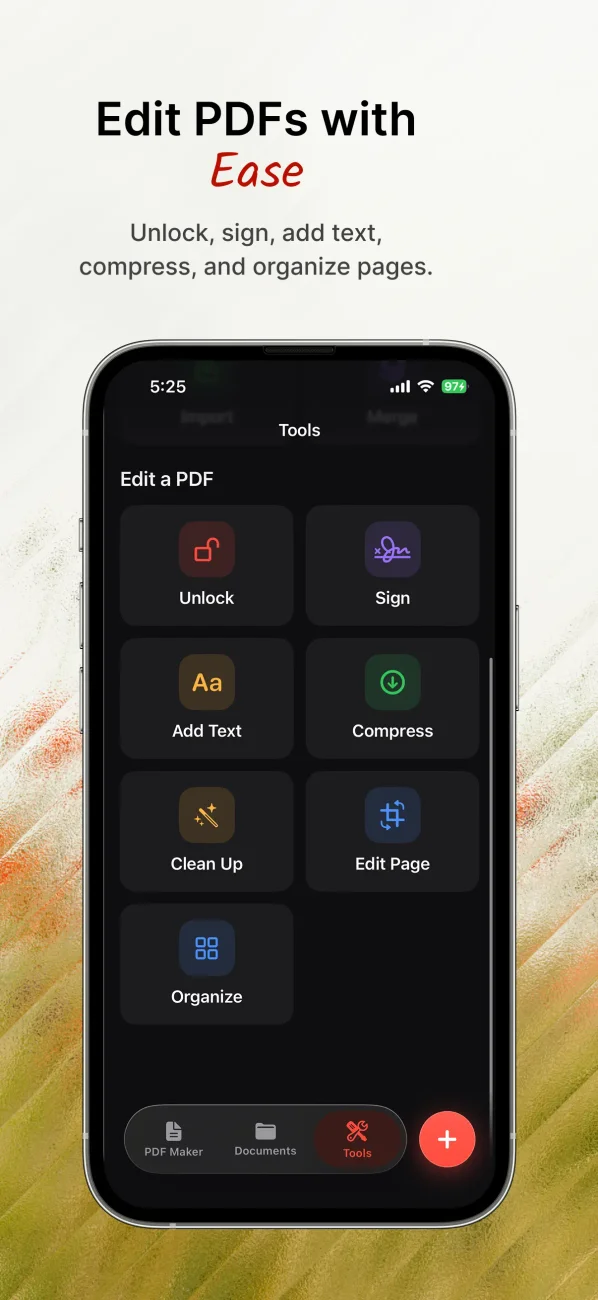
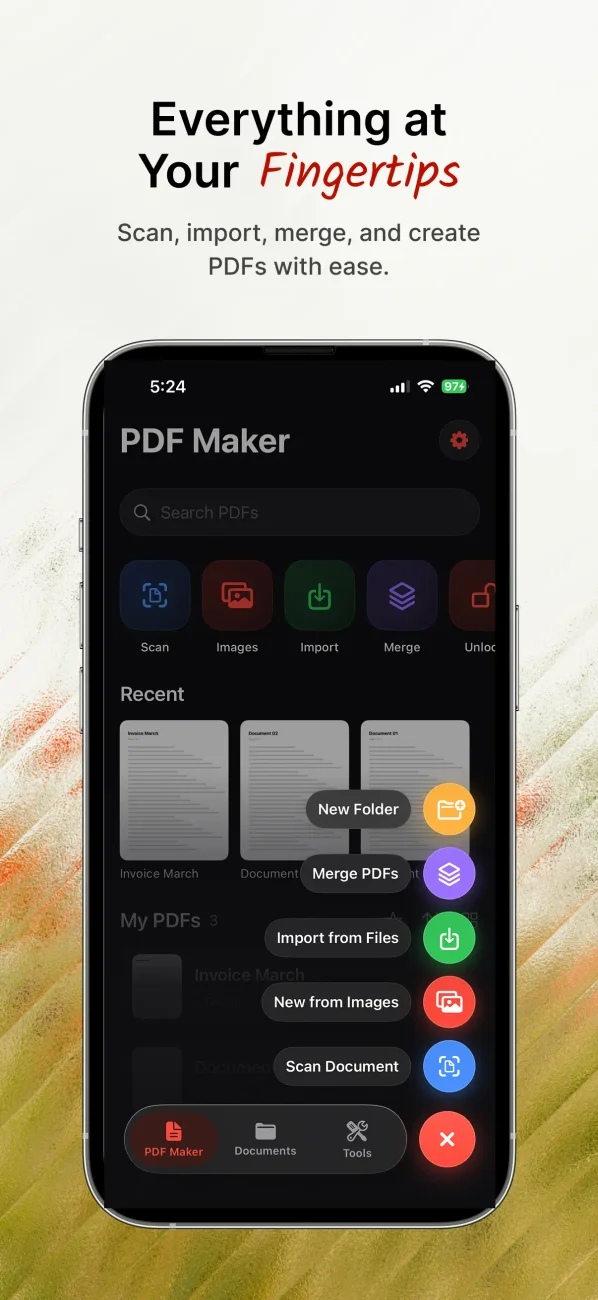
• New + menu: Scan, Images, Import, Merge or New Folder in one tap.
• New Tools tab and a redesigned tab bar.
• Send Feedback and Help & FAQ are now in Settings.
IMPROVED
• Drag your signature anywhere on the page, then resize, rotate or recolor it.
• Rotated pages now fit the screen, with no sideways scrolling.
• Clearer delete confirmations, and Share opens as a half-sheet.
MORE
• Unlock password-protected PDFs.
• Open PDFs shared from other apps.
• Clean Up: strip comments, form fields, links and scripts to share a flat PDF.
• Manage Storage and find duplicate files.
アプリのプライバシー
このアプリのデータの取り扱いについて、Urvik MoradiyaがApp Storeで申告している内容です。
-
ユーザーのトラッキングに使用されるデータ
他社のアプリやウェブサイトを横断してユーザーをトラッキングする目的で使用される場合があります。
- ID
- 使用状況データ
-
ユーザーに関連付けられないデータ
収集される場合がありますが、ユーザーの識別情報には関連付けられません。
- ID
- 使用状況データ
- 診断
プライバシーの取り扱いは、ご利用の機能やお客様の年齢などに応じて異なる場合があります。
情報
- 販売元
- Urvik Moradiya
- カテゴリ
- ユーティリティ
- バージョン
- 1.3
- 更新日
- 2026/10/22
- リリース
- 2026/4/30
- サイズ
- 7.6 MB
- 必要条件
- iOS 15.0以降
- 対象年齢
- +4
- 価格
- 無料
- アプリ内課金
- あり
- 言語
- 英語
- 著作権
- © 2026 Morhover Creation
こちらもおすすめ
-
 Image to PDF ‧ PDF Converterユーティリティ
-
 Invoice Maker .ユーティリティ
-
 Photo to PDF Converter: Imageユーティリティ
-
 Image to PDF Converter & Scansユーティリティ
-
 FileSizeFix: 写真・動画・PDF圧縮サイズ指定でKB・MBへ一括縮小・リサイズ・変換もオフライン
-
 Gold Tester & Identifierユーティリティ
-
 HTML ビューア - HtmlyViewer & Source Code Editor
-
 PDF: Edit, Sign, Scan, Convert文書の記入・署名・注釈
-
 Getvibe - Ai 8KWallpaperユーティリティ
-
 eSign: 電子署名・PDFサイン書類に署名、PDFフォーム記入