PDF Reader Pro – Lite Edition
Comment,Edit,Sign,Form,OCR PDF
iPhone, iPad, iPod touch向けに設計
無料 · アプリ内課金
- 対象年齢4+
- カテゴリビジネス
- 開発元PDF Technologies, Inc.
- 言語英語ほか12言語
- サイズ237.9 MB
App Storeの公式ページにリンクしています
Download.orgはPDF Reader Pro – Lite Editionのファイルを一切ホストしていません。ボタンを押すと、PDF Technologies, Inc.が公開しているApp Storeのアプリページが開きます。ページの最終確認:2026/11/15。
スクリーンショット
概要
開発元はこのテキストをお使いの言語で提供していません。
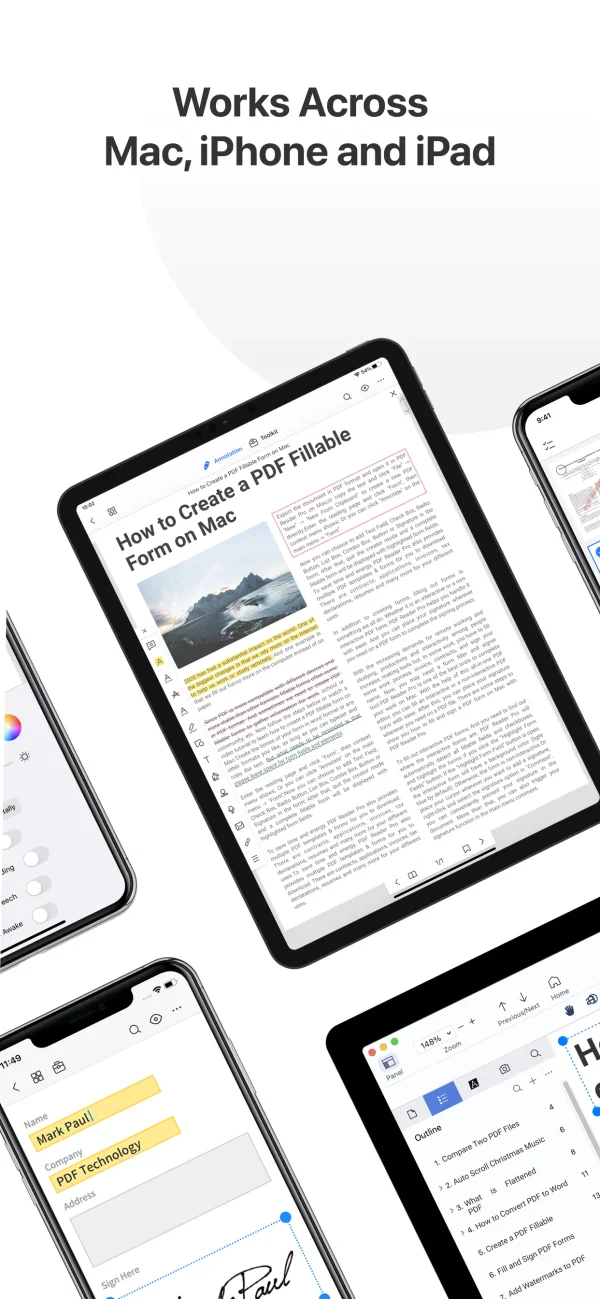
PDF Reader Pro helps much for anyone who reads, edit, highlights, OCR, signs, converts, creates, protects, compresses and fills out PDFs on their iPhone and iPad. It also makes it easy to organize, annotate and edit your PDFs. Import files from your computer or the cloud, then complete forms, add freehand drawings and audio notes and more.
PDF Reader Pro offers even more - merge and combine multiple documents, split your PDFs, insert pages from another PDF, insert photos or hyperlinks to your PDFs, Convert PDF to Word and other Microsoft Office® formats. With support for reading files from popular productivity suites, it’s a convenient way to take the office anywhere you go.
PDF Reader Pro Edition for Professional is your last choice of PDF application.
READ
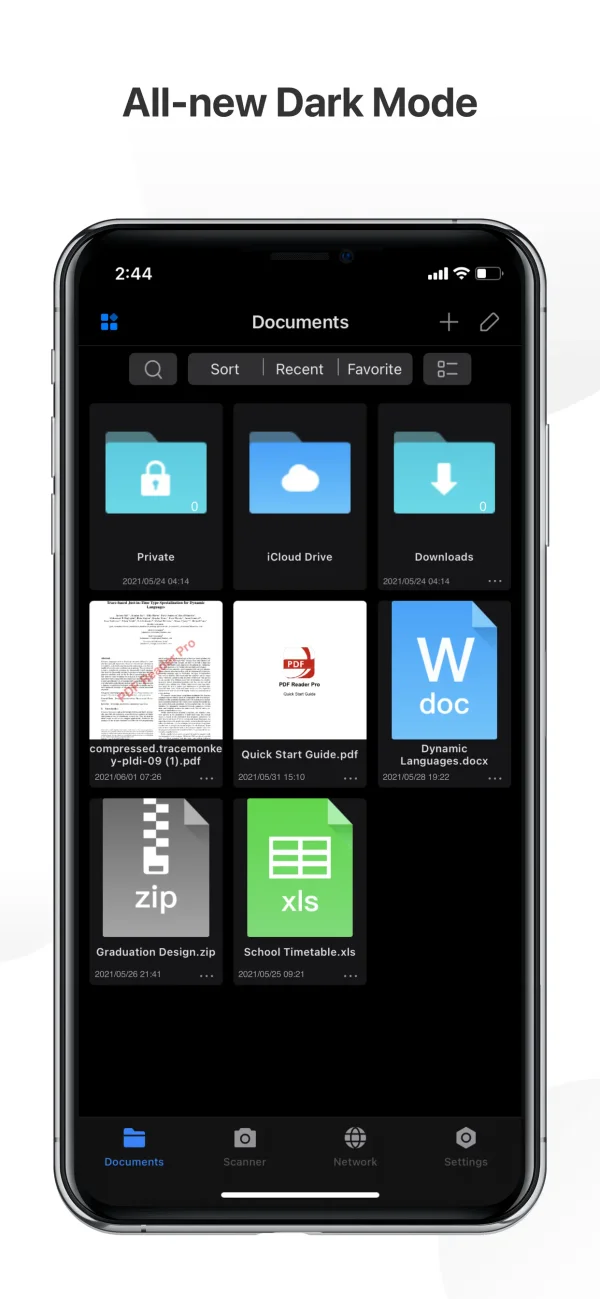
・ View PDFs with various themes like night mode to comfort your eyes.
・ Choose vertically/horizontally scroll pages or single pages/two pages/book mode.
・ Support crop mode, tabbed PDF reading, continuous page view, auto scroll and more.
・ Use text-to-speech feature to read selected text with no time limits.
・ Easy content navigation with bookmarks/outlines.
・ Fast files Printing to directly print PDFs from your device.
・ DRM, supports Vitrium* protected PDF files.
ANNOTATE
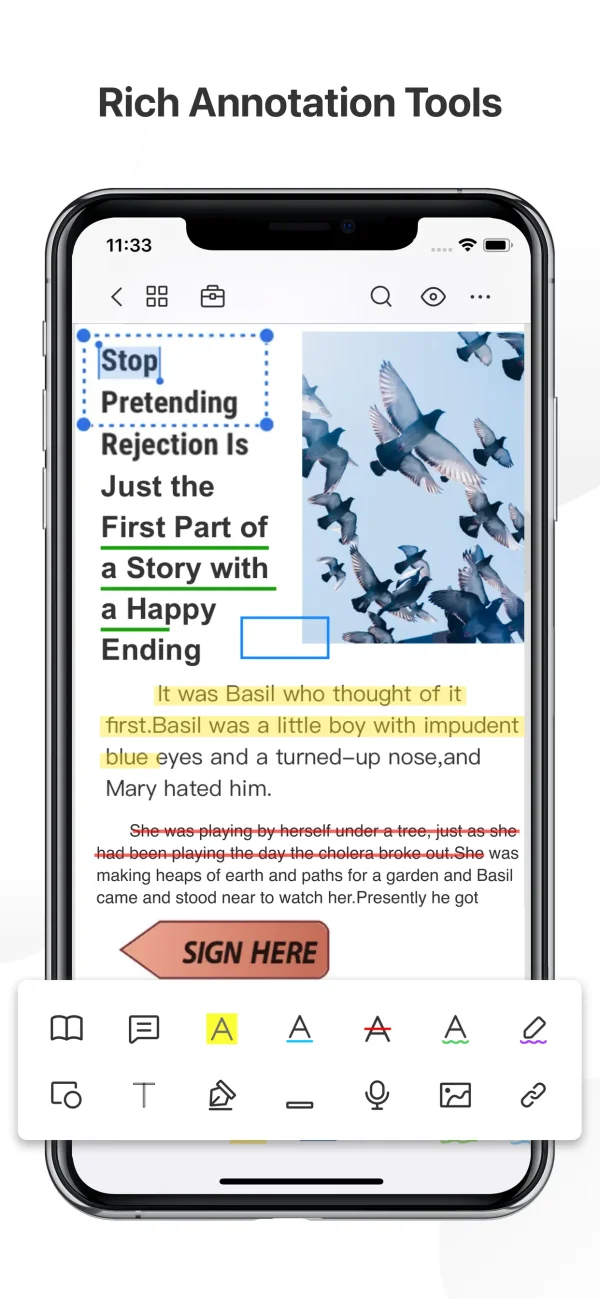
・ Annotate PDFs with highlight, underline, strikethrough, note, freehand, text box, anchored note, rectangle, circle, line etc.
・ Create multiple signatures with trackpad, keyboard or images.
・ Insert pre-designed stamps such as Approved, Confidential and more.
・ Support to link any part of the text to a different page, email or website.
・ Share your annotated PDFs with others via PDF documents/Flattened copy/ Summary/ Original PDF.
EDIT PDF
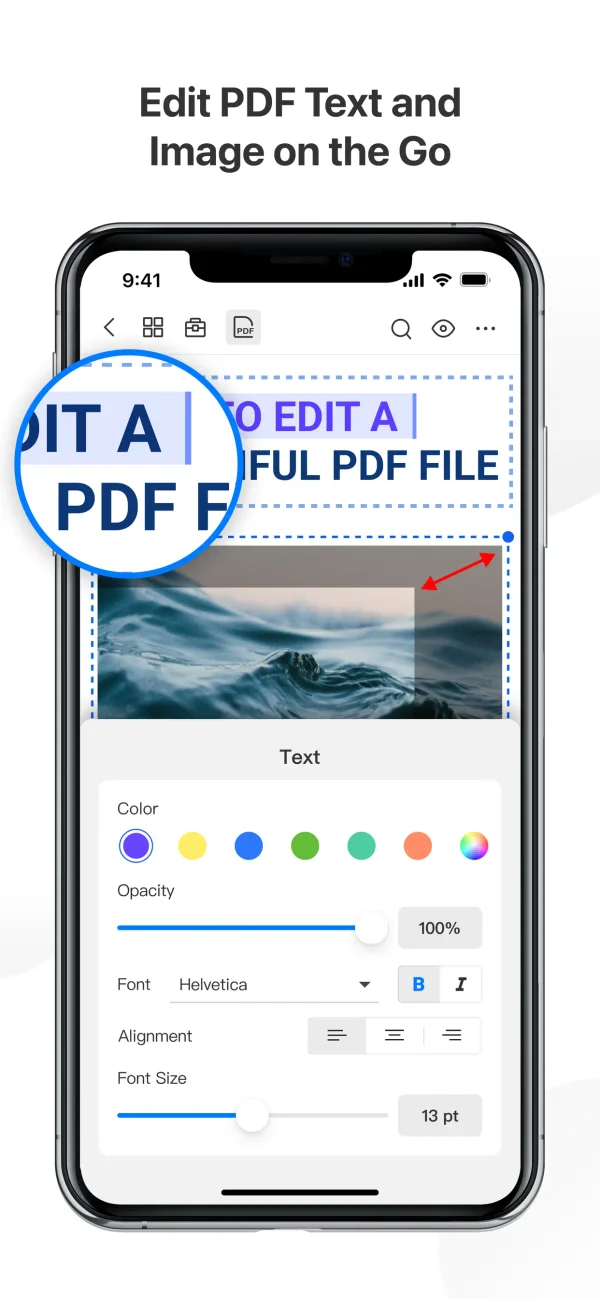
・Edit PDF text. Easily fix typos or other inaccurate content. Fast change the font color, size and style.
・Modify PDF images such as cropping, rotating, deleting, replacing, etc. Easily resize or move images for a better layout.
・Add and edit watermarks to keep your PDFs safe and professional. Watermark tiling is supported.
・Extract images from PDFs.
・Create a Flattened copy to flatten PDF to make the contents static.
PAGE EDITOR
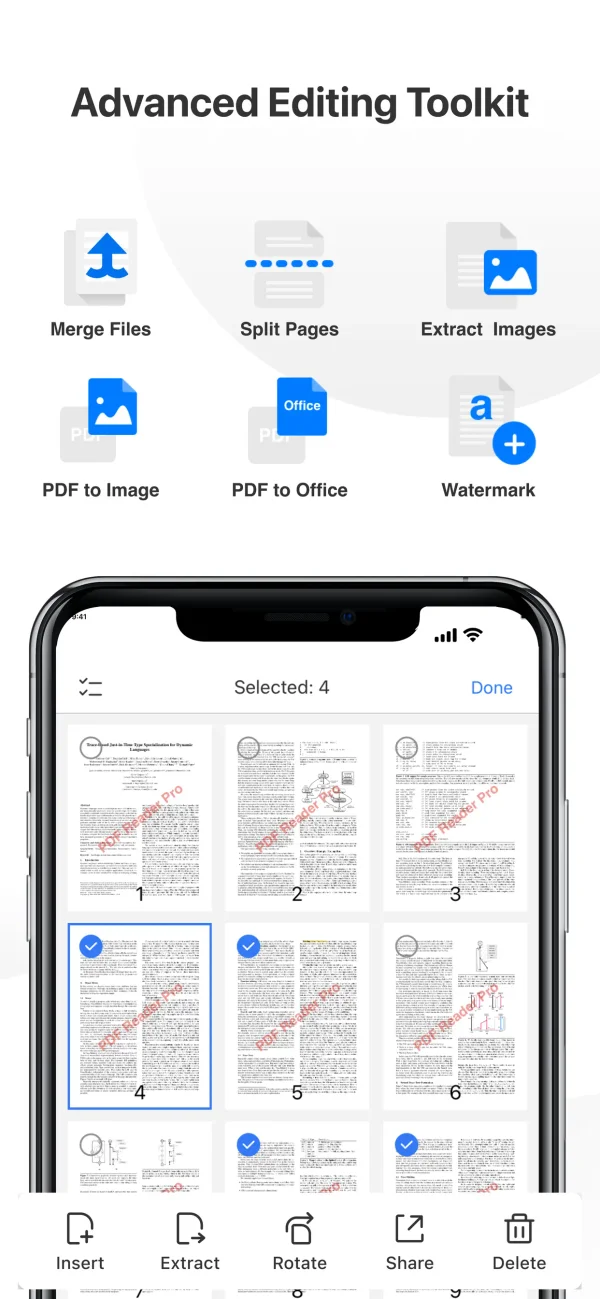
・ Merge & Split PDFs available, split documents into multiple documents or combine multiple pages into a new one.
・ Extract the desired pages to create a new PDF.
・ Insert blank pages / another PDF to import specified content.
・ Rotate, rearrange, add, and delete PDF pages.
Fill FORMS
・ Work with static PDF forms created in Adobe Acrobat.
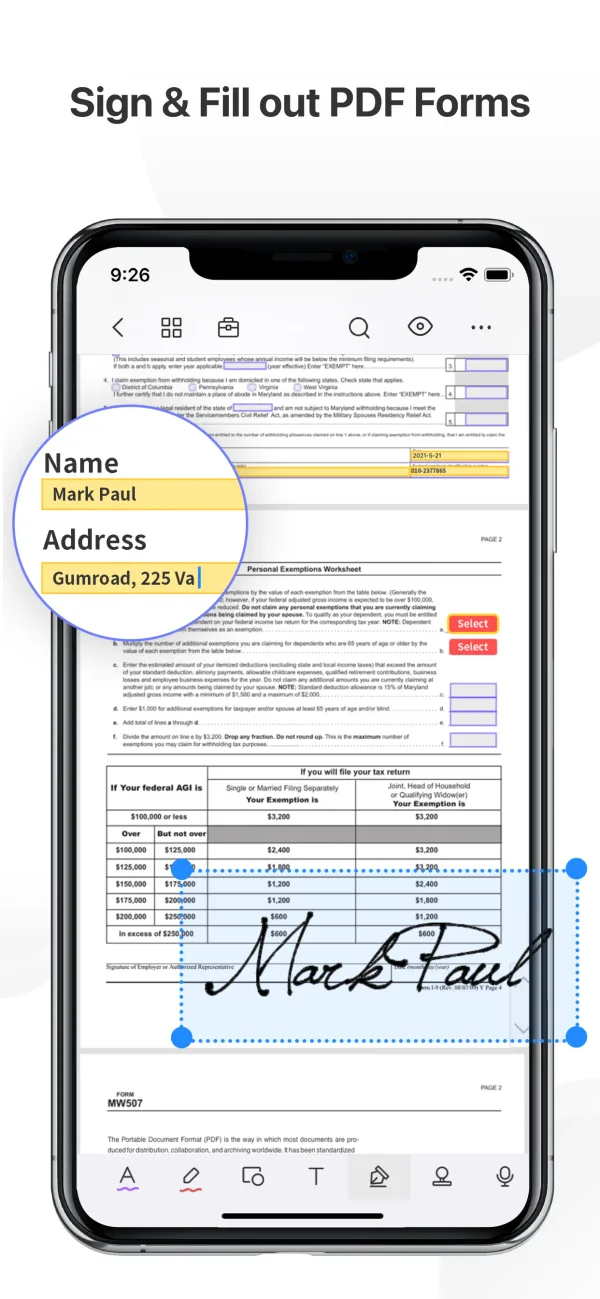
・ Fill out any PDF forms with interactive fields such as text fields, checkboxes, radio buttons, combo boxes, list boxes, etc.
CONVERT PDF
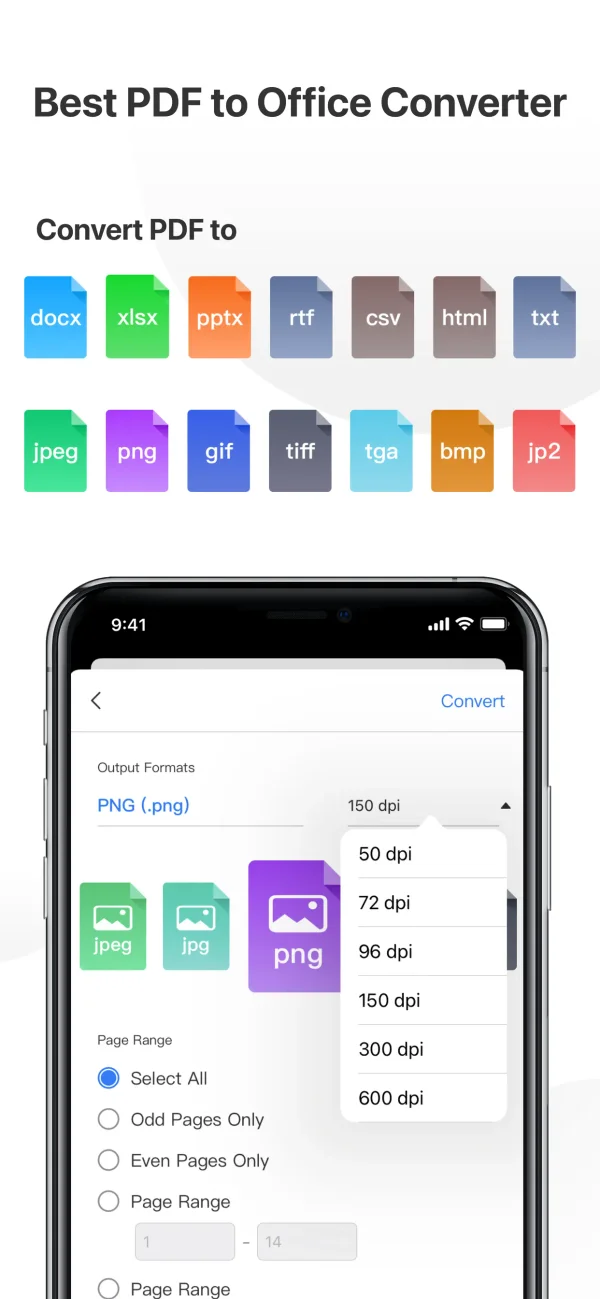
· Export from PDF to Microsoft Word (.docx), PowerPoint (.pptx), Excel (.xlsx), RTF, Text, Image, HTML, CSV, and more Offline.
・ Convert MS Office documents, iWorks, web content, and images to PDFs.
・ Create a new PDF as a blank PDF / from your clipboard content.
COMPRESS PDFs
・ Compress large PDFs to reduce file size. PDF size-reduction for easily sharing.
OCR
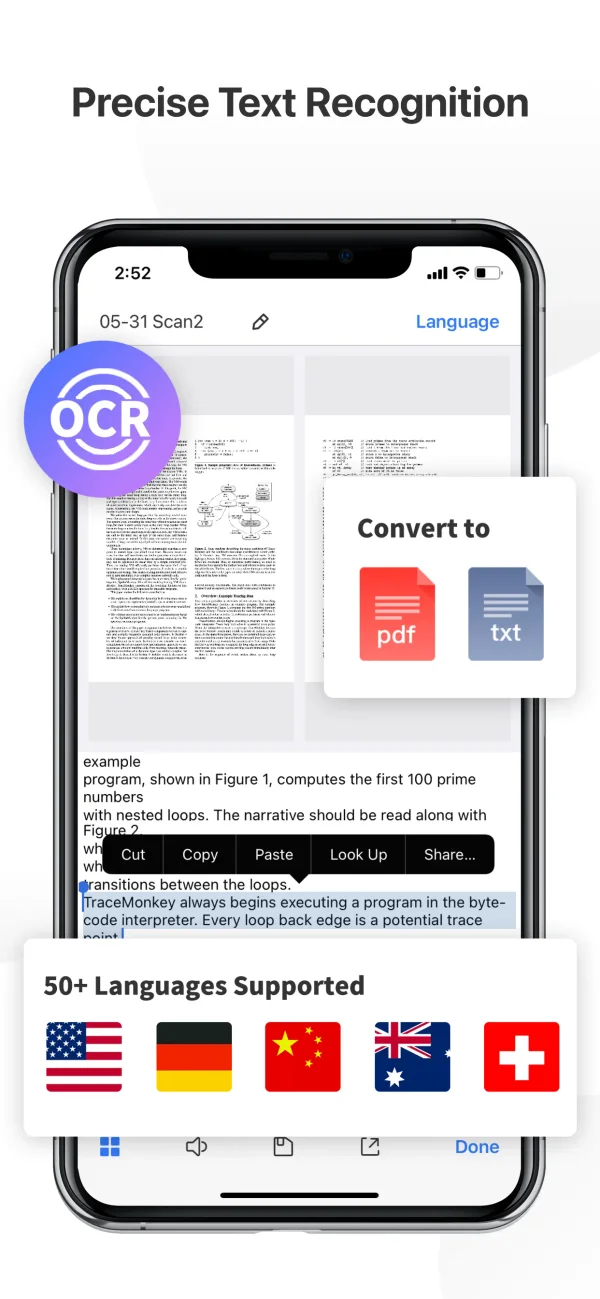
· OCR pdfs to convert scanned PDF files or pictures into editable and searchable PDFs or TXT files. 50+ languages supported!
PROTECT CONTENT WITH PASSWORD AND ENCRYPTION
・ Passcode to prevent unauthorized use of PDF Reader Pro.
・ Encrypt to protect your PDF files from unauthorized reading with a password.
SCANNER
・Make continuous scans and automatically detect edges of scanned objects.
Text-to-Speech
・ Support a total of 36 voices for 26 languages.
WORK IN THE CLOUD
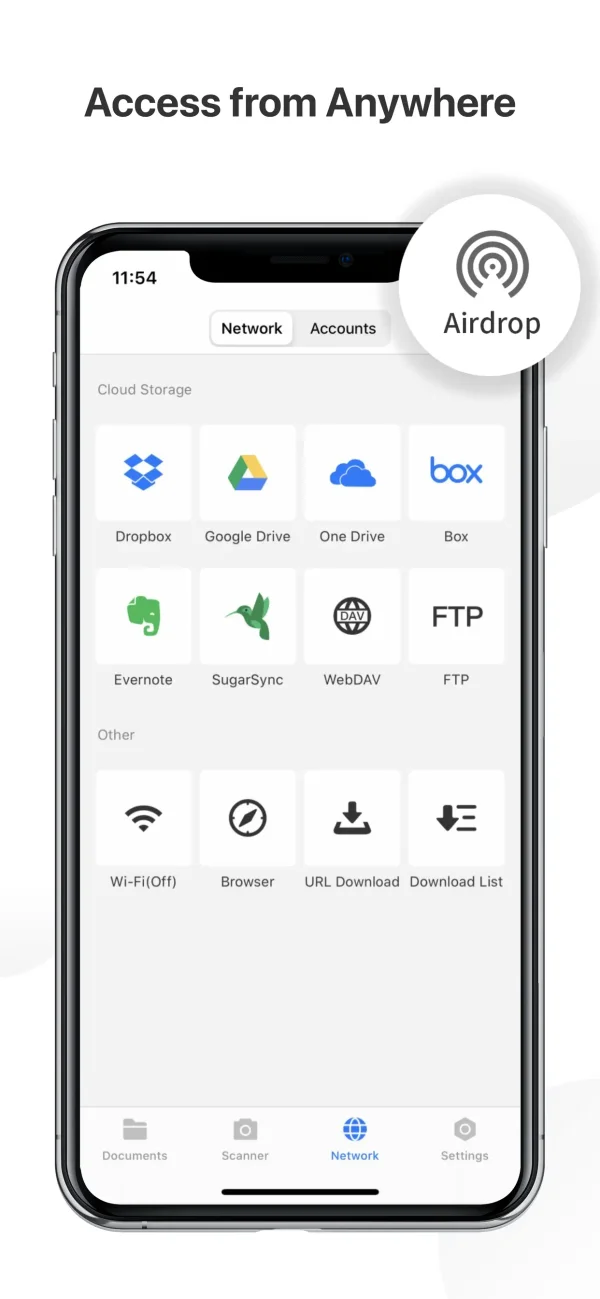
・ Store and secure files on iCloud Drive, Dropbox, OneDrive, Google Drive, Evernote, Box, FTP, WebDav, etc.
Backup Files between iOS Devices, Mac and PC
・ Connect your iPhone/iPad with a desktop for transferring files using USB or WiFi connection.
Support Various File Types
・ MS Office, iWork, image files
・ Compressed files (zip, rar)
・ audio and video files
・ Other file formats
Have any feedback? Please contact us directly at support@pdfreaderpro.com
Terms of Use: https://www.apple.com/legal/internet-services/itunes/dev/stdeula/
新機能
バージョン 3.3.0 · 2026/10/26
New Updates:
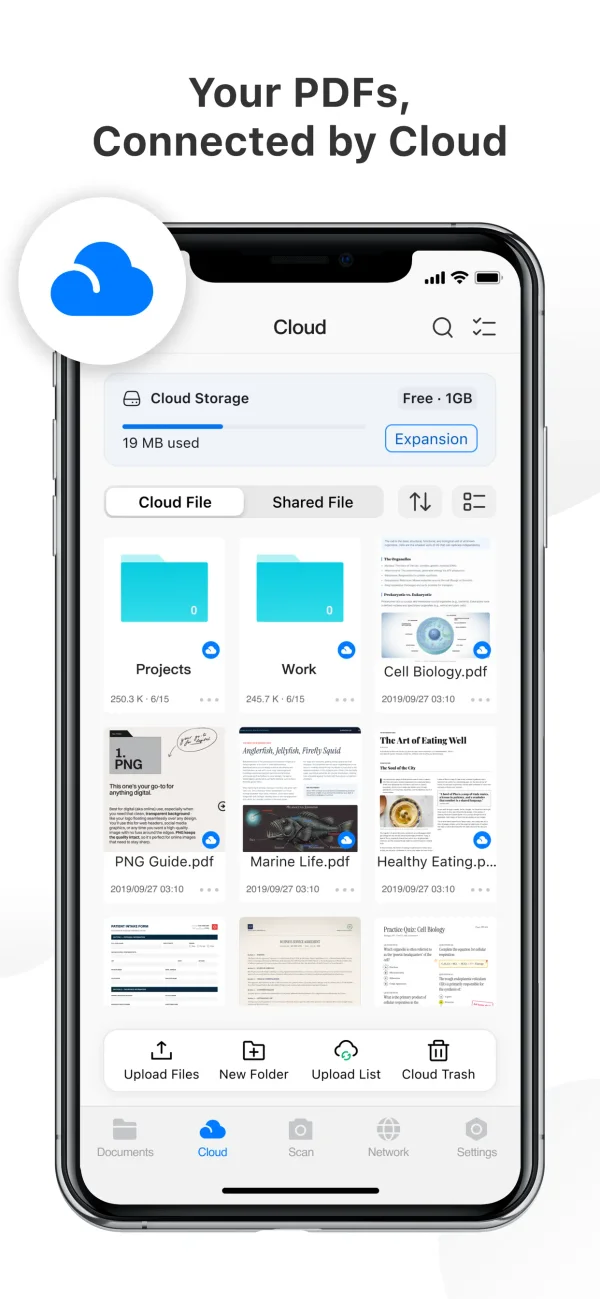
· Added Cloud Drive to upload PDF files and access documents across devices.
· Organize cloud files with folders, search, sorting, and batch actions.
· Share documents via links or email invitations, with viewing, commenting, or editing permissions.
If you want to thank our never-resting developers, please write a review or recommend PDF Reader Pro to your friends and teammates.
If you have any suggestions or feedback, please feel free to contact us at support@pdfreaderpro.com.
アプリのプライバシー
このアプリのデータの取り扱いについて、PDF Technologies, Inc.がApp Storeで申告している内容です。
-
ユーザーのトラッキングに使用されるデータ
他社のアプリやウェブサイトを横断してユーザーをトラッキングする目的で使用される場合があります。
- ID
-
ユーザーに関連付けられないデータ
収集される場合がありますが、ユーザーの識別情報には関連付けられません。
- ID
- 使用状況データ
- 診断
プライバシーの取り扱いは、ご利用の機能やお客様の年齢などに応じて異なる場合があります。
情報
- 販売元
- PDF Technologies, Inc.
- カテゴリ
- ビジネス
- バージョン
- 3.3.0
- 更新日
- 2026/10/26
- リリース
- 2014/10/8
- サイズ
- 237.9 MB
- 必要条件
- iOS 13.0以降
- 対象年齢
- 4+
- 価格
- 無料
- アプリ内課金
- あり
- 言語
- 英語, チェコ語, フランス語, ドイツ語, イタリア語, 日本語, 韓国語, ポルトガル語, ロシア語, 簡体字中国語, スペイン語, タイ語 ほか1言語
- 著作権
- © 2014-2026 PDF Technologies, Inc. All Rights Reserved.
こちらもおすすめ
-
 PDFリーダー– PDFelementPDFビューア、PDFに注釈を付ける
-
 PDF Pro - PDF編集、書き込み、PDF書類の管理PDFマークアップ、編集、共有、作業を効率的に
-
 ドキュメント用PDFリーダープロPDFの閲覧、変換、マークアップ
-
 PDF Reader : Document Reader仕事効率化
-
 Foxit PDF Editor仕事効率化
-
 PDF Export: エディター&コンバーターツール、スキャン、圧縮・結合
-
 PDF Viewer by NutrientPDFをパワフルに編集。PDFに入力して署名
-
 PDF Hero - PDFを作成・編集・書き込みPDFドキュメントリーダーアプリ
-
 PDF Reader & Editor | Xodoビジネス
-
 PDF Reader Pro Edition®Annotate,edit & sign PDFs