PDF Reader Pro – Lite Edition
Comment,Edit,Sign,Form,OCR PDF
Được thiết kế cho iPhone, iPad, iPod touch
Miễn phí · Mua hàng trong ứng dụng
- Độ tuổi4+
- Danh mụcKinh Doanh
- Nhà phát triểnPDF Technologies, Inc.
- Ngôn ngữTiếng Anh+ 12 ngôn ngữ khác
- Kích thước237,9 MB
Liên kết đến trang App Store chính thức
Download.org không lưu trữ tệp nào của PDF Reader Pro – Lite Edition. Nút này mở trang ứng dụng trên App Store, nơi PDF Technologies, Inc. phát hành ứng dụng. Trang được kiểm tra lần cuối: 15/11/2026.
Ảnh chụp màn hình
Giới thiệu
Nhà phát triển chưa cung cấp nội dung này bằng ngôn ngữ của bạn.
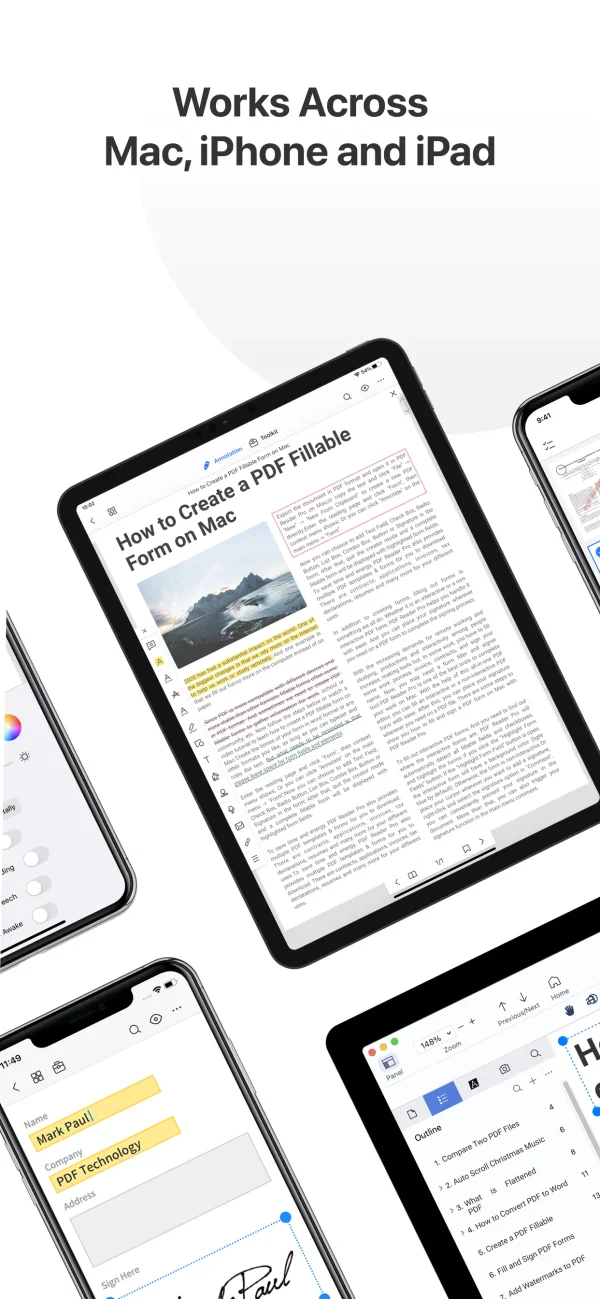
PDF Reader Pro helps much for anyone who reads, edit, highlights, OCR, signs, converts, creates, protects, compresses and fills out PDFs on their iPhone and iPad. It also makes it easy to organize, annotate and edit your PDFs. Import files from your computer or the cloud, then complete forms, add freehand drawings and audio notes and more.
PDF Reader Pro offers even more - merge and combine multiple documents, split your PDFs, insert pages from another PDF, insert photos or hyperlinks to your PDFs, Convert PDF to Word and other Microsoft Office® formats. With support for reading files from popular productivity suites, it’s a convenient way to take the office anywhere you go.
PDF Reader Pro Edition for Professional is your last choice of PDF application.
READ
・ View PDFs with various themes like night mode to comfort your eyes.
・ Choose vertically/horizontally scroll pages or single pages/two pages/book mode.
・ Support crop mode, tabbed PDF reading, continuous page view, auto scroll and more.
・ Use text-to-speech feature to read selected text with no time limits.
・ Easy content navigation with bookmarks/outlines.
・ Fast files Printing to directly print PDFs from your device.
・ DRM, supports Vitrium* protected PDF files.
ANNOTATE
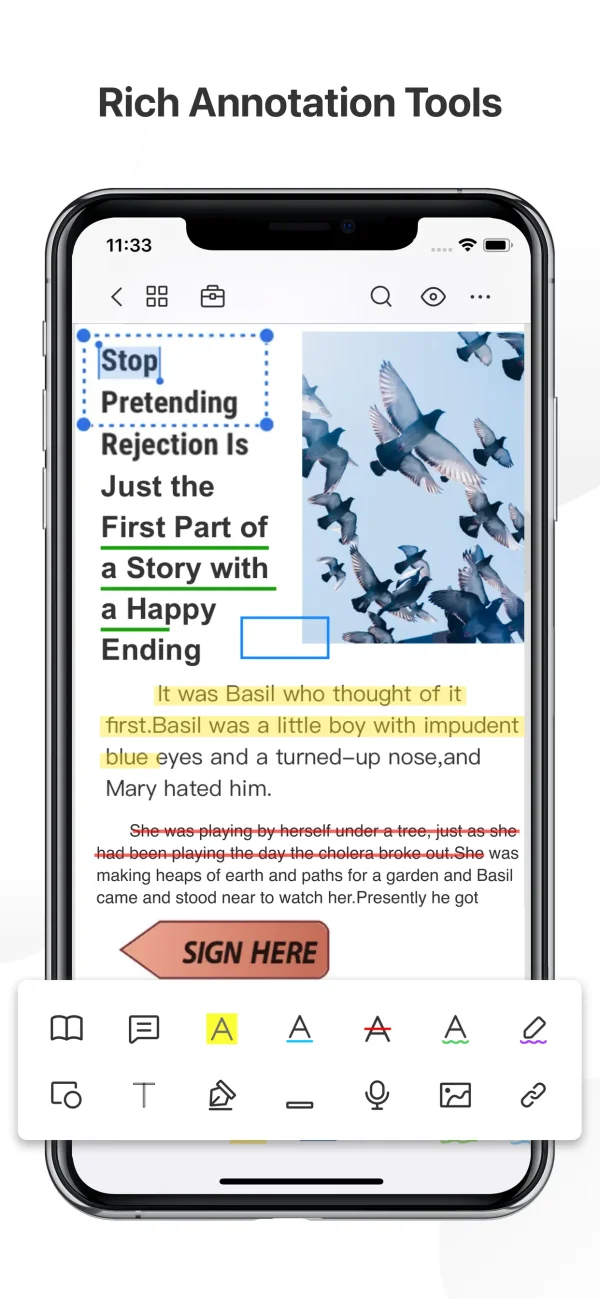
・ Annotate PDFs with highlight, underline, strikethrough, note, freehand, text box, anchored note, rectangle, circle, line etc.
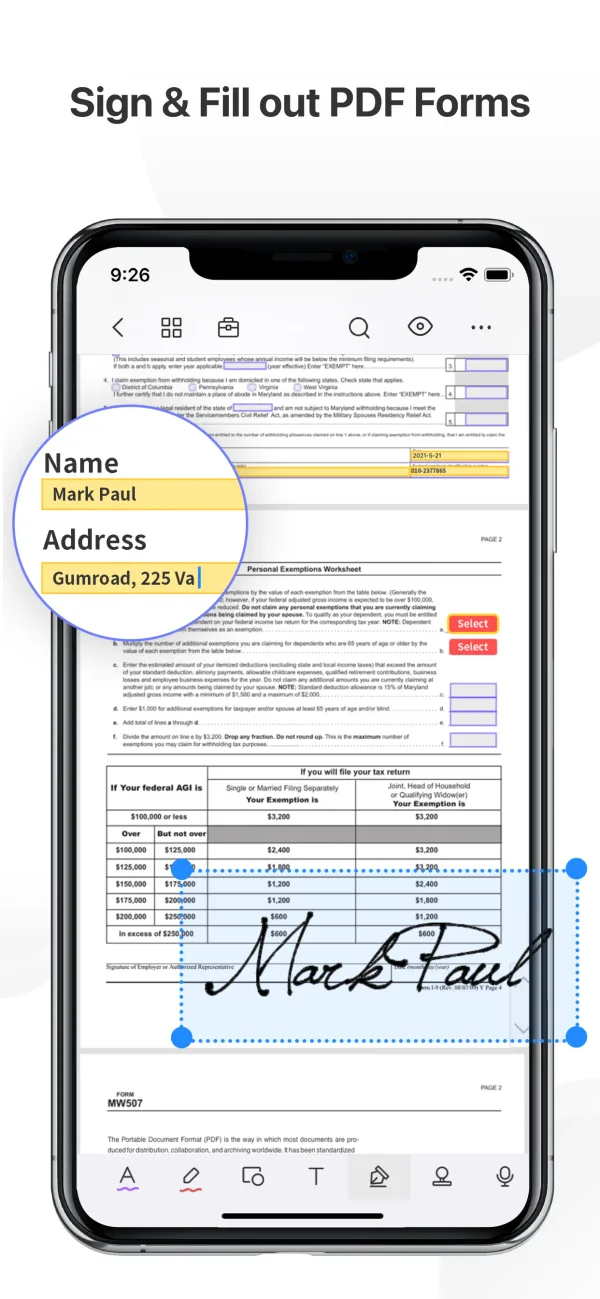
・ Create multiple signatures with trackpad, keyboard or images.
・ Insert pre-designed stamps such as Approved, Confidential and more.
・ Support to link any part of the text to a different page, email or website.
・ Share your annotated PDFs with others via PDF documents/Flattened copy/ Summary/ Original PDF.
EDIT PDF
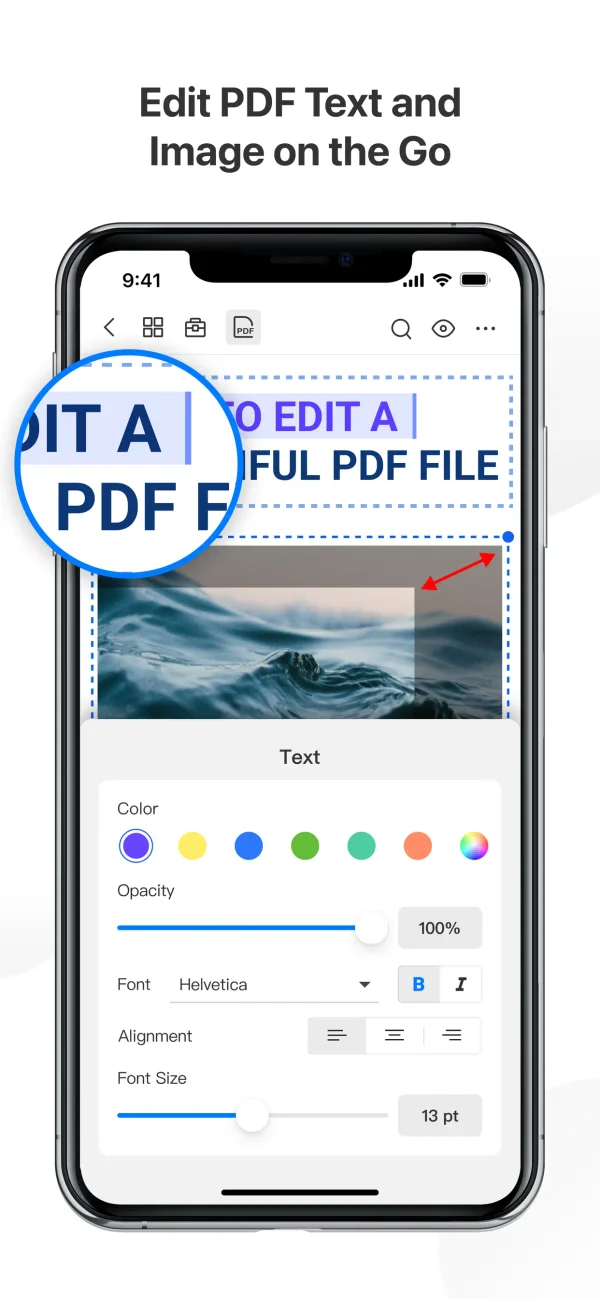
・Edit PDF text. Easily fix typos or other inaccurate content. Fast change the font color, size and style.
・Modify PDF images such as cropping, rotating, deleting, replacing, etc. Easily resize or move images for a better layout.
・Add and edit watermarks to keep your PDFs safe and professional. Watermark tiling is supported.
・Extract images from PDFs.
・Create a Flattened copy to flatten PDF to make the contents static.
PAGE EDITOR
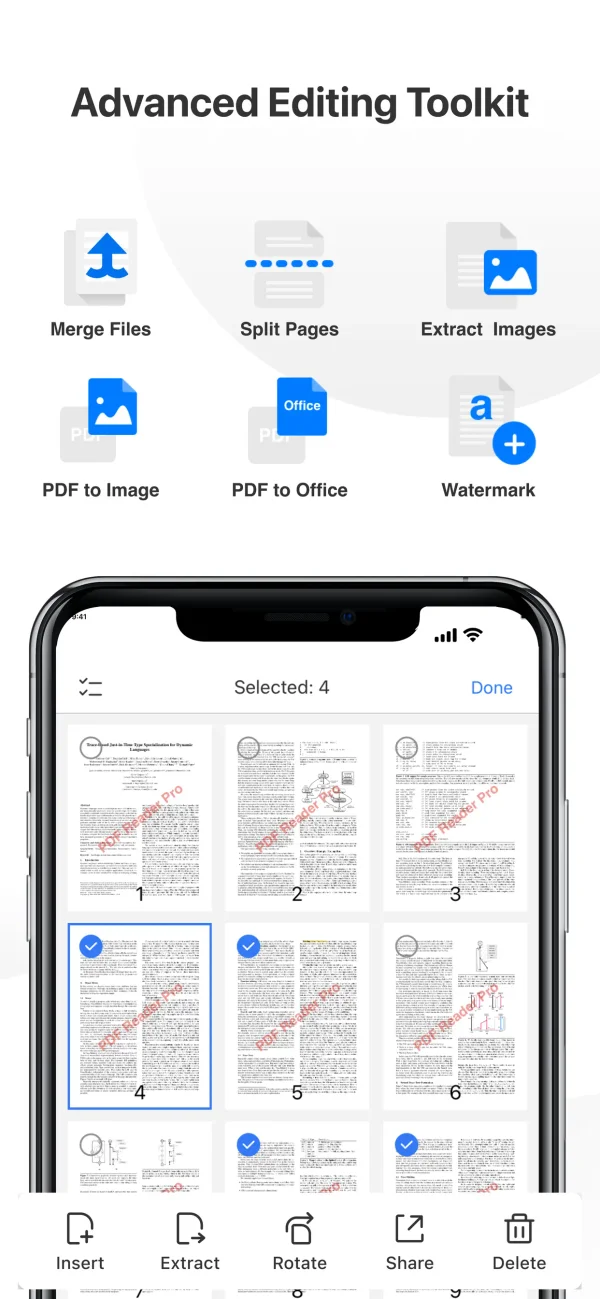
・ Merge & Split PDFs available, split documents into multiple documents or combine multiple pages into a new one.
・ Extract the desired pages to create a new PDF.
・ Insert blank pages / another PDF to import specified content.
・ Rotate, rearrange, add, and delete PDF pages.
Fill FORMS
・ Work with static PDF forms created in Adobe Acrobat.
・ Fill out any PDF forms with interactive fields such as text fields, checkboxes, radio buttons, combo boxes, list boxes, etc.
CONVERT PDF
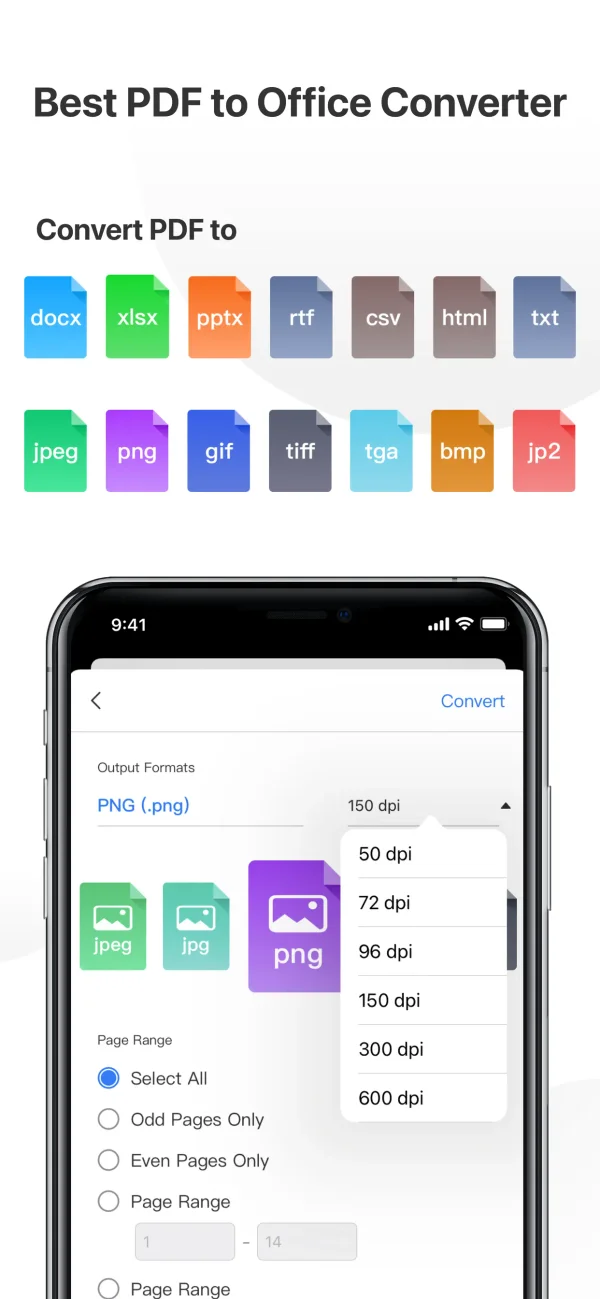
· Export from PDF to Microsoft Word (.docx), PowerPoint (.pptx), Excel (.xlsx), RTF, Text, Image, HTML, CSV, and more Offline.
・ Convert MS Office documents, iWorks, web content, and images to PDFs.
・ Create a new PDF as a blank PDF / from your clipboard content.
COMPRESS PDFs
・ Compress large PDFs to reduce file size. PDF size-reduction for easily sharing.
OCR
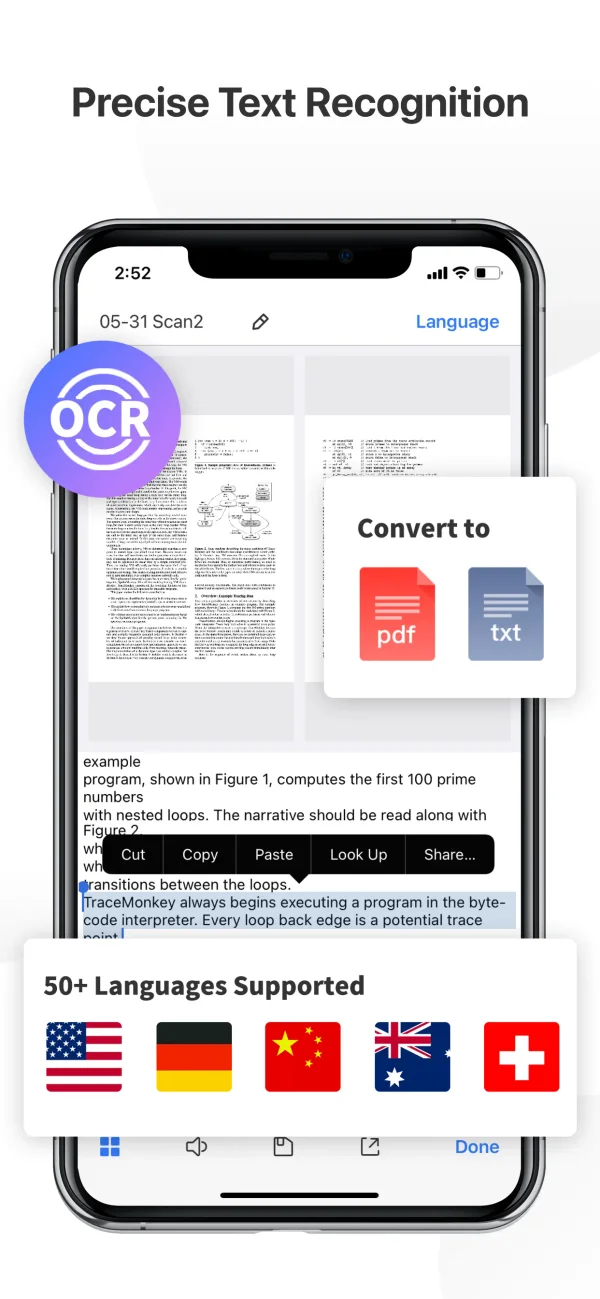
· OCR pdfs to convert scanned PDF files or pictures into editable and searchable PDFs or TXT files. 50+ languages supported!
PROTECT CONTENT WITH PASSWORD AND ENCRYPTION
・ Passcode to prevent unauthorized use of PDF Reader Pro.
・ Encrypt to protect your PDF files from unauthorized reading with a password.
SCANNER
・Make continuous scans and automatically detect edges of scanned objects.
Text-to-Speech
・ Support a total of 36 voices for 26 languages.
WORK IN THE CLOUD
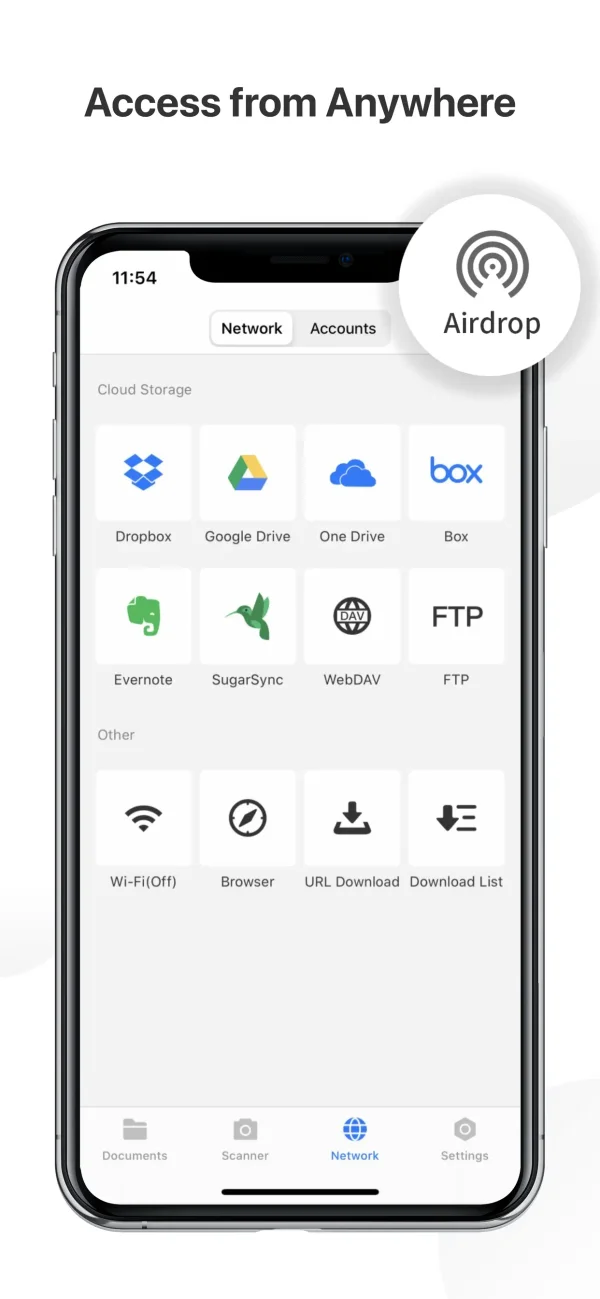
・ Store and secure files on iCloud Drive, Dropbox, OneDrive, Google Drive, Evernote, Box, FTP, WebDav, etc.
Backup Files between iOS Devices, Mac and PC
・ Connect your iPhone/iPad with a desktop for transferring files using USB or WiFi connection.
Support Various File Types
・ MS Office, iWork, image files
・ Compressed files (zip, rar)
・ audio and video files
・ Other file formats
Have any feedback? Please contact us directly at support@pdfreaderpro.com
Terms of Use: https://www.apple.com/legal/internet-services/itunes/dev/stdeula/
Có gì mới
Phiên bản 3.3.0 · 26/10/2026
New Updates:
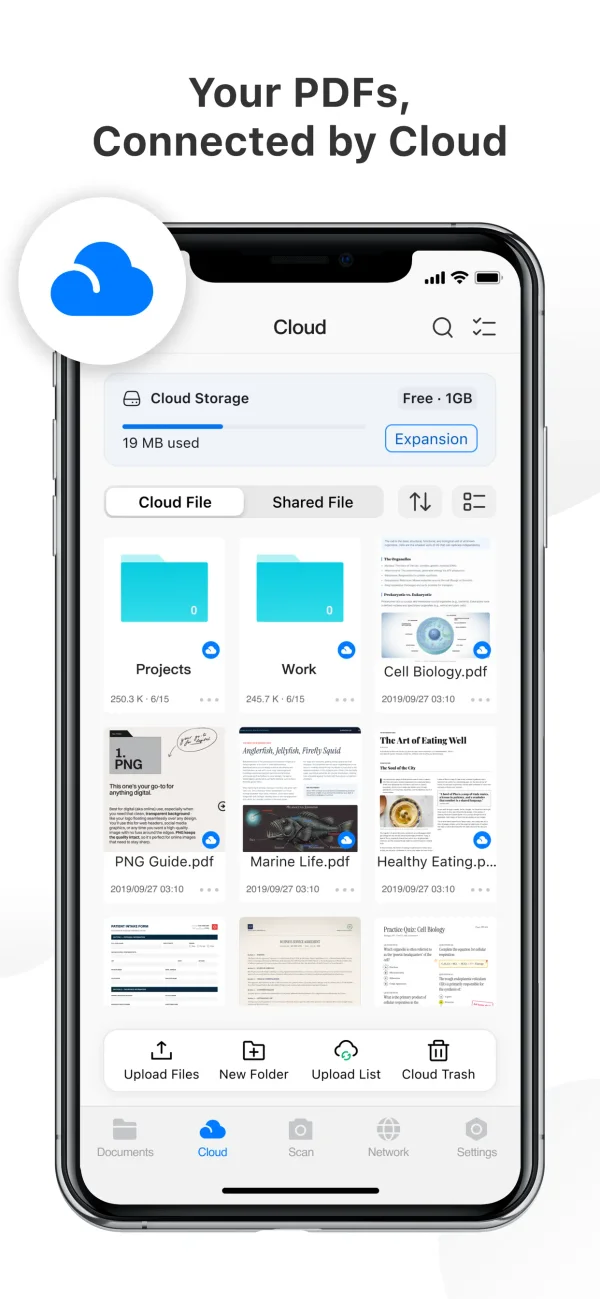
· Added Cloud Drive to upload PDF files and access documents across devices.
· Organize cloud files with folders, search, sorting, and batch actions.
· Share documents via links or email invitations, with viewing, commenting, or editing permissions.
If you want to thank our never-resting developers, please write a review or recommend PDF Reader Pro to your friends and teammates.
If you have any suggestions or feedback, please feel free to contact us at support@pdfreaderpro.com.
Quyền riêng tư của ứng dụng
Những gì PDF Technologies, Inc. khai báo trên App Store về cách ứng dụng này xử lý dữ liệu.
-
Dữ liệu được sử dụng để theo dõi bạn
Có thể được sử dụng để theo dõi bạn trên các ứng dụng và trang web do công ty khác sở hữu.
- Mã định danh
-
Dữ liệu không liên kết với bạn
Có thể được thu thập nhưng không liên kết với danh tính của bạn.
- Mã định danh
- Dữ liệu sử dụng
- Chẩn đoán
Phương thức đảm bảo quyền riêng tư có thể khác nhau, chẳng hạn như tuỳ theo các tính năng bạn sử dụng hoặc độ tuổi của bạn.
Thông tin
- Người bán
- PDF Technologies, Inc.
- Danh mục
- Kinh Doanh
- Phiên bản
- 3.3.0
- Cập nhật
- 26/10/2026
- Phát hành
- 08/10/2014
- Kích thước
- 237,9 MB
- Yêu cầu
- iOS 13.0 trở lên
- Độ tuổi
- 4+
- Giá
- Miễn phí
- Mua hàng trong ứng dụng
- Có
- Ngôn ngữ
- Tiếng Anh, Tiếng Séc, Tiếng Pháp, Tiếng Đức, Tiếng Ý, Tiếng Nhật, Tiếng Hàn, Tiếng Bồ Đào Nha, Tiếng Nga, Tiếng Trung Giản thể, Tiếng Tây Ban Nha, Tiếng Thái + 1 ngôn ngữ khác
- Bản quyền
- © 2014-2026 PDF Technologies, Inc. All Rights Reserved.
Có thể bạn cũng thích
-
 PDF Reader – PDFelementHiệu Suất
-
 PDF Pro - Reader Editor FormsHiệu Suất
-
 PDF Reader Pro for DocumentHiệu Suất
-
 PDF Reader : Document ReaderHiệu Suất
-
 Foxit PDF EditorHiệu Suất
-
 PDF Export: Editor & ConverterHiệu Suất
-
 PDF Viewer by NutrientHiệu Suất
-
 PDF Hero - Đọc PDFTạo và chỉnh sửa tài liệu PDF
-
 PDF Reader & Editor | XodoKinh Doanh
-
 PDF Reader Pro Edition®Kinh Doanh