PDF Scanner - Scan Doc & Edit
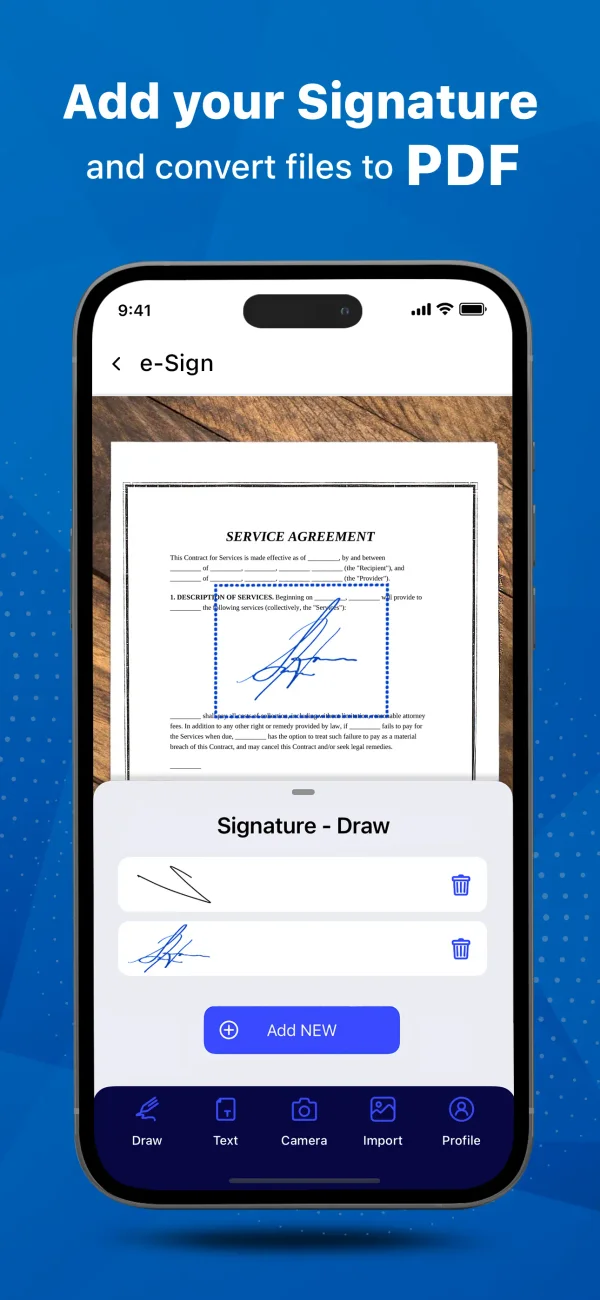
Fill & Sign & Edit Documents
iPhone, iPad, iPod touch向けに設計
無料 · アプリ内課金
- 対象年齢4+
- カテゴリビジネス
- 開発元Romman Smart Applications LLC
- 言語英語ほか1言語
- サイズ97.7 MB
App Storeの公式ページにリンクしています
Download.orgはPDF Scanner - Scan Doc & Editのファイルを一切ホストしていません。ボタンを押すと、Romman Smart Applications LLCが公開しているApp Storeのアプリページが開きます。ページの最終確認:2026/11/12。
スクリーンショット

概要
開発元はこのテキストをお使いの言語で提供していません。
Scan, Convert, and Organize — All in One Powerful PDF Scanner App
Turn your iPhone device into a high-performance document scanner. With PDF Scanner, you can instantly scan, convert, and manage all types of documents — anytime, anywhere. Say goodbye to bulky scanners and enjoy full control over your files in your pocket.
Quick & Clear Scanning:
Capture anything from receipts to reports in seconds. The Document Scanner app delivers high-quality PDF scans with edge detection and auto-cropping for a crisp, professional finish.
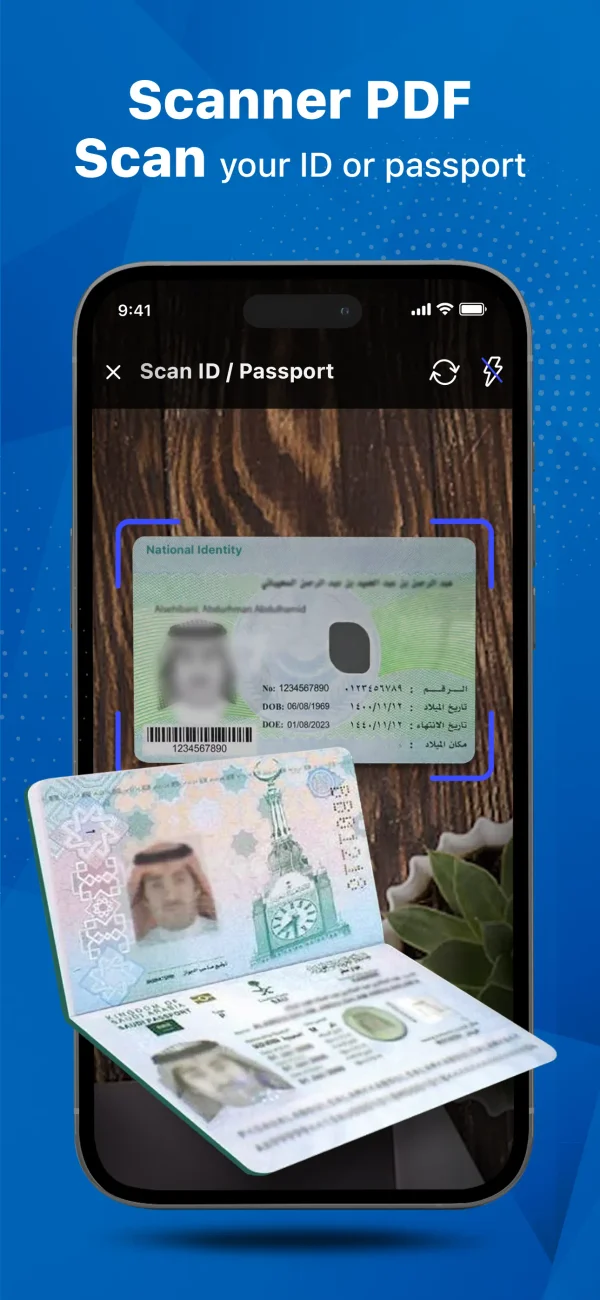
ID & Photo Scanning:
Need a digital copy of your ID or a passport photo? PDF Scanner makes it easy to scan and save official documents in ID-card format, ready to share or print when you need them most.
Scan Books with Ease:
Scan entire books one page at a time and merge them into a single, easy-to-read PDF. Perfect for students, researchers, and avid readers who want a digital library on the go.
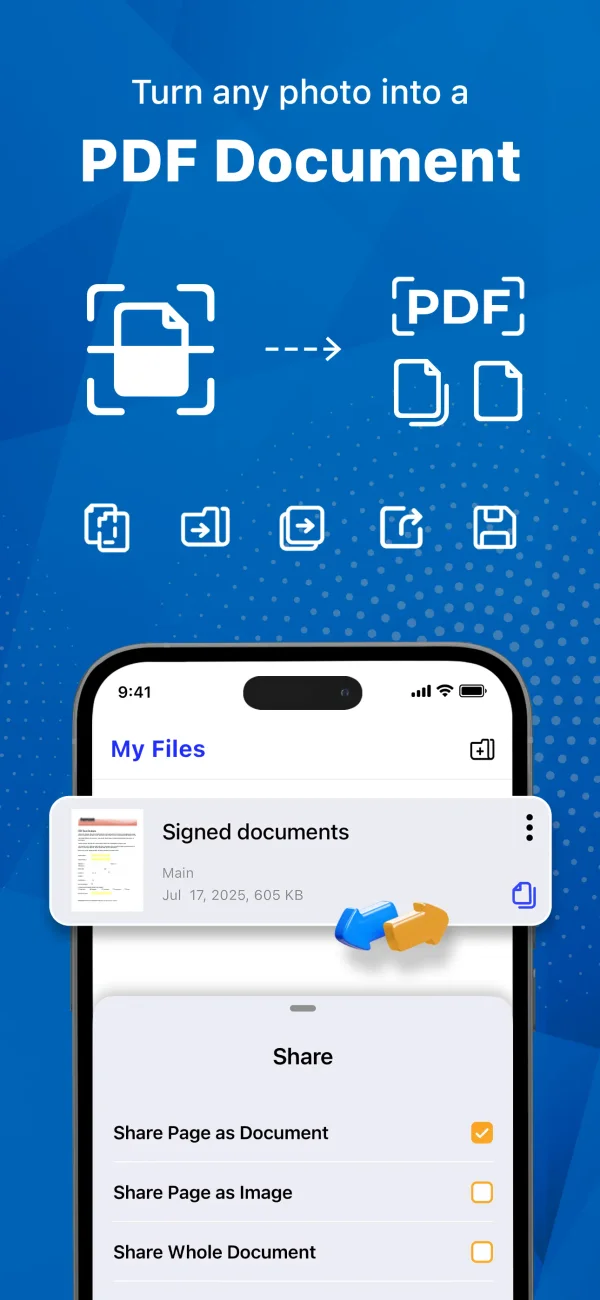
Image to PDF Converter:
Snap a photo and turn it into a polished PDF file in moments. Whether it's a whiteboard, handwritten note, or sketch — PDF Creator transforms images into neat, shareable documents.
Merge & Split PDFs:
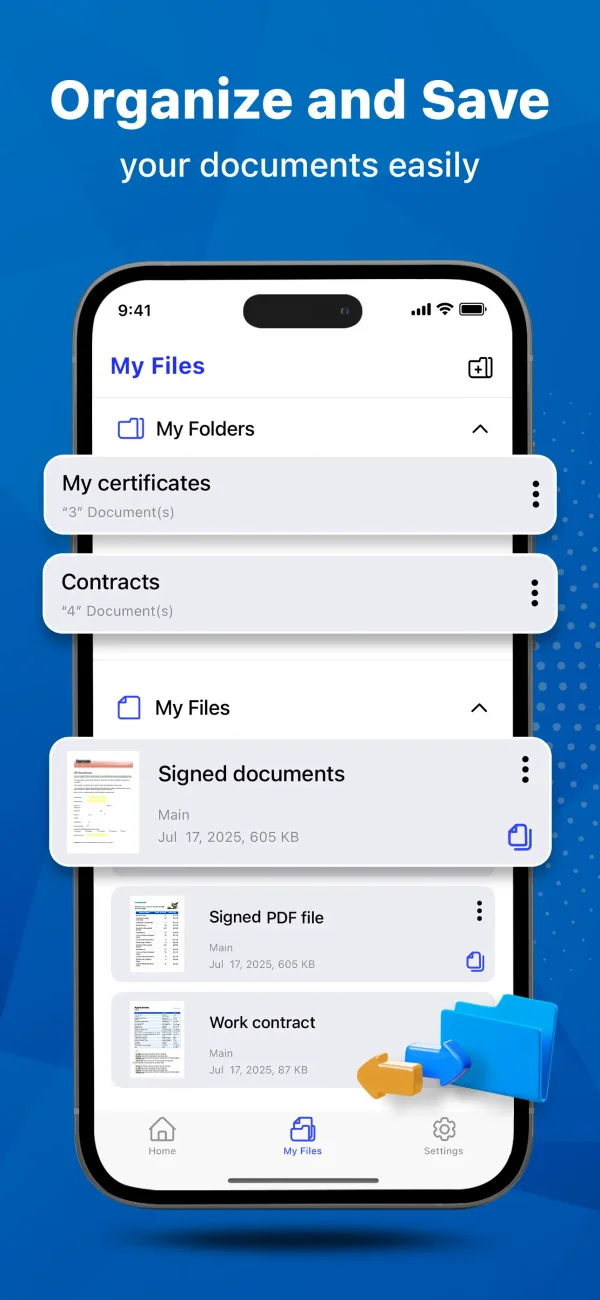
Combine multiple scans into one PDF or split a large file into separate documents. Perfect for organizing projects, contracts, or multi-page notes.
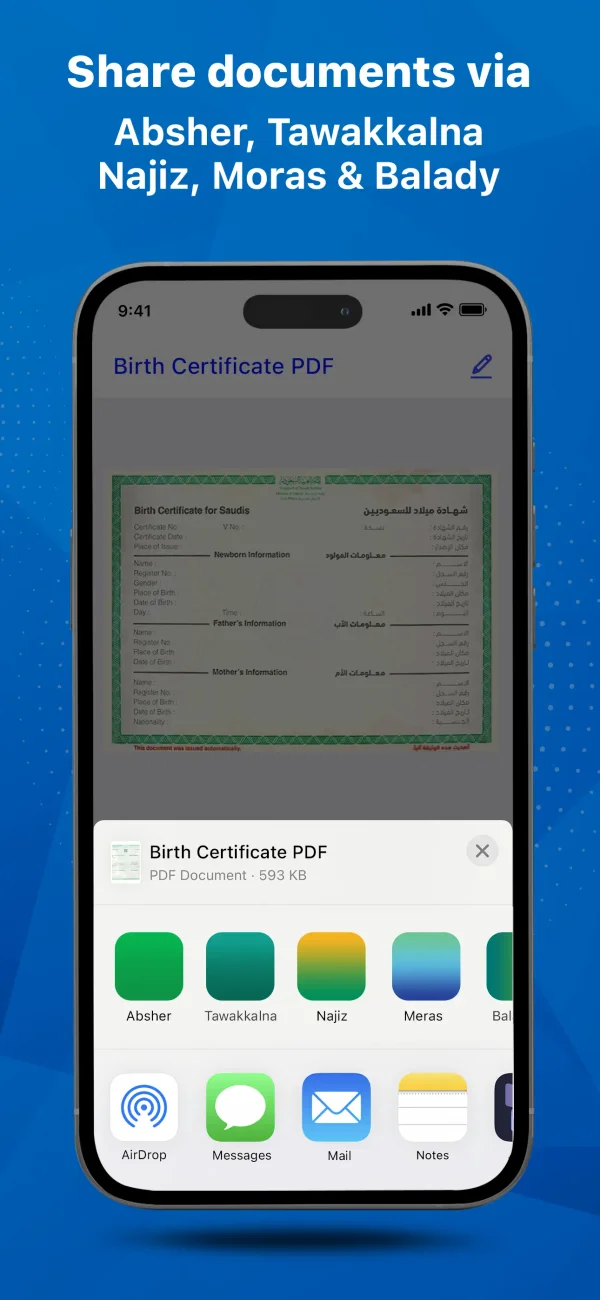
One-Tap Sharing:
Send your PDFs instantly via email, messaging apps, or upload to the cloud. Sharing your documents is as easy as scanning them.
-- “Remove Ads” Subscription --
- Enjoy the app without the interruption of any ads.
Your payment will be charged to your iTunes account at confirmation of purchase. Your subscription will automatically renew each month 24-hours before the end of the current period, and your credit card will be charged through your iTunes account unless auto-renew is turned off at least 24-hours before the end of the current period. You can turn off auto-renew at any time from your iTunes account settings. Any unused portion of a free trial period, if offered, will be forfeited when you purchase a subscription to that publication, where applicable.
Privacy Policy: https://scanner.rommanapps.com/policies/privacy/
Our Paid Services And Subscription Terms of Use: https://scanner.rommanapps.com/policies/terms/
新機能
バージョン 2.1 · 2025/8/2
We’ve made important improvements to make your scanning faster, smoother, and more reliable.
アプリのプライバシー
このアプリのデータの取り扱いについて、Romman Smart Applications LLCがApp Storeで申告している内容です。
-
ユーザーのトラッキングに使用されるデータ
他社のアプリやウェブサイトを横断してユーザーをトラッキングする目的で使用される場合があります。
- 使用状況データ
-
ユーザーに関連付けられないデータ
収集される場合がありますが、ユーザーの識別情報には関連付けられません。
- ID
- 使用状況データ
- 診断
プライバシーの取り扱いは、ご利用の機能やお客様の年齢などに応じて異なる場合があります。
情報
- 販売元
- Romman Smart Applications LLC
- カテゴリ
- ビジネス
- バージョン
- 2.1
- 更新日
- 2025/8/2
- リリース
- 2022/8/31
- サイズ
- 97.7 MB
- 必要条件
- iOS 14.0以降
- 対象年齢
- 4+
- 価格
- 無料
- アプリ内課金
- あり
- 言語
- 英語, アラビア語
- 著作権
- © Romman Smart Applications LLC