PDF Scanner - Scan Doc & Edit
Fill & Sign & Edit Documents
Designed for iPhone, iPad, iPod touch
Free · In-app purchases
- Age rating4+
- CategoryBusiness
- DeveloperRomman Smart Applications LLC
- LanguagesEnglish+ 1 more
- Size97.7 MB
Links to the official App Store page
Download.org hosts no file of PDF Scanner - Scan Doc & Edit. The button opens its official App Store page, published by Romman Smart Applications LLC. Listing last checked on Nov 12, 2026.
Screenshots
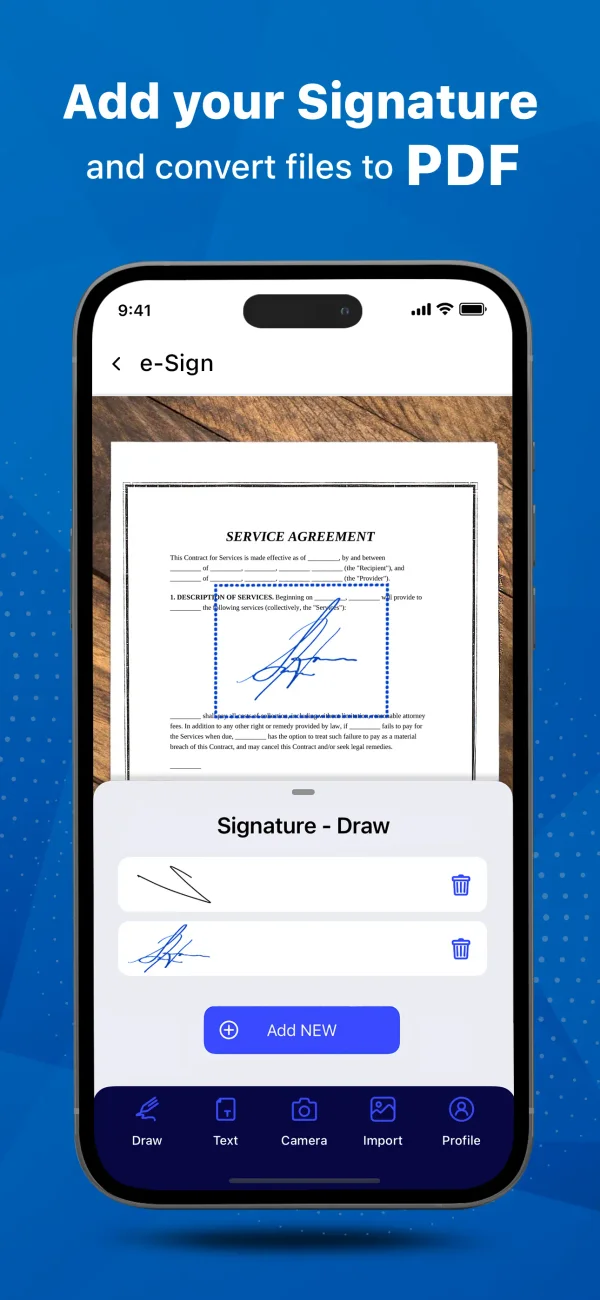

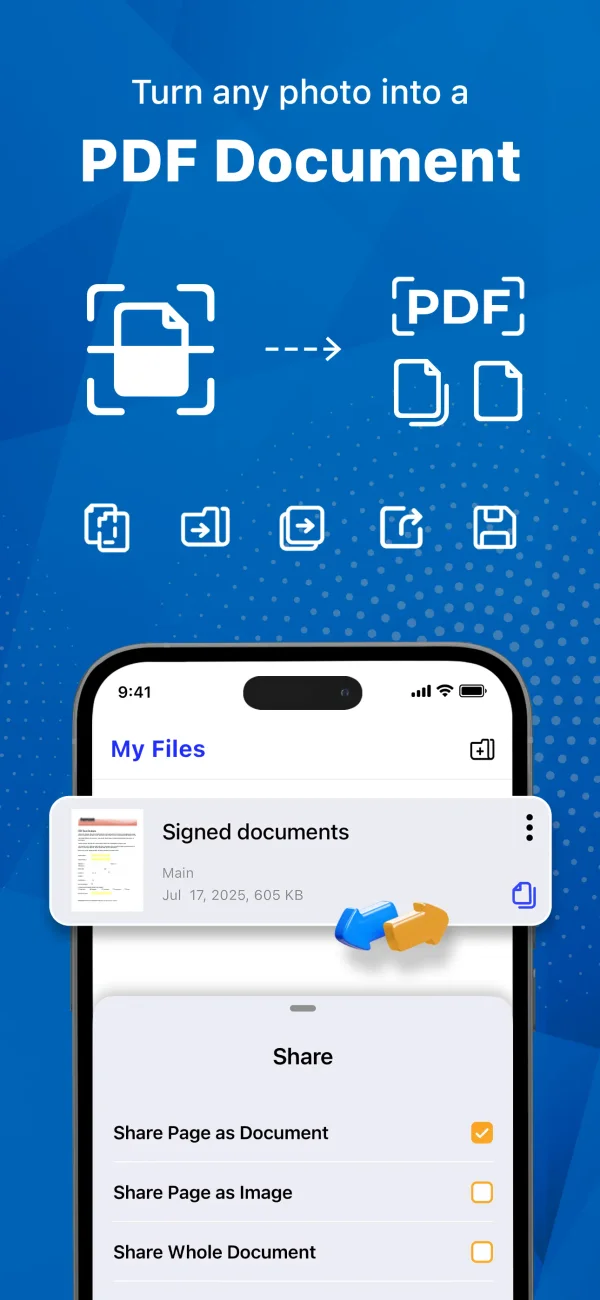
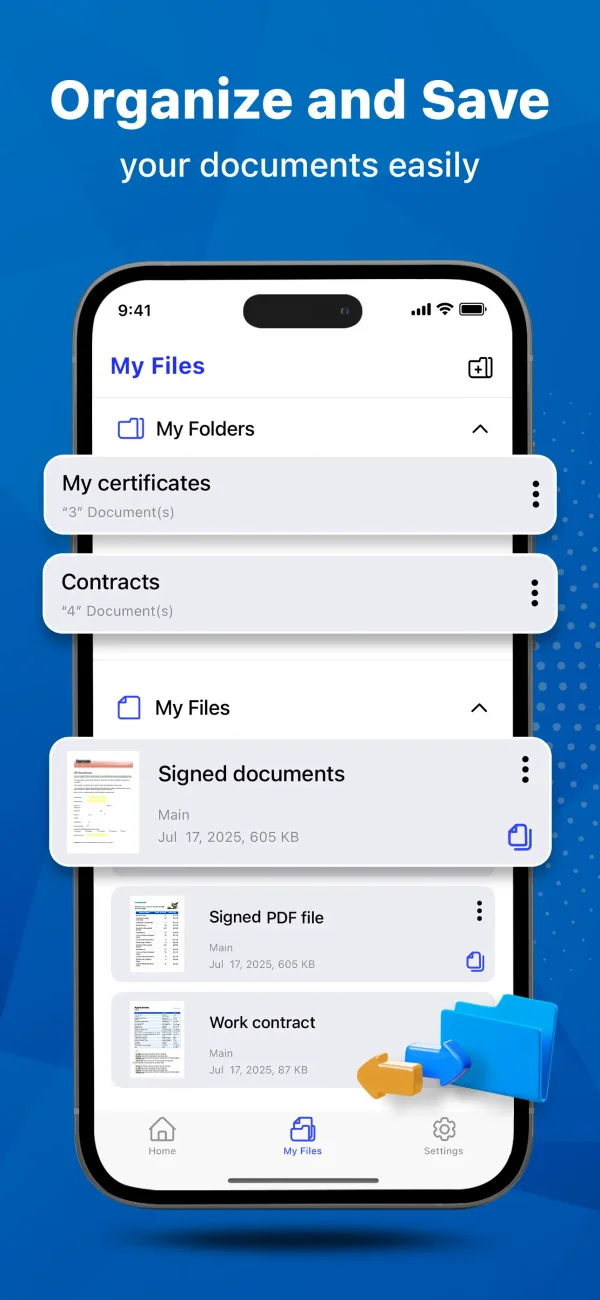
About
Scan, Convert, and Organize — All in One Powerful PDF Scanner App
Turn your iPhone device into a high-performance document scanner. With PDF Scanner, you can instantly scan, convert, and manage all types of documents — anytime, anywhere. Say goodbye to bulky scanners and enjoy full control over your files in your pocket.
Quick & Clear Scanning:
Capture anything from receipts to reports in seconds. The Document Scanner app delivers high-quality PDF scans with edge detection and auto-cropping for a crisp, professional finish.
ID & Photo Scanning:
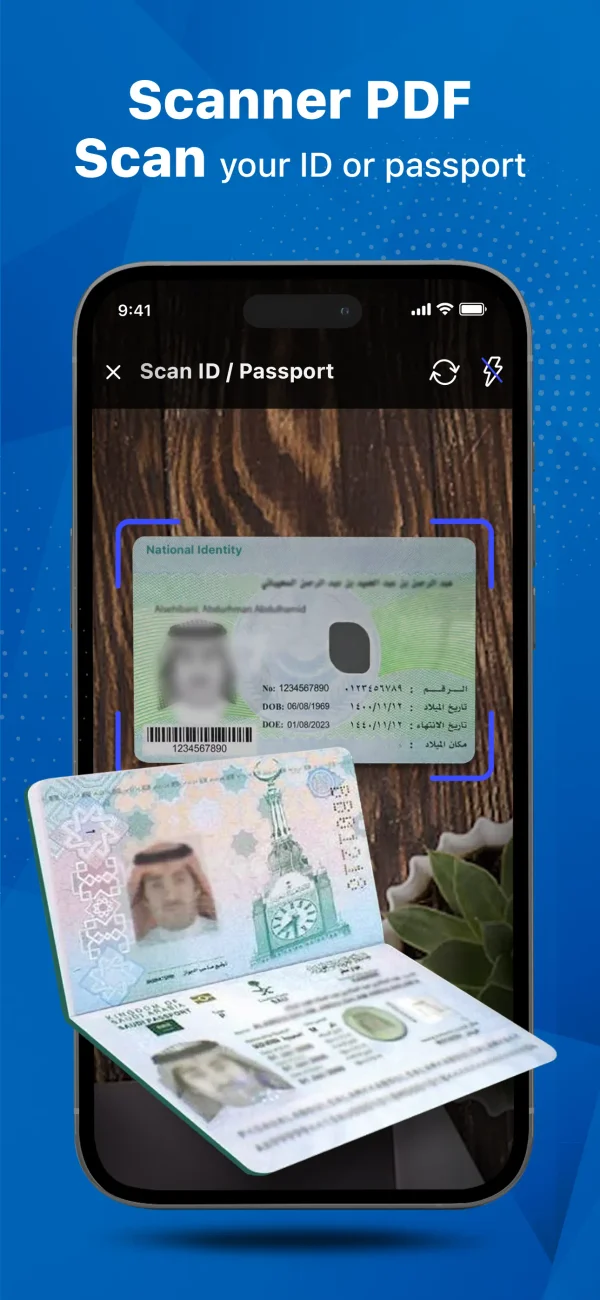
Need a digital copy of your ID or a passport photo? PDF Scanner makes it easy to scan and save official documents in ID-card format, ready to share or print when you need them most.
Scan Books with Ease:
Scan entire books one page at a time and merge them into a single, easy-to-read PDF. Perfect for students, researchers, and avid readers who want a digital library on the go.
Image to PDF Converter:
Snap a photo and turn it into a polished PDF file in moments. Whether it's a whiteboard, handwritten note, or sketch — PDF Creator transforms images into neat, shareable documents.
Merge & Split PDFs:
Combine multiple scans into one PDF or split a large file into separate documents. Perfect for organizing projects, contracts, or multi-page notes.
One-Tap Sharing:
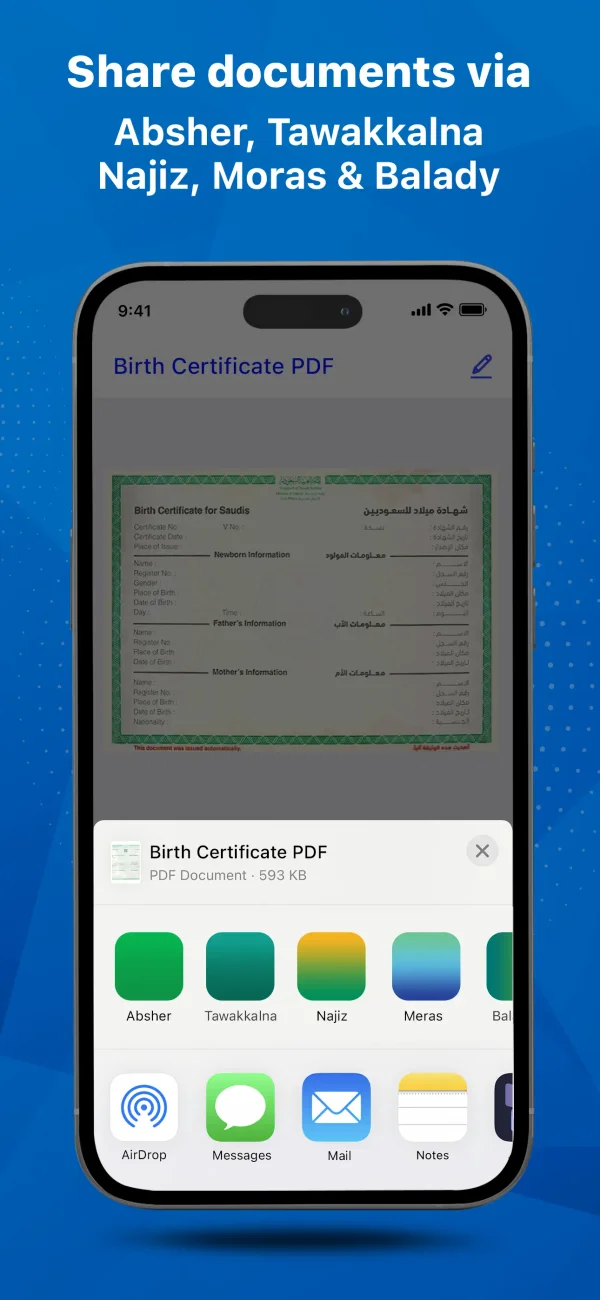
Send your PDFs instantly via email, messaging apps, or upload to the cloud. Sharing your documents is as easy as scanning them.
-- “Remove Ads” Subscription --
- Enjoy the app without the interruption of any ads.
Your payment will be charged to your iTunes account at confirmation of purchase. Your subscription will automatically renew each month 24-hours before the end of the current period, and your credit card will be charged through your iTunes account unless auto-renew is turned off at least 24-hours before the end of the current period. You can turn off auto-renew at any time from your iTunes account settings. Any unused portion of a free trial period, if offered, will be forfeited when you purchase a subscription to that publication, where applicable.
Privacy Policy: https://scanner.rommanapps.com/policies/privacy/
Our Paid Services And Subscription Terms of Use: https://scanner.rommanapps.com/policies/terms/
What’s new
Version 2.1 · Aug 2, 2025
We’ve made important improvements to make your scanning faster, smoother, and more reliable.
App privacy
What Romman Smart Applications LLC declares on the App Store about how this app handles data.
-
Data used to track you
May be used to track you across apps and websites owned by other companies.
- Usage data
-
Data not linked to you
May be collected but is not linked to your identity.
- Identifiers
- Usage data
- Diagnostics
Privacy practices may vary, for example with the features you use or your age.
Information
- Seller
- Romman Smart Applications LLC
- Category
- Business
- Version
- 2.1
- Updated
- Aug 2, 2025
- Released
- Aug 31, 2022
- Size
- 97.7 MB
- Requires
- iOS 14.0 or later
- Age rating
- 4+
- Price
- Free
- In-app purchases
- Yes
- Languages
- English, Arabic
- Copyright
- © Romman Smart Applications LLC
You might also like
-
 Tawqi3i: e-SignatureSign Documents and Contracts
-
 PDF Compress - Size CompressorReduce PDF Size, compressor
-
 التوقيع الالكترونيBusiness
-
 Sign Zone Easy e Signature AppFill out Documents & PDF Form
-
 Fill & Sign: PDF Filler EditorElectronic E-Signature Maker
-
 PDF NOW: PDF Editor & ScanPDF converter, scan & sign
-
 أسواق المحسنBusiness
-
 alinma irFinance
-
 sahem ساهمساهم
-
 PDF Editor-Scan & ConverterScan Documents, Fill & eSign