PDF Splitter - Split PDF
pdf splitter + pdf merge
iPhone, iPad, Mac, iPod touch向けに設計
無料 · アプリ内課金
- 対象年齢4+
- カテゴリ仕事効率化
- 開発元Muhammad Awais Younas
- 言語英語
- サイズ46.4 MB
App Storeの公式ページにリンクしています
Download.orgはPDF Splitter - Split PDFのファイルを一切ホストしていません。ボタンを押すと、Muhammad Awais Younasが公開しているApp Storeのアプリページが開きます。ページの最終確認:2026/11/22。
スクリーンショット


概要
開発元はこのテキストをお使いの言語で提供していません。
Split PDF files easily with PDF Splitter – Split PDF, the ultimate tool to break down your PDF documents into smaller, organized parts. Whether you want to extract specific pages, divide by custom ranges, split even or odd pages, or break a document into fixed chunks, this app gives you complete control over your PDFs.
Designed with simplicity and power in mind, PDF Splitter is ideal for students, teachers, professionals, and anyone who handles PDF documents regularly. With support for all standard PDFs, this tool makes it easier than ever to manage large files.
Main Features:
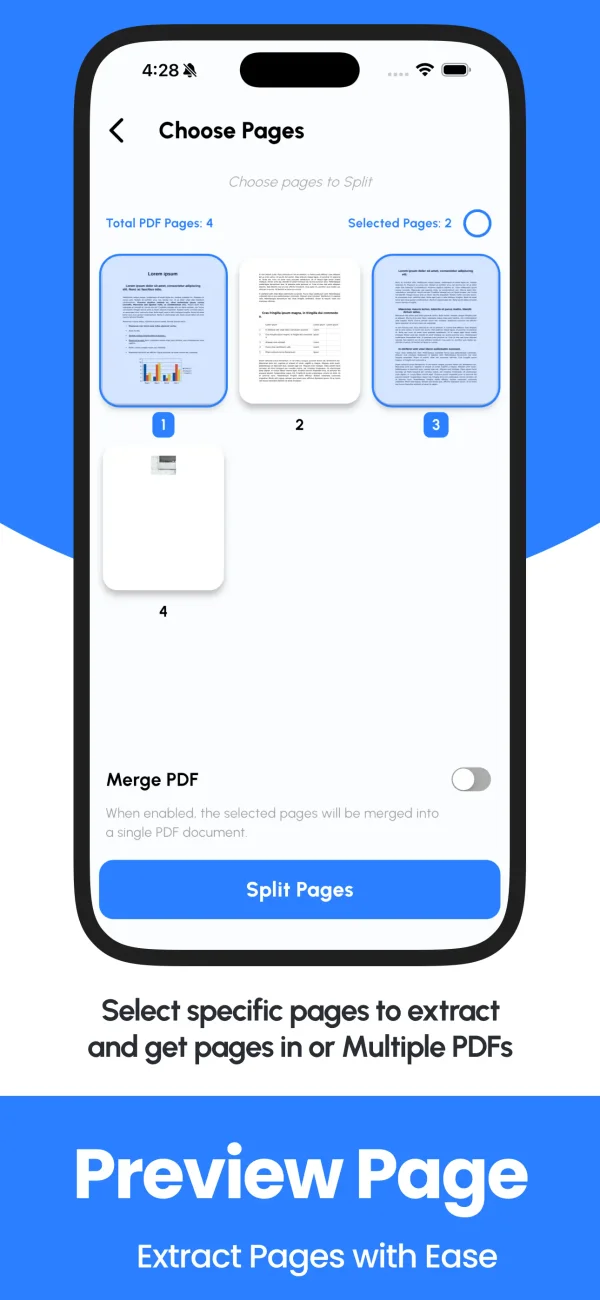
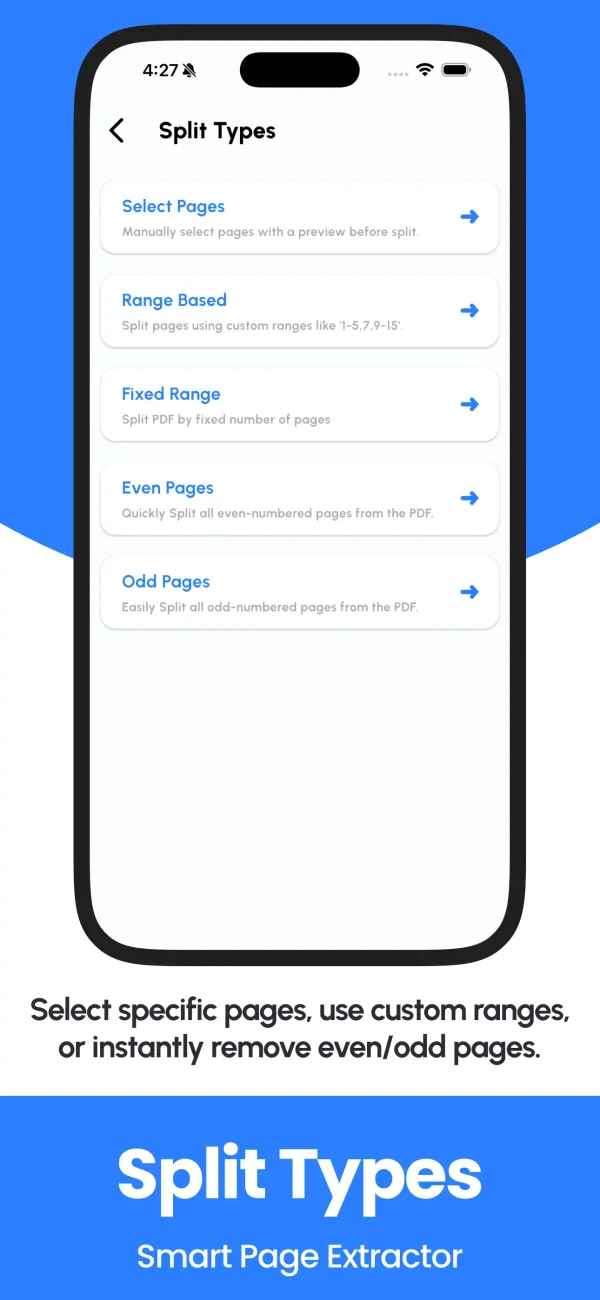
Page Select Mode
Manually enter page numbers like “1, 3, 5” to extract and split specific pages from any PDF document.
Page Range Mode
Split your PDF using custom ranges such as “1-5, 8-10” and create new documents with just the parts you need.
Fixed Range Split
Enter a fixed number (like 2 or 3), and the app automatically divides the file into equal parts. Example: a 10-page PDF with range “2” generates 5 files of 2 pages each.
Even Page Split
Extract only the even-numbered pages from a document (2, 4, 6...)
Odd Page Split
Extract only the odd-numbered pages (1, 3, 5...)
Why Use PDF Splitter – Split PDF?
Easy to Use: Simple and intuitive interface designed for all users.
Fast Performance: Split large PDFs within seconds.
100% Offline: No internet connection needed. Your files stay on your device.
Versatile Split Options: Choose from 5 powerful modes.
Works with All PDFs: Compatible with scanned files, eBooks, work documents, and more.
No Limits or Watermarks: Get full functionality without restrictions.
Perfect For:
Splitting large PDF eBooks or reports
Extracting specific pages for printing
Separating invoices, forms, or chapters
Organizing school or office documents
Saving only needed parts from a long PDF
PDF Splitter – Split PDF is the only app you need to extract, divide, or manage your PDF documents. Forget complex software and online tools. This all-in-one PDF splitting tool works fully offline and keeps your files private and secure.
Download now and unlock powerful PDF splitting right from your iPhone or iPad!
Terms of Use: https://codifyappsprivacy.blogspot.com/p/terms-of-use.html
新機能
バージョン 1.2 · 2026/5/15
PDF TOOLS ADDITION
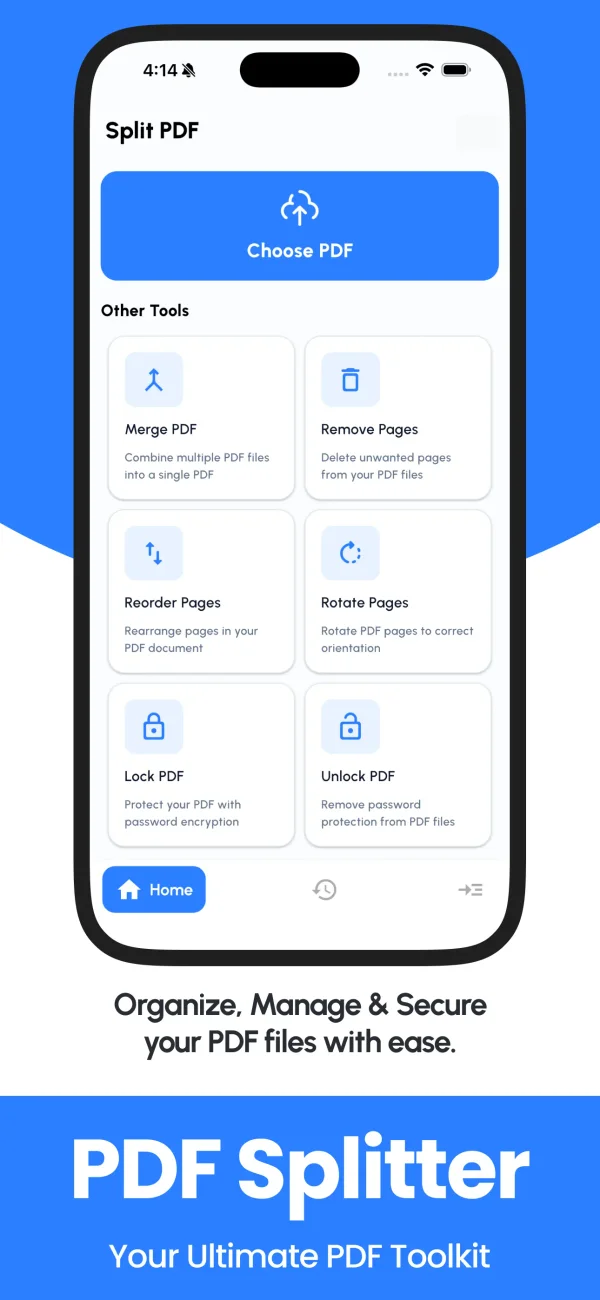
PDF Merger & Joiner: Seamlessly combine multiple reports, invoices, or projects into a single professional file.
Remove PDF Pages: Precisely remove specific pages in just a single click.
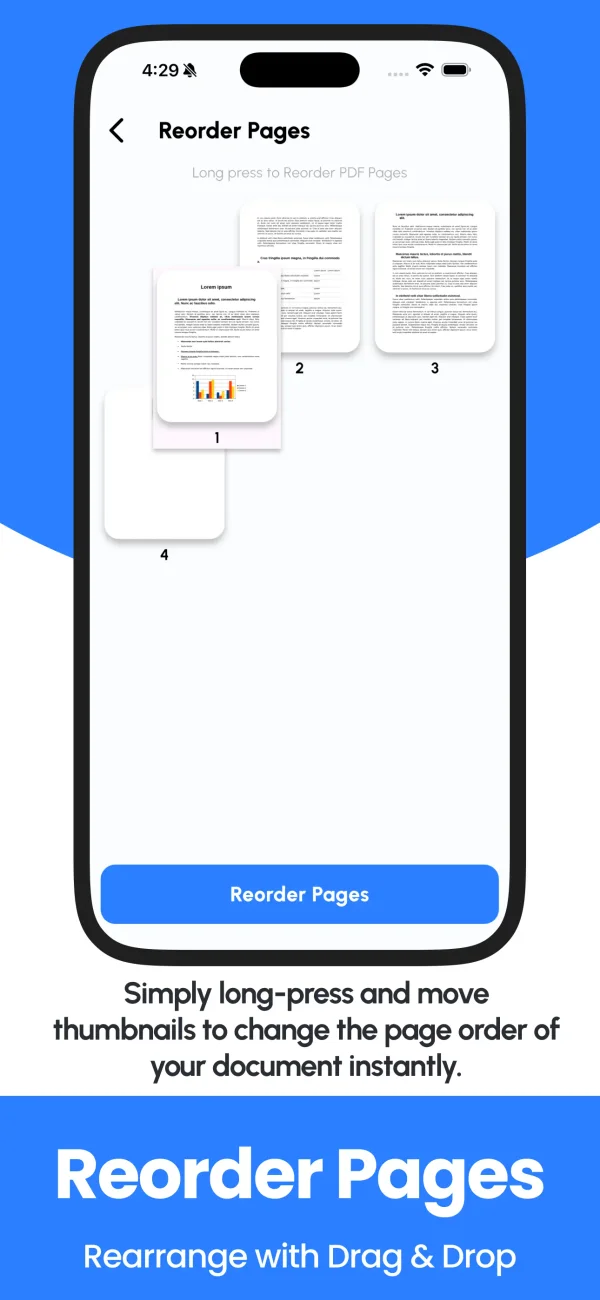
Organize & Reorder: Use easy drag-and-drop to fix page sequences or Rotate scans for the perfect orientation.
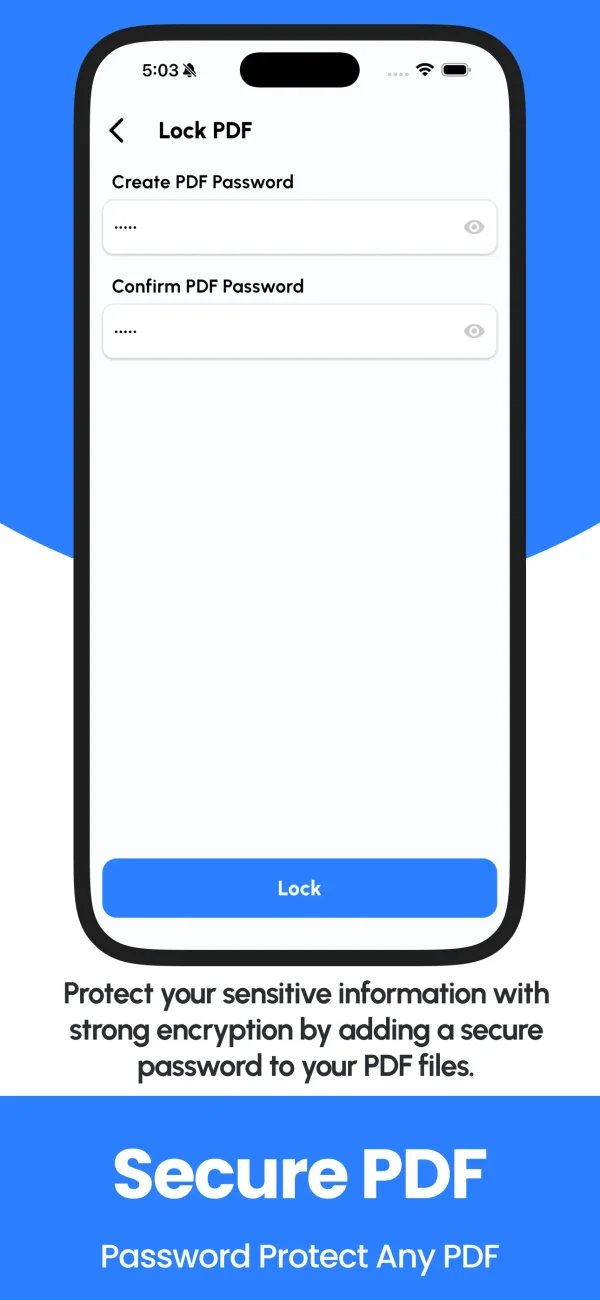
Advanced Security: Lock sensitive PDFs with password encryption or Unlock restricted documents for easier editing.
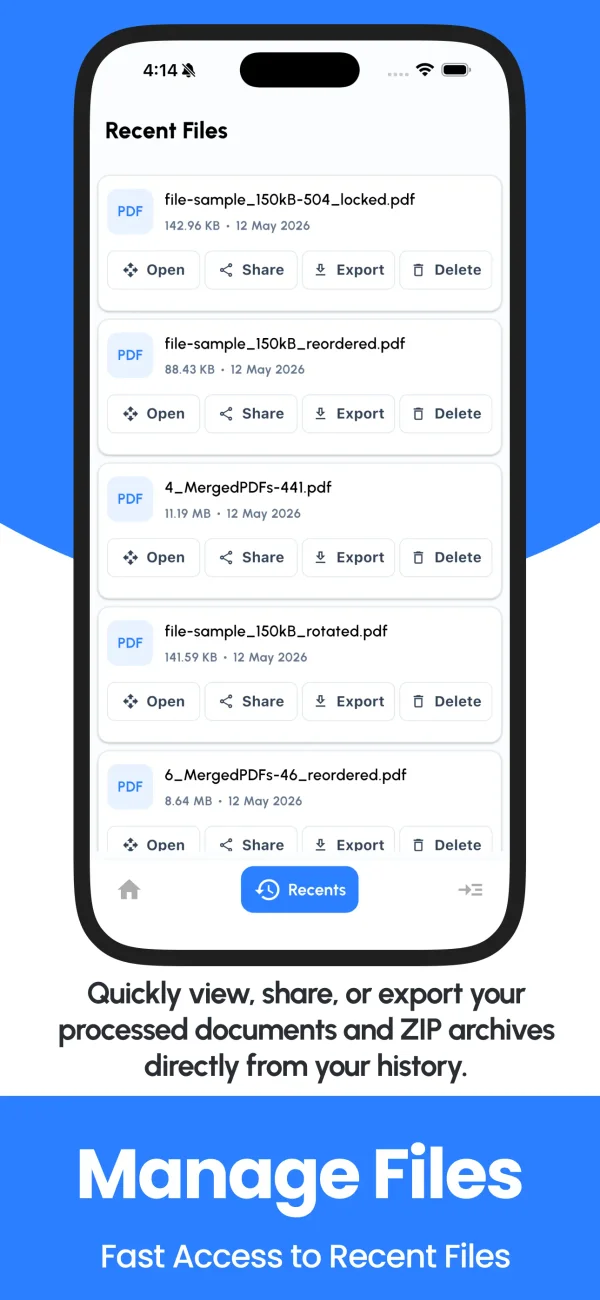
Quick Management: Track your work with a dedicated "Recent Files" history tab to share, rename, or export instantly.
アプリのプライバシー
このアプリのデータの取り扱いについて、Muhammad Awais YounasがApp Storeで申告している内容です。
-
ユーザーに関連付けられないデータ
収集される場合がありますが、ユーザーの識別情報には関連付けられません。
- ID
プライバシーの取り扱いは、ご利用の機能やお客様の年齢などに応じて異なる場合があります。
情報
- 販売元
- Muhammad Awais Younas
- カテゴリ
- 仕事効率化
- バージョン
- 1.2
- 更新日
- 2026/5/15
- リリース
- 2025/4/24
- サイズ
- 46.4 MB
- 必要条件
- iOS 13.0以降
- 対象年齢
- 4+
- 価格
- 無料
- アプリ内課金
- あり
- 言語
- 英語
- 著作権
- © Muhammad Awais Younas
こちらもおすすめ
-
 PDF Splitter 2025仕事効率化
-
 PDF Splitter + PDF Merge仕事効率化
-
 SplitPDF -iReadPDF仕事効率化
-
 pdf merge, split, delete, swap仕事効率化
-
 PDF Splitter by OpenSquare仕事効率化
-
 Split PDF: Extract Pages仕事効率化
-
 PDF分割 - ページ抽出・切り出し範囲・奇数偶数・Nページで分ける
-
 PDF ファイルを数秒でマージして結合しますPDFの結合、分割、圧縮、ロック解除、スキャン、PDFの編集
-
 PDF Combiner - PDF結合・分割・変換写真・画像をPDFに変換、スキャナー
-
 EPUB To PDF App仕事効率化