PDF Studio: Scan & Edit Docs
Sign, Convert, Compress Files
iPhone, iPad向けに設計
無料 · アプリ内課金
- 対象年齢4+
- カテゴリ仕事効率化
- 開発元Boris Spiro
- 言語ロシア語ほか2言語
- サイズ6.0 MB
App Storeの公式ページにリンクしています
Download.orgはPDF Studio: Scan & Edit Docsのファイルを一切ホストしていません。ボタンを押すと、Boris Spiroが公開しているApp Storeのアプリページが開きます。ページの最終確認:2026/11/12。
スクリーンショット
概要
開発元はこのテキストをお使いの言語で提供していません。
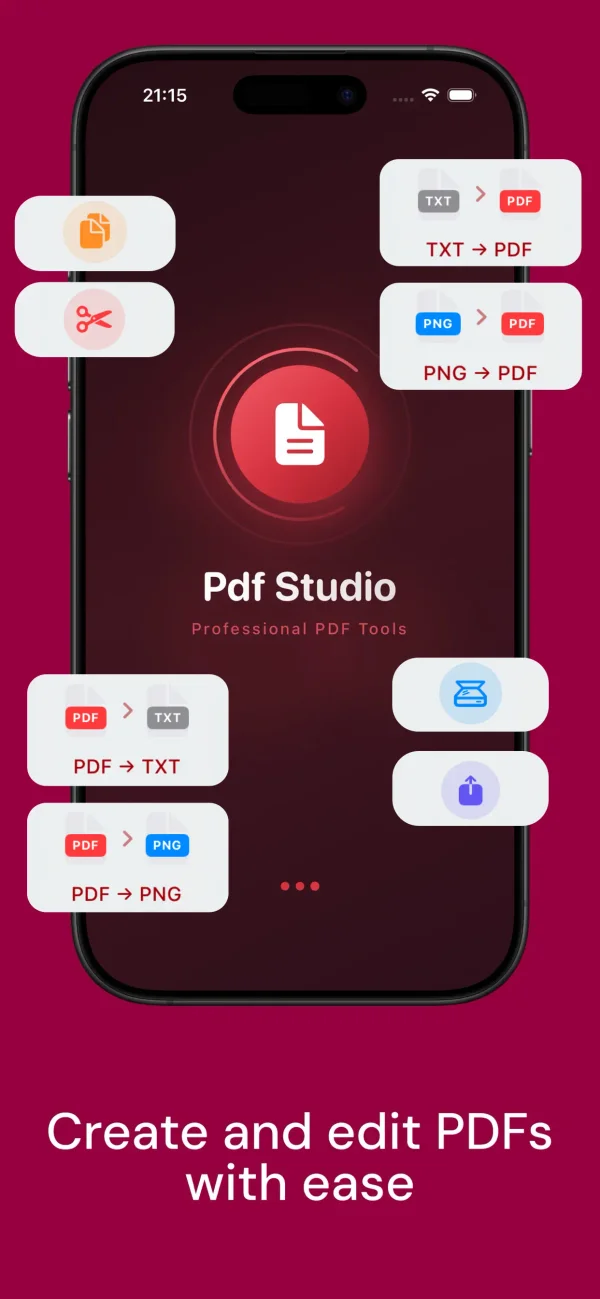
PDF Studio — your complete PDF solution for iPhone and iPad. Scan, edit, sign, convert, and manage documents with professional-grade tools, all in one app.
SCAN & DIGITIZE
• Intelligent document scanner with auto-edge detection
• Multi-page scanning in seconds
• High-quality PDF output from any paper document
EDIT & ANNOTATE
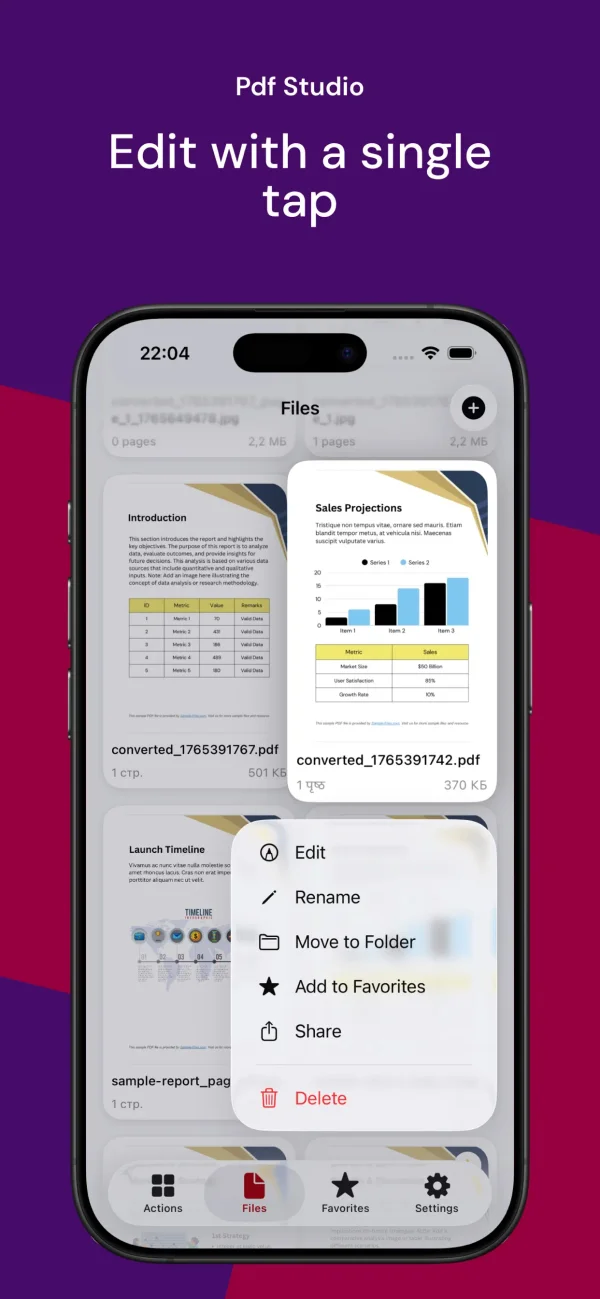
• Add text, images, and shapes to any PDF
• Highlight, underline, and strike through text
• Draw and sketch with precision tools
• Reorder, rotate, and delete pages
SIGN DOCUMENTS
• Create and save multiple signatures
• Sign contracts, forms, and agreements instantly
• Professional digital signatures
CONVERT ANYTHING
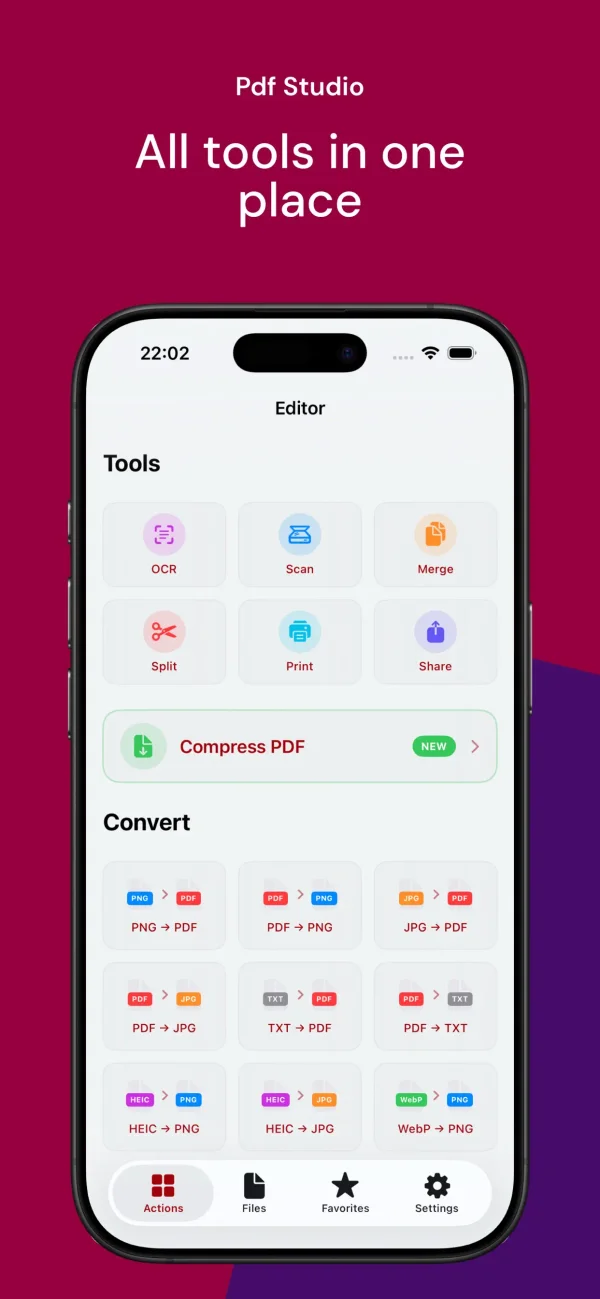
• PNG, JPG, HEIC, WebP → PDF
• PDF → PNG, JPG images
• TXT ↔ PDF conversion
• Batch convert multiple files
COMPRESS & OPTIMIZE
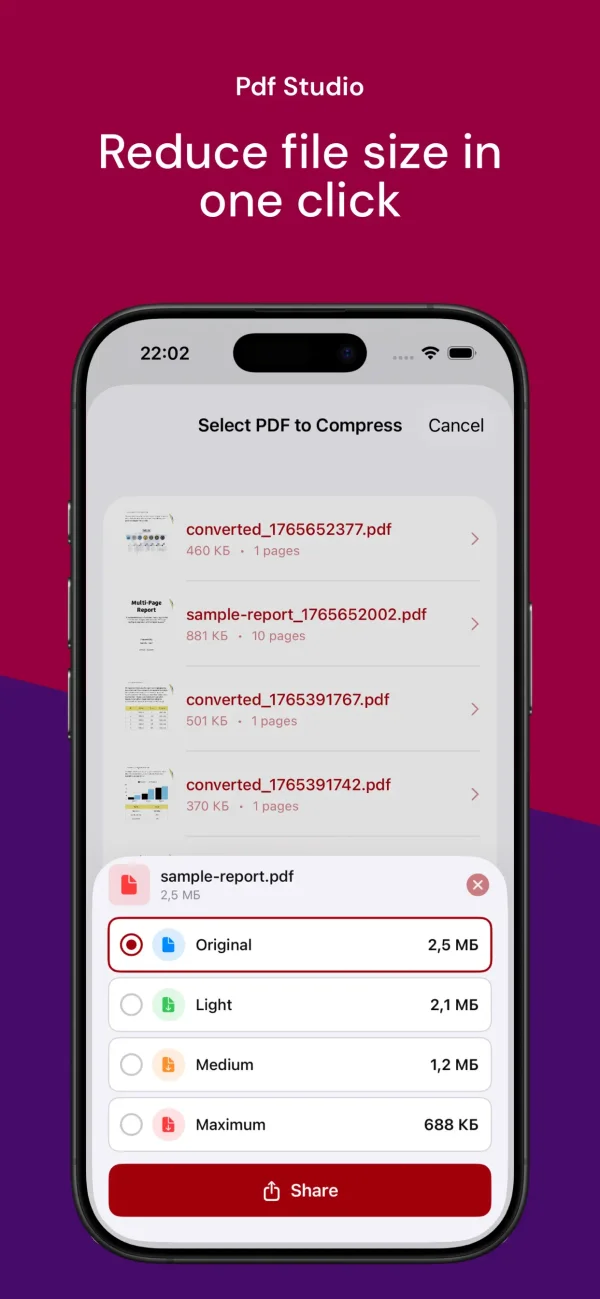
• Reduce PDF size up to 70%
• Three compression levels: Light, Medium, Maximum
• Perfect for email attachments and sharing
POWERFUL TOOLS
• OCR: Extract text from images and scans
• Merge: Combine multiple PDFs into one
• Split: Separate PDF into individual pages
• Print: Direct printing to any AirPrint device
ORGANIZE YOUR FILES
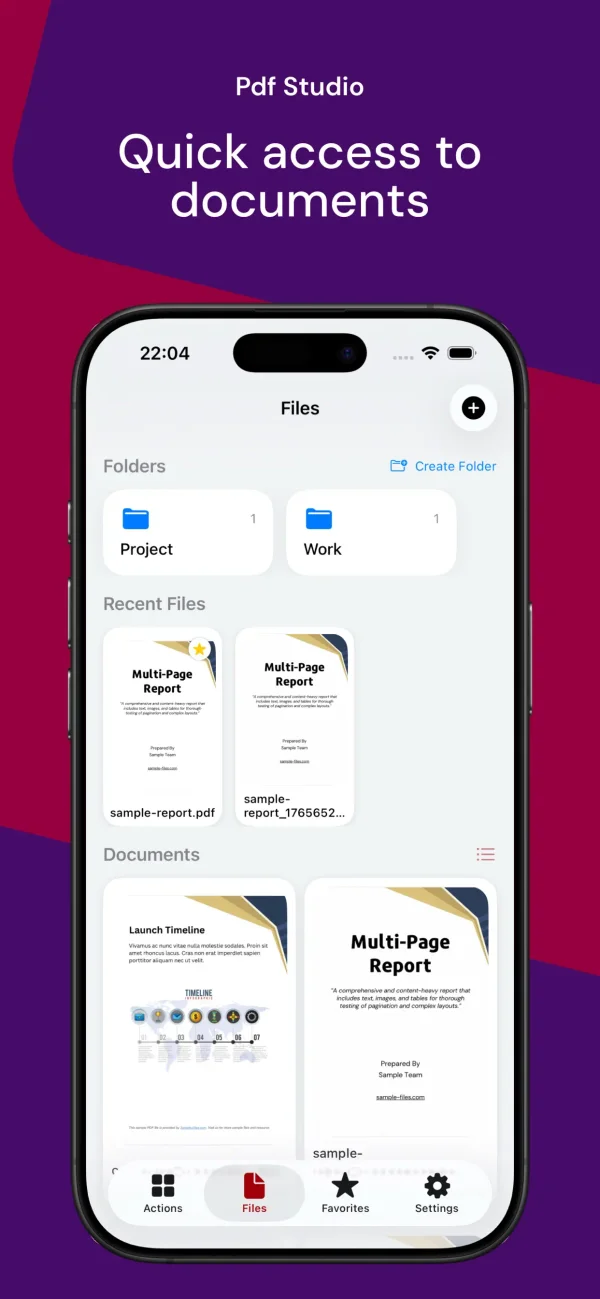
• Create folders and organize documents
• Quick search across all files
• Favorites for fast access
• Recent files tracking
CLOUD SYNC
• Automatic iCloud synchronization
• Access documents on all your Apple devices
• Secure cloud backup
WHY PDF STUDIO?
No watermarks on your documents
Works offline — no internet required
Privacy first — files stay on your device
Clean, intuitive interface
Regular updates with new features
Perfect for students, professionals, and anyone who works with documents. Download PDF Studio and take control of your PDFs today!
Download PDF Studio today and experience the most powerful PDF toolkit for iOS!
Terms of Use: https://github.com/spiroba/pdf-studio-legal/blob/main/TERMS_OF_USE.md
新機能
バージョン 2.0 · 2025/12/15
Welcome to PDF Studio!
Your all-in-one PDF toolkit is here:
NEW FEATURES:
• Smart Document Scanner with auto-edge detection
• PDF Compression — reduce file size up to 70%
• OCR Text Recognition — extract text from images
• Merge & Split PDFs with ease
• Digital Signatures — sign documents instantly
• Format Conversion: PNG, JPG, HEIC, WebP ↔ PDF
HIGHLIGHTS:
• Clean, intuitive interface
• iCloud sync across all devices
• Works completely offline
• No watermarks on your documents
We'd love to hear your feedback! Rate us if you enjoy the app.
アプリのプライバシー
このアプリのデータの取り扱いについて、Boris SpiroがApp Storeで申告している内容です。
-
データの収集なし
開発元はこのアプリからデータを収集しません。
プライバシーの取り扱いは、ご利用の機能やお客様の年齢などに応じて異なる場合があります。
情報
- 販売元
- Boris Spiro
- カテゴリ
- 仕事効率化
- バージョン
- 2.0
- 更新日
- 2025/12/15
- リリース
- 2025/11/20
- サイズ
- 6.0 MB
- 必要条件
- iOS 17.6以降
- 対象年齢
- 4+
- 価格
- 無料
- アプリ内課金
- あり
- 言語
- ロシア語, ヒンディー語, 英語
- 著作権
- © 2025 App by Spiro. Все права защищены.
こちらもおすすめ
-
 Scanovox: PDFスキャナー&変換書類スキャン・PDF変換・編集
-
 OCR, Read & Convert Documents仕事効率化
-
 Scribes PRO仕事効率化
-
 PDF編集・スキャン・OCR・変換・署名・結合・注釈書類リーダー・フォーム記入・圧縮・翻訳・要約・保護・画像
-
 PDFLove: PDFスキャナー&OCRスキャン・OCR・PDF
-
 photo to pdf convert scanner *仕事効率化
-
 写真をPDFに変換: PDFify画像をまとめてPDF保存
-
 Docsmith: PDF変換・スキャンPDF編集・署名・OCR(端末内)
-
 PDF 編集 機能: 画像からpdfへのコンバーターへの結合PDF ファイルエディター, を分割, 開くそして書類 閲覧
-
 ReelHook:動画アイデアとフックリールや投稿の構成・文章をAIで提案