PDF Studio: Scan & Edit Docs
Sign, Convert, Compress Files
Diseñada para iPhone, iPad
Gratis · Compras en la aplicación
- Clasificación por edad4+
- CategoríaProductividad
- DesarrolladorBoris Spiro
- IdiomasRuso+ 2 más
- Tamaño6,0 MB
Enlaza a la página oficial de App Store
Download.org no aloja ningún archivo de PDF Studio: Scan & Edit Docs. El botón abre la página de la aplicación en App Store, donde la publica Boris Spiro. Ficha comprobada por última vez el 12/11/2026.
Capturas de pantalla
Acerca de
El desarrollador no ha proporcionado este texto en tu idioma.
PDF Studio — your complete PDF solution for iPhone and iPad. Scan, edit, sign, convert, and manage documents with professional-grade tools, all in one app.
SCAN & DIGITIZE
• Intelligent document scanner with auto-edge detection
• Multi-page scanning in seconds
• High-quality PDF output from any paper document
EDIT & ANNOTATE
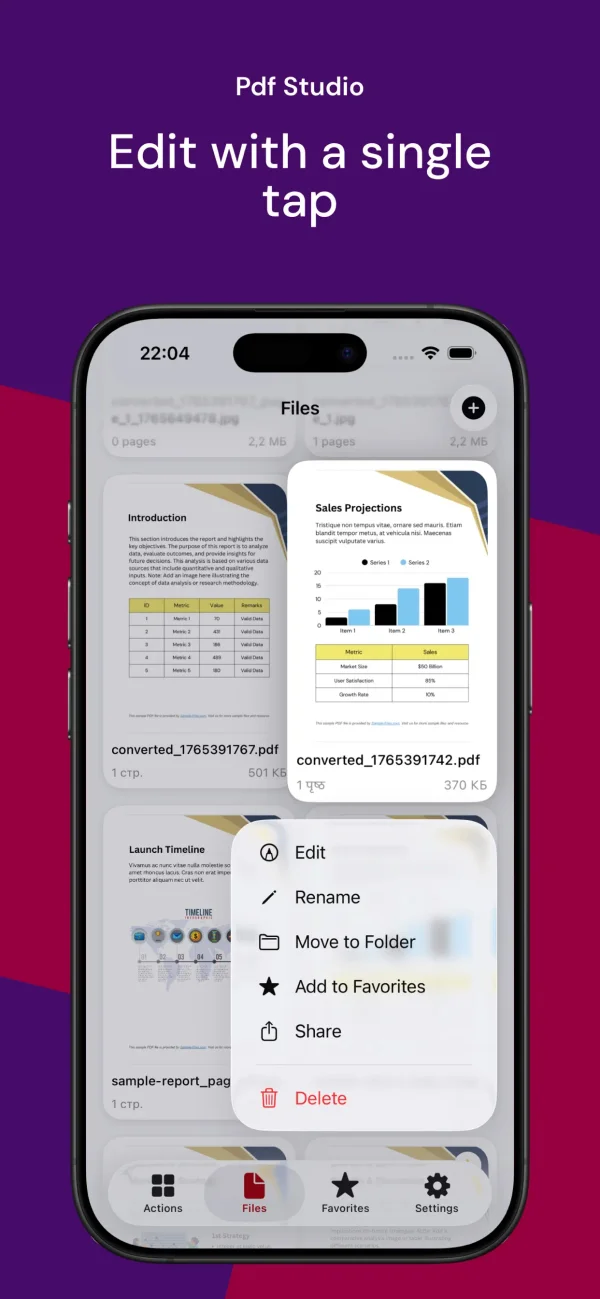
• Add text, images, and shapes to any PDF
• Highlight, underline, and strike through text
• Draw and sketch with precision tools
• Reorder, rotate, and delete pages
SIGN DOCUMENTS
• Create and save multiple signatures
• Sign contracts, forms, and agreements instantly
• Professional digital signatures
CONVERT ANYTHING
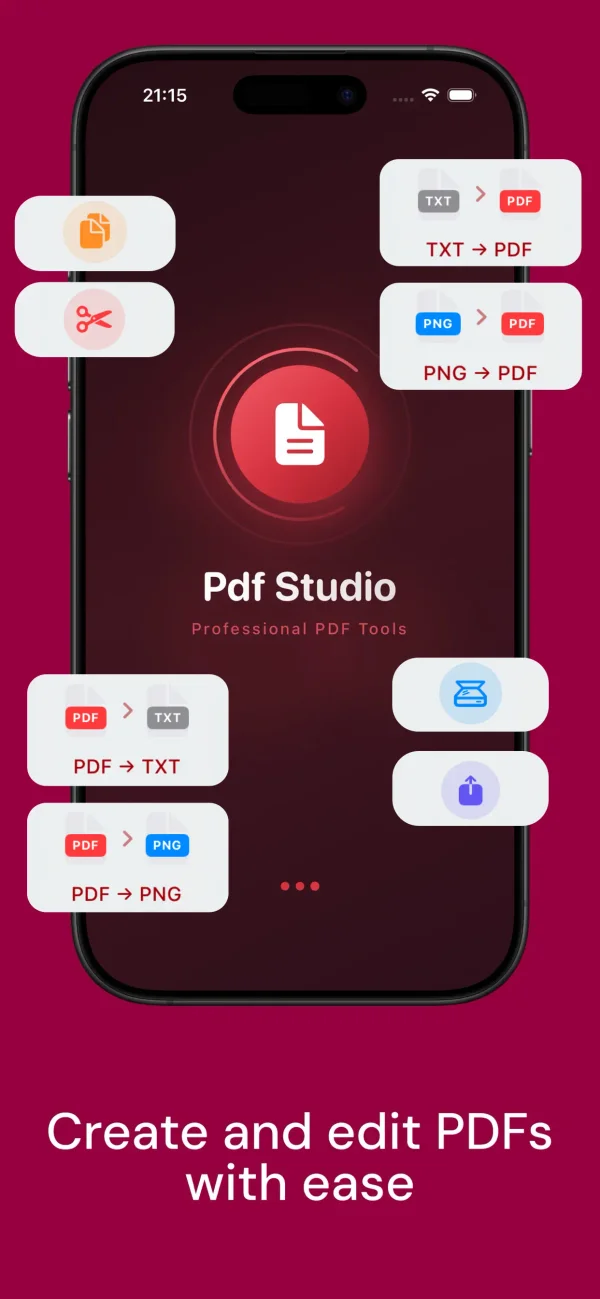
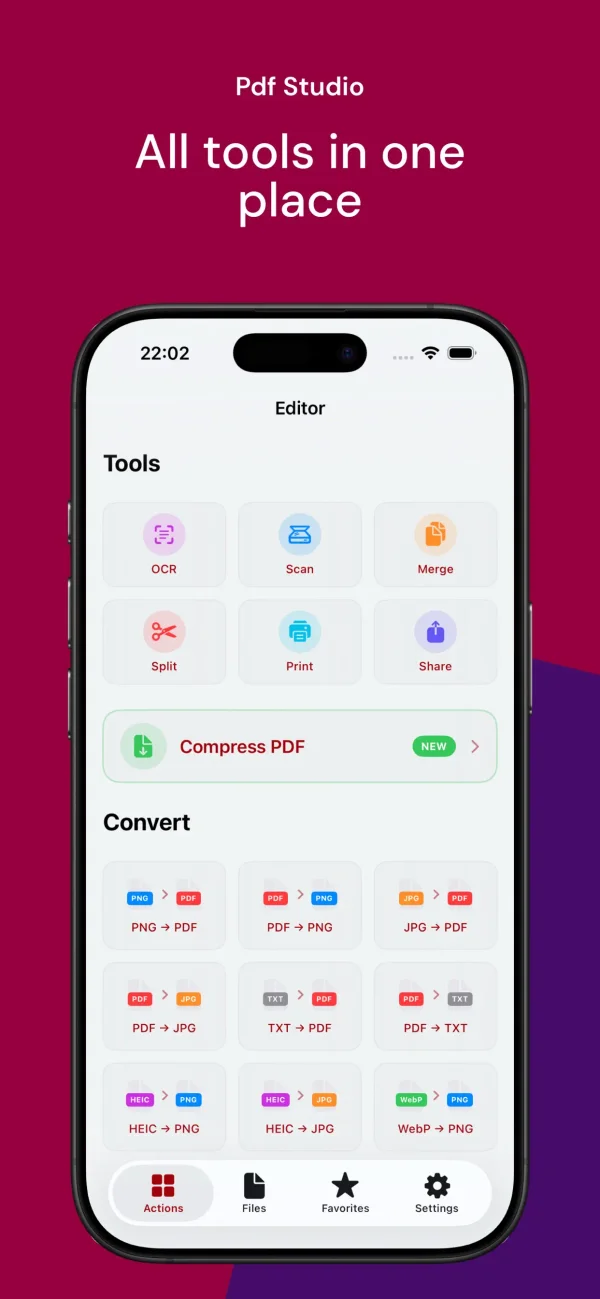
• PNG, JPG, HEIC, WebP → PDF
• PDF → PNG, JPG images
• TXT ↔ PDF conversion
• Batch convert multiple files
COMPRESS & OPTIMIZE
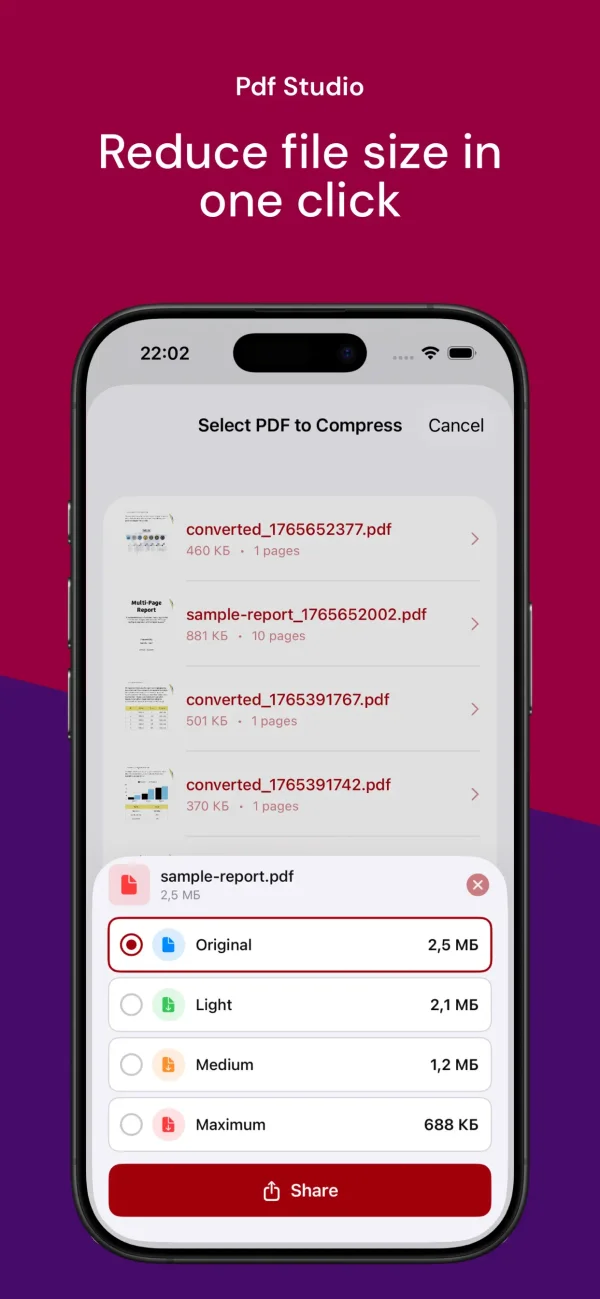
• Reduce PDF size up to 70%
• Three compression levels: Light, Medium, Maximum
• Perfect for email attachments and sharing
POWERFUL TOOLS
• OCR: Extract text from images and scans
• Merge: Combine multiple PDFs into one
• Split: Separate PDF into individual pages
• Print: Direct printing to any AirPrint device
ORGANIZE YOUR FILES
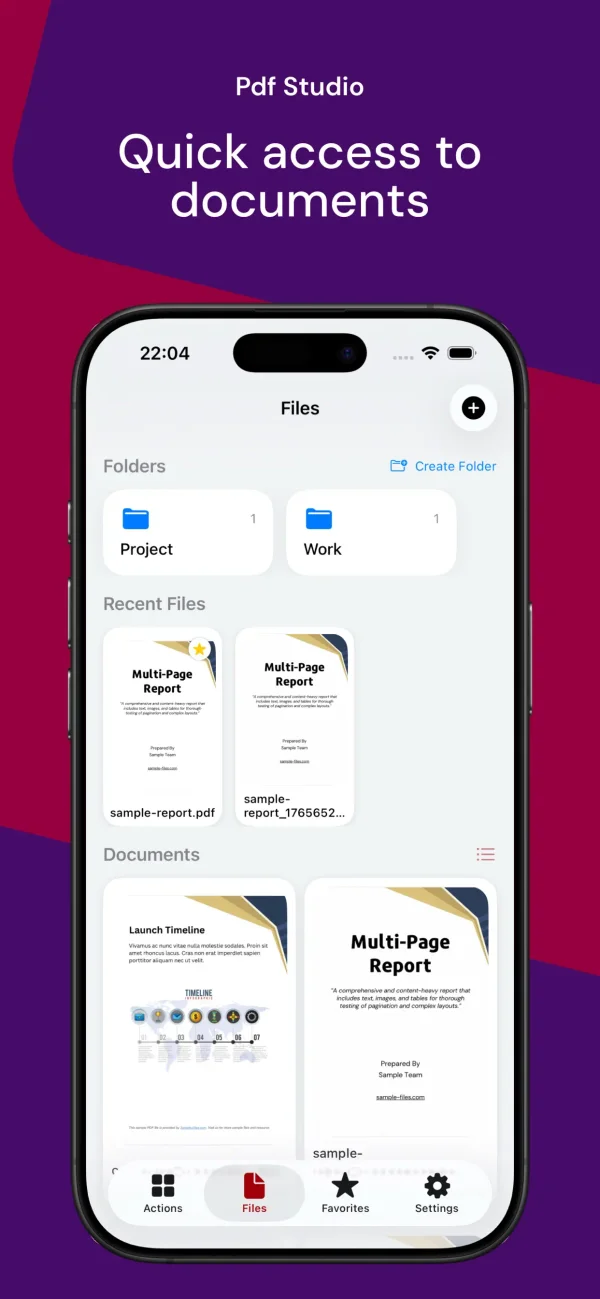
• Create folders and organize documents
• Quick search across all files
• Favorites for fast access
• Recent files tracking
CLOUD SYNC
• Automatic iCloud synchronization
• Access documents on all your Apple devices
• Secure cloud backup
WHY PDF STUDIO?
No watermarks on your documents
Works offline — no internet required
Privacy first — files stay on your device
Clean, intuitive interface
Regular updates with new features
Perfect for students, professionals, and anyone who works with documents. Download PDF Studio and take control of your PDFs today!
Download PDF Studio today and experience the most powerful PDF toolkit for iOS!
Terms of Use: https://github.com/spiroba/pdf-studio-legal/blob/main/TERMS_OF_USE.md
Novedades
Versión 2.0 · 15/12/2025
Welcome to PDF Studio!
Your all-in-one PDF toolkit is here:
NEW FEATURES:
• Smart Document Scanner with auto-edge detection
• PDF Compression — reduce file size up to 70%
• OCR Text Recognition — extract text from images
• Merge & Split PDFs with ease
• Digital Signatures — sign documents instantly
• Format Conversion: PNG, JPG, HEIC, WebP ↔ PDF
HIGHLIGHTS:
• Clean, intuitive interface
• iCloud sync across all devices
• Works completely offline
• No watermarks on your documents
We'd love to hear your feedback! Rate us if you enjoy the app.
Privacidad de la aplicación
Lo que Boris Spiro declara en App Store sobre cómo esta aplicación gestiona los datos.
-
No se recopilan datos
El desarrollador no recopila ningún dato de esta aplicación.
Las prácticas de privacidad pueden variar, por ejemplo, según las funciones que uses o tu edad.
Información
- Vendedor
- Boris Spiro
- Categoría
- Productividad
- Versión
- 2.0
- Actualizado
- 15/12/2025
- Publicado
- 20/11/2025
- Tamaño
- 6,0 MB
- Requiere
- iOS 17.6 o posterior
- Clasificación por edad
- 4+
- Precio
- Gratis
- Compras en la aplicación
- Sí
- Idiomas
- Ruso, Hindi, Inglés
- Copyright
- © 2025 App by Spiro. Все права защищены.
Quizá también te guste
-
 Scanovox: Escáner PDFEscanea, convierte y edita PDF
-
 OCR, Read & Convert DocumentsProductividad
-
 Scribes PROProductividad
-
 Editor PDF: Escáner y LectorEdita, firma y rellena
-
 PDFLove: Escáner PDF y OCREscáner, OCR y PDF
-
 photo to pdf convert scanner *Productividad
-
 PDF Rápido: Imagen a PDFCrear PDF de Fotos y Unir
-
 Docsmith: Escáner PDFDocumentos, scanner y firma
-
 PDF editor:Firmar archivos PDFComprimir archivo PDF
-
 ReelHook: Estudio de contenidoReels, Carousels & Stories