- 対象年齢4+
- カテゴリ仕事効率化
- 開発元Phuong Chi Ngo
- 言語英語ほか10言語
- サイズ10.6 MB
App Storeの公式ページにリンクしています
Download.orgはPDF Toolkit: Scan & Convertのファイルを一切ホストしていません。ボタンを押すと、Phuong Chi Ngoが公開しているApp Storeのアプリページが開きます。ページの最終確認:2026/11/20。
スクリーンショット
概要
開発元はこのテキストをお使いの言語で提供していません。
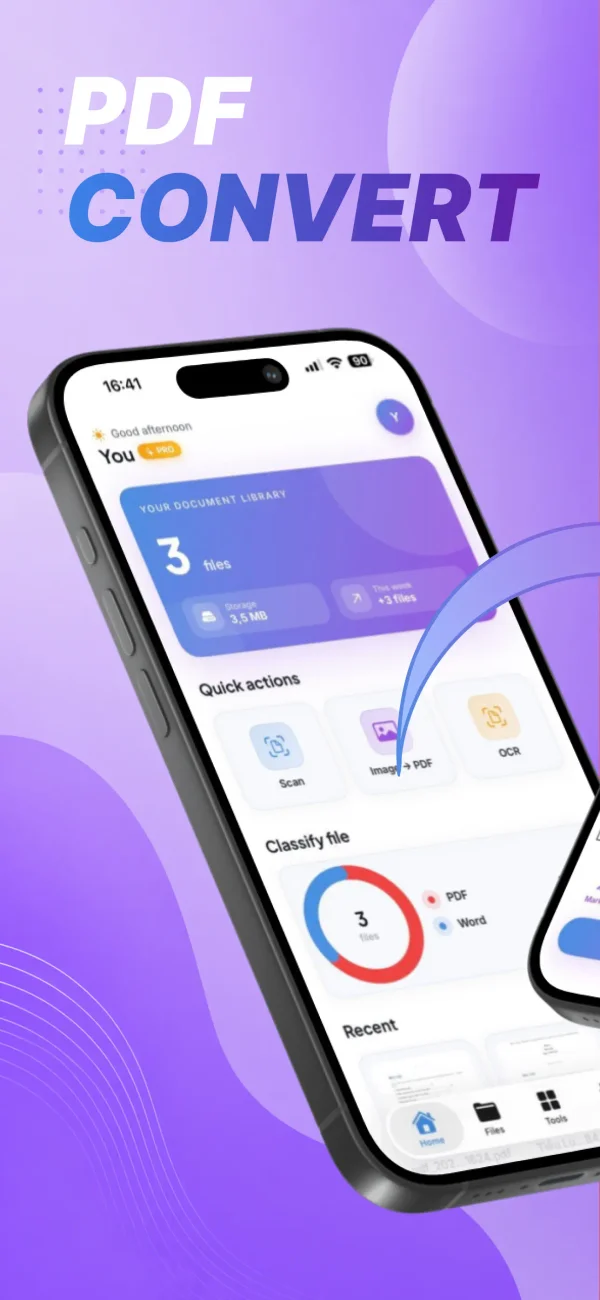
PDF Toolkit helps you scan, edit, convert, organize, and secure documents in one powerful app.
Scan paper documents into high-quality PDFs, extract text with OCR, sign contracts, convert files, compress large documents, and protect sensitive files with Face ID and password security.
Everything works directly on your device for maximum privacy and speed.
Scan Documents Anywhere
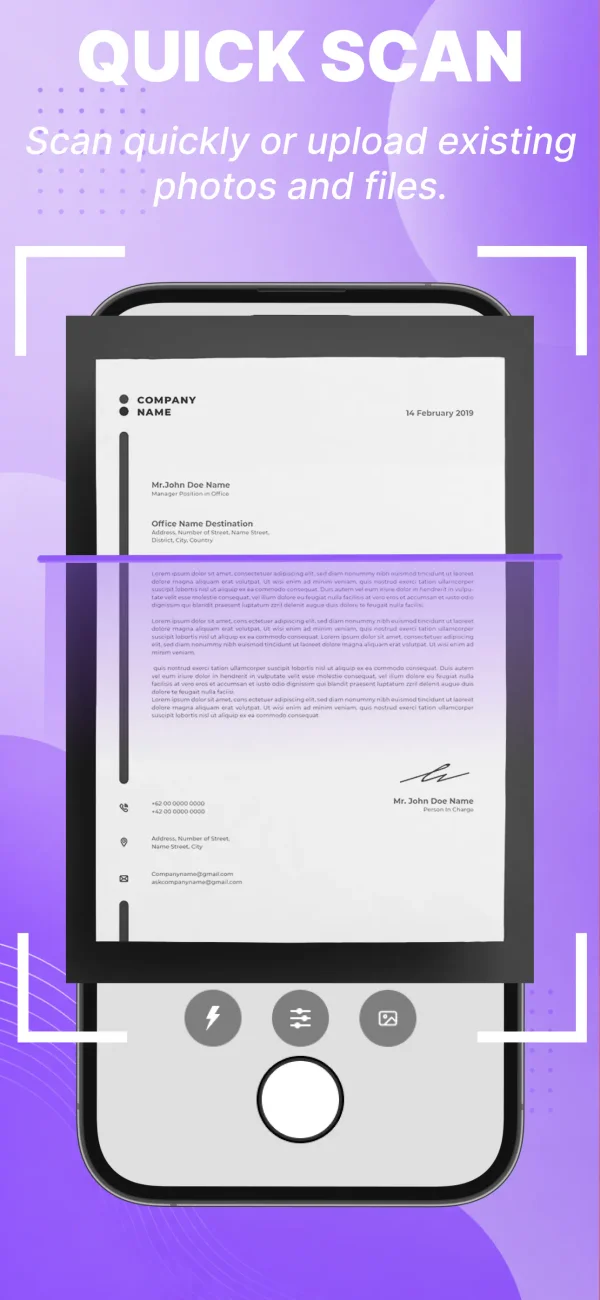
SCAN DOCUMENTS IN SECONDS
• Automatic document edge detection
• Multi-page scanning
• Image enhancement and cleanup
• Import from Photos, Files, iCloud Drive, AirDrop, and external storage
• Create searchable PDF documents
OCR Text Recognition
EXTRACT TEXT WITH OCR
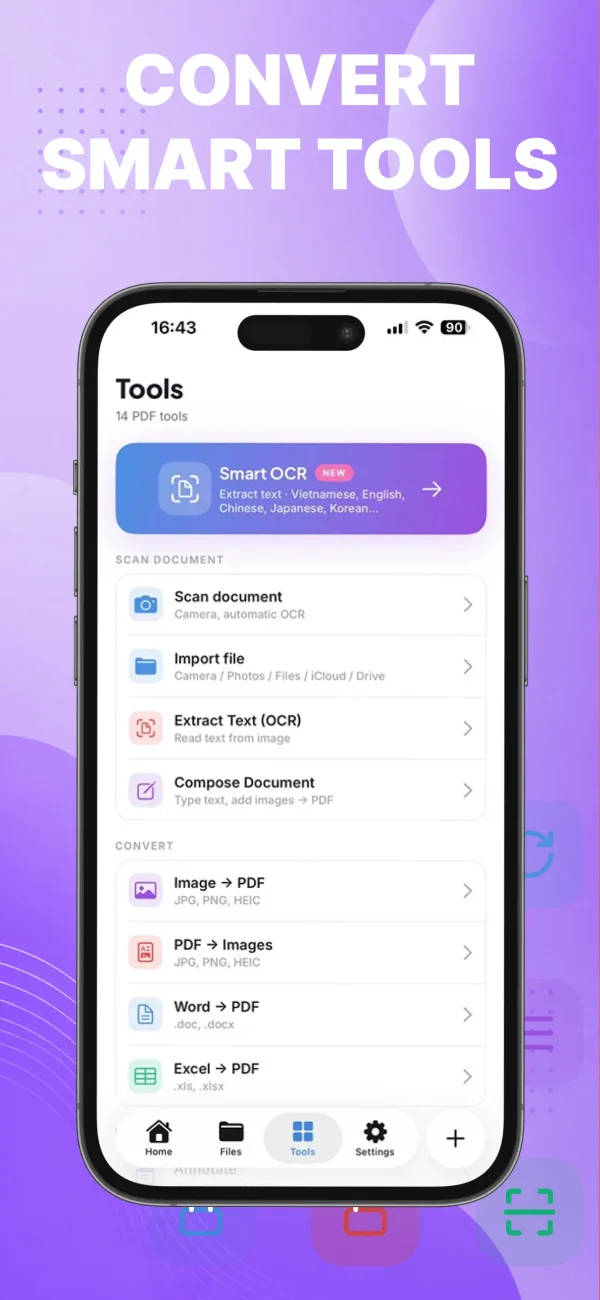
• Recognize text from images and PDFs
• Optimized for English and Vietnamese
• Automatic language detection
• Copy and reuse extracted text
• Create searchable PDF files
Convert Between Popular Formats
CONVERT FILES EASILY
• Images to PDF
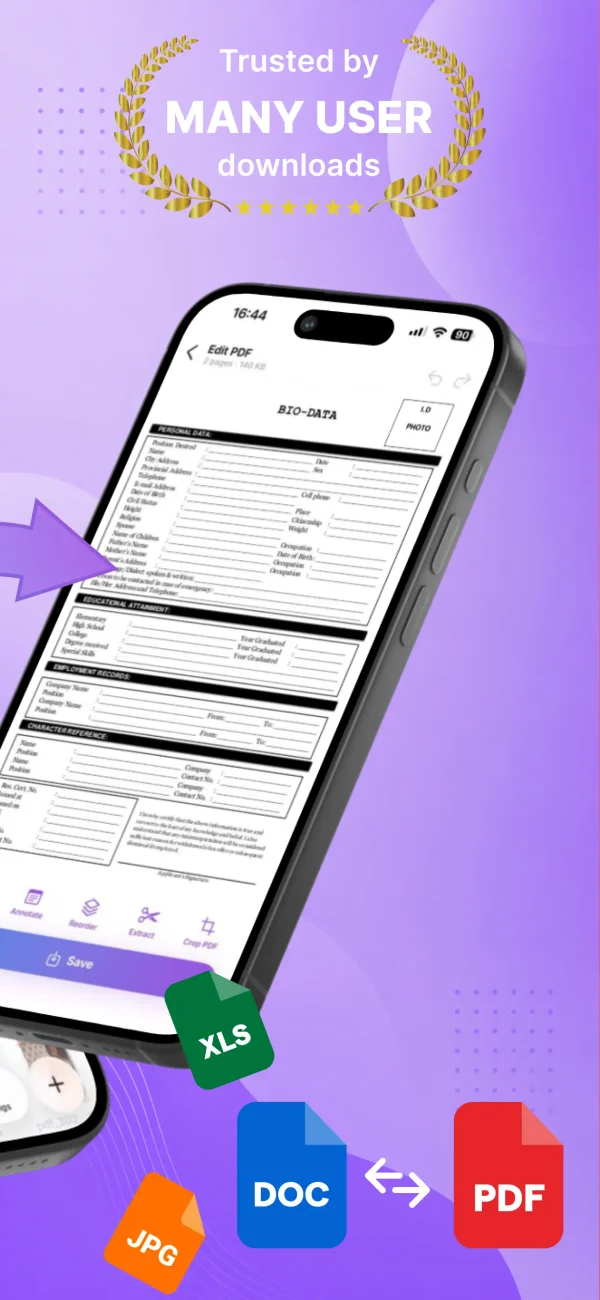
• PDF to JPG, PNG, and HEIC
• Word to PDF
• Excel to PDF
• Export documents in multiple formats
Professional PDF Tools
EDIT AND MANAGE PDFs
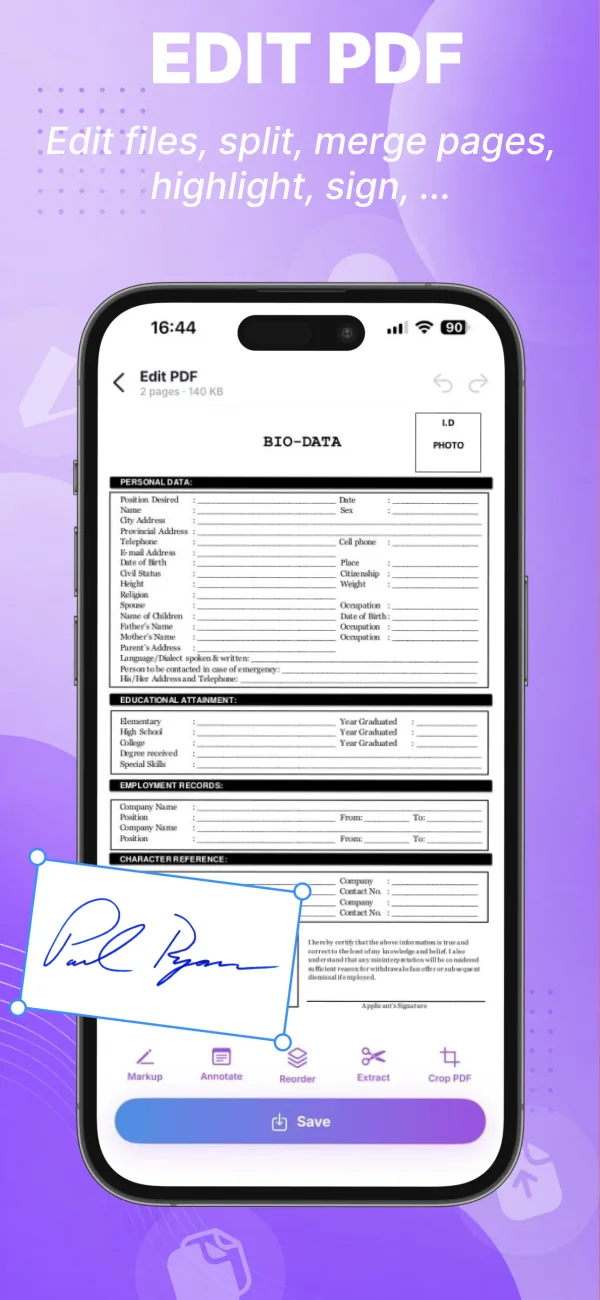
• Merge PDF files
• Extract selected pages
• Reorder pages
• Crop pages
• Compress PDF size
• Add annotations and notes
• Flatten markups
• Add custom watermarks
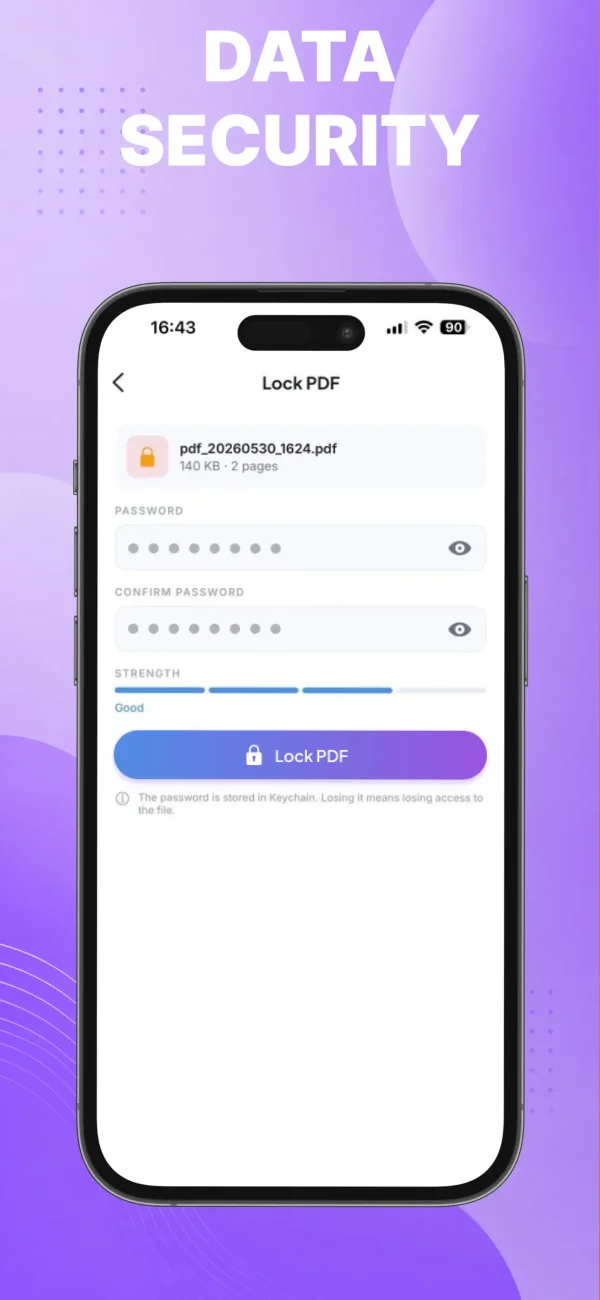
• Password-protect PDF files
Sign Documents
DIGITAL SIGNATURES
• Draw signatures by hand
• Create signatures from text
• Import signature images
• Save signatures for future use
• Sign contracts and forms instantly
Read and Listen
SMART DOCUMENT READING
• Fast PDF viewer
• Office document preview
• Built-in text-to-speech reader
• Adjustable speed and pitch
• Background playback
• Lock Screen and headphone controls
Organize Your Files
STAY ORGANIZED
• Folders and subfolders
• Color tags
• Favorites
• Smart folders
• Search and filtering
• Batch file actions
• Storage statistics
• Recycle bin with automatic cleanup
Privacy First
YOUR DOCUMENTS STAY PRIVATE
• No account required
• No document uploads to developer servers
• On-device OCR and processing
• Face ID and Touch ID protection
• Private folders
• Password-protected PDFs
• Secure Keychain password storage
PDF Toolkit PRO
UNLOCK PDF TOOLKIT PRO
• Unlimited scanning
• Unlimited image-to-PDF conversion
• No watermarks
• OCR text extraction
• Word and Excel conversion
• PDF merge, split, crop, and compress tools
• Annotation tools
• Unlimited saved signatures
• iCloud backup and sync
• Unlimited storage
• Export complete backups
Subscription Section
Subscription automatically renews unless canceled at least 24 hours before the end of the current period.
Payment will be charged to your Apple ID account at confirmation of purchase.
Subscriptions can be managed and canceled in App Store Account Settings after purchase.
Terms of Use:
https://phuongchiii.netlify.app/terms
Privacy Policy:
https://phuongchiii.netlify.app/policy
Read more about Terms of Use: https://www.apple.com/legal/internet-services/itunes/dev/stdeula/
アプリのプライバシー
このアプリのデータの取り扱いについて、Phuong Chi NgoがApp Storeで申告している内容です。
-
データの収集なし
開発元はこのアプリからデータを収集しません。
プライバシーの取り扱いは、ご利用の機能やお客様の年齢などに応じて異なる場合があります。
情報
- 販売元
- Phuong Chi Ngo
- カテゴリ
- 仕事効率化
- バージョン
- 1.0
- 更新日
- 2026/6/9
- リリース
- 2026/6/9
- サイズ
- 10.6 MB
- 必要条件
- iOS 16.0以降
- 対象年齢
- 4+
- 価格
- 無料
- アプリ内課金
- あり
- 言語
- 英語, フランス語, ドイツ語, 日本語, 韓国語, ポルトガル語, ロシア語, 簡体字中国語, スペイン語, タイ語, ベトナム語
- 著作権
- © Phuong Chi Ngo
こちらもおすすめ
-
 PDF Scanner - 書類スキャン&文書管理カメラスキャナーでOCR・テキスト化、署名や共有まで
-
 Scanify: PDF & OCR Scanner仕事効率化
-
 Scanqy: PDF Document Scanner仕事効率化
-
 WebDAV Scan - Document Scanner仕事効率化
-
 Scanter: PDFスキャナー 書類文書をスキャン・OCR・PDF変換
-
 Scanly:スキャナー&PDFスキャン・OCR・署名・保護
-
 Scanry: PDF Scanner & OCR仕事効率化
-
 PDF SuperApp: Reader & AI仕事効率化
-
 PDF Scanner OCR Document Scan書類をOCR付きPDFにスキャン
-
 PDF Scanner: Scan Sign OCR仕事効率化