PDF SuperApp: Reader & AI
Listen, Summarize & Edit
iPhone, iPad, iPod touch向けに設計
無料 · アプリ内課金
- 対象年齢4+
- カテゴリ仕事効率化
- 開発元Aariz Rasheed
- 言語英語
- サイズ51.7 MB
App Storeの公式ページにリンクしています
Download.orgはPDF SuperApp: Reader & AIのファイルを一切ホストしていません。ボタンを押すと、Aariz Rasheedが公開しているApp Storeのアプリページが開きます。ページの最終確認:2026/11/12。
スクリーンショット

概要
開発元はこのテキストをお使いの言語で提供していません。
Read, listen to, understand, edit, and share PDFs from one focused workspace — with every feature free.
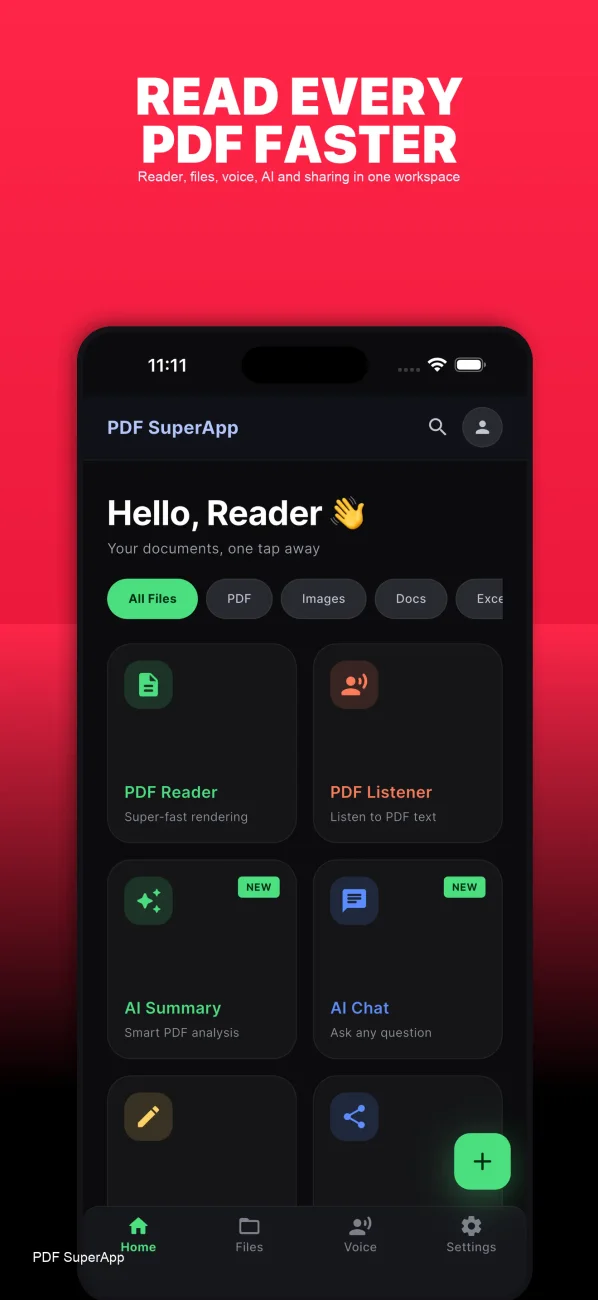
PDF SuperApp combines a fast PDF reader with read-aloud controls, AI summaries, study notes, document chat, page editing, and clean sharing. It is built for students, professionals, researchers, and anyone who wants to get through long documents with less friction.
EVERY FEATURE IS FREE
- No subscription, no locked tools, and no watermarks on what you share
- Page editing, AI summaries and document chat are all included
READ AND RESUME
- Open PDFs with smooth scrolling, zoom, page jumping, and thumbnail navigation
- Choose vertical or horizontal scrolling, page snap, and comfortable reading themes
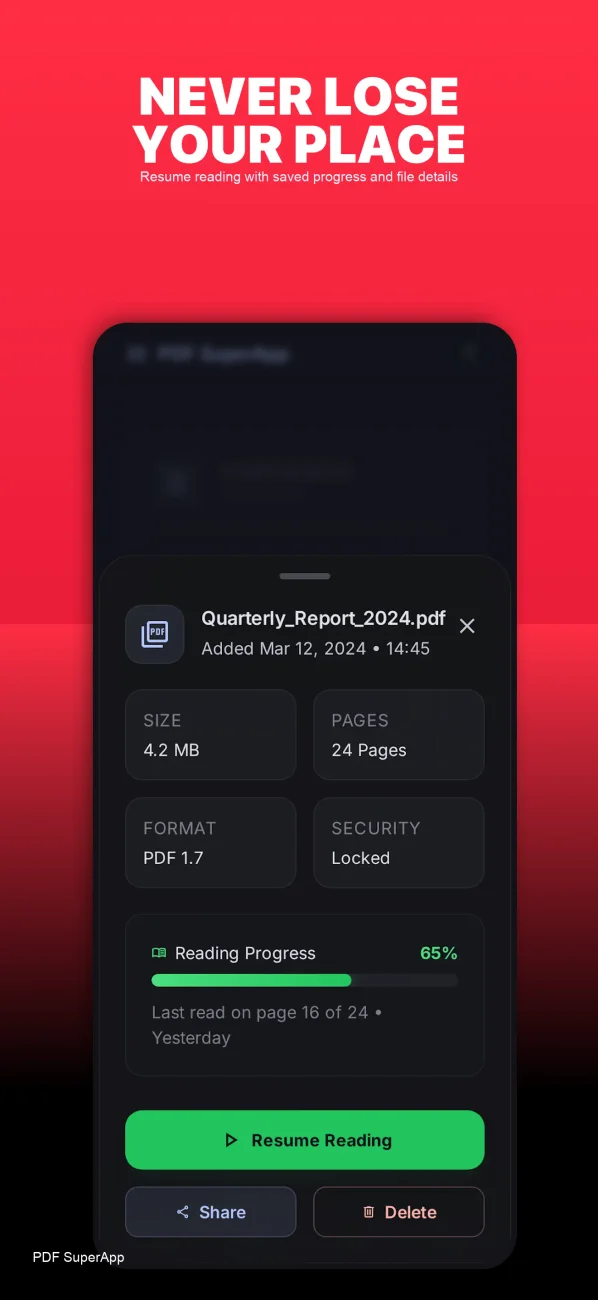
- Continue from your saved reading position
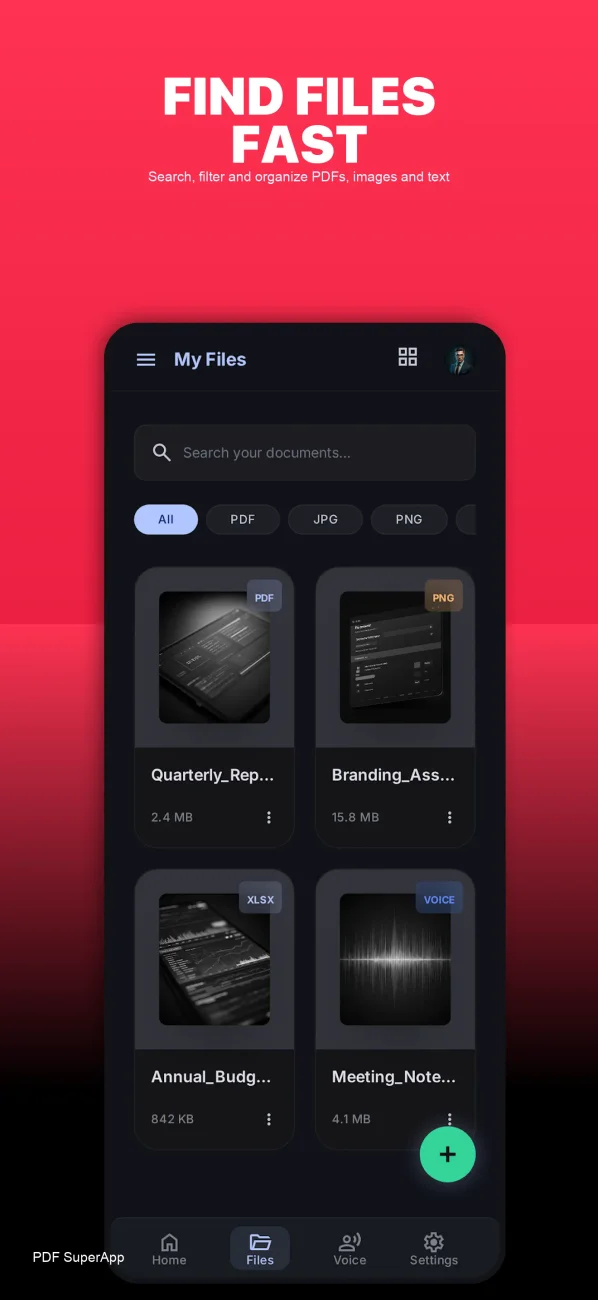
- Organize recent files and search by file name
- View imported JPG, PNG, and TXT files
LISTEN TO PDF TEXT
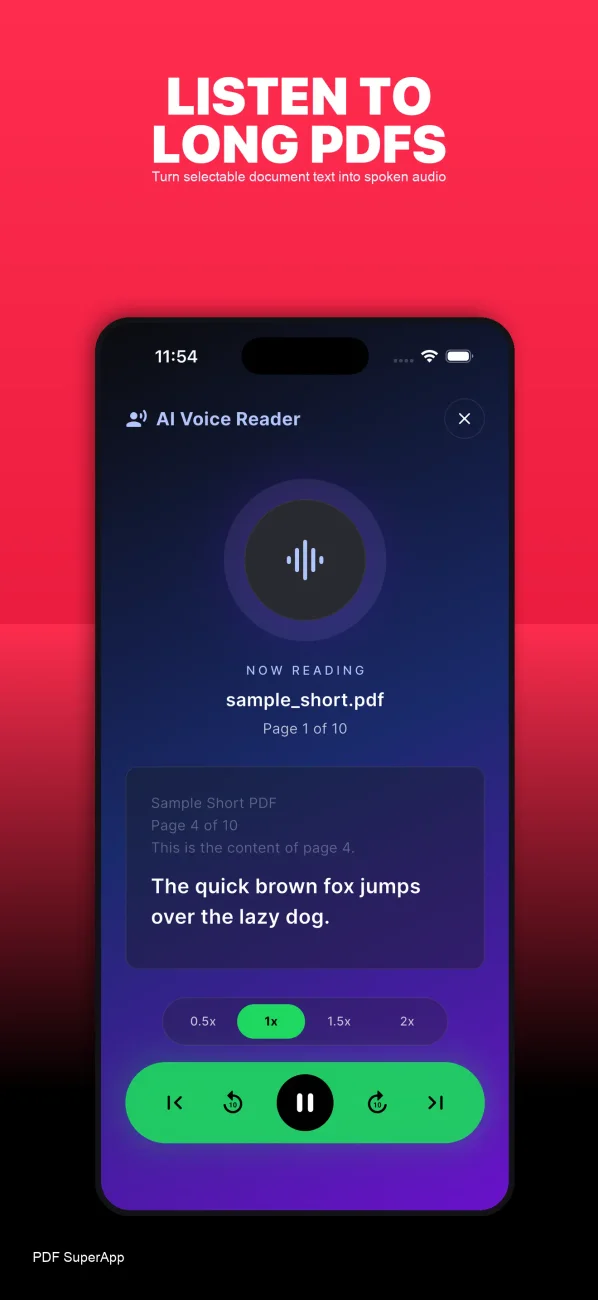
- Turn selectable PDF text into spoken audio using text-to-speech voices available on your device
- Choose playback speeds from 0.5x to 2x
- Pause, resume, or move between text sections
UNDERSTAND DOCUMENTS WITH AI
- Create a concise AI summary from selectable PDF text
- Generate structured study notes with key concepts, quick quizzes, and takeaways
- Surface key metrics when the source document includes measurable values
- Ask questions and receive answers grounded in the document text
AI features require an internet connection and work with PDFs that contain extractable text. Image-only or scanned pages are not converted with OCR.
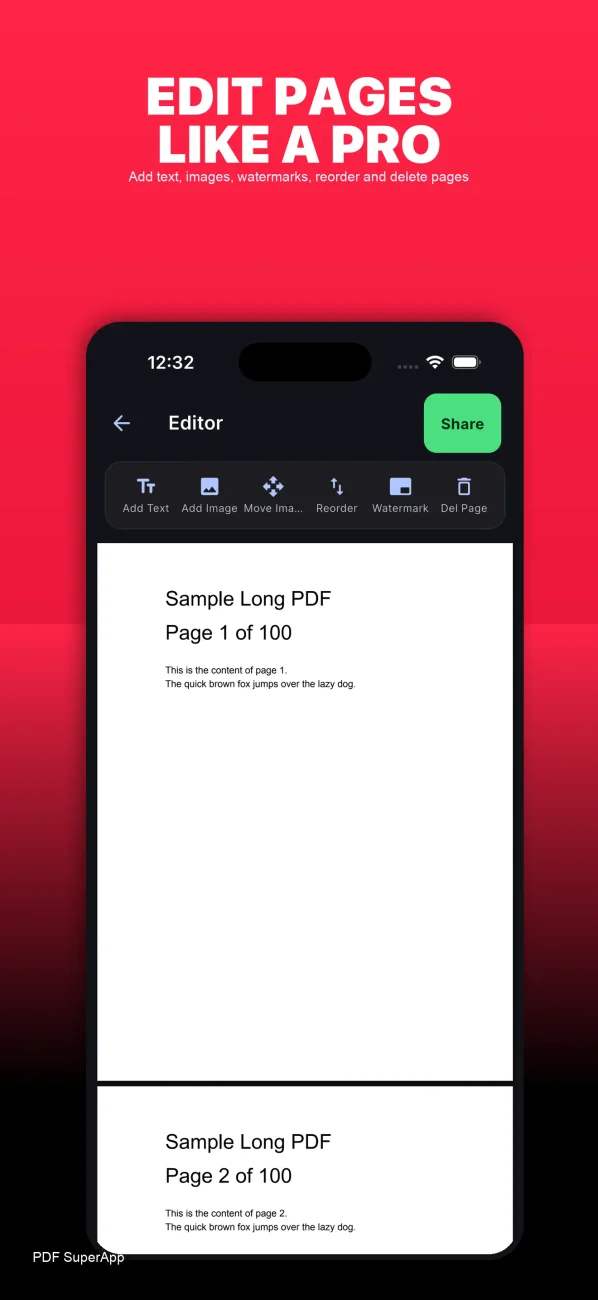
EDIT PAGES
- Add text to a PDF
- Insert images as pages or position an image on a page
- Reorder and delete pages
- Add a custom watermark
- Save and share your edited copy
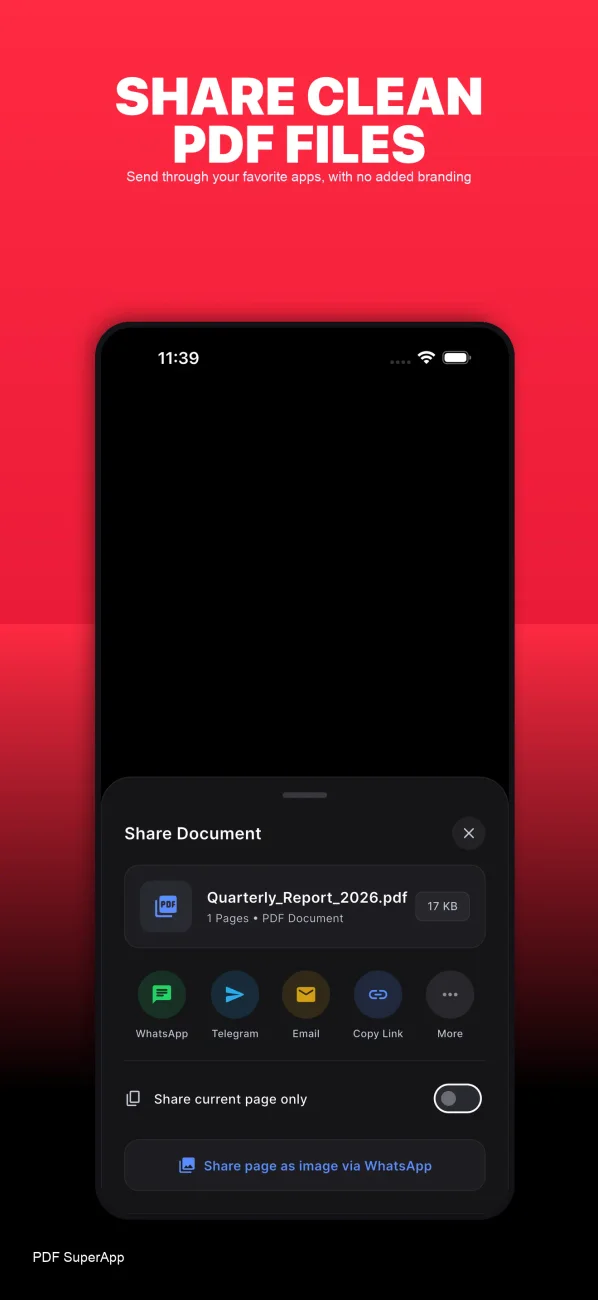
SHARE YOUR WAY
Share through the apps available on your device. Documents are shared as they are, with no added branding page.
Imported files are copied to app storage. When you choose an AI feature, extracted document text is sent for processing to generate the requested result.
Terms of Use: https://www.apple.com/legal/internet-services/itunes/dev/stdeula/
Privacy Policy: https://www.pdfsuperapp.com/privacy
Support: https://www.pdfsuperapp.com/support
新機能
バージョン 1.0.5 · 2026/8/8
PDF SuperApp is now completely free. Page editing, AI summaries, document chat and clean sharing are unlocked for everyone — no subscription, no locked tools, and no branding page added to what you share.
アプリのプライバシー
このアプリのデータの取り扱いについて、Aariz RasheedがApp Storeで申告している内容です。
-
ユーザーに関連付けられないデータ
収集される場合がありますが、ユーザーの識別情報には関連付けられません。
- 購入
- ID
プライバシーの取り扱いは、ご利用の機能やお客様の年齢などに応じて異なる場合があります。
情報
- 販売元
- Aariz Rasheed
- カテゴリ
- 仕事効率化
- バージョン
- 1.0.5
- 更新日
- 2026/8/8
- リリース
- 2026/6/10
- サイズ
- 51.7 MB
- 必要条件
- iOS 13.0以降
- 対象年齢
- 4+
- 価格
- 無料
- アプリ内課金
- あり
- 言語
- 英語
- 著作権
- © 2026 PDF SuperApp
こちらもおすすめ
-
 ParsleyPDF: AIでPDFと会話・要約質問・スキャン・文書解析、端末内で安全に
-
 Gravy: AI Chat Notebook仕事効率化
-
 Scanify Live Text Scanner仕事効率化
-
 NousPDF: PDF変換・スキャナー写真・画像・WordをPDFに 無料
-
 Zokan: PDF Scanner & OCR仕事効率化
-
 SimpPDF Reader仕事効率化
-
 PDF Toolkit: Scan & Convert仕事効率化
-
 InnoScan: PDF Scanner & OCR仕事効率化
-
 VoiceCap: AI Meeting Recorder仕事効率化
-
 Red PDF Reader仕事効率化