
- 対象年齢4+
- カテゴリユーティリティ
- 開発元Emre KABOGLU
- 言語英語
- サイズ2.8 MB
App Storeの公式ページにリンクしています
Download.orgはPDF Under: PDF Compressorのファイルを一切ホストしていません。ボタンを押すと、Emre KABOGLUが公開しているApp Storeのアプリページが開きます。ページの最終確認:2026/11/12。
スクリーンショット
概要
開発元はこのテキストをお使いの言語で提供していません。
Your PDF is ready. Then the upload form says: file too large.
Maybe it needs to be under 10 MB. Or 2 MB. Or even 500 KB. You don't want to learn compression settings, and you definitely don't want to keep guessing—compress, check the size, try again, compress again. You just need the PDF to fit.
That's what PDF Under is built for. Tell it the MB or KB you need, and it works toward exactly that number.
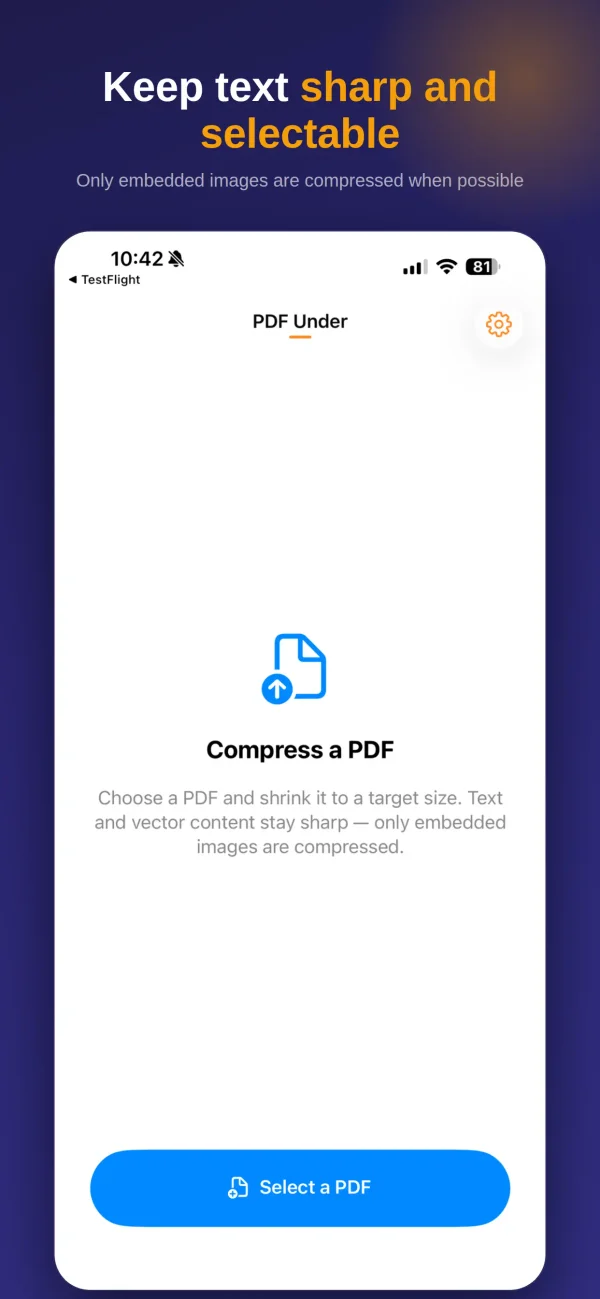
But making a PDF smaller is only half the problem. It still has to look like your PDF. Some compression methods shrink a file by turning every page into a picture—smaller, yes, but the text is no longer selectable, and the document never quite looks right again. PDF Under does it differently. Whenever possible, it keeps your text and vector content untouched, and compresses only the embedded images that were taking up the space in the first place. Smaller file. Same document.
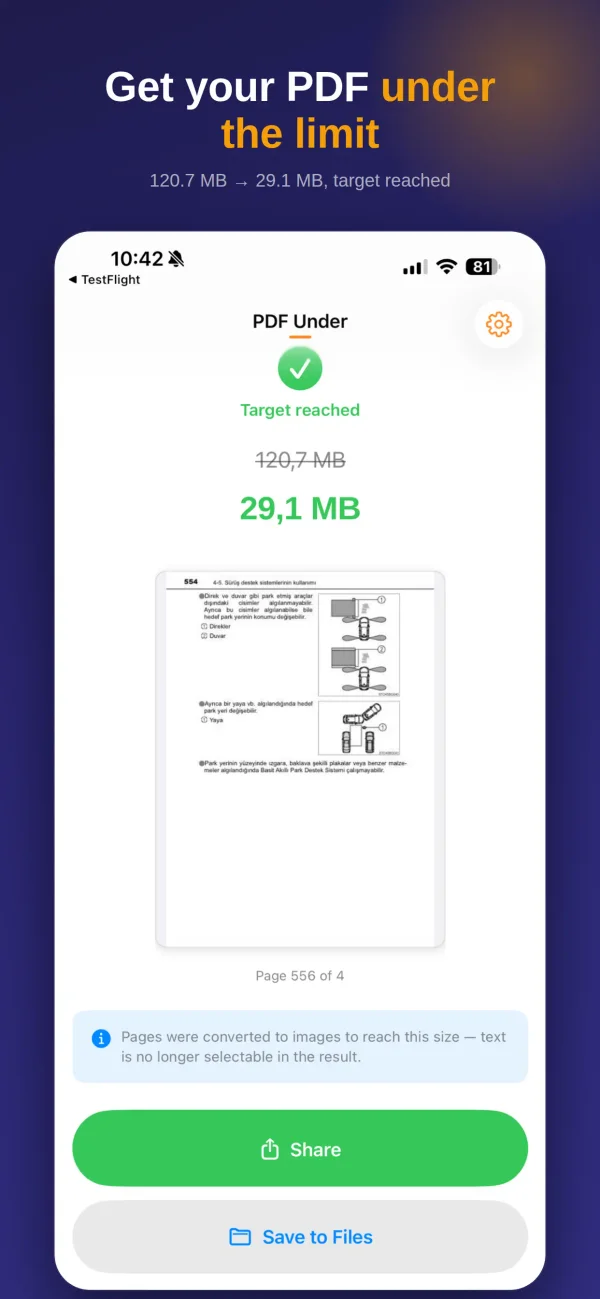
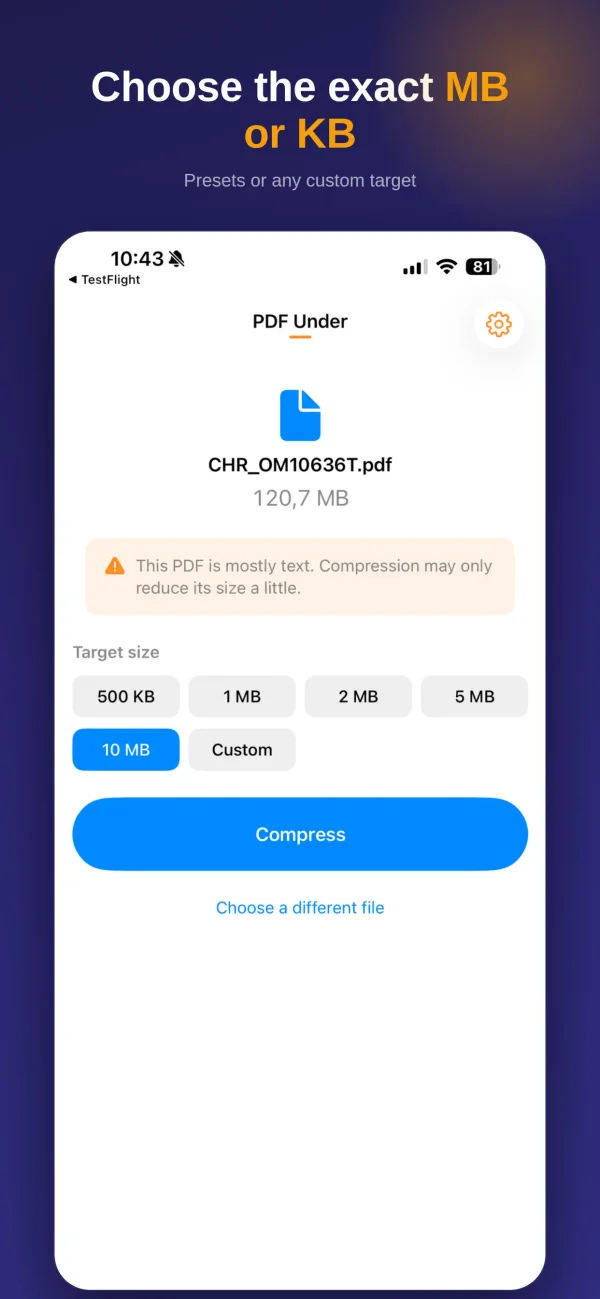
You choose the number. 500 KB, 1 MB, 2 MB, 5 MB, 10 MB, or a custom target of your own—no "low, medium, high" guessing games, just the size you were actually asked for. And before you save or share anything, you see the result first: the final size, the finished pages, exactly what you're about to send.
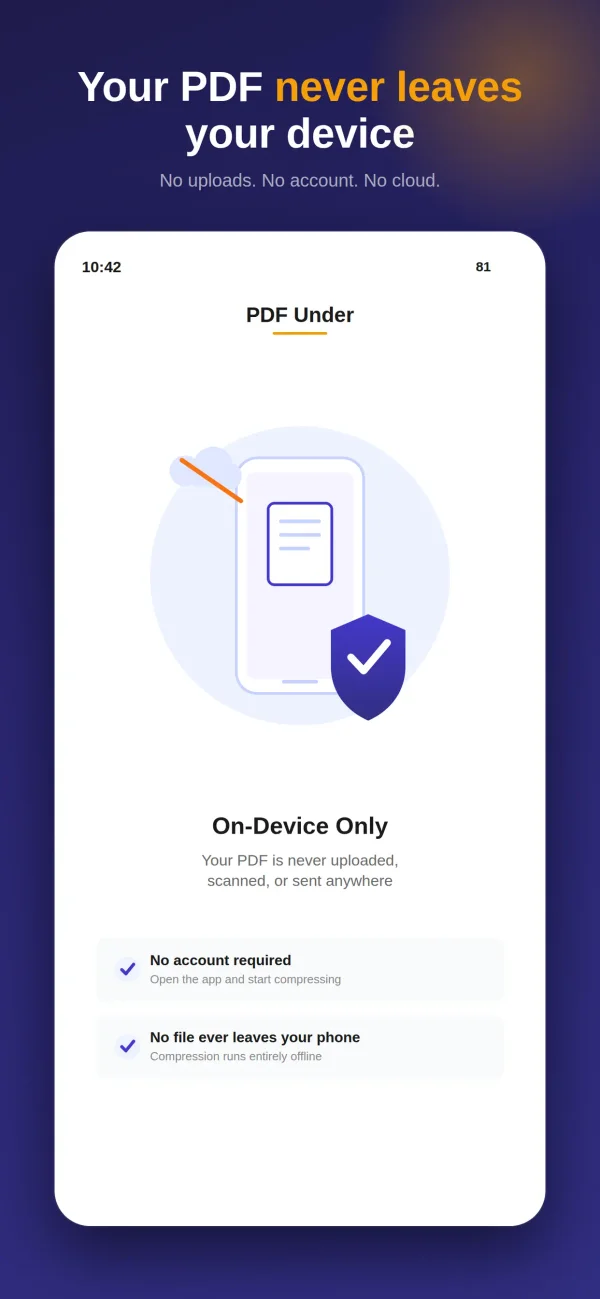
Where does this happen? On your phone. Not on a server somewhere. Your PDF is never uploaded, which matters more than usual when the document you're shrinking is the one you'd rather not hand to a random compression website in the first place. No account. No sign-in. Just your file, compressed, still yours.
Now, the honest part. Not every target is reachable. A fifty-page scanned document doesn't become 500 KB without something giving—that's just how file size and image quality work, and PDF Under won't pretend otherwise. When your target is more aggressive than the document can survive, it tells you plainly, shows you the smallest version that's still readable, and lets you decide from there. No silent damage. No surprises when you open the file later.
This is the app for the moment a portal, a form, an inbox, or a government website hands you a number and expects you to hit it—job applications, school submissions, legal filings, an email that keeps bouncing back because the attachment is too big. Select the PDF, set the target, compress, check the result, send it. Five steps, and you're done.
PDF Under is free to try—your first three compressions cost nothing. After that, a Weekly, Yearly, or Lifetime plan unlocks unlimited use, so you're never stuck mid-deadline wondering if today's the day you run out. Subscriptions renew automatically unless canceled at least 24 hours before the current period ends, and you can manage or cancel anytime in your Apple Account settings. Full pricing is shown in the app before you're asked to pay anything.
Because when a website tells you your PDF is too large, you shouldn't have to become a compression expert just to send a document. You should just be able to get it under the limit.
By downloading, you agree to the Standard Apple End User License Agreement: https://www.apple.com/legal/internet-services/itunes/dev/stdeula/
新機能
バージョン 1.1 · 2026/9/25
Better compression. Smoother results.
We’ve improved PDF compression and overall reliability to make it easier to reach your target file size.
Thanks for using PDF Under!
アプリのプライバシー
このアプリのデータの取り扱いについて、Emre KABOGLUがApp Storeで申告している内容です。
-
データの収集なし
開発元はこのアプリからデータを収集しません。
プライバシーの取り扱いは、ご利用の機能やお客様の年齢などに応じて異なる場合があります。
情報
- 販売元
- Emre KABOGLU
- カテゴリ
- ユーティリティ
- バージョン
- 1.1
- 更新日
- 2026/9/25
- リリース
- 2026/9/2
- サイズ
- 2.8 MB
- 必要条件
- iOS 17.6以降
- 対象年齢
- 4+
- 価格
- 無料
- アプリ内課金
- あり
- 言語
- 英語
- 著作権
- © EMRE KABOGLU - 2026
こちらもおすすめ
-
 Boa: Video Compressorユーティリティ
-
 UnderLimit - PDF・写真を圧縮指定サイズに圧縮・容量を軽く
-
 PDF Compressor | Reduce Sizeユーティリティ
-
 PDF圧縮:ファイルサイズ縮小オフラインでPDFを軽量化
-
 ExactPress: Compress to Sizeユーティリティ
-
 PDFPress - PDF Compressorユーティリティ
-
 PDF Squeeze: PDF Compressorユーティリティ
-
 イメージ圧縮:正確なKB写真を指定サイズに圧縮
-
 PDF圧縮 - ファイルサイズを軽量化オフラインでPDFの容量を小さく
-
 Smart PDF Compressor: Reduceユーティリティ