PDFfiled: PDF Editor-Scanner
Fill & Sign PDF. No Watermark
iPhone, iPad向けに設計
無料 · アプリ内課金
- 対象年齢4+
- カテゴリ仕事効率化
- 開発元Jeet Kakadiya
- 言語英語
- サイズ173.1 MB
App Storeの公式ページにリンクしています
Download.orgはPDFfiled: PDF Editor-Scannerのファイルを一切ホストしていません。ボタンを押すと、Jeet Kakadiyaが公開しているApp Storeのアプリページが開きます。ページの最終確認:2026/11/7。
スクリーンショット

概要
開発元はこのテキストをお使いの言語で提供していません。
15 PDF tools. No watermark. No sign-up. Truly free.
PDFfiled is a complete PDF toolkit — scan, edit, sign, and manage documents in one lightweight app that works entirely offline. Built for students, professionals, and small businesses who need real PDF tools without subscriptions, watermarks, or forced accounts.
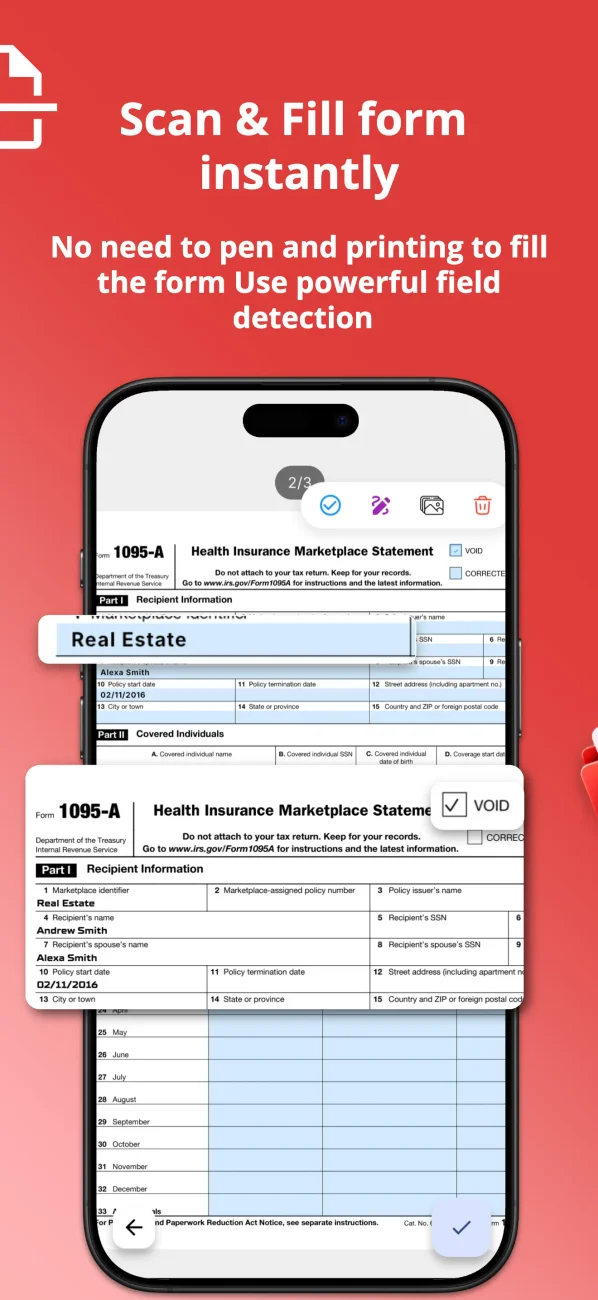
FILL & SIGN ANY DOCUMENT
- Skip the printer entirely — fill out any form right on your screen, no pen or paper needed
- Scan your signature once, then reuse it with a single tap, forever
- Or draw a fresh signature directly on the page in seconds
- Drop in images, stamps, or custom digital signatures anywhere you need them
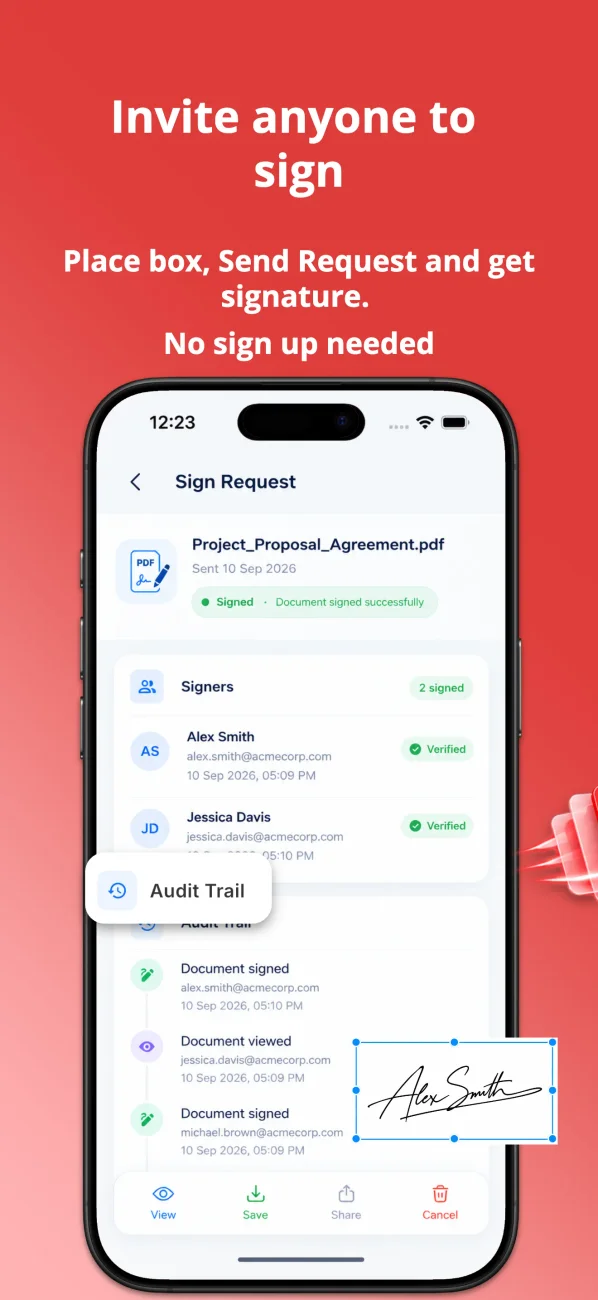
- Send a signing link straight to WhatsApp, Gmail, or SMS — no app download required on their end
- Watch signed documents land back in your hands, instantly
- Built for contracts, consent forms, agreements, and invoices — anything that used to mean printing, signing, and scanning back
DOCUMENT SCANNER
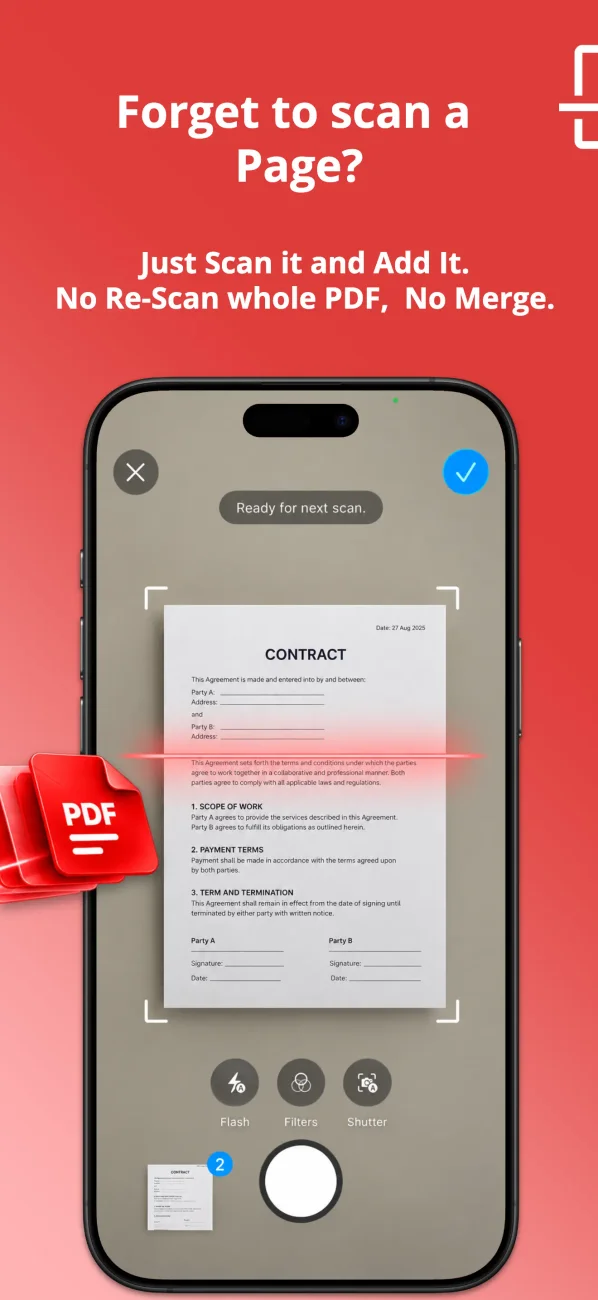
- Smart auto edge detection and perspective correction
- Scan receipts, invoices, contracts, IDs, whiteboards, and textbooks
- Multi-page scanning — combine into a single clean PDF
- Automatic scan quality enhancement
PDF READER & EDITOR
- Read and annotate any PDF
- Draw, highlight, and add comments on any page
- Add blank or scanned pages to existing PDFs
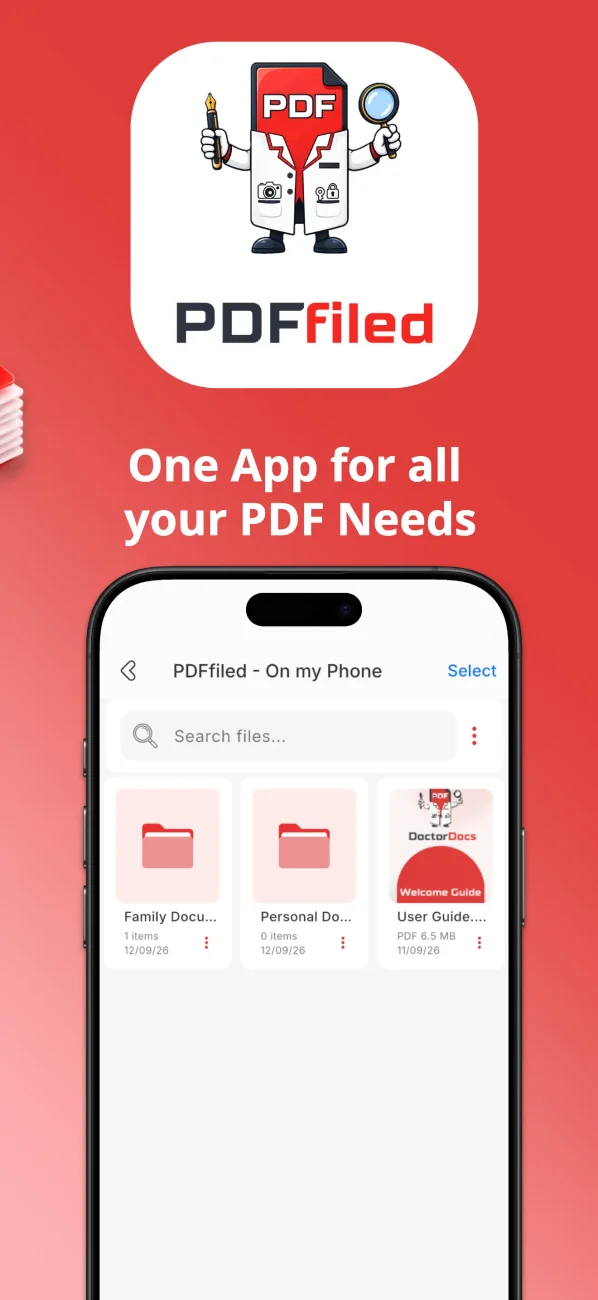
- Reorder, rotate, delete, and organize pages
15 PDF TOOLS IN ONE APP
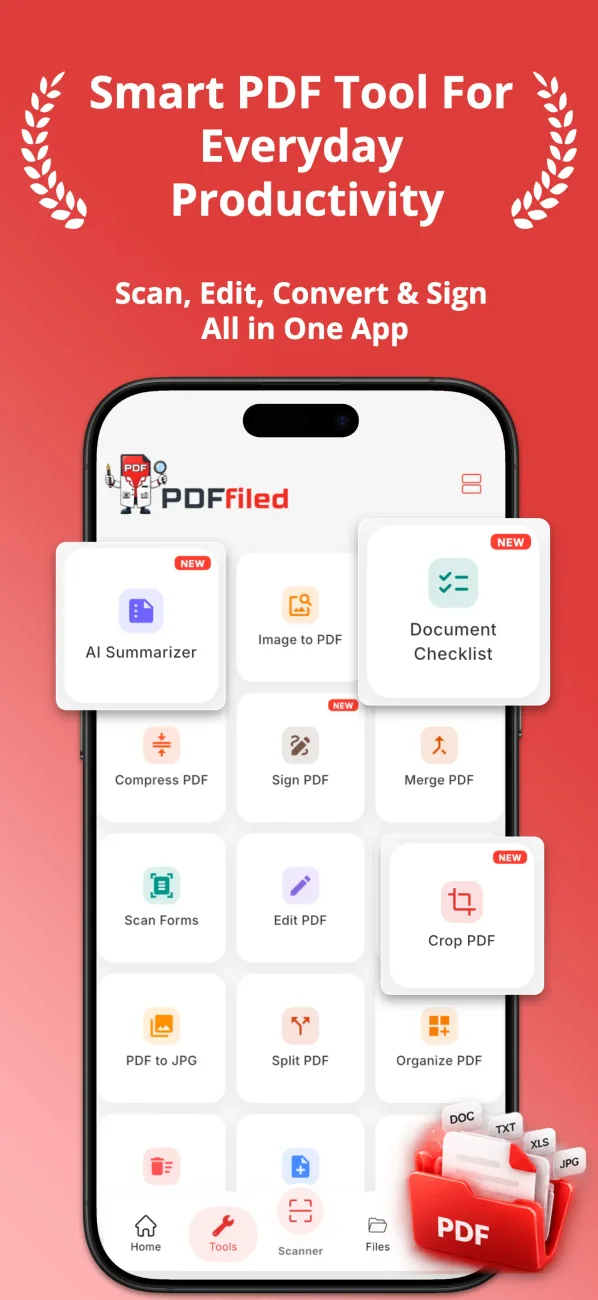
- Compress — reduce file size by up to 75%
- Merge — combine multiple PDFs into one
- Split — extract specific pages into new files
- Lock / Unlock — add or remove password encryption
- Watermark — add text or image watermarks
- Image to PDF & PDF to Image — convert instantly, full quality
- Page Numbers — add and customize numbering
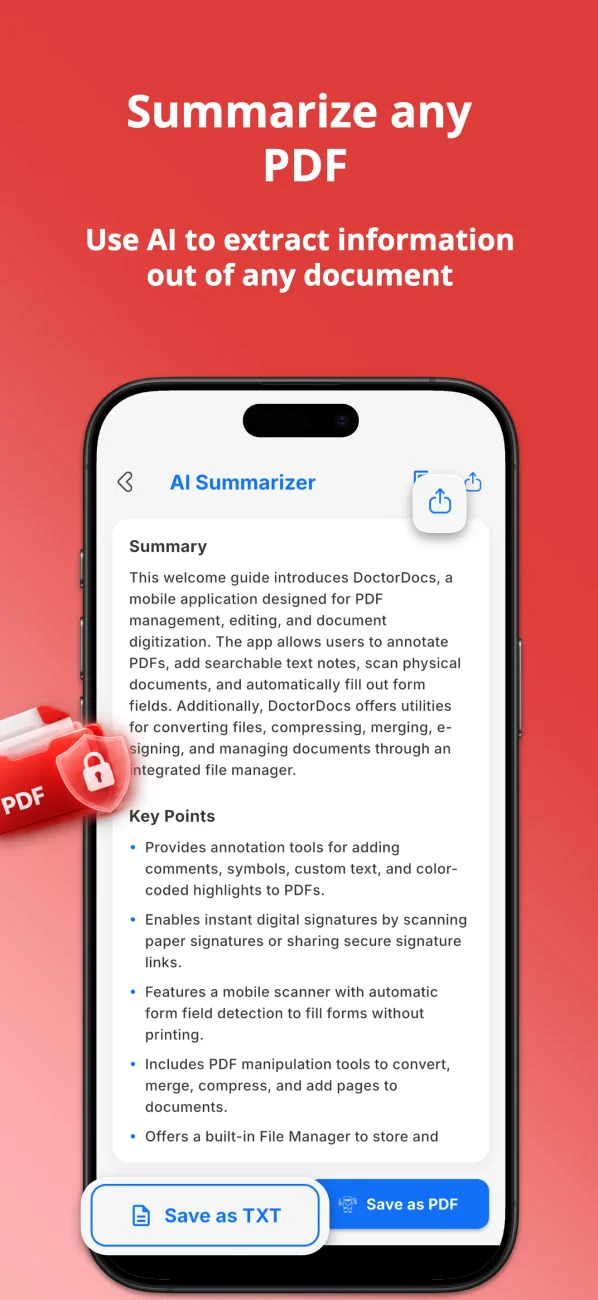
AI DOCUMENT SUMMARIZER
- Summarize lengthy PDFs and documents in seconds with key takeaways
- Export summaries directly as a formatted PDF or TXT file
- Save time reading long contracts, reports, or research papers
SHARE AND EXPORT
- Share via WhatsApp, Gmail, Google Drive, Dropbox, and more
- Export as PDF or image, full quality, no watermark
- Files stay on your device unless you choose to share
WHO IT'S FOR
- Students — scan notes, textbooks, and assignments into clean PDFs
- Professionals — sign contracts and invoices without printing a single page
- Small businesses — merge, compress, and share client documents on the go
- Anyone who wants a fast, reliable PDF app without confusing menus
PDFFILED PRO
- Unlock all 12+ professional PDF tools with an ad-free experience
- Flexible weekly, monthly, and yearly plans
- Instant purchase restoration across all your Apple devices
- Manage your subscription anytime from the Active Member dashboard
PRIVACY FIRST
- Your documents are processed on your device — not uploaded to a server
- No account required to scan, edit, or export
- Full control over what you share, and with whom
WHY PDFFILED
- No watermark, ever — on any export
- No forced account creation — open and start immediately
- Fully offline — no internet required, your files never leave your device
- Lightweight and fast — won't slow down your phone
- Genuinely free — no hidden costs, no premium wall
Download PDFfiled and go paperless today.
新機能
バージョン 1.1.4 · 2026/10/31
What's New in This Version
Welcome to the latest update of PDFfiled! In this version, we’ve improved our document processing engine, enhanced iOS file handling, and refined overall stability for a smoother experience:
ENHANCED DOCUMENT HANDLING & SHARING • Seamless "Open With" Access: Opening PDFs directly from Apple Mail, Files, Safari, or third-party apps is now faster and more reliable with improved sandbox file handling. • Smarter Document Scanner: Upgraded camera engine and edge-detection algorithms deliver crisper document scans and cleaner auto-cropping. • Effortless Exporting: Enhanced sharing flows allow you to export, print, and share your flattened or signed documents in fewer taps.
REFINED PRO ENGINE & INSTANT RESTORE • Precision Subscription Sync: Upgraded StoreKit verification ensures real-time renewal and entitlement status across all your Apple devices. • Reliable Offline Pro Access: Improved entitlement caching ensures your Pro editing and export tools remain fully accessible even in airplane mode. • Frictionless Restore: Instant, background purchase recognition whenever you switch or set up a new device.
iOS 18 OPTIMIZATIONS & SYSTEM STABILITY • Ready for iOS 18: Modernized runtime performance tailored for the latest iOS versions, offering lower battery consumption and faster app launch times. • Memory & Speed Enhancements: Optimized PDF rendering engine prevents memory spikes when handling multi-page documents, forms, and high-resolution scans. • General polish, UI refinements, and overall stability improvements.
Thank you for choosing PDFfiled! If you love the app, please take a moment to leave us a rating or review on the App Store.
アプリのプライバシー
このアプリのデータの取り扱いについて、Jeet KakadiyaがApp Storeで申告している内容です。
-
ユーザーのトラッキングに使用されるデータ
他社のアプリやウェブサイトを横断してユーザーをトラッキングする目的で使用される場合があります。
- ID
- 使用状況データ
-
ユーザーに関連付けられたデータ
収集され、ユーザーの識別情報に関連付けられる場合があります。
- ID
- 使用状況データ
- 診断
プライバシーの取り扱いは、ご利用の機能やお客様の年齢などに応じて異なる場合があります。
情報
- 販売元
- Jeet Kakadiya
- カテゴリ
- 仕事効率化
- バージョン
- 1.1.4
- 更新日
- 2026/10/31
- リリース
- 2026/5/26
- サイズ
- 173.1 MB
- 必要条件
- iOS 18.0以降
- 対象年齢
- 4+
- 価格
- 無料
- アプリ内課金
- あり
- 言語
- 英語
- 著作権
- © 2026 DoctorDocs
こちらもおすすめ
-
 FileMaster: Offline Scanner仕事効率化
-
 PDFix: PDF編集、署名と変換書類スキャン・画像PDF化・結合と圧縮
-
 プライベートAI:ローカルチャットAI画像・PDF・チャット
-
 DGenius AI CV & Cover BuilderAI-Powered CV & Cover Builder
-
 PDF抽出:画像とOCR文字認識オフライン 表組み Markdown
-
 スキャンアプリ- pdf変換書類スキャン, 文書作成, 写真をpdfに変換
-
 Token: Local AI & Code StudioローカルAI・チャット・音声・画像
-
 AIノート&ボイスレコーダー Goオフラインで音声を文字起こし
-
 EdgeAI: Local AI Gallery仕事効率化
-
 Papriva: PDF Converter仕事効率化