- 対象年齢4+
- カテゴリ仕事効率化
- 開発元ANTONIO PADALINO
- 言語イタリア語ほか5言語
- サイズ9.1 MB
App Storeの公式ページにリンクしています
Download.orgはPDFOneのファイルを一切ホストしていません。ボタンを押すと、ANTONIO PADALINOが公開しているApp Storeのアプリページが開きます。ページの最終確認:2026/11/10。
スクリーンショット

概要
開発元はこのテキストをお使いの言語で提供していません。
**PDFOne makes working with PDFs simple on iPhone.**
Open a document, organize its pages with intuitive gestures, add new content, fill in your PDF, and place your signature — all within a clean interface designed to keep the document at the center of your work.
Whether you need to fix a few pages or reorganize a larger document, PDFOne gives you the essential tools without unnecessary complexity.
**ORGANIZE YOUR PAGES**
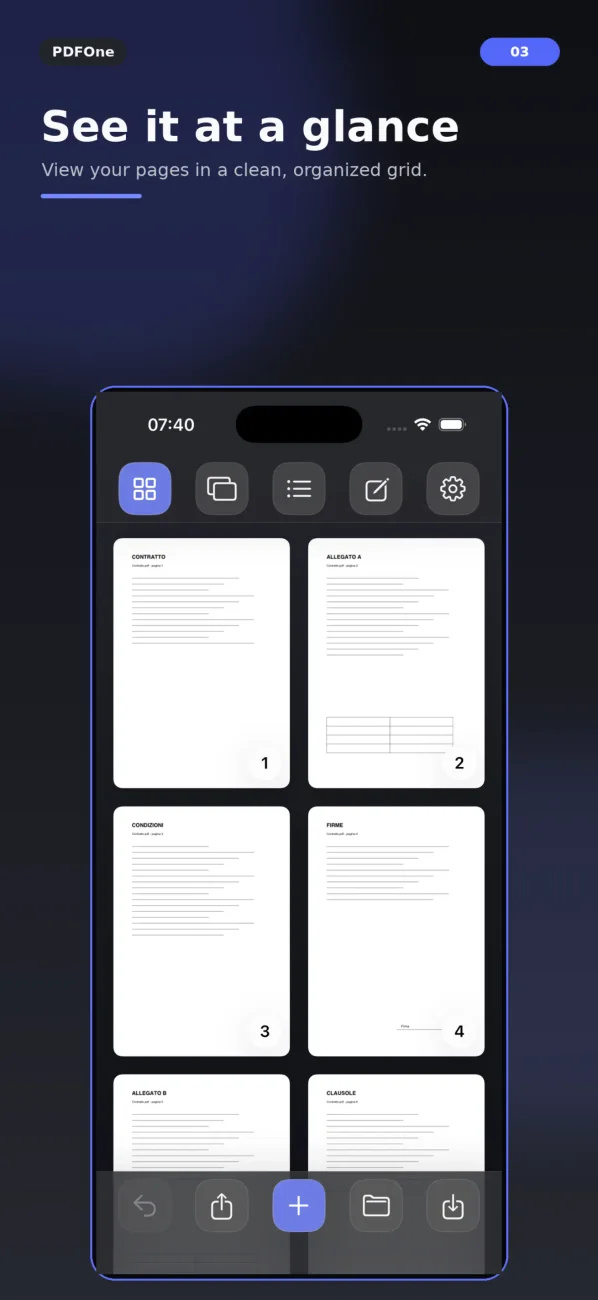
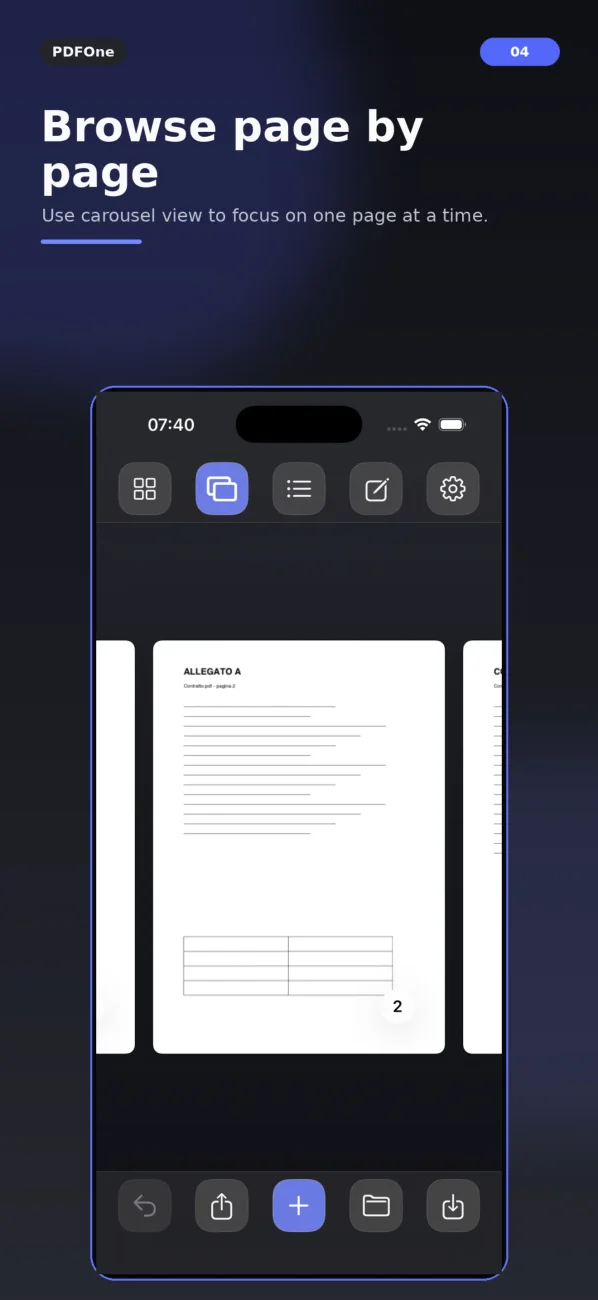
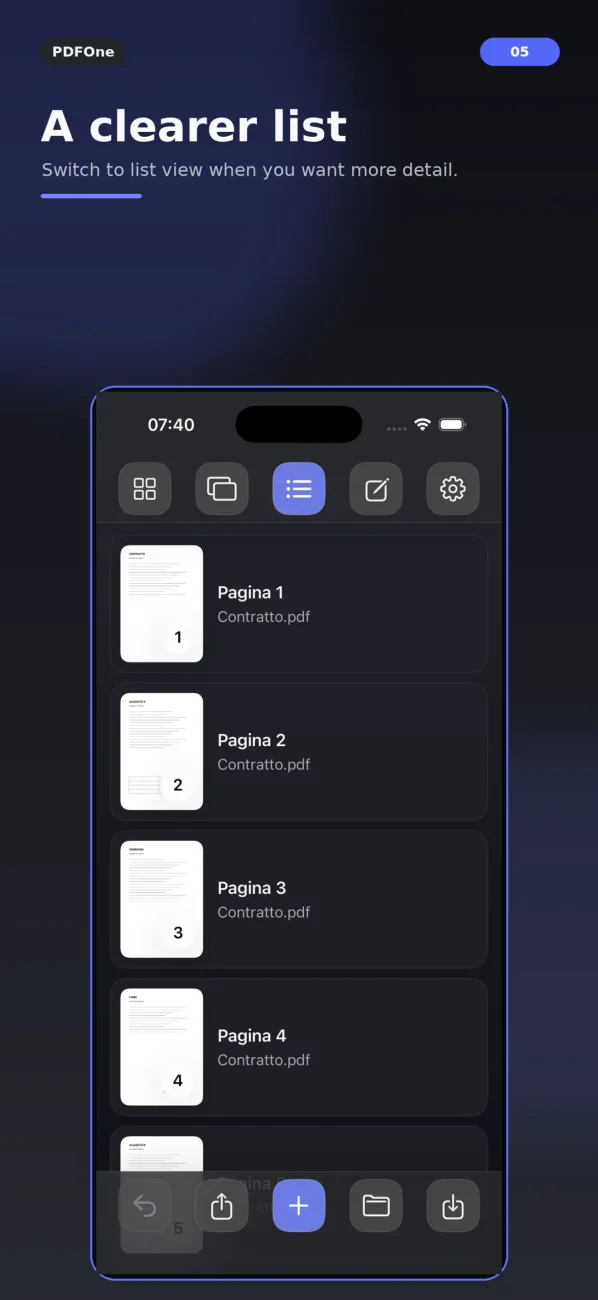
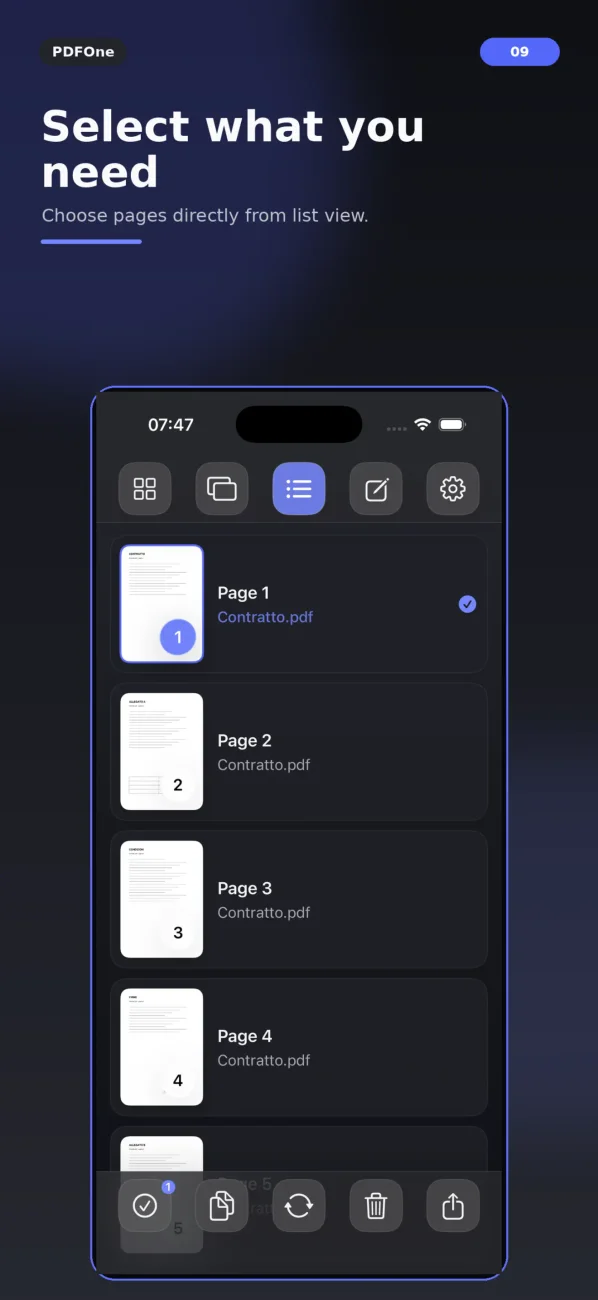
View your document as a Grid, Carousel, or List and choose the layout that works best for you.
You can:
• reorder pages with drag and drop;
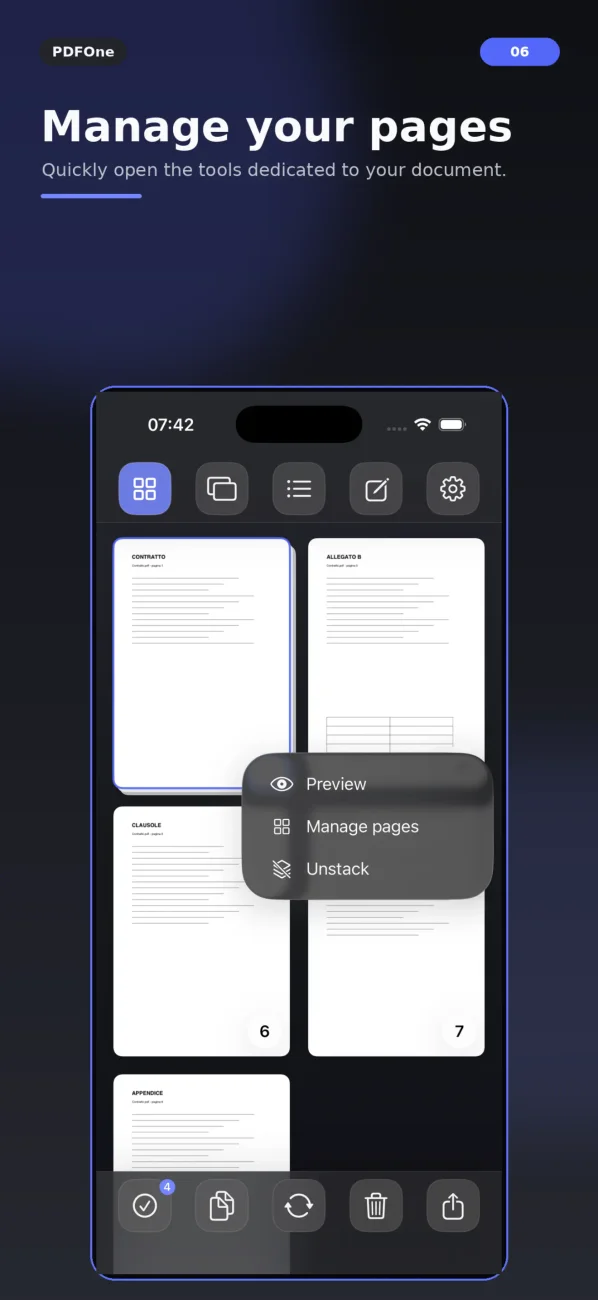
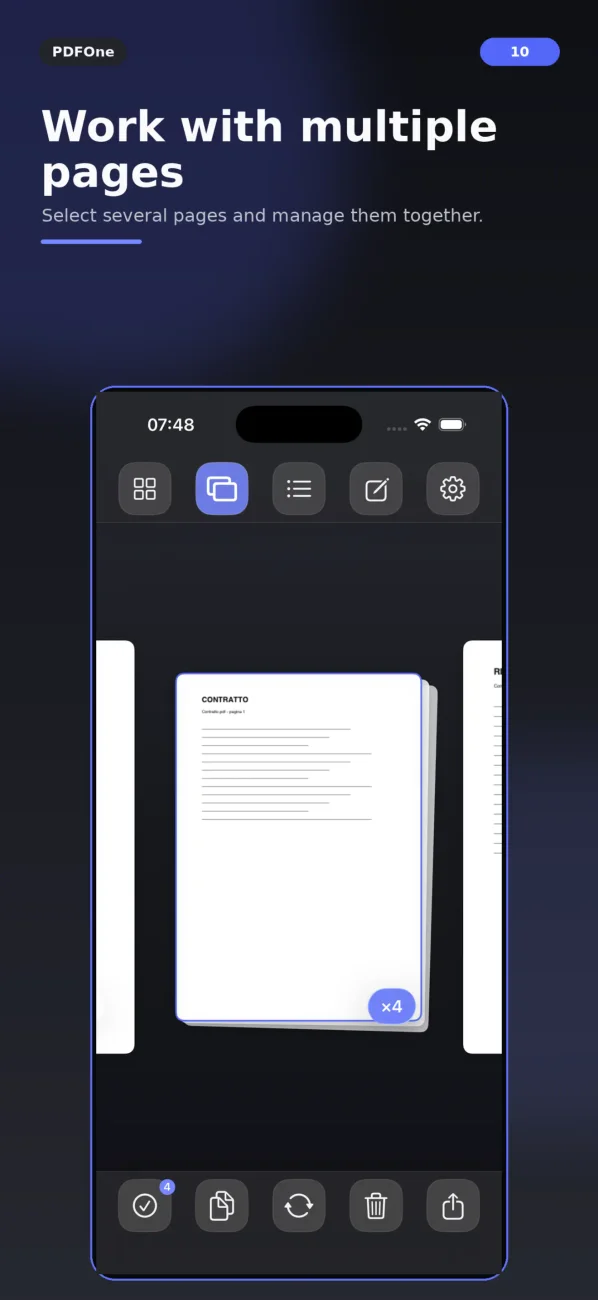
• select multiple pages;
• create and manage page stacks;
• duplicate or delete pages;
• replace pages while keeping control of your document;
• extract and reorganize content when needed.
**ADD NEW CONTENT**
Insert additional PDFs exactly where you need them, or create new pages from:
• PDF documents;
• images from your Photos library;
• blank pages.
**FILL IN PDFs**
Add text directly to a PDF page, position it where it belongs, and adjust its size before applying it to the document.
Perfect for forms, administrative documents, and PDFs that need additional information.
**ADD YOUR SIGNATURE**
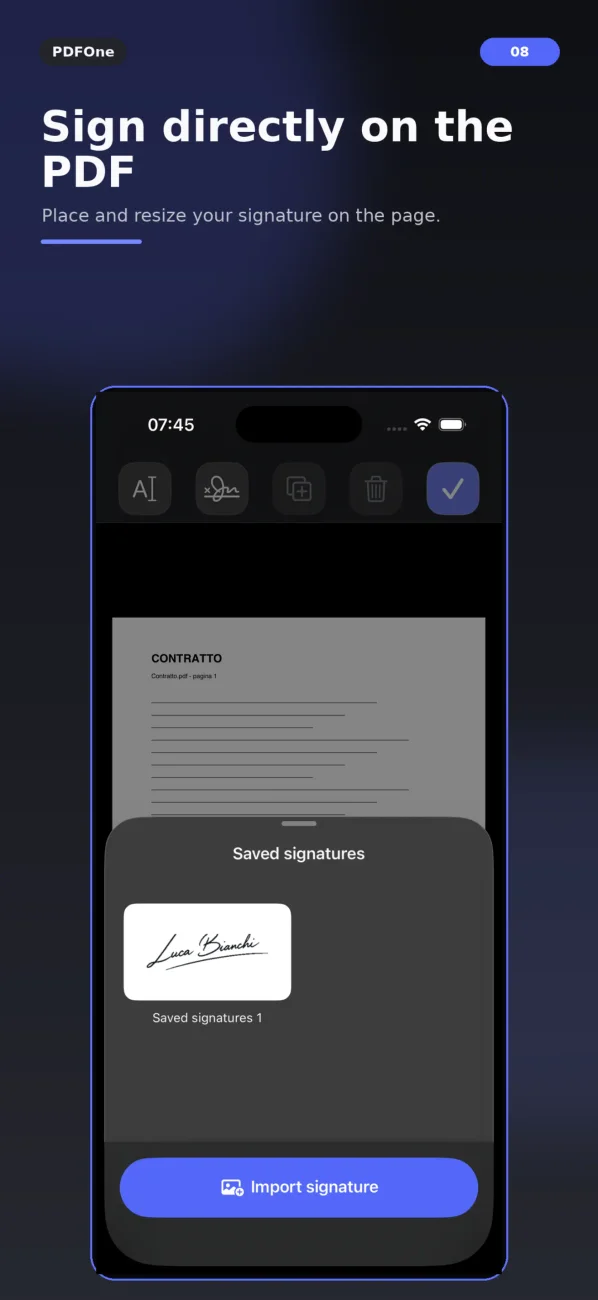
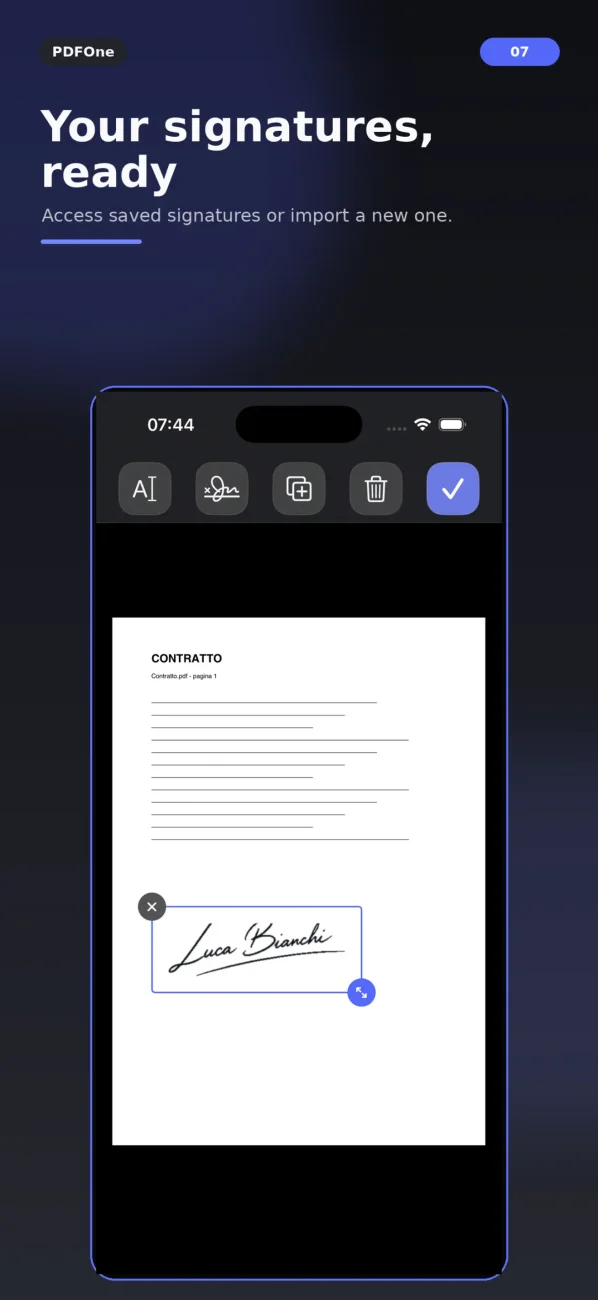
Import a signature and keep it in your signature library so it is ready whenever you need it.
Add multiple signatures, move them around the page, resize them, or remove them before applying your changes to the PDF.
**SAVE AND SHARE**
Save your changes, create a separate copy, or share the finished PDF using the familiar sharing tools built into iOS and iPadOS.
**DESIGNED TO STAY SIMPLE**
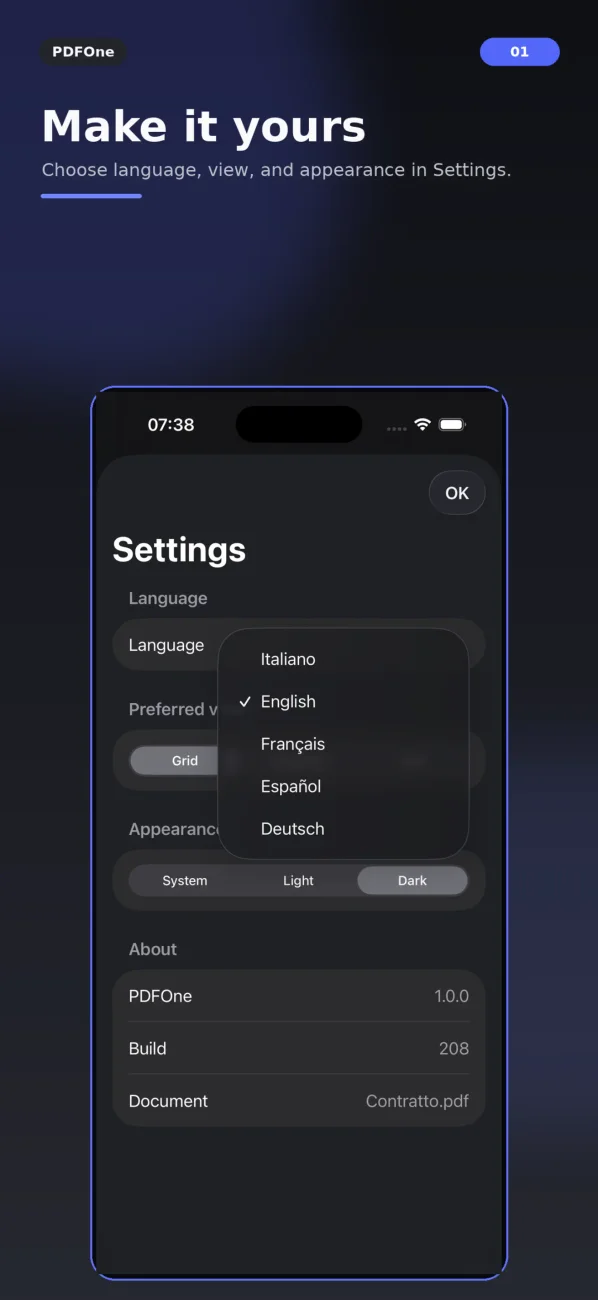
PDFOne is built as a native Apple app, with familiar controls, direct interactions, light and dark appearances, and an interface that keeps the focus on your document.
No unnecessarily complicated tools. Just what you need to organize, fill, sign, and manage your PDFs.
新機能
バージョン 1.6.4 · 2026/11/1
Scan with DocOne Express: on iPhone, launch the companion app from PDFOne and import your scanned pages.
More reliable app handoff: completed scans can be recovered when you return to PDFOne, without duplicate imports.
Search scanned documents: find words even on image-only pages using on-device text recognition.
Clearer search feedback: see when a search is running, with results refreshed when the document changes.
More reliable PDF imports: opening, adding and replacing pages now include extra safeguards, including when an operation is interrupted.
Better handling of complex PDFs: get a warning before importing or exporting pages if bookmarks, forms or attachments may not be kept.
Original-file protection: operations that would strip security from encrypted PDFs are prevented.
Safer saving: unchanged PDFs stay intact, and files modified elsewhere are not overwritten without checking.
Document details retained: where possible, edited copies keep the original PDF's title, author and other information.
Better photo handling: fewer repeated image compressions and a more careful balance between file size and quality.
Easier photo insertion: tap a page to insert before it, or tap empty space to add the photo at the end.
Simpler selection: tap empty space to deselect selected pages.
More polished interactions: improved page transitions, dragging and automatic scrolling, with better support for Reduce Motion.
Clearer details: new untitled documents are identified, and What's New in Settings is expandable.
アプリのプライバシー
このアプリのデータの取り扱いについて、ANTONIO PADALINOがApp Storeで申告している内容です。
-
データの収集なし
開発元はこのアプリからデータを収集しません。
プライバシーの取り扱いは、ご利用の機能やお客様の年齢などに応じて異なる場合があります。
情報
- 販売元
- ANTONIO PADALINO
- カテゴリ
- 仕事効率化
- バージョン
- 1.6.4
- 更新日
- 2026/11/1
- リリース
- 2026/9/7
- サイズ
- 9.1 MB
- 必要条件
- iOS 17.0以降
- 対象年齢
- 4+
- 価格
- ¥600
- 言語
- イタリア語, 繁体字中国語, フランス語, 英語, スペイン語, ドイツ語
- 著作権
- © 2026 Delta Code
こちらもおすすめ
-
 Video Transcriber - 文字起こし録音文字起こし,会議文字起こし,動画文字起こし
-
 PDF編集・電子署名:DocHeroPDFに書き込み、サイン、記入
-
 勤怠ログ-残業記録シフト表週月年収入統計助手版本アインポートエクスポートオフライン勤務日報収支集計機能
-
 PDFSwift仕事効率化
-
 GlobalScan Pro: PDF Scanner仕事効率化
-
 ConoP - コピーにタイムスタンプを自動付与mac Copy. note Auto. No Paste.
-
 PDF変換・スキャン・OCR結合・分割・圧縮をかんたんに
-
 Scooch - Room & Floor Planner仕事効率化
-
 PaperSeal: Sign PDFs Offline仕事効率化
-
 Nova Voice: AI Text to Speech端末で英語テキストを音声化