- Độ tuổi4+
- Danh mụcHiệu Suất
- Nhà phát triểnANTONIO PADALINO
- Ngôn ngữTiếng Ý+ 5 ngôn ngữ khác
- Kích thước9,1 MB
Liên kết đến trang App Store chính thức
Download.org không lưu trữ tệp nào của PDFOne. Nút này mở trang ứng dụng trên App Store, nơi ANTONIO PADALINO phát hành ứng dụng. Trang được kiểm tra lần cuối: 10/11/2026.
Ảnh chụp màn hình

Giới thiệu
Nhà phát triển chưa cung cấp nội dung này bằng ngôn ngữ của bạn.
**PDFOne makes working with PDFs simple on iPhone.**
Open a document, organize its pages with intuitive gestures, add new content, fill in your PDF, and place your signature — all within a clean interface designed to keep the document at the center of your work.
Whether you need to fix a few pages or reorganize a larger document, PDFOne gives you the essential tools without unnecessary complexity.
**ORGANIZE YOUR PAGES**
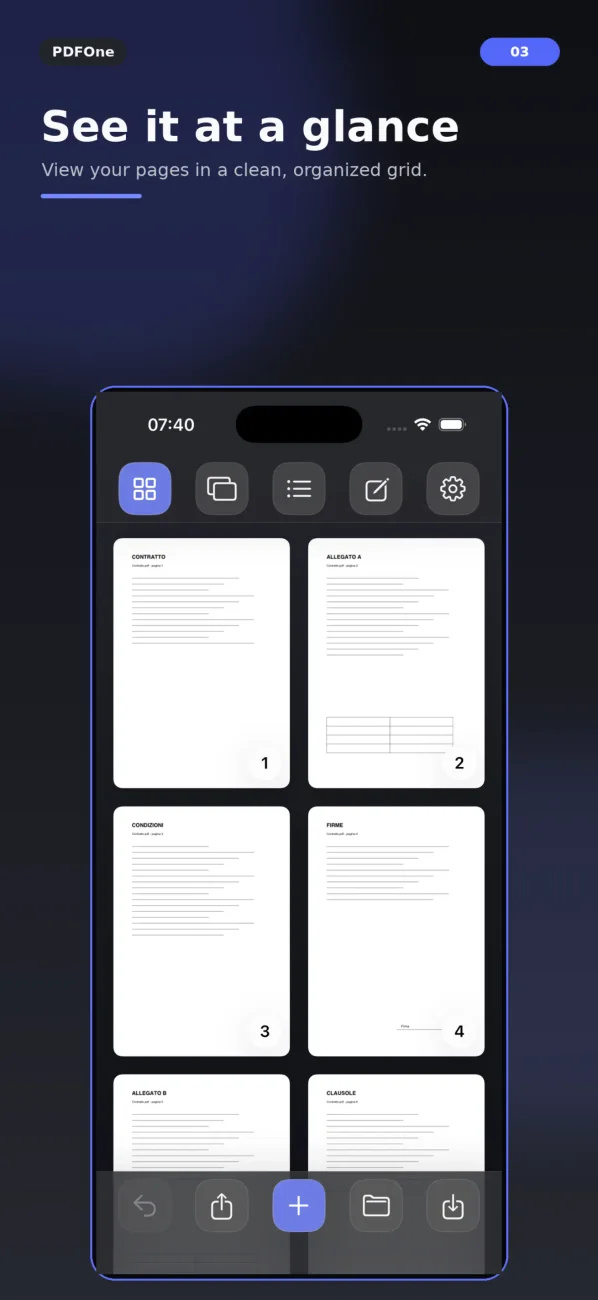
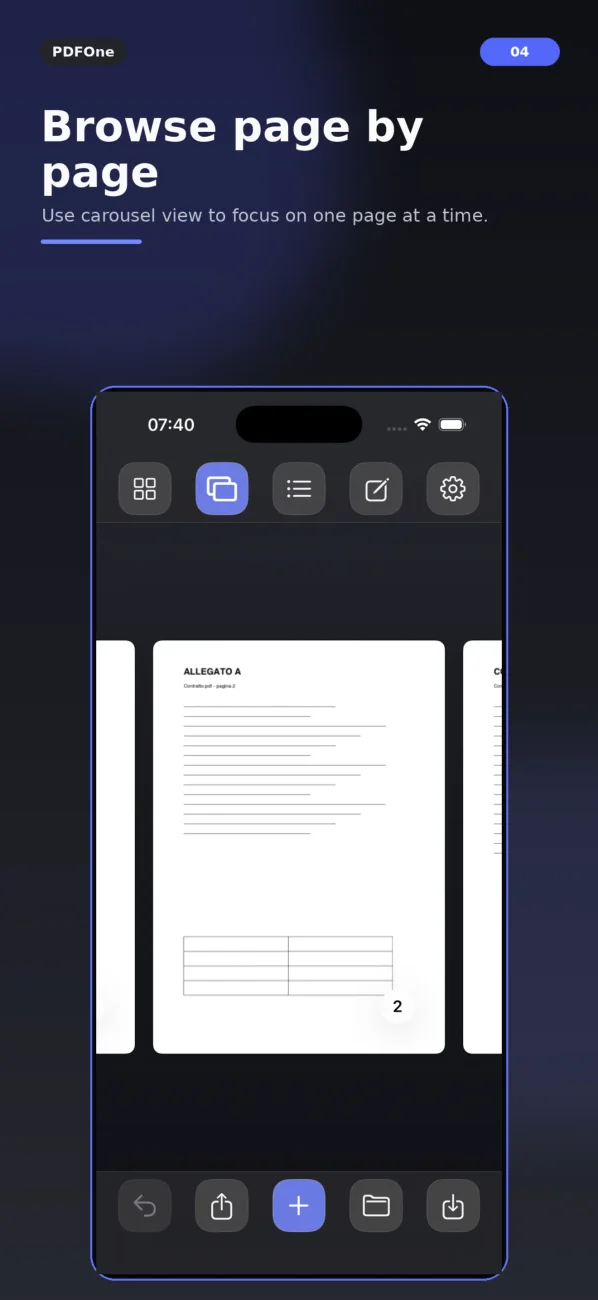
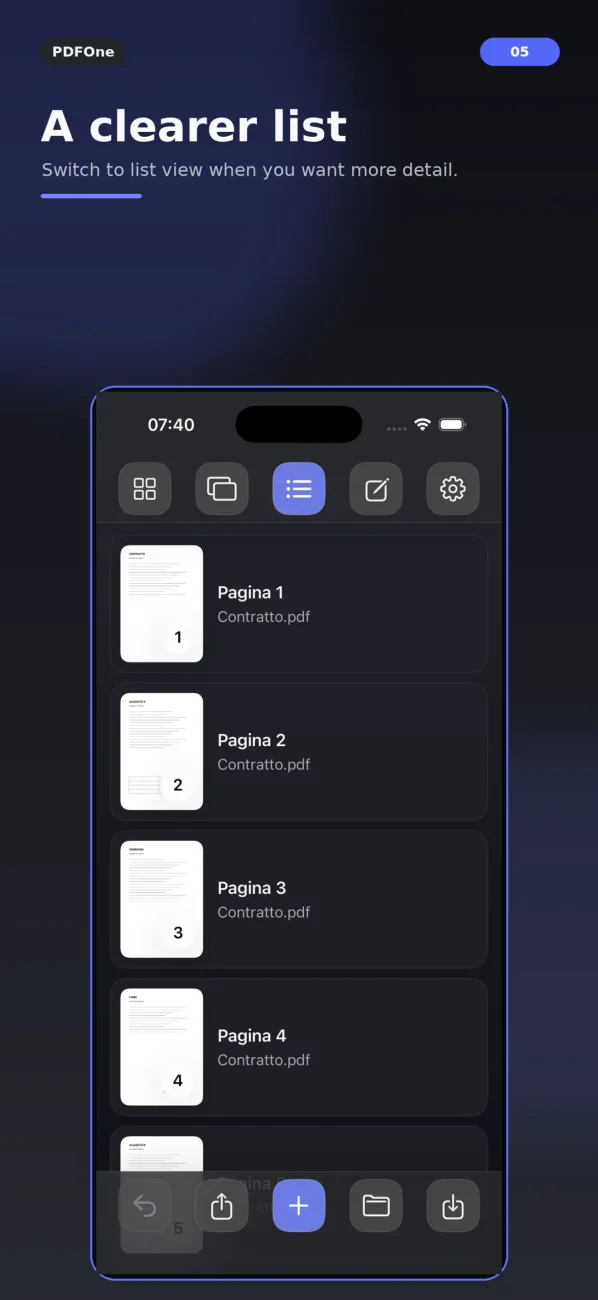
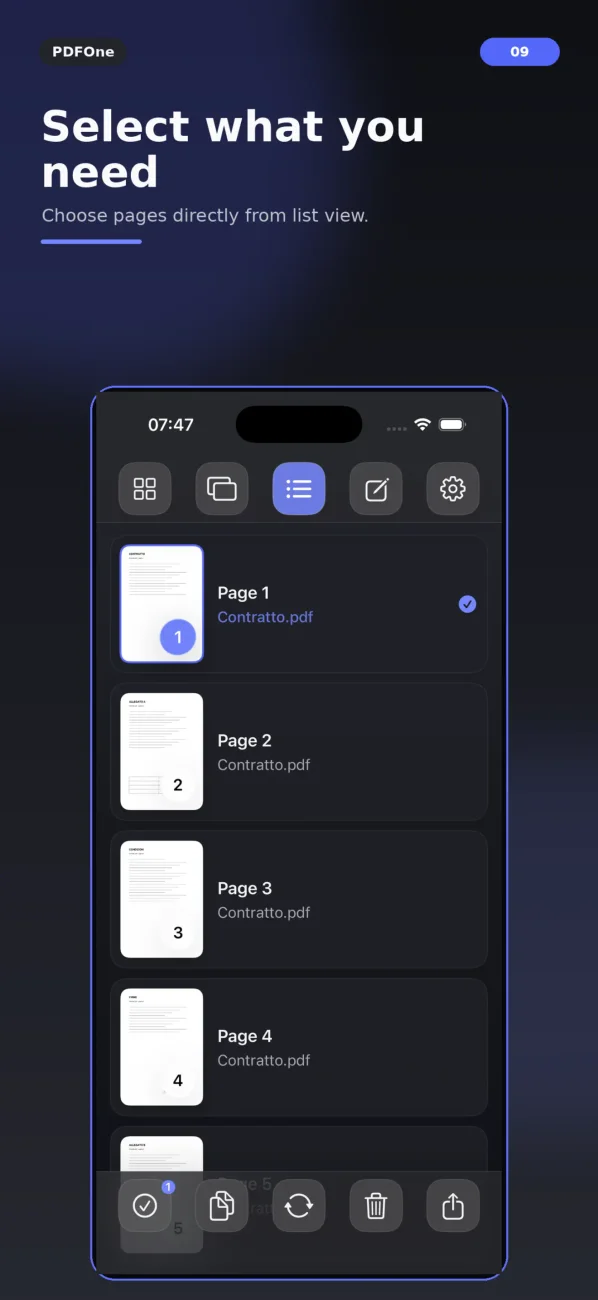
View your document as a Grid, Carousel, or List and choose the layout that works best for you.
You can:
• reorder pages with drag and drop;
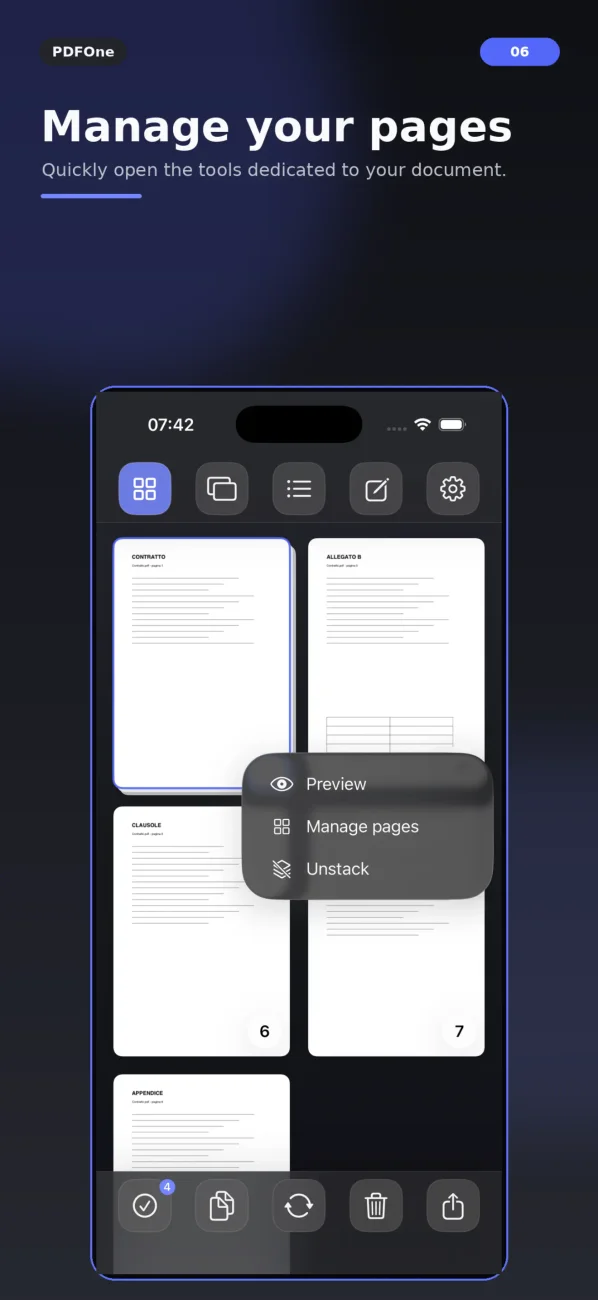
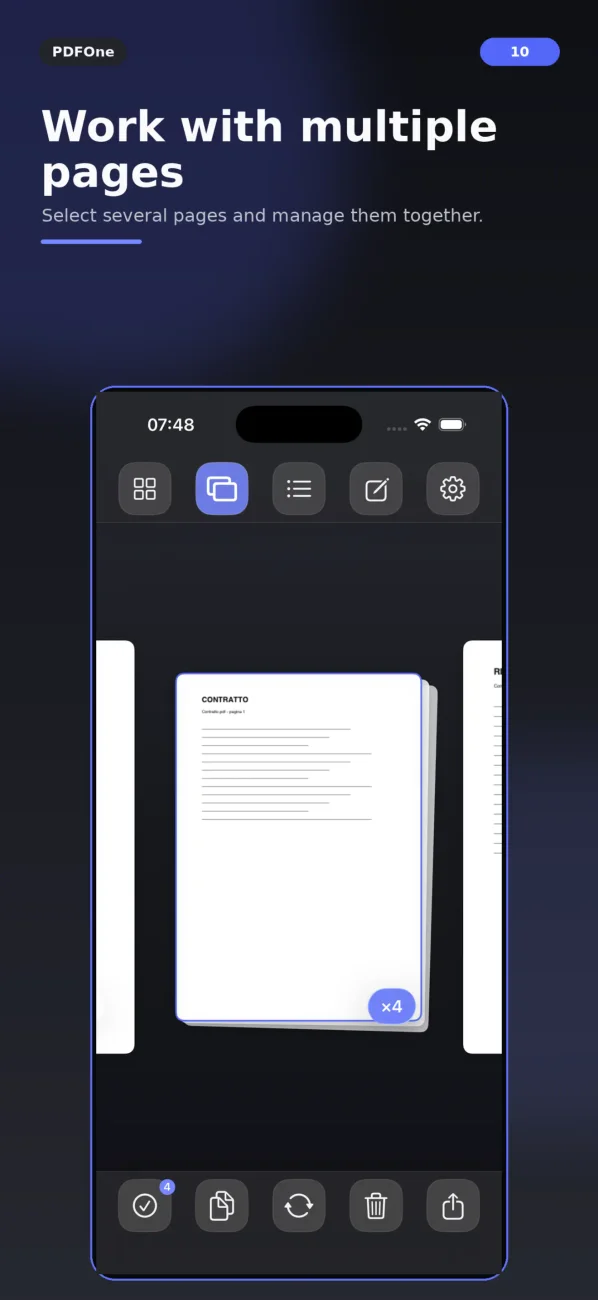
• select multiple pages;
• create and manage page stacks;
• duplicate or delete pages;
• replace pages while keeping control of your document;
• extract and reorganize content when needed.
**ADD NEW CONTENT**
Insert additional PDFs exactly where you need them, or create new pages from:
• PDF documents;
• images from your Photos library;
• blank pages.
**FILL IN PDFs**
Add text directly to a PDF page, position it where it belongs, and adjust its size before applying it to the document.
Perfect for forms, administrative documents, and PDFs that need additional information.
**ADD YOUR SIGNATURE**
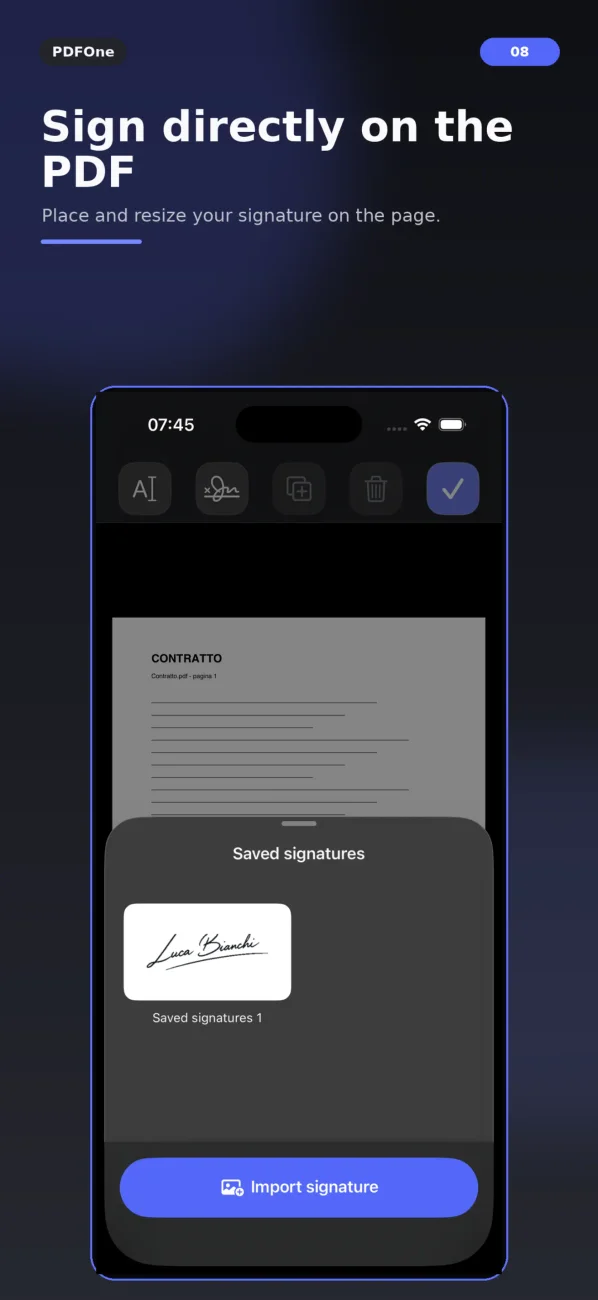
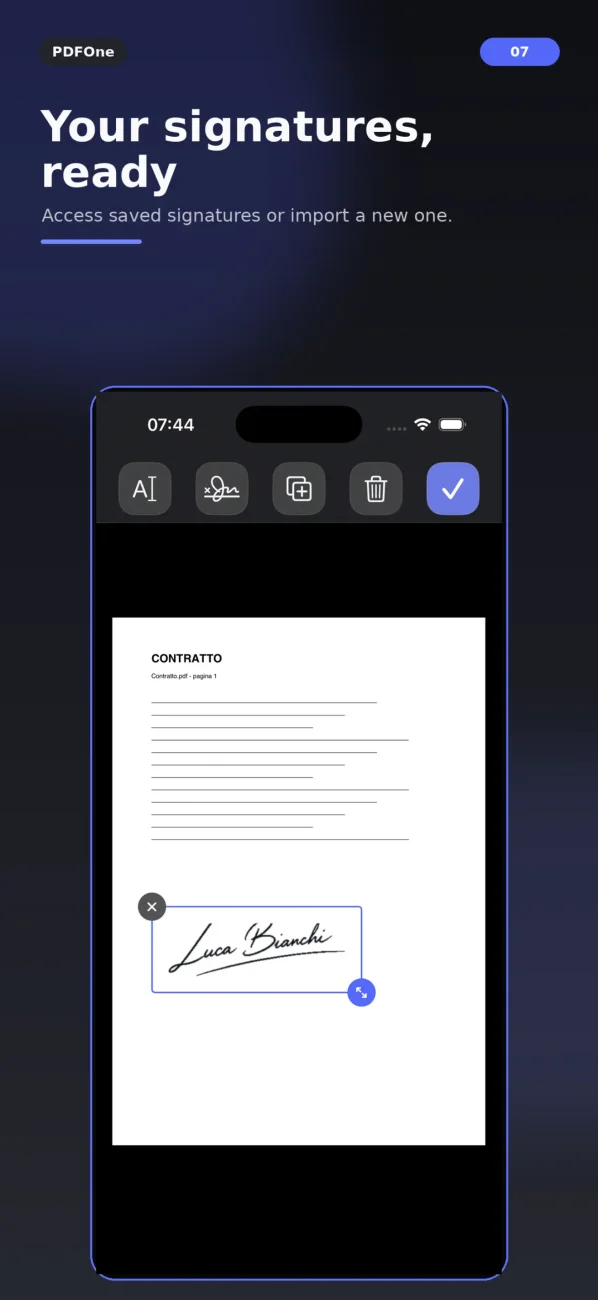
Import a signature and keep it in your signature library so it is ready whenever you need it.
Add multiple signatures, move them around the page, resize them, or remove them before applying your changes to the PDF.
**SAVE AND SHARE**
Save your changes, create a separate copy, or share the finished PDF using the familiar sharing tools built into iOS and iPadOS.
**DESIGNED TO STAY SIMPLE**
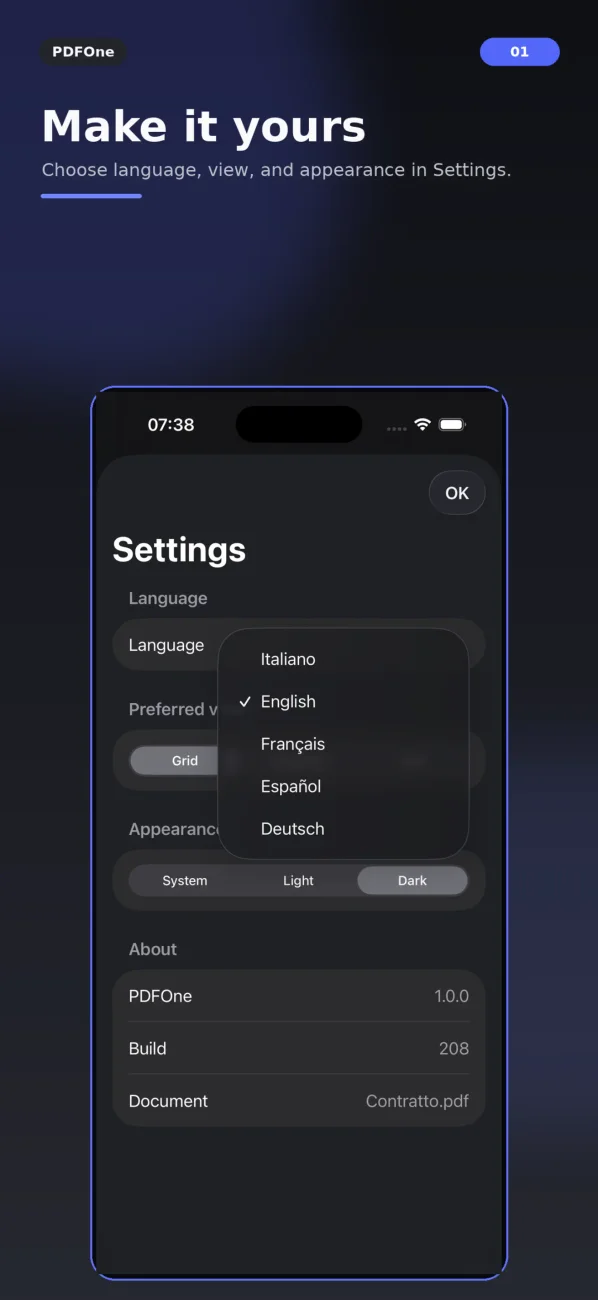
PDFOne is built as a native Apple app, with familiar controls, direct interactions, light and dark appearances, and an interface that keeps the focus on your document.
No unnecessarily complicated tools. Just what you need to organize, fill, sign, and manage your PDFs.
Có gì mới
Phiên bản 1.6.4 · 01/11/2026
Scan with DocOne Express: on iPhone, launch the companion app from PDFOne and import your scanned pages.
More reliable app handoff: completed scans can be recovered when you return to PDFOne, without duplicate imports.
Search scanned documents: find words even on image-only pages using on-device text recognition.
Clearer search feedback: see when a search is running, with results refreshed when the document changes.
More reliable PDF imports: opening, adding and replacing pages now include extra safeguards, including when an operation is interrupted.
Better handling of complex PDFs: get a warning before importing or exporting pages if bookmarks, forms or attachments may not be kept.
Original-file protection: operations that would strip security from encrypted PDFs are prevented.
Safer saving: unchanged PDFs stay intact, and files modified elsewhere are not overwritten without checking.
Document details retained: where possible, edited copies keep the original PDF's title, author and other information.
Better photo handling: fewer repeated image compressions and a more careful balance between file size and quality.
Easier photo insertion: tap a page to insert before it, or tap empty space to add the photo at the end.
Simpler selection: tap empty space to deselect selected pages.
More polished interactions: improved page transitions, dragging and automatic scrolling, with better support for Reduce Motion.
Clearer details: new untitled documents are identified, and What's New in Settings is expandable.
Quyền riêng tư của ứng dụng
Những gì ANTONIO PADALINO khai báo trên App Store về cách ứng dụng này xử lý dữ liệu.
-
Dữ liệu không được thu thập
Nhà phát triển không thu thập bất kỳ dữ liệu nào từ ứng dụng này.
Phương thức đảm bảo quyền riêng tư có thể khác nhau, chẳng hạn như tuỳ theo các tính năng bạn sử dụng hoặc độ tuổi của bạn.
Thông tin
- Người bán
- ANTONIO PADALINO
- Danh mục
- Hiệu Suất
- Phiên bản
- 1.6.4
- Cập nhật
- 01/11/2026
- Phát hành
- 07/09/2026
- Kích thước
- 9,1 MB
- Yêu cầu
- iOS 17.0 trở lên
- Độ tuổi
- 4+
- Giá
- 119.000đ
- Ngôn ngữ
- Tiếng Ý, Tiếng Trung Phồn thể, Tiếng Pháp, Tiếng Anh, Tiếng Tây Ban Nha, Tiếng Đức
- Bản quyền
- © 2026 Delta Code
Có thể bạn cũng thích
-
 Video Transcriber - TranscriptHiệu Suất
-
 Sign PDF & PDF Editor: DocHeroHiệu Suất
-
 Chấm Công Ca Kíp Tăng Ca LịchCa kíp tăng ca lịch làm xuất
-
 PDFSwiftHiệu Suất
-
 GlobalScan Pro: PDF ScannerHiệu Suất
-
 ConoP - Timestamp every copyHiệu Suất
-
 PDF Converter: Scan & OCRHiệu Suất
-
 Scooch - Room & Floor PlannerHiệu Suất
-
 PaperSeal: Sign PDFs OfflineHiệu Suất
-
 Nova Voice: AI Text to SpeechHiệu Suất