- 対象年齢4+
- カテゴリユーティリティ
- 開発元ZHENG WANG
- 言語英語
- サイズ11.0 MB
App Storeの公式ページにリンクしています
Download.orgはPicLabelsのファイルを一切ホストしていません。ボタンを押すと、ZHENG WANGが公開しているApp Storeのアプリページが開きます。ページの最終確認:2026/11/12。
スクリーンショット


概要
開発元はこのテキストをお使いの言語で提供していません。
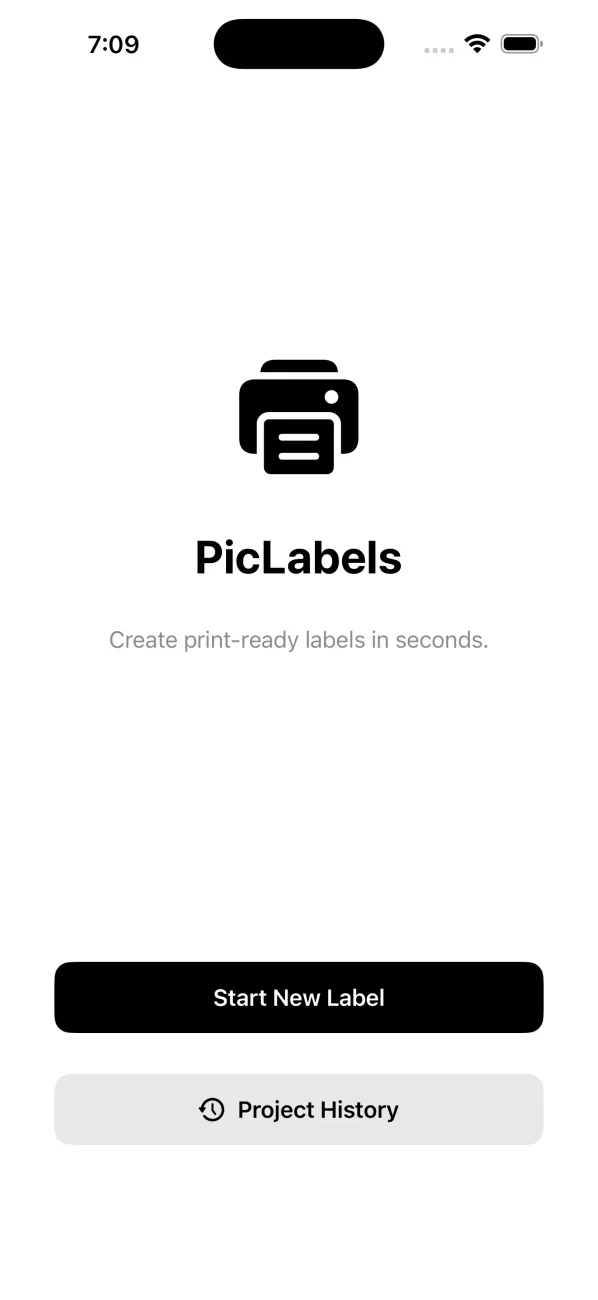
PicLabels – Print & Organize Photo Labels
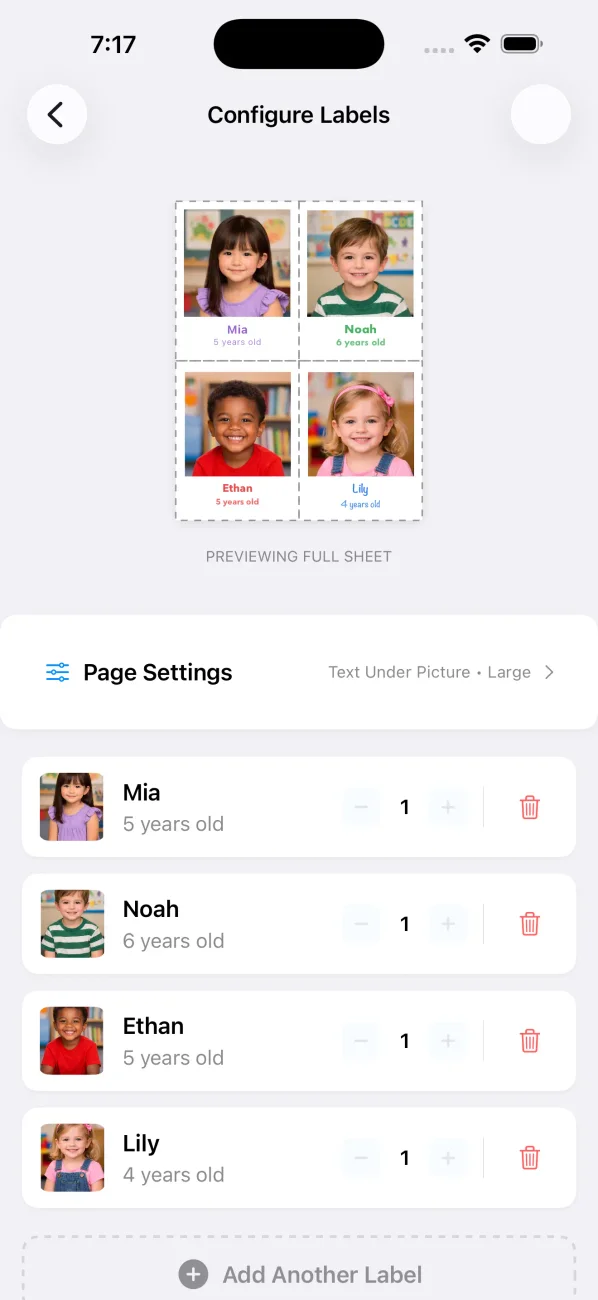
Create clean, professional labels from your photos in seconds. PicLabels lets you design and print perfectly sized labels directly from your iPhone or iPad—no desktop software required.
Whether you’re organizing storage bins, labeling inventory, preparing classroom materials, or scrapbooking, PicLabels makes the process fast, visual, and frustration-free.
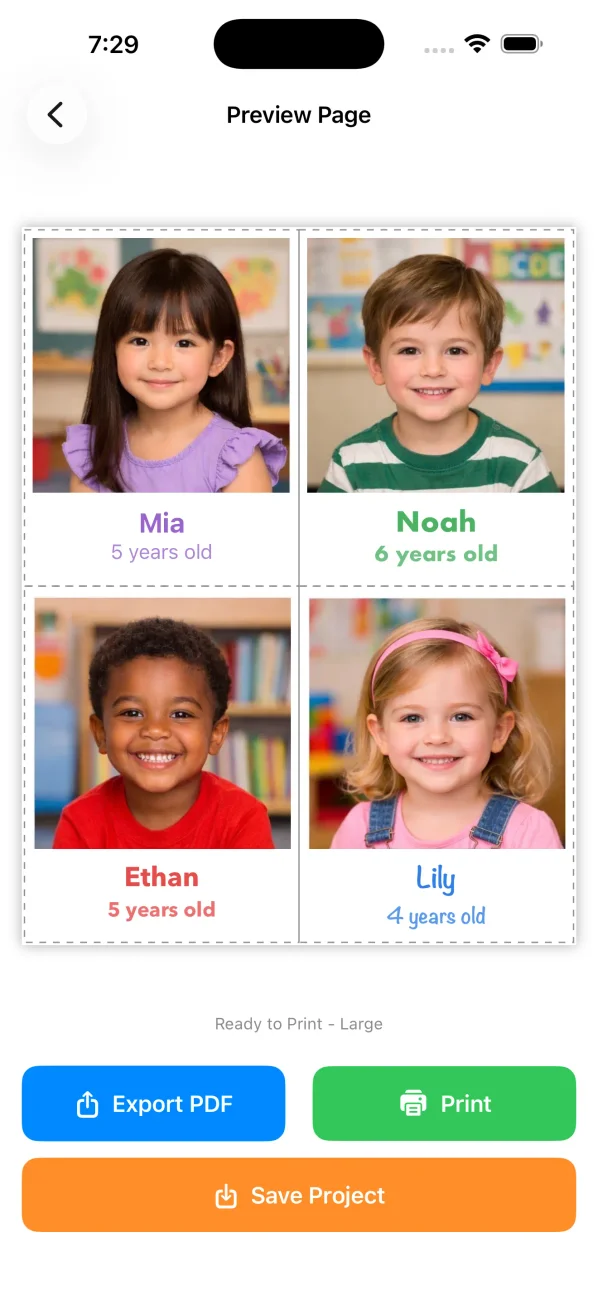
Design with confidence using a live, full-page preview, so what you see is exactly what you print.
KEY FEATURES
• Clean and intuitive UI
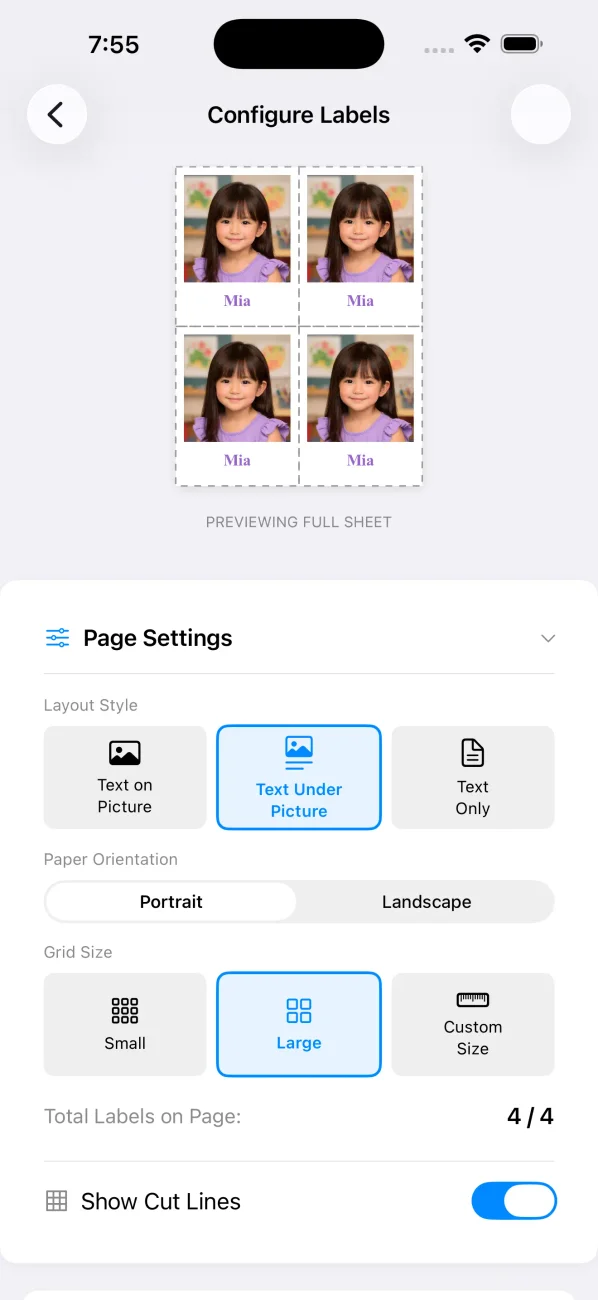
• Choose text on photo, text under photo, or text-only layouts
• Switch between portrait and landscape paper orientation
• Full control over fonts, text size, and colors
• Zoom, rotate, and reposition photos for the perfect crop
• Live preview of the entire printable page
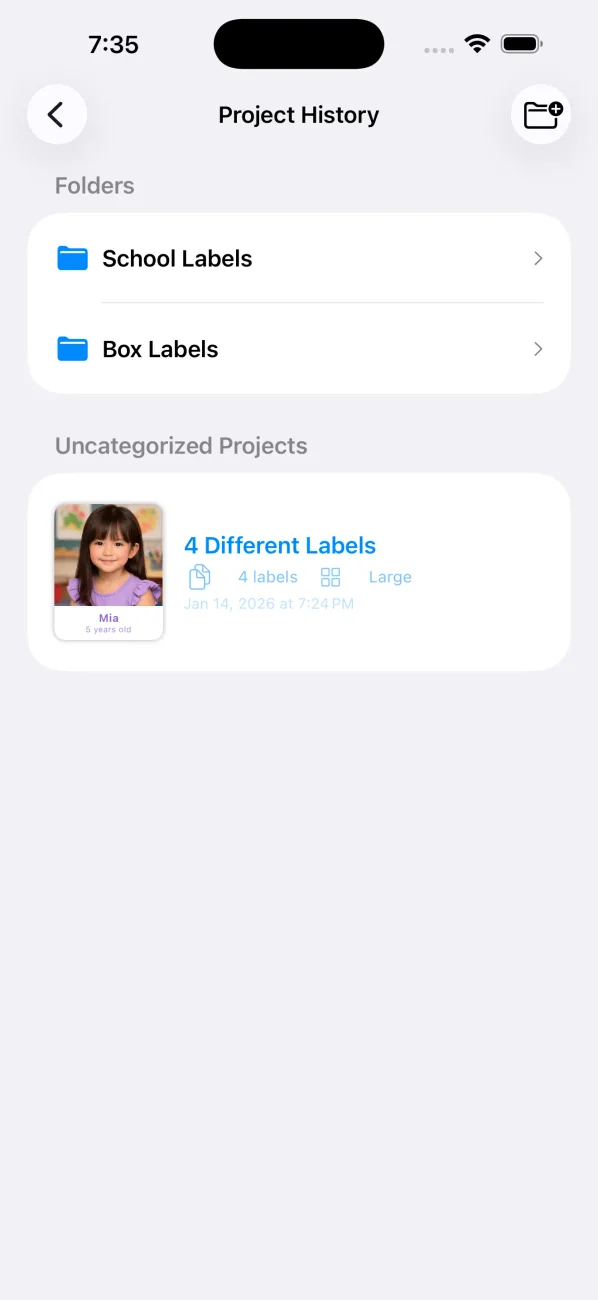
• Save designs as reusable projects
• Organize projects into folders
• Reprint past labels instantly
PRINT & EXPORT
• Print directly to any AirPrint-compatible printer
• Export high-resolution PDFs to Files, email, or sharing apps
• All processing happens on-device
• No accounts, no cloud uploads, no tracking
PERFECT FOR
• Storage bins and moving boxes
• Classroom organization and cubbies
• Small business inventory and product labels
• Scrapbooks and photo albums
• Name tags and event badges
Stop wrestling with formatting.
Download PicLabels and make your world more organized, one label at a time.
新機能
バージョン 1.01 · 2026/1/29
* Bug fixes
* Added In-app events tracking
アプリのプライバシー
このアプリのデータの取り扱いについて、ZHENG WANGがApp Storeで申告している内容です。
-
データの収集なし
開発元はこのアプリからデータを収集しません。
プライバシーの取り扱いは、ご利用の機能やお客様の年齢などに応じて異なる場合があります。
情報
- 販売元
- ZHENG WANG
- カテゴリ
- ユーティリティ
- バージョン
- 1.01
- 更新日
- 2026/1/29
- リリース
- 2026/1/20
- サイズ
- 11.0 MB
- 必要条件
- iOS 26.0以降
- 対象年齢
- 4+
- 価格
- 無料
- アプリ内課金
- あり
- 言語
- 英語
- 著作権
- © 2026 Zheng Wang