
- 対象年齢4+
- カテゴリ写真/ビデオ
- サイズ1.5 MB
App Storeの公式ページにリンクしています
Download.orgはPixelCropのファイルを一切ホストしていません。ボタンを押すと、が公開しているApp Storeのアプリページが開きます。ページの最終確認:2026/11/10。
スクリーンショット

概要
開発元はこのテキストをお使いの言語で提供していません。
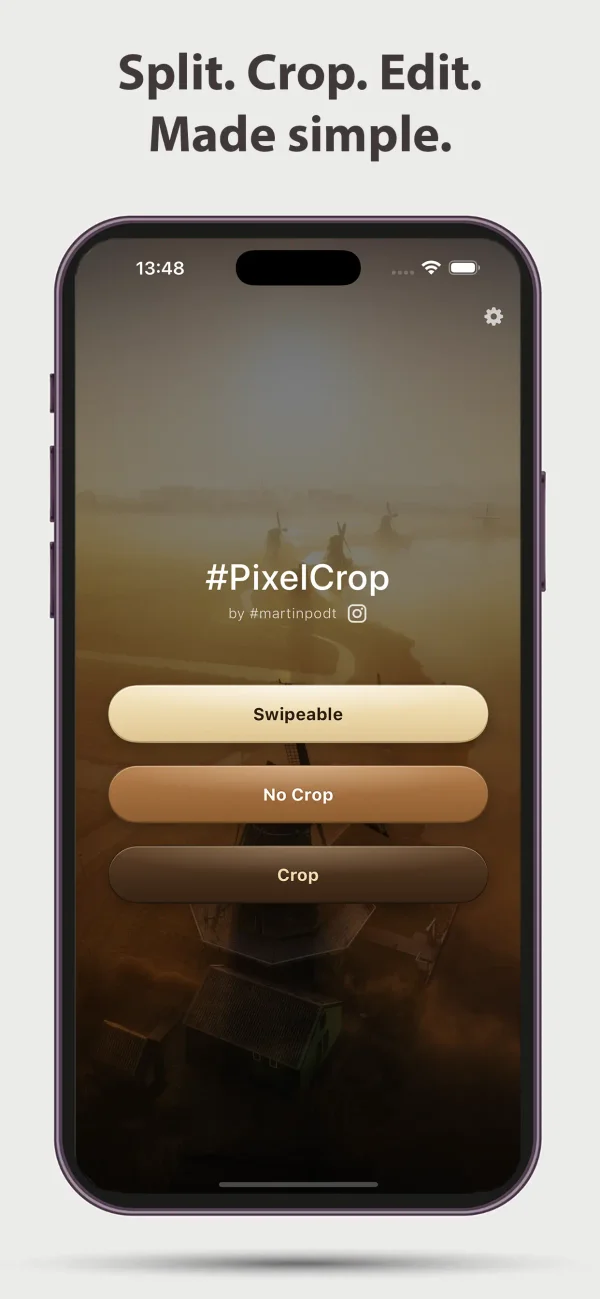
Built by landscape photographer Martin Podt, PixelCrop brings the same framing and editing tools he uses in his own workflow — designed for photographers who value precision, simplicity, and privacy.
PixelCrop gives you precise control over how your photos are framed, split, and presented — with a built-in editor for fine-tuning every detail. Fast, clean, no ads.
Free to use. Upgrade to Pro for all features.
No ads, no tracking, no data collection. Just your photos, exactly as you want them.
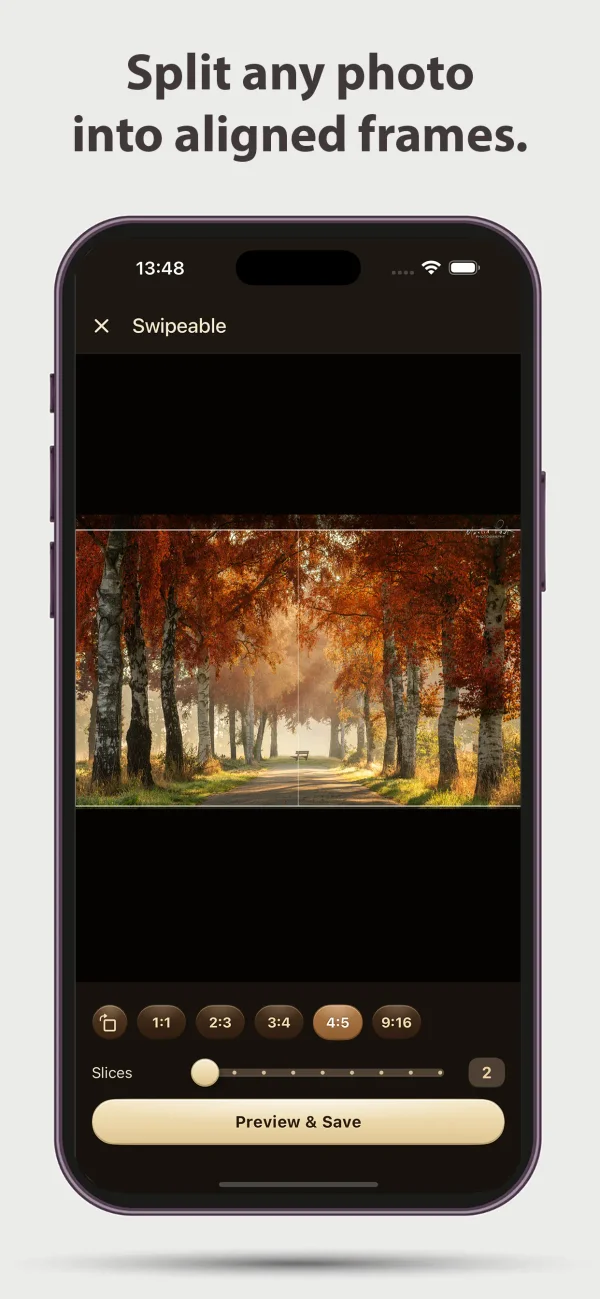
MULTI-FRAME SPLIT
- Split any wide photo into precisely aligned frames
- Preview each frame before saving
- Choose aspect ratio: 1:1, 3:2, 4:3, 5:4, or 16:9
- Files saved with original filename and frame number
- Free: up to 3 frames | Pro: up to 10 frames
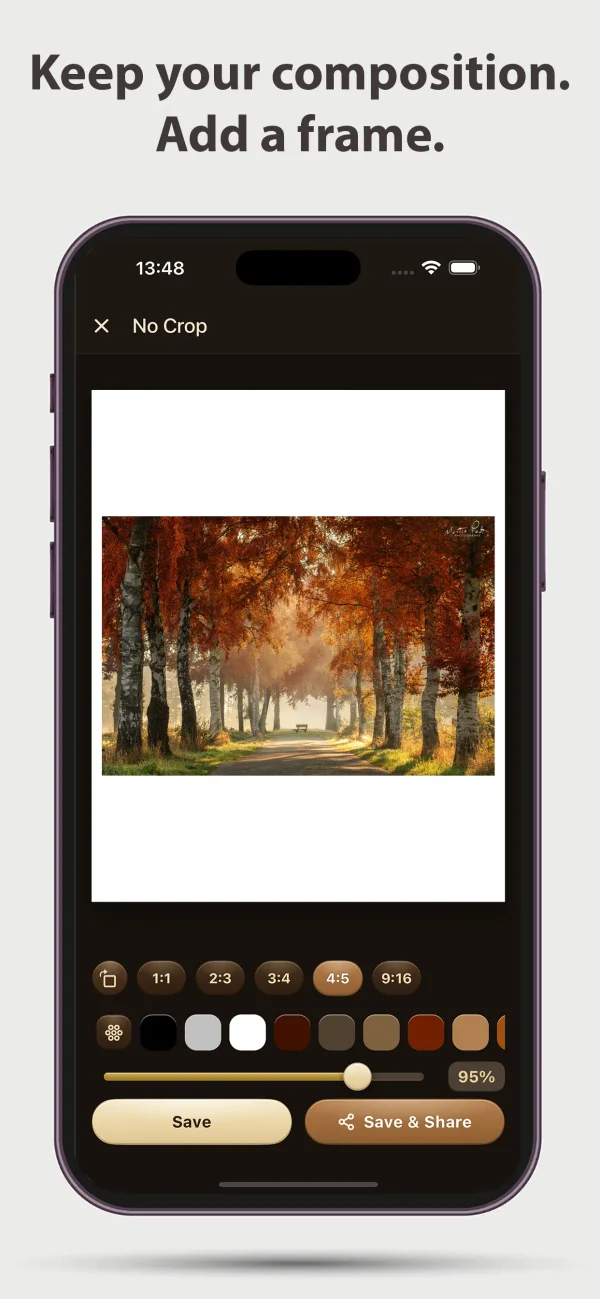
FLEXIBLE FRAMING (Pro)
- Fit portrait or landscape photos into any aspect ratio without losing content
- Add a solid color background or a blurred extension of the photo
- Scale and adjust positioning freely
- Preserve full compositions without forced cropping
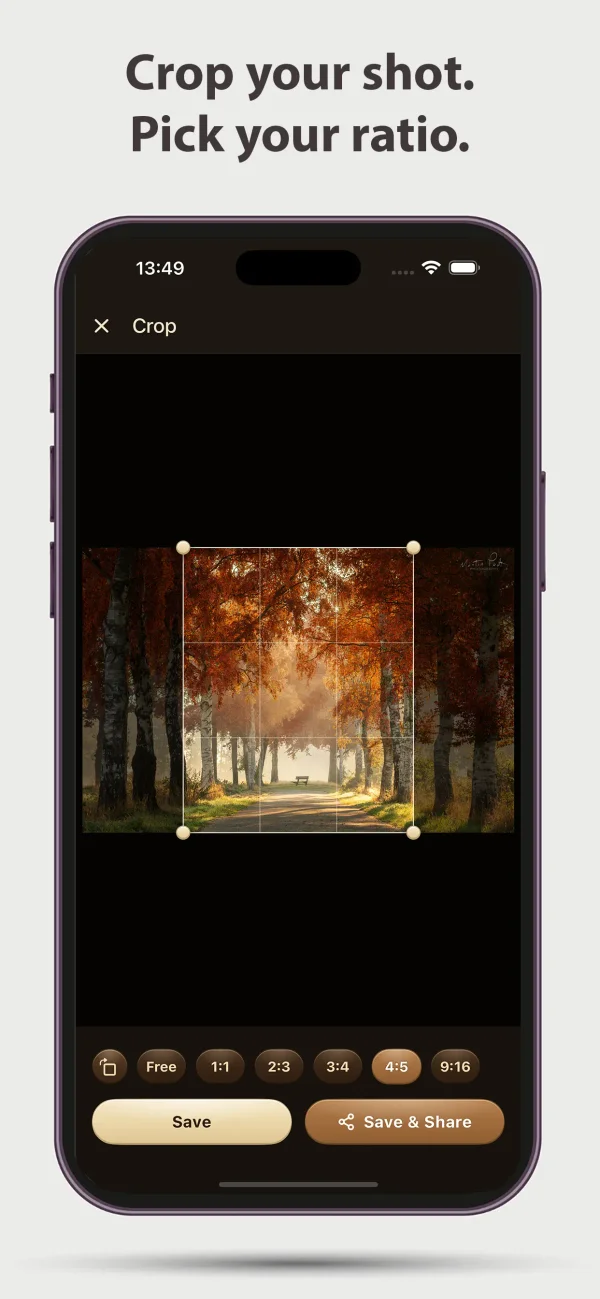
CROP
- Crop your photo and save it directly to your photo library
- Free: 4:5 portrait ratio
- Pro: all aspect ratios - 1:1, 3:2, 4:3, 5:4, 16:9, and free crop
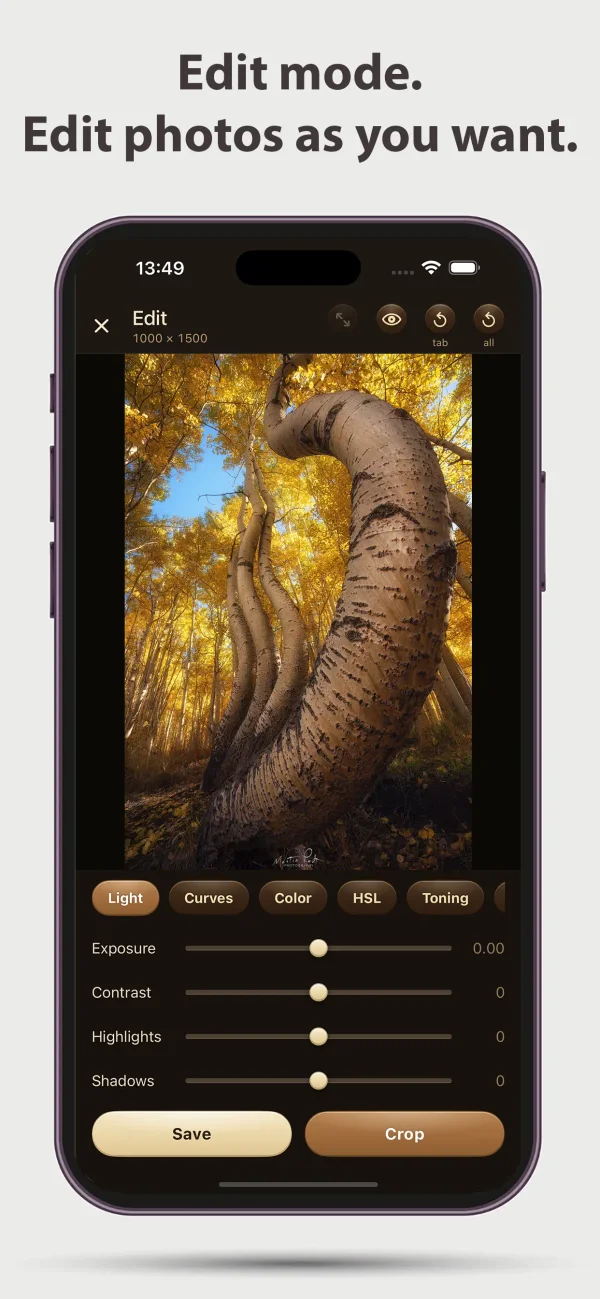
EDIT (Pro)
- Fine-tune your photo before you crop or export
- Adjust light: exposure, contrast, highlights, shadows, whites, blacks
- Color grading and white balance
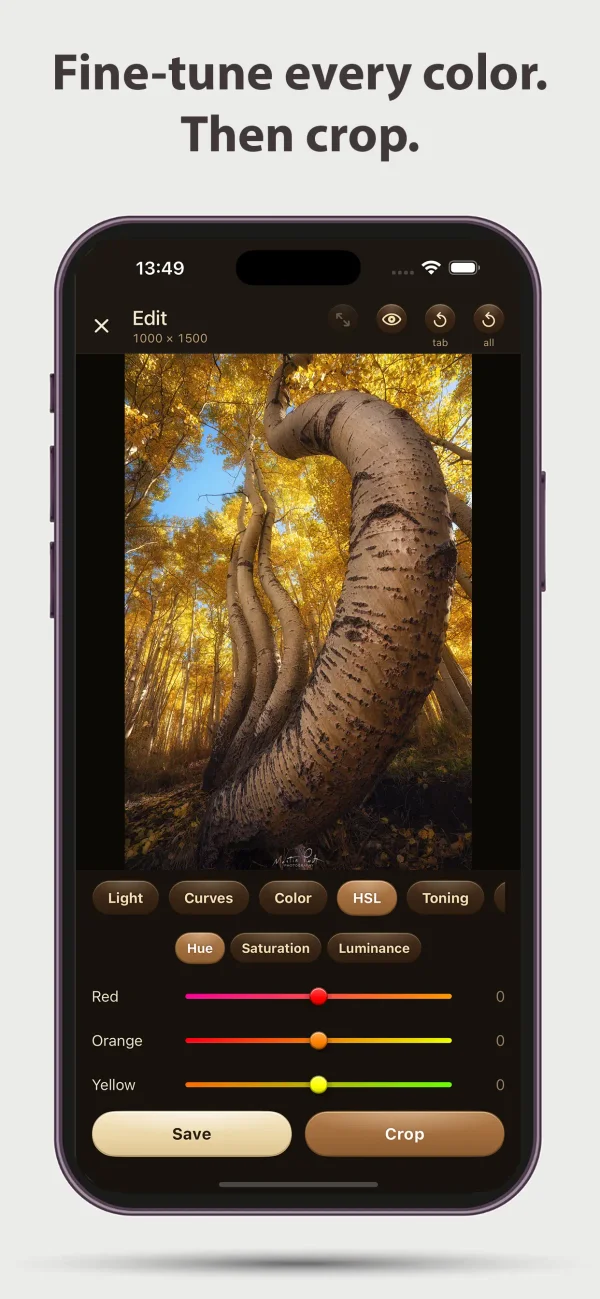
- HSL: control hue, saturation, and luminance per color channel
- Tone curves for precise control
- Split toning: apply color tints to shadows and highlights separately
- Dodge & Burn: lighten or darken specific areas with a brush
- Vignette effect
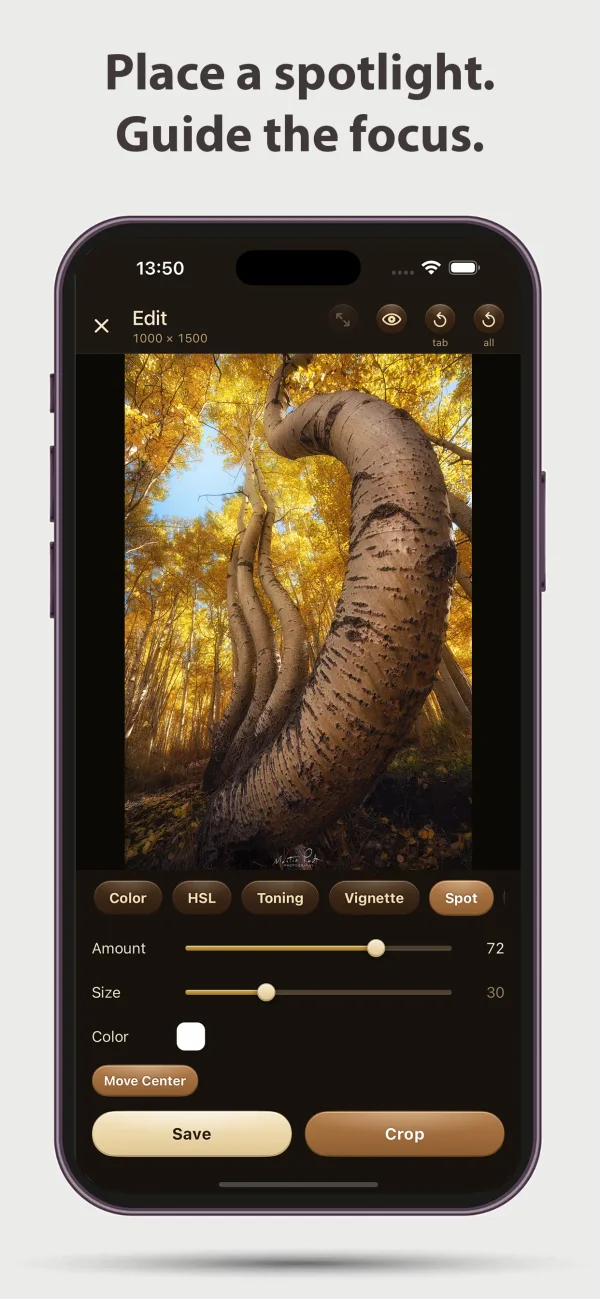
- Spot light: add a bright, moveable light spot with adjustable color
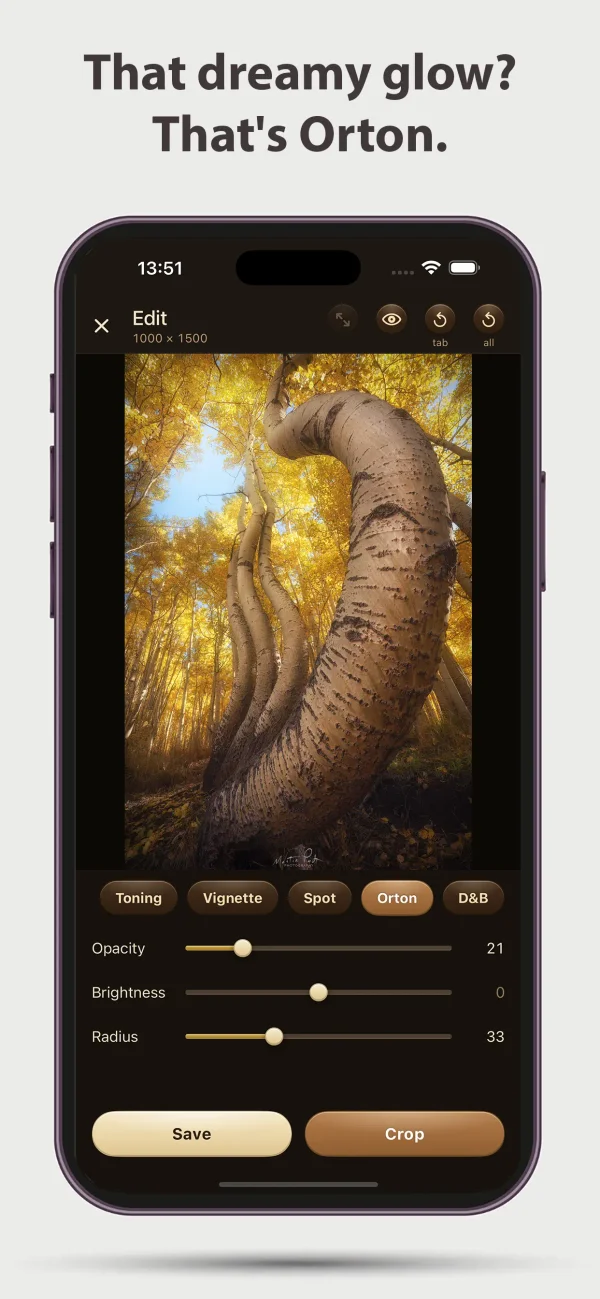
- Orton effect: add a dreamy, glowing look
- Resize to 1500px for web-ready output
- Before/after preview with one tap
- Reset adjustments per category or all at once
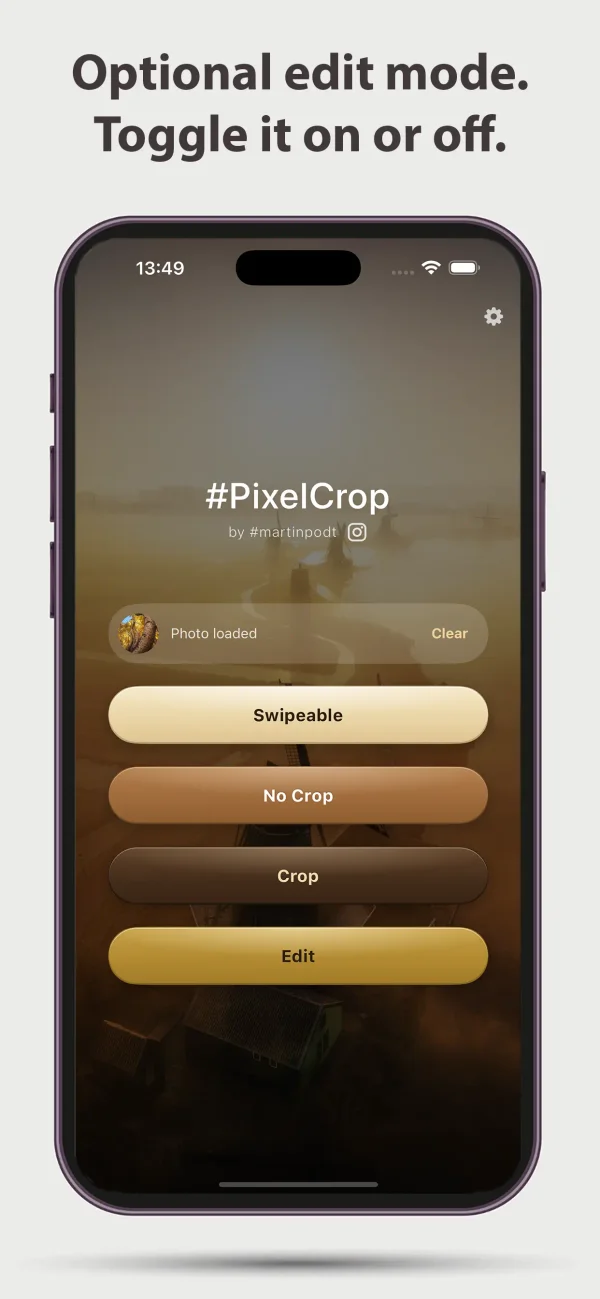
- Optional: hide the Edit button if you don't need it
PIXELCROP PRO
Unlock all features with a one-time purchase:
- Flexible Framing mode
- Edit mode
- Multi-frame split up to 10 frames
- All aspect ratios in Crop mode
- All future Pro features
Try Pro free for 14 days - no commitment required.
SETTINGS
- Remember your last-used settings per mode
- Pick photos from your photo library or from the Files app
- Light, dark, or system theme
PRIVACY
Your privacy matters. PixelCrop:
- Does NOT collect any personal data
- Does NOT use analytics or ads
- All processing happens on your device
- No internet connection required to use the app
Privacy Policy: https://pixelcrop-ios-6d0c5b.gitlab.io/
Terms of Use (EULA): https://www.apple.com/legal/internet-services/itunes/dev/stdeula/
Built with care by photographer Martin Podt - www.martinpodt.com
新機能
バージョン 1.1.0 · 2026/9/27
- Fresh new look: glossy buttons, chips and sliders across all editing screens
- Warm light and dark themes that match the home screen
- No Crop: see the image scale as a percentage while you adjust it
- Swipeable preview: dots show which slice you are viewing
- HSL sliders show the colour of each channel
- Slimmer crop handles that cover less of your photo
- Bug fixes: resized, vignetted and No Crop exports are saved at the correct pixel size
アプリのプライバシー
このアプリのデータの取り扱いについて、がApp Storeで申告している内容です。
-
データの収集なし
開発元はこのアプリからデータを収集しません。
プライバシーの取り扱いは、ご利用の機能やお客様の年齢などに応じて異なる場合があります。
情報
- 販売元
- Marinus Podt
- カテゴリ
- 写真/ビデオ
- バージョン
- 1.1.0
- 更新日
- 2026/9/27
- リリース
- 2026/4/18
- サイズ
- 1.5 MB
- 必要条件
- iOS 17.0以降
- 対象年齢
- 4+
- 価格
- 無料
- アプリ内課金
- あり
- 著作権
- © 2026 - Martin Podt
こちらもおすすめ
-
 Fit Photos写真/ビデオ
-
 SnapTag! – EXIFデータエディターEXIFデータを共有
-
 Neutral - Photo Enhancer写真/ビデオ
-
 AI Image Generator & Photo AIAI photo generator & Art,Anime
-
 写真高画質化AI - Clarovaぼやけ補正・古い画像復元
-
 Pocket Editor写真/ビデオ
-
 Pixzool:AI高画質化&動画アップスケール写真のぼやけ補正・画質改善・4K動画
-
 PicSlicer - Slice your images写真/ビデオ
-
 MistLens写真/ビデオ
-
 PRO EDU写真/ビデオ