
PixelCrop
Crop, split & edit photos
Được thiết kế cho iPhone
Miễn phí · Mua hàng trong ứng dụng
- Độ tuổi4+
- Danh mụcẢnh & Video
- Kích thước1,5 MB
Liên kết đến trang App Store chính thức
Download.org không lưu trữ tệp nào của PixelCrop. Nút này mở trang ứng dụng trên App Store, nơi phát hành ứng dụng. Trang được kiểm tra lần cuối: 10/11/2026.
Ảnh chụp màn hình

Giới thiệu
Nhà phát triển chưa cung cấp nội dung này bằng ngôn ngữ của bạn.
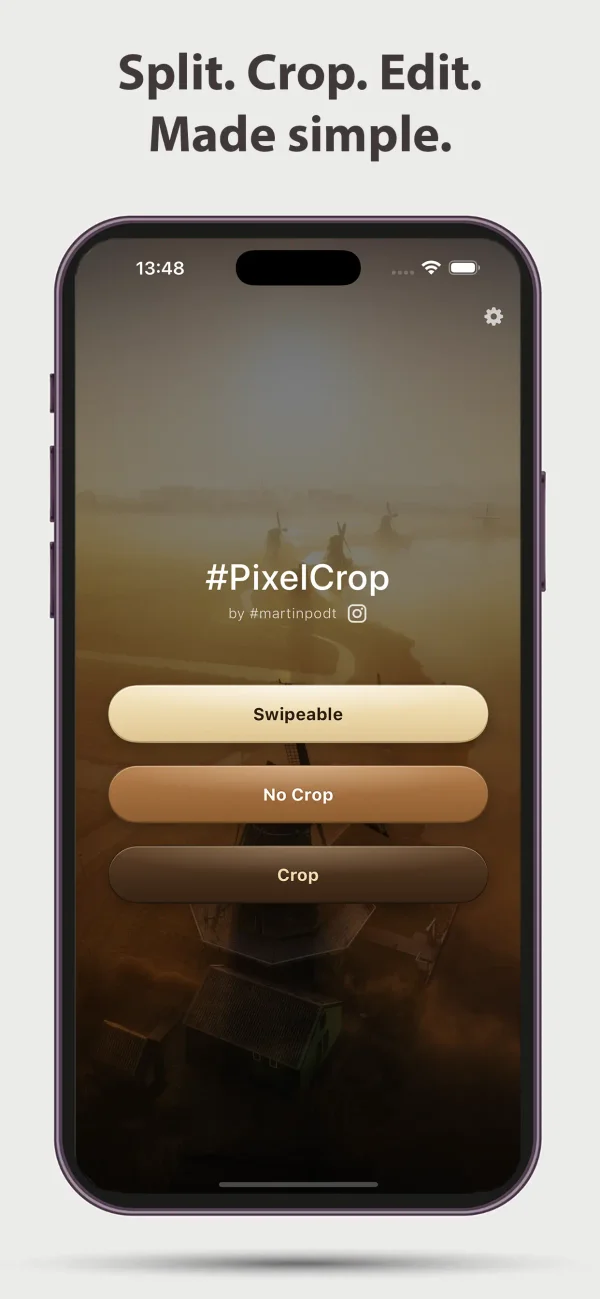
Built by landscape photographer Martin Podt, PixelCrop brings the same framing and editing tools he uses in his own workflow — designed for photographers who value precision, simplicity, and privacy.
PixelCrop gives you precise control over how your photos are framed, split, and presented — with a built-in editor for fine-tuning every detail. Fast, clean, no ads.
Free to use. Upgrade to Pro for all features.
No ads, no tracking, no data collection. Just your photos, exactly as you want them.
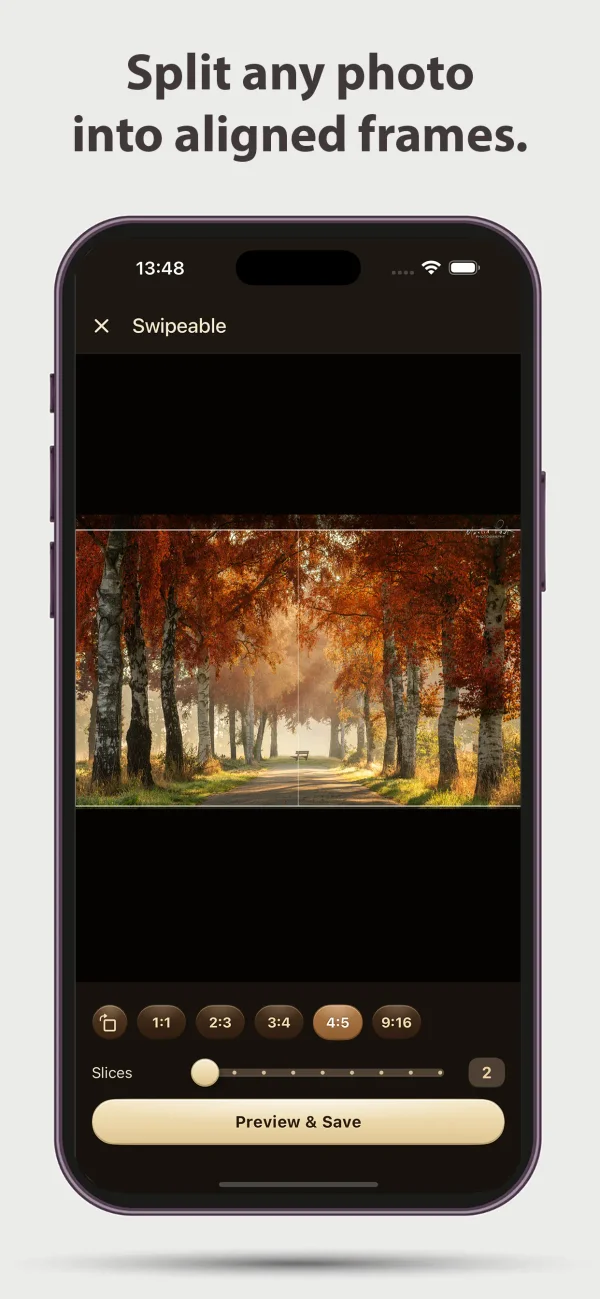
MULTI-FRAME SPLIT
- Split any wide photo into precisely aligned frames
- Preview each frame before saving
- Choose aspect ratio: 1:1, 3:2, 4:3, 5:4, or 16:9
- Files saved with original filename and frame number
- Free: up to 3 frames | Pro: up to 10 frames
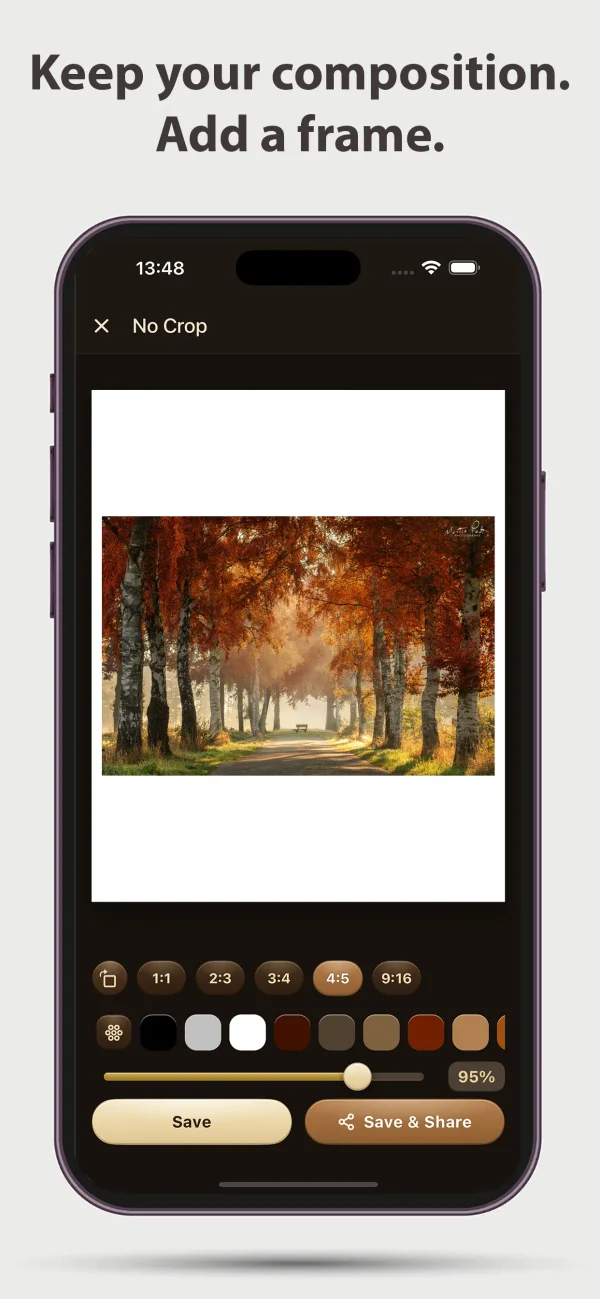
FLEXIBLE FRAMING (Pro)
- Fit portrait or landscape photos into any aspect ratio without losing content
- Add a solid color background or a blurred extension of the photo
- Scale and adjust positioning freely
- Preserve full compositions without forced cropping
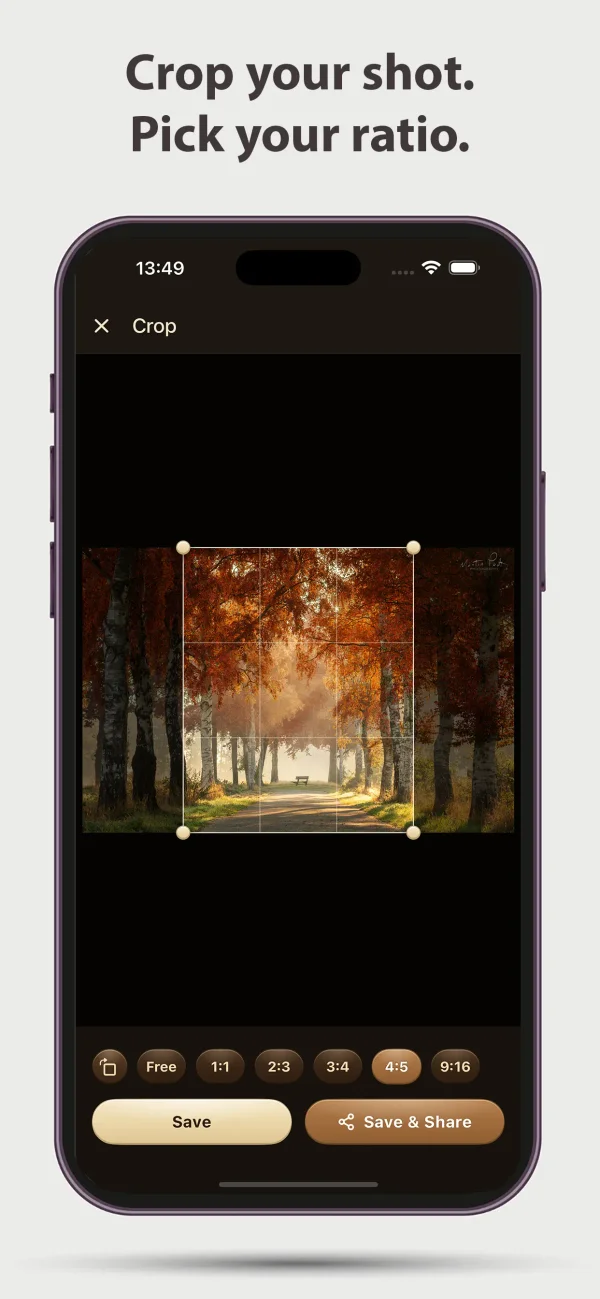
CROP
- Crop your photo and save it directly to your photo library
- Free: 4:5 portrait ratio
- Pro: all aspect ratios - 1:1, 3:2, 4:3, 5:4, 16:9, and free crop
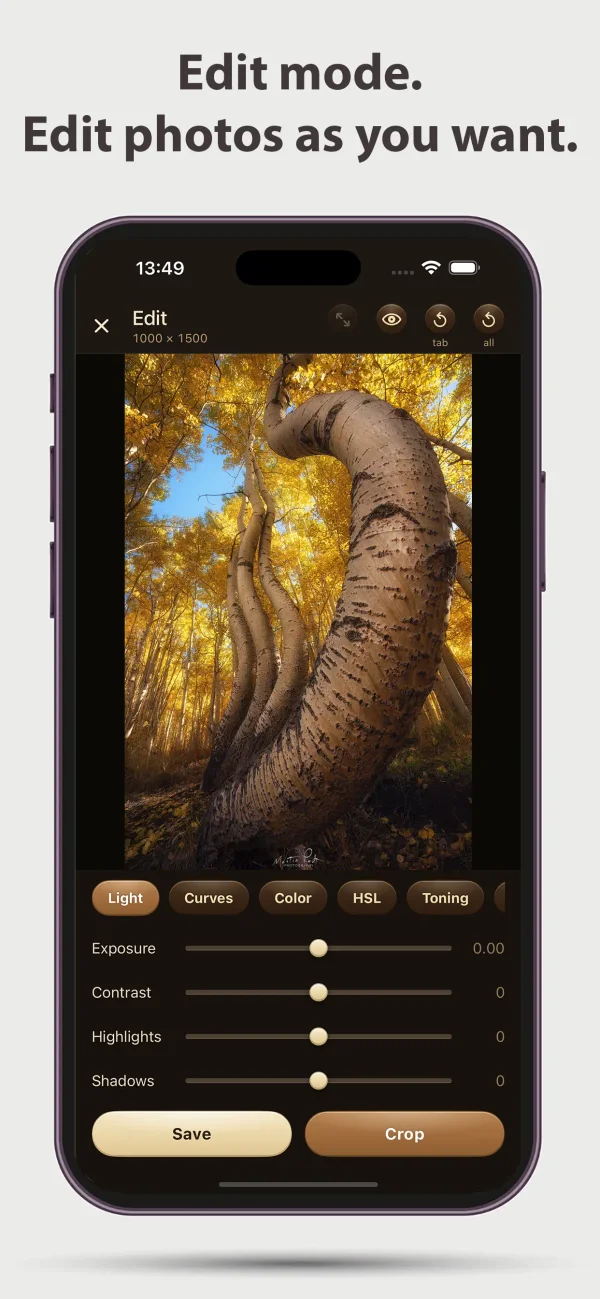
EDIT (Pro)
- Fine-tune your photo before you crop or export
- Adjust light: exposure, contrast, highlights, shadows, whites, blacks
- Color grading and white balance
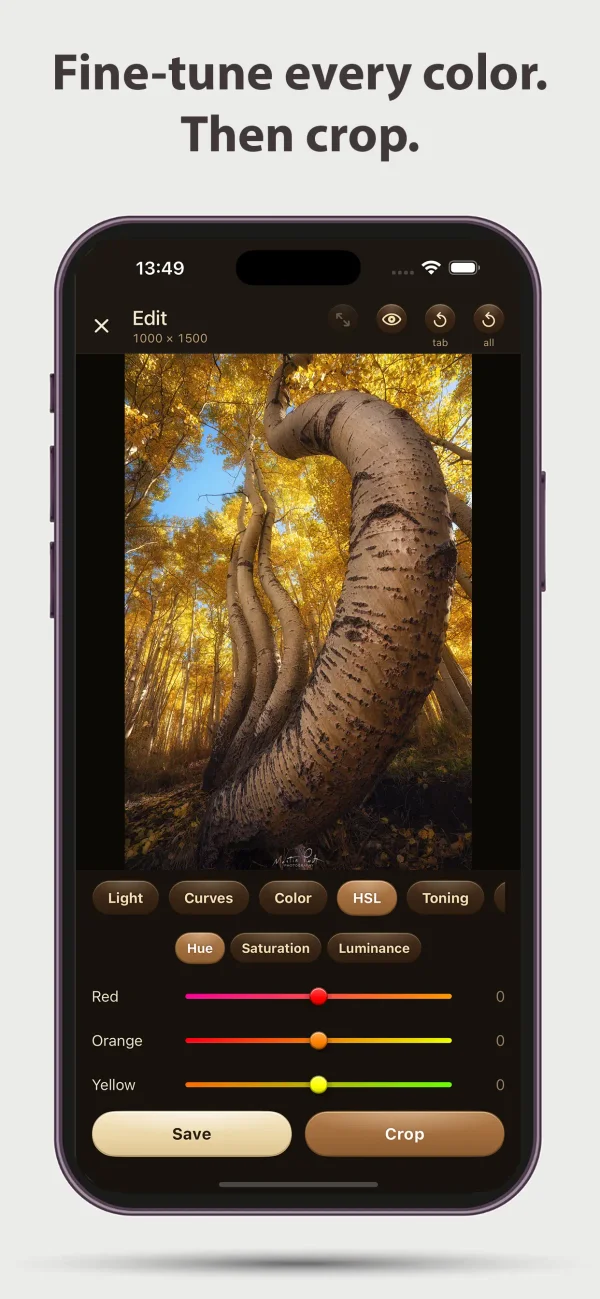
- HSL: control hue, saturation, and luminance per color channel
- Tone curves for precise control
- Split toning: apply color tints to shadows and highlights separately
- Dodge & Burn: lighten or darken specific areas with a brush
- Vignette effect
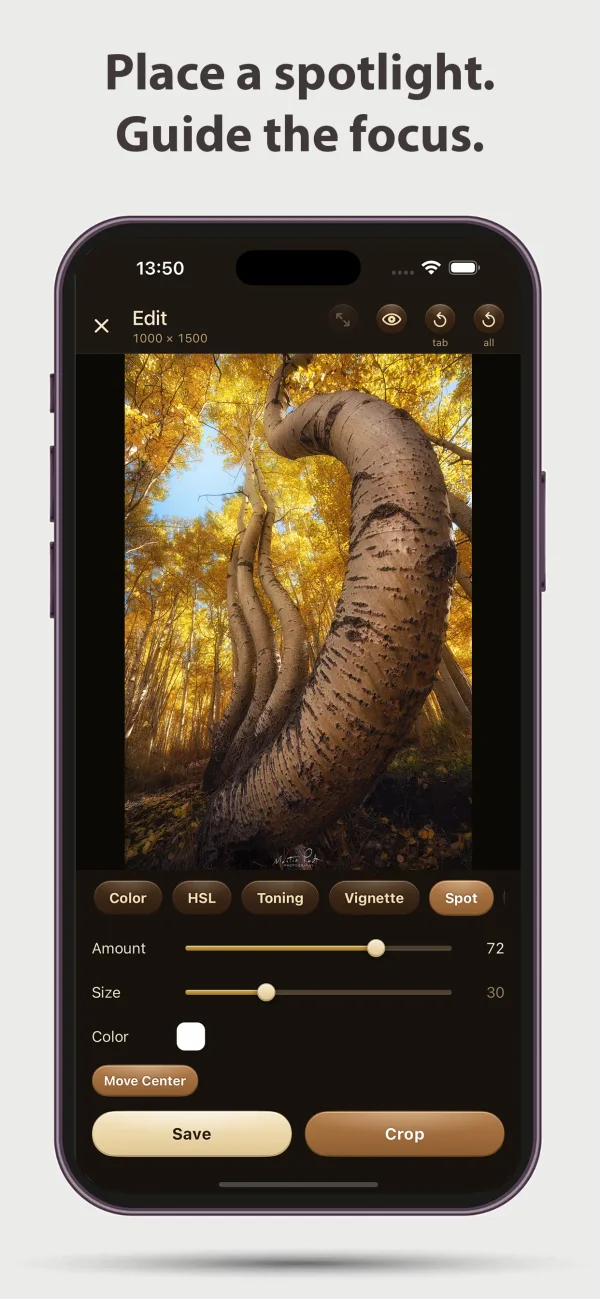
- Spot light: add a bright, moveable light spot with adjustable color
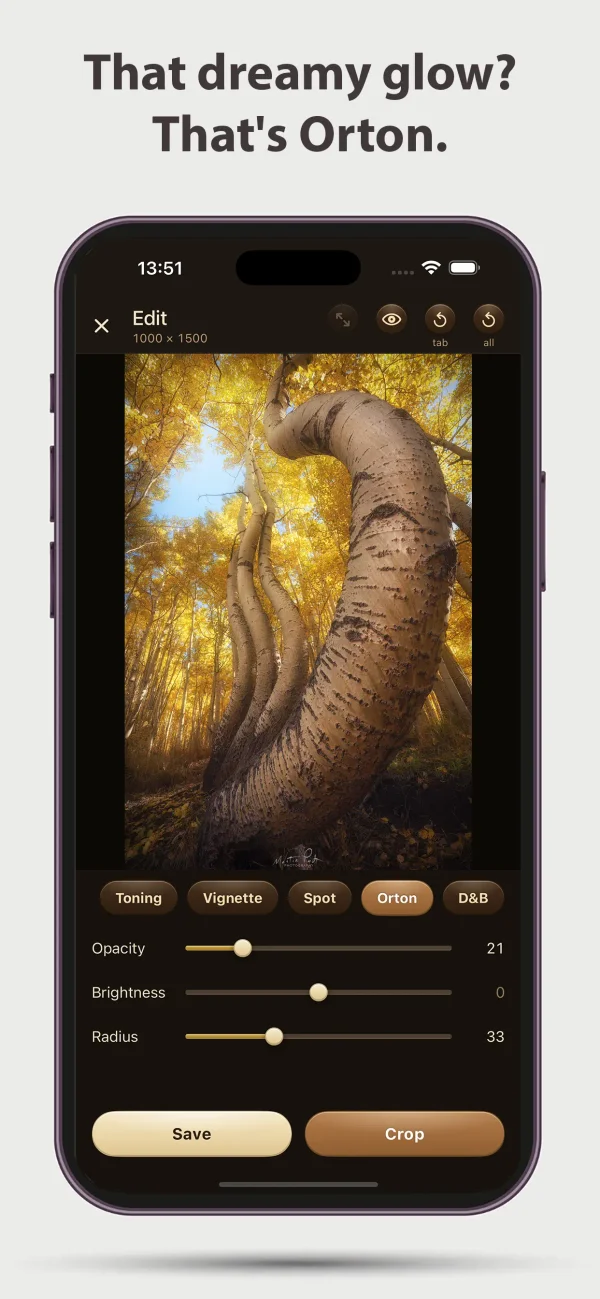
- Orton effect: add a dreamy, glowing look
- Resize to 1500px for web-ready output
- Before/after preview with one tap
- Reset adjustments per category or all at once
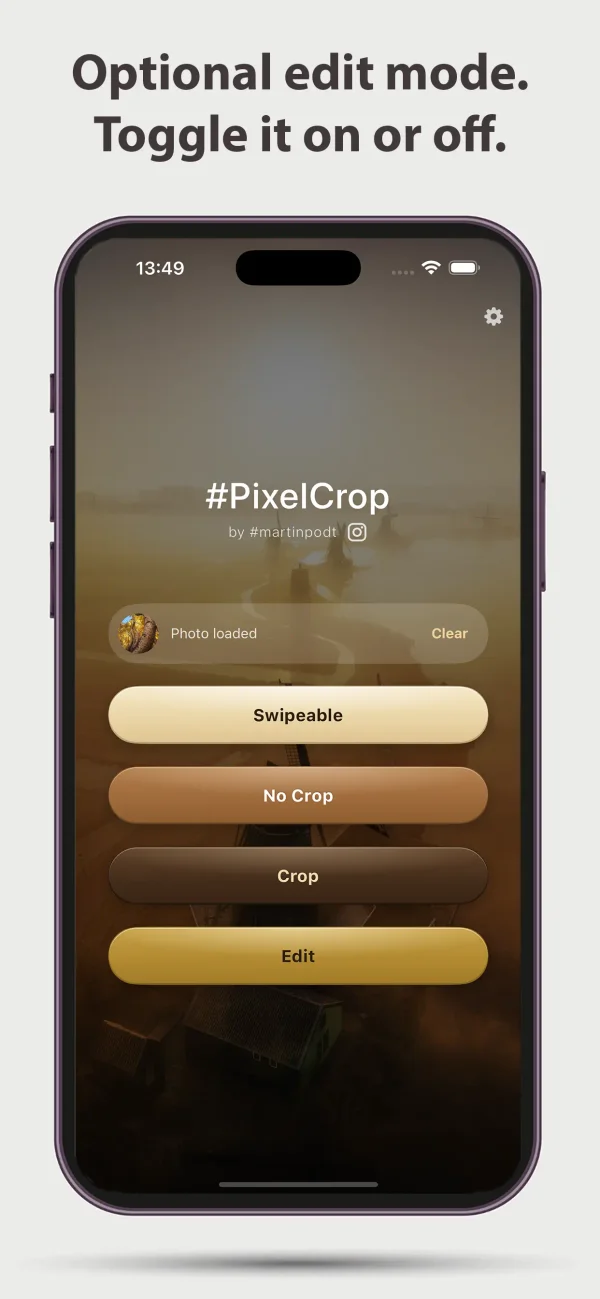
- Optional: hide the Edit button if you don't need it
PIXELCROP PRO
Unlock all features with a one-time purchase:
- Flexible Framing mode
- Edit mode
- Multi-frame split up to 10 frames
- All aspect ratios in Crop mode
- All future Pro features
Try Pro free for 14 days - no commitment required.
SETTINGS
- Remember your last-used settings per mode
- Pick photos from your photo library or from the Files app
- Light, dark, or system theme
PRIVACY
Your privacy matters. PixelCrop:
- Does NOT collect any personal data
- Does NOT use analytics or ads
- All processing happens on your device
- No internet connection required to use the app
Privacy Policy: https://pixelcrop-ios-6d0c5b.gitlab.io/
Terms of Use (EULA): https://www.apple.com/legal/internet-services/itunes/dev/stdeula/
Built with care by photographer Martin Podt - www.martinpodt.com
Có gì mới
Phiên bản 1.1.0 · 27/09/2026
- Fresh new look: glossy buttons, chips and sliders across all editing screens
- Warm light and dark themes that match the home screen
- No Crop: see the image scale as a percentage while you adjust it
- Swipeable preview: dots show which slice you are viewing
- HSL sliders show the colour of each channel
- Slimmer crop handles that cover less of your photo
- Bug fixes: resized, vignetted and No Crop exports are saved at the correct pixel size
Quyền riêng tư của ứng dụng
Những gì khai báo trên App Store về cách ứng dụng này xử lý dữ liệu.
-
Dữ liệu không được thu thập
Nhà phát triển không thu thập bất kỳ dữ liệu nào từ ứng dụng này.
Phương thức đảm bảo quyền riêng tư có thể khác nhau, chẳng hạn như tuỳ theo các tính năng bạn sử dụng hoặc độ tuổi của bạn.
Thông tin
- Người bán
- Marinus Podt
- Danh mục
- Ảnh & Video
- Phiên bản
- 1.1.0
- Cập nhật
- 27/09/2026
- Phát hành
- 18/04/2026
- Kích thước
- 1,5 MB
- Yêu cầu
- iOS 17.0 trở lên
- Độ tuổi
- 4+
- Giá
- Miễn phí
- Mua hàng trong ứng dụng
- Có
- Bản quyền
- © 2026 - Martin Podt
Có thể bạn cũng thích
-
 Fit PhotosẢnh & Video
-
 SnapTag! - EXIF Data EditorẢnh & Video
-
 Neutral - Photo EnhancerẢnh & Video
-
 AI Image Generator & Photo AIAI photo generator & Art,Anime
-
 Làm nét ảnh AI - ClarovaPhục hồi & làm rõ ảnh mờ
-
 Pocket EditorẢnh & Video
-
 Pixzool: Làm Nét Ảnh AIPhóng to, làm rõ, video 4K
-
 PicSlicer - Slice your imagesẢnh & Video
-
 MistLensẢnh & Video
-
 PRO EDUẢnh & Video