- 対象年齢4+
- カテゴリユーティリティ
- 開発元路 林
- 言語英語ほか22言語
- サイズ25.3 MB
App Storeの公式ページにリンクしています
Download.orgはPlainTick Flip Clockのファイルを一切ホストしていません。ボタンを押すと、路 林が公開しているApp Storeのアプリページが開きます。ページの最終確認:2026/11/22。
スクリーンショット

概要
開発元はこのテキストをお使いの言語で提供していません。
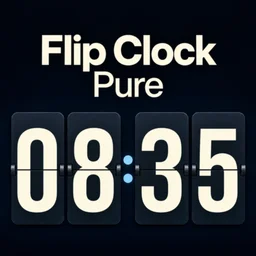
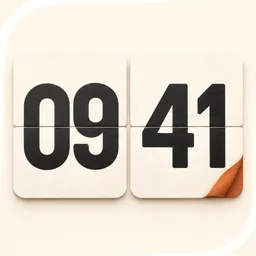
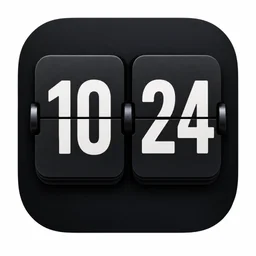
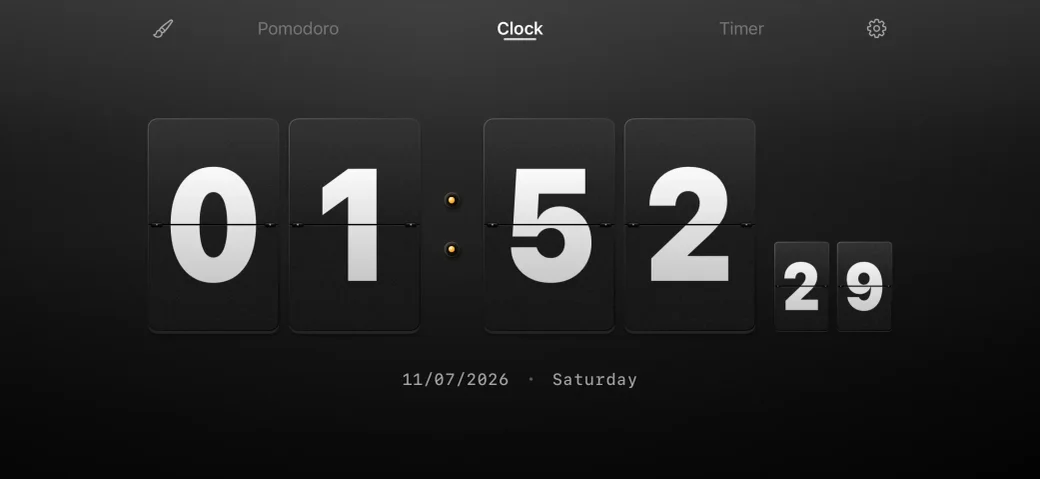
A quiet flip clock for your desk.
Full-screen time, Pomodoro and timers — without ads or sign-up.
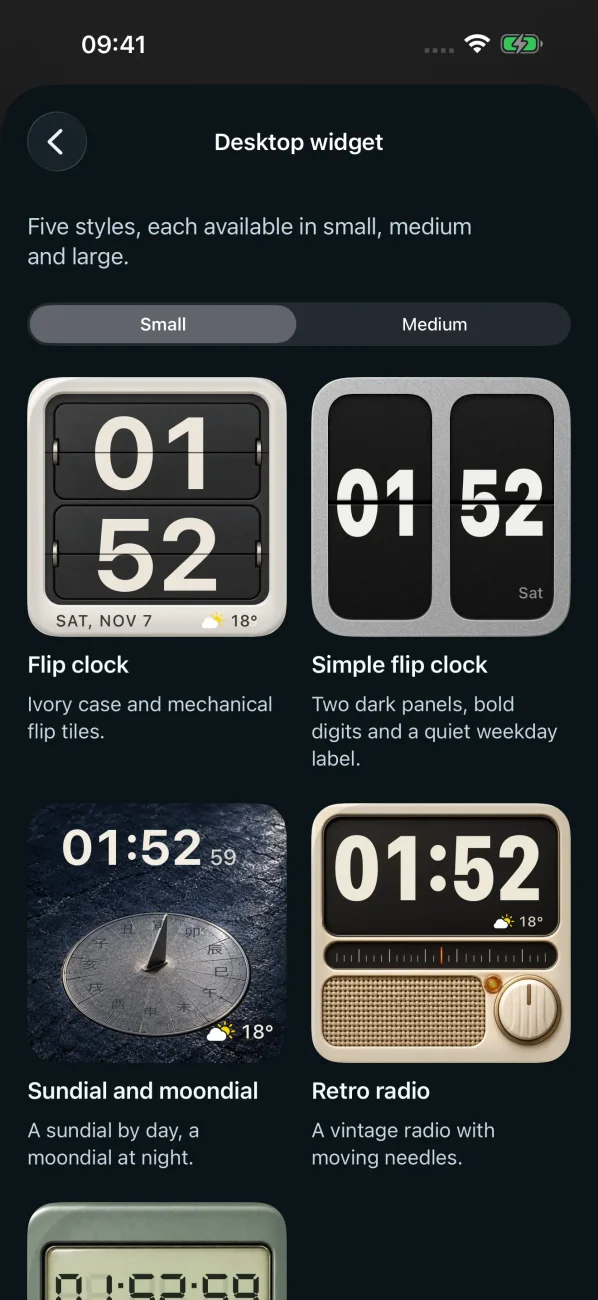
Sixteen skins and four crafted Home Screen widget styles, included.
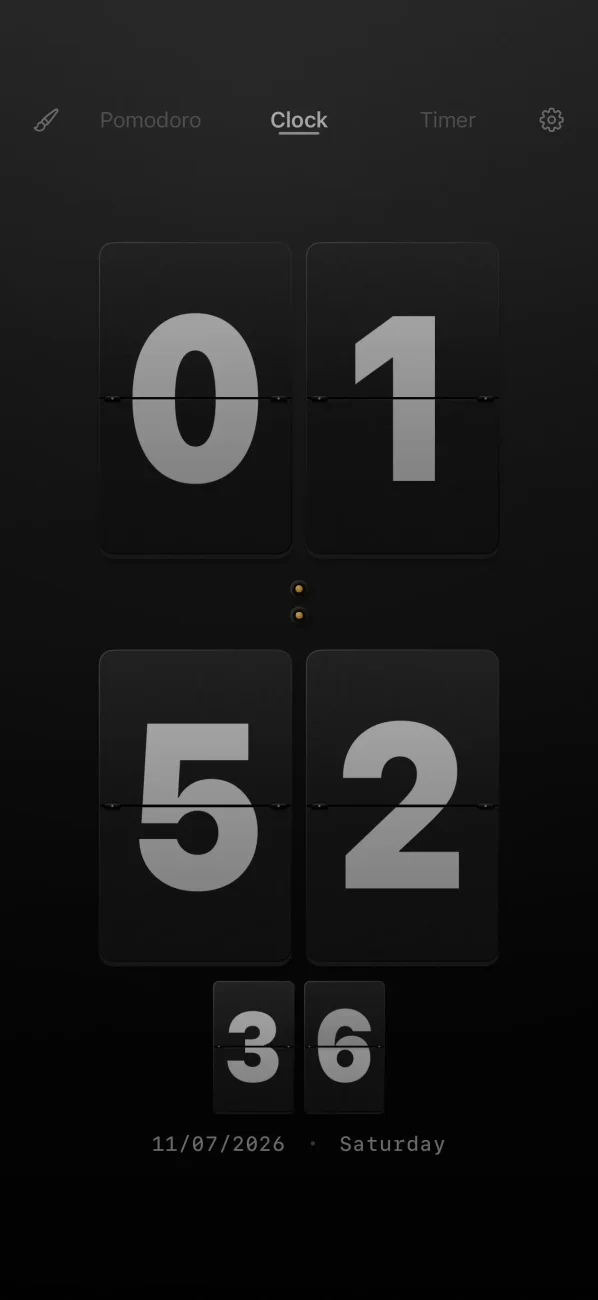
CLOCK
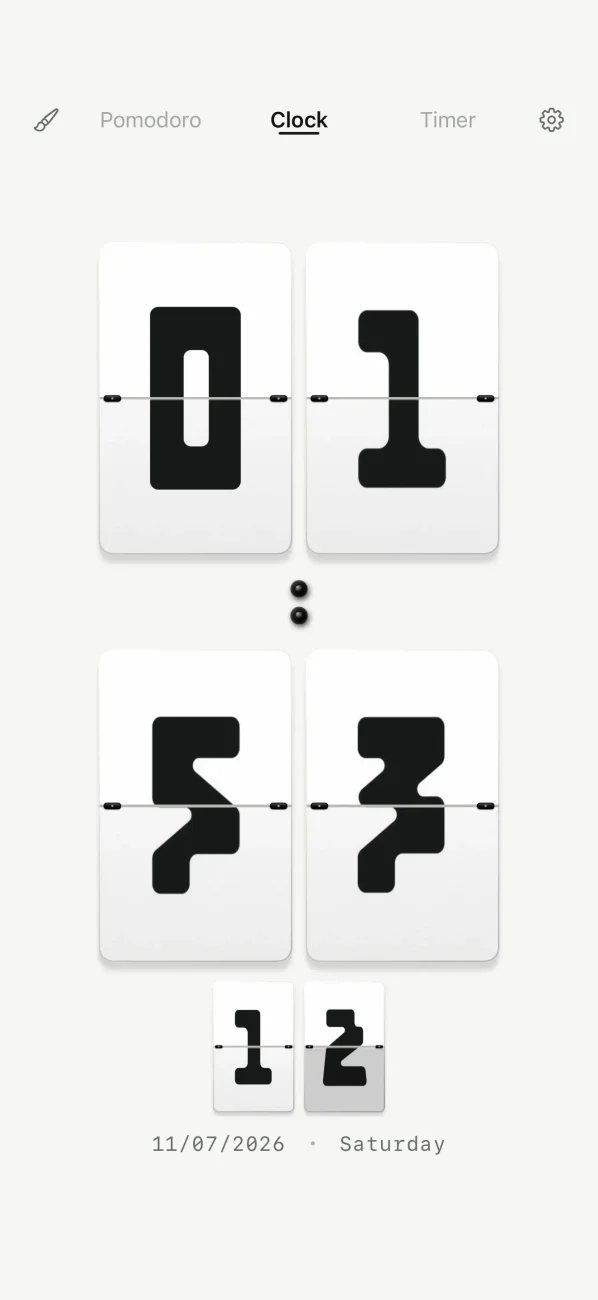
• Portrait and landscape layouts
• Optional seconds, date and current weather
• 24-hour time with a choice of time zone
• Sixteen skins, including classic, outline, geometric and handwritten styles; swipe up or down on the clock to switch
• Automatic night dimming based on your device’s local time
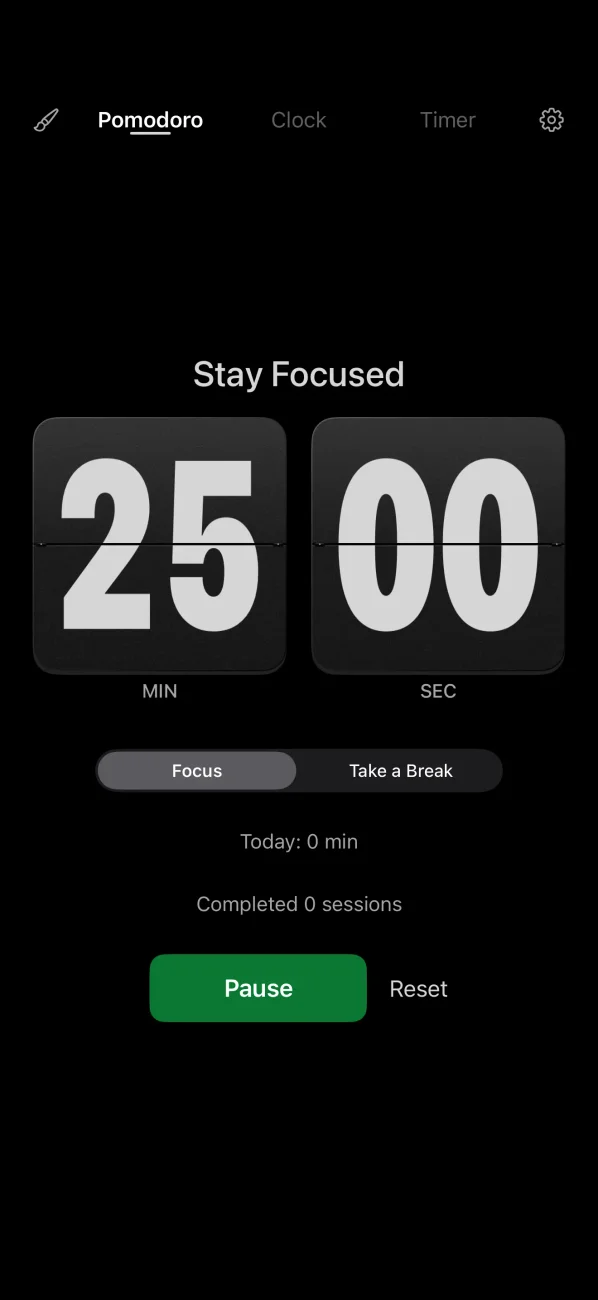
TIMERS AND FOCUS
• Count up, count down or set a target date and time
• Start, pause, resume and reset
• Pomodoro work and break sessions with adjustable lengths
• Optional timer notifications, daily alarms and hourly chimes
• Optional ambient audio
WIDGETS AND LIVE ACTIVITIES
• Four Home Screen widgets: ivory flip clock, sundial with a night moondial, retro cassette and retro radio, in small, medium and large sizes
• Widgets show the date, current weather and a monthly calendar; the cassette reels, radio needle and flip clock gear move
• Widget seconds follow your Show seconds setting
• The small widget also works in StandBy
• Live Activities for the clock and countdowns on supported devices
No account required. No ads. Skins are included.
Available in 22 languages with 28 locale variants.
Weather requires internet access and optional location permission; weather data is provided by Open-Meteo. The clock and timers work offline. iOS manages widget update timing and Live Activity duration; seconds may update less often in some system display states. Notifications require permission.
Requires iOS or iPadOS 17 or later.
新機能
バージョン 1.3 · 2026/11/7
• A refined four-card clock face with a mechanical colon and coordinated date typography.
• A new simple flip-clock widget that follows your selected time zone.
• Save desk, bedside and focus scenes, plus named timers.
• Choose system, 12-hour or 24-hour time.
• Take a long break every four focus sessions, optionally start the next phase automatically, and view or delete local focus history.
• Fade background audio out with a 15, 30 or 60-minute sleep timer.
• Start timers, saved timers or focus and apply scenes with Shortcuts.
• Set one-time, daily, weekday or weekend alarms. System alarms with snooze are available on iOS and iPadOS 26 or later.
アプリのプライバシー
このアプリのデータの取り扱いについて、路 林がApp Storeで申告している内容です。
-
データの収集なし
開発元はこのアプリからデータを収集しません。
プライバシーの取り扱いは、ご利用の機能やお客様の年齢などに応じて異なる場合があります。
情報
- 販売元
- 路 林
- カテゴリ
- ユーティリティ
- バージョン
- 1.3
- 更新日
- 2026/11/7
- リリース
- 2026/9/30
- サイズ
- 25.3 MB
- 必要条件
- iOS 17.0以降
- 対象年齢
- 4+
- 価格
- 無料
- 言語
- 英語, デンマーク語, オランダ語, フィンランド語, フランス語, ドイツ語, ギリシャ語, インドネシア語, イタリア語, 日本語, 韓国語, ノルウェー語 (ブークモール) ほか11言語
- 著作権
- © 2026 Lu Lin