- 対象年齢4+
- カテゴリユーティリティ
- 開発元Christian Moeller
- 言語英語ほか4言語
- サイズ10.1 MB
App Storeの公式ページにリンクしています
Download.orgはOLED Clockのファイルを一切ホストしていません。ボタンを押すと、Christian Moellerが公開しているApp Storeのアプリページが開きます。ページの最終確認:2026/11/18。
スクリーンショット

概要
開発元はこのテキストをお使いの言語で提供していません。
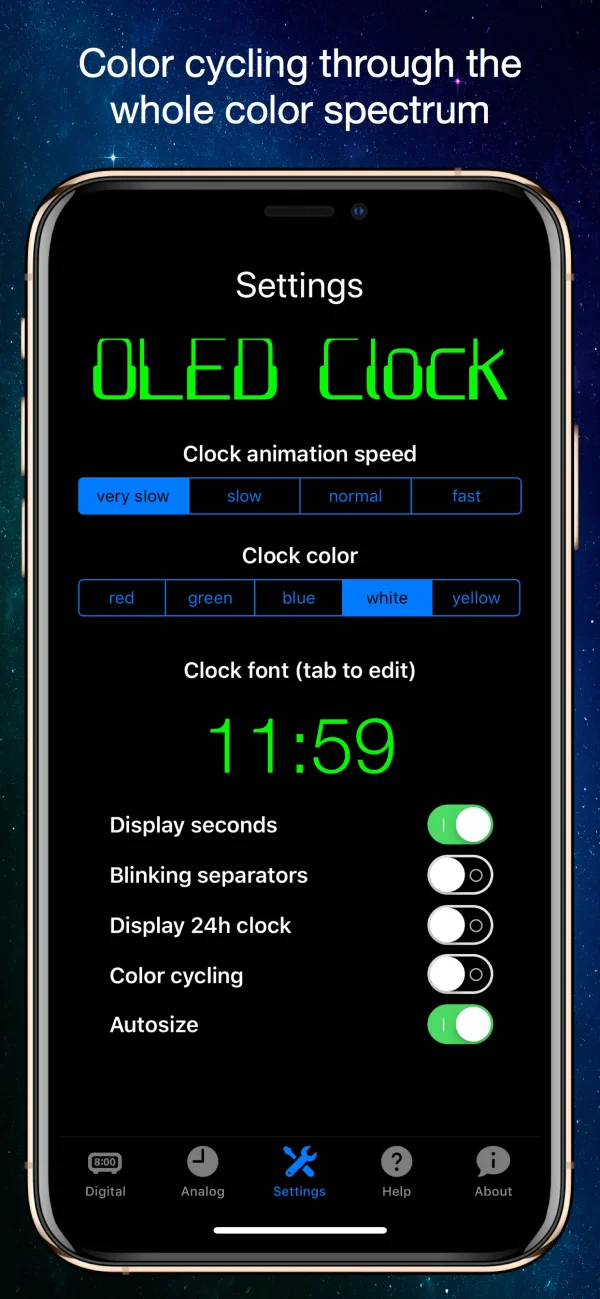
No burn-In! This clock is perfectly suited for the OLED display in iPhone X, because the clock won't stand still on the screen but moves around constantly using any available pixel of the screen over time. Also it smoothly changes color over the complete color spectrum, so that every sub pixel (red, green, blue) will be used evenly. This prevents the so called "burn-in effect" any OLED display shows, if certain pixels are switched on for a very long time. The clock not just works on iPhone X but on all iOS devices like iPhone, iPod Touch and iPad (iOS 9.3 and above). But there's more:
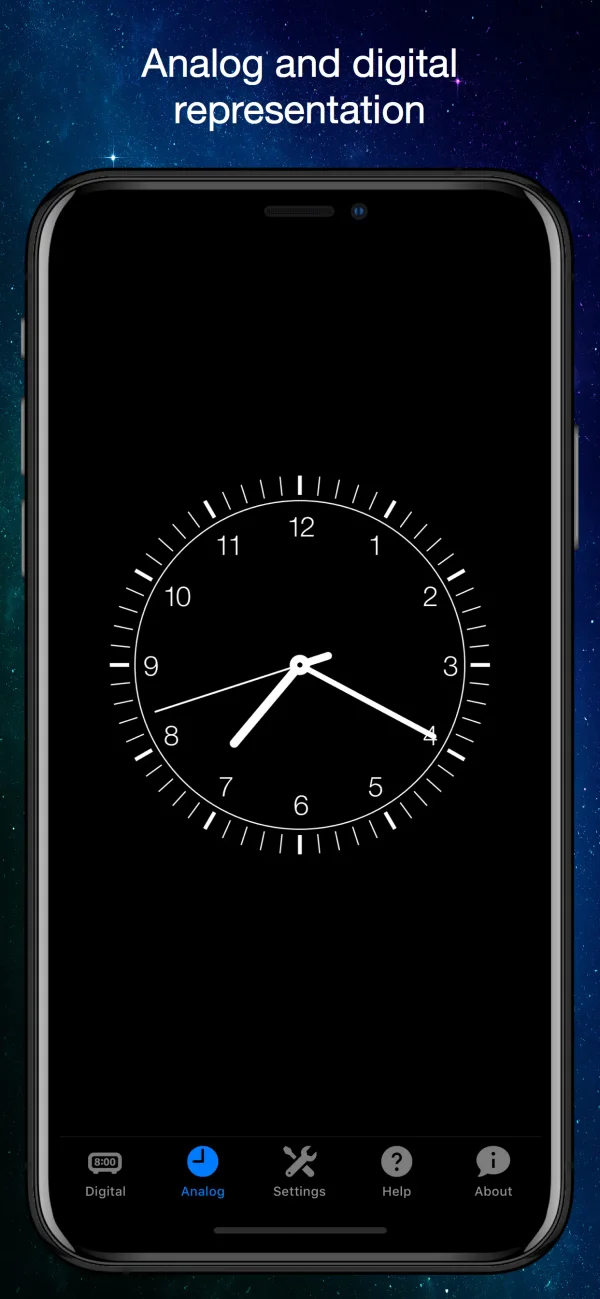
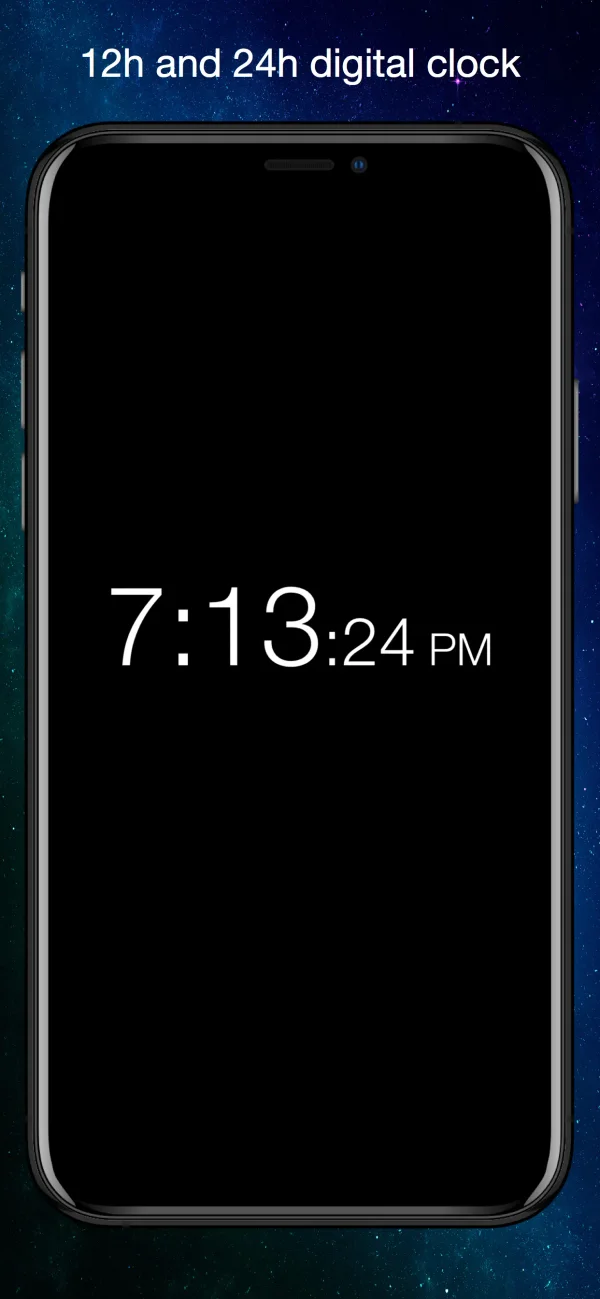
- NEW: digital and analog representation of the clock. You choose!
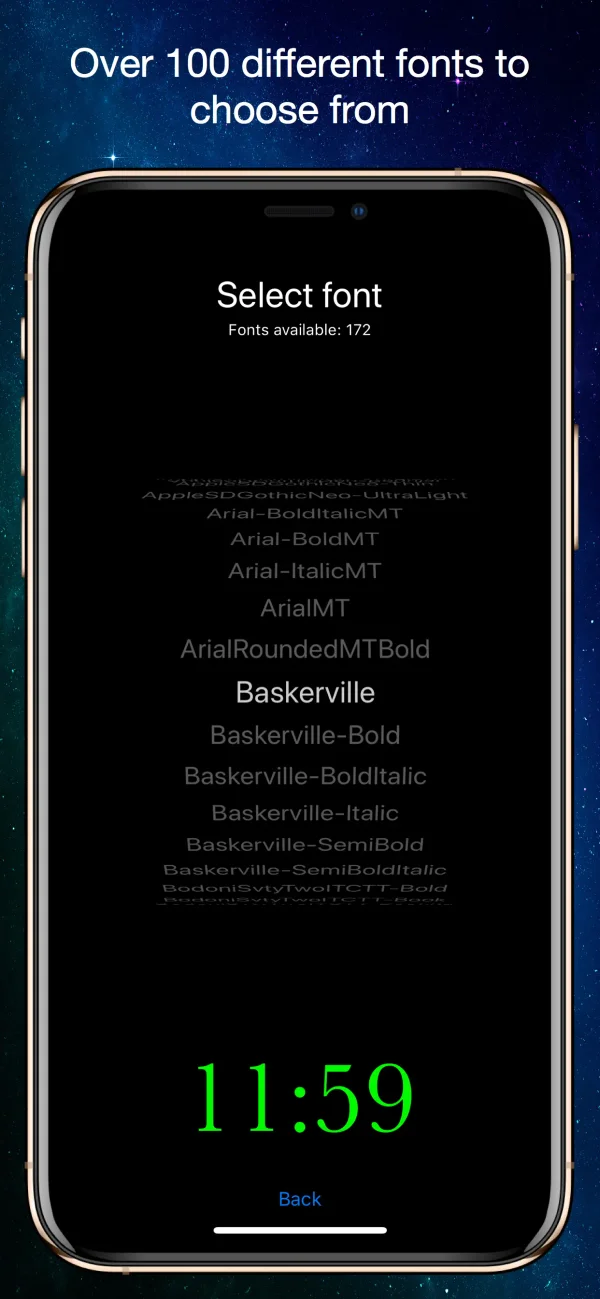
- choose between a huge number of nice looking fonts to display the actual time
- adjust clocks size just by using the pinch gesture on main screen
- use automatic color changes "color cycling" (recommended on iPhone x, can be switched off in settings)
- adjust the clocks brightness by using scroll up and down gesture on the main screen
- tap on the main screen to show tab bar at the bottom of the screen, here you will be able to switch between analog and digital view, call settings, help and about page
- on settings page you can change font, color and animation speed as well as switch on/off seconds, blinking separators, 24h display, autosize and color cycling
- all adjustments are permanent! OLED clock remembers them on the next time you use it!
- use OLED clock in portrait or landscape mode. On digital mode, OLED clock remembers your preferred font size depending on device orientation
- help page provides necessary information about usage
- fully localized in english, german, hebrew, french and japanese (new!)
新機能
バージョン 2.1.7 · 2025/12/27
Another bug fixed: Tab bar now correctly appears on tap in iOS 16 and earlier versions
アプリのプライバシー
このアプリのデータの取り扱いについて、Christian MoellerがApp Storeで申告している内容です。
-
データの収集なし
開発元はこのアプリからデータを収集しません。
プライバシーの取り扱いは、ご利用の機能やお客様の年齢などに応じて異なる場合があります。
情報
- 販売元
- Christian Moeller
- カテゴリ
- ユーティリティ
- バージョン
- 2.1.7
- 更新日
- 2025/12/27
- リリース
- 2018/5/7
- サイズ
- 10.1 MB
- 必要条件
- iOS 12.0以降
- 対象年齢
- 4+
- 価格
- 無料
- 言語
- 英語, フランス語, ドイツ語, ヘブライ, 日本語
- 著作権
- © 2025 cmg software
こちらもおすすめ
-
 Big Red Clockユーティリティ
-
 フリップクロック: 無限時計 - デジタルキー無限時計見やすい時計, 置き時計
-
 Desktop Flip Clockデスクトップフリップクロック
-
 NiceClock美しい時計アプリ
-
 Clock mini: World Clocksユーティリティ
-
 Flip Clock - デジタル目覚まし時計ナイトスタンドフリップクロック Widget
-
 Digital Clock: Night Stand-byユーティリティ
-
 Super Clock - 卓上時計と集中タイマー美しいアナログ文字盤とポモドーロ
-
 デジタル時計 - Neoユーティリティ
-
 顔時計アナログ時計スタンド