- 対象年齢4+
- カテゴリ仕事効率化
- 開発元Arnav Roy
- サイズ3.8 MB
App Storeの公式ページにリンクしています
Download.orgはPocket Pointerのファイルを一切ホストしていません。ボタンを押すと、Arnav Royが公開しているApp Storeのアプリページが開きます。ページの最終確認:2026/11/20。
スクリーンショット
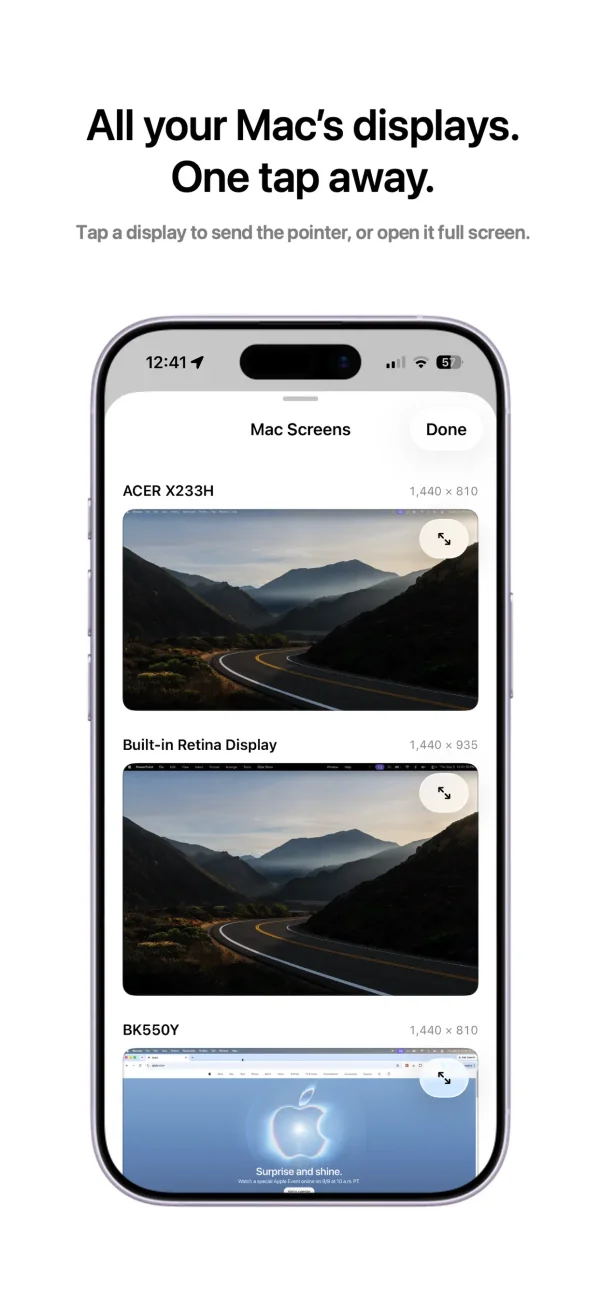
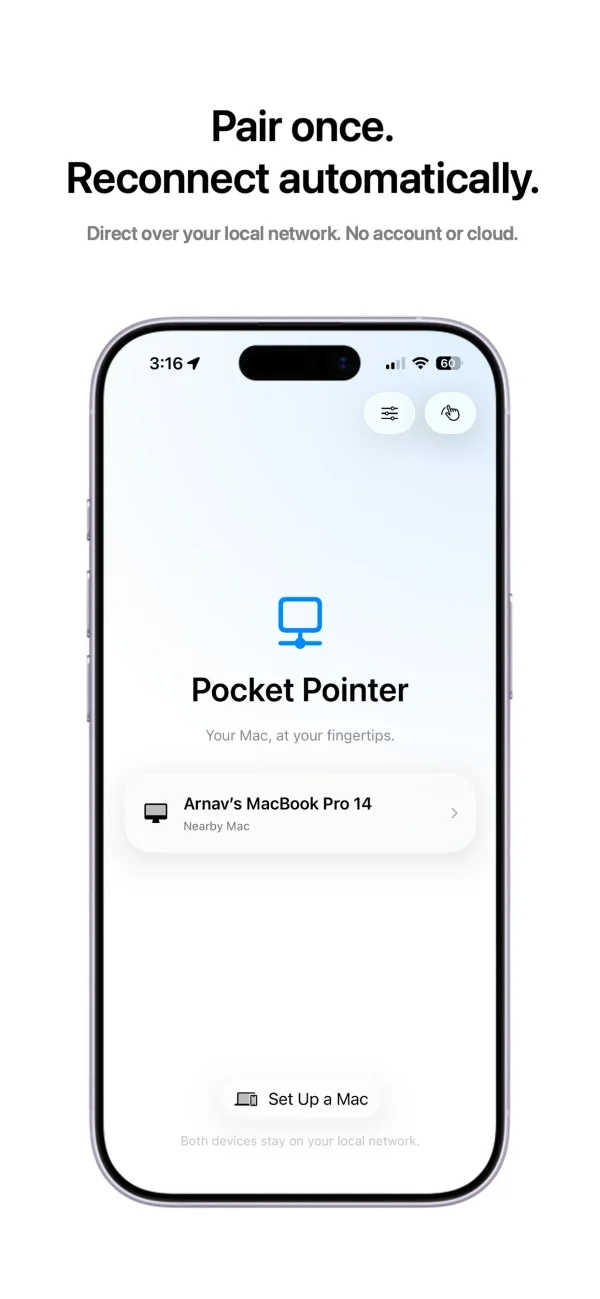
概要
開発元はこのテキストをお使いの言語で提供していません。
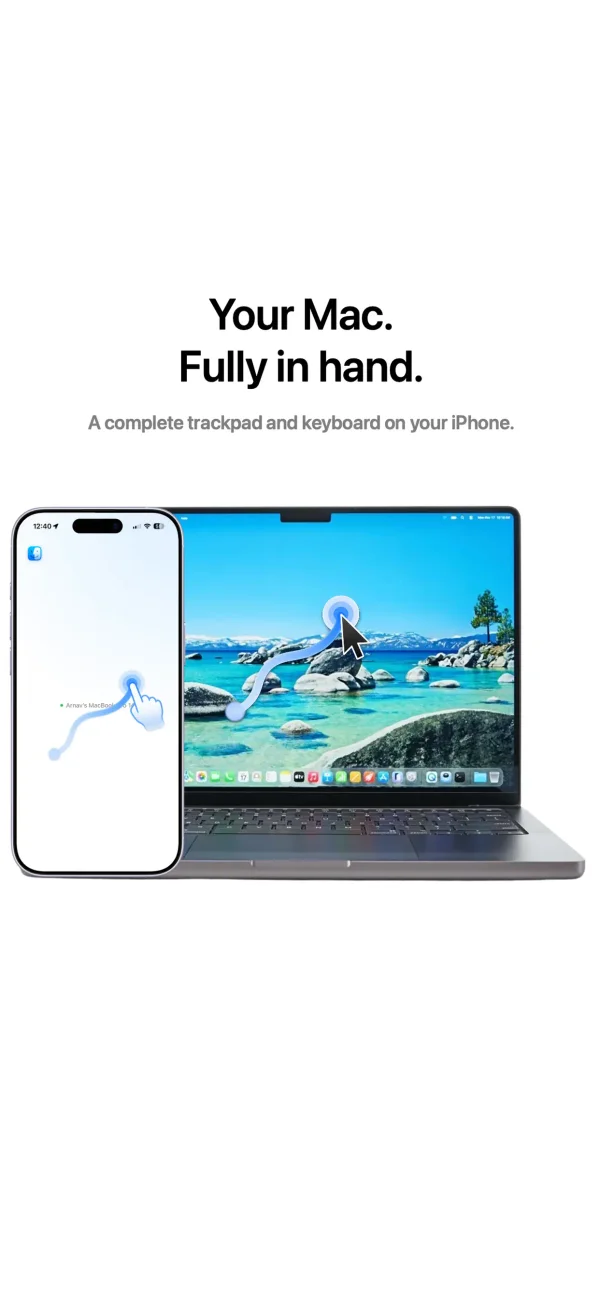
Your iPhone is already in your hand. Pocket Pointer turns it into a trackpad and keyboard for your Mac — real multi-touch gestures, real typing, no cable and no account.
Free, both halves, with nothing to unlock.
THE TRACKPAD YOU ALREADY KNOW
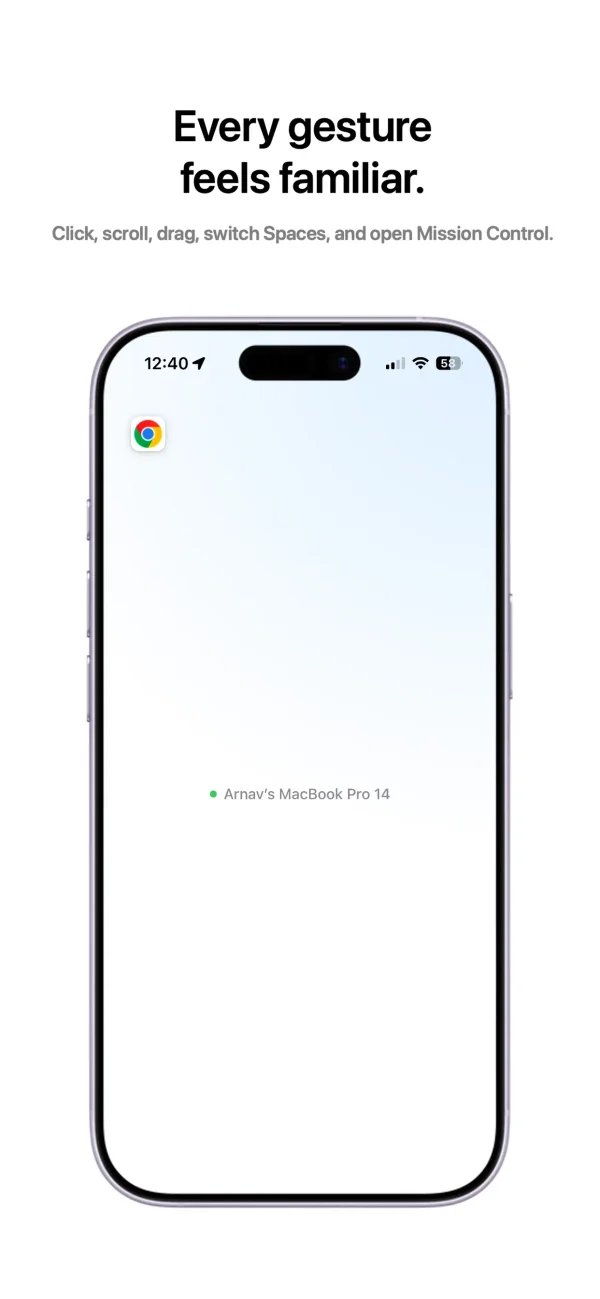
• Move the pointer with one finger
• Tap to click. Two-finger tap to right-click
• Two-finger drag to scroll, with natural scrolling if you prefer it
• Press, hold, then move to drag and drop
• Three-finger swipe up for Mission Control
• Three-finger swipe down for App Exposé
• Three-finger swipe left or right to move between Spaces
A KEYBOARD THAT ACTUALLY TYPES
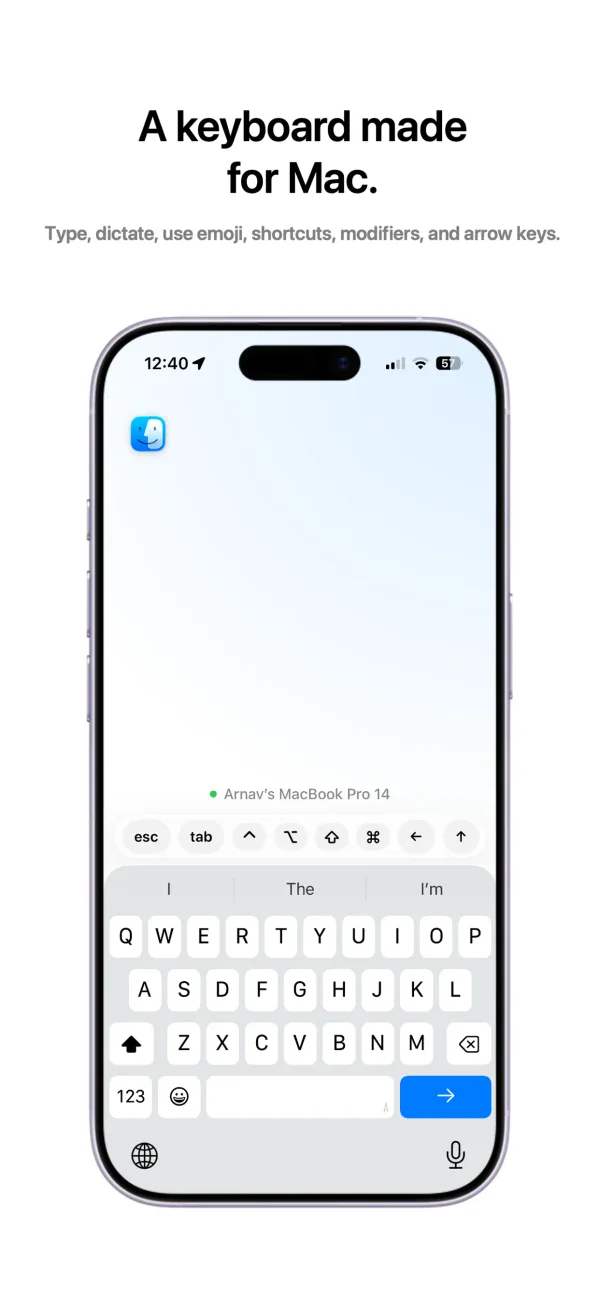
• Use your iPhone's own keyboard — every language you have installed, emoji, and dictation all arrive on the Mac
• ⌃ ⌥ ⇧ ⌘ sit above the keys, so ⌘C, ⌘Tab and ⌘Space work the way they do on a Mac
• Double-tap a modifier to hold it for several keys, tap again to let go
• Esc, Tab and the arrow keys are right there — enough to run a slide deck from the back of the room
BUILT FOR THE COUCH AND THE DESK
• Pair once with a six-digit code, then never again
• Reconnects on its own the next time you open the app
• Pointer speed, scroll direction and haptics are yours to set
• Tracks at your display's full refresh rate, so the cursor moves when your finger does
PRIVATE BY CONSTRUCTION
Your iPhone talks to your Mac directly over your own Wi-Fi. No server sits in the middle, there is no account to create, and there is nothing about you to collect — no analytics, no tracking, no third-party SDKs of any kind. Sessions are encrypted with AES-128-GCM, keyed by a credential kept in each device's Keychain, and a Mac only pairs when you type the code it is showing you.
WHAT YOU NEED
Pocket Pointer needs its free companion helper on the Mac — a small menu-bar app you install once from pocketpointer.vercel.app. It asks for Accessibility, which is what macOS requires before anything can move your pointer, and for nothing else.
• iPhone running iOS 26 or later
• Mac running macOS 26 or later
• Both devices on the same local network
Setup help and troubleshooting: pocketpointer.vercel.app/support.html
新機能
バージョン 1.4.6 · 2026/9/3
Scroll the Mac from the live screen view
Two fingers on the picture now turn the Mac's wheel, so a long page can be read from the phone without switching back to the trackpad. The wheel turns where the pointer already is, exactly as it does on a trackpad — a tap is how you aim it — so scrolling never drags the cursor somewhere you didn't ask it to go.
Disconnecting no longer means quitting the app
After you disconnected from a Mac, or after the Mac closed the connection on its own while the app sat in the background, the phone held on to a session that was already over and quietly turned away every attempt to connect again. Reopening the app was the only way back. It now notices the connection has ended and is ready for the next one.
The app you're driving appears the moment you connect
The button at the top of the trackpad used to open on an empty placeholder and stay there until something on the Mac happened to change apps — which is why clicking a window seemed to fix it. It now shows the app in front straight away.
A clearer top bar
The controls unfold from the app icon that opens them rather than appearing in the opposite corner, and slide into place instead of blinking. The icon is drawn sharply and answers a press. Touching the screen view closes the controls, rather than leaving them parked over the Mac's menu bar until one of their own buttons is pressed.
Needs the Pocket Pointer helper 1.4.6 on your Mac. An installed copy offers it to you on its own if you press Check Updates in the menu bar app, or download it again from pocketpointer.vercel.app.
アプリのプライバシー
このアプリのデータの取り扱いについて、Arnav RoyがApp Storeで申告している内容です。
-
データの収集なし
開発元はこのアプリからデータを収集しません。
プライバシーの取り扱いは、ご利用の機能やお客様の年齢などに応じて異なる場合があります。
情報
- 販売元
- Arnav Roy
- カテゴリ
- 仕事効率化
- バージョン
- 1.4.6
- 更新日
- 2026/9/3
- リリース
- 2026/9/2
- サイズ
- 3.8 MB
- 必要条件
- iOS 26.0以降
- 対象年齢
- 4+
- 価格
- 無料
- 著作権
- © Arnav Roy
こちらもおすすめ
-
 JustNotes - Notetaking/Markup仕事効率化
-
 Socxly: Smart URL Shortener仕事効率化
-
 WatchGrid - Watch Tracker仕事効率化
-
 123POULTRY仕事効率化
-
 Readray (formerly LilysAI)仕事効率化
-
 VerbTeX LaTeX Editor仕事効率化
-
 RemoteMeeting仕事効率化
-
 TTS - Text to SpeechEasily convert text to speech
-
 Minimal - 究極のノート・メモ管理アプリ書く、共有する、集中する
-
 Digital Youth Hub仕事効率化