- Độ tuổi4+
- Danh mụcHiệu Suất
- Nhà phát triểnArnav Roy
- Kích thước3,8 MB
Liên kết đến trang App Store chính thức
Download.org không lưu trữ tệp nào của Pocket Pointer. Nút này mở trang ứng dụng trên App Store, nơi Arnav Roy phát hành ứng dụng. Trang được kiểm tra lần cuối: 20/11/2026.
Ảnh chụp màn hình
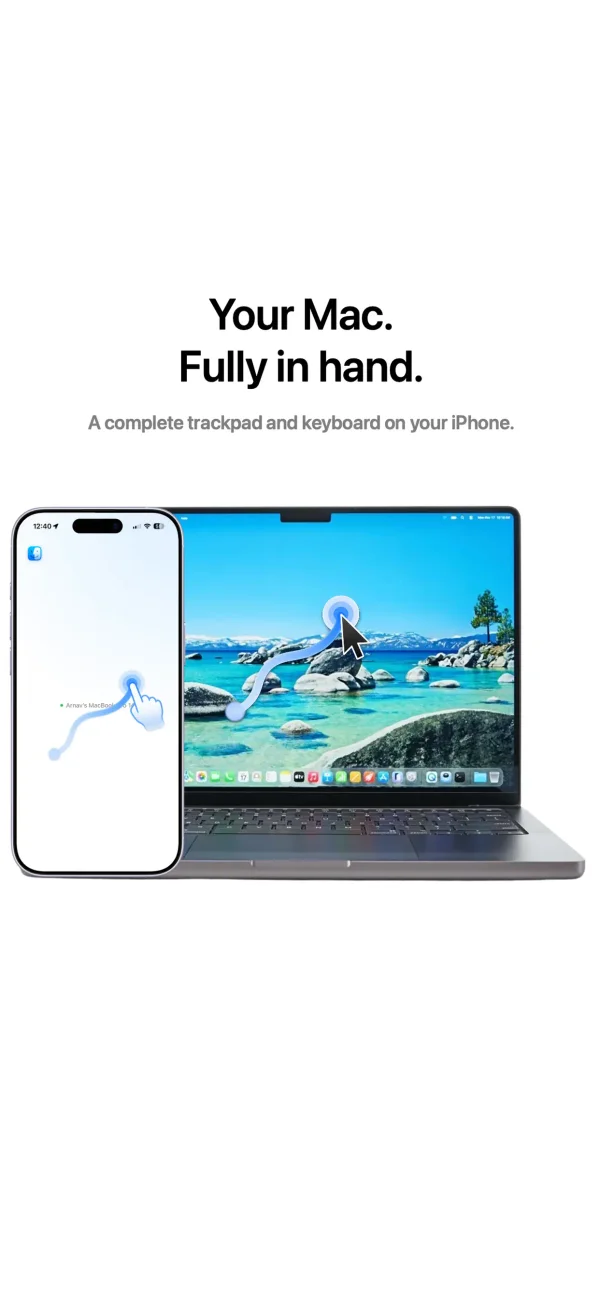
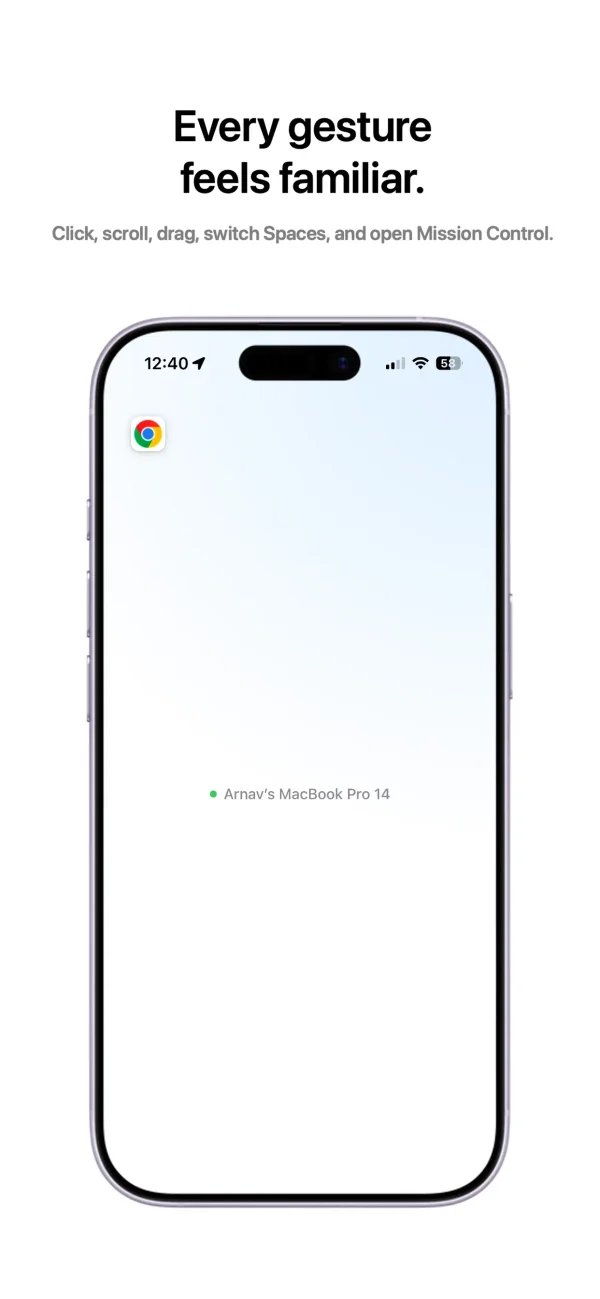
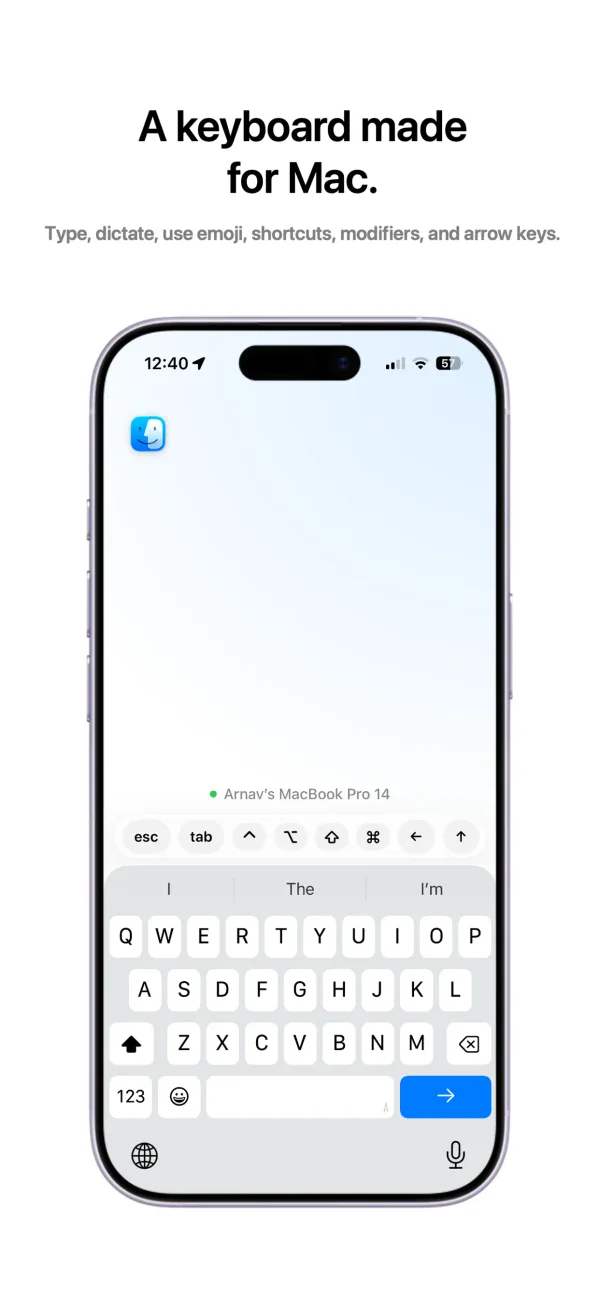
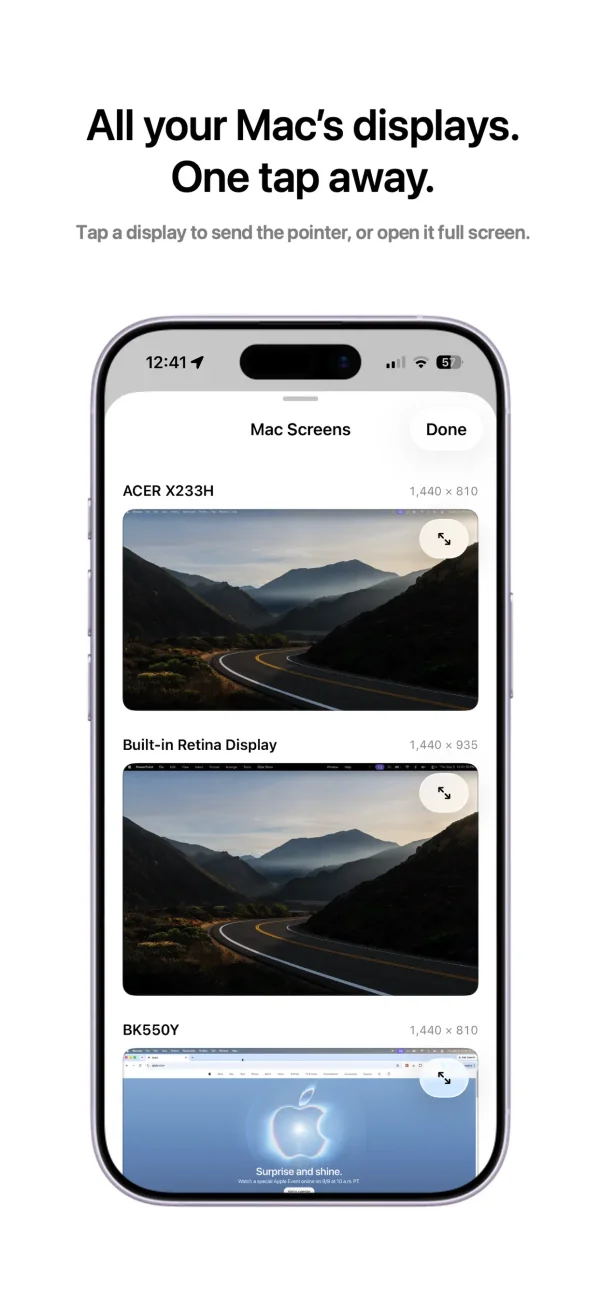
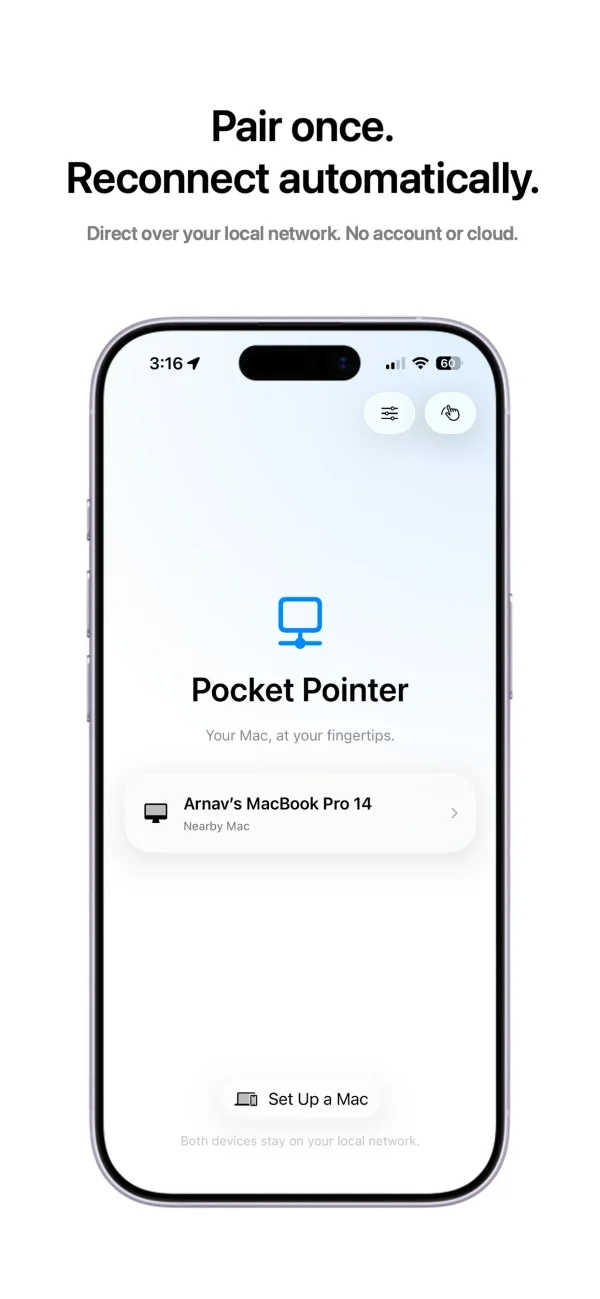
Giới thiệu
Nhà phát triển chưa cung cấp nội dung này bằng ngôn ngữ của bạn.
Your iPhone is already in your hand. Pocket Pointer turns it into a trackpad and keyboard for your Mac — real multi-touch gestures, real typing, no cable and no account.
Free, both halves, with nothing to unlock.
THE TRACKPAD YOU ALREADY KNOW
• Move the pointer with one finger
• Tap to click. Two-finger tap to right-click
• Two-finger drag to scroll, with natural scrolling if you prefer it
• Press, hold, then move to drag and drop
• Three-finger swipe up for Mission Control
• Three-finger swipe down for App Exposé
• Three-finger swipe left or right to move between Spaces
A KEYBOARD THAT ACTUALLY TYPES
• Use your iPhone's own keyboard — every language you have installed, emoji, and dictation all arrive on the Mac
• ⌃ ⌥ ⇧ ⌘ sit above the keys, so ⌘C, ⌘Tab and ⌘Space work the way they do on a Mac
• Double-tap a modifier to hold it for several keys, tap again to let go
• Esc, Tab and the arrow keys are right there — enough to run a slide deck from the back of the room
BUILT FOR THE COUCH AND THE DESK
• Pair once with a six-digit code, then never again
• Reconnects on its own the next time you open the app
• Pointer speed, scroll direction and haptics are yours to set
• Tracks at your display's full refresh rate, so the cursor moves when your finger does
PRIVATE BY CONSTRUCTION
Your iPhone talks to your Mac directly over your own Wi-Fi. No server sits in the middle, there is no account to create, and there is nothing about you to collect — no analytics, no tracking, no third-party SDKs of any kind. Sessions are encrypted with AES-128-GCM, keyed by a credential kept in each device's Keychain, and a Mac only pairs when you type the code it is showing you.
WHAT YOU NEED
Pocket Pointer needs its free companion helper on the Mac — a small menu-bar app you install once from pocketpointer.vercel.app. It asks for Accessibility, which is what macOS requires before anything can move your pointer, and for nothing else.
• iPhone running iOS 26 or later
• Mac running macOS 26 or later
• Both devices on the same local network
Setup help and troubleshooting: pocketpointer.vercel.app/support.html
Có gì mới
Phiên bản 1.4.6 · 03/09/2026
Scroll the Mac from the live screen view
Two fingers on the picture now turn the Mac's wheel, so a long page can be read from the phone without switching back to the trackpad. The wheel turns where the pointer already is, exactly as it does on a trackpad — a tap is how you aim it — so scrolling never drags the cursor somewhere you didn't ask it to go.
Disconnecting no longer means quitting the app
After you disconnected from a Mac, or after the Mac closed the connection on its own while the app sat in the background, the phone held on to a session that was already over and quietly turned away every attempt to connect again. Reopening the app was the only way back. It now notices the connection has ended and is ready for the next one.
The app you're driving appears the moment you connect
The button at the top of the trackpad used to open on an empty placeholder and stay there until something on the Mac happened to change apps — which is why clicking a window seemed to fix it. It now shows the app in front straight away.
A clearer top bar
The controls unfold from the app icon that opens them rather than appearing in the opposite corner, and slide into place instead of blinking. The icon is drawn sharply and answers a press. Touching the screen view closes the controls, rather than leaving them parked over the Mac's menu bar until one of their own buttons is pressed.
Needs the Pocket Pointer helper 1.4.6 on your Mac. An installed copy offers it to you on its own if you press Check Updates in the menu bar app, or download it again from pocketpointer.vercel.app.
Quyền riêng tư của ứng dụng
Những gì Arnav Roy khai báo trên App Store về cách ứng dụng này xử lý dữ liệu.
-
Dữ liệu không được thu thập
Nhà phát triển không thu thập bất kỳ dữ liệu nào từ ứng dụng này.
Phương thức đảm bảo quyền riêng tư có thể khác nhau, chẳng hạn như tuỳ theo các tính năng bạn sử dụng hoặc độ tuổi của bạn.
Thông tin
- Người bán
- Arnav Roy
- Danh mục
- Hiệu Suất
- Phiên bản
- 1.4.6
- Cập nhật
- 03/09/2026
- Phát hành
- 02/09/2026
- Kích thước
- 3,8 MB
- Yêu cầu
- iOS 26.0 trở lên
- Độ tuổi
- 4+
- Giá
- Miễn phí
- Bản quyền
- © Arnav Roy
Có thể bạn cũng thích
-
 JustNotes - Notetaking/MarkupHiệu Suất
-
 Socxly: Smart URL ShortenerHiệu Suất
-
 WatchGrid - Watch TrackerHiệu Suất
-
 123POULTRYHiệu Suất
-
 Readray (formerly LilysAI)Hiệu Suất
-
 VerbTeX LaTeX EditorHiệu Suất
-
 RemoteMeetingHiệu Suất
-
 TTS - Text to SpeechHiệu Suất
-
 Minimal | Ghi ChépApp viết + ghi chú đẹp mắt
-
 Digital Youth HubHiệu Suất