Printer App - Mobile Print
Print Photos, PDFs & Documents
iPhone, iPad向けに設計
無料 · アプリ内課金
- 対象年齢4+
- カテゴリビジネス
- 開発元TRIOSDEV (SMC-PRIVATE) LIMITED
- 言語英語
- サイズ5.9 MB
App Storeの公式ページにリンクしています
Download.orgはPrinter App - Mobile Printのファイルを一切ホストしていません。ボタンを押すと、TRIOSDEV (SMC-PRIVATE) LIMITEDが公開しているApp Storeのアプリページが開きます。ページの最終確認:2026/11/12。
スクリーンショット


概要
開発元はこのテキストをお使いの言語で提供していません。
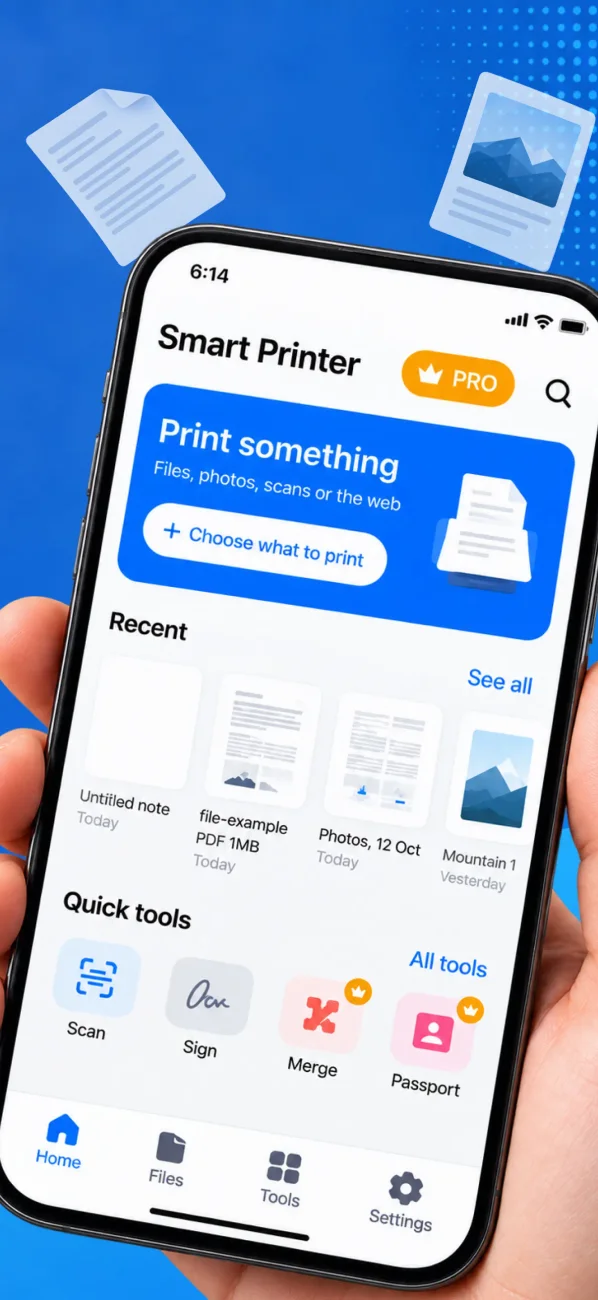
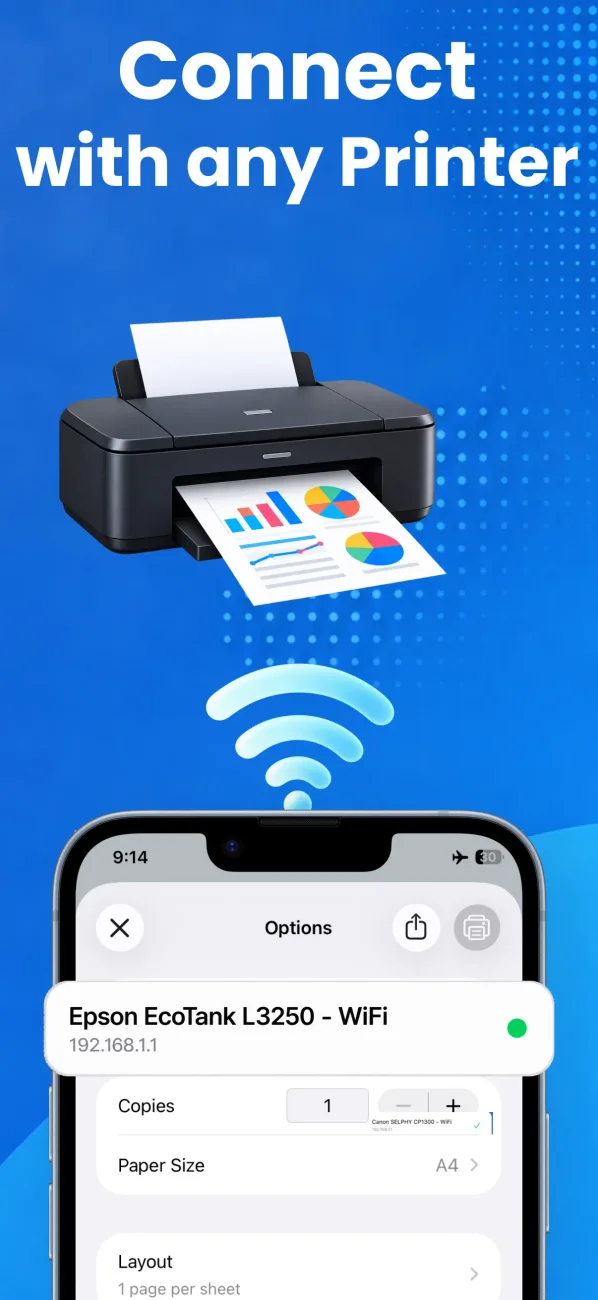
Print documents, photos, PDFs, and web pages with Smart Printer, your all-in-one printing and document management app for iPhone and iPad. From everyday printing to document scanning, PDF editing, and electronic signatures, manage your essential tasks in one convenient place.
Whether you're printing important files, preparing business documents, scanning paperwork, or organizing PDFs, Smart Printer brings useful productivity tools together in a simple and intuitive interface.
PRINT DOCUMENTS, PHOTOS & MORE
Make everyday printing easier with Smart Printer. Select your files, prepare your documents, and manage your printing tasks directly from your device.
- Print PDF files and documents.
- Print photos from your gallery.
- Print web pages and online content.
- Print scanned documents.
- Access recently used files.
- Manage documents for printing.
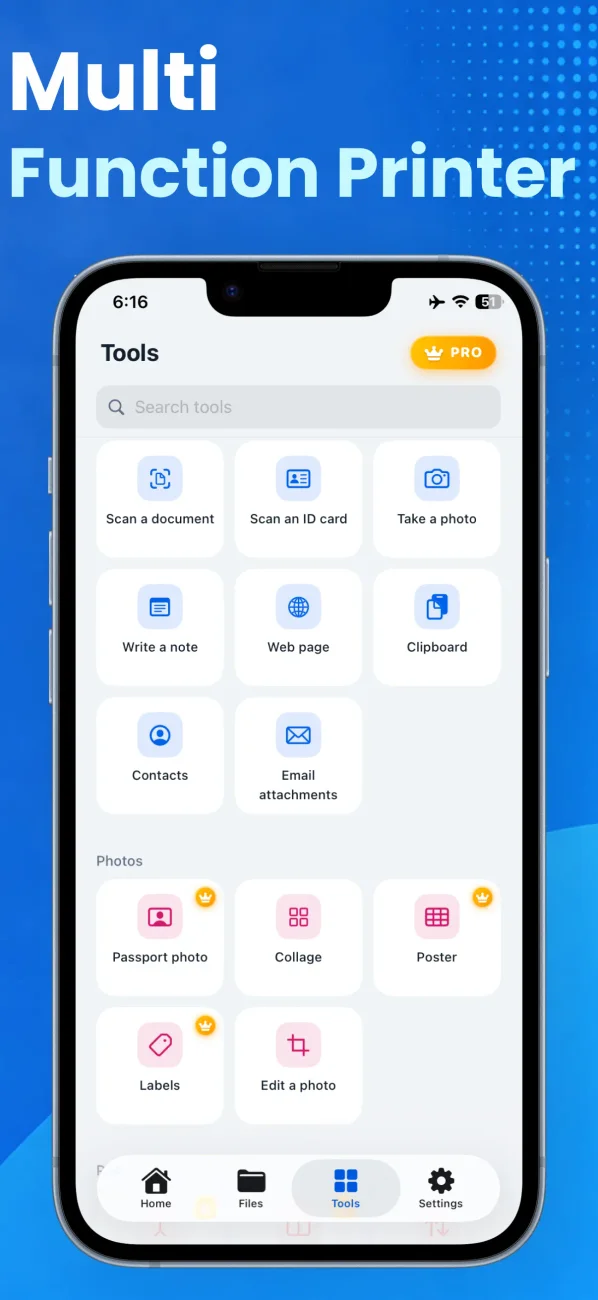
SCAN DOCUMENTS & ID CARDS
Turn your iPhone or iPad into a convenient document scanner. Capture important paperwork, receipts, and identification cards wherever you are.
- Scan documents using your camera.
- Scan ID cards.
- Capture photos and create digital files.
- Import email attachments.
- Access clipboard content.
- Create notes and manage documents.
POWERFUL PDF EDITOR & TOOLS
Manage your PDF documents with a collection of useful editing and organization tools.
- Merge multiple PDF files into one.
- Split PDFs into separate files.
- Reorder and delete PDF pages.
- Compress PDFs to reduce file size.
- Protect documents with a password.
- Remove passwords from eligible PDFs.
- Add watermarks and page numbers.
- Convert images to PDF.
- Convert PDF pages into images.
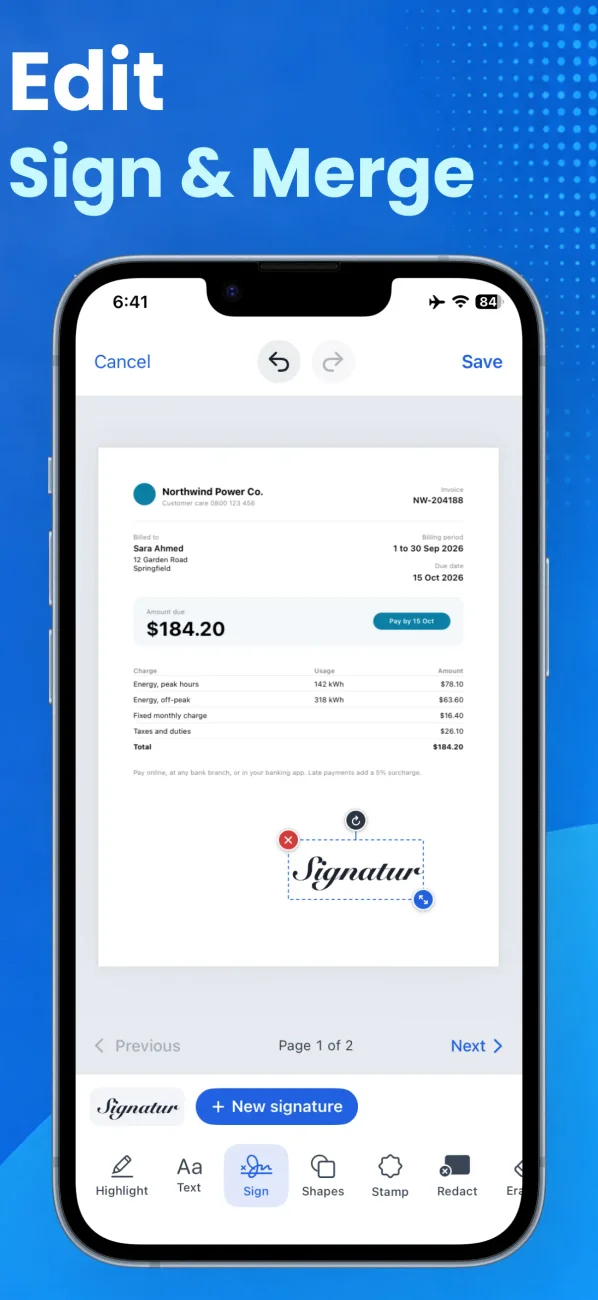
SIGN & EDIT PDF DOCUMENTS
Prepare, customize, and sign important documents directly from your device.
- Create and add signatures to PDFs.
- Fill out PDF forms.
- Highlight important information.
- Add text to documents.
- Insert shapes and stamps.
- Extract text from documents.
- Redact sensitive information.
- Make adjustments to individual pages.
YOUR EVERYDAY PRINTING COMPANION
Smart Printer combines printing, scanning, PDF editing, and document management in one easy-to-use application.
Whether you're a student printing assignments, a professional preparing business files, or someone managing everyday paperwork, Smart Printer helps you stay organized and handle essential document tasks from your iPhone or iPad.
Print documents, scan paperwork, sign PDFs, edit files, and manage your printing needs with Smart Printer.
Privacy Policy
sites.google.com/view/amgtech/privacy-policy
Terms of Use
sites.google.com/view/amgtech/terms-conditions
新機能
バージョン 1.0.1 · 2026/11/7
- Add UI Improvements
- Bug Fixes
- Performance Impro
アプリのプライバシー
このアプリのデータの取り扱いについて、TRIOSDEV (SMC-PRIVATE) LIMITEDがApp Storeで申告している内容です。
-
データの収集なし
開発元はこのアプリからデータを収集しません。
プライバシーの取り扱いは、ご利用の機能やお客様の年齢などに応じて異なる場合があります。
情報
- 販売元
- TRIOSDEV (SMC-PRIVATE) LIMITED
- カテゴリ
- ビジネス
- バージョン
- 1.0.1
- 更新日
- 2026/11/7
- リリース
- 2026/11/3
- サイズ
- 5.9 MB
- 必要条件
- iOS 18.0以降
- 対象年齢
- 4+
- 価格
- 無料
- アプリ内課金
- あり
- 言語
- 英語
- 著作権
- © 2026 AMG Tech All Rights Reserved.