
- 対象年齢17+
- カテゴリ開発ツール
- 開発元Pasi Salenius
- 言語英語
- サイズ37.2 MB
App Storeの公式ページにリンクしています
Download.orgはProxygenのファイルを一切ホストしていません。ボタンを押すと、Pasi Saleniusが公開しているApp Storeのアプリページが開きます。ページの最終確認:2026/11/12。
スクリーンショット
概要
開発元はこのテキストをお使いの言語で提供していません。
Proxygen is the best HTTP proxy tool for testing apps and debugging remote API endpoints right on your iPhone, iPad and Mac. And it’s built to delight you while doing it.
Features
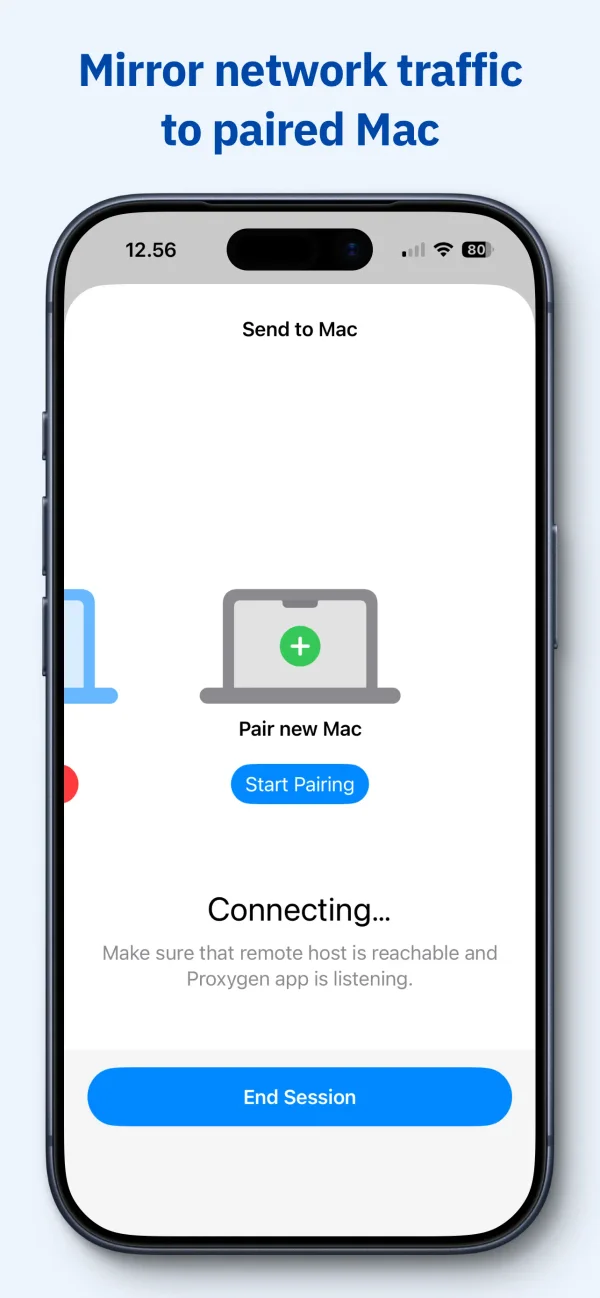
• Send iOS device traffic to remote Mac
• Write JavaScript to modify proxied traffic
• Store state in variables for use in Editor
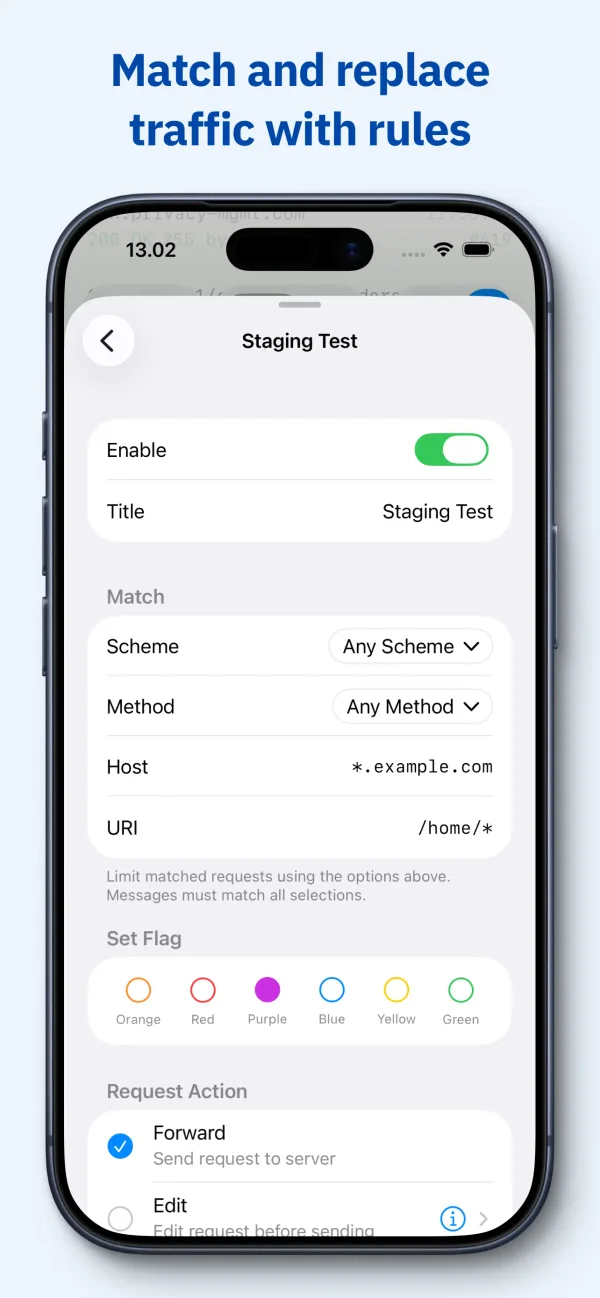
• Match and replace headers and body data
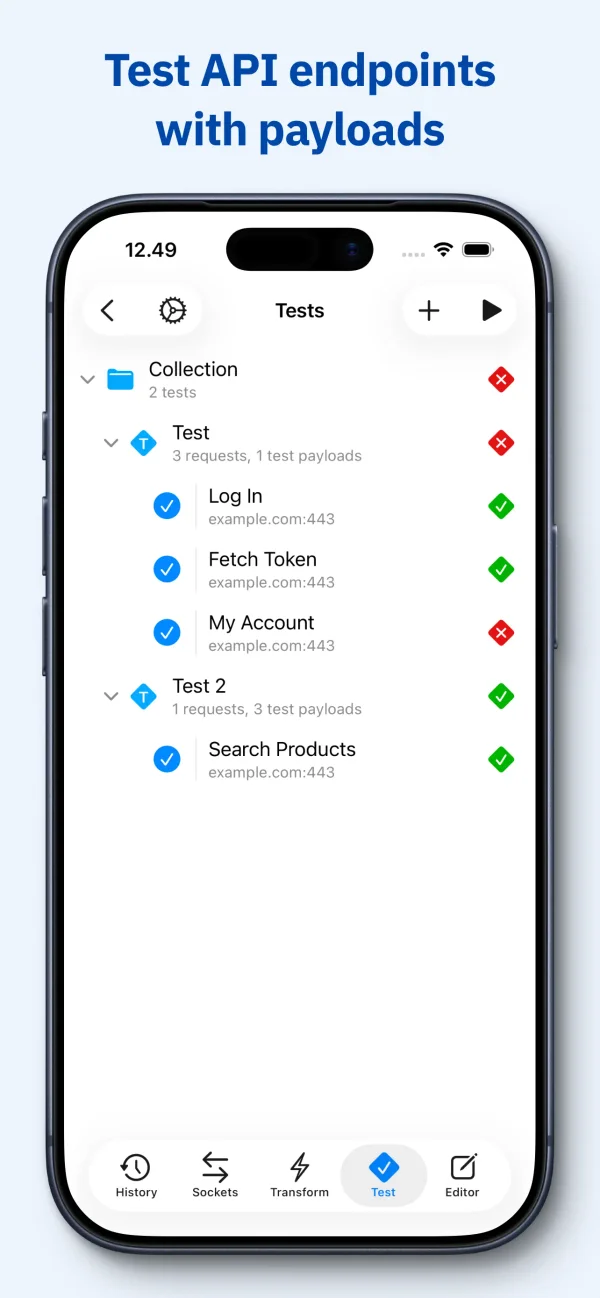
• Test API endpoints with assertions
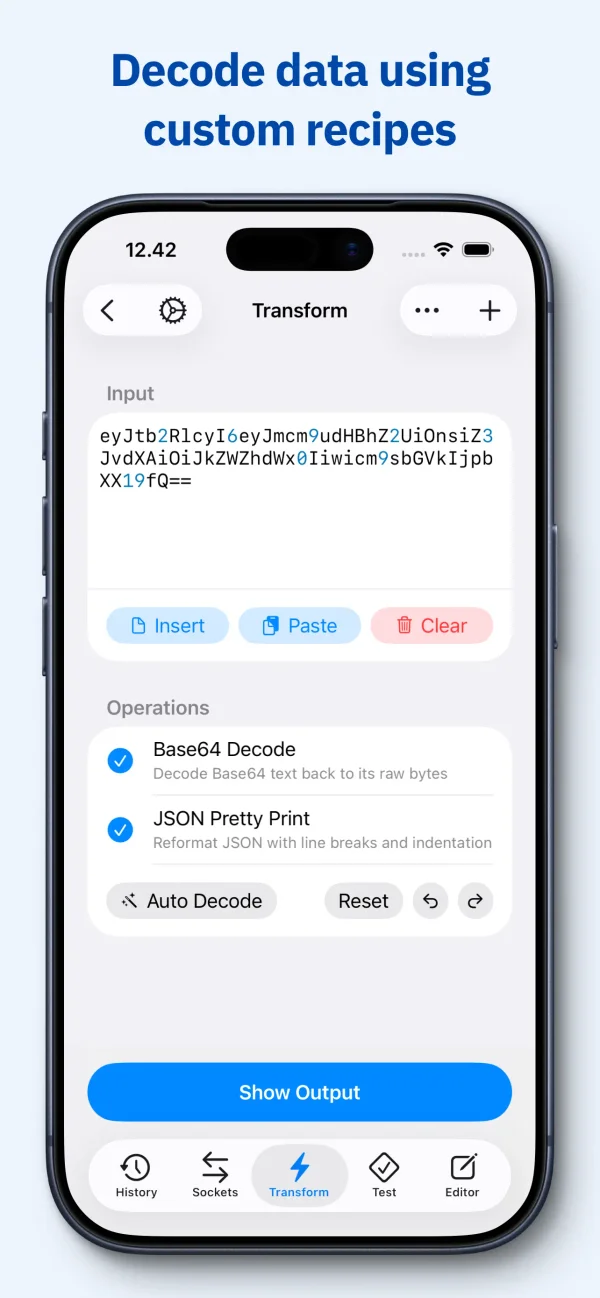
• Transform data with custom recipes
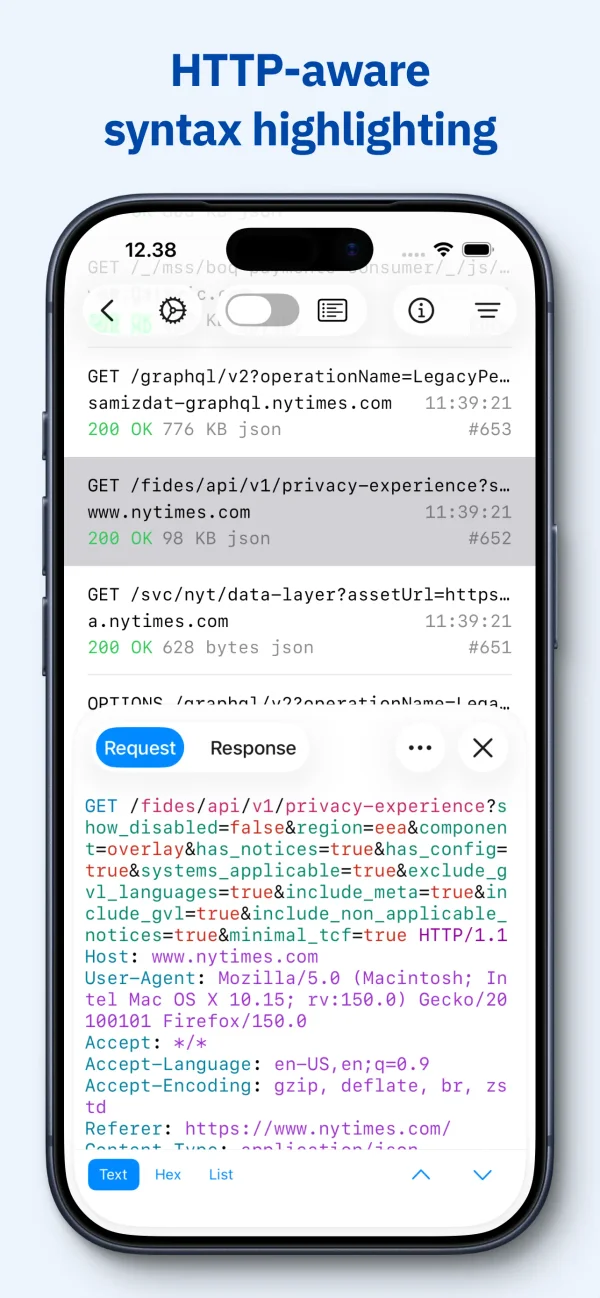
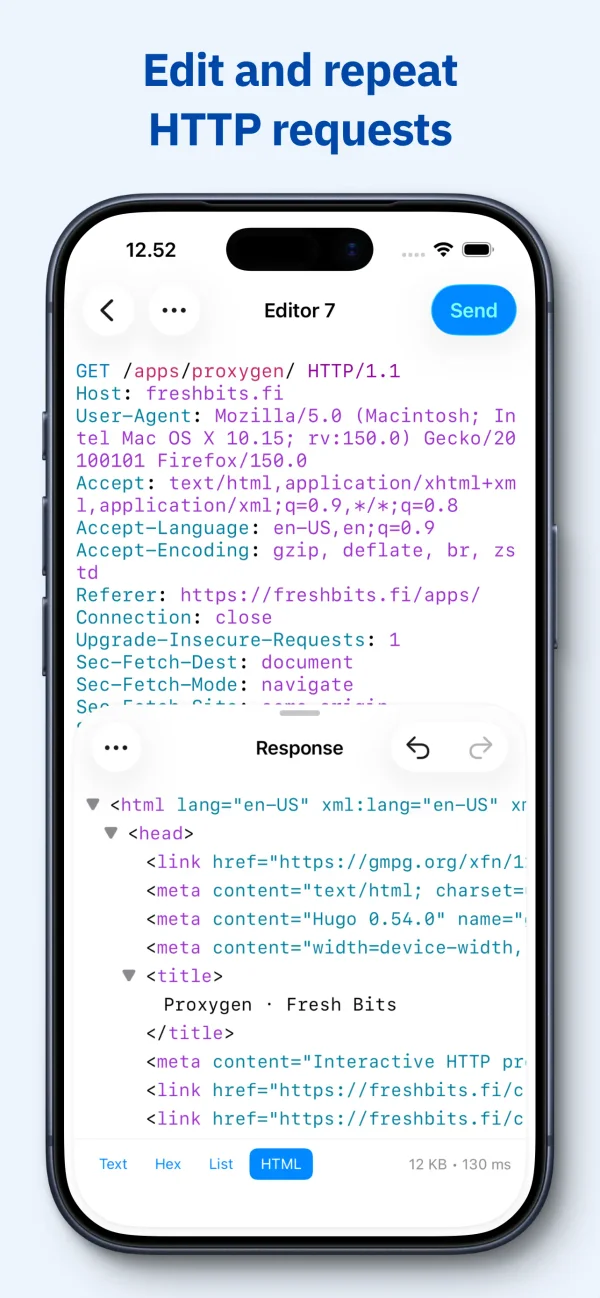
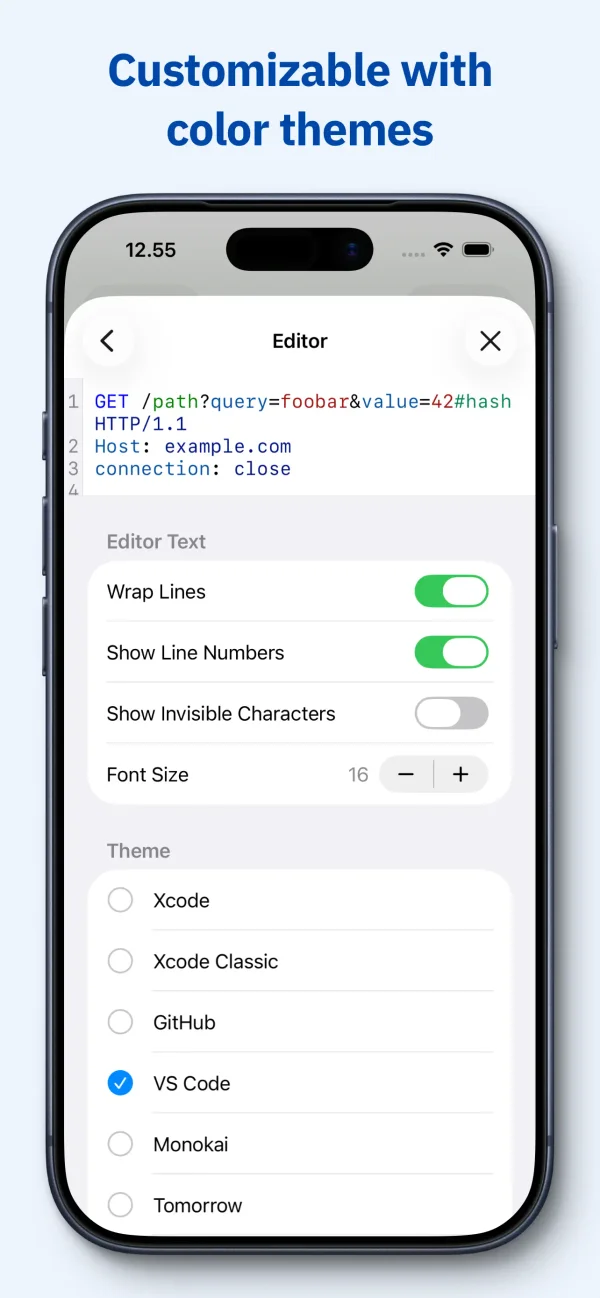
• Syntax highlighting HTTP message editor
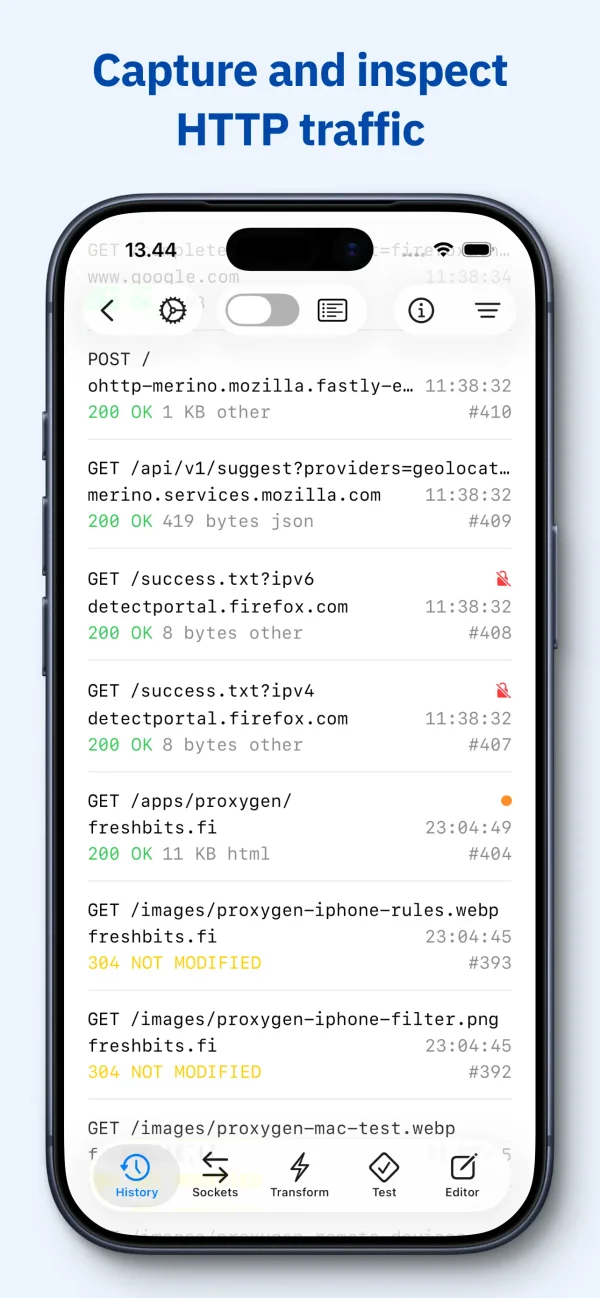
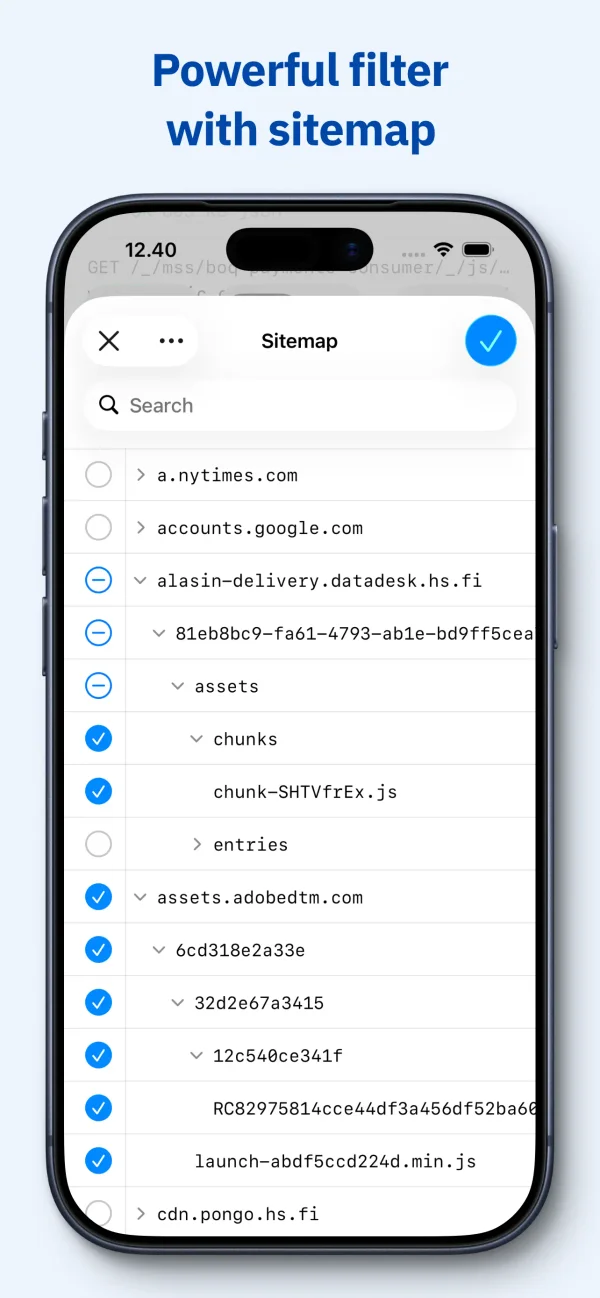
• Message history with powerful filtering
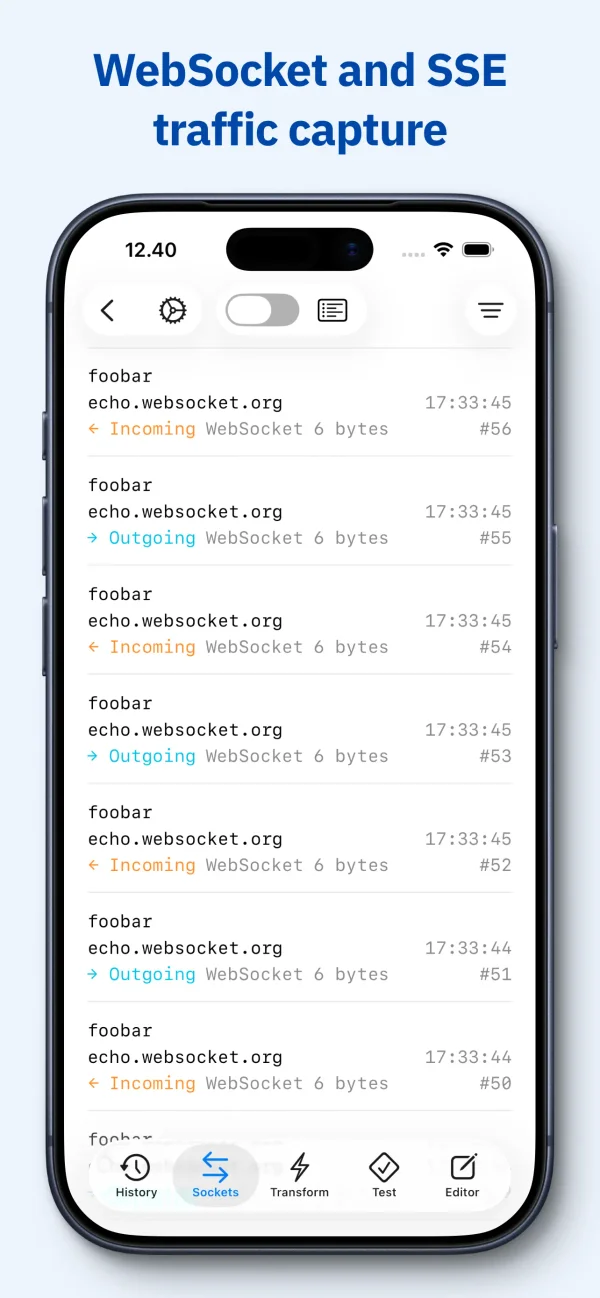
• WebSocket and SSE message capture
• Store all data in documents
SEND TO MAC
Easily capture HTTP messages from an iPhone or iPad on your Mac. Traffic is mirrored to the paired Mac over local network even when the iOS app is not active. The Mac app can intercept and edit data of requests and responses before they are forwarded. No more futzing around with Wi-Fi proxy settings and trusted certificates.
SCRIPTING
Write JavaScript code that modifies proxied traffic. Scripts have access to requests and responses, letting you rewrite headers, URLs and body content, inject data, or implement conditional logic that goes beyond what static rules can express.
SYNTAX AWARE EDITOR
Edit requests from the message history or create new to any target. All previously sent requests are kept in the project file so you can return to your work later. The editor uses Tree-sitter for fast language parsing and syntax highlighting. It handles decoding of HTTP content automatically, letting you focus on testing the remote API.
SERVER GRADE PERFORMANCE
The magic lies in a little custom HTTP proxy that the iOS app runs in a local VPN extension. This proxy was developed using SwiftNIO, a framework for bizarrely fast asynchronous network applications. The proxy can perform TLS Manipulator in the Middle (MitM) to see inside HTTPS connections and apply custom logic to each message.
To put it bluntly, you’ve probably never seen a HTTP proxy this fast before. And you likely won’t notice that your web browsing is even proxied at all.
PRIVACY
Proxygen contains no third party frameworks for crash reporting or analytics. Note that Proxygen is a TLS MitM proxy, which means that it sees HTTPS network traffic in plain text. This data is transferred from the proxy to the Proxygen app and stored as part of the project document. Make sure you handle the documents accordingly, as they may contain sensitive data such as session tokens and login credentials.
Privacy policy
https://proxygen.app/docs/privacy
Terms of Use
https://proxygen.app/docs/terms
Device Mockup created from https://deviceframes.com/templates/iphone-13
新機能
バージョン 6.6.1 · 2026/10/17
• Transform is now available from the text selection menu in History and Sockets on iPhone Duo and iPad.
• The selected tool and Transform state now carry over when the iPhone Duo switches between compact and full-width layouts.
• The sidebar keeps its selection when it's hidden and shown again.
• Fixed bottom sheets staying open after you leave the screen that opened them.
• Other fixes and improvements.
アプリのプライバシー
このアプリのデータの取り扱いについて、Pasi SaleniusがApp Storeで申告している内容です。
-
データの収集なし
開発元はこのアプリからデータを収集しません。
プライバシーの取り扱いは、ご利用の機能やお客様の年齢などに応じて異なる場合があります。
情報
- 販売元
- Pasi Salenius
- カテゴリ
- 開発ツール
- バージョン
- 6.6.1
- 更新日
- 2026/10/17
- リリース
- 2022/3/19
- サイズ
- 37.2 MB
- 必要条件
- iOS 16.4以降
- 対象年齢
- 17+
- 価格
- 無料
- アプリ内課金
- あり
- 言語
- 英語
- 著作権
- © 2026 Fresh Bits
こちらもおすすめ
-
 Hodor - HTTP(s) Packet SnifferFlutter通信キャプチャとAPIテスト
-
 WorldWideWeb – Mobile開発ツール
-
 Json Viewer Simple開発ツール
-
 La Terminal:Mosh & SSH クライアントSFTP、ファイル + AI リモートエージェント
-
 JellyCuts開発ツール
-
 SQLite Mobile Client開発ツール
-
 Stream HTTP Sniffer開発ツール
-
 JSON Editor Mobile開発ツール
-
 Easy CSV Editor Mobile開発ツール
-
 Docker Server Admin開発ツール