- 対象年齢4+
- カテゴリ仕事効率化
- 開発元Supplier Relations US, LLC.
- 言語英語
- サイズ34.2 MB
App Storeの公式ページにリンクしています
Download.orgはQuick Bannerのファイルを一切ホストしていません。ボタンを押すと、Supplier Relations US, LLC.が公開しているApp Storeのアプリページが開きます。ページの最終確認:2026/11/18。
スクリーンショット



概要
開発元はこのテキストをお使いの言語で提供していません。
Hey there! Wanna make cool banners with your Brother QL, RJ, TD, PT thermal printers? You can create banners from 1 inch to 4 inches wide and up to 100 feet long. Just a heads up, this works best with Brother thermal printers. You can try printing your designs on other printers using AirPrint, but we can't promise it'll work perfectly. Here's how to get started:
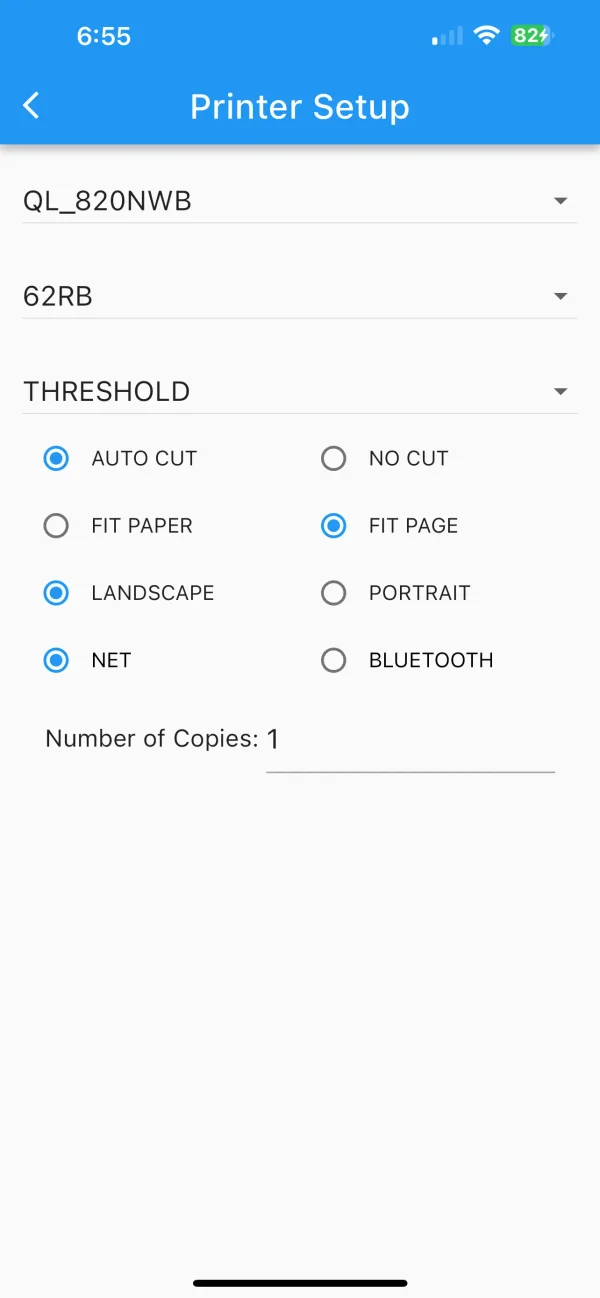
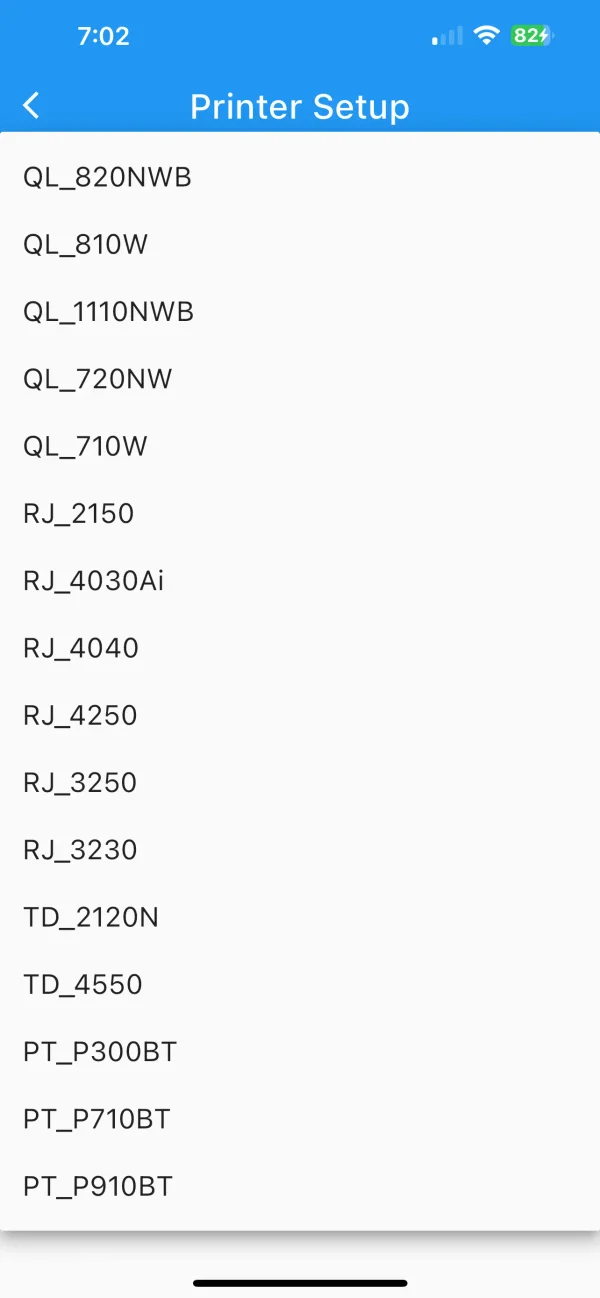
1. First up, jump into Settings and pick your printer from the list (we've got a bunch listed below), choose your paper size, and decide if you want your printer to automatically cut the paper. You only need to do this once, but you can always come back to switch things up, like changing the printer or paper size.
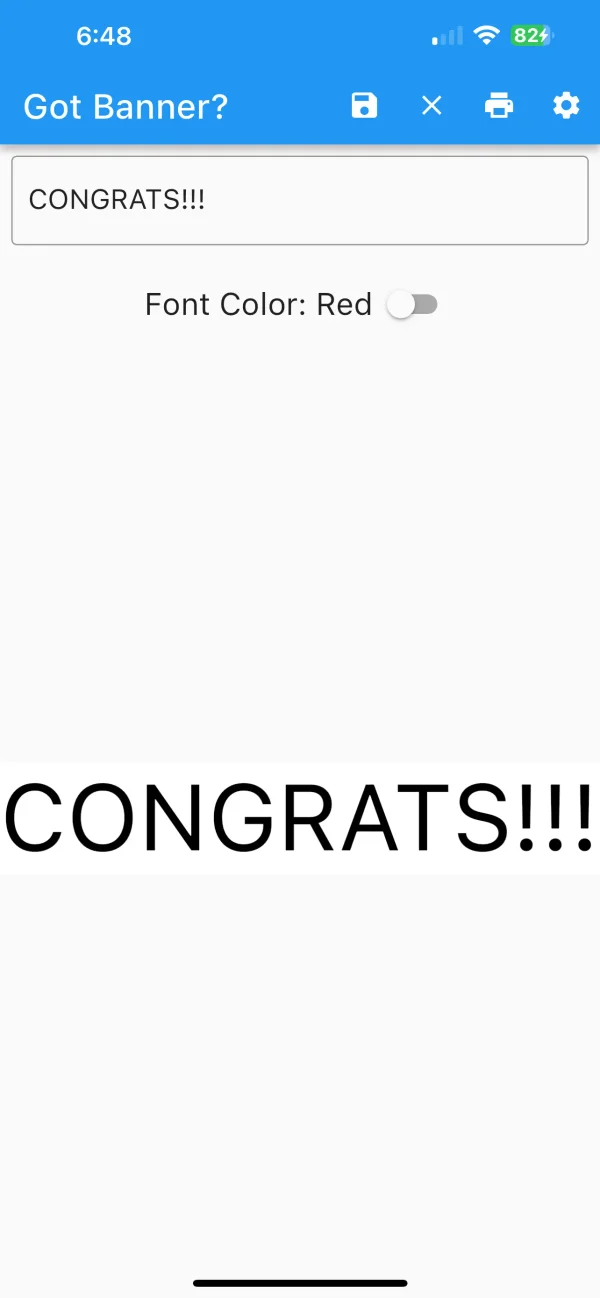
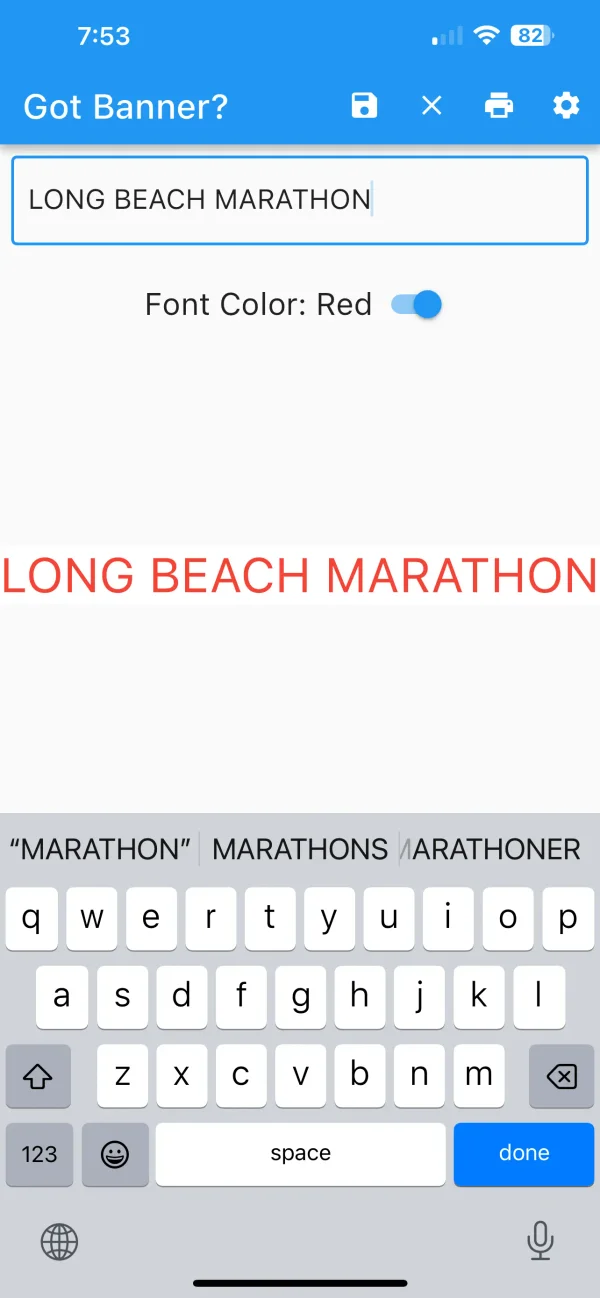
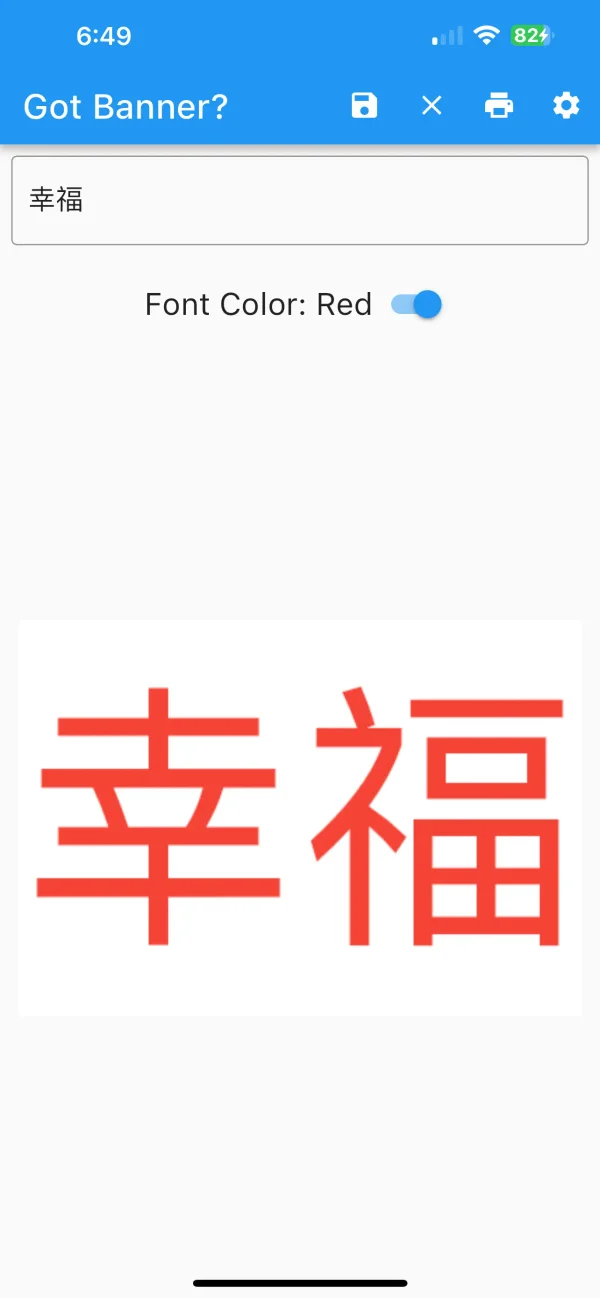
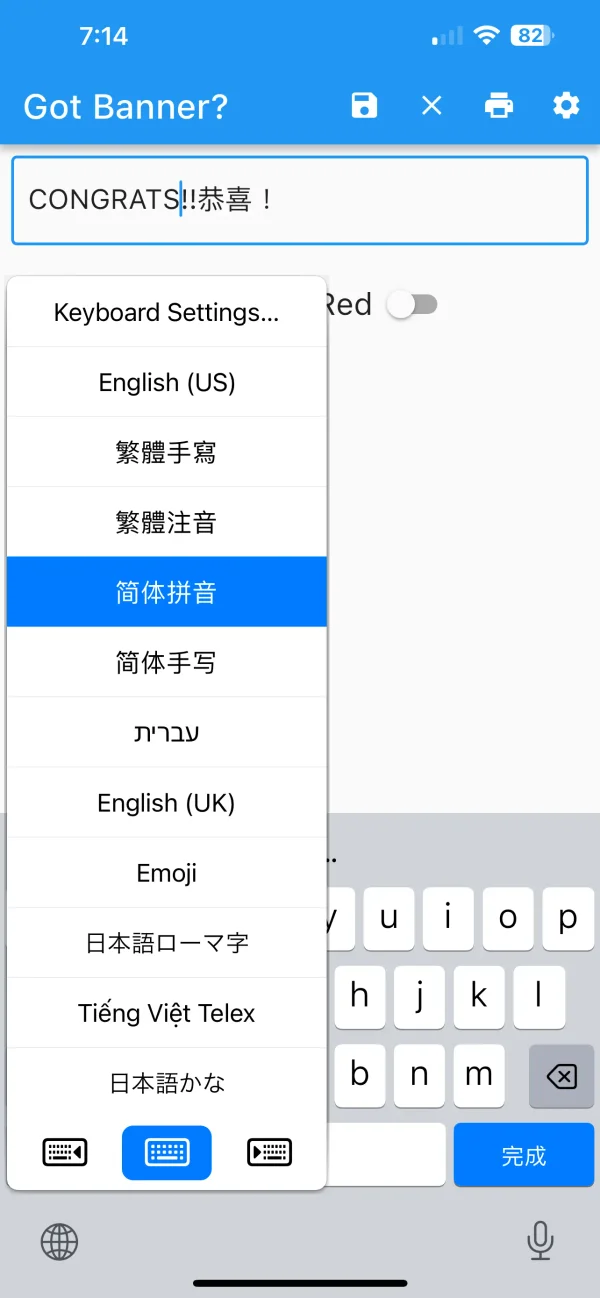
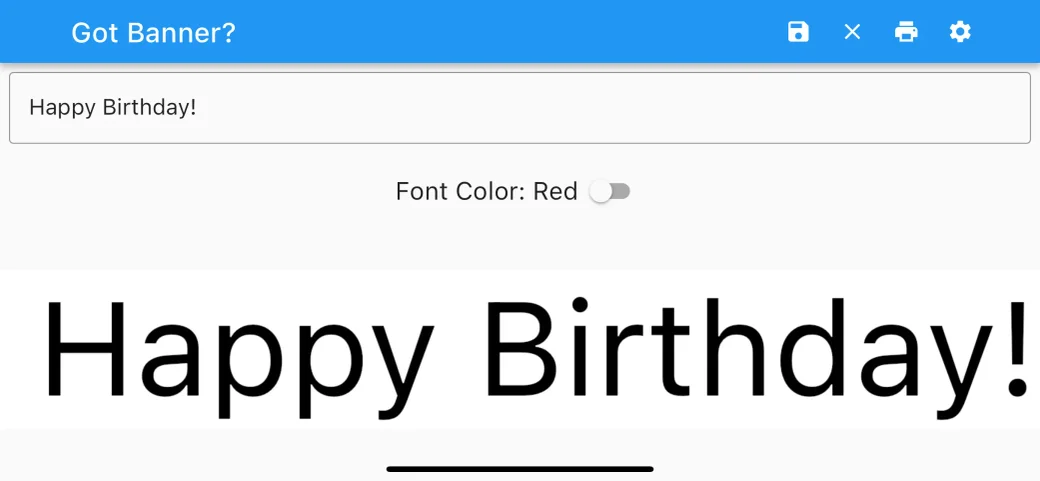
2. On the main screen, you can type out whatever you want in any language, or just speak it out loud and hit Enter. Your label will pop up on the screen.
3. Now, you can either save the image with a quick tap on the save button, print it straight away by hitting the print button, or clear everything and start from scratch.
4. If you're using a QL-820NWB or QL-810W printer, slide over to the Black/Red slider and pick Red. Otherwise, any red you choose will just come out black.
Some quick tips:
1. Choosing Portrait orientation means your print will max out at your paper's width (1" to 4"). It's perfect for small labels. Maybe give it a go first to avoid accidentally printing a 10-foot banner (lol).
2. For longer banners, go with Landscape orientation. Your banner will come out sideways, with the height matching your paper's width, and the length will keep going as long as your text does. We've done tests with banners over 20 feet long, and they've come out great.
3. Want an even longer banner? Set the printer to NO CUT, and print your heart out with banner after banner.
4. We love the DK-4605 label roll (for all QL printers). It is a Removable Continuous Length label roll in yellow color. Use it to make posters!
5. This app works great with Brother P-touch printers, from the 6mm to 36mm wide, and as long as the tape length. These tapes are great, weather proof, and long-lasting. The name "banner" maybe an overkill.
Hope you have fun using the app and love how easy it is to use!
Supported Printer List:
QL-820NWB (default)
QL-810W
QL-1110NWB
QL-720NW
QL-710W
RJ-2150
RJ-4030Ai
RJ-4040
RJ-4250
RJ-3250
RJ-3230
TD-2120N
TD-4550
PT-P300BT
PT-P710BT
PT-P910BT
アプリのプライバシー
このアプリのデータの取り扱いについて、Supplier Relations US, LLC.がApp Storeで申告している内容です。
-
データの収集なし
開発元はこのアプリからデータを収集しません。
プライバシーの取り扱いは、ご利用の機能やお客様の年齢などに応じて異なる場合があります。
情報
- 販売元
- Supplier Relations US, LLC.
- カテゴリ
- 仕事効率化
- バージョン
- 1.0
- 更新日
- 2024/2/13
- リリース
- 2024/2/12
- サイズ
- 34.2 MB
- 必要条件
- iOS 12.0以降
- 対象年齢
- 4+
- 価格
- 無料
- 言語
- 英語
- 著作権
- © (C) 2024 Supplier Relations US