- 対象年齢4+
- カテゴリ仕事効率化
- 開発元Nolan Townsend
- 言語英語
- サイズ35.1 MB
App Storeの公式ページにリンクしています
Download.orgはQuickPDF Signerのファイルを一切ホストしていません。ボタンを押すと、Nolan Townsendが公開しているApp Storeのアプリページが開きます。ページの最終確認:2026/11/12。
スクリーンショット

概要
開発元はこのテキストをお使いの言語で提供していません。
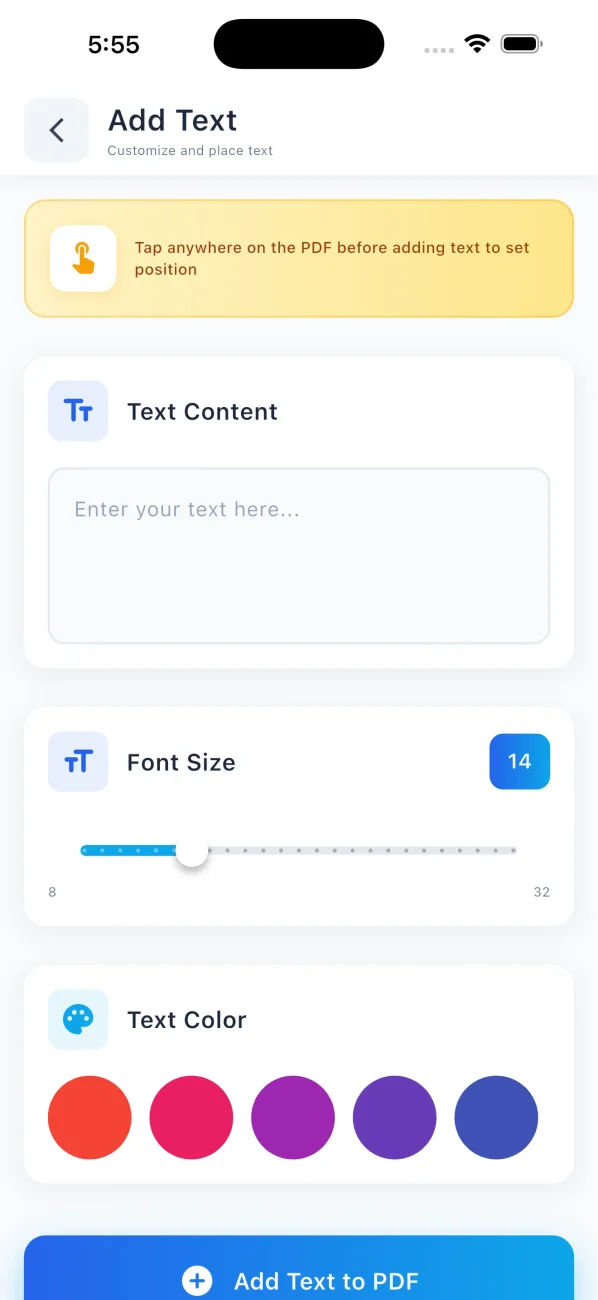
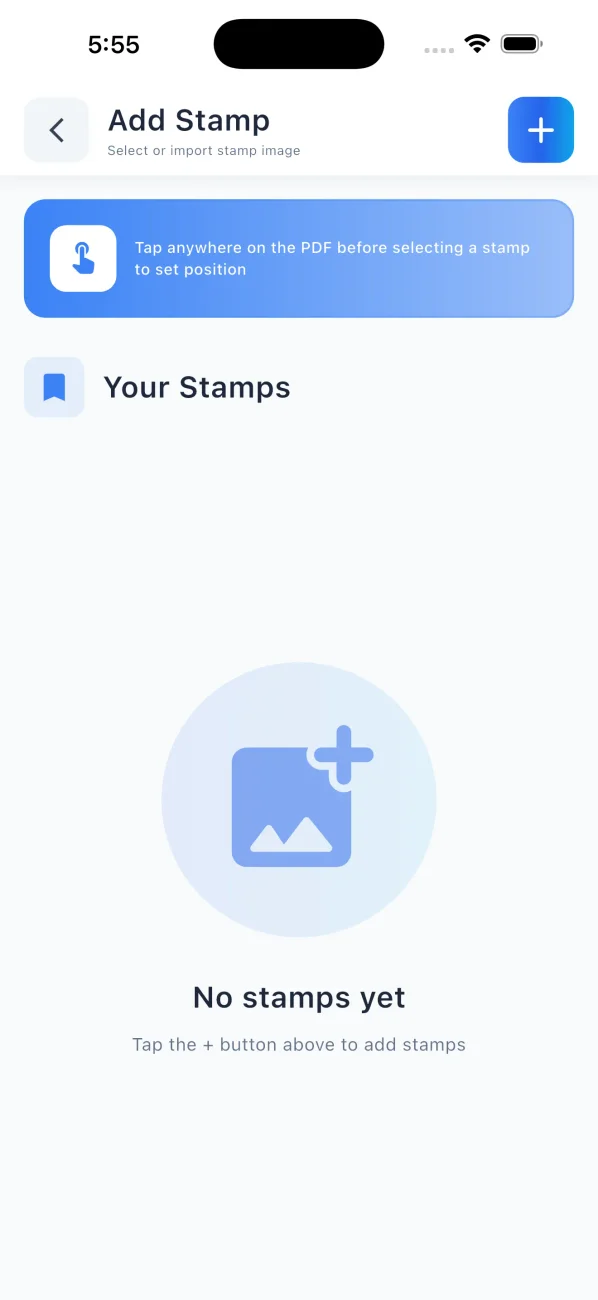
QuickPDF Signer helps you sign and fill PDF documents in a simple and clean way.
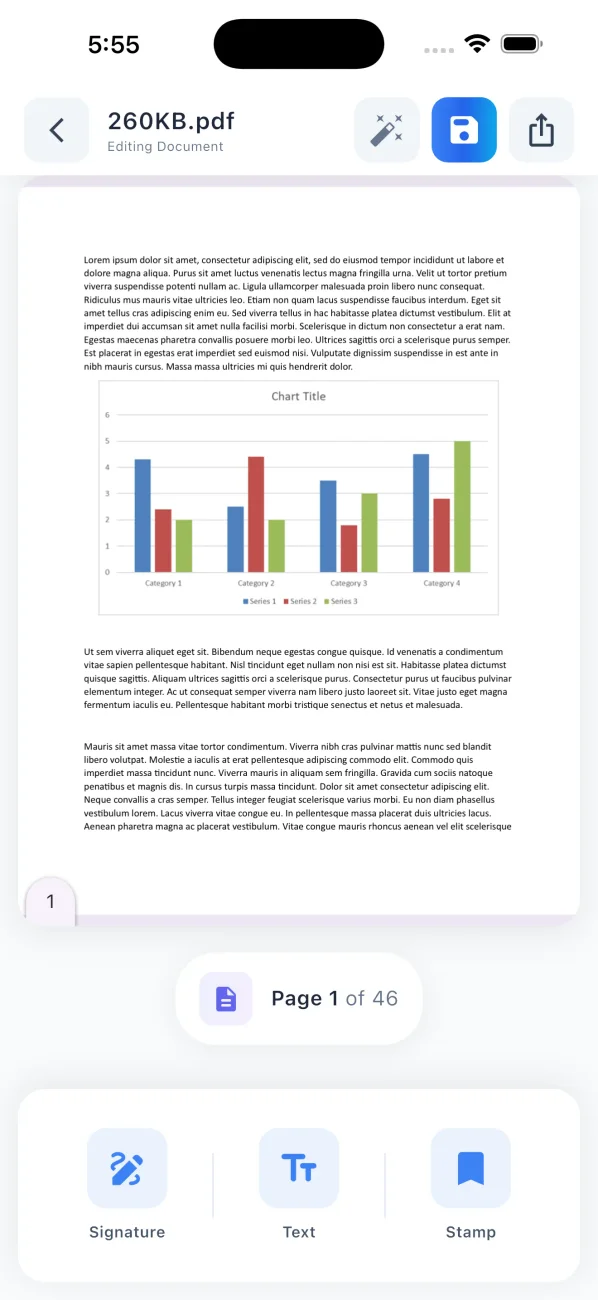
You can add your signature, write text, insert dates, and save your updated document within seconds. The app is designed for everyday use, whether you need to sign a form, fill a document, or complete a quick approval.
The interface is straightforward, and all tools are easy to use. You can import PDFs from your device, add your signature smoothly, and export the final copy without any unnecessary steps.
Key Features
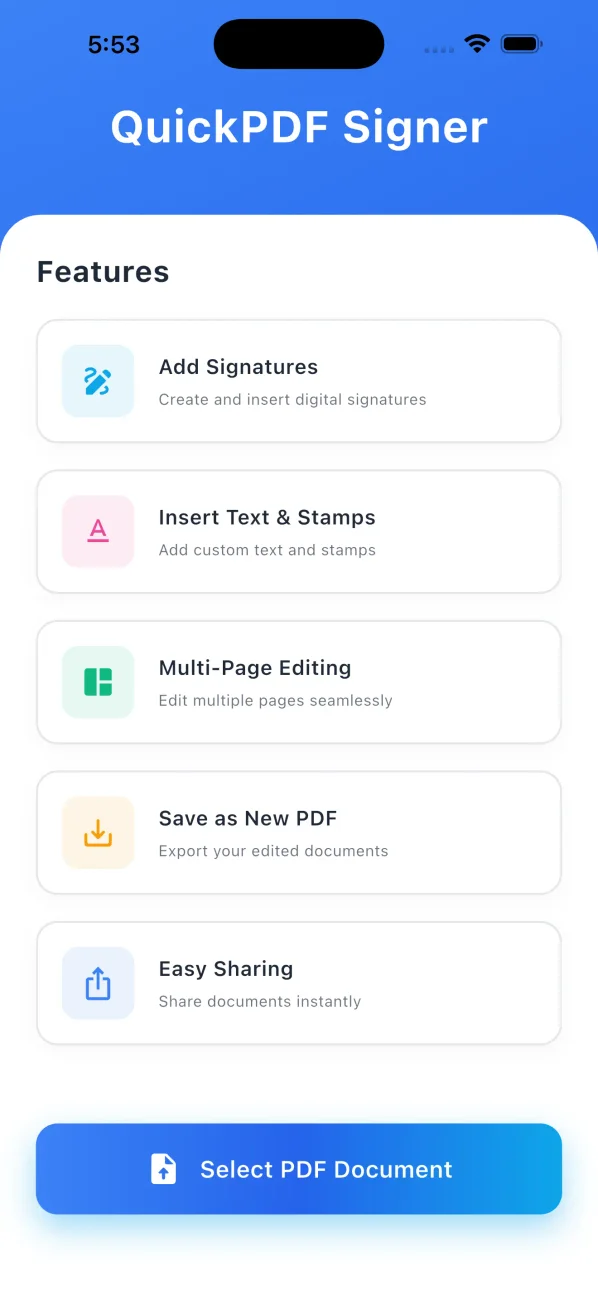
Add your signature to PDF documents
Fill forms with text, dates and basic details
Import PDFs from files or other apps
Create and save multiple signatures
Resize, move and adjust signatures easily
Export updated PDFs with one tap
Clean and simple interface for quick use
QuickPDF Signer aims to provide a smooth, fast and reliable way to handle PDF signing on your device.
新機能
バージョン 1.5.1 · 2026/9/8
Minor bug fixes and performance improvements.
アプリのプライバシー
このアプリのデータの取り扱いについて、Nolan TownsendがApp Storeで申告している内容です。
-
ユーザーに関連付けられないデータ
収集される場合がありますが、ユーザーの識別情報には関連付けられません。
- ID
- 使用状況データ
プライバシーの取り扱いは、ご利用の機能やお客様の年齢などに応じて異なる場合があります。
情報
- 販売元
- Nolan Townsend
- カテゴリ
- 仕事効率化
- バージョン
- 1.5.1
- 更新日
- 2026/9/8
- リリース
- 2025/11/30
- サイズ
- 35.1 MB
- 必要条件
- iOS 13.0以降
- 対象年齢
- 4+
- 価格
- 無料
- アプリ内課金
- あり
- 言語
- 英語
- 著作権
- © webnesign.com
こちらもおすすめ
-
 EasyScan – Fast PDF Maker仕事効率化
-
 DocuPDF – Scanner & Editor仕事効率化
-
 GoldWorth AI仕事効率化
-
 LocalGPT - offline Chatbot仕事効率化
-
 EditPDF | PDF Editor & Sign仕事効率化
-
 My Notes: Diary, Voice & Memos仕事効率化
-
 FormFill: PDF記入・署名サブスク不要の電子署名
-
 PDF変換 • スキャン&圧縮画像・Gif・動画圧縮アプリ
-
 Signature Maker: Scan&Sign PDF仕事効率化
-
 Private Transcribeオフラインで使えるAI文字起こし|録音・音声入力・議事録