Ray Scan: PDF Document Scanner
Sign, Edit, Convert, Translate
iPhone, iPod touch向けに設計
無料 · アプリ内課金
- 対象年齢4+
- カテゴリユーティリティ
- 開発元Arth Labs Inc.
- 言語英語
- サイズ68.0 MB
App Storeの公式ページにリンクしています
Download.orgはRay Scan: PDF Document Scannerのファイルを一切ホストしていません。ボタンを押すと、Arth Labs Inc.が公開しているApp Storeのアプリページが開きます。ページの最終確認:2026/11/29。
スクリーンショット
概要
開発元はこのテキストをお使いの言語で提供していません。
Ray Scan turns your iPhone into a fast, sharp document scanner. Scan, sign, edit, convert and translate your documents in one app, with a clean new design.
SCAN THAT READS LIKE THE ORIGINAL
- Edge detection and auto capture find the page and take the shot for you
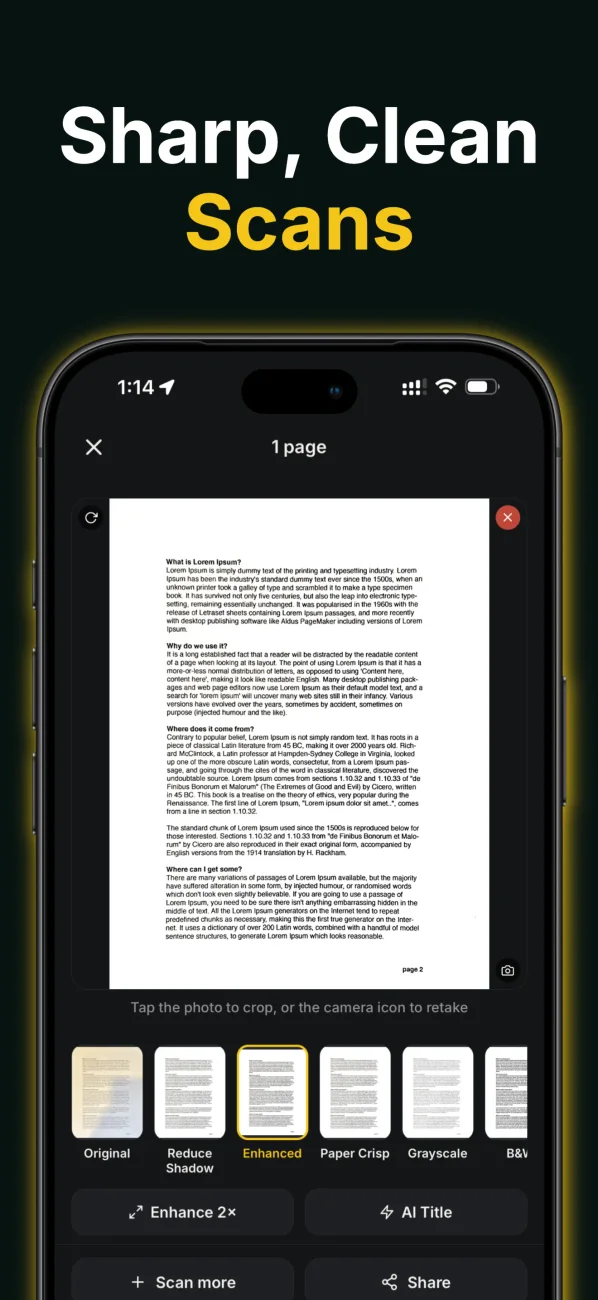
- Enhanced, Paper Crisp and Reduce Shadow make pages crisp and white while keeping faint print, punctuation and small marks
- Scan types for documents, receipts, ID cards, passports, business cards, whiteboards, book pages and photos
- Searchable PDFs: find any word across your library with on-device text recognition (OCR)
SIGN, FILL AND EDIT
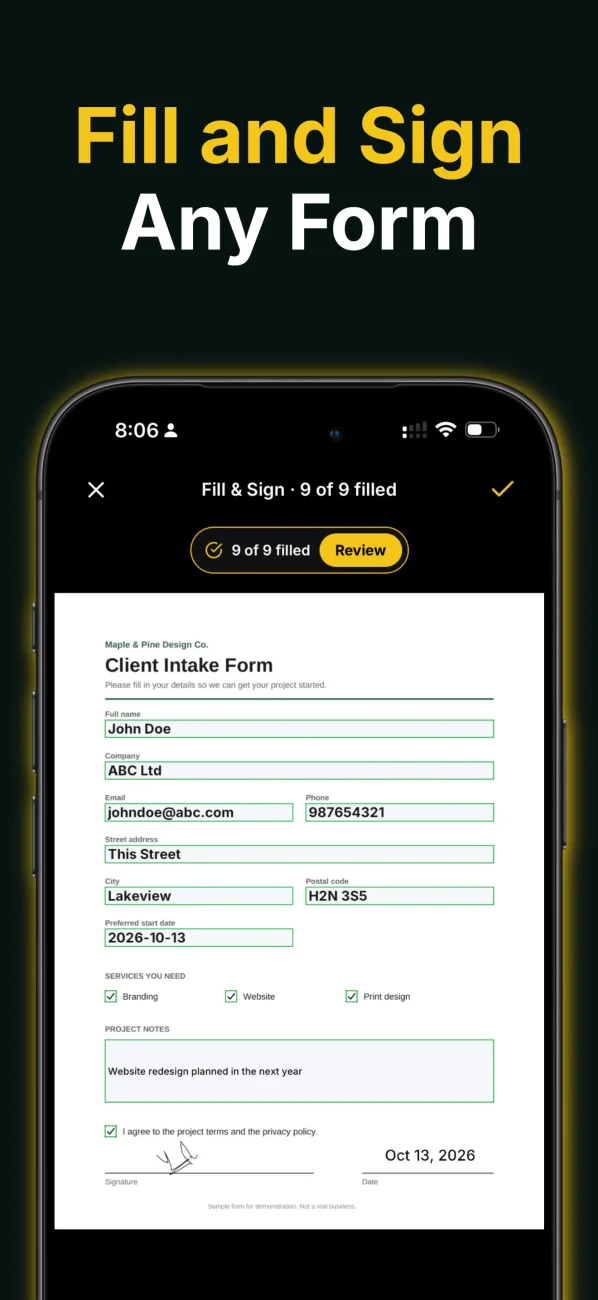
- Fill & Sign: fill a PDF's own form fields, add your signature, checkmarks and crosses
- Signatures you can draw, type or import from a photo
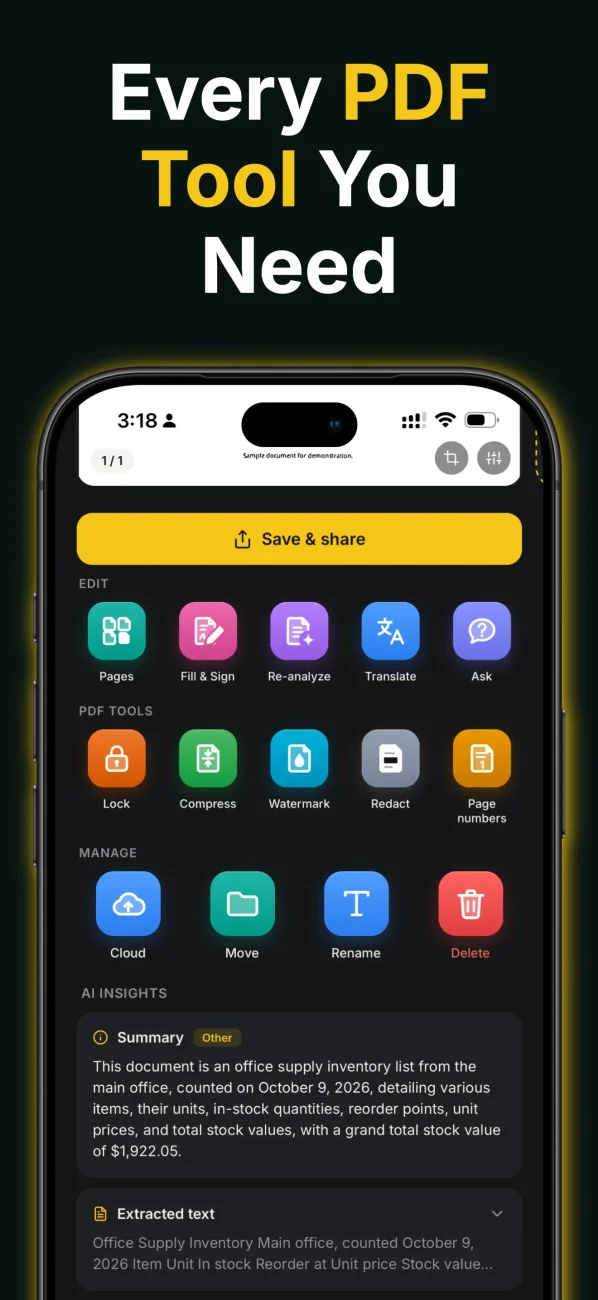
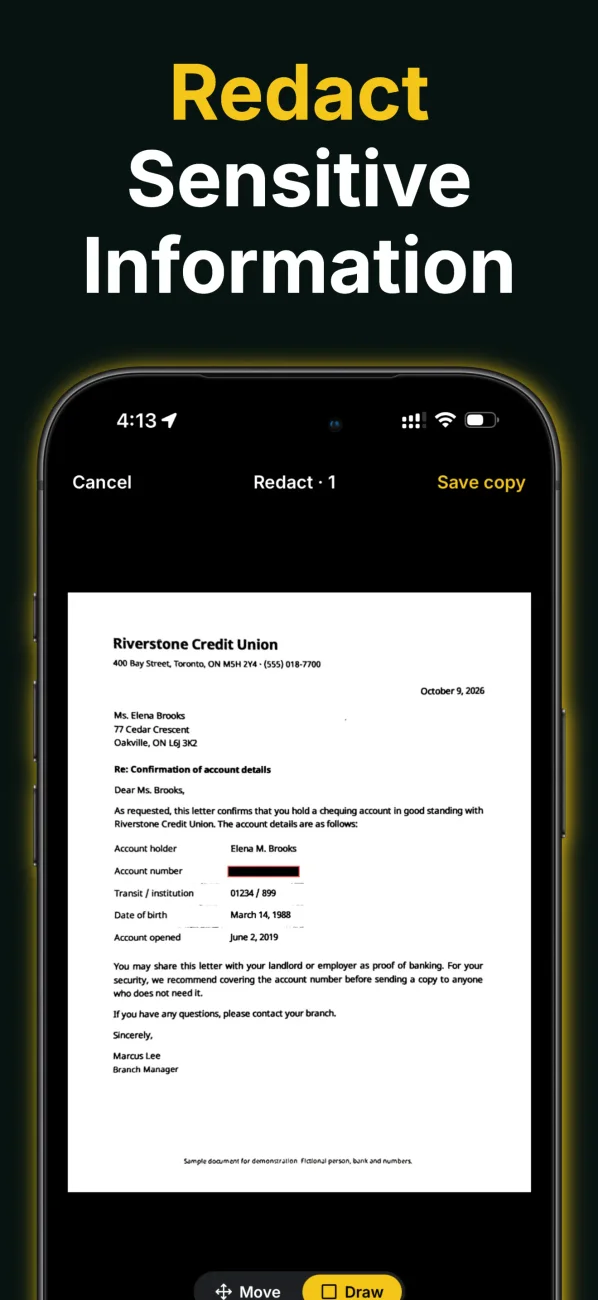
- Redact: black out text and save a copy with no hidden text left
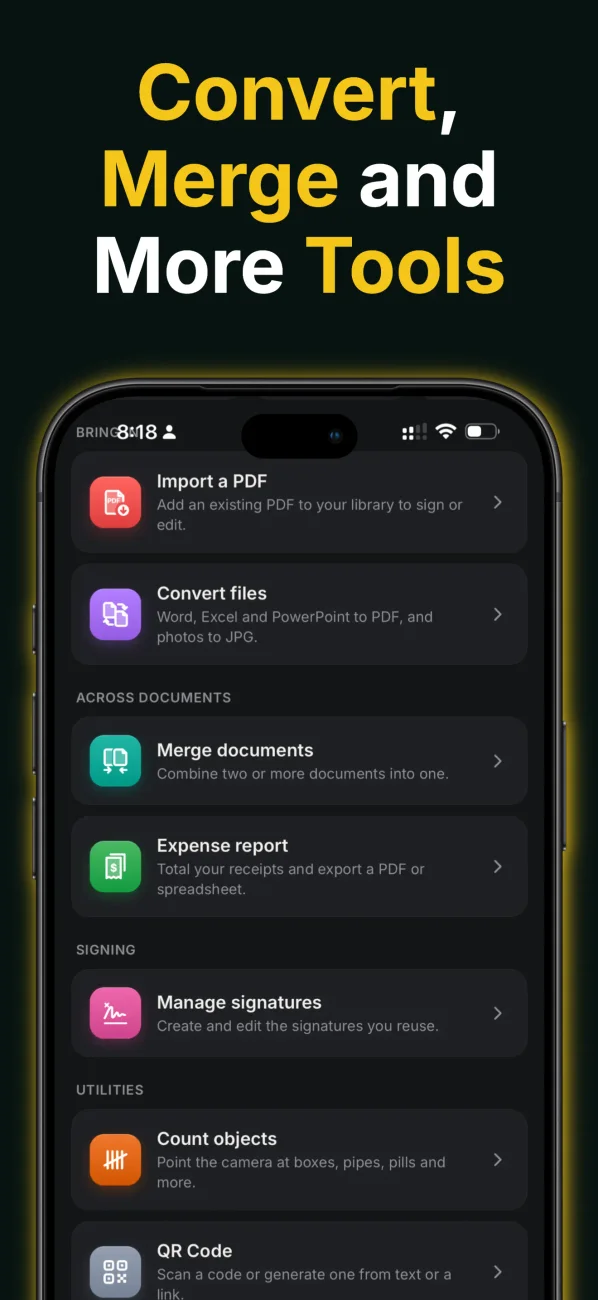
- Add page numbers and watermarks, merge, split and compress
- Lock a document with a password, and remove the password from a PDF you import
CONVERT
- Word, Excel, PowerPoint and text files to PDF
- iPhone HEIC photos to JPG
- Scan to Excel: turn a table on paper into an .xlsx or .csv you can edit
AI THAT DOES THE BUSYWORK
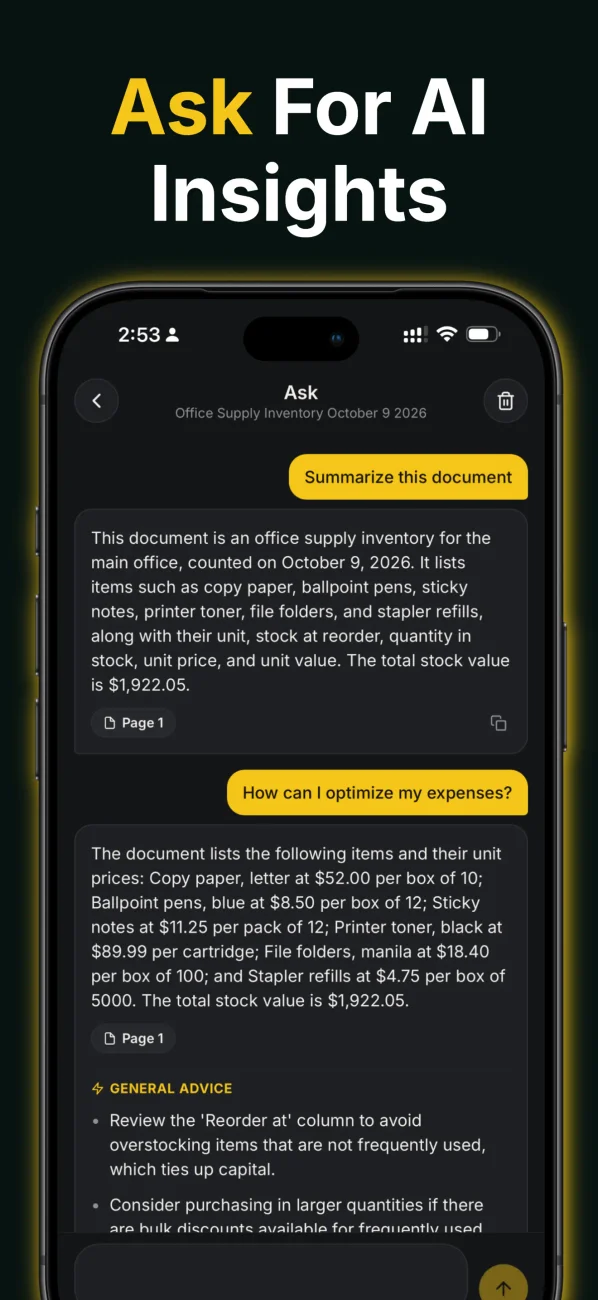
- Ask questions about a document and get answers drawn from its pages
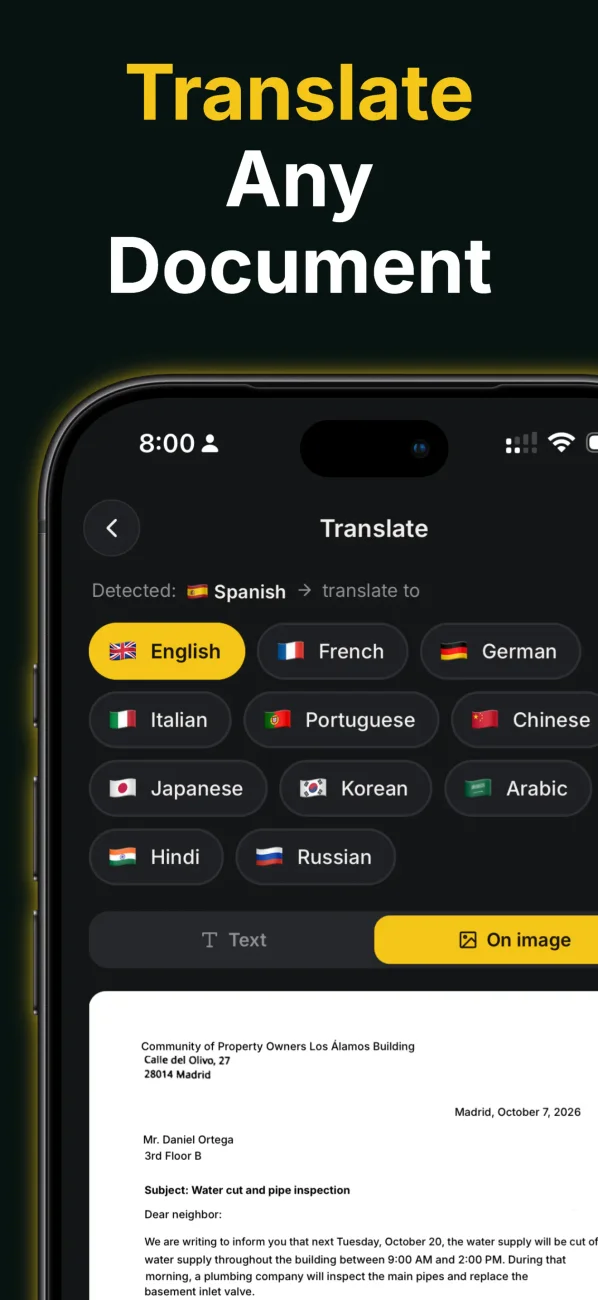
- Translate any page into 12 languages, on the image or as text
- Automatic file names and folders, summaries, and receipt and invoice details read for you
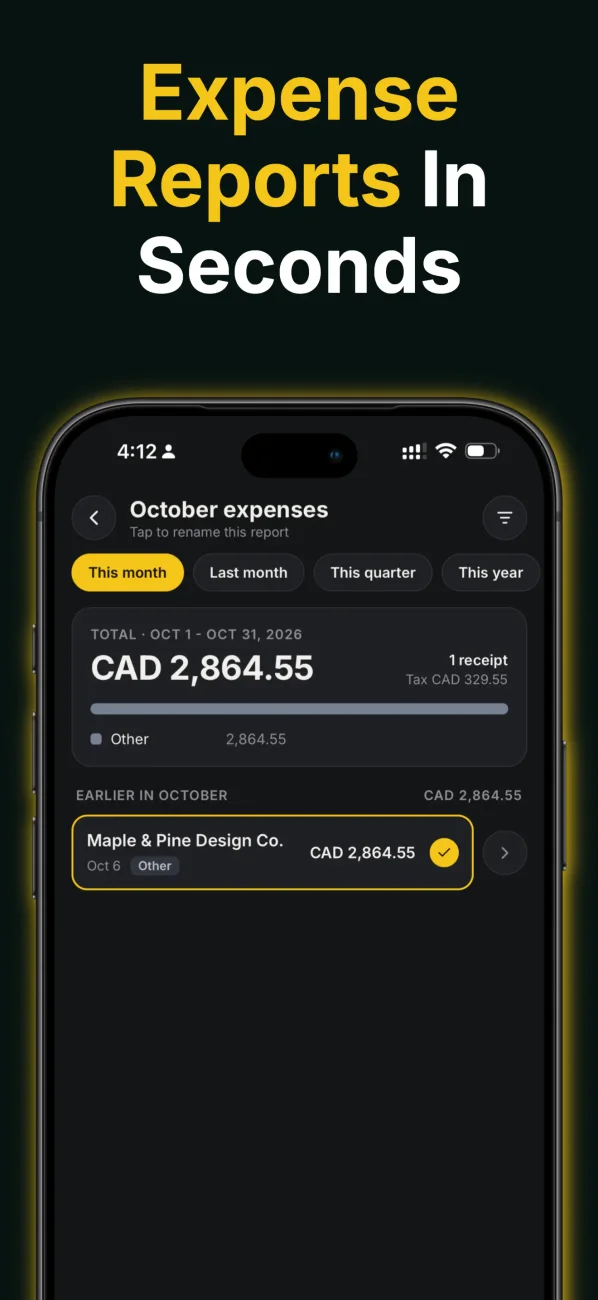
- Expense report: pick a date range, see totals by category, and export a PDF with your receipts
ORGANIZE AND SHARE
- Folders with their own colours and icons, tags and search
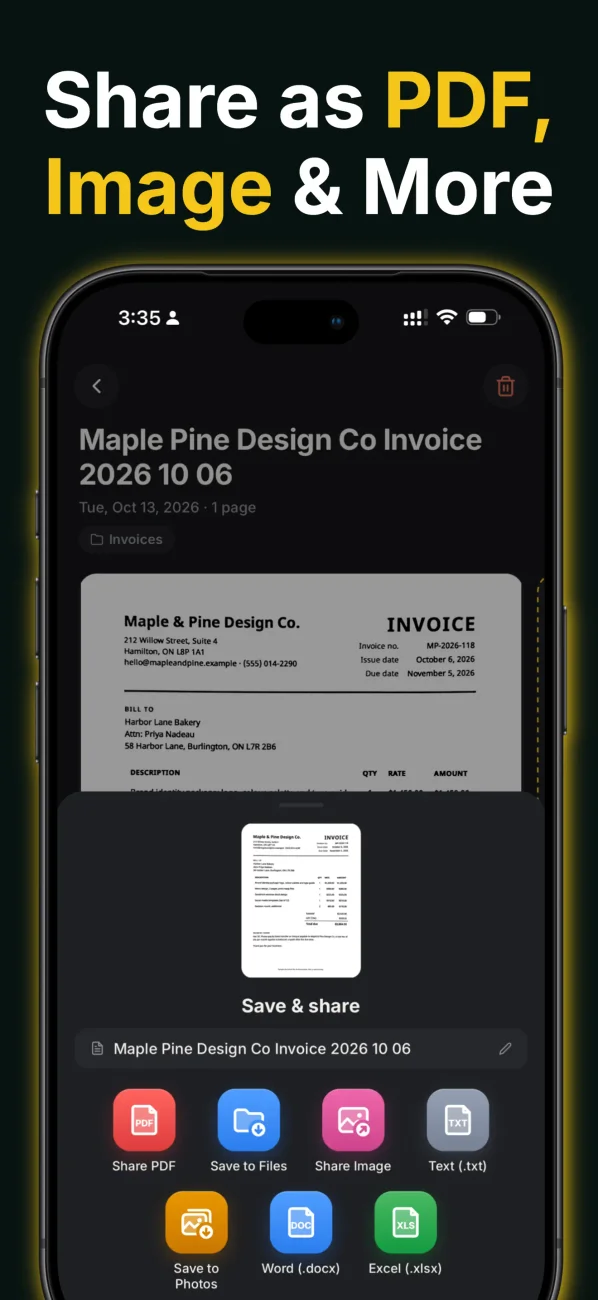
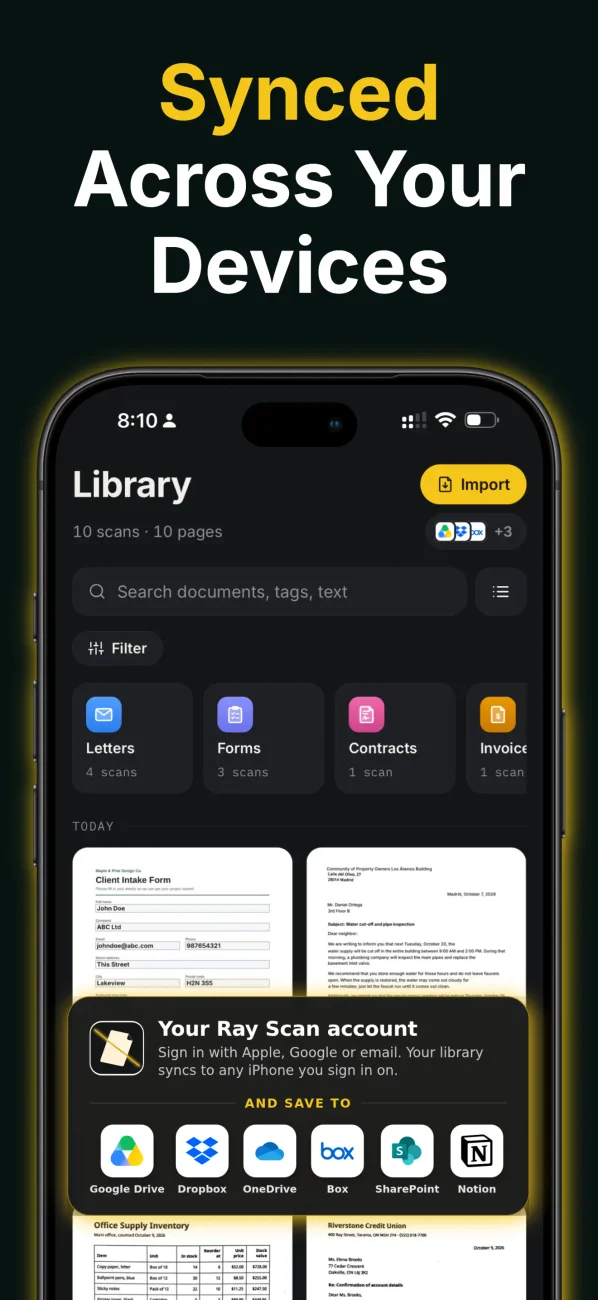
- Save to Google Drive, Dropbox, Box, OneDrive, SharePoint, Notion or the Files app
- Cloud sync across your devices with 5 GB of storage (Unlimited + AI)
- Each account sees only its own documents
- Sign in with Apple, Google, a passkey or an emailed code
MORE TOOLS
- Count objects: point the camera at boxes, pipes or pills and get a count you can correct
- QR codes: scan one, or make one from text or a link
PLANS
Free to download, with a monthly scan allowance and a few AI credits each month. Unlimited + AI unlocks unlimited scans, cloud sync and a monthly allowance of AI credits, as a monthly or yearly subscription or a one-time purchase. AI credit packs are available on any plan. Subscriptions renew automatically unless cancelled at least 24 hours before the end of the current period, and can be managed in your App Store account settings.
Terms of Use: https://rayscan.app/terms
Privacy Policy: https://rayscan.app/privacy
新機能
バージョン 1.2 · 2026/11/17
ONE SIMPLE PLAN
- Unlimited + AI: unlimited scans, every tool and AI in one plan
- Subscribe monthly or yearly, or pay once with no subscription
- The monthly plan starts with a first month at a lower price
- AI credit packs whenever you need more AI, on any plan
FASTER SCANS
- Filters use every core of your iPhone, so pages finish much sooner
- Switching between filters is instant once a page is ready
- Save to Library while pages are still finishing
- The Library opens and scrolls faster with many documents
NEW
- Smart filter: Enhanced, plus crease lines removed from receipts
- Workflows: name, file and send each scan by itself, the way you set it up
- Sync rules: send folders or scan types to your cloud drive
- Send many documents to a cloud drive at once
- Essentials: a checklist for your ID, passport, licence and insurance card
Plus clearer receipts, Fill & Sign text sizes, and many fixes.
アプリのプライバシー
このアプリのデータの取り扱いについて、Arth Labs Inc.がApp Storeで申告している内容です。
-
ユーザーに関連付けられたデータ
収集され、ユーザーの識別情報に関連付けられる場合があります。
- 購入
- 連絡先情報
- ユーザーコンテンツ
- ID
- 使用状況データ
- 診断
プライバシーの取り扱いは、ご利用の機能やお客様の年齢などに応じて異なる場合があります。
情報
- 販売元
- Arth Labs Inc.
- カテゴリ
- ユーティリティ
- バージョン
- 1.2
- 更新日
- 2026/11/17
- リリース
- 2026/10/6
- サイズ
- 68.0 MB
- 必要条件
- iOS 15.1以降
- 対象年齢
- 4+
- 価格
- 無料
- アプリ内課金
- あり
- 言語
- 英語
- 著作権
- © 2026 Arth Labs Inc.
こちらもおすすめ
-
 Morfi: ファイル変換&PDF変換・圧縮・スキャン・署名
-
 Lensifyユーティリティ
-
 Cingle: 万能テレビリモコンスマホでテレビ操作・リモコンアプリ・広告なし
-
 WellKept: Your Well On Recordユーティリティ
-
 NoteCard +:メモ帳写真・Markdown・読書ノート
-
 Brumi : 写真&ストレージクリーナーiPhoneとiCloudの容量を空ける
-
 So Annoying! 広告ブロックCookieの同意画面もポップアップも消す
-
 xDeskユーティリティ
-
 リアルタイム文字起こし・動画翻訳・字幕|TransFloat同時通訳・字幕翻訳・音声翻訳・音声ファイルを字幕に変換
-
 Notchet: クリップボード管理クリップボード履歴とスニペット