
- 対象年齢4+
- カテゴリ開発ツール
- 開発元Pavel Abin
- 言語英語
- サイズ33.2 MB
App Storeの公式ページにリンクしています
Download.orgはRead.mdのファイルを一切ホストしていません。ボタンを押すと、Pavel Abinが公開しているApp Storeのアプリページが開きます。ページの最終確認:2026/11/24。
スクリーンショット
概要
開発元はこのテキストをお使いの言語で提供していません。
Open any .md file and read it beautifully — on your iPhone, iPad, or Mac.
Read.md is a markdown reader. Not an editor, not a note-taking app, not a vault system. A reader. Tap a .md file, it opens, it looks great, you read it.
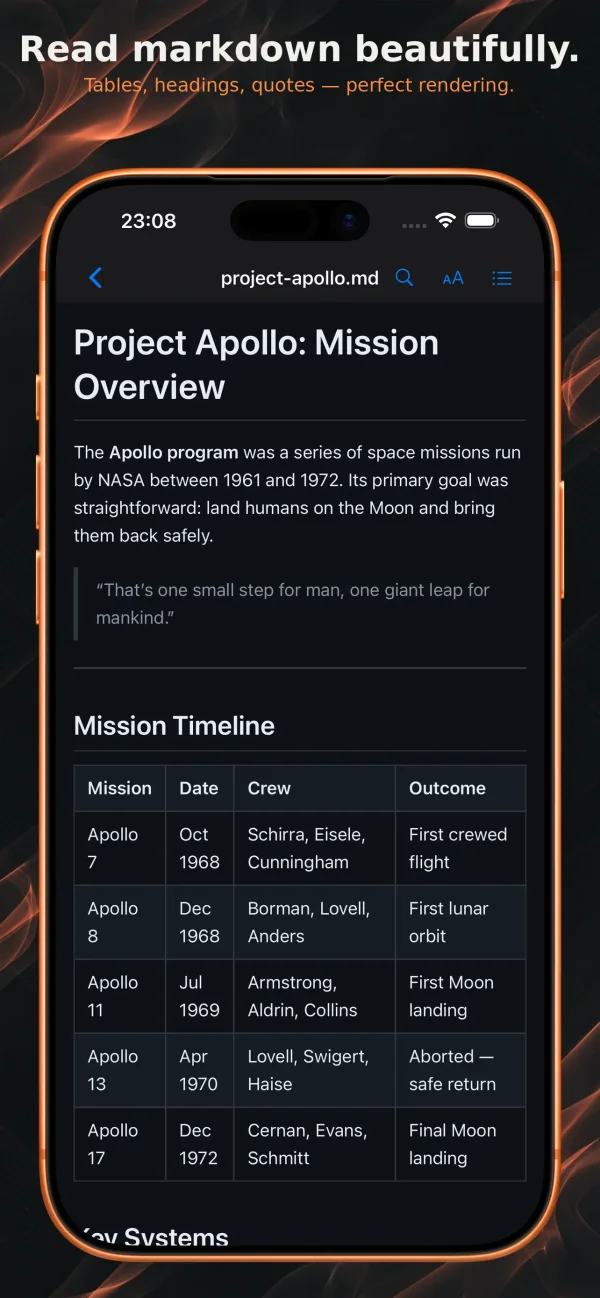
PERFECT RENDERING
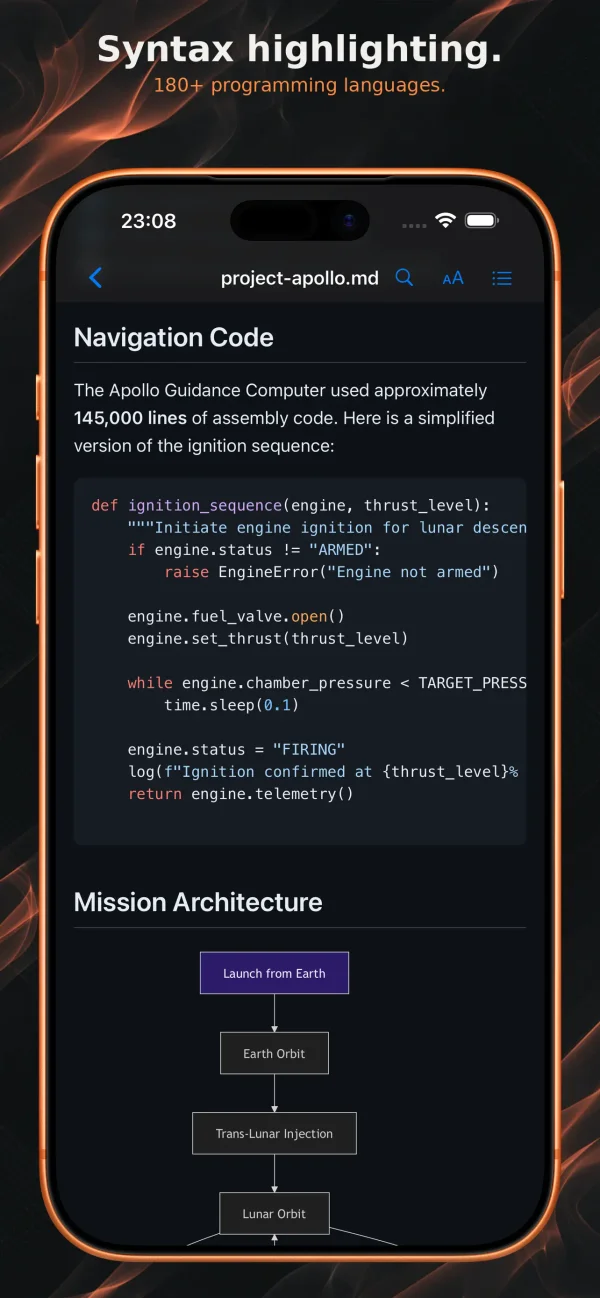
Tables, code blocks, nested lists, task lists, blockquotes, images, links — everything renders correctly. Syntax highlighting for 180+ programming languages. GitHub Flavored Markdown fully supported.
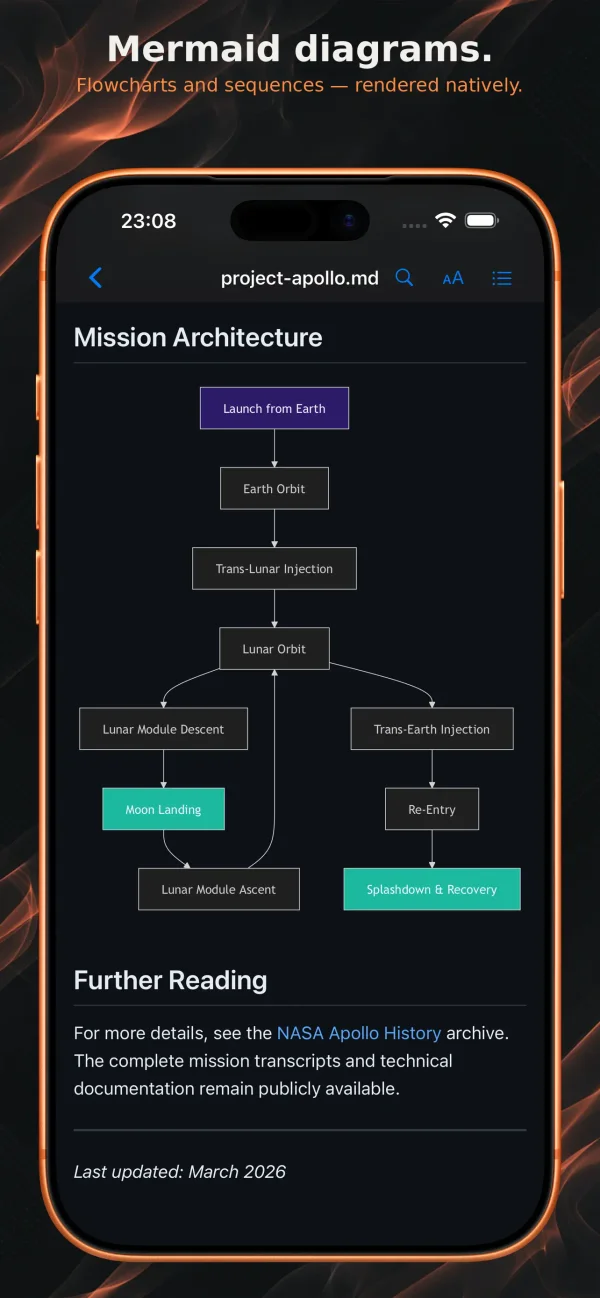
MERMAID DIAGRAMS
Flowcharts, sequence diagrams, Gantt charts, class diagrams, and more render natively. Tap to zoom into any diagram for a detailed view.
EXPORT TO WORD, PDF & HTML
Turn any document into a real Word (.docx) file with proper headings, tables, lists and code blocks, a clean, paginated, print-quality PDF, or a self-contained HTML file — diagrams and images intact. Share it, print it, archive it. Or export the original Markdown source. (Word, PDF and HTML export are Read.md Pro; Markdown export is free.)
OPEN FROM GITHUB
Read documentation straight from the source. Browse any GitHub repository — public or private — navigate its file tree, and open any .md file with the same beautiful rendering.
Sign in with a personal access token; your token stays on your device. (Read.md Pro)
SMART DIAGRAM FIXER
ASCII art and box-drawing diagrams that look broken in other apps? Read.md detects and corrects misaligned characters automatically so your diagrams look the way they were intended.
NAVIGATE LONG DOCUMENTS
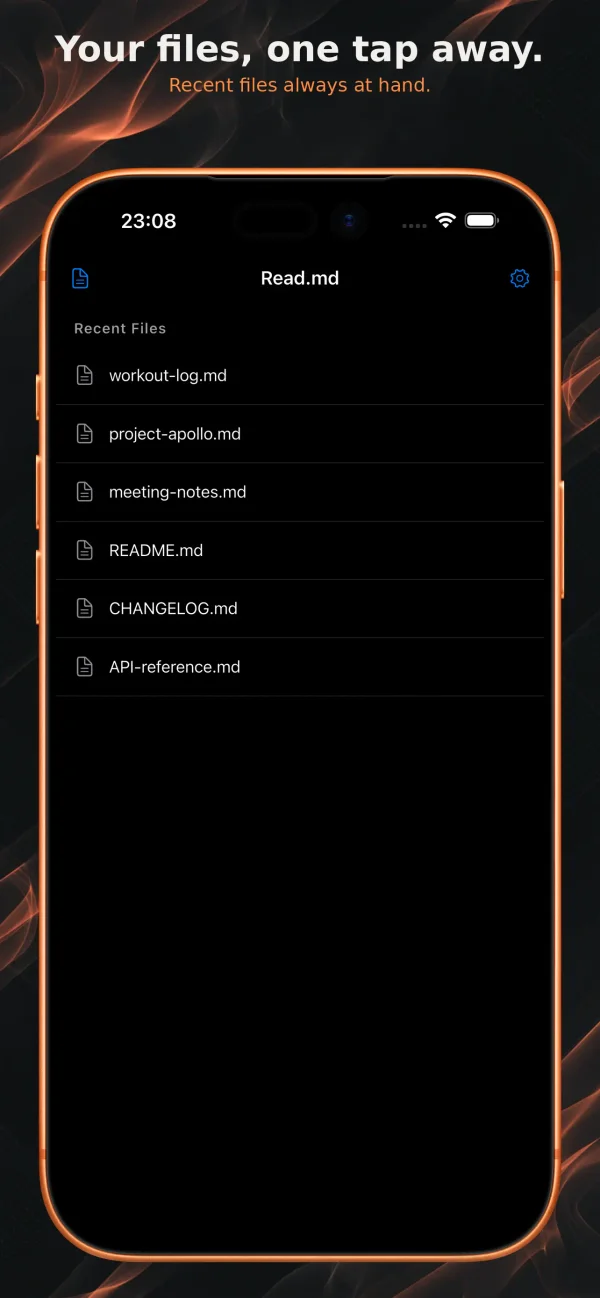
Auto-generated table of contents from your headings. Search within any document with match highlighting and next/prev navigation. Your scroll position is remembered when you come back to a file.
ZERO FRICTION
No account needed to read. No workspace. No vault. No setup. Works as your default .md file handler — open markdown and plain-text files from Files, Finder, email attachments, AirDrop, the share sheet, or drag and drop.
ADAPTS TO YOUR DEVICE
iPhone: stacked navigation with a frosted-glass nav bar and bottom sheets.
iPad: landscape split-view, portrait slide-over panels, trackpad and keyboard support.
Mac: split-view with sidebar, reader, and table-of-contents panel, keyboard shortcuts, and translucent panels.
Everything adapts automatically when you resize windows or rotate your device.
DARK AND LIGHT MODES
Switch between dark and light themes, or follow your system setting. Adjust font size to your preference. Everything updates live.
PRIVATE BY DESIGN
Opens instantly, even large files. Your markdown is rendered entirely on your device — file contents are never uploaded, and reading works fully offline. No ads. No account required to read. The only feature that touches the network is GitHub browsing, and only when you choose to use it. We use anonymous, aggregate analytics to improve the app.
READ.MD PRO
A one-time purchase — or a yearly subscription with a free trial — unlocks Word/PDF/HTML export and GitHub browsing. Everything else stays free, forever.
WHAT PEOPLE USE IT FOR
Reading AI-generated markdown exports. Turning markdown into Word documents for colleagues. Reading GitHub README files on mobile. Viewing documentation and project specs on the go. Reviewing technical docs from colleagues. Browsing personal notes written in markdown.
Terms of Use (EULA): https://www.apple.com/legal/internet-services/itunes/dev/stdeula/
新機能
バージョン 1.3.0 · 2026/10/5
New: Export to Word (.docx). Headings, tables, lists, code and diagrams become a properly formatted Word document you can share. Included with Read.md Pro. Also: .txt files now appear in Recents, opening a file from another app is more reliable, and rating reminders are less frequent.
アプリのプライバシー
このアプリのデータの取り扱いについて、Pavel AbinがApp Storeで申告している内容です。
-
ユーザーに関連付けられないデータ
収集される場合がありますが、ユーザーの識別情報には関連付けられません。
- 使用状況データ
- 診断
プライバシーの取り扱いは、ご利用の機能やお客様の年齢などに応じて異なる場合があります。
情報
- 販売元
- Pavel Abin
- カテゴリ
- 開発ツール
- バージョン
- 1.3.0
- 更新日
- 2026/10/5
- リリース
- 2026/3/25
- サイズ
- 33.2 MB
- 必要条件
- iOS 15.0以降
- 対象年齢
- 4+
- 価格
- 無料
- アプリ内課金
- あり
- 言語
- 英語
- 著作権
- © Pavel Abin