- 対象年齢4+
- カテゴリユーティリティ
- 開発元Andean Bear Studios GmbH
- 言語ドイツ語ほか4言語
- サイズ6.9 MB
App Storeの公式ページにリンクしています
Download.orgはRetroDotTimerのファイルを一切ホストしていません。ボタンを押すと、Andean Bear Studios GmbHが公開しているApp Storeのアプリページが開きます。ページの最終確認:2026/11/12。
スクリーンショット


概要
開発元はこのテキストをお使いの言語で提供していません。
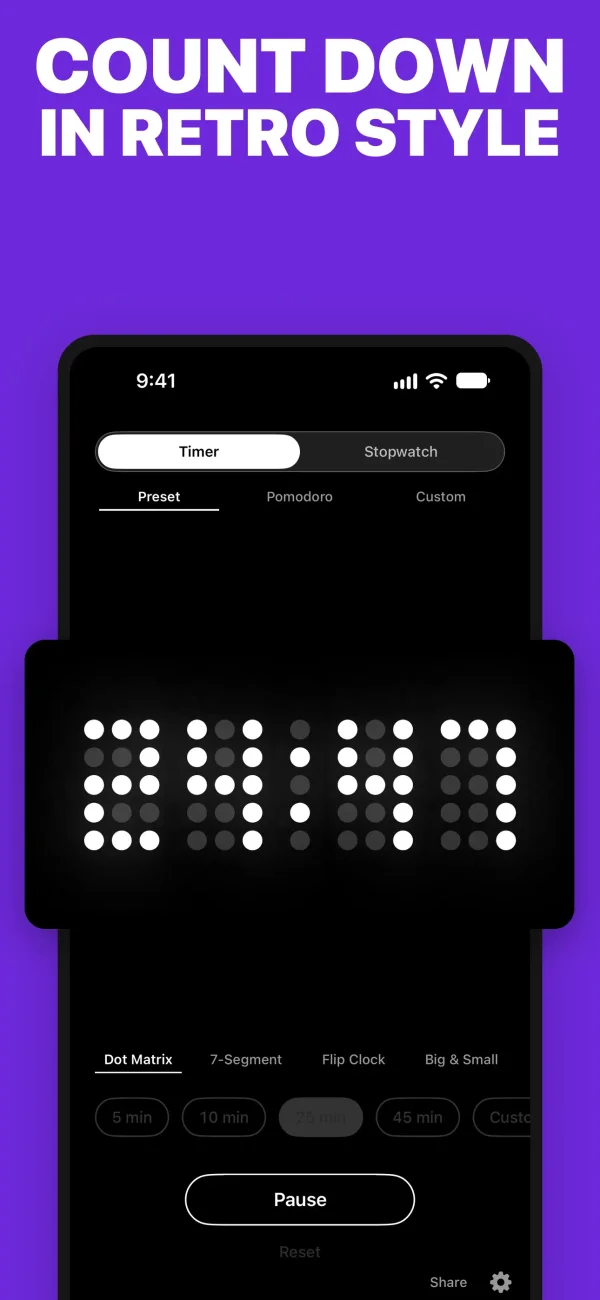
A full-screen countdown that looks like the dot-matrix displays of vintage arcades and early computing. Set the time, put your iPhone or iPad face up on your desk, and let the pixel grid count down.
ONE TIMER, FULL SCREEN
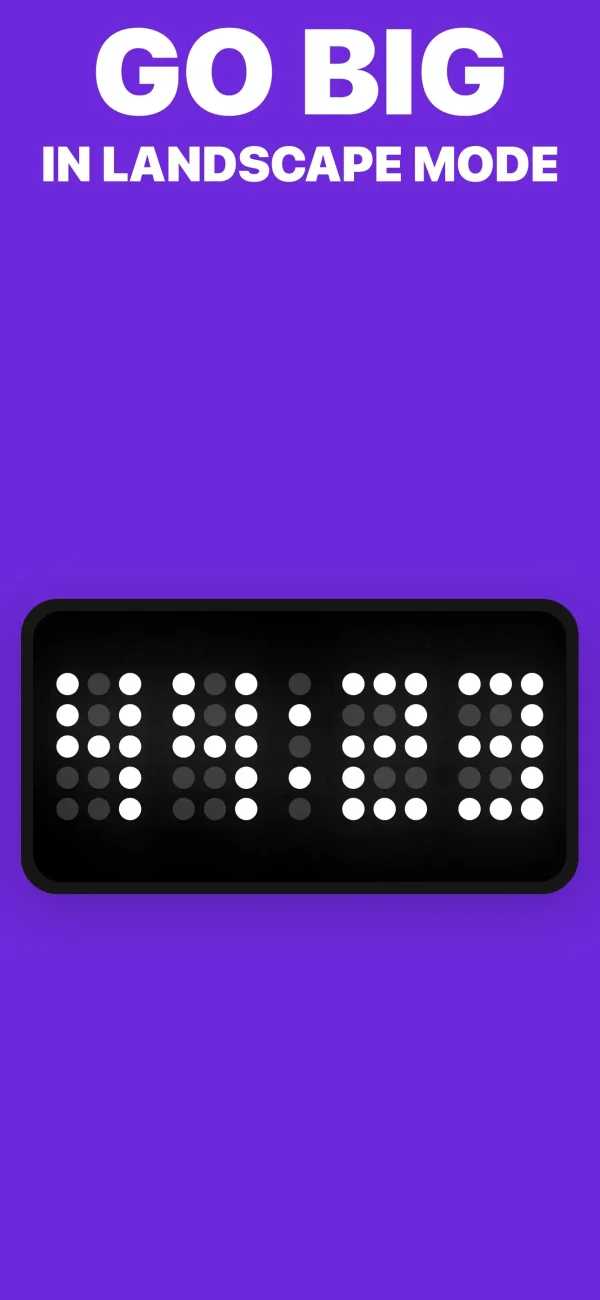
• A large dot-matrix countdown, readable across the room
• Tap the display to start, pause, or resume — or turn on the Start/Pause button if you prefer one
• Optional landscape mode that fills the whole screen
• Keep the screen awake while a timer runs, with an only-while-charging option
LOCK SCREEN AND DYNAMIC ISLAND
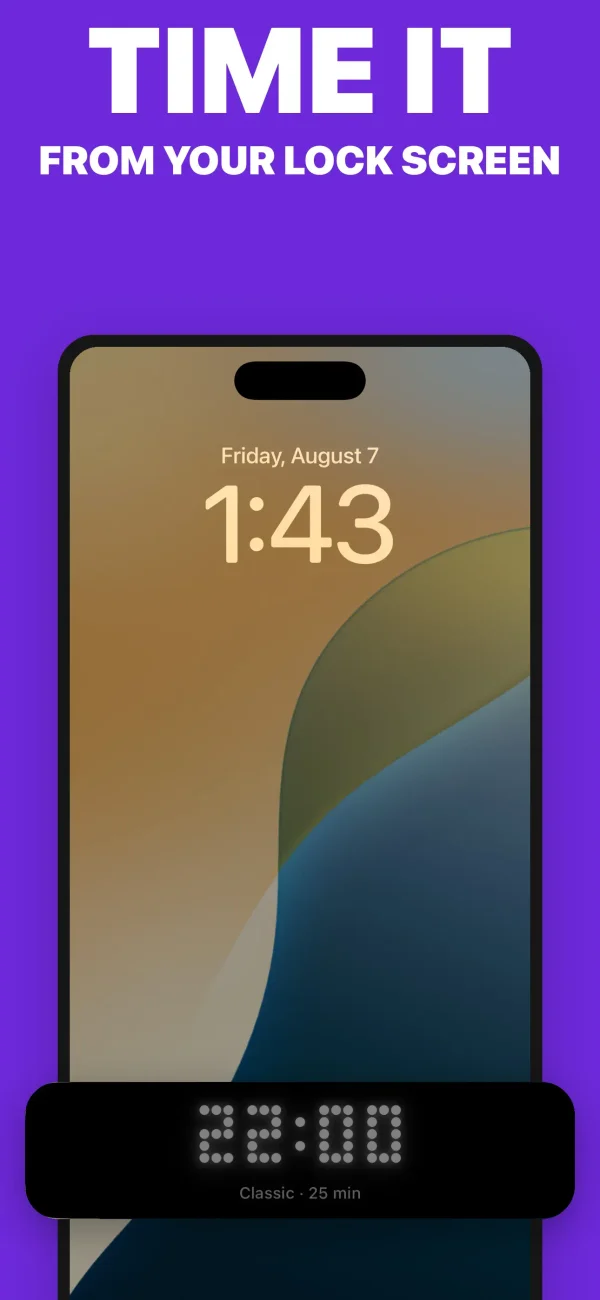
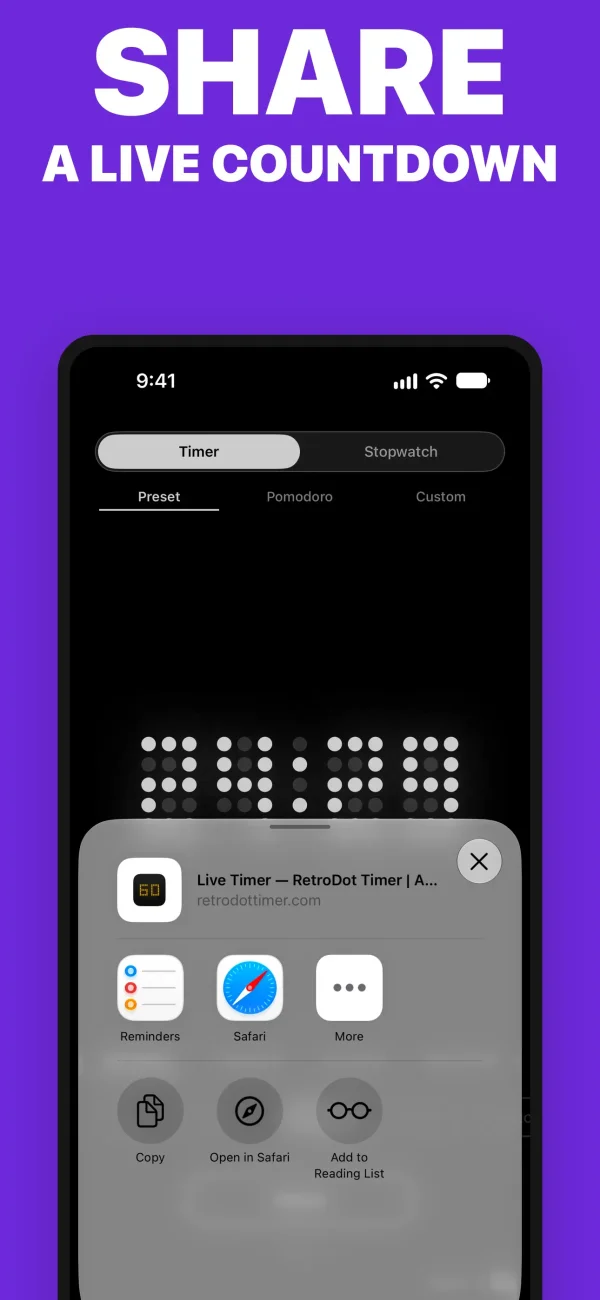
• The Live Activity shows a real dot-matrix face, not a plain text label
• It counts down on the Lock Screen and in the Dynamic Island
• It follows the color scheme you chose in the app, including changes made mid-run
• At zero it morphs into a checkmark and chimes once
WIDGETS, CONTROLS, AND SIRI
• A Home Screen widget that mirrors the timer, display-only
• Control Center buttons to start a Pomodoro or a preset without opening the app
• Siri and Shortcuts: start a timer, a preset, a Pomodoro, or the stopwatch, and pause, resume, or reset
TIMER MODES
• Presets: 5, 10, 25, and 45 minutes
• Custom duration, 1 to 180 minutes
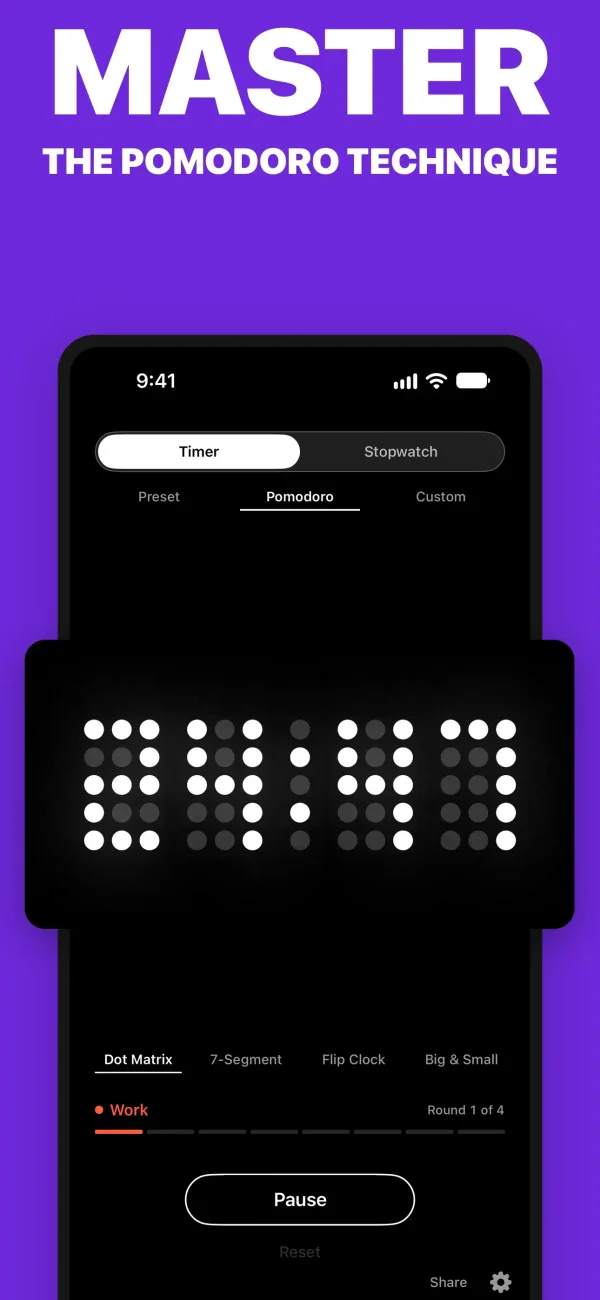
• Classic Pomodoro: 25 minutes of work, 5-minute breaks, a 15-minute long break, 4 rounds
• Stopwatch with a live hundredths-of-a-second sub-display
• Multi-phase custom timers for intervals, rounds, and routines
DISPLAY STYLES
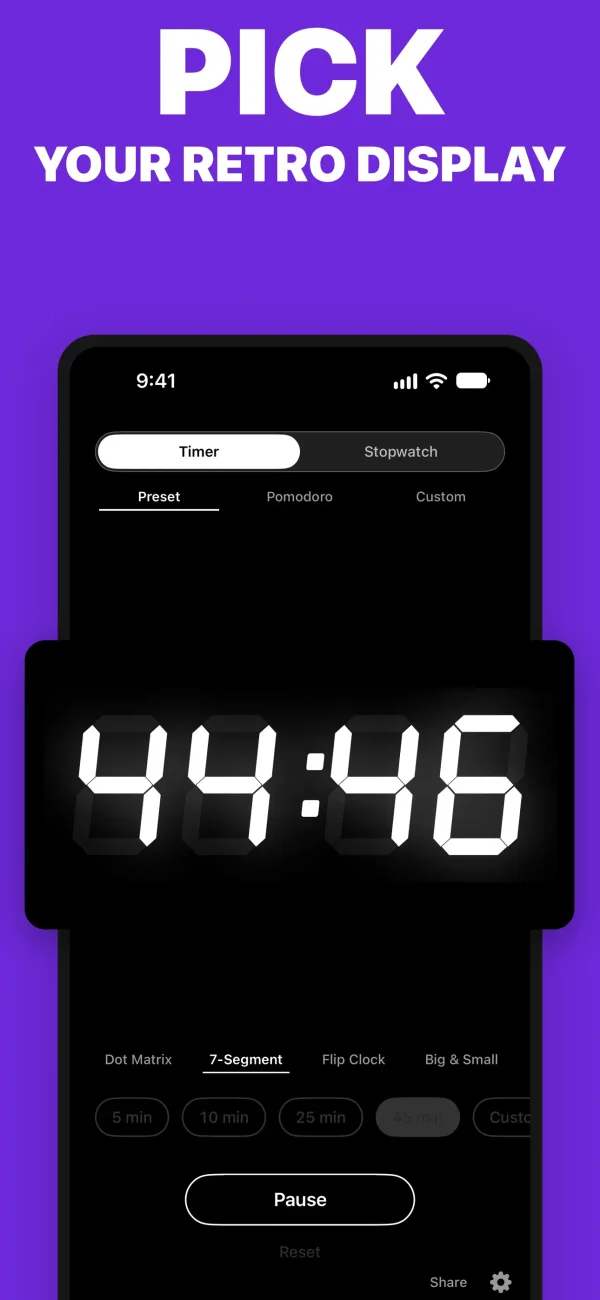
• Dot Matrix — the original pixel grid, with adjustable dot weight and square or round dots
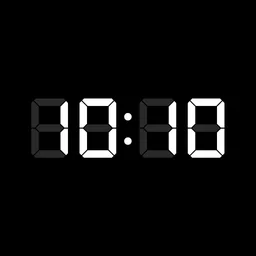
• 7-Segment — slanted LED calculator digits
• Flip Clock — split-flap digits with animated transitions (Pro)
• Small & Big — blocky digits with size-varied segments (Pro)
COLOR
• Transparent, Dark, and Light schemes
• Six premium schemes: Amber, Green Terminal, Blue Glow, VFD Cyan, Sunset, Neon Pink (Pro)
• Any text and background color you like (Pro)
• Multicolored digits with Rainbow, Pastel, Neon, and Sunset palettes (Pro)
WHEN TIME IS UP
• Freeze at 00 or morph into a checkmark
• A notification when the countdown ends
• Sound and haptic alerts between Pomodoro and custom-timer phases
WHAT THIS IS NOT
Retro Dot Timer runs one timer at a time. No task lists, no labels, no session history, no analytics, no cloud sync. It is a single, quiet countdown.
PRIVACY
No accounts, no tracking, no analytics, no data collection. Everything works offline.
FREE AND PRO
The app is a free download and stays useful forever without paying. Presets, custom durations, the Dot Matrix and 7-Segment displays, square dots, Pomodoro, the stopwatch, the widget, Control Center buttons, Siri shortcuts, and the Live Activity are all free.
Pro is a single one-time purchase, never a subscription. On iPhone and iPad it adds the Custom Timer Editor, six premium color schemes, custom colors, multicolored digits, and the Flip Clock and Small & Big displays. Pro is a Universal Purchase — the same payment unlocks the Mac menu-bar app.
Every Pro feature is unlocked free for 14 days, starting automatically at first launch. No signup, no payment details. When the trial ends nothing is charged, Pro features simply return to the free tier, and any custom timers you saved stay runnable.
LANGUAGES
English, Spanish, Spanish (Latin America), German, French, Simplified Chinese.
REQUIREMENTS
iOS 18.0 or later. iPhone and iPad.
SUPPORT
contact@andeanbearstudios.com
新機能
バージョン 1.6.1 · 2026/11/5
Version 1.6.1
MORE RELIABLE MULTI-STEP TIMERS
Pomodoro and custom timers catch up to the right phase after the app was suspended, and your iPhone now alerts you at every phase change, with the Live Activity showing the right phase. Pausing during the short gap between phases is honoured too: the next phase starts paused.
FIXES
• Saved custom colours stay locked once Pro or the trial ends, and a Pro completion animation falls back to a free one
• The pulsing colon is no longer switched off when the trial ends
• The display style is called “Small & Big” everywhere
アプリのプライバシー
このアプリのデータの取り扱いについて、Andean Bear Studios GmbHがApp Storeで申告している内容です。
-
データの収集なし
開発元はこのアプリからデータを収集しません。
プライバシーの取り扱いは、ご利用の機能やお客様の年齢などに応じて異なる場合があります。
情報
- 販売元
- Andean Bear Studios GmbH
- カテゴリ
- ユーティリティ
- バージョン
- 1.6.1
- 更新日
- 2026/11/5
- リリース
- 2026/4/20
- サイズ
- 6.9 MB
- 必要条件
- iOS 18.0以降
- 対象年齢
- 4+
- 価格
- 無料
- アプリ内課金
- あり
- 言語
- ドイツ語, 英語, フランス語, スペイン語, 簡体字中国語
- 著作権
- © 2026 Andean Bear Studios. All rights reserved.