RetroDotTimer
Countdown, Pomodoro, stopwatch
Projetado para iPhone, iPad, Mac
Grátis · Compras no app
- Classificação etária4+
- CategoriaUtilidades
- DesenvolvedorAndean Bear Studios GmbH
- IdiomasAlemãoe mais 4
- Tamanho9,0 MB
Leva à página oficial na App Store
O Download.org não hospeda nenhum arquivo de RetroDotTimer. O botão abre a página do app na App Store, onde Andean Bear Studios GmbH o publica. Página verificada pela última vez em 26/11/2026.
Capturas de tela

Sobre
O desenvolvedor não forneceu este texto no seu idioma.
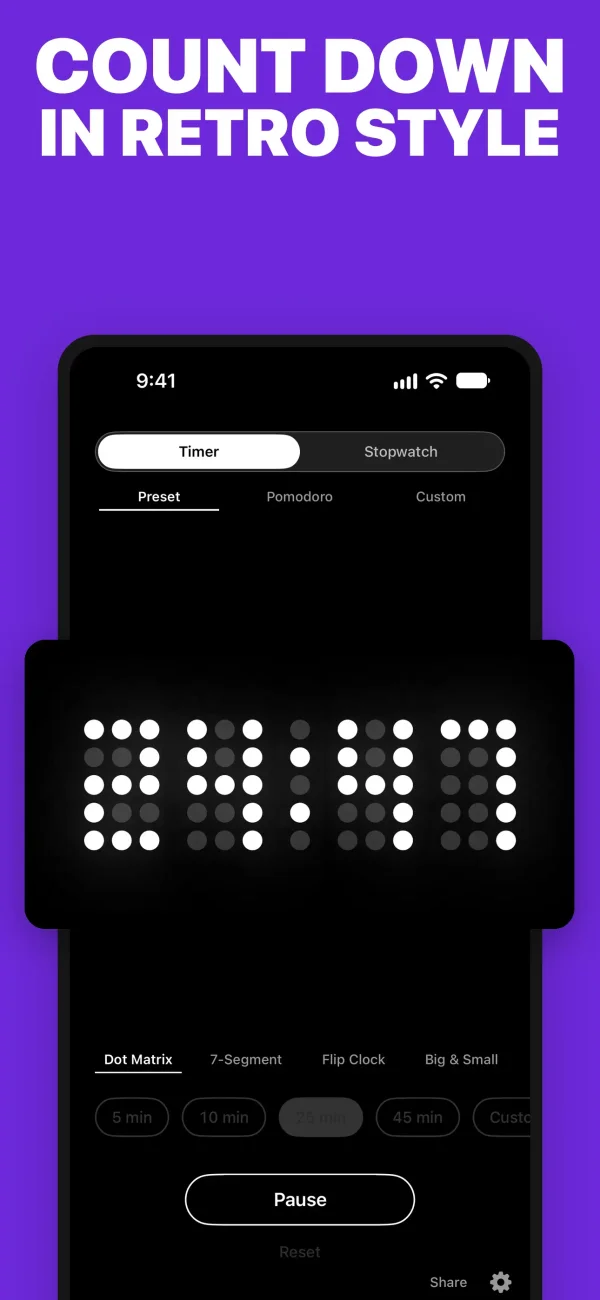
A full-screen countdown that looks like the dot-matrix displays of vintage arcades and early computing. Set the time, put your iPhone or iPad face up on your desk, and let the pixel grid count down.
ONE TIMER, FULL SCREEN
• A large dot-matrix countdown, readable across the room
• Tap the display to start, pause, or resume — or turn on the Start/Pause button if you prefer one
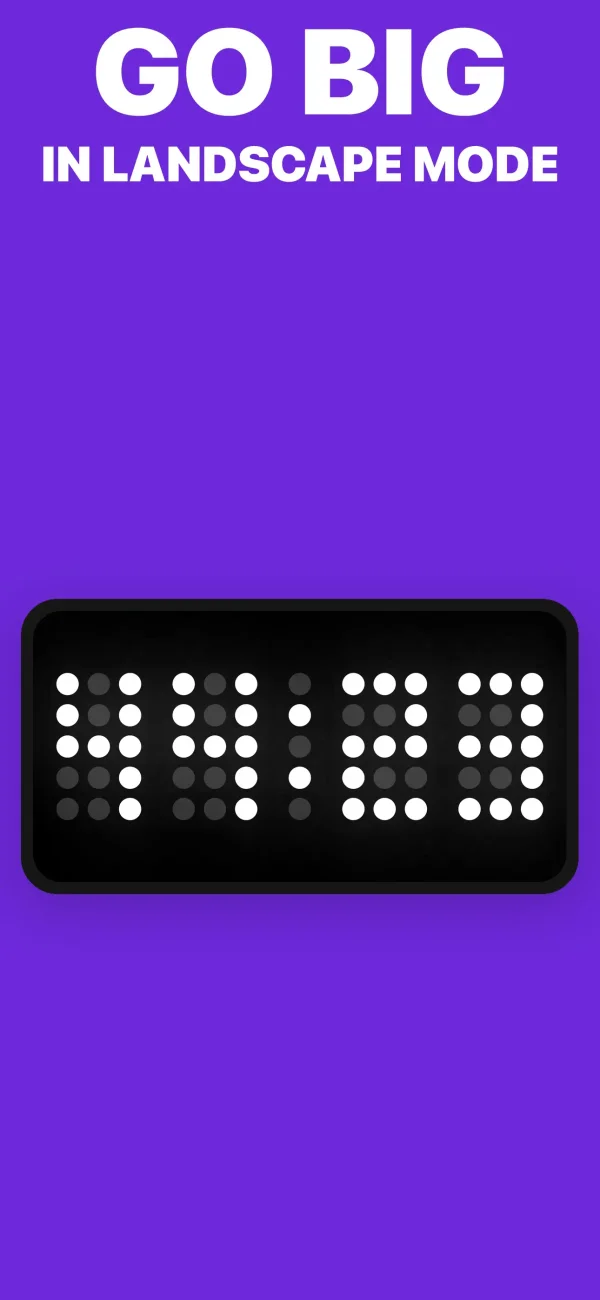
• Optional landscape mode that fills the whole screen
• Keep the screen awake while a timer runs, with an only-while-charging option
LOCK SCREEN AND DYNAMIC ISLAND
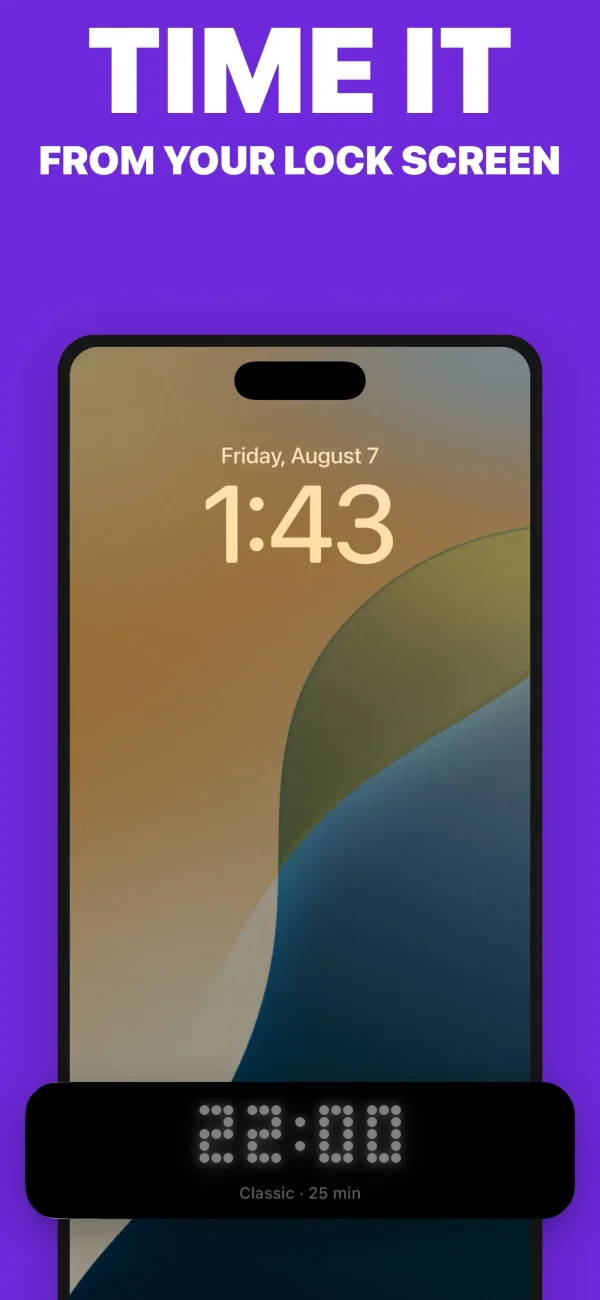
• The Live Activity shows a real dot-matrix face, not a plain text label
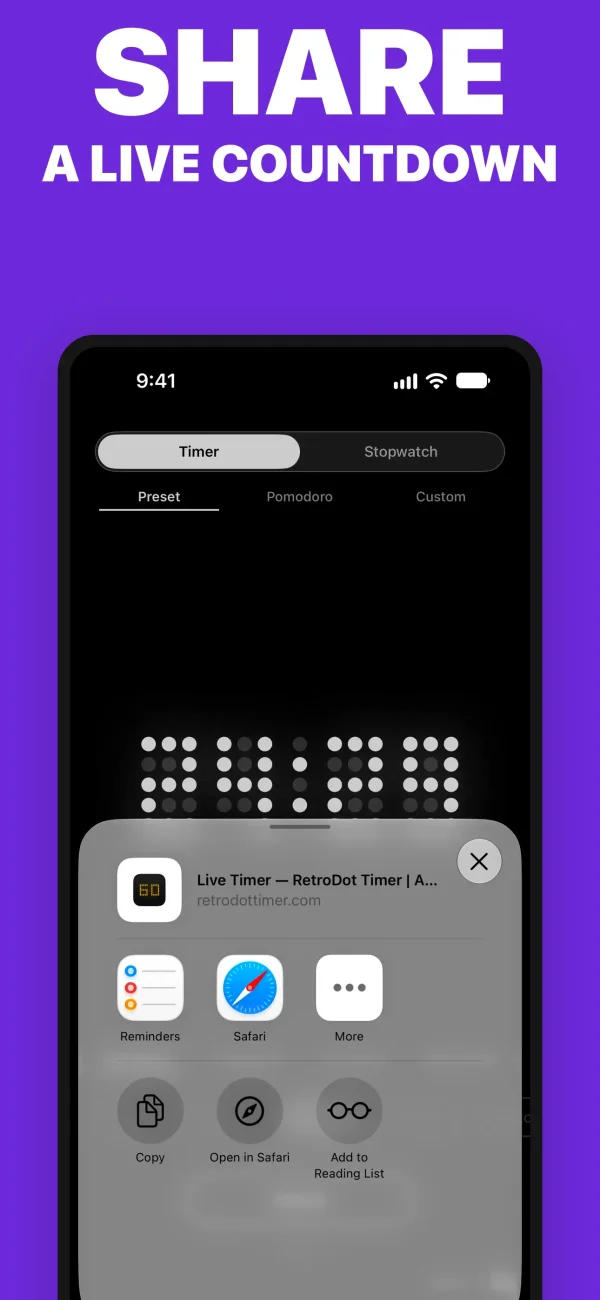
• It counts down on the Lock Screen and in the Dynamic Island
• It follows the color scheme you chose in the app, including changes made mid-run
• At zero it morphs into a checkmark and chimes once
WIDGETS, CONTROLS, AND SIRI
• A Home Screen widget that mirrors the timer, display-only
• Control Center buttons to start a Pomodoro or a preset without opening the app
• Siri and Shortcuts: start a timer, a preset, a Pomodoro, or the stopwatch, and pause, resume, or reset
TIMER MODES
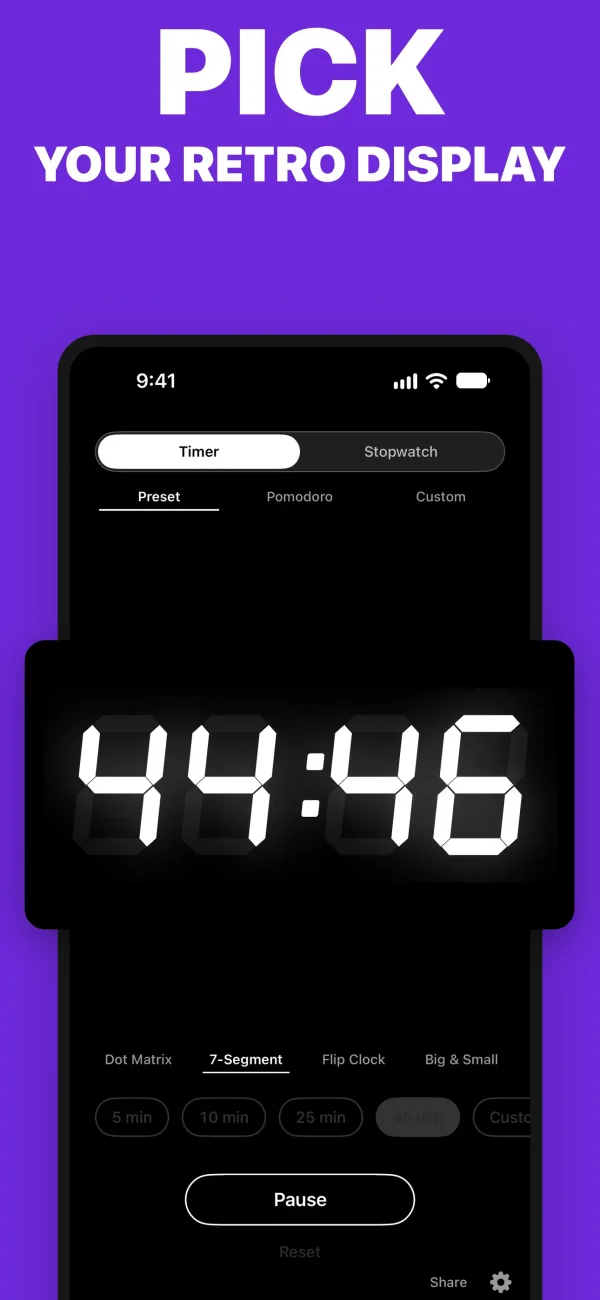
• Presets: 5, 10, 25, and 45 minutes
• Custom duration, 1 to 180 minutes
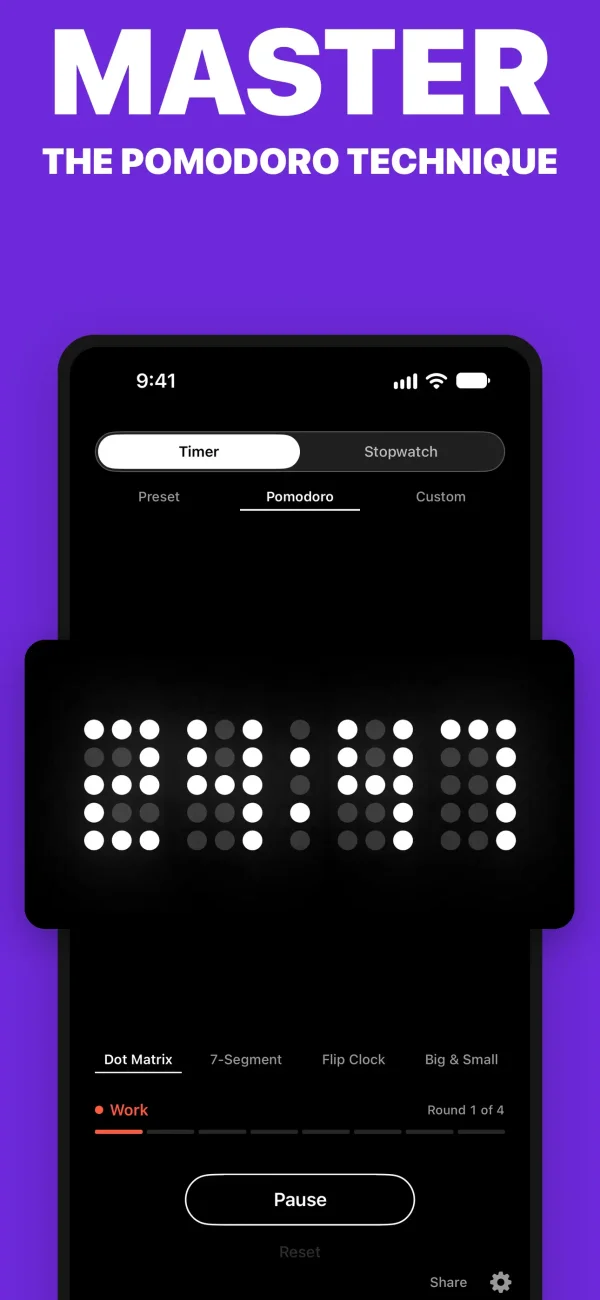
• Classic Pomodoro: 25 minutes of work, 5-minute breaks, a 15-minute long break, 4 rounds
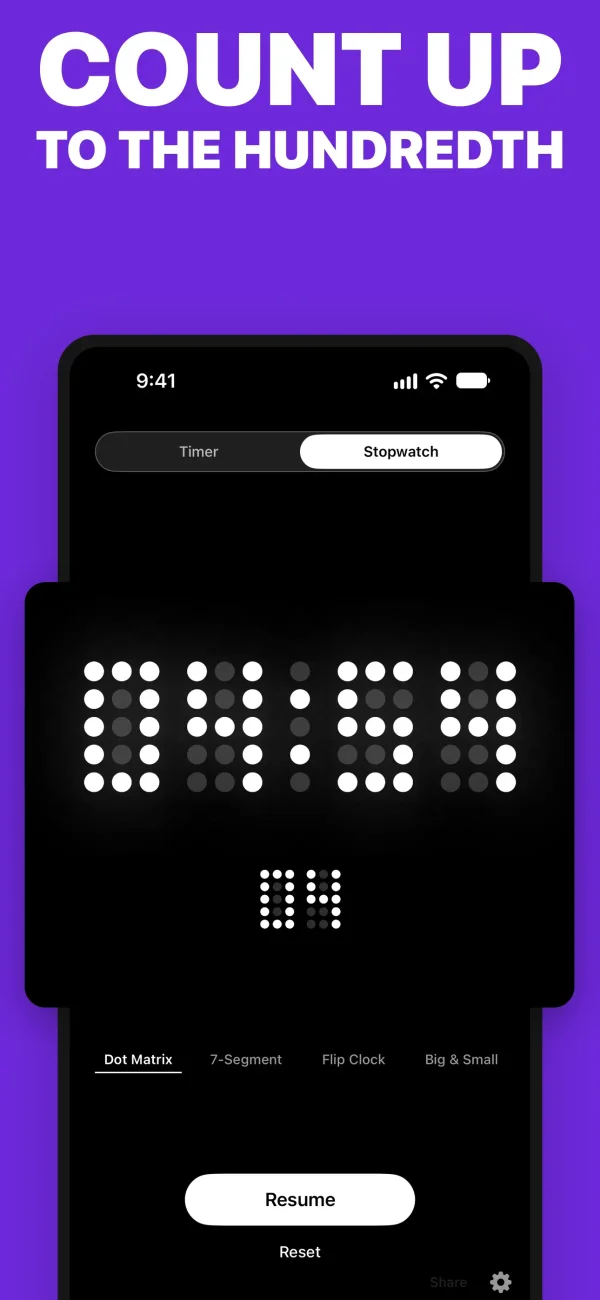
• Stopwatch with a live hundredths-of-a-second sub-display
• Multi-phase custom timers for intervals, rounds, and routines
DISPLAY STYLES
• Dot Matrix — the original pixel grid, with adjustable dot weight and square or round dots
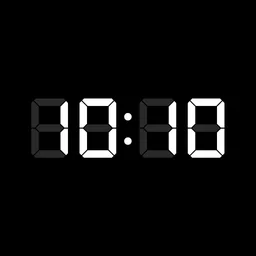
• 7-Segment — slanted LED calculator digits
• Flip Clock — split-flap digits with animated transitions (Pro)
• Small & Big — blocky digits with size-varied segments (Pro)
COLOR
• Transparent, Dark, and Light schemes
• Six premium schemes: Amber, Green Terminal, Blue Glow, VFD Cyan, Sunset, Neon Pink (Pro)
• Any text and background color you like (Pro)
• Multicolored digits with Rainbow, Pastel, Neon, and Sunset palettes (Pro)
WHEN TIME IS UP
• Freeze at 00 or morph into a checkmark
• A notification when the countdown ends
• Sound and haptic alerts between Pomodoro and custom-timer phases
WHAT THIS IS NOT
Retro Dot Timer runs one timer at a time. No task lists, no labels, no session history, no analytics, no cloud sync. It is a single, quiet countdown.
PRIVACY
No accounts, no tracking, no analytics, no data collection. Everything works offline.
FREE AND PRO
The app is a free download and stays useful forever without paying. Presets, custom durations, the Dot Matrix and 7-Segment displays, square dots, Pomodoro, the stopwatch, the widget, Control Center buttons, Siri shortcuts, and the Live Activity are all free.
Pro is a single one-time purchase, never a subscription. On iPhone and iPad it adds the Custom Timer Editor, six premium color schemes, custom colors, multicolored digits, and the Flip Clock and Small & Big displays. Pro is a Universal Purchase — the same payment unlocks the Mac menu-bar app.
Every Pro feature is unlocked free for 14 days, starting automatically at first launch. No signup, no payment details. When the trial ends nothing is charged, Pro features simply return to the free tier, and any custom timers you saved stay runnable.
LANGUAGES
English, Spanish, Spanish (Latin America), German, French, Simplified Chinese.
REQUIREMENTS
iOS 18.0 or later. iPhone and iPad.
SUPPORT
contact@andeanbearstudios.com
Novidades
Versão 1.7.0 · 25/11/2026
Version 1.7.0
NEW DISPLAY STYLES (PRO)
Pocket LCD, 16-Segment and CRT: three more ways your countdown can look, also in the Dynamic Island and widgets.
WIDGETS
The Home Screen widget and StandBy now follow your display style and colors. New medium and large widgets, and new Lock Screen widgets. Pro styles and colors show only with Pro.
COLOR BY PHASE (PRO)
Pomodoro and custom-timer digits take the color of the running phase, on the timer, widgets, Live Activity and Dynamic Island.
APP ICONS (PRO)
Pick a different Home Screen icon: Amber, Terminal, Pocket LCD or VFD Cyan.
8-BIT SOUNDS (PRO)
A pack of original 8-bit chiptune completion sounds, with a preview in the sound picker.
DYNAMIC ISLAND
The Dynamic Island now follows your display style and colors, with an animated pixel, and stays on the finish for about 4 seconds. Pro styles and colors show only with Pro.
FIXES
• Notification Settings now opens the iOS settings page, replacing a switch that did nothing
• Pausing now works during the short gap between phases
Privacidade do app
O que Andean Bear Studios GmbH declara na App Store sobre como este app lida com os dados.
-
Dados não coletados
O desenvolvedor não coleta nenhum dado deste app.
As práticas de privacidade podem variar, por exemplo, com base nos recursos que você usa ou na sua idade.
Informações
- Vendedor
- Andean Bear Studios GmbH
- Categoria
- Utilidades
- Versão
- 1.7.0
- Atualizado
- 25/11/2026
- Lançamento
- 20/04/2026
- Tamanho
- 9,0 MB
- Requer
- iOS 18.0 ou posterior
- Classificação etária
- 4+
- Preço
- Grátis
- Compras no app
- Sim
- Idiomas
- Alemão, Inglês, Francês, Espanhol, Chinês simplificado
- Copyright
- © 2026 Andean Bear Studios. All rights reserved.
Você também pode gostar
-
 Countdown LCD: Stage TimerUtilidades
-
 WOD Timer Pro - Box ClockUtilidades
-
 Sigurd FencingUtilidades
-
 iStopwatch - Cronômetro LCDCronômetro LCD e Timer
-
 Nixie Tube Timer: CountdownUtilidades
-
 BigTimer.Utilidades
-
 Clock Tower - MMUtilidades
-
 Desk Clock: Flip & DigitalUtilidades
-
 Minimal Clock — Retro WidgetUtilidades