- 対象年齢4+
- カテゴリヘルスケア/フィットネス
- 開発元昕炜 陈
- 言語英語
- サイズ11.8 MB
App Storeの公式ページにリンクしています
Download.orgはRidgeformのファイルを一切ホストしていません。ボタンを押すと、昕炜 陈が公開しているApp Storeのアプリページが開きます。ページの最終確認:2026/11/21。
スクリーンショット

概要
開発元はこのテキストをお使いの言語で提供していません。
Ridgeform turns your cycling and running routes into stunning 3D art you'll actually want to share.
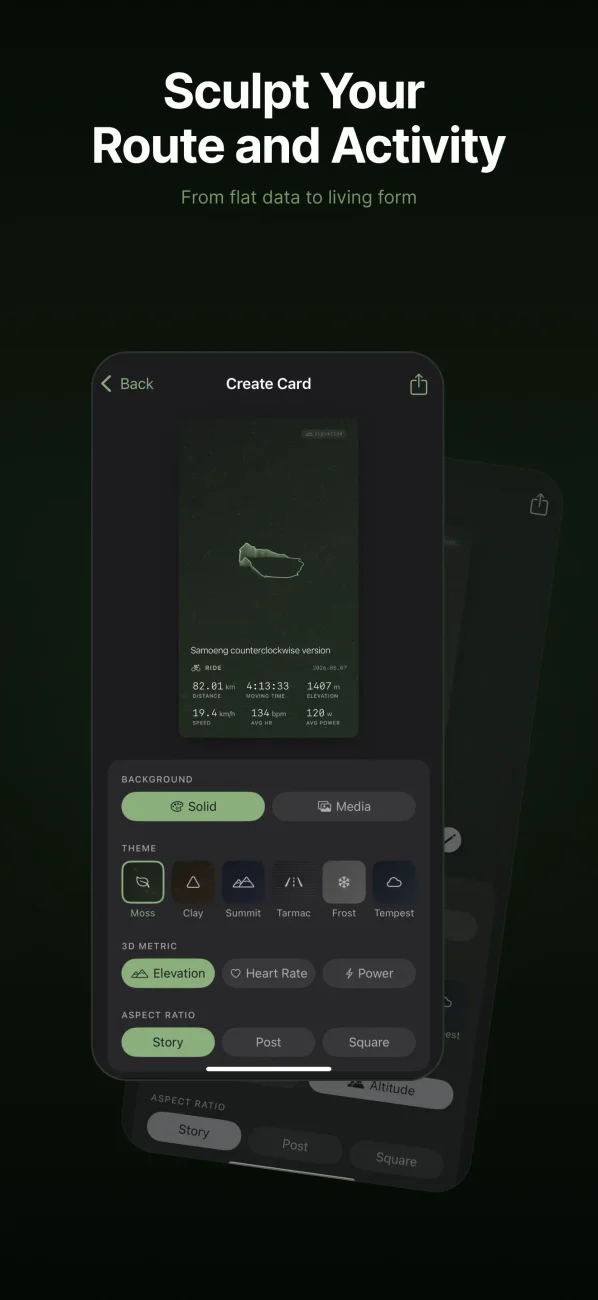
Import a route from Strava, your GPX library, or sync directly from Apple Health, and Ridgeform sculpts it into a glowing 3D model — every climb, descent, and twist of your ride, rendered as a physical shape you can orbit and explore. Choose a color theme, add your own photo backdrop, and export a share-ready card in seconds.
WHAT MAKES RIDGEFORM DIFFERENT
• 3D Route Sculpture — Not a flat map. Your route becomes a physical shape you can see from every angle, with elevation color-coded from valley greens to summit highlights.
• Orbiting Camera — A smooth orbital animation brings your route to life, revealing its character as it slowly rotates.
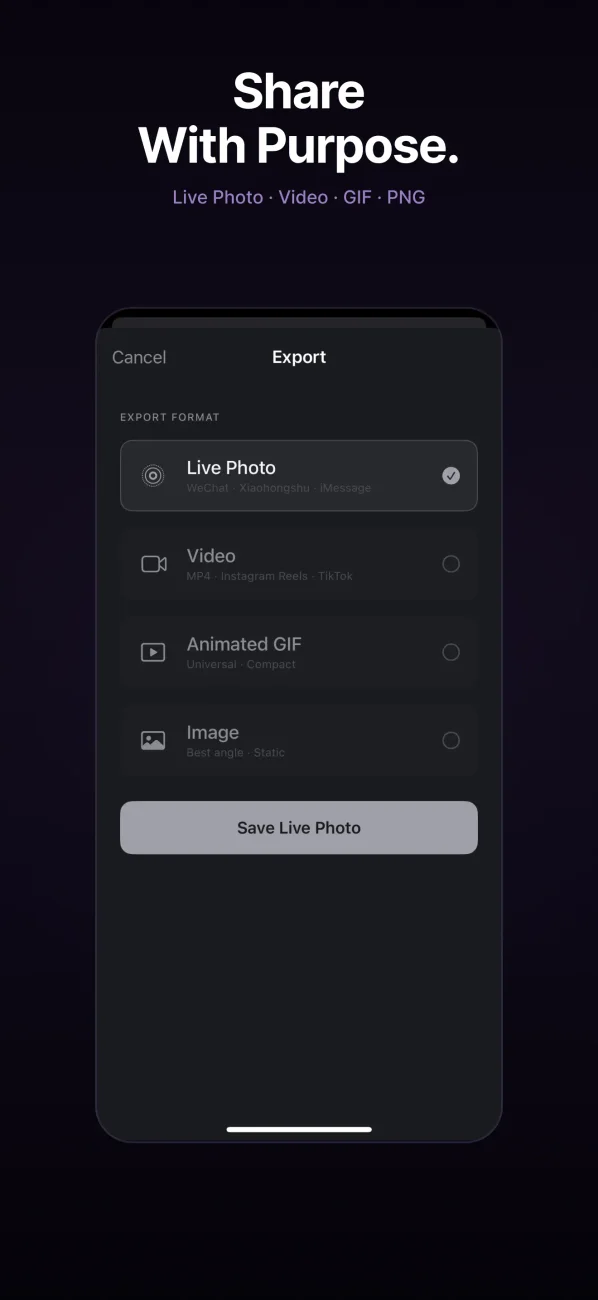
• Share Cards — Export as a Live Photo, Video (Instagram Reels, TikTok), animated GIF, or high-res PNG. Every format is tuned for social media.
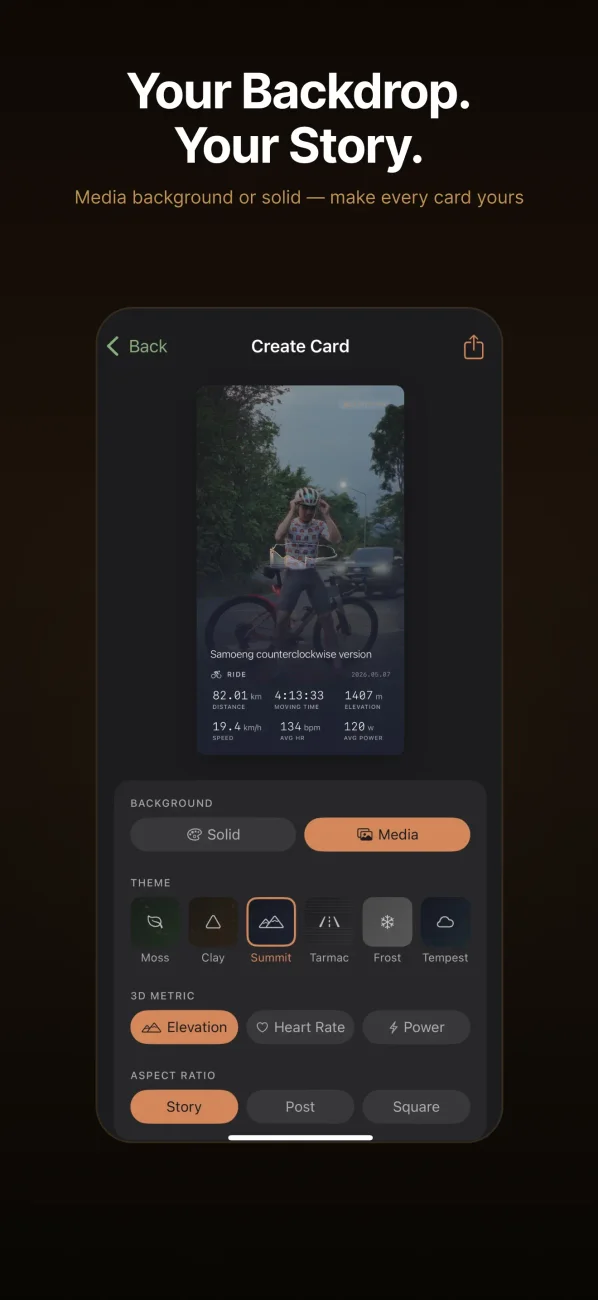
• Your Photo as Background — Use any photo or video from your camera roll as the card background. Your 3D route floats over your own ride footage.
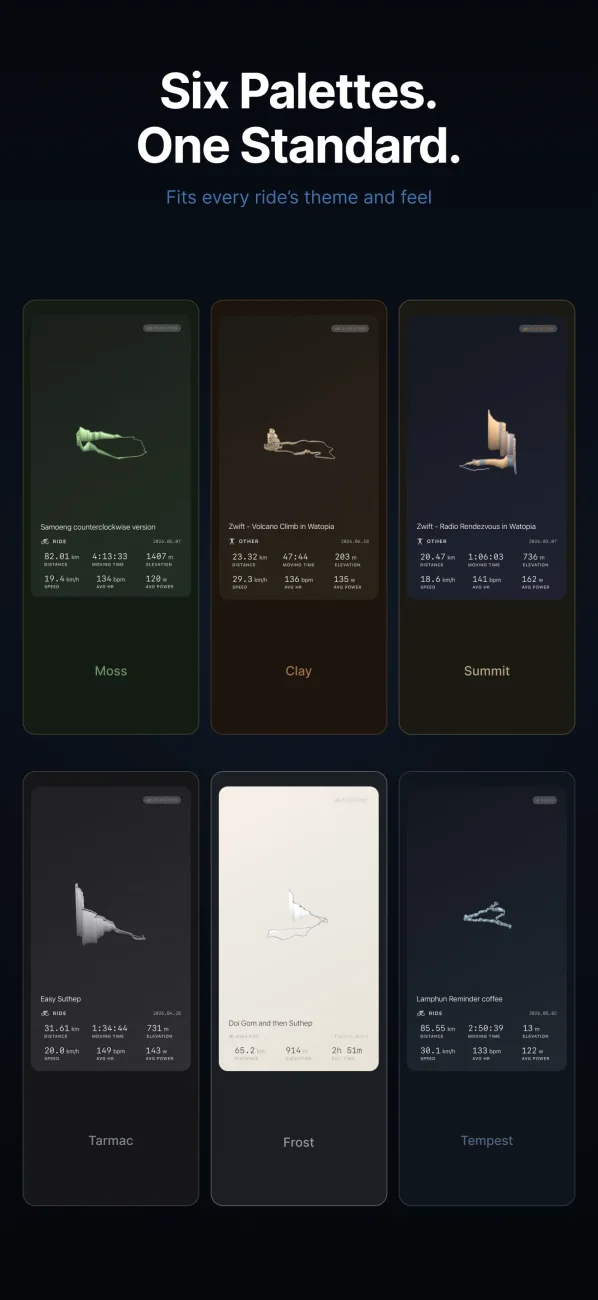
• Six Curated Themes — Moss, Clay, Summit, Tarmac, Frost, and Tempest. Each theme controls every color in the card — route glow, text, data labels, gradients — for a cohesive look.
HOW IT WORKS
1. Connect Strava or import a GPX file
2. Pick a route and choose your theme
3. Customize: swap background, edit route name and location, switch between Elevation and Altitude views
4. Export and share
FEATURES
• Strava integration — Sync your routes with one tap
• GPX import — Drop in any .gpx file from Garmin, Wahoo, Komoot, or other platforms
• Live Photo export — 3-second loop, perfect for lock screens and social feeds
• Video export — Up to 30 seconds, MP4 format
• Animated GIF — Lightweight, universal
• Static PNG — Best single angle, high resolution
• Editable card text — Customize route name and starting location before export
• Two 3D modes — Elevation (true shape) and Altitude (raised profile showing absolute height)
• Data overlay — Distance, elevation gain, estimated time, route type
• Works offline — No internet needed after import
Ridgeform is made for cyclists and runners who want to share more than a screenshot. See the shape of your effort.
新機能
バージョン 1.1.1 · 2026/7/21
Version 1.1.1 — Smoother sync + Strava session handling.
• Apple Health now auto-refreshes every time you open the Import screen (after you've connected it once). No more tapping Sync to see new workouts.
• If your Strava access has been revoked or expires while the app was in the background, you'll see a clear reconnect prompt the next time you open the app. Previously, this could silently fail with a generic error.
Thanks for the feedback.
アプリのプライバシー
このアプリのデータの取り扱いについて、昕炜 陈がApp Storeで申告している内容です。
-
ユーザーに関連付けられないデータ
収集される場合がありますが、ユーザーの識別情報には関連付けられません。
- ヘルスケアとフィットネス
- 位置情報
- ユーザーコンテンツ
- ID
プライバシーの取り扱いは、ご利用の機能やお客様の年齢などに応じて異なる場合があります。
情報
- 販売元
- 昕炜 陈
- カテゴリ
- ヘルスケア/フィットネス
- バージョン
- 1.1.1
- 更新日
- 2026/7/21
- リリース
- 2026/7/6
- サイズ
- 11.8 MB
- 必要条件
- iOS 17.0以降
- 対象年齢
- 4+
- 価格
- 無料
- 言語
- 英語
- 著作権
- © 2026 Xinwei Chen