
- 対象年齢4+
- カテゴリユーティリティ
- 開発元智敏 焦
- 言語イタリア語ほか112言語
- サイズ71.0 MB
App Storeの公式ページにリンクしています
Download.orgはRosetticaのファイルを一切ホストしていません。ボタンを押すと、智敏 焦が公開しているApp Storeのアプリページが開きます。ページの最終確認:2026/11/15。
スクリーンショット
概要
開発元はこのテキストをお使いの言語で提供していません。
One input. Many languages.
Rosettica helps you translate text into several languages on iPhone, iPad and Mac. Choose where translation happens: on your device, on a nearby Mac, or on a translation server you configure.
TRANSLATE YOUR WAY
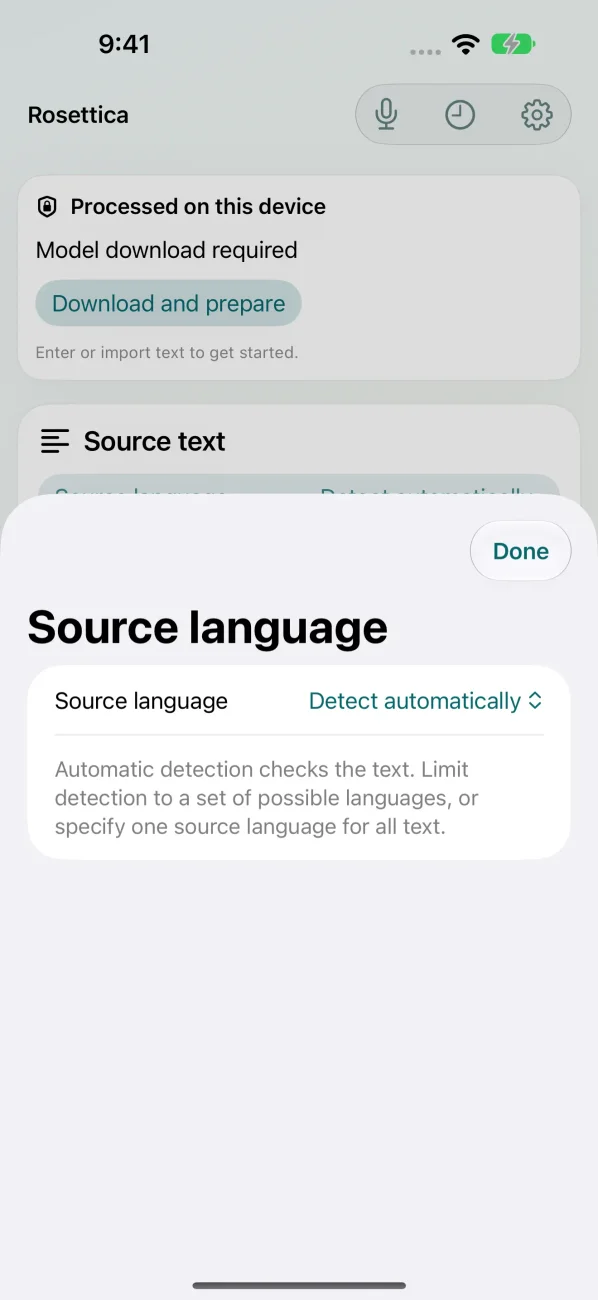
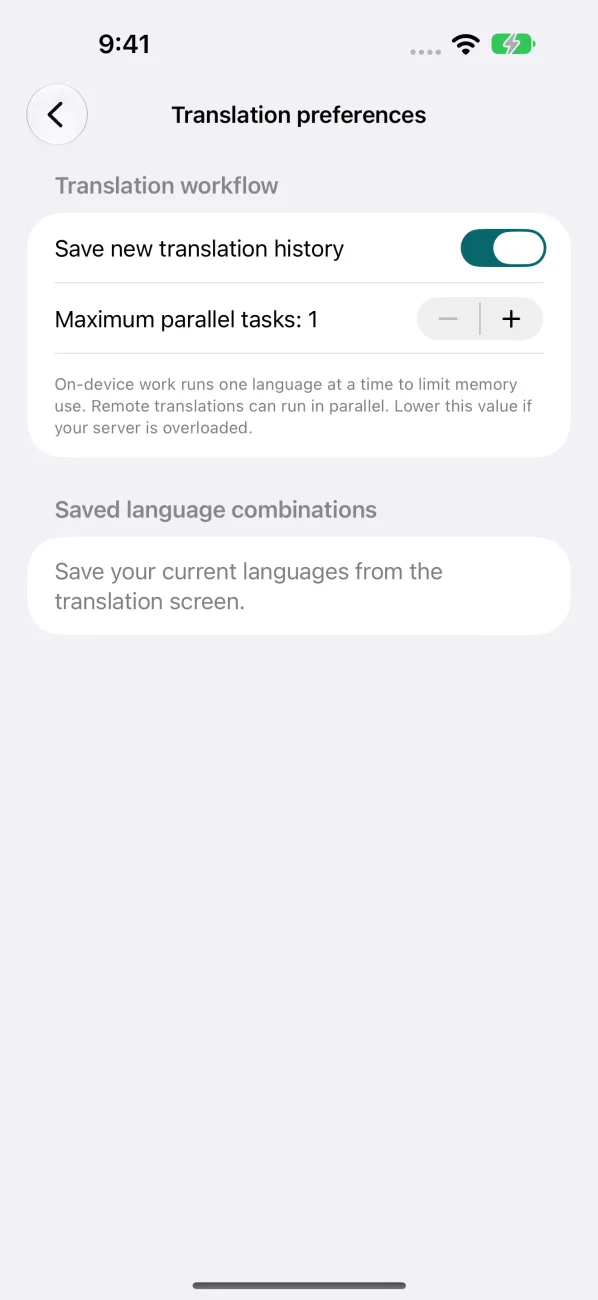
Choose your source language or use automatic detection. Select several target languages and save combinations for work, study or everyday use. Follow each language's progress, stop a task, retry a failed translation and keep results that have already finished.
START WITH TEXT, PHOTOS OR FILES
Paste text, import text and image files, or extract text from photos. On iPhone and iPad, capture text with the camera and review the recognized words before translating. Send text from other apps to Rosettica, then review it in the app.
KEEP YOUR WORK ORGANIZED
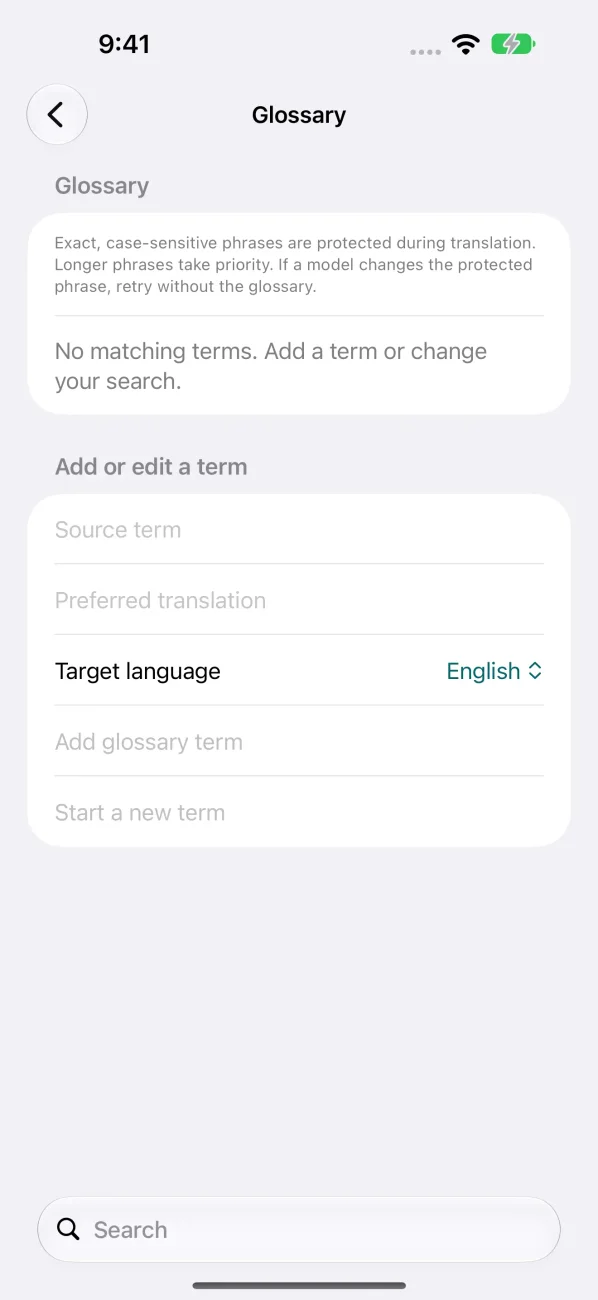
Search translation history, mark favorites and reuse earlier inputs. Copy, export and share completed results. Add glossary terms to specify preferred translations for exact phrases. Optional iCloud backup lets you back up and restore your history.
A WORKSPACE FOR EACH DEVICE
Use a touch-friendly layout on iPhone and iPad. On Mac, work with source text and translations side by side, keep your main actions within reach and expand the editor when you need more room.
SPEAK AND LISTEN
Use speech recognition, translation and system voices in conversation mode. Speech recognition may require an internet connection, and available languages and voices depend on your device and Apple services.
CHOOSE WHERE YOUR TEXT GOES
On-device text translation runs locally after the required model has been downloaded and prepared on a compatible device. Nearby-Mac mode sends text to the Mac you pair with on your local network. Remote mode sends text to the server you select; its operator determines processing and retention. The app identifies the selected processing location so you can choose the workflow that suits your content.
On-device translation requires a compatible device, an initial model download and sufficient free storage. Rosettica checks readiness before preparation. Camera input is available on iPhone and iPad. Network-based translation requires an available Mac or configured server; translation quality depends on the selected model and language.
新機能
バージョン 1.2.17 · 2026/11/7
This update makes Rosettica easier to use across your devices and improves translation reliability.
- A more compact Mac workspace with source text and translations side by side.
- Clearer language search, input editing, translation progress and retries for individual languages.
- More reliable remote-server and nearby-Mac translation, including interrupted responses and cancellation.
- Improved file imports, shared text, translation history and backup restoration.
- Smoother text editing on iPhone, iPad and Mac.
- Clearer controls at larger text sizes and better keyboard behavior in language search.
- Improved handling of saved server credentials and speech input.
- Updated privacy and support links.
アプリのプライバシー
このアプリのデータの取り扱いについて、智敏 焦がApp Storeで申告している内容です。
-
データの収集なし
開発元はこのアプリからデータを収集しません。
プライバシーの取り扱いは、ご利用の機能やお客様の年齢などに応じて異なる場合があります。
情報
- 販売元
- 智敏 焦
- カテゴリ
- ユーティリティ
- バージョン
- 1.2.17
- 更新日
- 2026/11/7
- リリース
- 2026/3/4
- サイズ
- 71.0 MB
- 必要条件
- iOS 17.0以降
- 対象年齢
- 4+
- 価格
- 無料
- アプリ内課金
- あり
- 言語
- イタリア語, アフリカーンス語, アルバニア語, アムハラ語, アラビア語, アルメニア語, アッサム語, アゼルバイジャン語, バスク語, Belarusian, ベンガル語, ボスニア語 ほか101言語
- 著作権
- © Jiao.Zhimin