
Rosettica
One Input. Many Languages.
Designed for iPhone, iPad, Mac
In-app purchases
- Age rating4+
- CategoryUtilities
- Developer智敏 焦
- LanguagesItalian+ 112 more
- Size71.0 MB
Links to the official App Store page
Download.org hosts no file of Rosettica. The button opens its official App Store page, published by 智敏 焦. Listing last checked on Nov 15, 2026.
Screenshots
About
One input. Many languages.
Rosettica helps you translate text into several languages on iPhone, iPad and Mac. Choose where translation happens: on your device, on a nearby Mac, or on a translation server you configure.
TRANSLATE YOUR WAY
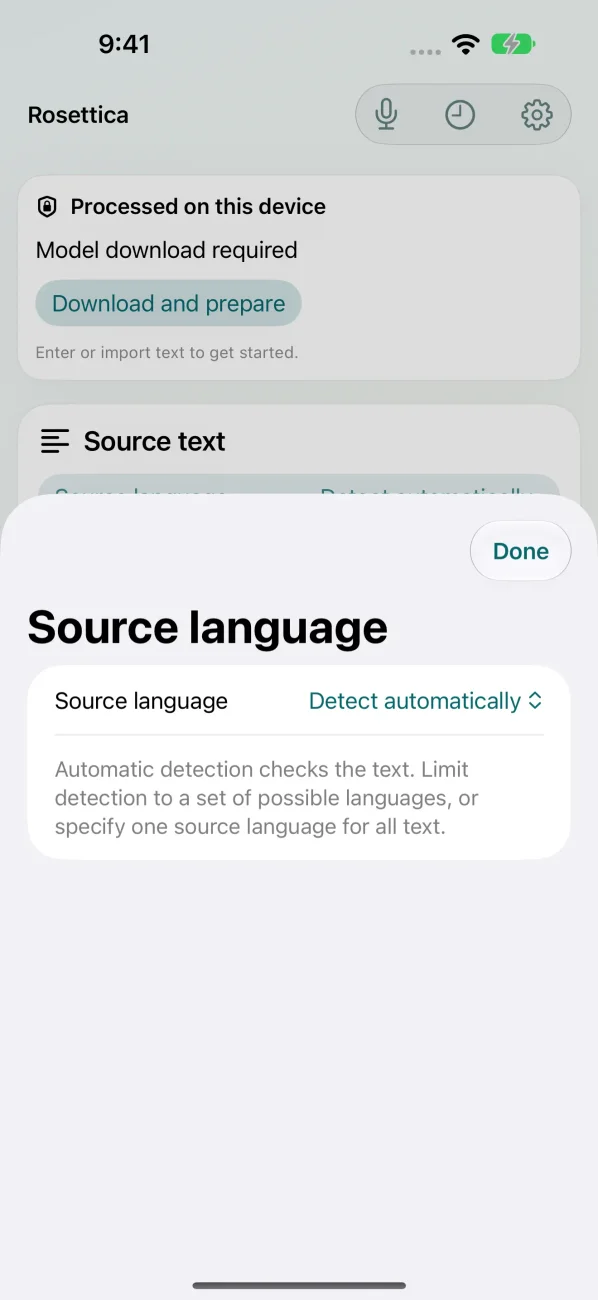
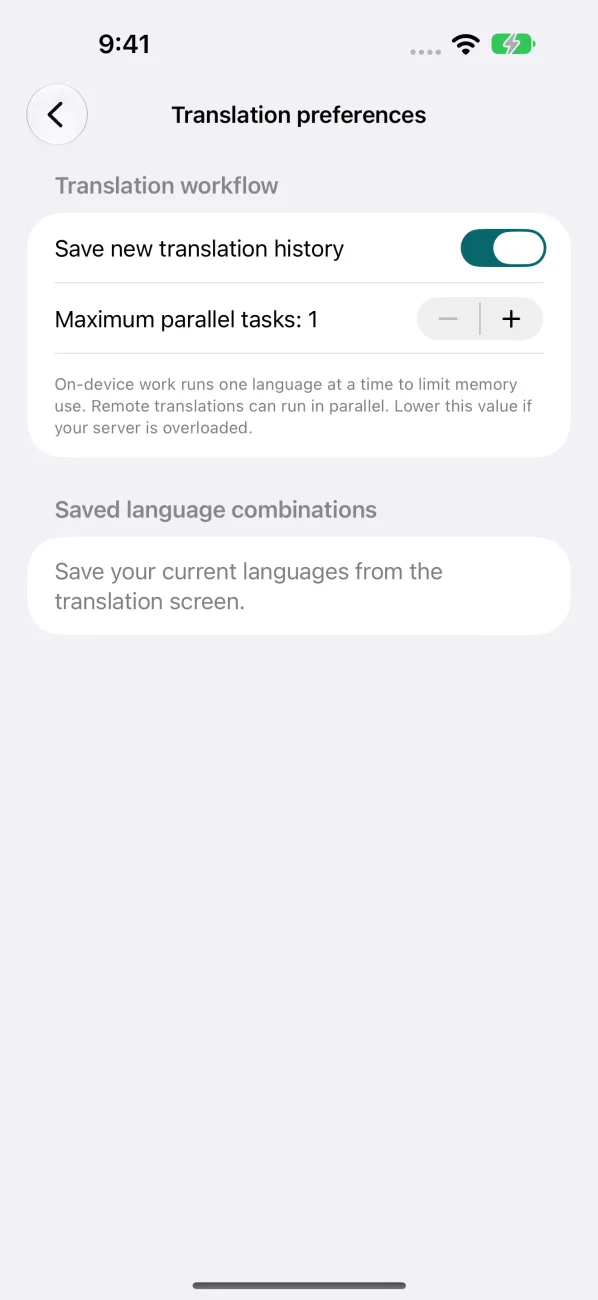
Choose your source language or use automatic detection. Select several target languages and save combinations for work, study or everyday use. Follow each language's progress, stop a task, retry a failed translation and keep results that have already finished.
START WITH TEXT, PHOTOS OR FILES
Paste text, import text and image files, or extract text from photos. On iPhone and iPad, capture text with the camera and review the recognized words before translating. Send text from other apps to Rosettica, then review it in the app.
KEEP YOUR WORK ORGANIZED
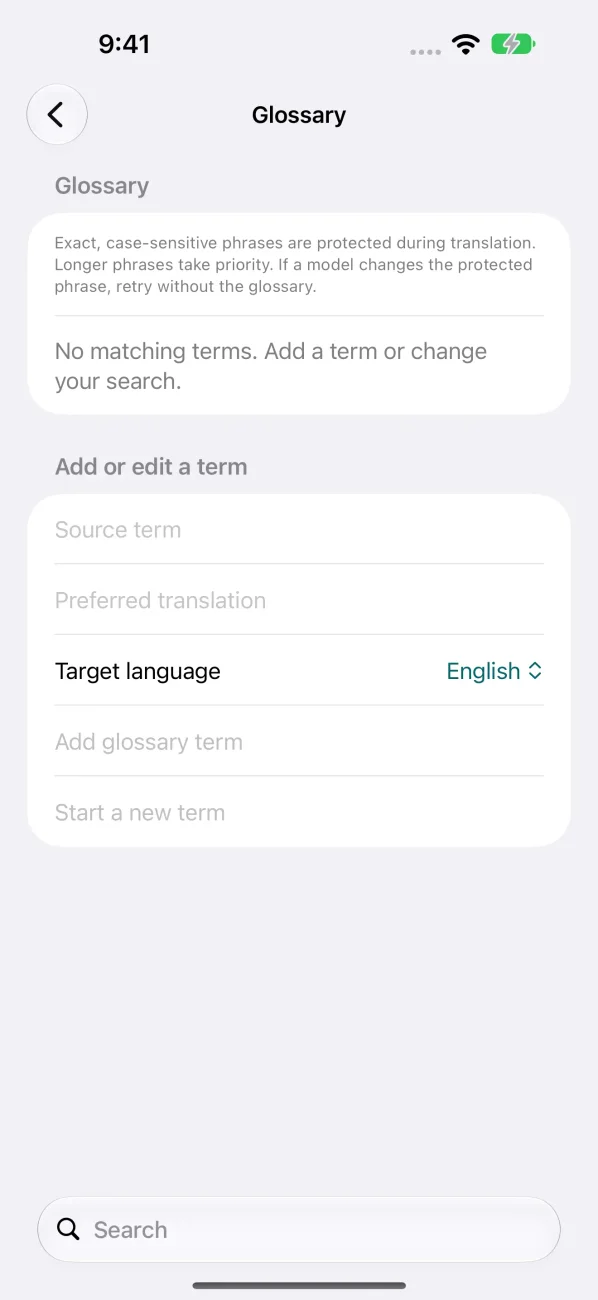
Search translation history, mark favorites and reuse earlier inputs. Copy, export and share completed results. Add glossary terms to specify preferred translations for exact phrases. Optional iCloud backup lets you back up and restore your history.
A WORKSPACE FOR EACH DEVICE
Use a touch-friendly layout on iPhone and iPad. On Mac, work with source text and translations side by side, keep your main actions within reach and expand the editor when you need more room.
SPEAK AND LISTEN
Use speech recognition, translation and system voices in conversation mode. Speech recognition may require an internet connection, and available languages and voices depend on your device and Apple services.
CHOOSE WHERE YOUR TEXT GOES
On-device text translation runs locally after the required model has been downloaded and prepared on a compatible device. Nearby-Mac mode sends text to the Mac you pair with on your local network. Remote mode sends text to the server you select; its operator determines processing and retention. The app identifies the selected processing location so you can choose the workflow that suits your content.
On-device translation requires a compatible device, an initial model download and sufficient free storage. Rosettica checks readiness before preparation. Camera input is available on iPhone and iPad. Network-based translation requires an available Mac or configured server; translation quality depends on the selected model and language.
What’s new
Version 1.2.17 · Nov 7, 2026
This update makes Rosettica easier to use across your devices and improves translation reliability.
- A more compact Mac workspace with source text and translations side by side.
- Clearer language search, input editing, translation progress and retries for individual languages.
- More reliable remote-server and nearby-Mac translation, including interrupted responses and cancellation.
- Improved file imports, shared text, translation history and backup restoration.
- Smoother text editing on iPhone, iPad and Mac.
- Clearer controls at larger text sizes and better keyboard behavior in language search.
- Improved handling of saved server credentials and speech input.
- Updated privacy and support links.
App privacy
What 智敏 焦 declares on the App Store about how this app handles data.
-
Data not collected
The developer does not collect any data from this app.
Privacy practices may vary, for example with the features you use or your age.
Information
- Seller
- 智敏 焦
- Category
- Utilities
- Version
- 1.2.17
- Updated
- Nov 7, 2026
- Released
- Mar 4, 2026
- Size
- 71.0 MB
- Requires
- iOS 17.0 or later
- Age rating
- 4+
- In-app purchases
- Yes
- Languages
- Italian, Afrikaans, Albanian, Amharic, Arabic, Armenian, Assamese, Azerbaijani, Basque, Belarusian, Bengali, Bosnian + 101 more
- Copyright
- © Jiao.Zhimin
You might also like
-
 SageMeetThe to recorder of choice
-
 PrivateTranslateOffline AI Translation
-
 Comis - Offline TranslatorTranslate Anywhere
-
 Uniboard: Unicode KeyboardSymbols, emoji & code points
-
 AI PocketTranslate with Your API Key
-
 Neko TranslatorAI Manga Translator
-
 NightWalk Depth ScannerPhone Night Vision Tool
-
 Parley Live TranslateTranslate to your ears live
-
 IoT CentralUtilities
-
 Cards - Store Ideas EasilyKyle Halevi