- 対象年齢4+
- カテゴリ仕事効率化
- 開発元Quan Le
- 言語英語ほか2言語
- サイズ46.6 MB
App Storeの公式ページにリンクしています
Download.orgはScan Me Documentのファイルを一切ホストしていません。ボタンを押すと、Quan Leが公開しているApp Storeのアプリページが開きます。ページの最終確認:2026/11/25。
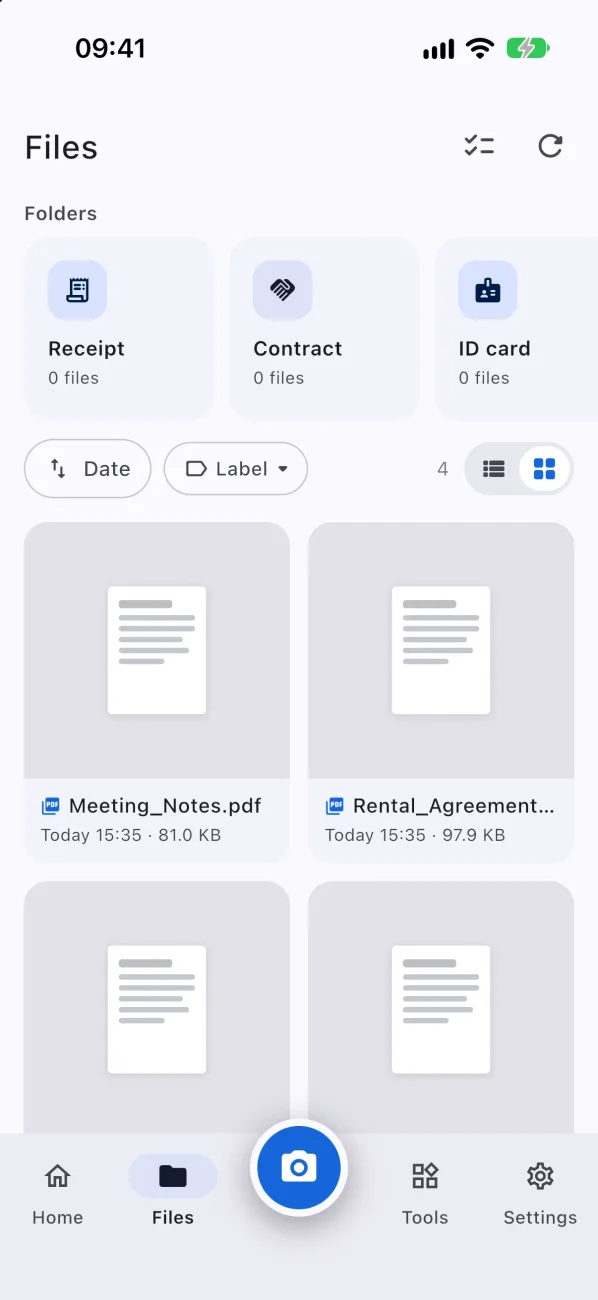
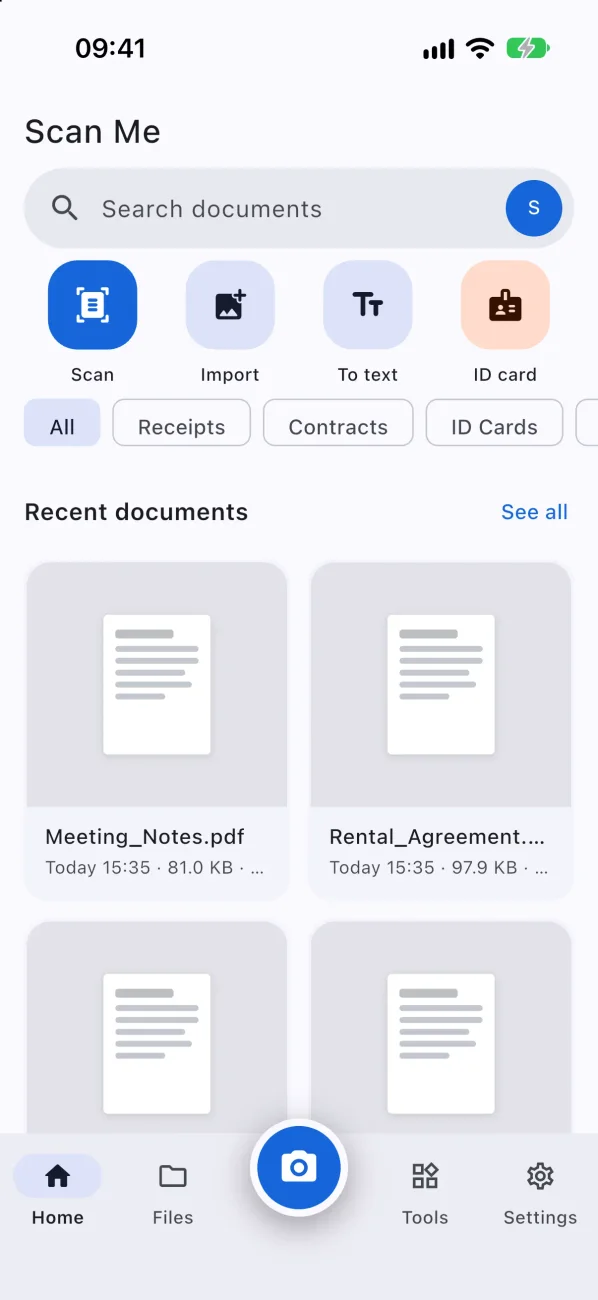
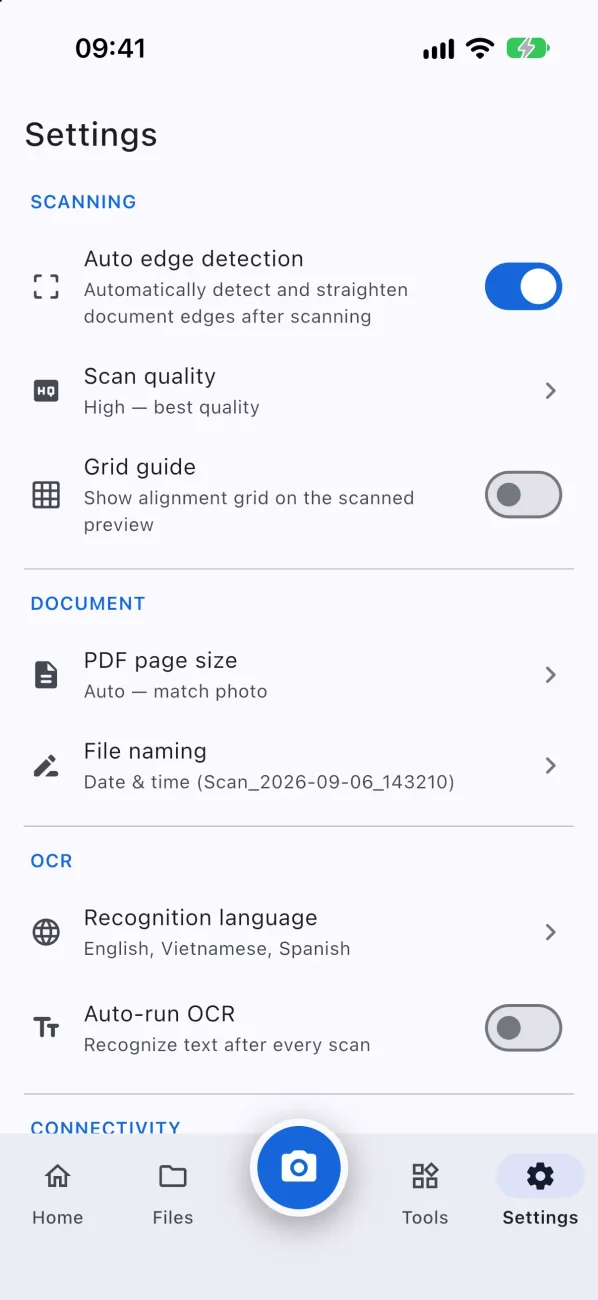
スクリーンショット
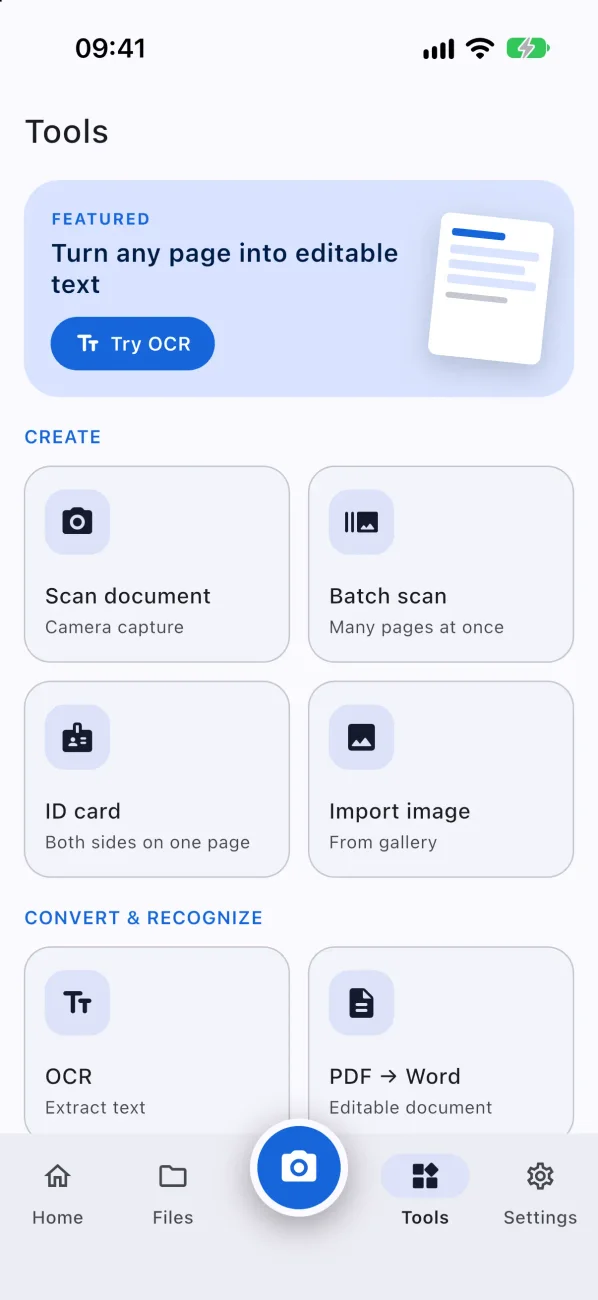
概要
開発元はこのテキストをお使いの言語で提供していません。
Scan Me is a fast and smart document scanner that helps you scan documents, receipts, notes, and photos using your phone camera.
Turn your device into a powerful portable scanner and convert documents into high-quality PDF or image files instantly.
KEY FEATURES
• Smart Document Scanner
Automatically detect document edges and scan with high accuracy.
• High Quality PDF Scanner
Convert scanned documents into clear PDF files with optimized quality.
• Scan to Image
Save scanned documents as high-resolution images.
• Fast Processing
Process documents quickly with AI-powered technology.
• Multi-Format Export
Export documents as PDF or image files easily.
• Easy to Use
Clean and modern interface designed for fast scanning.
USE CASES
• Scan receipts and invoices
• Digitize paper documents
• Scan notes and study materials
• Save contracts and forms
• Share documents quickly
Scan Me makes document scanning simple, fast, and reliable.
新機能
バージョン 1.0.3 · 2026/11/25
- New refreshed UI for Home, Files, Tools and Settings
- Optimized layout for large and foldable screens
- Improve OCR text recognition accuracy
- Improve document scanning accuracy
- Enhance image processing quality
- Optimize performance and speed
- Fix minor bugs and improve stability
アプリのプライバシー
このアプリのデータの取り扱いについて、Quan LeがApp Storeで申告している内容です。
-
ユーザーのトラッキングに使用されるデータ
他社のアプリやウェブサイトを横断してユーザーをトラッキングする目的で使用される場合があります。
- ID
- 使用状況データ
- 診断
-
ユーザーに関連付けられたデータ
収集され、ユーザーの識別情報に関連付けられる場合があります。
- ID
- 使用状況データ
- 診断
プライバシーの取り扱いは、ご利用の機能やお客様の年齢などに応じて異なる場合があります。
情報
- 販売元
- Quan Le
- カテゴリ
- 仕事効率化
- バージョン
- 1.0.3
- 更新日
- 2026/11/25
- リリース
- 2026/3/19
- サイズ
- 46.6 MB
- 必要条件
- iOS 15.0以降
- 対象年齢
- 4+
- 価格
- 無料
- 言語
- 英語, スペイン語, ベトナム語
- 著作権
- © 2026 Smile Code
こちらもおすすめ
-
 Scan Desk文書スキャン & PDF作成アプリ
-
 Folio: なんでも記録ノート薬・請求書・読書・習慣を管理
-
 AI Video Generator - Dramalize仕事効率化
-
 PDF Pocket: スキャナー&編集スキャン, OCR, 署名&注釈
-
 ToPDF: PDF maker Sign DocumentConvert lmage & Signature
-
 HSK Team仕事効率化
-
 Haru - カレンダー&タスク管理&ウィジェット予定・タスク・天気をまとめて
-
 AI Meeting Notes: Note Taker仕事効率化
-
 1日のスケジュール - やりたいことリスト,ルーティン 管理スケジュール 1日,Todo リスト共有,やりたいこと100
-
 書類スキャナー:Scaniva買い切り型・写真をPDFに変換