- 対象年齢4+
- カテゴリビジネス
- 開発元Vip Academy Cambridge
- 言語英語
- サイズ42.5 MB
App Storeの公式ページにリンクしています
Download.orgはScanner: Scan Documents·のファイルを一切ホストしていません。ボタンを押すと、Vip Academy Cambridgeが公開しているApp Storeのアプリページが開きます。ページの最終確認:2026/11/22。
スクリーンショット
概要
開発元はこのテキストをお使いの言語で提供していません。
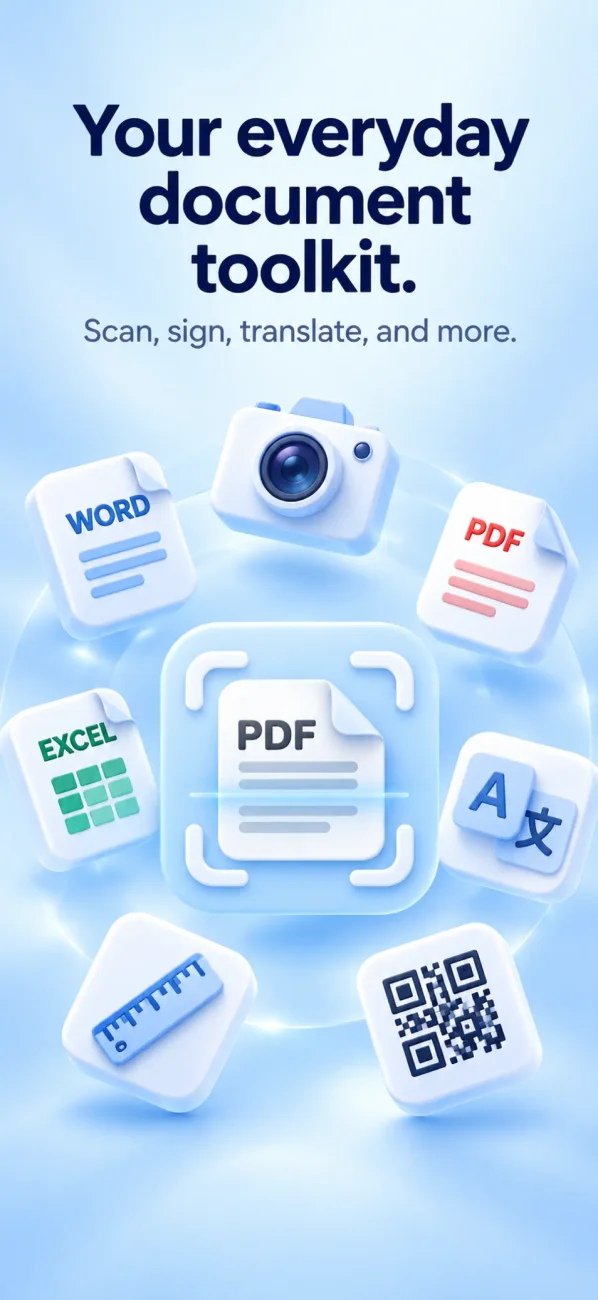
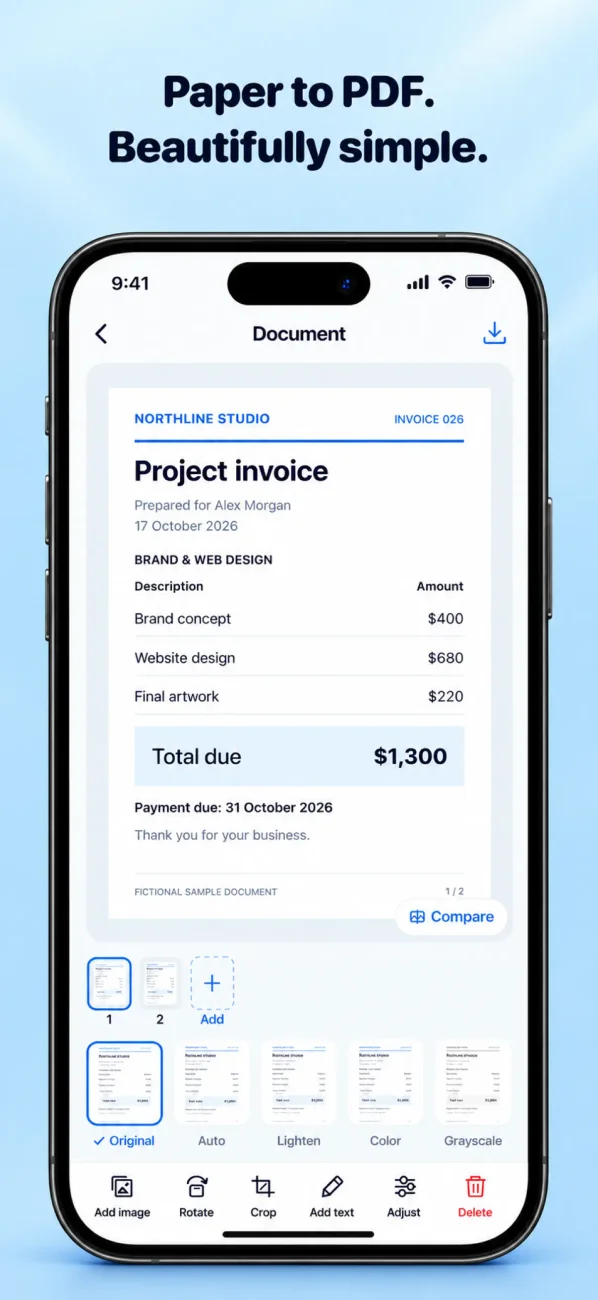
Turn paper into clean, sharp PDFs in seconds. Scanner finds the edges, straightens the page and removes shadows, so every scan looks like it came out of a printer.
SCAN ANYTHING
• Documents, receipts, contracts and notes, with automatic edge detection
• ID cards: both sides on one page, ready to print or send
• Books: photograph a spread and get two separate pages
• Slides from a presentation, straightened
• ID photos cropped to standard sizes on a plain background
• QR codes, read safely without opening the link
CONVERT
• Photo or PDF to an editable Word document
• Tables to Excel spreadsheets
• Photos or PDFs to PowerPoint
• PDF to JPG images, or one long image
• Extract text (OCR), review it and copy it
EDIT YOUR PDFs
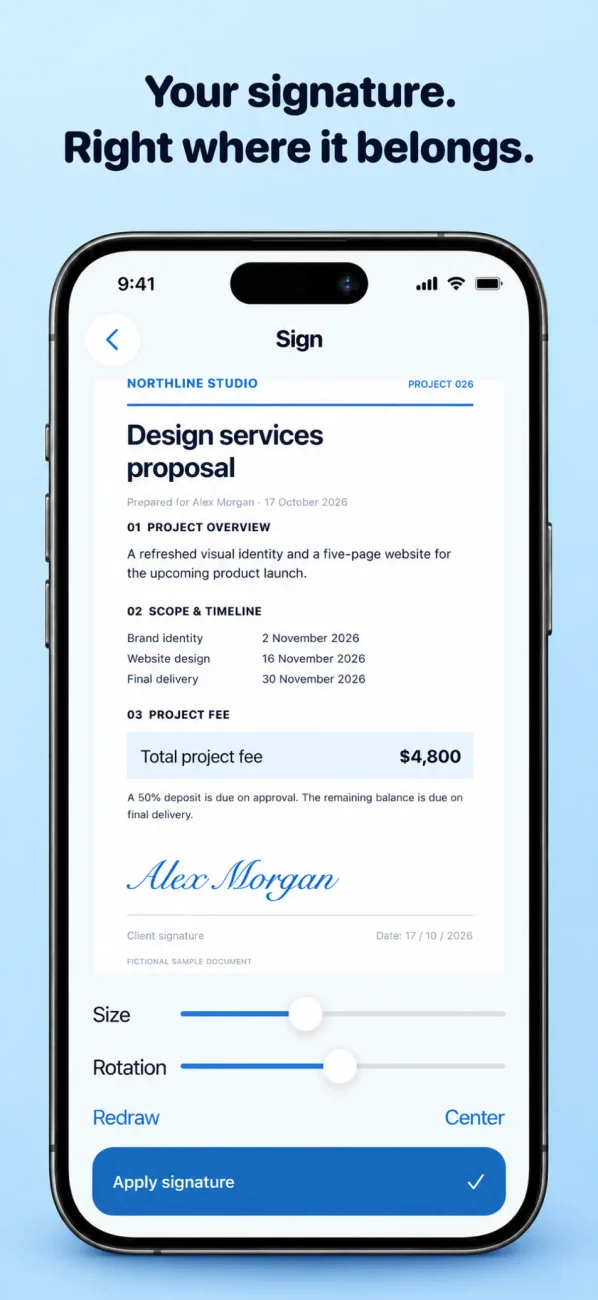
• Sign with your own handwritten signature
• Merge, reorder, extract and compress pages
• Protect a PDF with a password
• Add a watermark to a copy
SMART TOOLS
• Formula: snap a math problem and get the answer, explained step by step
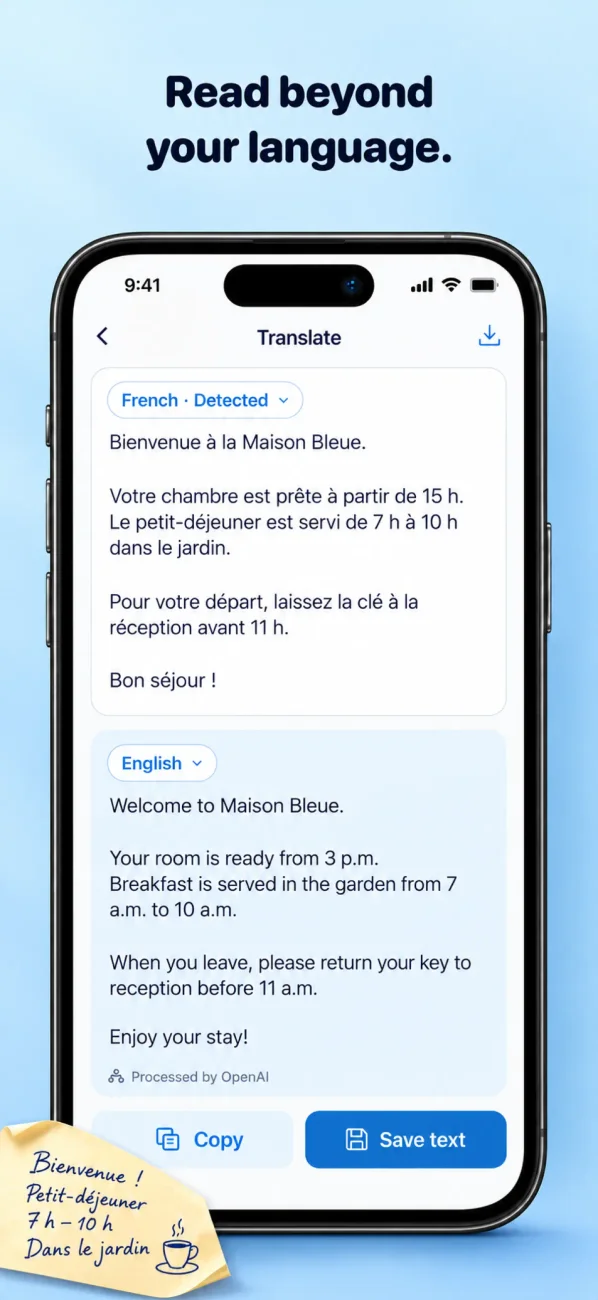
• Translate the text in a photo into another language
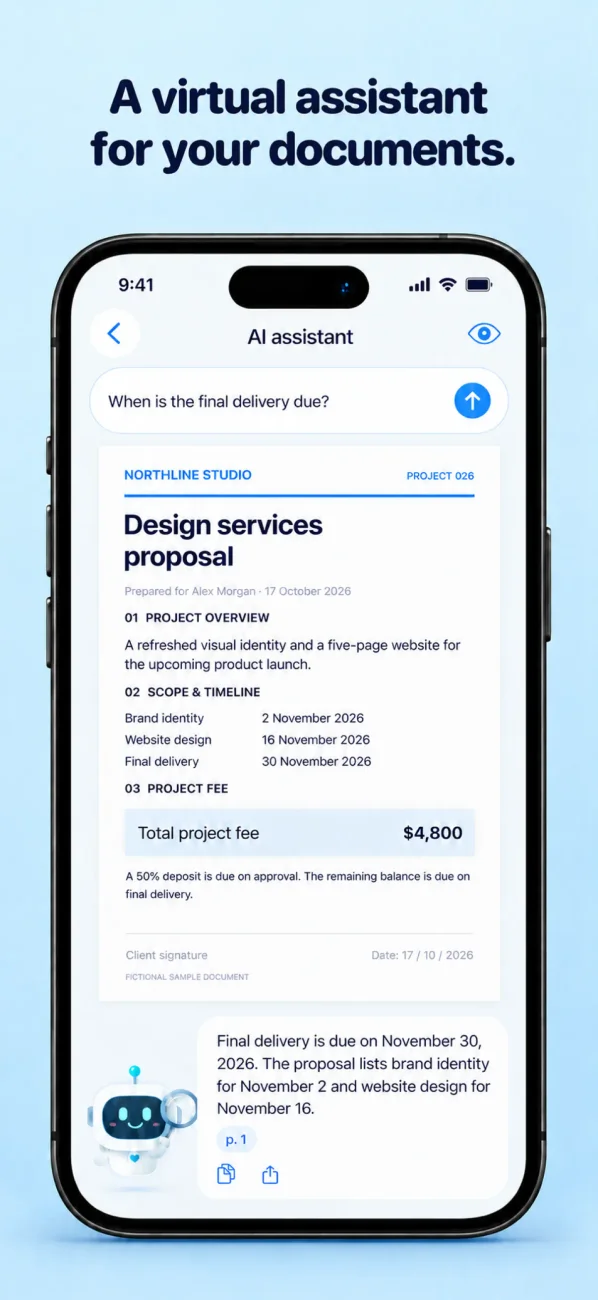
• Document assistant: ask questions about a PDF and get answers with page references
• Measure lengths and areas with the camera
• 3D scan objects on iPhone and iPad with LiDAR
• Long capture: join screenshots into one image
PRIVATE BY DESIGN
• Your documents are saved only on your device
• Lock the app with Face ID or Touch ID
• A PIN-protected vault for your most sensitive files
• Works offline; only AI features need an internet connection
Export to PDF, JPG, Word, Excel or PowerPoint, and share by AirDrop, Mail, Messages or Files.
- You can subscribe for premium account with unlimited scans, premium features and no ads
- Subscription automatically renews for the same price and duration period as the original "one week"/"one month"/"one year" package unless auto-renew is turned off at least 24- - hours before the end of the current period.
- Payment will be charged to iTunes Account at confirmation of purchase
- Subscriptions may be managed by the user and auto-renewal may be turned off by going to the user's Account Settings after purchase
- Any unused portion of a free trial period, if offered, will be forfeited when the user purchases a subscription to that publication, where applicable
Privacy Policy: https://vipacademycambridgesl.com/pp.html
Terms of Service: https://vipacademycambridgesl.com/tos.html
新機能
バージョン 2.1 · 2026/10/28
Fixed camera crash.
アプリのプライバシー
このアプリのデータの取り扱いについて、Vip Academy CambridgeがApp Storeで申告している内容です。
-
ユーザーのトラッキングに使用されるデータ
他社のアプリやウェブサイトを横断してユーザーをトラッキングする目的で使用される場合があります。
- ID
- 使用状況データ
-
ユーザーに関連付けられたデータ
収集され、ユーザーの識別情報に関連付けられる場合があります。
- ID
- 使用状況データ
-
ユーザーに関連付けられないデータ
収集される場合がありますが、ユーザーの識別情報には関連付けられません。
- 位置情報
プライバシーの取り扱いは、ご利用の機能やお客様の年齢などに応じて異なる場合があります。
情報
- 販売元
- Vipacademy Cambridge SL.
- カテゴリ
- ビジネス
- バージョン
- 2.1
- 更新日
- 2026/10/28
- リリース
- 2020/10/24
- サイズ
- 42.5 MB
- 必要条件
- iOS 18.0以降
- 対象年齢
- 4+
- 価格
- 無料
- アプリ内課金
- あり
- 言語
- 英語
- 著作権
- © Vip
こちらもおすすめ
-
 Scan Now: PDF Document Scannerビジネス
-
 eScan: PDFスキャナー 書類スキャン写真をPDF化・署名・文字認識OCR
-
 マイ スキャナー - 文書や写真をスキャンするスキャンアプリ - 各種文書と写真のスキャン、PDF変換
-
 PDF & Document Scanner.ビジネス
-
 FlowPDFビジネス
-
 Scan MyPDF Pro仕事効率化
-
 Fast Scanner : PDF Doc Scanビジネス
-
 Mobile Scanner - 書類やフォトスキャン文書や名刺を写真に撮って PDF 保存
-
 Scanner – スキャン PDF 文書編集, 署名, 変換 PDF