Scanner: Scan Documents·
PDF Scanner, OCR & Converter
Designed for iPhone, iPad
Free · In-app purchases
- Age rating4+
- CategoryBusiness
- DeveloperVip Academy Cambridge
- LanguagesEnglish
- Size42.5 MB
Links to the official App Store page
Download.org hosts no file of Scanner: Scan Documents·. The button opens its official App Store page, published by Vip Academy Cambridge. Listing last checked on Nov 22, 2026.
Screenshots
About
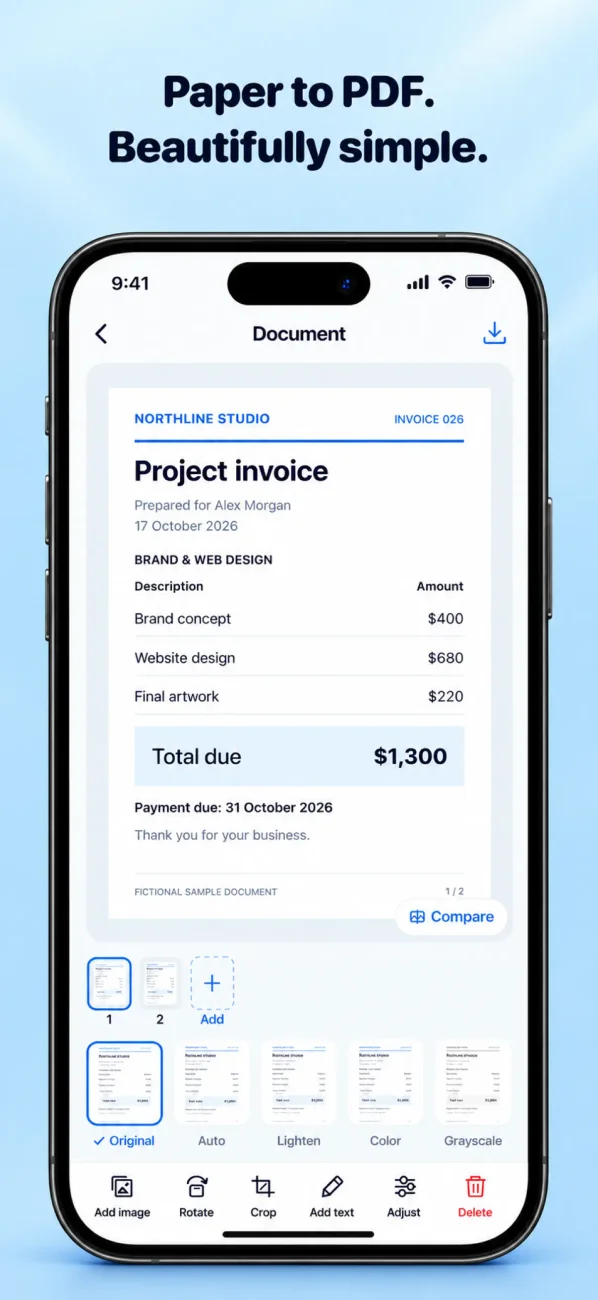
Turn paper into clean, sharp PDFs in seconds. Scanner finds the edges, straightens the page and removes shadows, so every scan looks like it came out of a printer.
SCAN ANYTHING
• Documents, receipts, contracts and notes, with automatic edge detection
• ID cards: both sides on one page, ready to print or send
• Books: photograph a spread and get two separate pages
• Slides from a presentation, straightened
• ID photos cropped to standard sizes on a plain background
• QR codes, read safely without opening the link
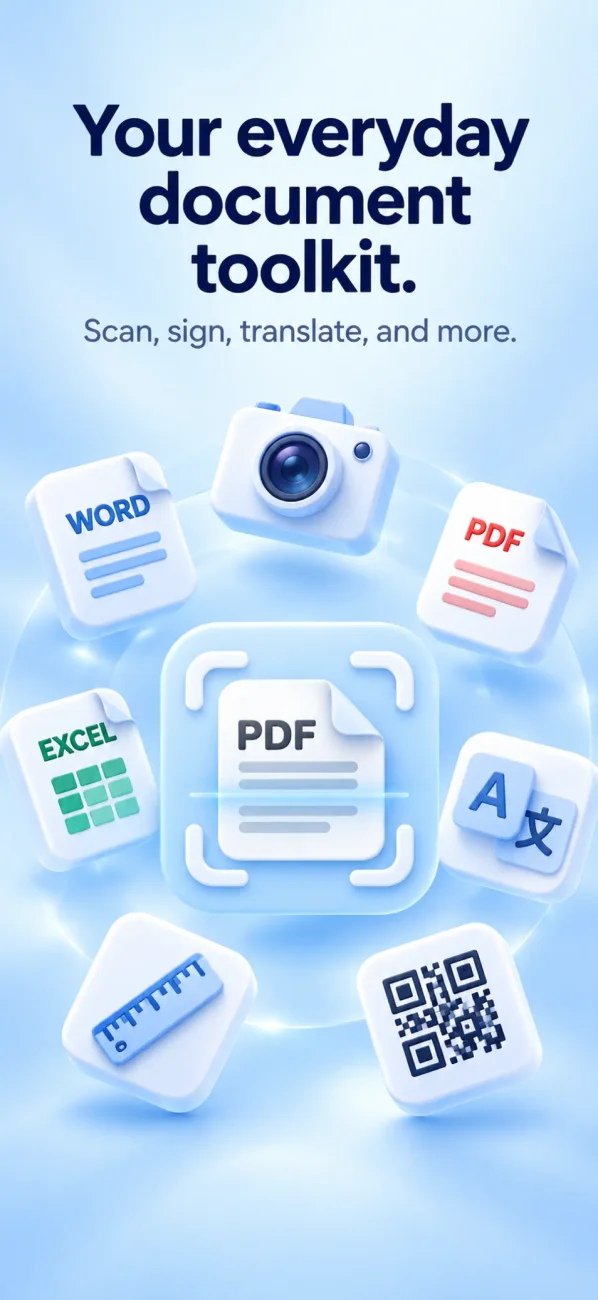
CONVERT
• Photo or PDF to an editable Word document
• Tables to Excel spreadsheets
• Photos or PDFs to PowerPoint
• PDF to JPG images, or one long image
• Extract text (OCR), review it and copy it
EDIT YOUR PDFs
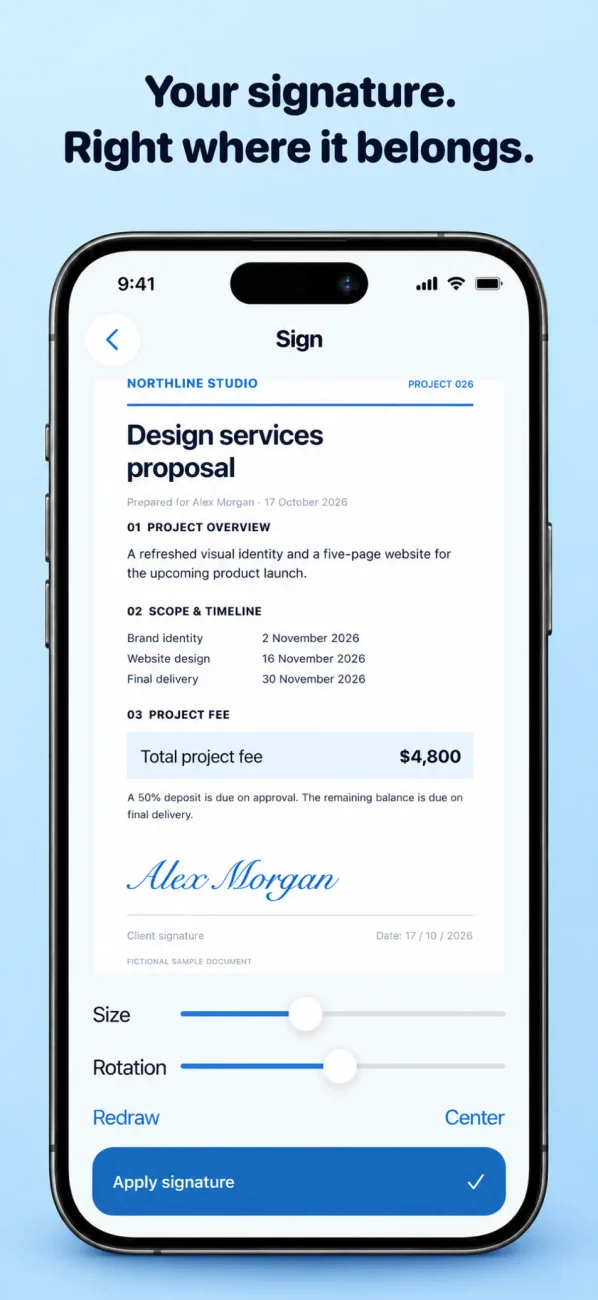
• Sign with your own handwritten signature
• Merge, reorder, extract and compress pages
• Protect a PDF with a password
• Add a watermark to a copy
SMART TOOLS
• Formula: snap a math problem and get the answer, explained step by step
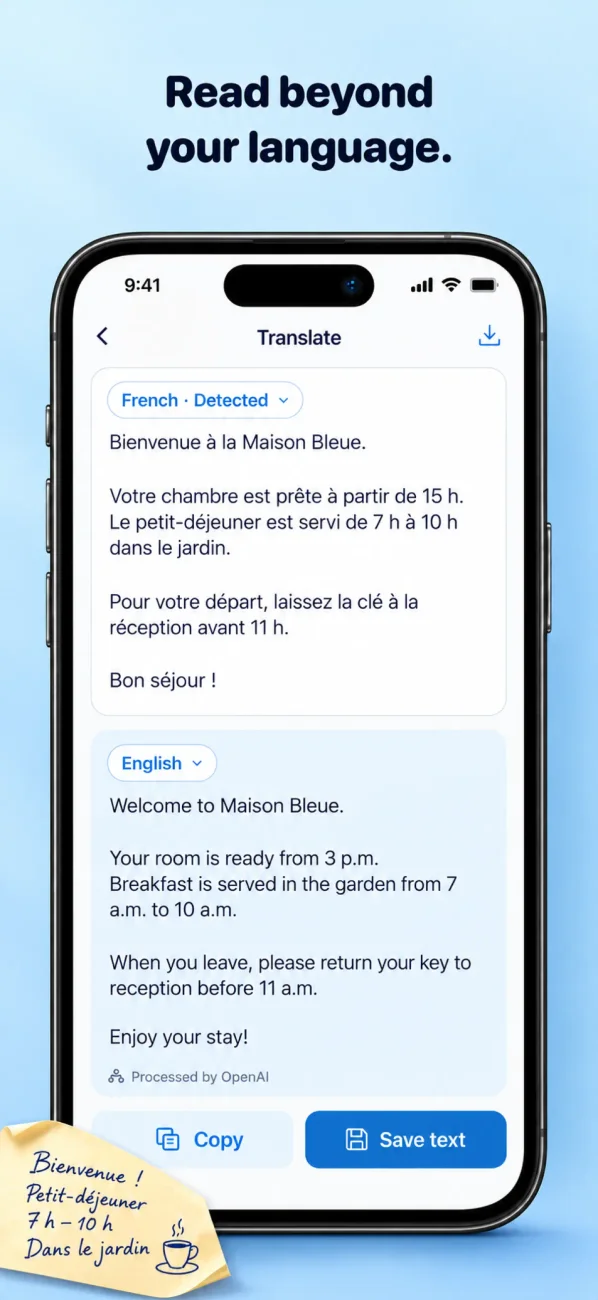
• Translate the text in a photo into another language
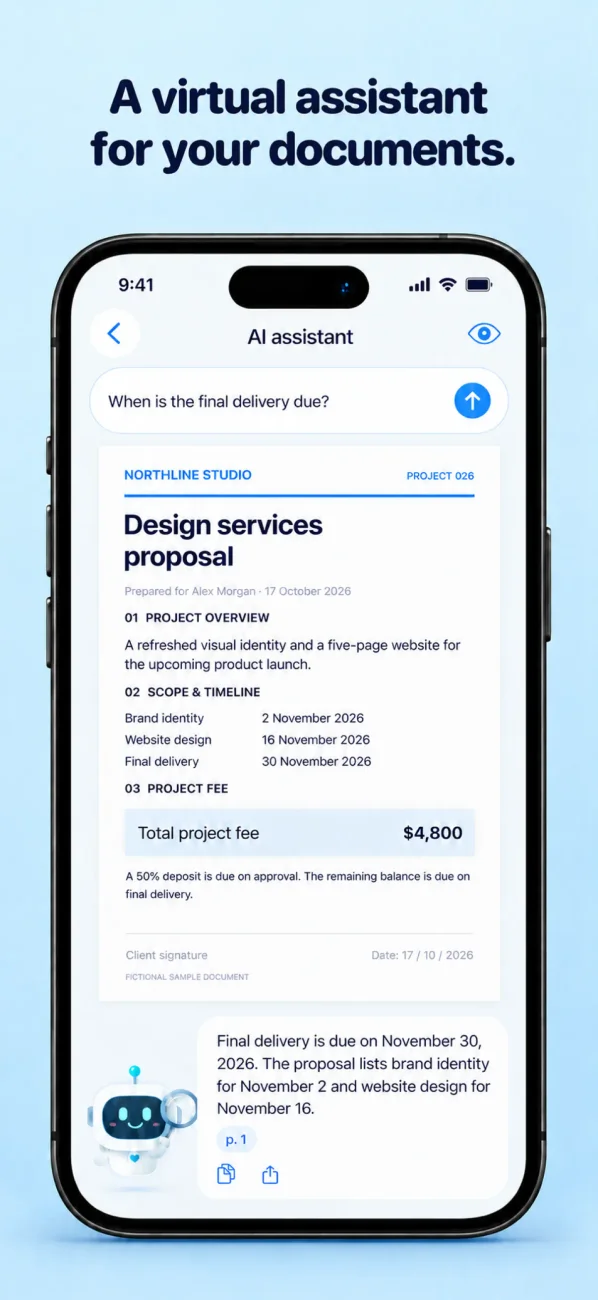
• Document assistant: ask questions about a PDF and get answers with page references
• Measure lengths and areas with the camera
• 3D scan objects on iPhone and iPad with LiDAR
• Long capture: join screenshots into one image
PRIVATE BY DESIGN
• Your documents are saved only on your device
• Lock the app with Face ID or Touch ID
• A PIN-protected vault for your most sensitive files
• Works offline; only AI features need an internet connection
Export to PDF, JPG, Word, Excel or PowerPoint, and share by AirDrop, Mail, Messages or Files.
- You can subscribe for premium account with unlimited scans, premium features and no ads
- Subscription automatically renews for the same price and duration period as the original "one week"/"one month"/"one year" package unless auto-renew is turned off at least 24- - hours before the end of the current period.
- Payment will be charged to iTunes Account at confirmation of purchase
- Subscriptions may be managed by the user and auto-renewal may be turned off by going to the user's Account Settings after purchase
- Any unused portion of a free trial period, if offered, will be forfeited when the user purchases a subscription to that publication, where applicable
Privacy Policy: https://vipacademycambridgesl.com/pp.html
Terms of Service: https://vipacademycambridgesl.com/tos.html
What’s new
Version 2.1 · Oct 28, 2026
Fixed camera crash.
App privacy
What Vip Academy Cambridge declares on the App Store about how this app handles data.
-
Data used to track you
May be used to track you across apps and websites owned by other companies.
- Identifiers
- Usage data
-
Data linked to you
May be collected and linked to your identity.
- Identifiers
- Usage data
-
Data not linked to you
May be collected but is not linked to your identity.
- Location
Privacy practices may vary, for example with the features you use or your age.
Information
- Seller
- Vipacademy Cambridge SL.
- Category
- Business
- Version
- 2.1
- Updated
- Oct 28, 2026
- Released
- Oct 24, 2020
- Size
- 42.5 MB
- Requires
- iOS 18.0 or later
- Age rating
- 4+
- Price
- Free
- In-app purchases
- Yes
- Languages
- English
- Copyright
- © Vip
You might also like
-
 Scan Now: PDF Document ScannerDigitize Your Documents Fast
-
 eScan: PDF Scanner AppScan, Edit & Sign Documents
-
 My Scanner: Scan to PDF & EditPDF Converter, Document Editor
-
 PDF & Document Scanner.PDF Scanner App
-
 FlowPDFBusiness
-
 Scan MyPDF ProScan and Share PDF Documents
-
 Fast Scanner : PDF Doc ScanA scanner in your pocket
-
 Mobile Scanner App - Scan PDFDocument Scanning, Sign & OCR
-
 Scanner – Scan PDF, ID & DocsEdit, Sign, Convert Documents