
- 対象年齢17+
- カテゴリユーティリティ
- 開発元华 庄
- 言語簡体字中国語
- サイズ2.8 MB
App Storeの公式ページにリンクしています
Download.orgはScreenshotのファイルを一切ホストしていません。ボタンを押すと、华 庄が公開しているApp Storeのアプリページが開きます。ページの最終確認:2026/11/14。
スクリーンショット



概要
開発元はこのテキストをお使いの言語で提供していません。
ScreenShot is the smartest way to capture, export, and share web content on your iPhone and iPad.
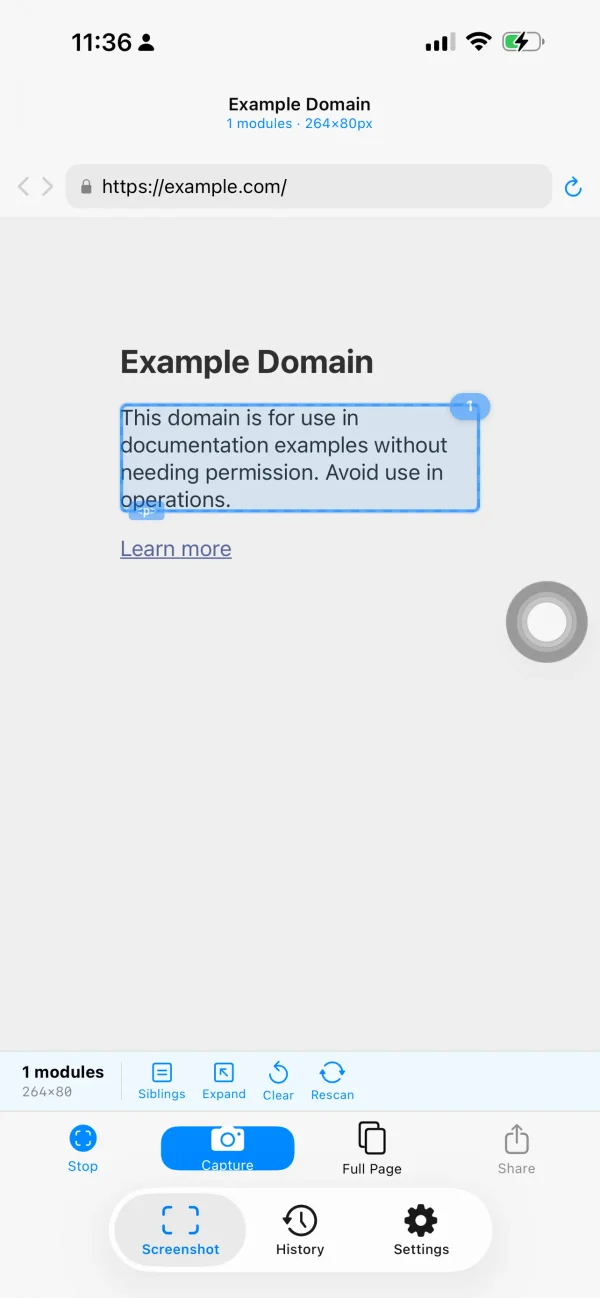
Unlike basic screenshot tools, SmartShot understands the structure of web pages. It detects HTML blocks automatically, so you can tap to select exactly the content you want - no more cropping and trimming.
SMART BLOCK CAPTURE
- Tap any element on a web page to select it instantly
- Automatically snaps to the nearest HTML block boundary
- Select multiple blocks and capture them all at once
- Use Expand to select parent containers, or Siblings to grab all items in a group
- Rescan after page changes to detect new content
FULL PAGE CAPTURE
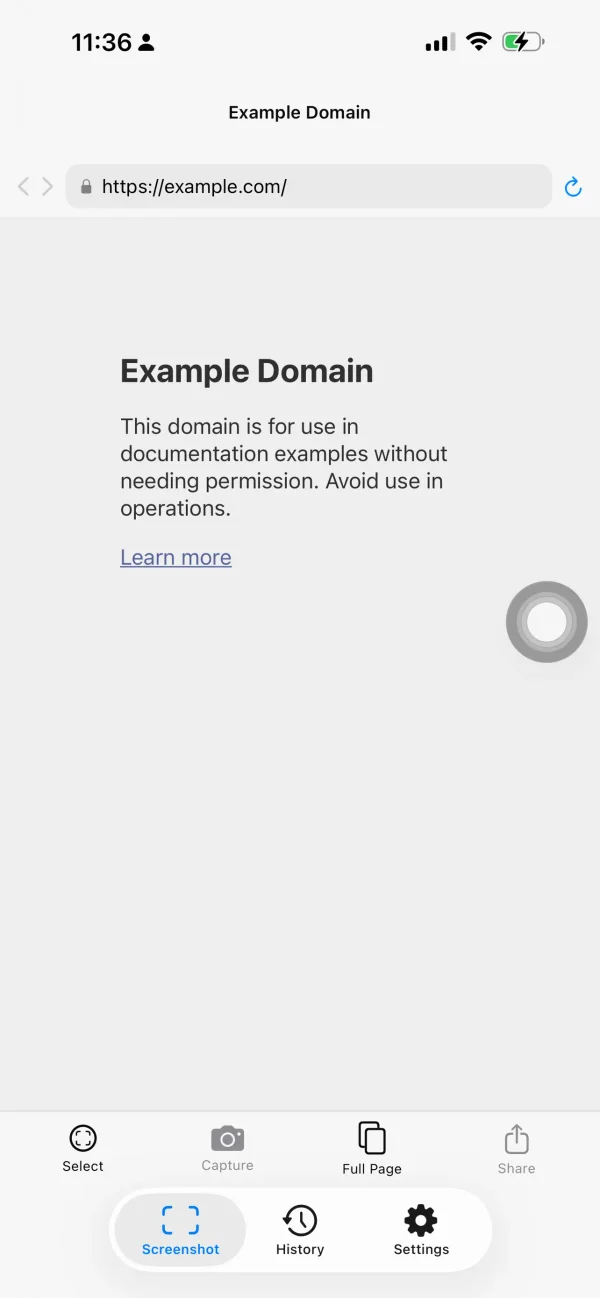
- Generate a complete long screenshot of any web page
- Multi-segment stitching with real-time progress display
- Export full pages as high-quality PDF with automatic pagination
- Works with dynamic content and lazy-loaded images
IMAGE SPLITTING
- 9-Grid mode: Split into 2x2, 3x3, 4x4, and more layouts
- Crop to square option for social media posting
- Horizontal Slice mode: Cut long screenshots into equal segments
- Choose from 2 to 10 slices for easy sharing
- Automatically detects long images and suggests the best mode
- Save all pieces to Photos in order with one tap
TEXT EXTRACTION
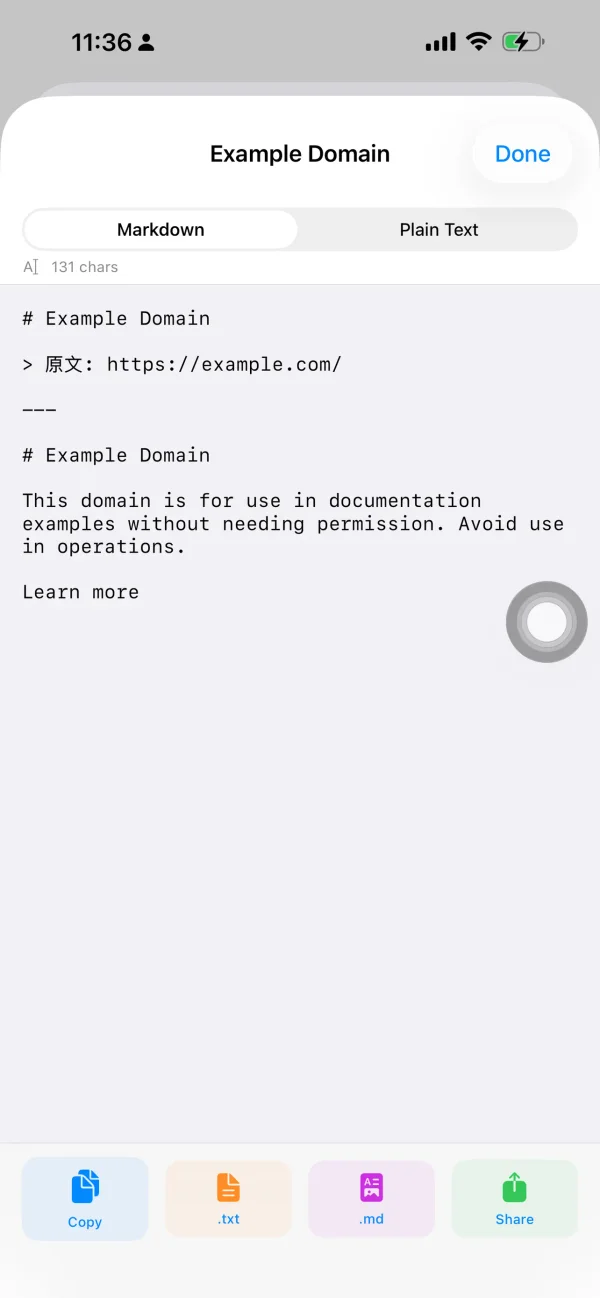
- Extract readable text directly from web pages
- Smart content detection finds the main article body
- Outputs clean Markdown with headings, lists, and quotes preserved
- Export as .txt or .md files
- Copy, share, or save extracted text instantly
MULTIPLE EXPORT OPTIONS
- Save screenshots to Photos
- Export as PNG, JPEG, or PDF
- PDF export with automatic A4 page splitting for long captures
- Share directly to any app via the share sheet
SHARE EXTENSION
- Send any URL from Safari or other apps directly to SmartShot
- One tap to open and capture - no need to copy and paste URLs
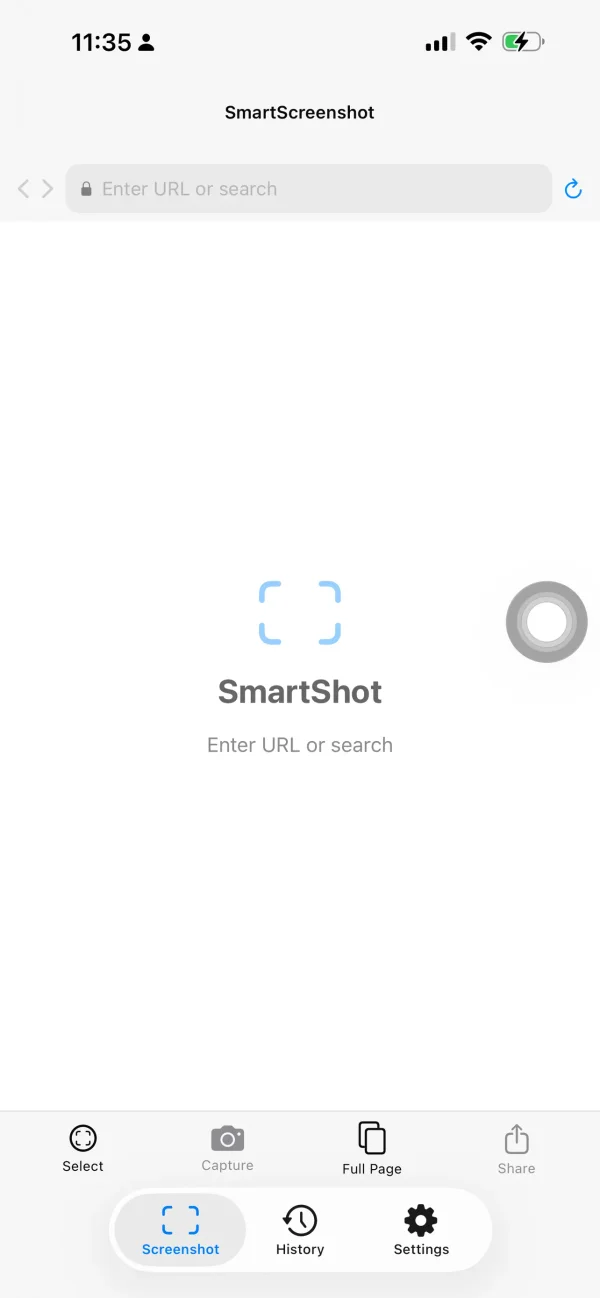
BUILT-IN BROWSER
- Full-featured web browser with navigation controls
- Smart URL bar with search support
- Loading progress indicator
- Back, forward, and reload controls
ADDITIONAL FEATURES
- Screenshot history with thumbnails and metadata
- Customizable settings for wait time and image quality
- Supports iPhone and iPad
- Clean, intuitive interface designed for efficiency
.
新機能
バージョン 3.0 · 2026/4/9
NEW in 3.0: Smart block snapping, full-page long screenshots, 9-grid split, horizontal slicing, text extraction, PDF export with pagination, and Share Extension support.
アプリのプライバシー
このアプリのデータの取り扱いについて、华 庄がApp Storeで申告している内容です。
-
データの収集なし
開発元はこのアプリからデータを収集しません。
プライバシーの取り扱いは、ご利用の機能やお客様の年齢などに応じて異なる場合があります。
情報
- 販売元
- 华 庄
- カテゴリ
- ユーティリティ
- バージョン
- 3.0
- 更新日
- 2026/4/9
- リリース
- 2011/12/21
- サイズ
- 2.8 MB
- 必要条件
- iOS 17.0以降
- 対象年齢
- 17+
- 価格
- 無料
- 言語
- 簡体字中国語
- 著作権
- © 1257
こちらもおすすめ
-
 Screenshot: Scapture美しいスクリーンショットを
-
 StitchShot – スクロールスクリーンショットスクリーンショットの自動結合
-
 ImageBiu: Stitch & Mosaicユーティリティ
-
 ScreenshotAI-AI assistantユーティリティ
-
 Long: Full Screenshot Captureユーティリティ
-
 Captr・Screenshot Organizerユーティリティ
-
 Screenshot PRO Screenshots Appユーティリティ
-
 Screenshot Ninjaユーティリティ
-
 ShotSort: Screenshot Actionsユーティリティ
-
 Quick Screenshot Editorユーティリティ