Quick Screenshot Editor
Screenshot Editor,Screen Cut
iPhone, iPod touch向けに設計
無料 · アプリ内課金
- 対象年齢4+
- カテゴリユーティリティ
- 開発元Cortal Globtech
- 言語英語ほか16言語
- サイズ132.6 MB
App Storeの公式ページにリンクしています
Download.orgはQuick Screenshot Editorのファイルを一切ホストしていません。ボタンを押すと、Cortal Globtechが公開しているApp Storeのアプリページが開きます。ページの最終確認:2026/11/14。
スクリーンショット
概要
開発元はこのテキストをお使いの言語で提供していません。
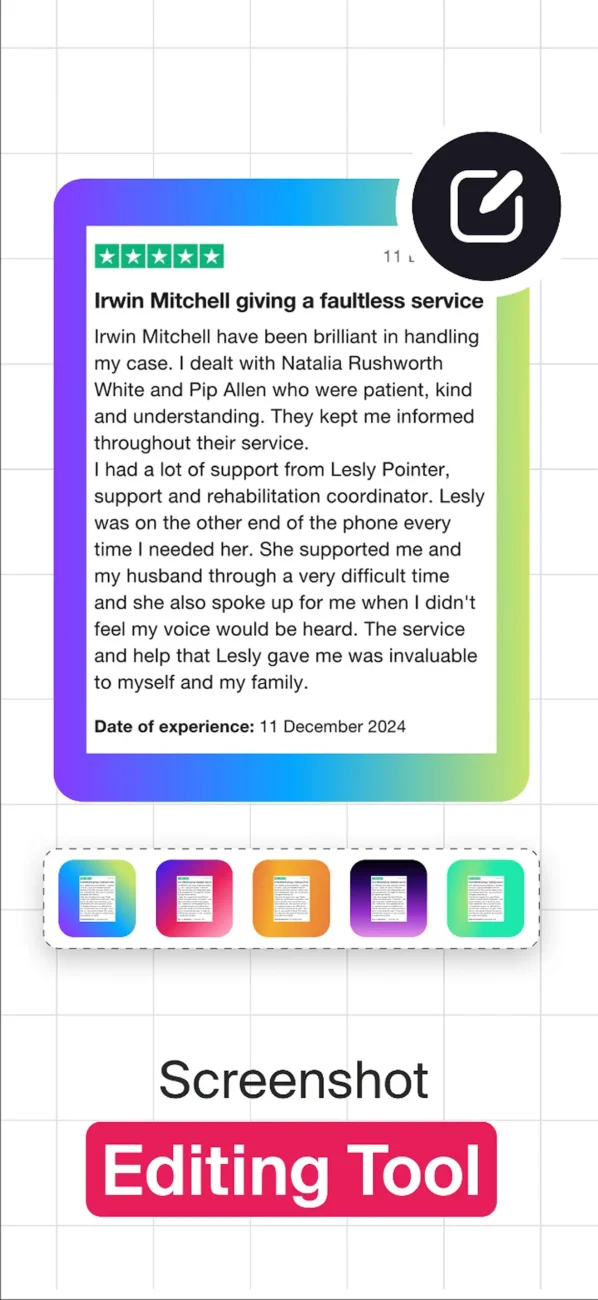
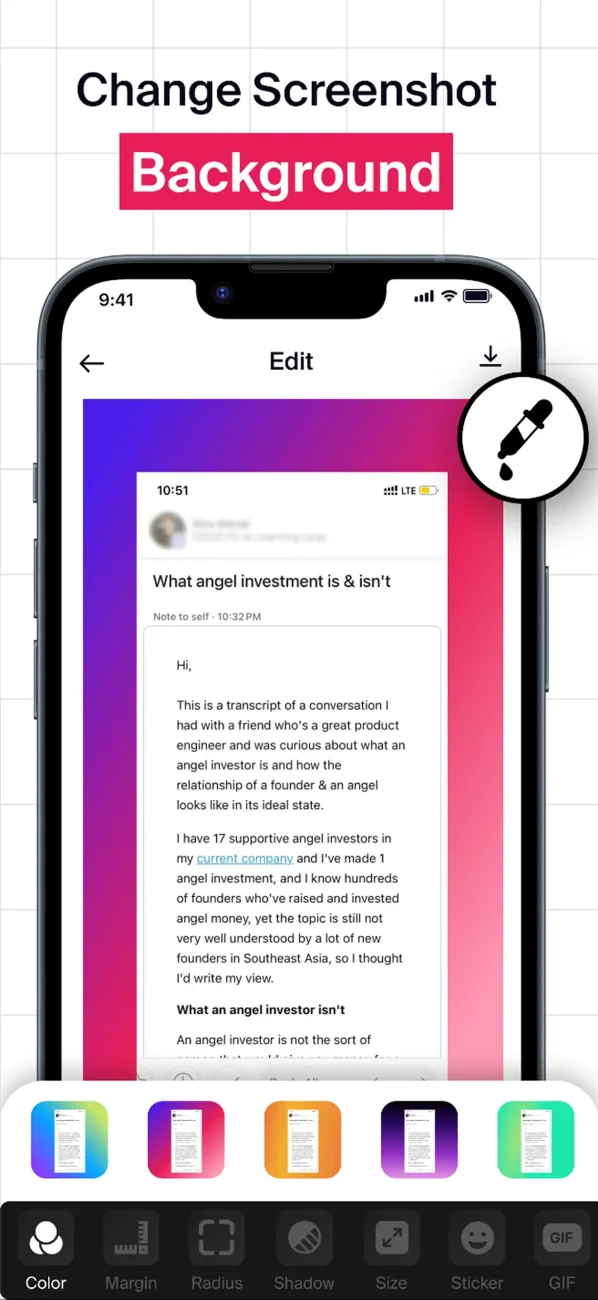
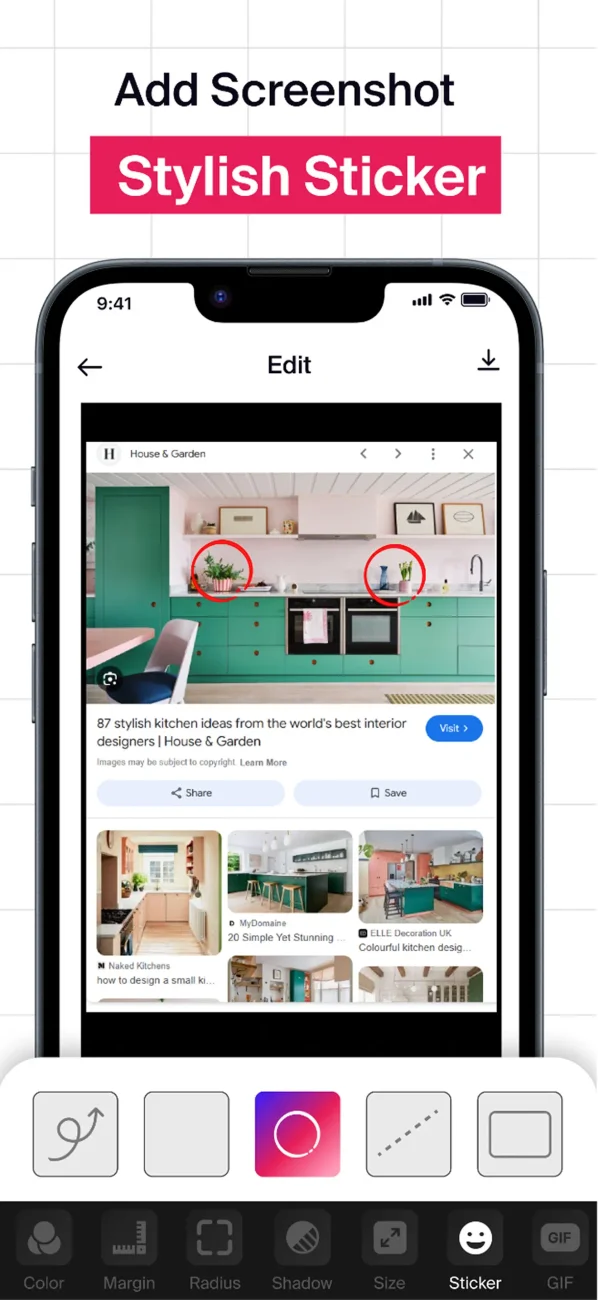
Quick Screenshot Editor is an app designed to make screenshot editing fast, simple, and highly effective. Whether you're working on a project, creating tutorials, or just organizing your saved images, this Screenshot Editor app gives you all the tools you need to transform your screenshots into clean, clear, and visually appealing content. One of the key features is the ability to easily change the background of your screenshots, allowing you to remove distractions or add a new style that fits your purpose. This Quick Screenshot editor is great for creating polished images for presentations, reports, or social media posts.
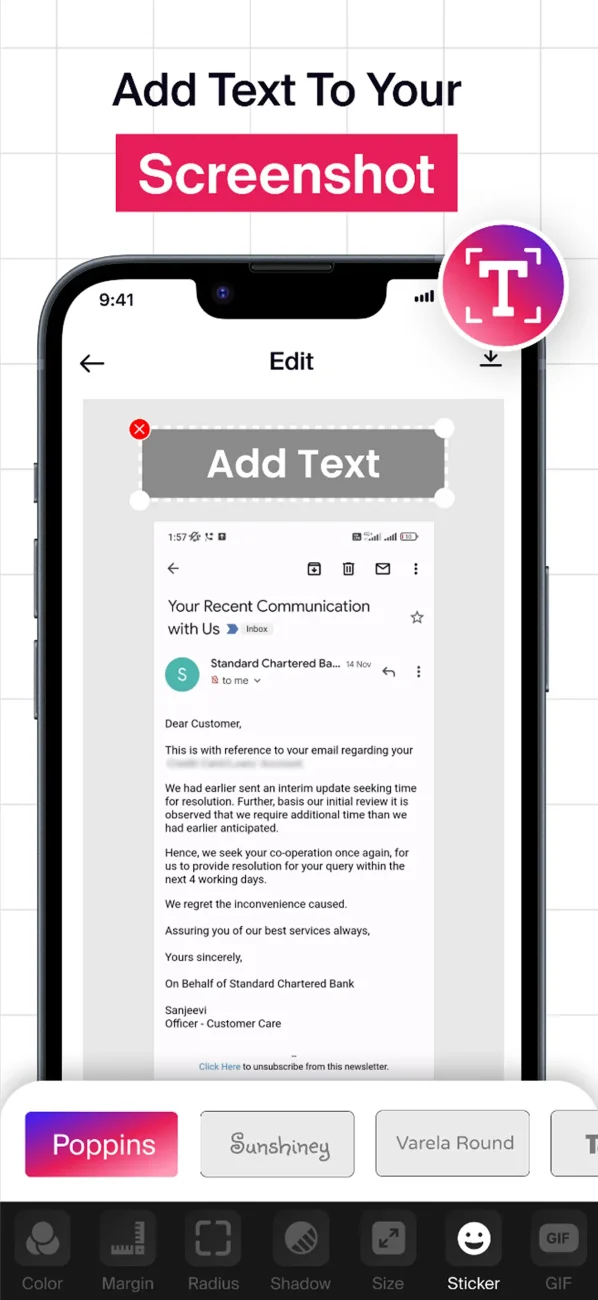
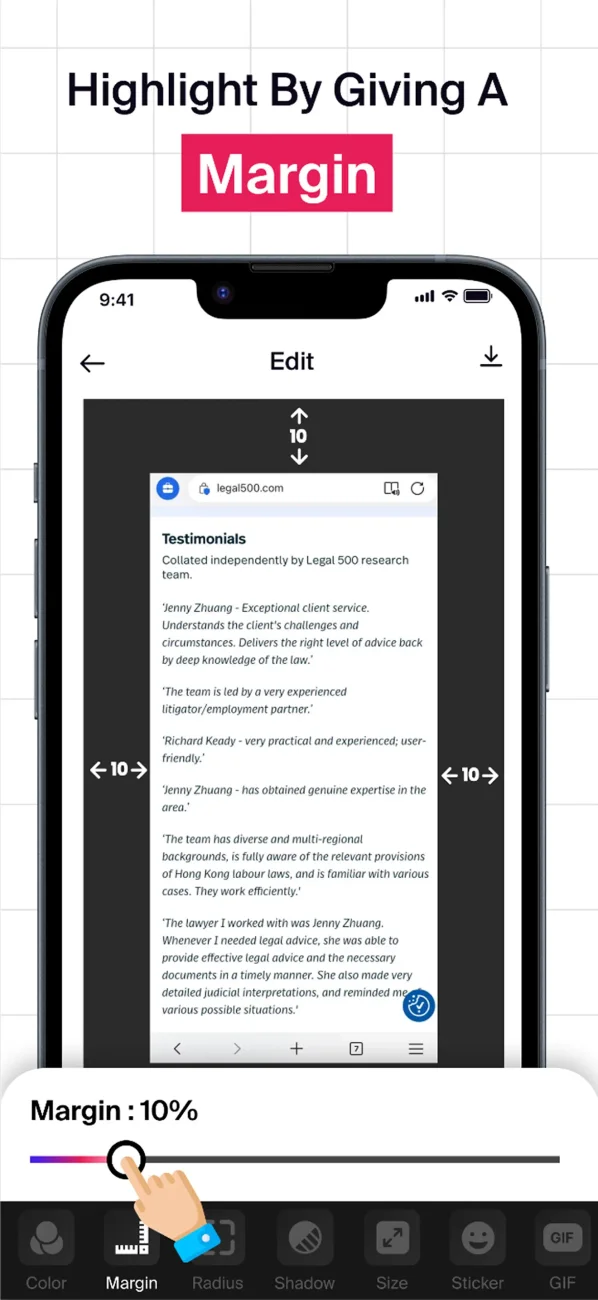
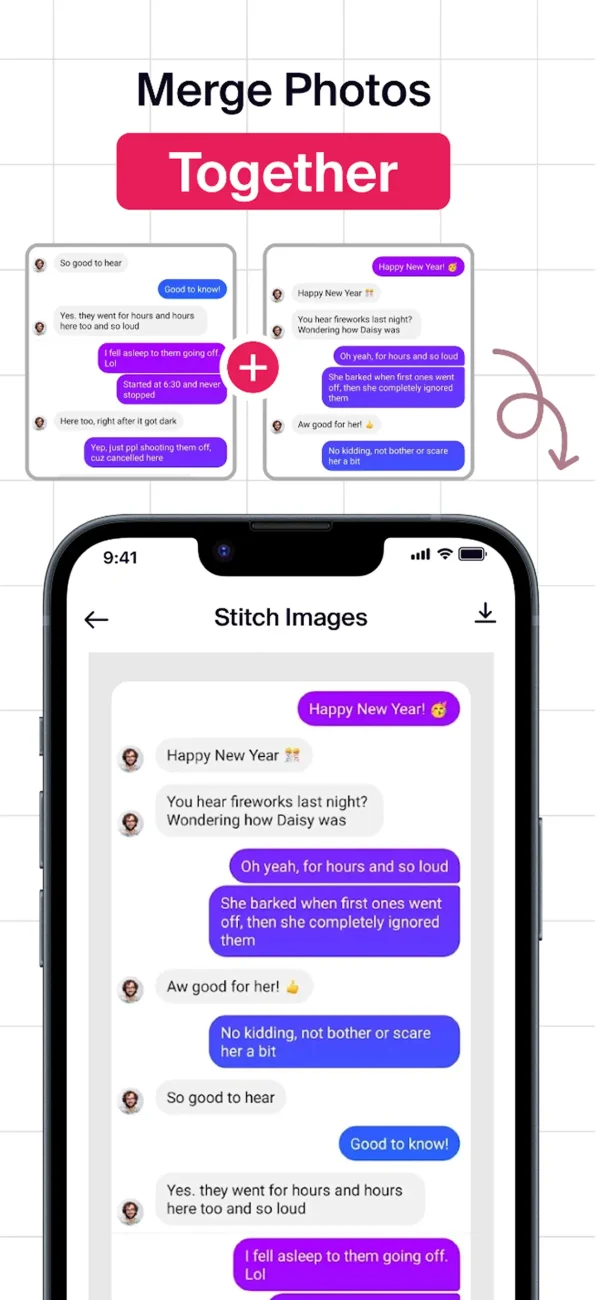
Quick Screenshot Editor app also includes options to highlight important areas of a screenshot by adding margins, which draws attention to key sections without needing complex editing. You can add text to any part of your screenshot or photo to explain, label, or provide context, which is especially useful for instructional content. With screenshot merging, you can combine multiple images into one cohesive layout, and with the image stitching tool, you can join images vertically or horizontally, making it perfect for showing step-by-step flows, long chats, or full-page captures. Quick Screenshot Editor is more than just a screenshot tool—it's a complete editing solution that lets you create, customize, and share your edited screenshots effortlessly.
Features:
Screenshot editor to easily edit the screenshot by your choice
Easily change or remove the background of your screenshots.
Add margins to highlight important areas.
Insert text to explain, label, or provide context on screenshots and photos.
Combine multiple screenshots into one clean layout.
Join images vertically or horizontally to show full conversations or step-by-step views.
Edit quickly without needing complex software.
Create polished images for projects, tutorials, or social media.
Intuitive design makes screenshot editing fast and hassle-free.
Ideal for tutorials, reports, presentations, and more.
Customize and share your edited screenshots with ease.
User need to buy Premium plans to use all features effortlessly.
Premium Plans:
- Screenshot Edit One Week - 3.99 $
- Screenshot Edit One Year - 44.99 $
This app offering is auto-renewable subscriptions
For More Information :
Privacy - http://www.cortalglobtech.com/pages/privacy_policy.html
Term Of Use - http://www.cortalglobtech.com/pages/terms_of_use.html
アプリのプライバシー
このアプリのデータの取り扱いについて、Cortal GlobtechがApp Storeで申告している内容です。
-
ユーザーのトラッキングに使用されるデータ
他社のアプリやウェブサイトを横断してユーザーをトラッキングする目的で使用される場合があります。
- ID
- 使用状況データ
-
ユーザーに関連付けられないデータ
収集される場合がありますが、ユーザーの識別情報には関連付けられません。
- ID
- 使用状況データ
- 診断
プライバシーの取り扱いは、ご利用の機能やお客様の年齢などに応じて異なる場合があります。
情報
- 販売元
- Cortal Globtech FZE
- カテゴリ
- ユーティリティ
- バージョン
- 1.0
- 更新日
- 2025/5/15
- リリース
- 2025/5/15
- サイズ
- 132.6 MB
- 必要条件
- iOS 14.0以降
- 対象年齢
- 4+
- 価格
- 無料
- アプリ内課金
- あり
- 言語
- 英語, アラビア語, フランス語, ドイツ語, ヒンディー語, インドネシア語, 日本語, 韓国語, マレー語, ポルトガル語, パンジャーブ語, ロシア語 ほか5言語
- 著作権
- © Cortal Globtech
こちらもおすすめ
-
 Screenshot Editor & Stitcherユーティリティ
-
 ScreenshotAI-AI assistantユーティリティ
-
 EditShot: 写真テキストエディター画像上で直接テキストを編集
-
 Screenshotユーティリティ
-
 Screenshot Manager - Organizerユーティリティ
-
 Screenshot PRO Screenshots Appユーティリティ
-
 Captr・Screenshot Organizerユーティリティ
-
 Stitch It: スクショ・画像結合写真結合・縦長や横並び・トリミング
-
 StitchShot – スクロールスクリーンショットスクリーンショットの自動結合
-
 StitchPics-Stitch Screenshotsシームレスステッチチャットムービーロングフィギュア