Scrib: Encrypted Offline Notes
AES-256 encryption. No account
iPhone, iPod touch向けに設計
無料
- 対象年齢4+
- カテゴリ仕事効率化
- 開発元Patrick Colton
- 言語英語
- サイズ22.9 MB
App Storeの公式ページにリンクしています
Download.orgはScrib: Encrypted Offline Notesのファイルを一切ホストしていません。ボタンを押すと、Patrick Coltonが公開しているApp Storeのアプリページが開きます。ページの最終確認:2026/11/12。
スクリーンショット

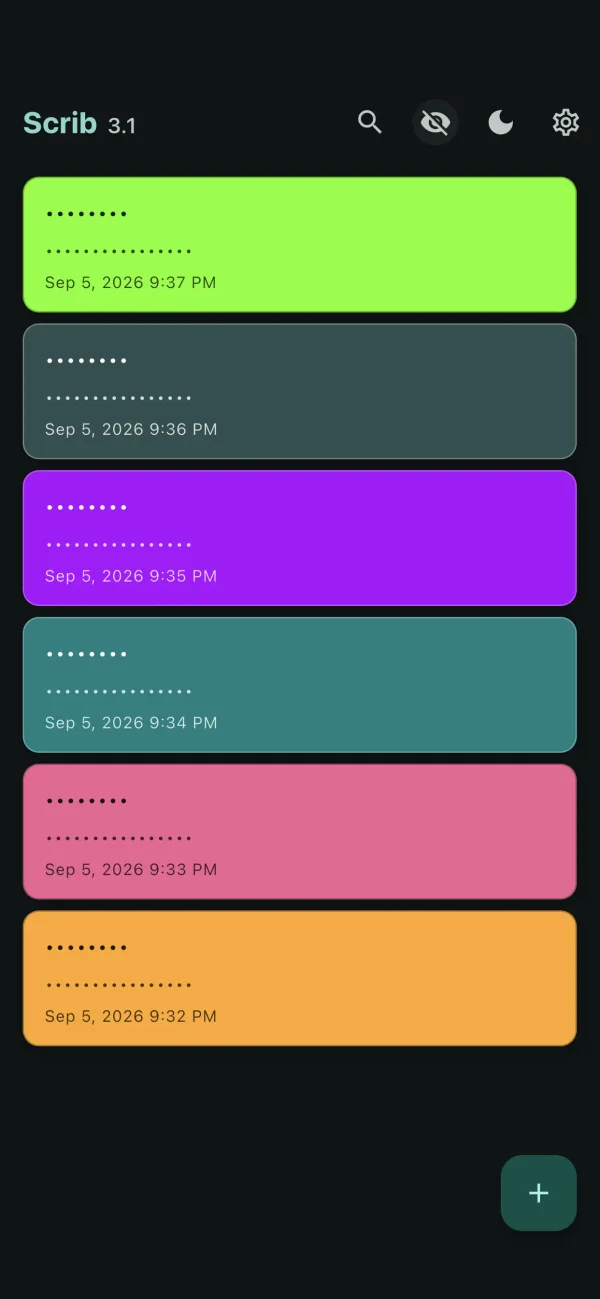

概要
開発元はこのテキストをお使いの言語で提供していません。
Scrib keeps your notes on your iPhone. There is no account to create, no server to sync with, and no analytics or advertising code in the app. Every note is stored in an encrypted database inside the app's private container, with the key held in the iOS Keychain.
WHAT SCRIB DOES
• Notes. Write in plain text. Markdown is fine if you use it, and ignored if you don't.
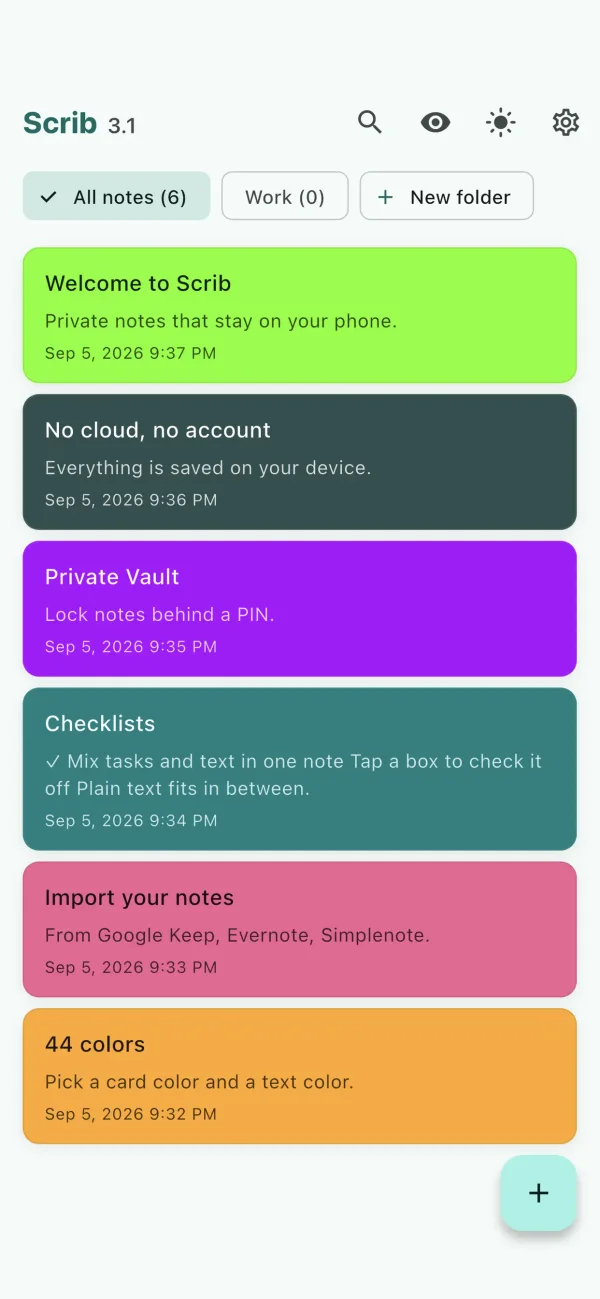
• Folders. Group notes into folders, filter the home screen by folder, and search folder names. Folders can be switched off in Settings without deleting anything.
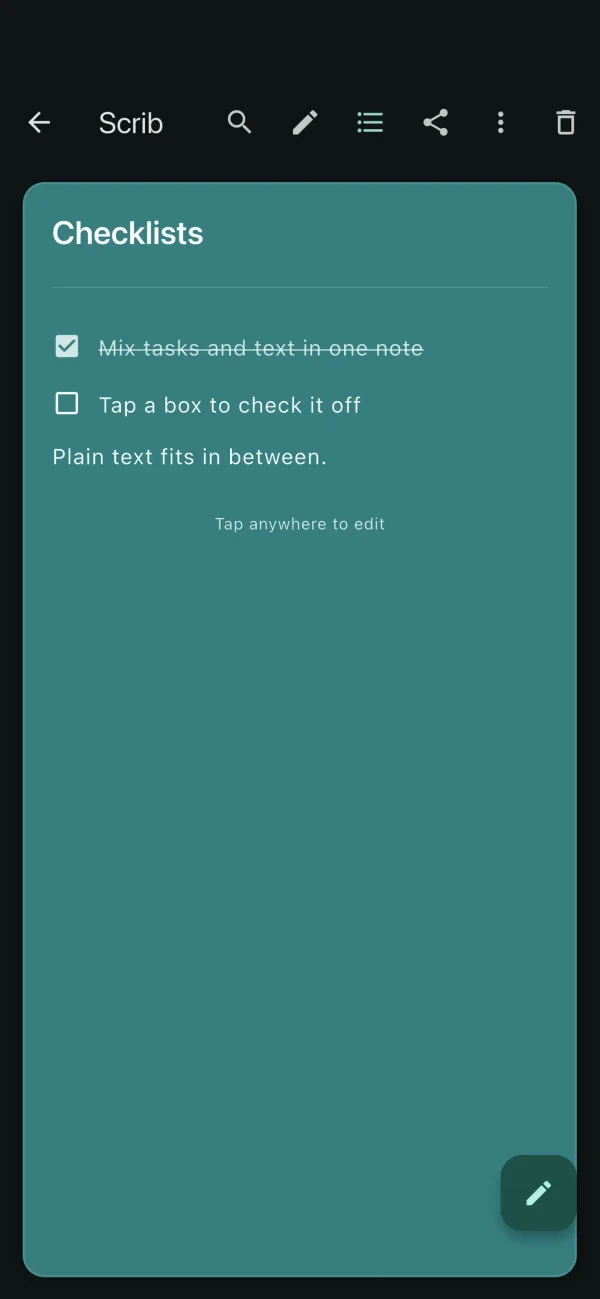
• Checklists. Turn any line into a checklist item. Items and plain text can sit in the same note. Tap an item to check it off.
• Tap to edit. Tap anywhere in a note and the cursor lands where you tapped.
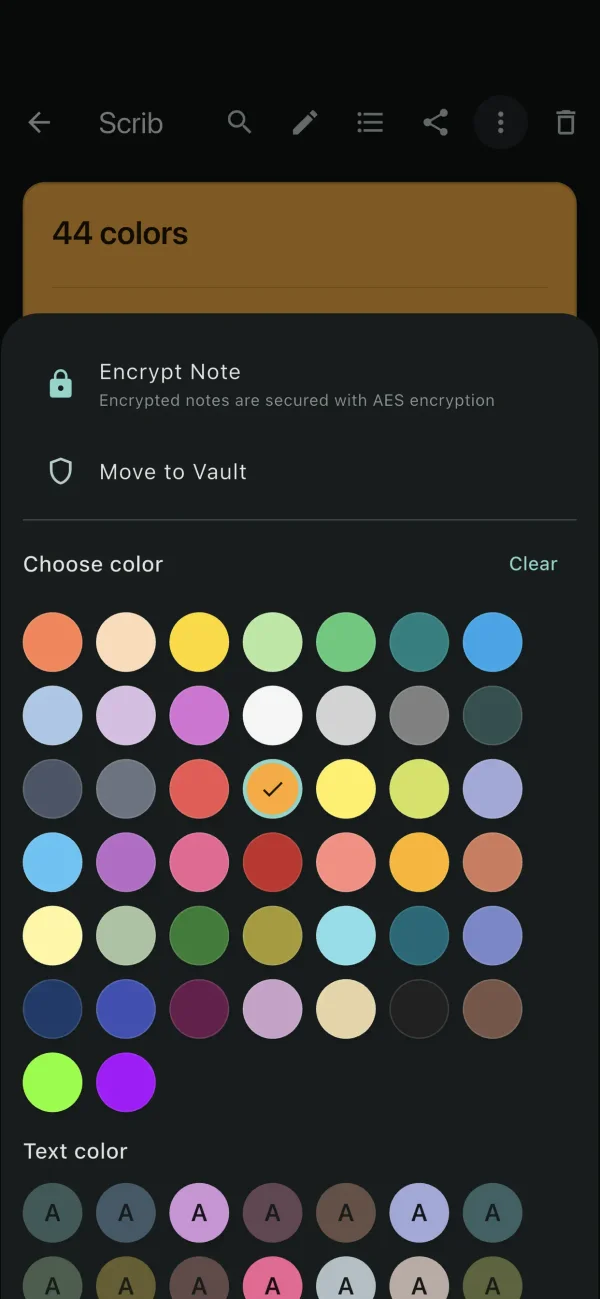
• Colors. 44 note colors, plus 14 text colors that can apply to the title and body or the body only.
• Find in note. Search inside a long note; matches are highlighted.
• Search. Plain-text search across all notes, on the device.
• Import. Bring in .txt and Markdown files, or exports from Google Keep, Simplenote and Evernote (.enex). Checklists in those exports arrive as live checklists. Files are read through the iOS file picker and parsed on the device.
• Trash. Deleted notes go to a trash bin and are removed for good after 30 days. Restore any of them before then.
• PIN lock. An optional 4 to 6 digit PIN protects the app. Attempts are rate limited.
• Vault. A separate, PIN-protected space for notes you want kept apart from the main list.
• Share Scrib. One tap in Settings hands a short line and the App Store link to the share sheet.
• Languages. English, Arabic, German, Spanish, French, Hindi, Japanese, Korean, Portuguese (Brazil) and Simplified Chinese.
HOW YOUR DATA IS PROTECTED
• Encryption at rest. Every note is written to an AES-256 encrypted database. The key is generated on the device and stored in the iOS Keychain.
• Safe upgrades. When the storage format changes, the migration completes fully or not at all, so an interrupted upgrade cannot leave notes half converted.
• Key loss detection. If encrypted notes are found without their key, Scrib shows a recovery screen instead of quietly creating a new key.
• Save on switch. Pending edits are written to disk the moment you switch apps.
WHAT SCRIB DOES NOT DO
• It does not make network requests.
• It does not ask you to create an account.
• It does not sync your notes anywhere.
• It does not collect analytics or crash reports.
• It does not show ads.
• It does not charge for the features listed above.
Scrib is built and maintained by one developer, Patrick Colton, also known as Beeswax Pat, a U.S. Army veteran. Questions and requests: beeswaxpat@gmail.com
Privacy policy: https://scrib.blog/privacy
アプリのプライバシー
このアプリのデータの取り扱いについて、Patrick ColtonがApp Storeで申告している内容です。
-
データの収集なし
開発元はこのアプリからデータを収集しません。
プライバシーの取り扱いは、ご利用の機能やお客様の年齢などに応じて異なる場合があります。
情報
- 販売元
- Patrick Colton
- カテゴリ
- 仕事効率化
- バージョン
- 3.1.2
- 更新日
- 2026/9/10
- リリース
- 2026/9/9
- サイズ
- 22.9 MB
- 必要条件
- iOS 15.0以降
- 対象年齢
- 4+
- 価格
- 無料
- 言語
- 英語
- 著作権
- © 2026 Beeswax Pat
こちらもおすすめ
-
 BeeSpoke Labs: AI Page Builder仕事効率化
-
 Bubble Note:消えるメモ仕事効率化
-
 Secret Notes – Private Notepad仕事効率化
-
 PinPoint: Notes & Reminders仕事効率化
-
 Skappr: AI App Builder仕事効率化
-
 My Local AI: Private Chat仕事効率化
-
 PlainNotes Offline仕事効率化
-
 Email Myself - Note to self仕事効率化
-
 Agenda ToDo: 時間管理・集中タイマー「いつか」を「今日」に変える時間管理アプリ
-
 Caffeinated Calendar仕事効率化