- 対象年齢4+
- カテゴリ写真/ビデオ
- 開発元Joseph Daryl Locsin
- 言語英語ほか9言語
- サイズ28.0 MB
App Storeの公式ページにリンクしています
Download.orgはSecureShot: Encrypted Filesのファイルを一切ホストしていません。ボタンを押すと、Joseph Daryl Locsinが公開しているApp Storeのアプリページが開きます。ページの最終確認:2026/11/18。
スクリーンショット
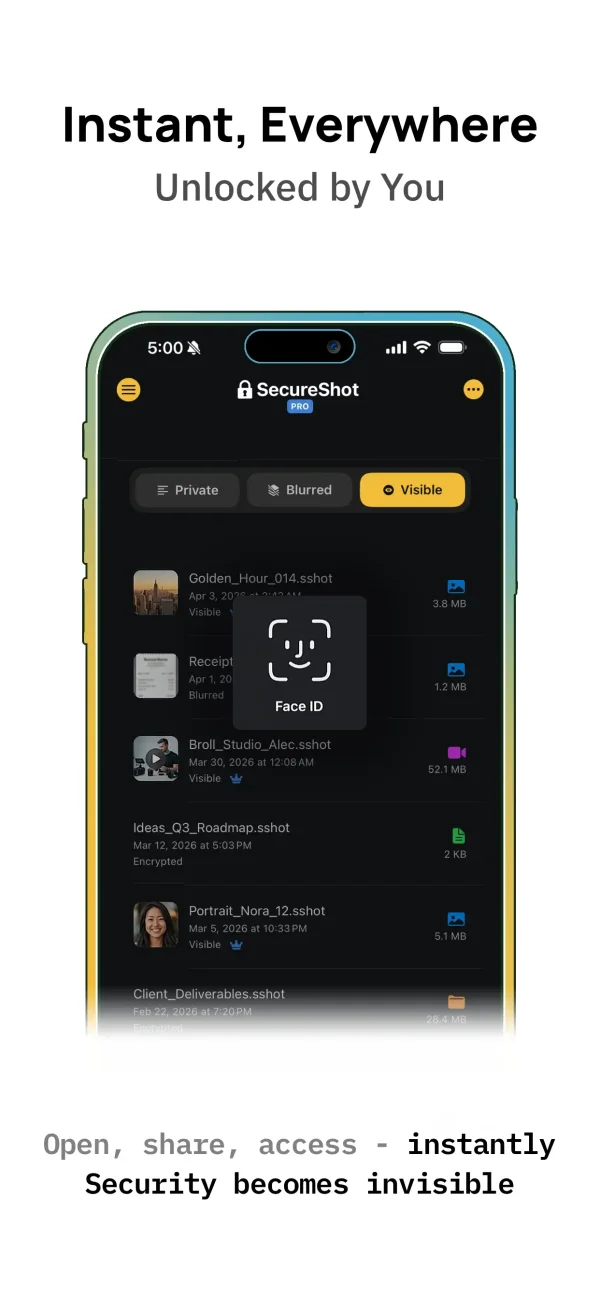
概要
開発元はこのテキストをお使いの言語で提供していません。
YOUR FILES. YOUR CONTROL.
SecureShot protects photos, videos, and notes as encrypted files — not as rows inside a locked gallery.
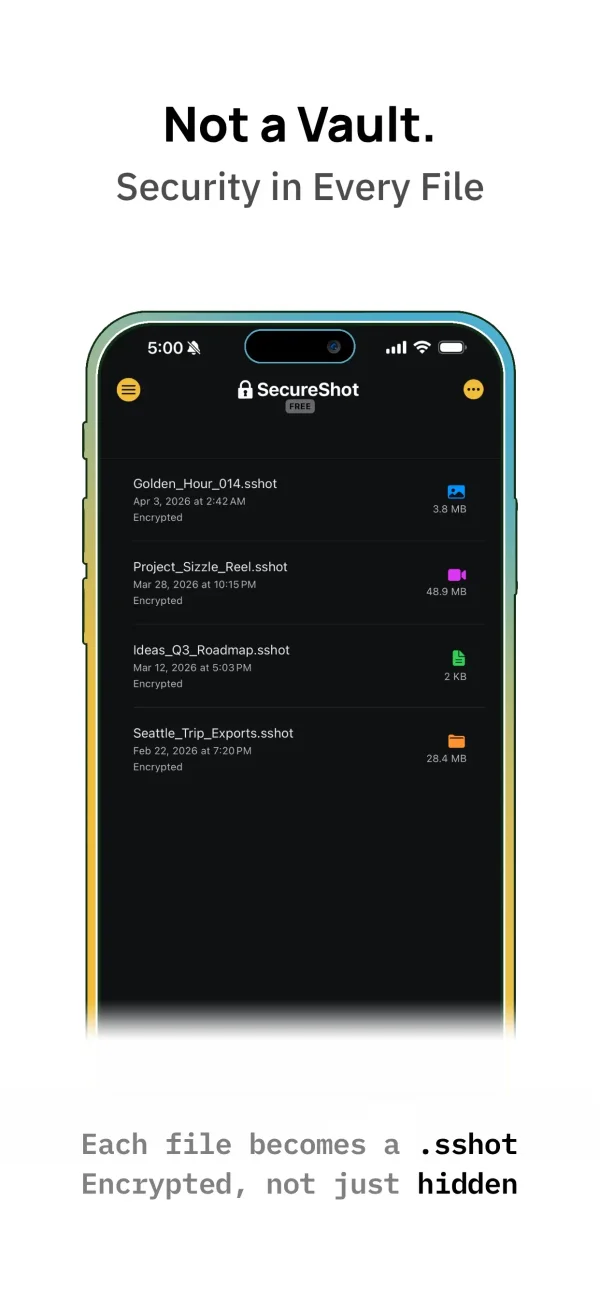
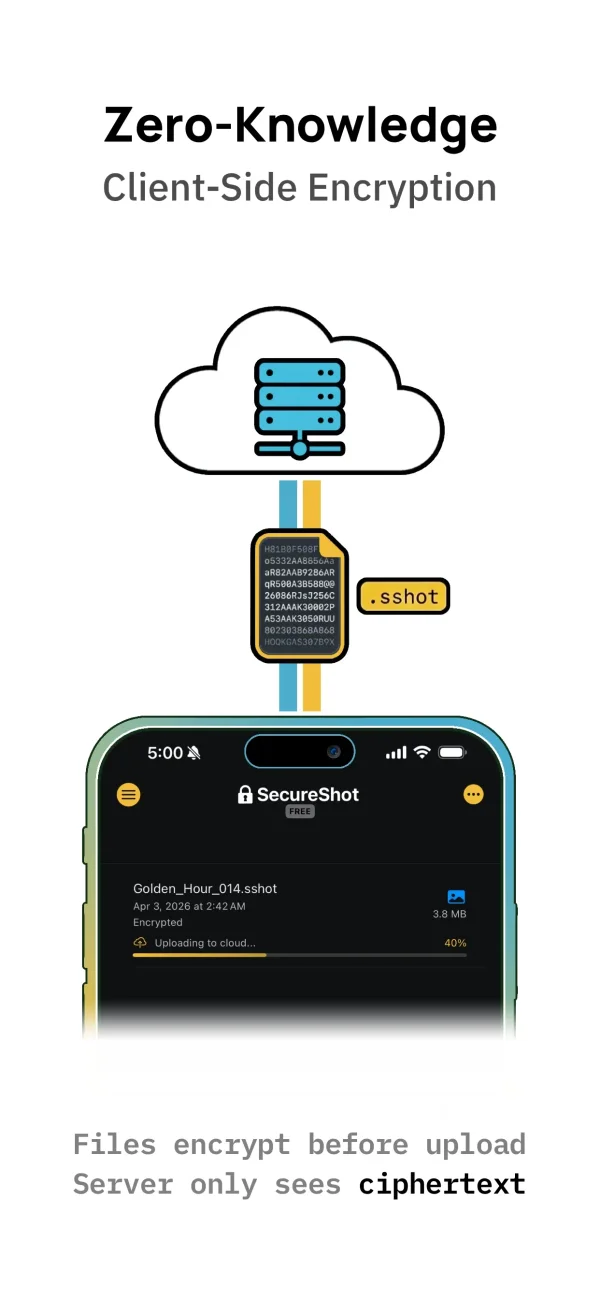
Each item becomes a portable .sshot file, encrypted on your device before upload. Security lives in the file itself, so protection stays with your data wherever it goes.
No exposure. No gimmicks. No fake vaults.
ZERO-KNOWLEDGE BY DESIGN
SecureShot is designed so the service does not need plaintext access to your protected files.
• Encryption happens on your device
• Files encrypt before upload
• The service stores ciphertext, not readable media
• Decryption secrets are not available to the service
• Lost passwords mean even we cannot recover protected content
This is not just policy — it is part of the architecture.
SECURITY IN EVERY FILE
SecureShot does not secure one big container.
Each file protects itself.
• Every item becomes an encrypted .sshot
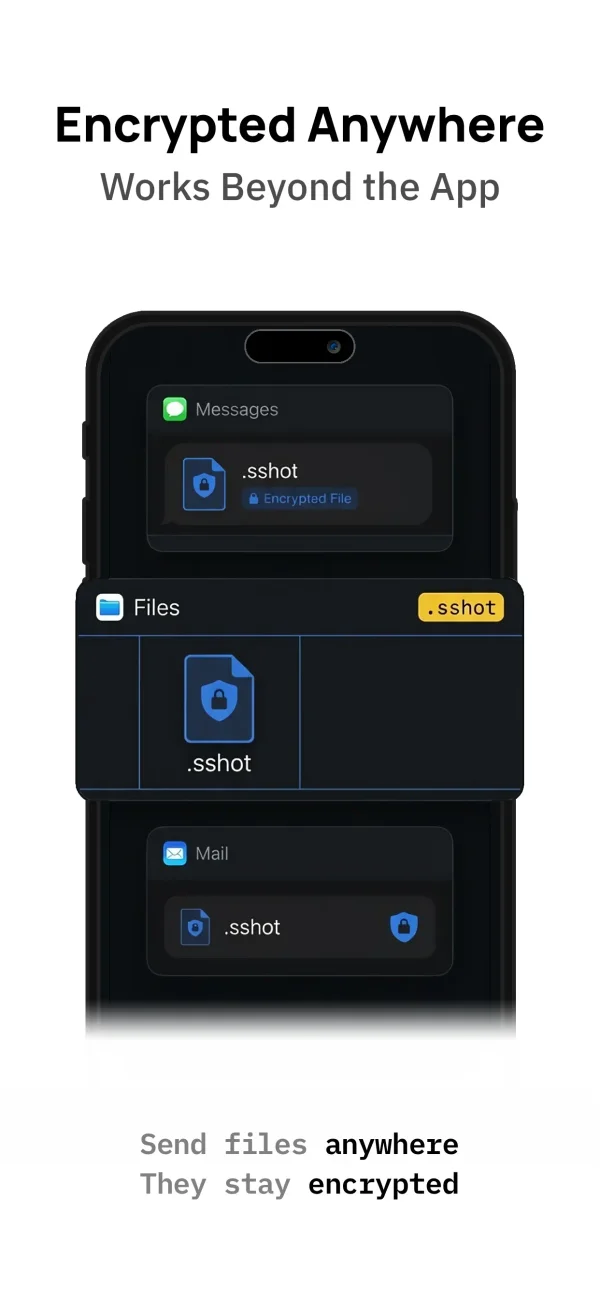
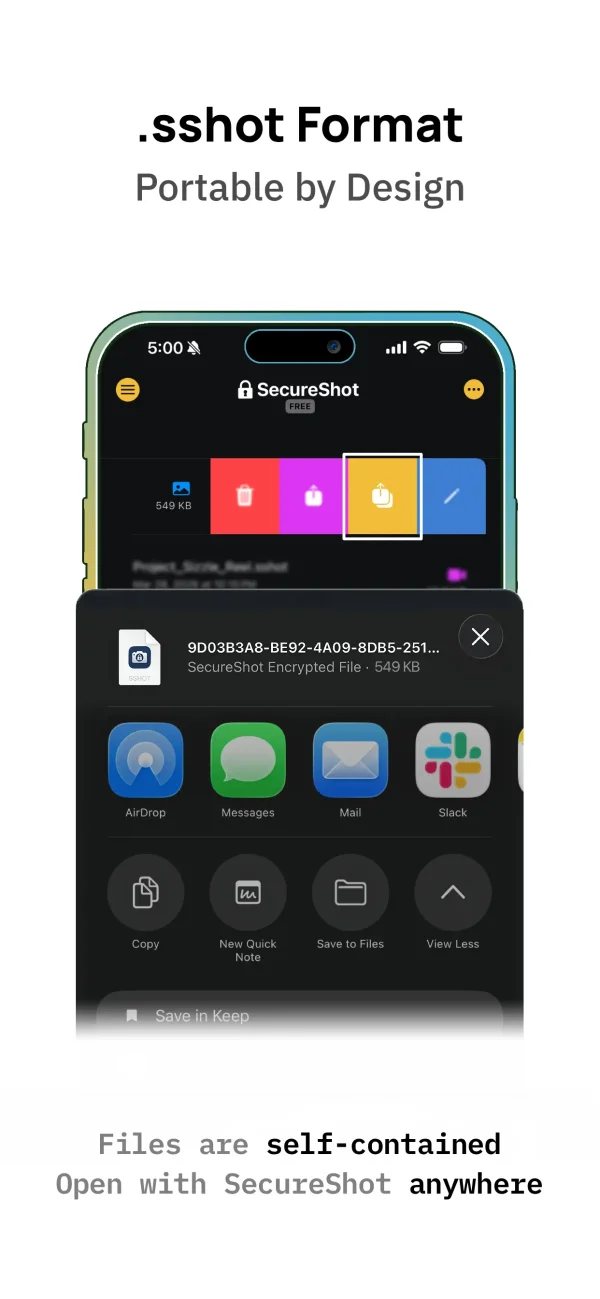
• Files are self-contained and portable
• Export them anywhere and reopen them with SecureShot
• Opening one file does not expose the rest of your library
Your data stays protected outside the app, not just inside it.
SECURE SHARING — NO PASSWORD PASSING
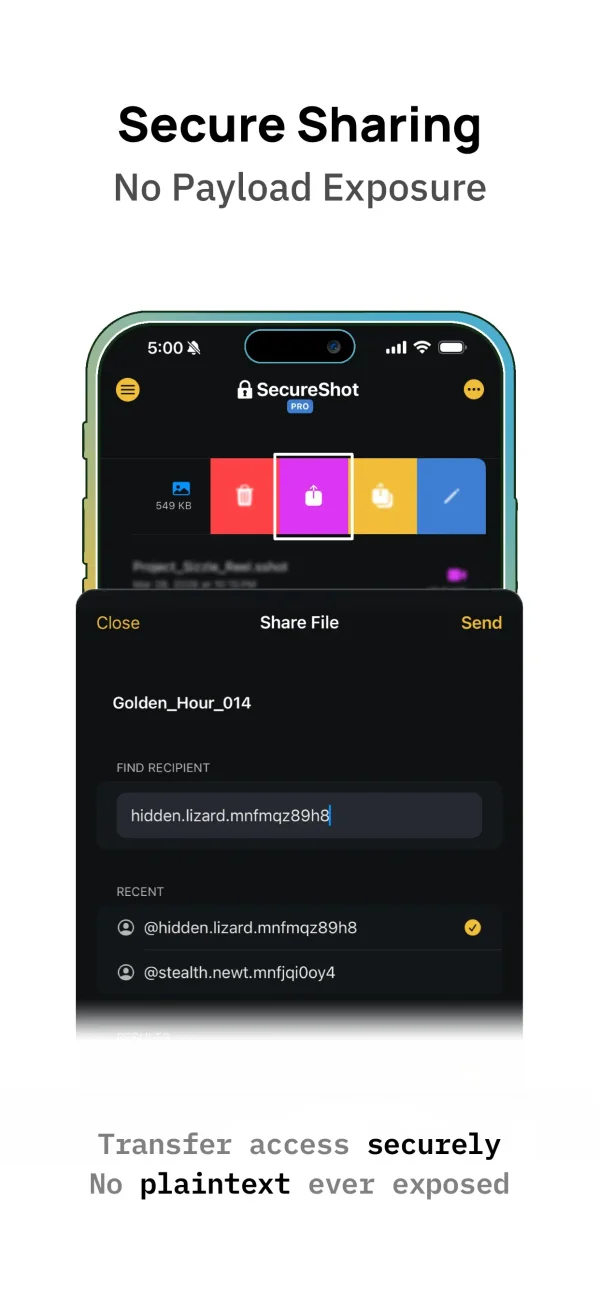
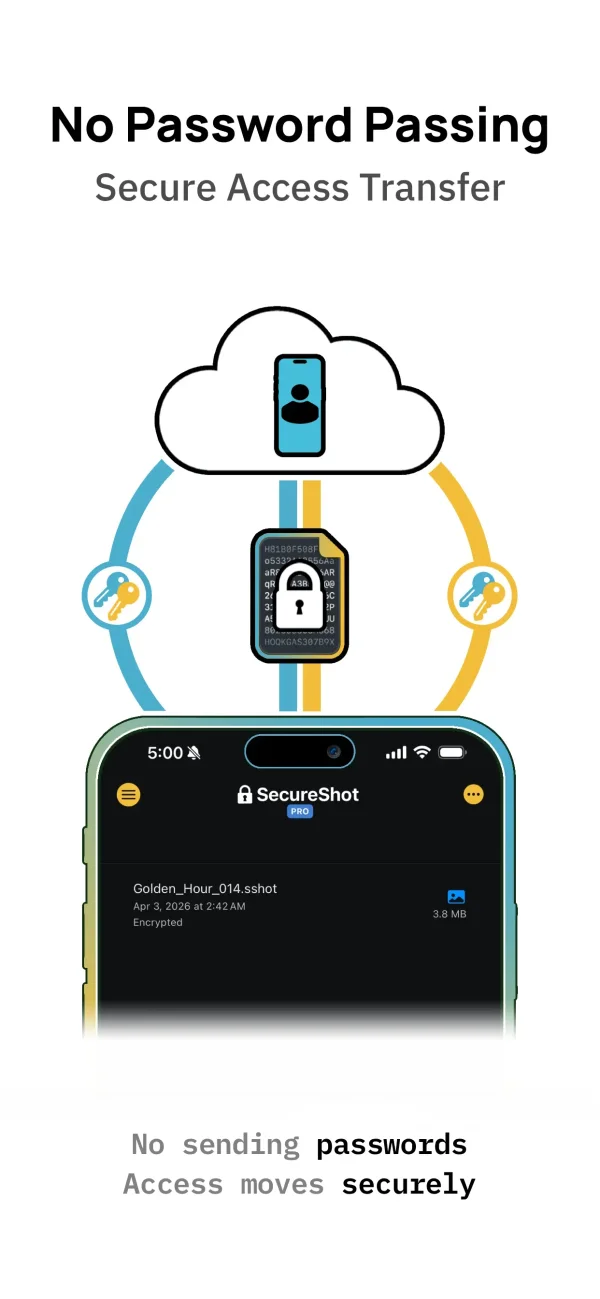
SecureShot Pro adds secure sharing designed to move access without sending passwords through chat or email.
• No sending passwords
• No plaintext exposure in transit
• Access moves securely between users
• Built for protected file handoff without the usual friction
PER-FILE ACCESS CONTROL
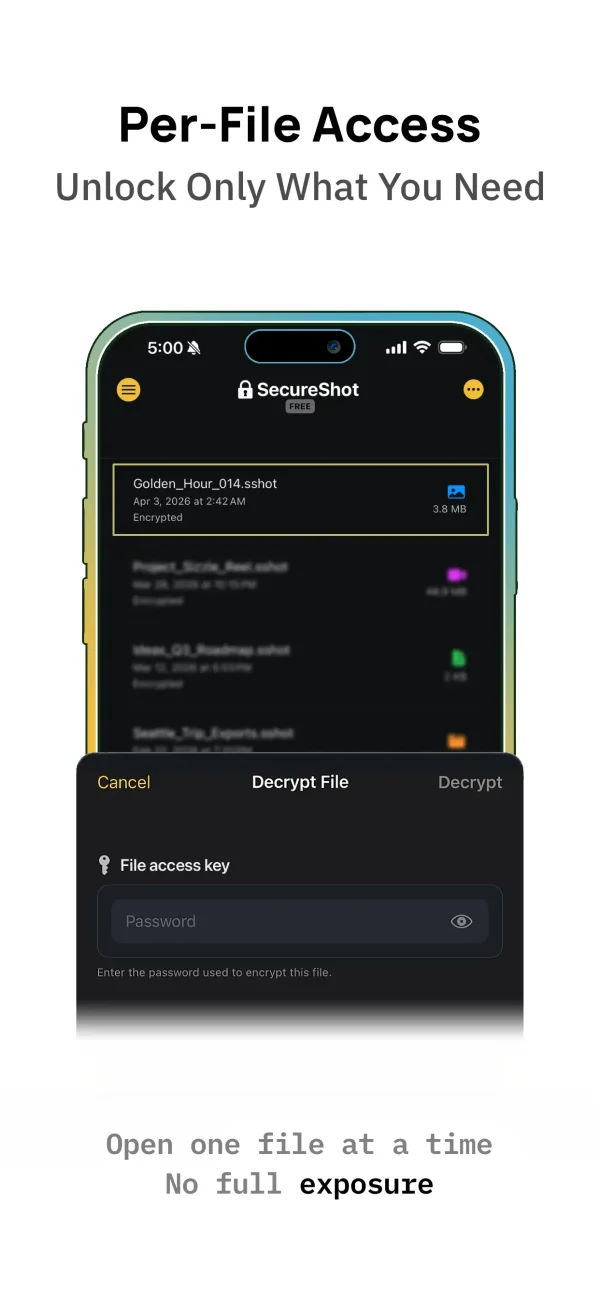
Unlock only what you need.
• Open files individually
• No full-library exposure
• Keep the rest of your files protected
• Fine-grained access instead of one vault unlock
Security stays precise and contained.
INSTANT WITH BIOMETRICS
SecureShot Pro removes repeated friction.
• Unlock with Face ID or biometrics
• Open, share, and access faster
• Master Key workflows reduce repeated password entry
• Only you can unlock protected files on your device
Fast, seamless, and still intentional.
WHAT YOU CAN SECURE
• Photos & Screenshots
• Videos
• Notes
• Multiple items at once from your library
If it matters to you, it belongs in SecureShot.
BUILT WITH MODERN CRYPTOGRAPHY
SecureShot uses modern, industry-standard cryptography to protect content on device and transfer access safely.
• XChaCha20-Poly1305 for core payload protection
• AES-GCM for fast structured container sections
• Argon2id for passphrase-based key derivation
• Curve25519-based secure sharing
• Authenticated container components to help detect tampering
Designed for real-world security, not buzzwords.
PRIVATE BY DESIGN
• We never see your files
• We do not track your content
• We do not collect decryption secrets
• No hidden data harvesting of private media
Your protected content stays yours.
BUILT FOR EVERYWHERE
SecureShot is designed for global use.
• Fully localized interface
• Consistent privacy model across languages
• The same file-native security, wherever you are
IMPORTANT: YOU CONTROL ACCESS
SecureShot cannot recover lost passwords or keys.
That is intentional.
True privacy means only you can unlock protected files.
A DIFFERENT APPROACH TO PRIVACY
Most apps protect access to a vault.
SecureShot protects the file itself.
Your data stays encrypted on your device, in the cloud, and in transit.
YOUR DATA, YOUR RULES
SecureShot is built on a simple idea:
Privacy should not depend on trust.
It should be guaranteed by design.
Download SecureShot and use privacy that travels with your files.
Privacy Policy: https://secureshotapp.com/privacy
Terms of Service: https://secureshotapp.com/terms
Support: support@secureshotapp.com
新機能
バージョン 1.1.0 · 2026/5/25
• Encrypted records — store Logins, Credit Cards, Identities, Crypto Wallets, Secure Notes, and Software Licenses, all protected by SecureShot's same zero-knowledge encryption.
• Custom fields on any record — choose from 12 input types (text, password, masked secret, date, card number, TOTP, email, URL, phone, and more).
• Copy All — grab every field on a record in one tap, neatly formatted as Label: value.
• Folders — organize your library by creating folders and moving files into them.
• Search — find any file or record by name from the home list.
• Quick actions on record fields — tap to copy, call, email, or open URLs.
Same promise: everything is encrypted on your device before
anything leaves your phone.
アプリのプライバシー
このアプリのデータの取り扱いについて、Joseph Daryl LocsinがApp Storeで申告している内容です。
-
ユーザーに関連付けられないデータ
収集される場合がありますが、ユーザーの識別情報には関連付けられません。
- 診断
プライバシーの取り扱いは、ご利用の機能やお客様の年齢などに応じて異なる場合があります。
情報
- 販売元
- Joseph Daryl Locsin
- カテゴリ
- 写真/ビデオ
- バージョン
- 1.1.0
- 更新日
- 2026/5/25
- リリース
- 2026/5/21
- サイズ
- 28.0 MB
- 必要条件
- iOS 18.4以降
- 対象年齢
- 4+
- 価格
- 無料
- アプリ内課金
- あり
- 言語
- 英語, アラビア語, フィリピン語, フランス語, ドイツ語, ヒンディー語, 日本語, ポルトガル語, 簡体字中国語, スペイン語
- 著作権
- © 2026 Joseph Daryl Locsin. All rights reserved.
こちらもおすすめ
-
 Live GIF写真/ビデオ
-
 ScrubPony:メタデータ削除写真からGPS・EXIFを削除
-
 Obscura: 非表示アルバム隠しアルバム・鍵付きフォルダ
-
 Low Light Video Enhancer暗闇でも動画を明るくキレイに - 夜間撮影のAI画質補正
-
 Encamera Encrypted Photo VaultSecure & Hide Photos/Videos
-
 写真・動画を隠す 電卓アプリの秘密金庫シークレットアルバム&パスワードロック
-
 Car Rim Photo Editorカーリム写真エディタ
-
 ARおもしろ顔スタンプ FluoMask子供向けのかわいい自撮りフィルター
-
 Photo Vault: OrNET Lock it写真/ビデオ
-
 UpRes: AI機能で写真や動画を高画質化写真を復元します,ぼやけ, 取り除き, 高画質化、復元