- 対象年齢4+
- カテゴリユーティリティ
- 開発元Tien Hoang
- 言語英語
- サイズ10.4 MB
App Storeの公式ページにリンクしています
Download.orgはSerial Collectorのファイルを一切ホストしていません。ボタンを押すと、Tien Hoangが公開しているApp Storeのアプリページが開きます。ページの最終確認:2026/11/16。
スクリーンショット
概要
開発元はこのテキストをお使いの言語で提供していません。
Serial Collector – Smart Serial Number Management Made Easy
Collect equipment serial numbers fast. Export to Excel in one tap.
SerialCollector is the fastest way to capture, organize, and share equipment serial numbers on-site — whether you're doing an install, audit, or inventory check.
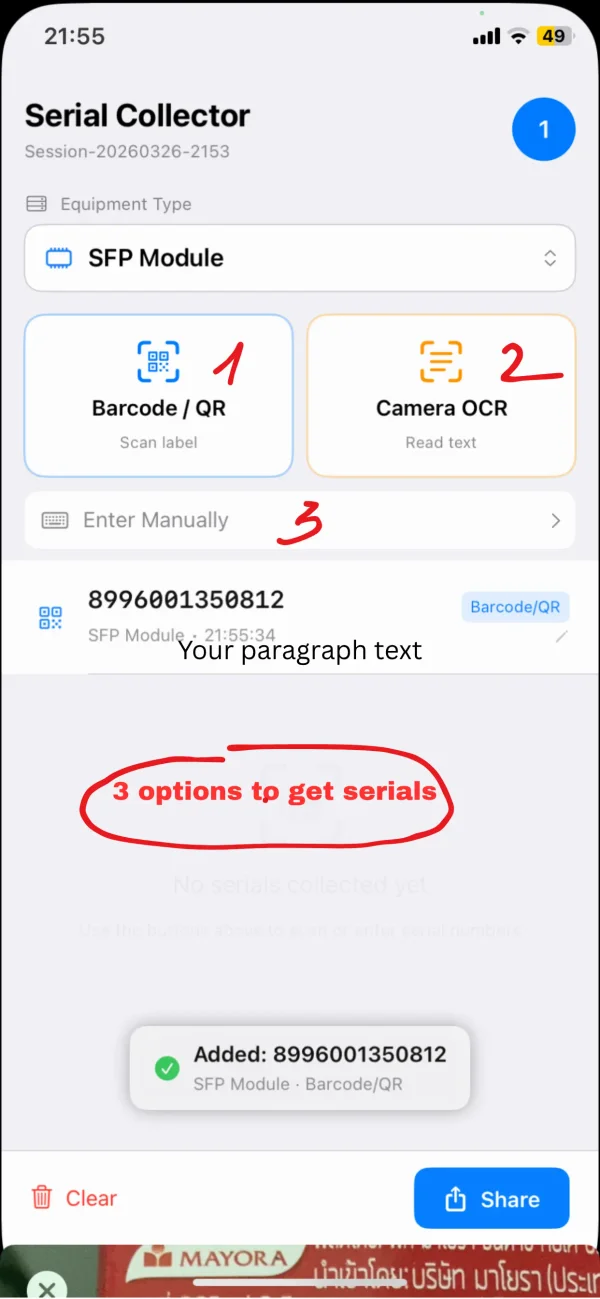
Three ways to capture serials:
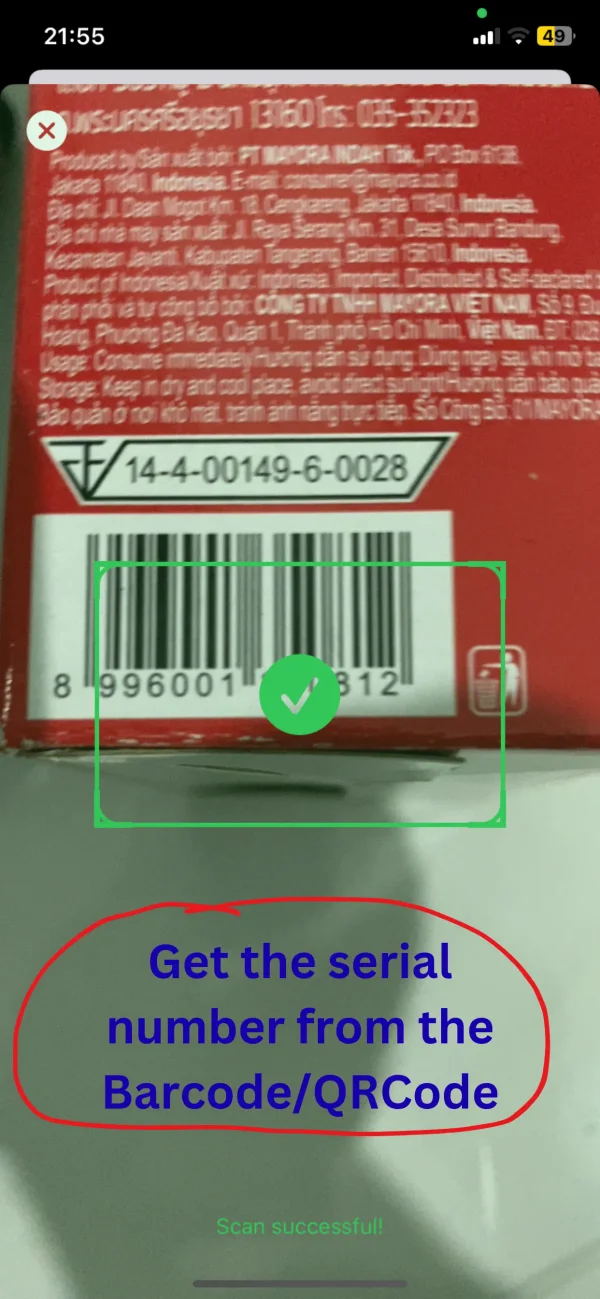
Barcode & QR scanner — point and scan any label instantly
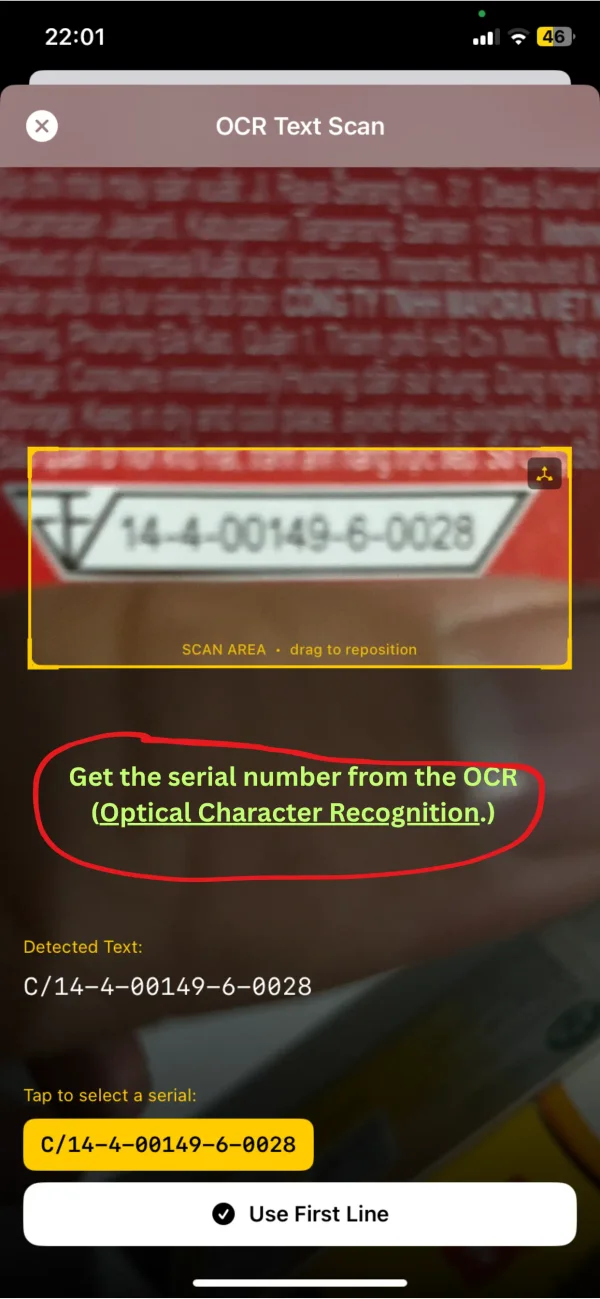
Live camera OCR — read printed text directly from the label with a draggable scan region
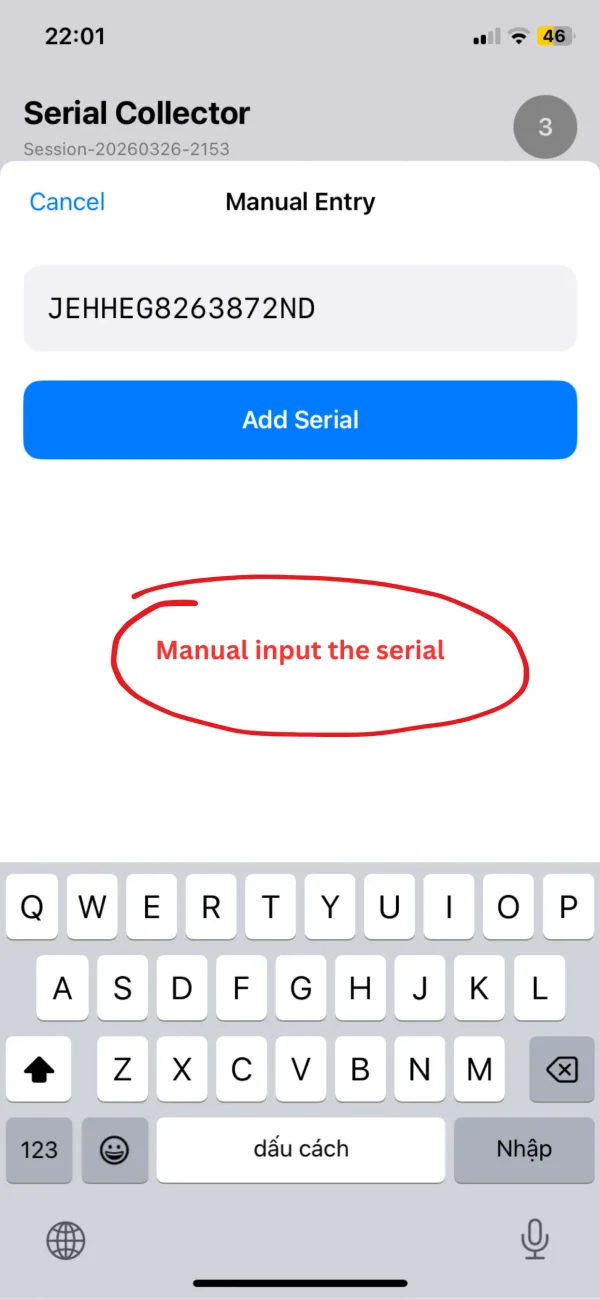
Manual entry — type it in when labels are worn or inaccessible
Stay organized on the job:
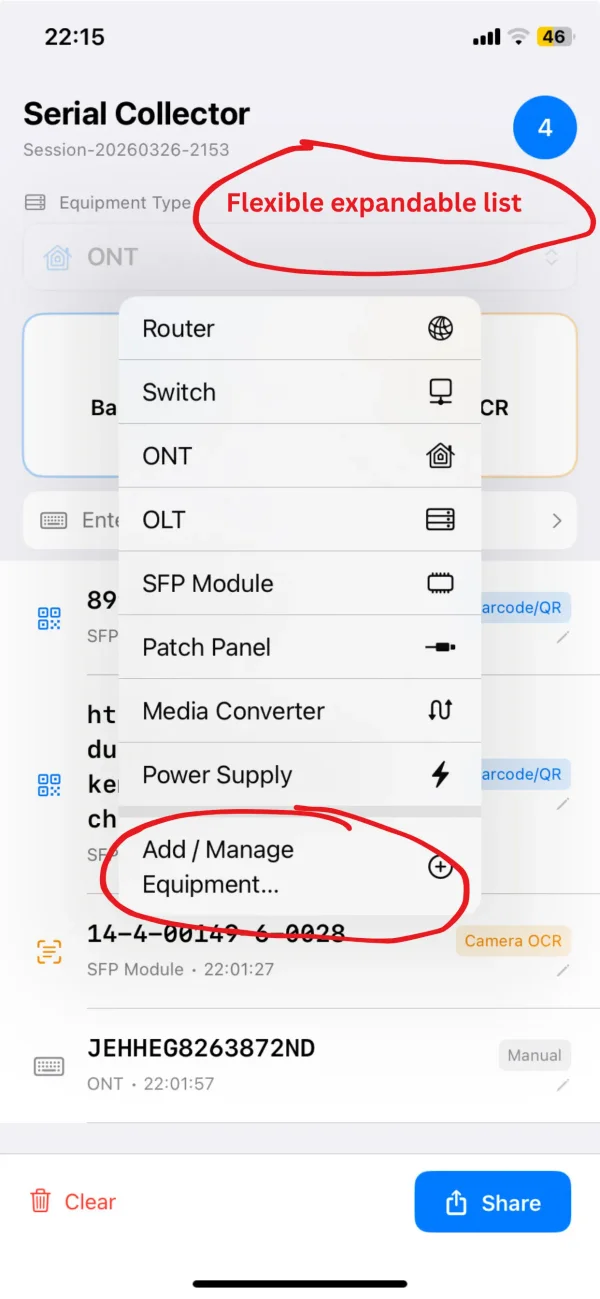
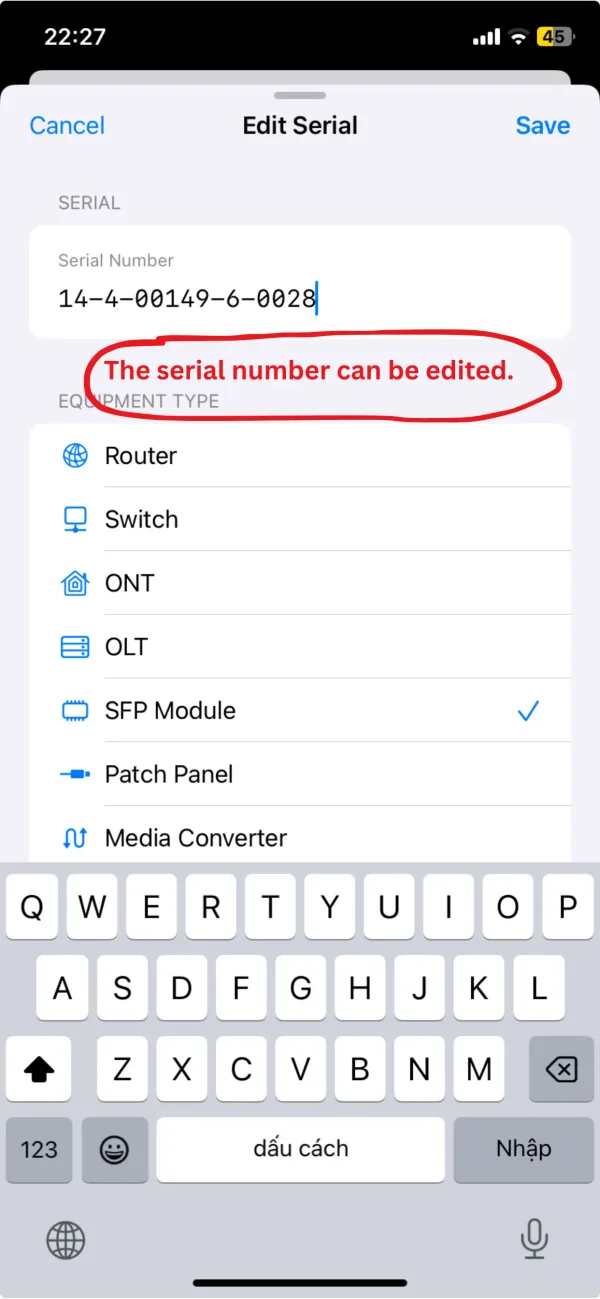
Select the equipment type from a customizable dropdown — add your own types anytime
Tag each serial with a status: Good, Faulty, Needs Check, Retired, or Unknown
Add a note to any entry for extra context
All data saves automatically and survives app restarts
Export and share your way:
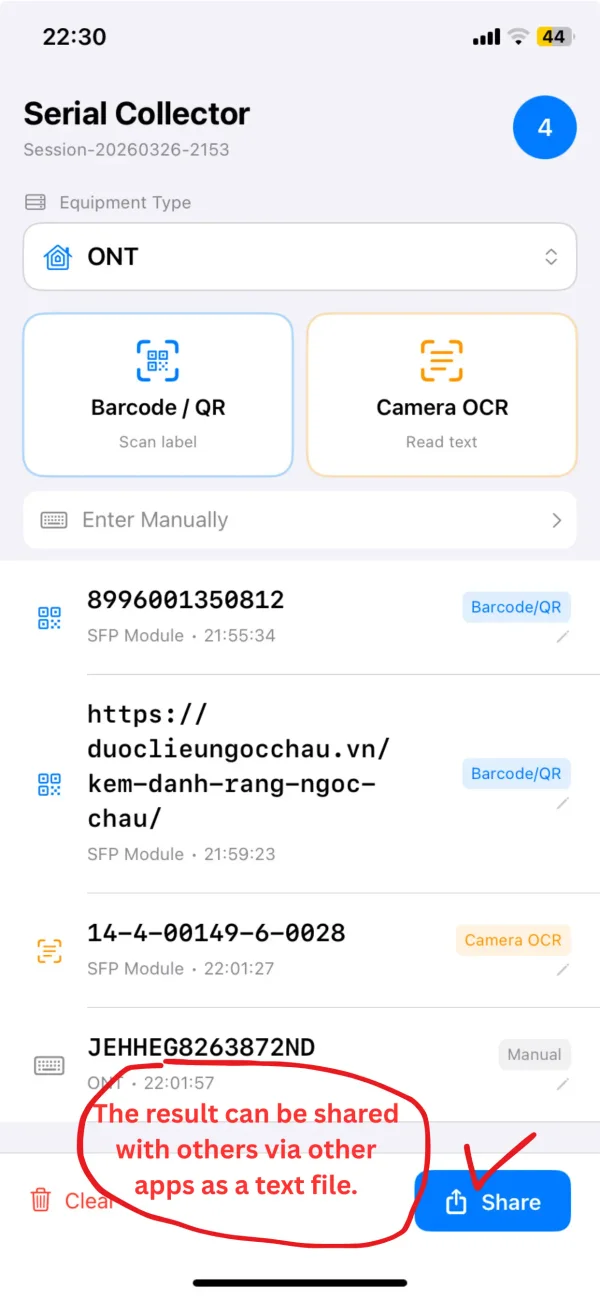
Excel (.xlsx) — export your full session as a real Excel file with columns for serial number, equipment type, status, capture method, notes, and timestamp. Open it in Excel, Numbers, or Google Sheets for easy filtering and reporting
Text file (.txt) — clean plain-text report you can paste anywhere
Share via Viber, Messenger, Email, AirDrop, or any app on your device
Built for field work:
No account, no cloud, no internet required — everything stays on your device
All data is stored locally and never shared with third parties
You focus on your work — Serial Collector handles the boring part.
Stop typing. Start scanning. Stay organized.
Your Privacy Matters:
• View our Privacy Policy: https://sites.google.com/view/serial-collector/home/policy
• And Terms of Use:https://www.apple.com/legal/internet-services/itunes/dev/stdeula/
新機能
バージョン 1.3 · 2026/10/13
Multiple sessions: one per site or job, with create, rename, search, delete and switch.
Your own equipment list: add, edit (rename or change icon, with old serials updated), delete, import from text, A–Z sorting, duplicate removal and search.
Smart duplicate check: an “Add Anyway / Dismiss” choice that works for barcode, OCR and manual entry.
Faster editing: the shorter Edit Serial screen.
アプリのプライバシー
このアプリのデータの取り扱いについて、Tien HoangがApp Storeで申告している内容です。
-
データの収集なし
開発元はこのアプリからデータを収集しません。
プライバシーの取り扱いは、ご利用の機能やお客様の年齢などに応じて異なる場合があります。
情報
- 販売元
- Tien Hoang
- カテゴリ
- ユーティリティ
- バージョン
- 1.3
- 更新日
- 2026/10/13
- リリース
- 2026/3/26
- サイズ
- 10.4 MB
- 必要条件
- iOS 16.6以降
- 対象年齢
- 4+
- 価格
- 無料
- アプリ内課金
- あり
- 言語
- 英語
- 著作権
- © Bom App @ 2026