- 対象年齢4+
- カテゴリ仕事効率化
- 開発元BILGESU KADAN
- 言語英語ほか4言語
- サイズ6.1 MB
App Storeの公式ページにリンクしています
Download.orgはSerious Notebookのファイルを一切ホストしていません。ボタンを押すと、BILGESU KADANが公開しているApp Storeのアプリページが開きます。ページの最終確認:2026/11/20。
スクリーンショット
概要
開発元はこのテキストをお使いの言語で提供していません。
Your handwriting, PDFs, and ideas. A quieter place to think.
Write naturally with Apple Pencil on iPad. Type notes and highlight pages on iPhone. Import a PDF planner, annotate a worksheet, or scan paper into a notebook you can keep working in. Serious Notebook keeps your work on your device, with no account, ads, tracking, or subscription.
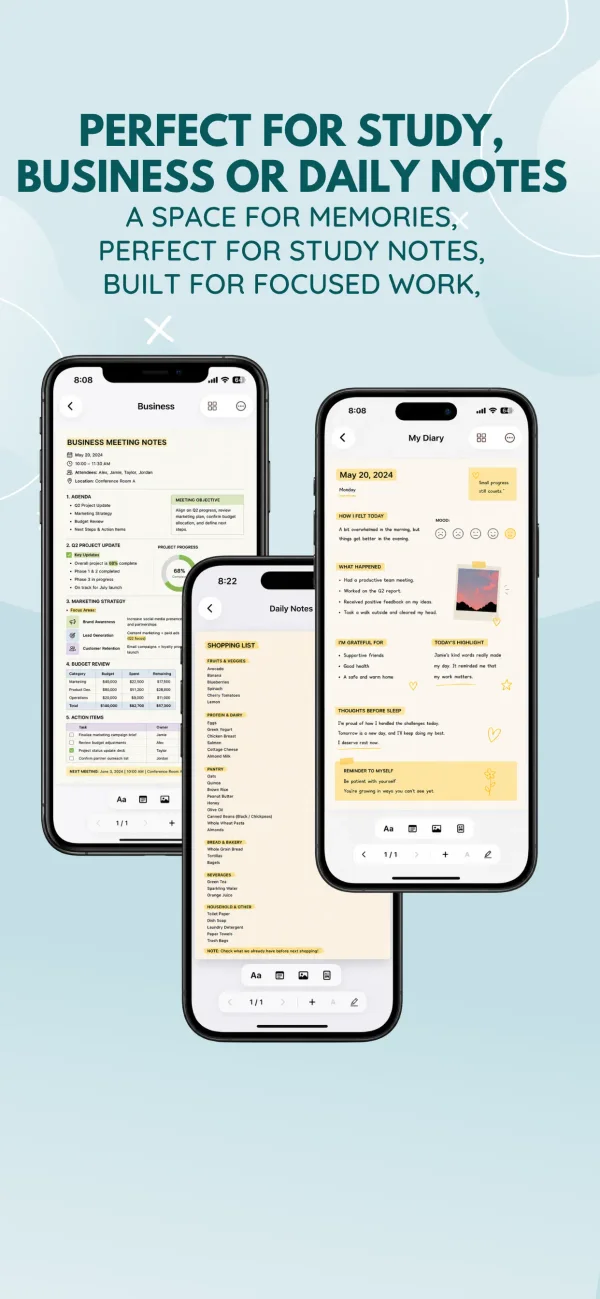
WRITE, STUDY, AND PLAN
• Handwrite and sketch on iPad with pen, pencil, highlighter, and eraser tools. Apple Pencil works on compatible iPads.
• Type notes and highlight with your finger on iPhone.
• Choose blank, ruled, grid, or dot-grid paper in soft white or cream.
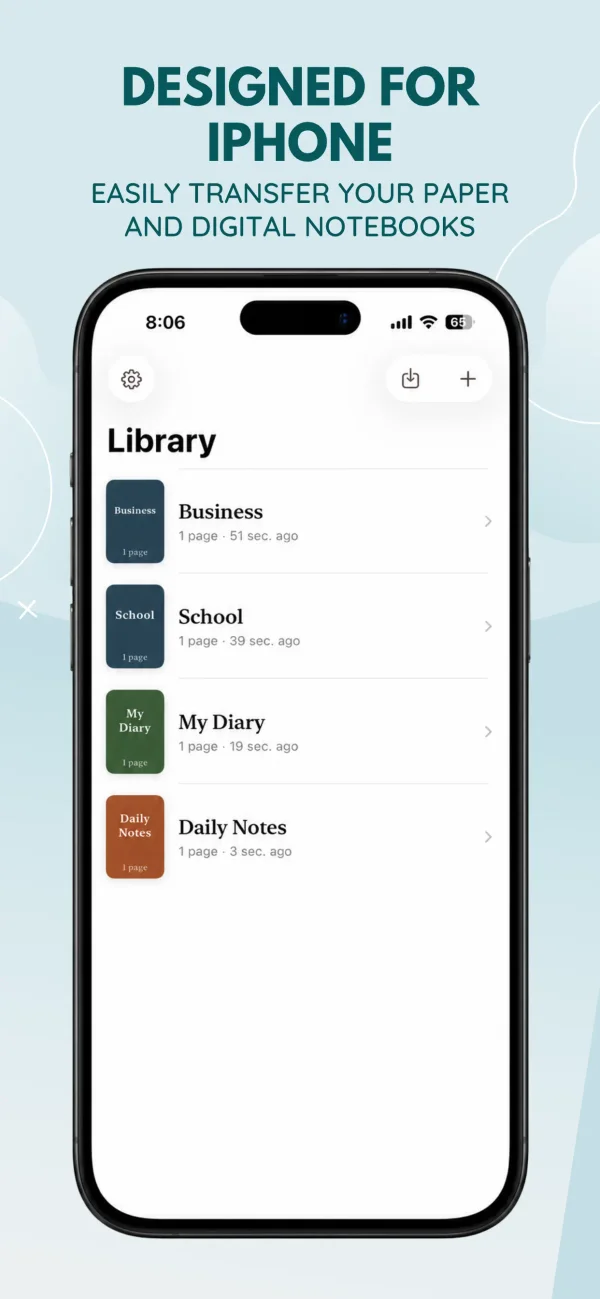
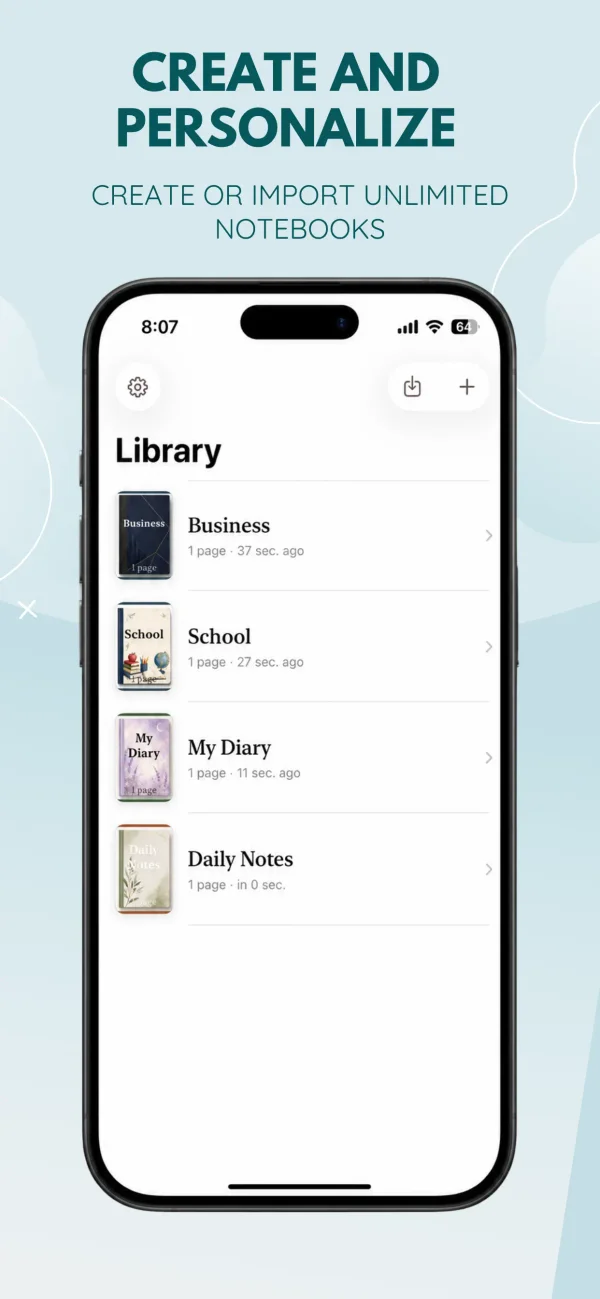
• Give each notebook its own title and cover.
MAKE DOCUMENTS YOUR OWN
• Import PDFs as notebooks and annotate their pages.
• Scan paper on supported camera-equipped devices, review the pages, then start writing.
• Add text boxes and sticky notes. With lifetime access, insert photos, PDF pages, and scans into your notes.
• Move, resize, and rotate inserted objects.
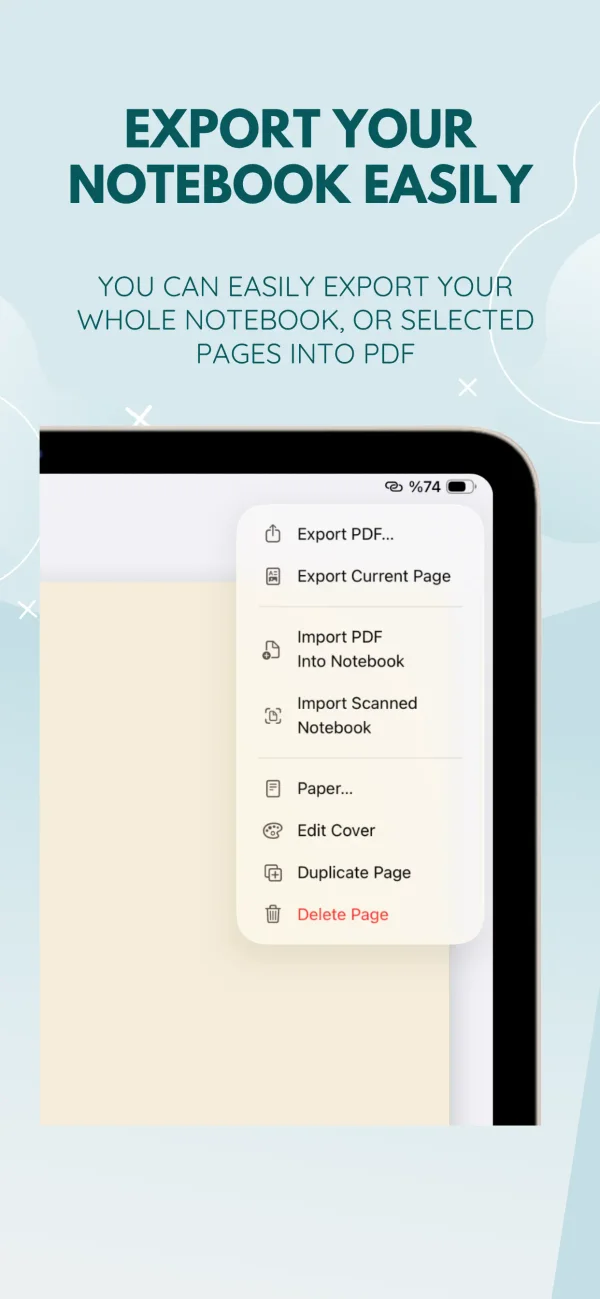
• Export a notebook or selected pages as PDF to save or share.
NEW IN 3.0
Scan several pages straight into your open notebook as movable objects with lifetime access. Take multiple photos, review them, and add them together. On iPad, a clearer top toolbar leaves more room to write.
TRY YOUR OWN NOTES
The free workspace includes one handwritten notebook plus one separate PDF or scan notebook, up to 10 pages each. Try the included example without using either allowance.
ONE LIFETIME PURCHASE
Unlock unlimited notebooks, pages, PDF imports, camera scans, and photo insertion with a single non-consumable purchase. No recurring payments. Existing lifetime customers and eligible original paid-app customers keep access. Restore Purchases is available in Settings.
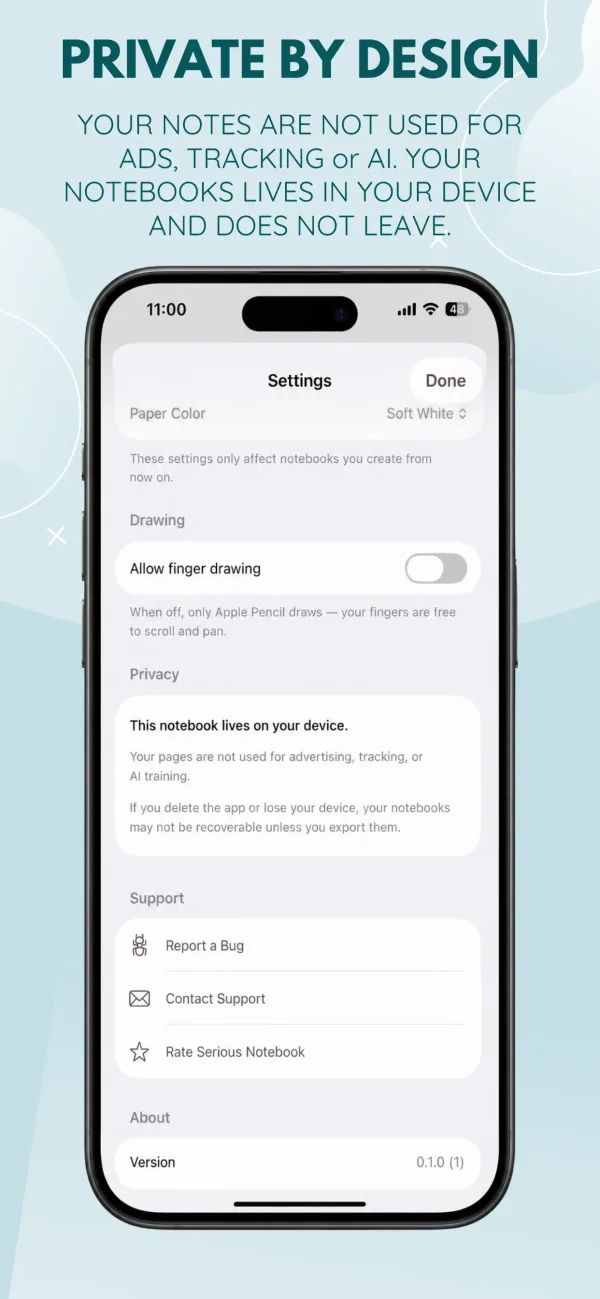
PRIVATE, ON YOUR DEVICE
Notes, imported documents, photos, and scans stay on the device where you create them. No app account or document upload is required. Notebooks do not automatically sync between devices. Export PDFs regularly to keep a copy of your work. Purchase and restoration use Apple's App Store services.
For class notes, project ideas, PDF planners, and everyday thinking on iPhone and iPad.
新機能
バージョン 3.0 · 2026/10/12
More room to write. More ways to bring paper into your notes.
• Scan directly into an open notebook with lifetime access. Each scan becomes an object you can move, resize, and rotate. Capture several pages in one session.
• Take multiple photos, review them, and add them to the current page together with lifetime access.
• On iPad, drawing tools and notebook actions now share the top toolbar. Tools collapse into a menu when the library is open.
• Long notebook titles wrap so you can read the full name.
• Improved scan display after switching pages and clearer pen-width controls.
• Start writing immediately or try the included example. Try one handwritten notebook and one separate PDF or scan notebook, up to 10 pages each.
Scanning from the library creates a new notebook. No subscription, ads, or tracking.
アプリのプライバシー
このアプリのデータの取り扱いについて、BILGESU KADANがApp Storeで申告している内容です。
-
データの収集なし
開発元はこのアプリからデータを収集しません。
プライバシーの取り扱いは、ご利用の機能やお客様の年齢などに応じて異なる場合があります。
情報
- 販売元
- BILGESU KADAN
- カテゴリ
- 仕事効率化
- バージョン
- 3.0
- 更新日
- 2026/10/12
- リリース
- 2026/5/18
- サイズ
- 6.1 MB
- 必要条件
- iOS 17.0以降
- 対象年齢
- 4+
- 価格
- 無料
- アプリ内課金
- あり
- 言語
- 英語, フランス語, ドイツ語, スペイン語, トルコ語
- 著作権
- © 2026, Bilgesu Kadan
こちらもおすすめ
-
 Libreta: A NoteBook App仕事効率化
-
 Simplify Notes: PDFノートノート・PDF・Apple Pencil
-
 PaperPad - Handwritten Notes仕事効率化
-
 Scriptum - Notebook Creator仕事効率化
-
 ScribblePad: Notes & PDF仕事効率化
-
 Cosy Notes仕事効率化
-
 GlowNote - Notes & Notebook仕事効率化
-
 My Smart Notebook仕事効率化
-
 Perenne Note. デジタルノート本物のように書けるノート。
-
 Notes - Notepad, Notebook仕事効率化